Best For
- Starting from a structured, reusable prompt instead of a blank chat.
- Adapting the prompt to your own inputs while keeping the original intent intact.
- Workflows related to Kitchen & Food.

Transforms a dish name or image into a nostalgic, hand-drawn vintage cookbook page with illustrations and handwritten text.
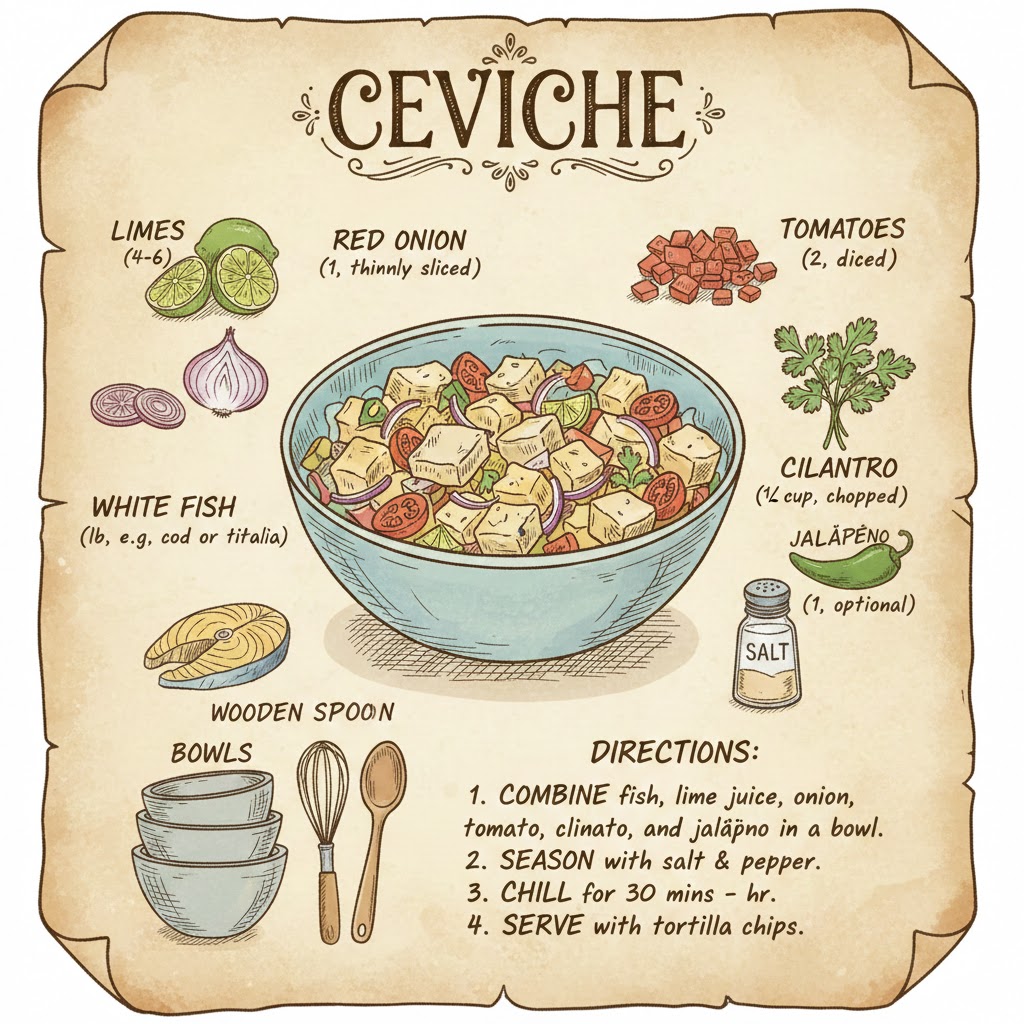
Create a cute recipe page illustration for the following dish: {{Dish Name: from the attached photo,Pizza Margherita, Biryani, Cevice}}. The style should be a hand-drawn vintage cookbook with ink-style outlines and {{Color Palette:warm pastels, earth tones, monochrome}}. Surround the main dish with labeled ingredients, measurements, and kitchen tools like {{Tools:bowls - whisks and spoons}}. Use textured shading to enhance the artistic, nostalgic vibe. Organically integrate handwritten text for the ingredients and directions across the page to create an educational and aesthetic layout.
from the attached photo, Pizza Margherita, Biryani, Cevice
warm pastels, earth tones, monochrome
bowls - whisks and spoons
Create a cute recipe page illustration for the following dish: from the attached photo. The style should be a hand-drawn vintage cookbook with ink-style outlines and warm pastels. Surround the main dish with labeled ingredients, measurements, and kitchen tools like bowls - whisks and spoons. Use textured shading to enhance the artistic, nostalgic vibe. Organically integrate handwritten text for the ingredients and directions across the page to create an educational and aesthetic layout.
Variables are wrapped in {{ and }} and follow this pattern:
A selection can reference a predefined variable list using square brackets. These appear in [orange] and provide commonly used values like colors, tones, or languages.
You can also provide an inline list of choices separated by commas.
Tip: You don't need the PUCO app to use these prompts! Simply copy the template and replace each {{…}} section with your own text directly in ChatGPT, Claude, Gemini, or any other AI assistant.