Best For
- Starting from a structured, reusable prompt instead of a blank chat.
- Adapting the prompt to your own inputs while keeping the original intent intact.
- Workflows related to Creative & Visuals, Kitchen & Food.

Generates high-end, minimalist commercial food photography prompts with levitating ingredients on a white background.
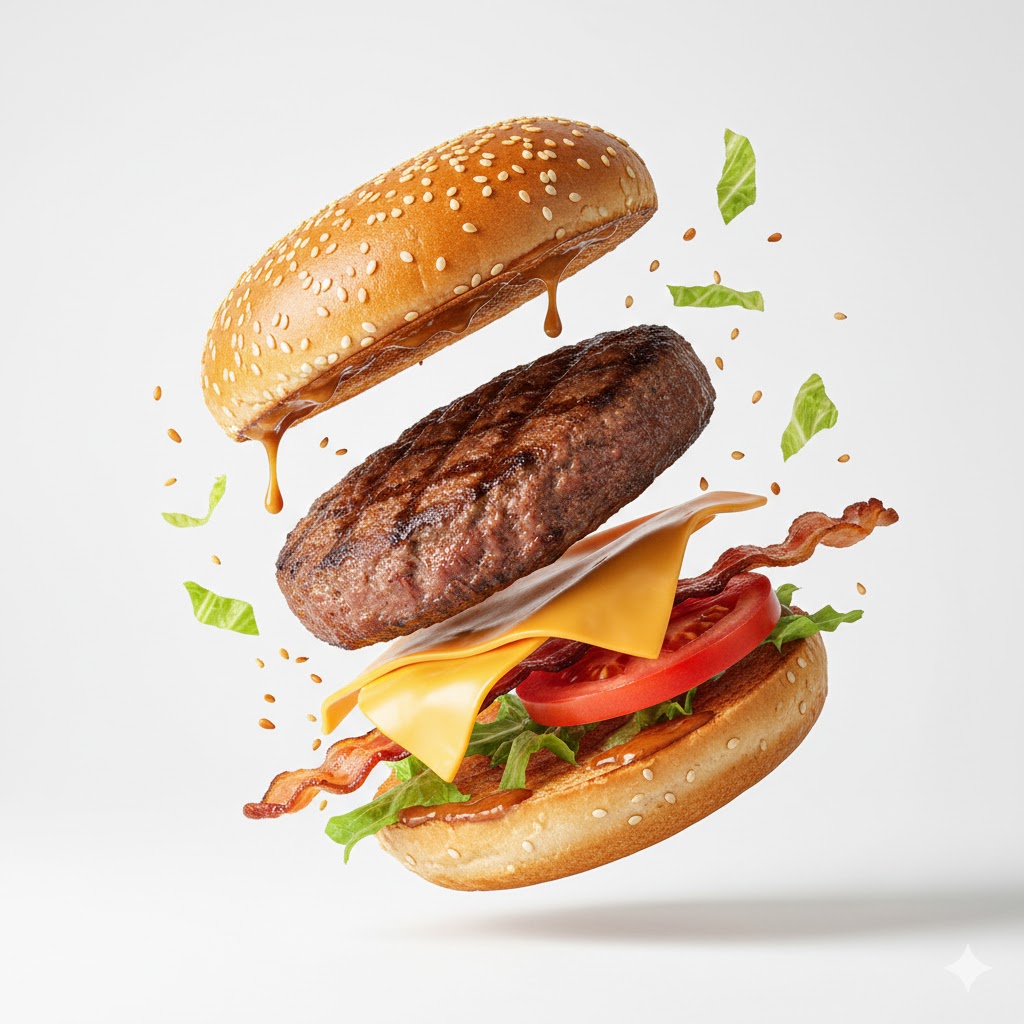
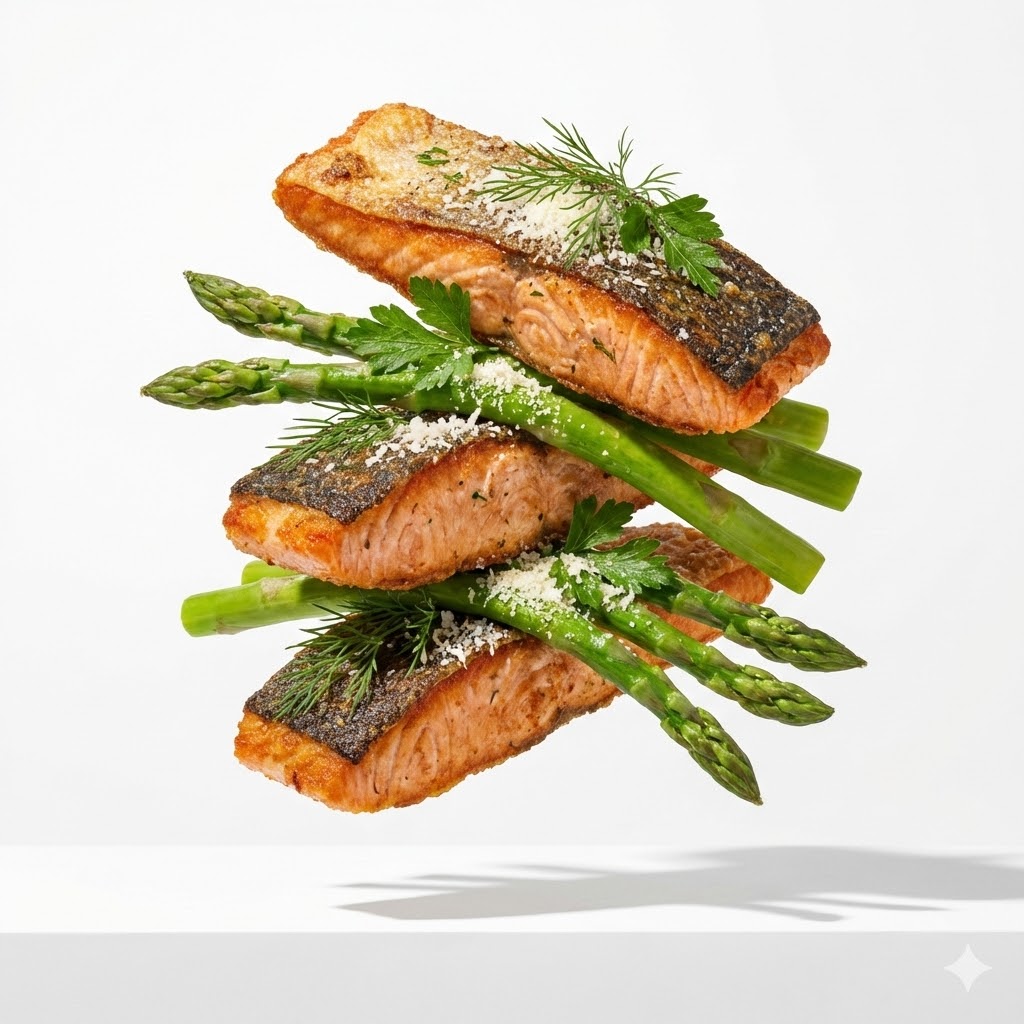
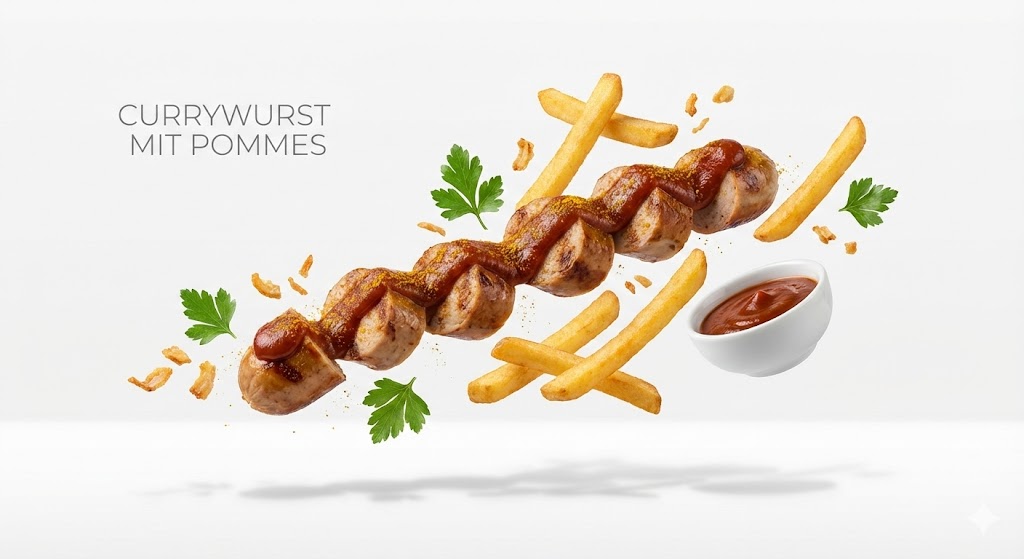
{{Subject:e.g. a gourmet burger}}, premium food advertising, white seamless background, high key studio lighting, floating stacked composition, levitating pieces, {{Ingredient Bits:e.g. sesame seeds and lettuce shards}} scattered, clean minimal layout, crisp soft shadow on surface, ultra realistic, macro product photography, 100mm lens look, f/8 sharp focus, subtle texture detail, editorial commercial, 8k
e.g. a gourmet burger
e.g. sesame seeds and lettuce shards
e.g. a gourmet burger, premium food advertising, white seamless background, high key studio lighting, floating stacked composition, levitating pieces, e.g. sesame seeds and lettuce shards scattered, clean minimal layout, crisp soft shadow on surface, ultra realistic, macro product photography, 100mm lens look, f/8 sharp focus, subtle texture detail, editorial commercial, 8k
Variables are wrapped in {{ and }} and follow this pattern:
A selection can reference a predefined variable list using square brackets. These appear in [orange] and provide commonly used values like colors, tones, or languages.
You can also provide an inline list of choices separated by commas.
Tip: You don't need the PUCO app to use these prompts! Simply copy the template and replace each {{…}} section with your own text directly in ChatGPT, Claude, Gemini, or any other AI assistant.