适用场景
- 以结构化、可复用的提示词为起点,而非空白对话框。
- 根据自己的需求调整提示词,同时保持原始意图不变。
- 与Creative & Visuals, Kitchen & Food相关的工作流。

生成高端、极简的商业美食摄影提示词,以悬浮食材和白色背景呈现。
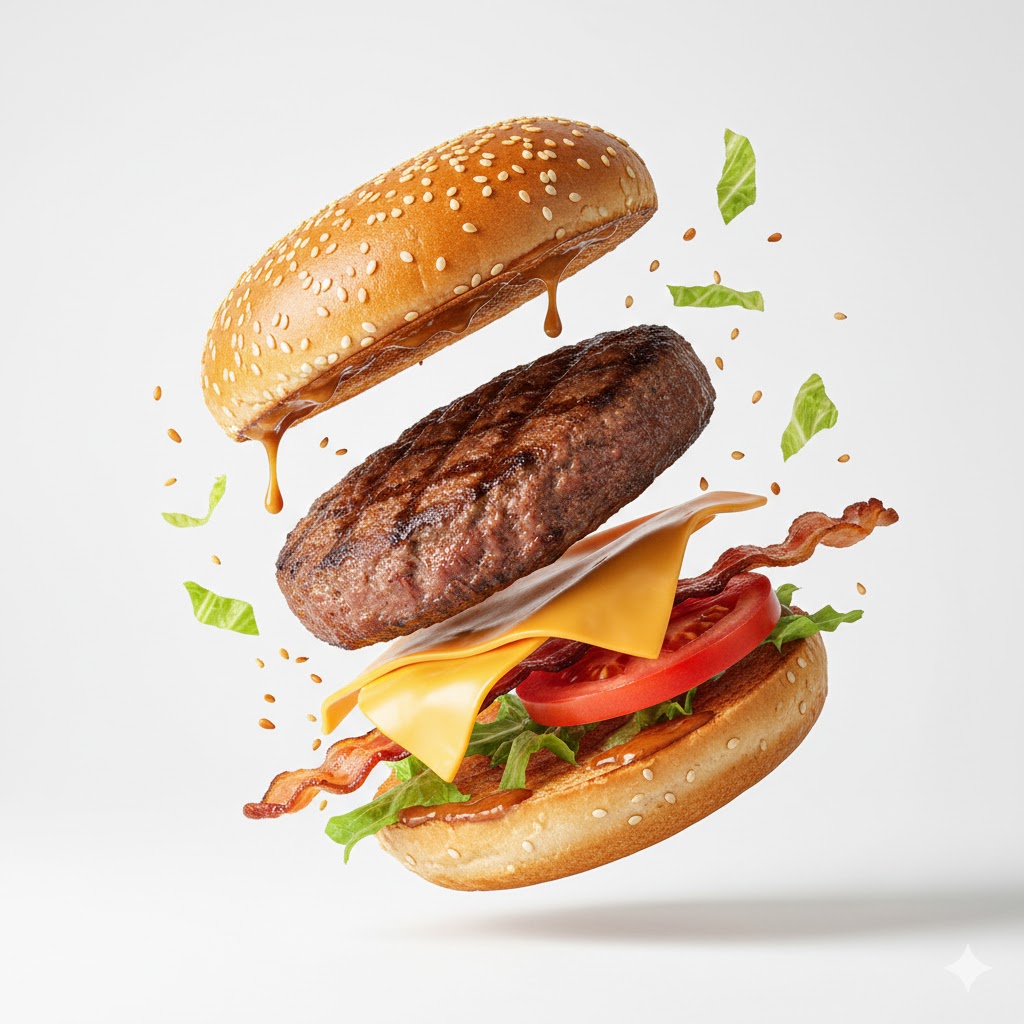
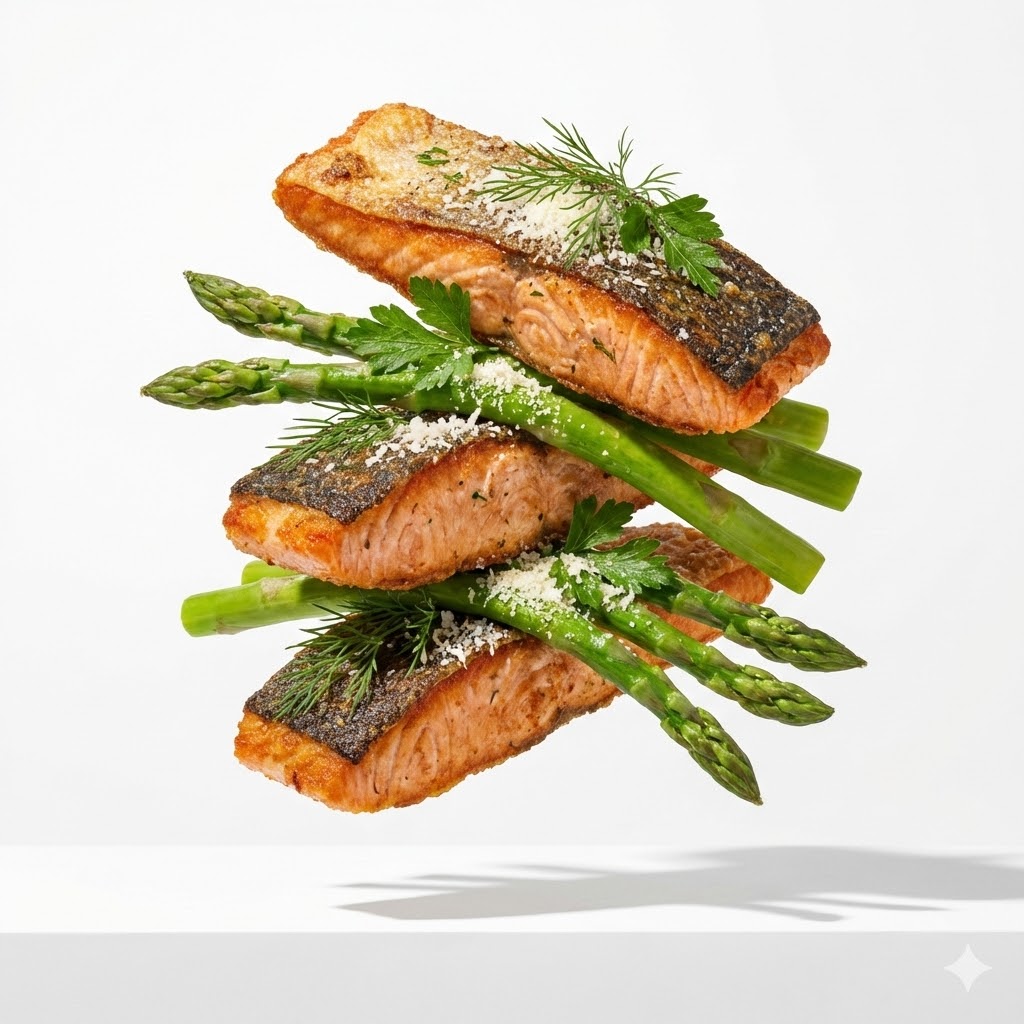
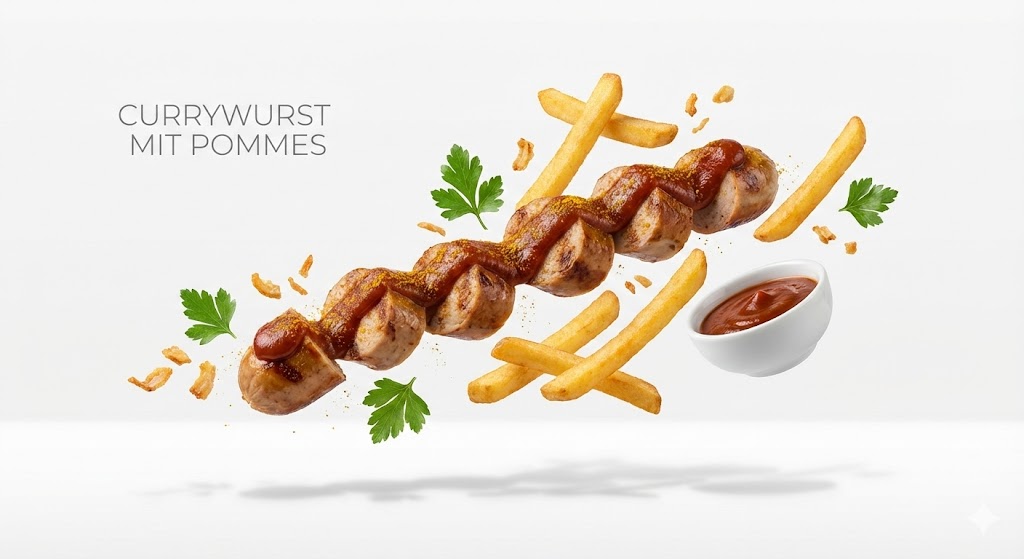
{{Subject:e.g. a gourmet burger}}, premium food advertising, white seamless background, high key studio lighting, floating stacked composition, levitating pieces, {{Ingredient Bits:e.g. sesame seeds and lettuce shards}} scattered, clean minimal layout, crisp soft shadow on surface, ultra realistic, macro product photography, 100mm lens look, f/8 sharp focus, subtle texture detail, editorial commercial, 8k
e.g. a gourmet burger
e.g. sesame seeds and lettuce shards
e.g. a gourmet burger, premium food advertising, white seamless background, high key studio lighting, floating stacked composition, levitating pieces, e.g. sesame seeds and lettuce shards scattered, clean minimal layout, crisp soft shadow on surface, ultra realistic, macro product photography, 100mm lens look, f/8 sharp focus, subtle texture detail, editorial commercial, 8k
变量被 {{ 和 }} 包裹,遵循以下格式:
选项可以通过方括号引用预定义变量列表。这些选项以[橙色]显示,提供颜色、语气或语言等常用值。
也可以提供以逗号分隔的内联选项列表。
提示:使用这些提示词无需 PUCO 应用!只需复制模板,直接在 ChatGPT、Claude、Gemini 或任何其他 AI 助手中将每个 {{…}} 部分替换为自己的文本。