Best For
- Starting from a structured, reusable prompt instead of a blank chat.
- Adapting the prompt to your own inputs while keeping the original intent intact.
- Workflows related to Creative & Visuals, Kitchen & Food.

Generates a premium, dynamic recipe layout with a hero dish surrounded by ingredient icons and step-by-step panels.
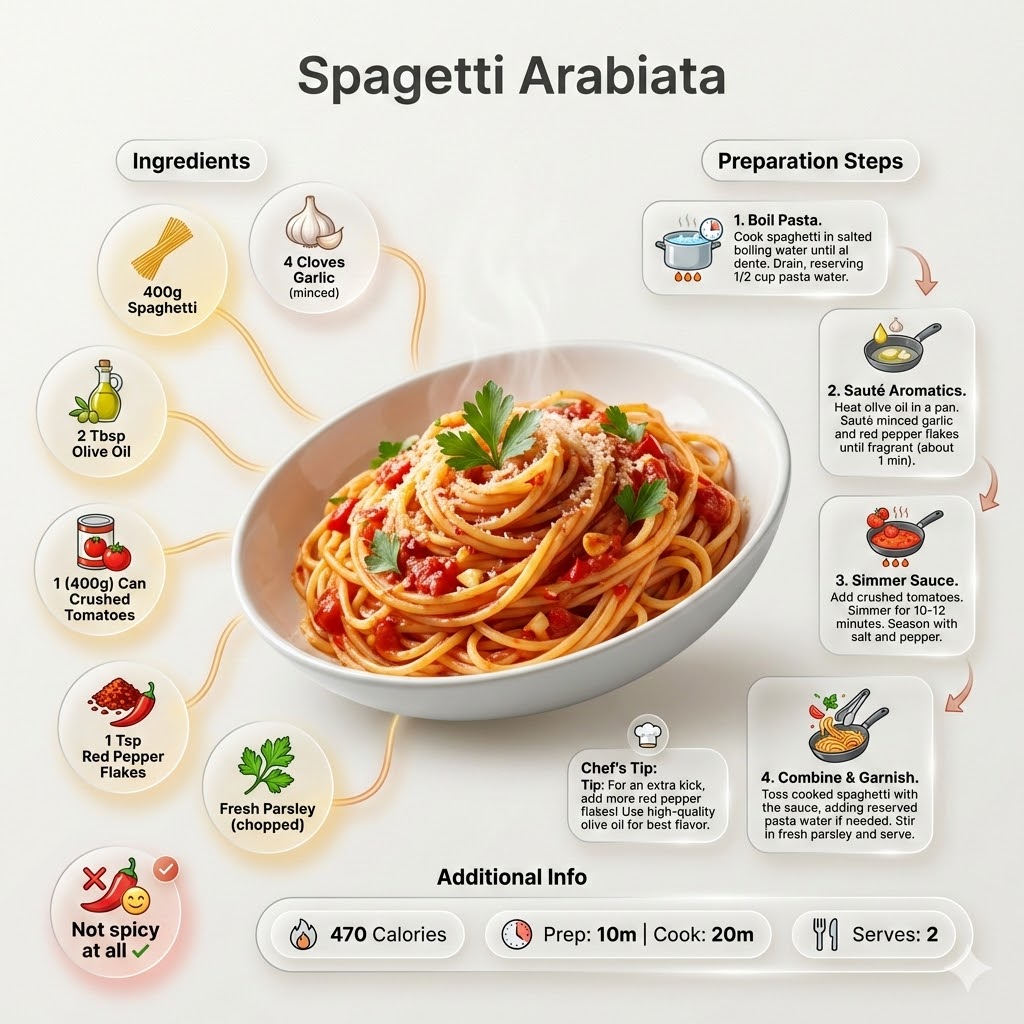
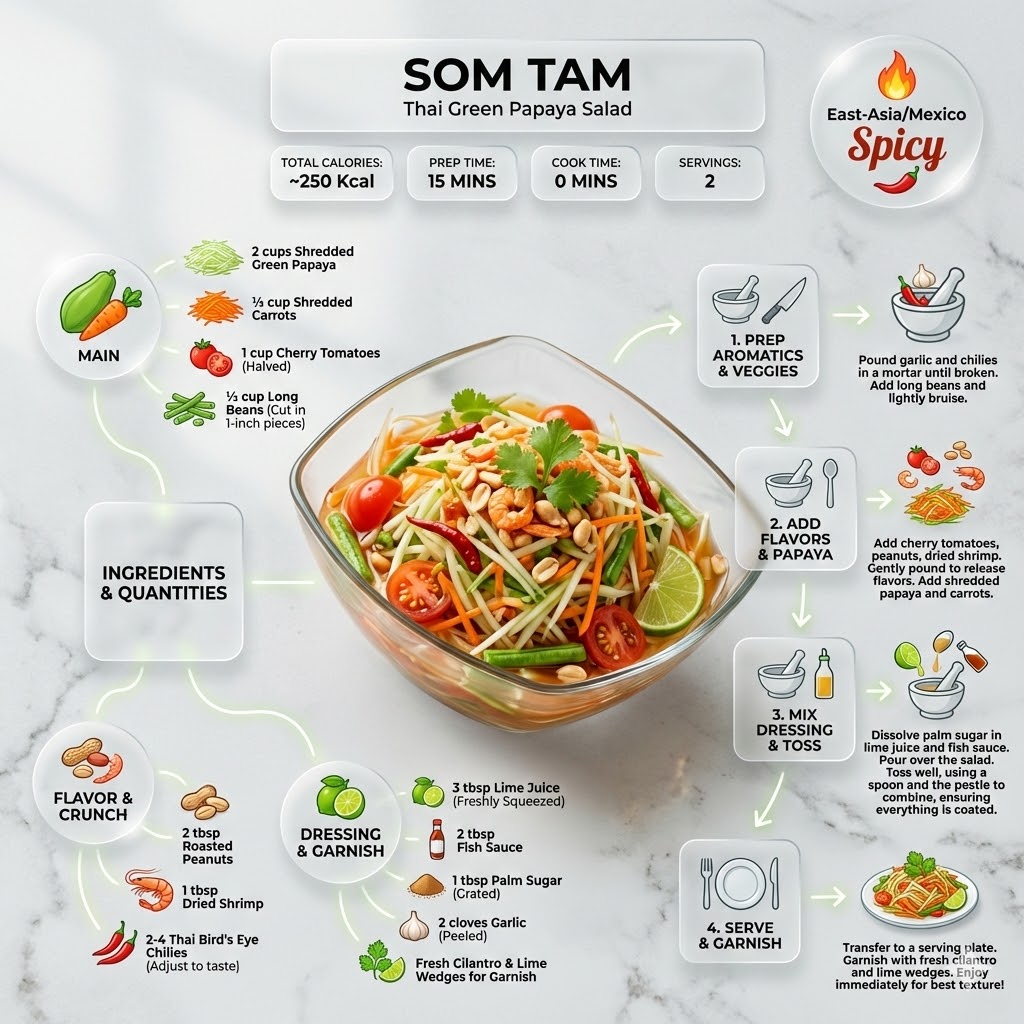
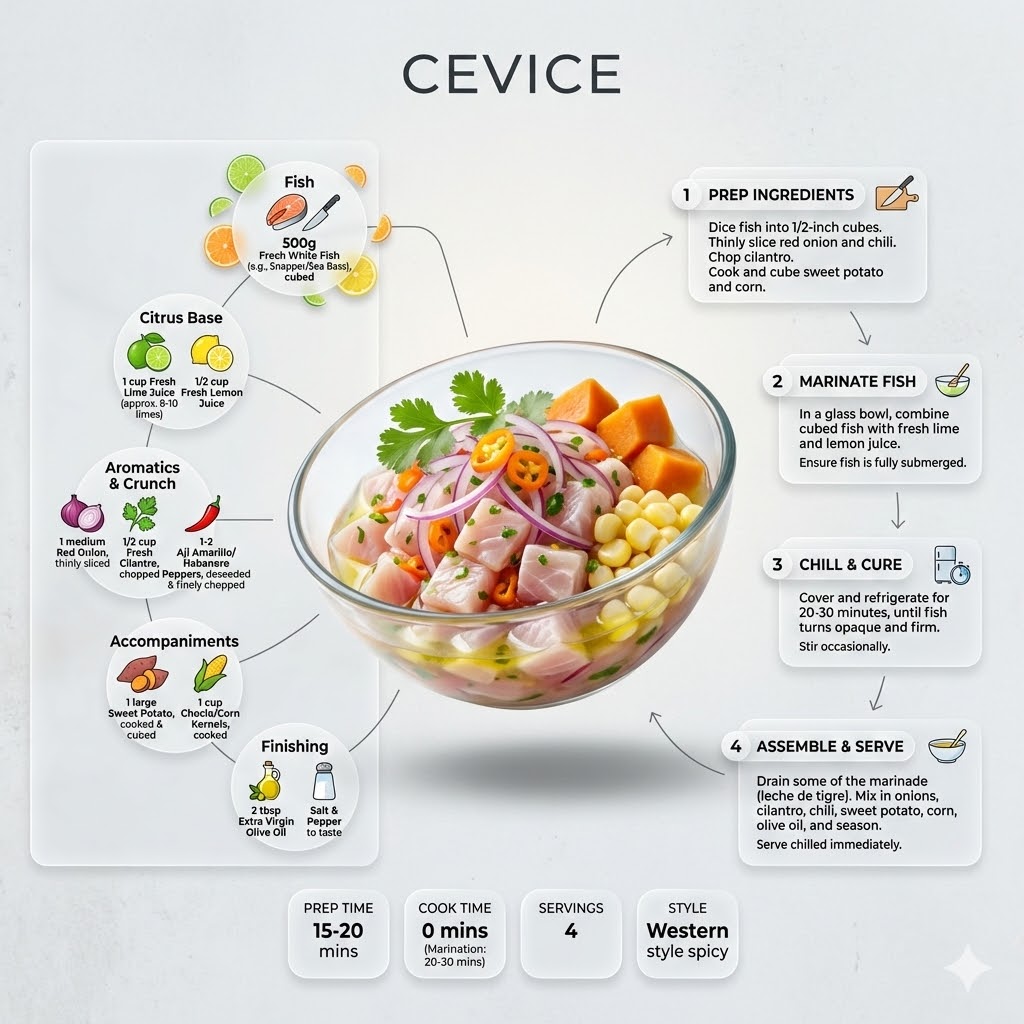
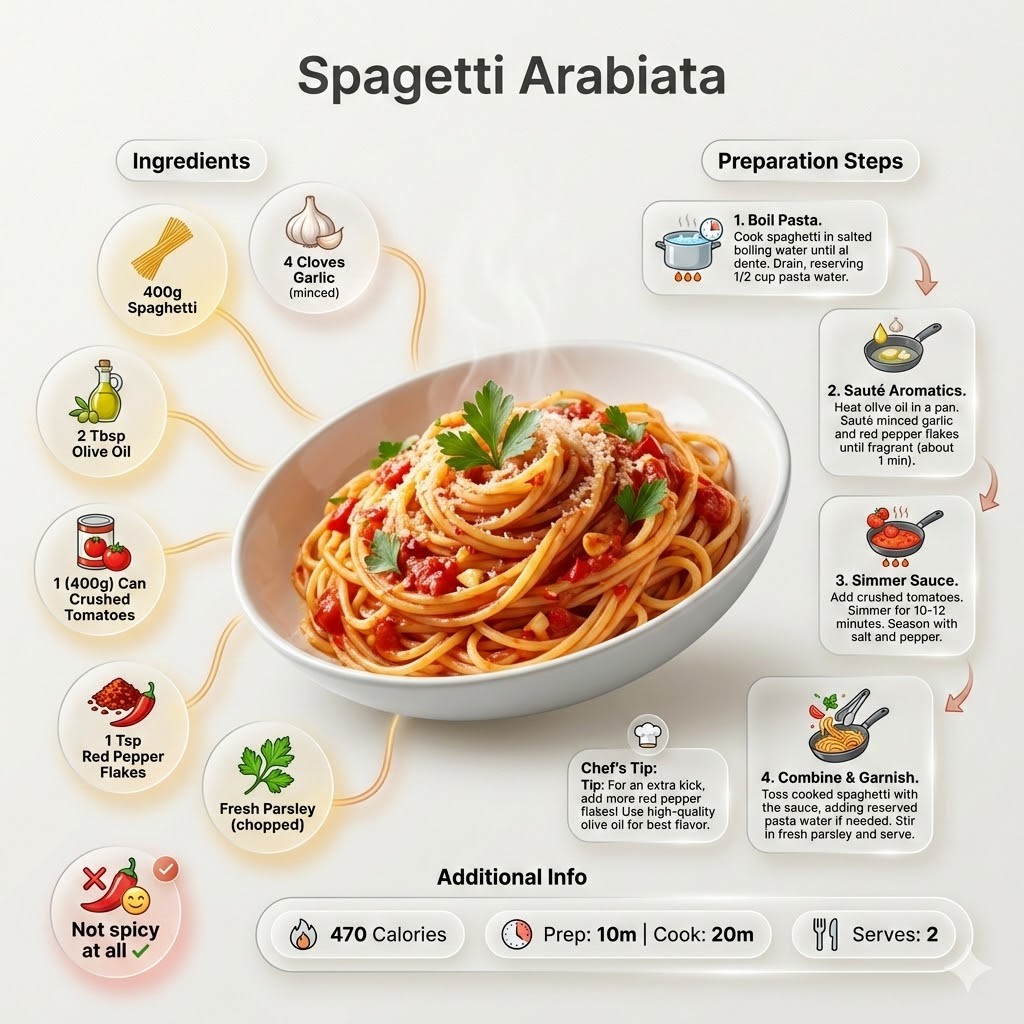

Ultra-clean modern recipe infographic for {{Dish:[dishes]}}. Adapt the recipe to accommodate the following dietary restriction: {{Dietary Option: Standard, Vegan, Vegetarian, Gluten-Free, Dairy-Free, Low-Carb}}. Provide a clear list of ingredients, necessary substitutions.
Showcase the food in a visually appealing finished form—sliced, plated, or portioned—floating slightly in perspective or angled view. Arrange ingredients, steps, and tips around the dish in a dynamic editorial layout. Ingredients Section: Include icons or mini illustrations for each ingredient with quantities arranged in clusters or circular flows connected to the dish. Steps Section: Show preparation steps with numbered panels, arrows, or lines, forming a logical flow. Include small cooking icons (knife, pan, oven, timer). Additional Info: Total calories, prep/cook time, servings, and {{Spice Level: *Default, Not spicy at all, Western style spicy, Spicy, East-Asia/Mexico Spicy}}—displayed as clean bubbles or badges. Visual Style: Editorial lifestyle food photography, vibrant natural colors, soft drop shadows, clean vector icons, and glassmorphism for panels. Composition: {{Dish}} as hero visual, clear hierarchy, and enough negative space to keep the design airy. Lighting: Soft, natural studio lighting with a minimal textured background. Output: 1080×1080, ultra-crisp, social-feed optimized.",
  "title" : "Modern Recipe Editorial Infographic",
  "updated" : "2026-04-20 17:45:02"
}
[dishes]
Standard, Vegan, Vegetarian, Gluten-Free, Dairy-Free, Low-Carb
Default, Not spicy at all, Western style spicy, Spicy, East-Asia/Mexico Spicy
Ultra-clean modern recipe infographic for [dishes]. Adapt the recipe to accommodate the following dietary restriction: Standard. Provide a clear list of ingredients, necessary substitutions.
Showcase the food in a visually appealing finished form—sliced, plated, or portioned—floating slightly in perspective or angled view. Arrange ingredients, steps, and tips around the dish in a dynamic editorial layout. Ingredients Section: Include icons or mini illustrations for each ingredient with quantities arranged in clusters or circular flows connected to the dish. Steps Section: Show preparation steps with numbered panels, arrows, or lines, forming a logical flow. Include small cooking icons (knife, pan, oven, timer). Additional Info: Total calories, prep/cook time, servings, and Default—displayed as clean bubbles or badges. Visual Style: Editorial lifestyle food photography, vibrant natural...
Variables are wrapped in {{ and }} and follow this pattern:
A selection can reference a predefined variable list using square brackets. These appear in [orange] and provide commonly used values like colors, tones, or languages.
You can also provide an inline list of choices separated by commas.
Tip: You don't need the PUCO app to use these prompts! Simply copy the template and replace each {{…}} section with your own text directly in ChatGPT, Claude, Gemini, or any other AI assistant.