Ideal para
- Começar a partir de um prompt estruturado e reutilizável em vez de um chat em branco.
- Adaptar o prompt aos seus próprios dados, mantendo intacta a intenção original.
- Fluxos de trabalho relacionados com Creative & Visuals, Kitchen & Food.

Gera um layout de receita premium e dinâmico com um prato principal cercado por ícones de ingredientes e painéis passo a passo.
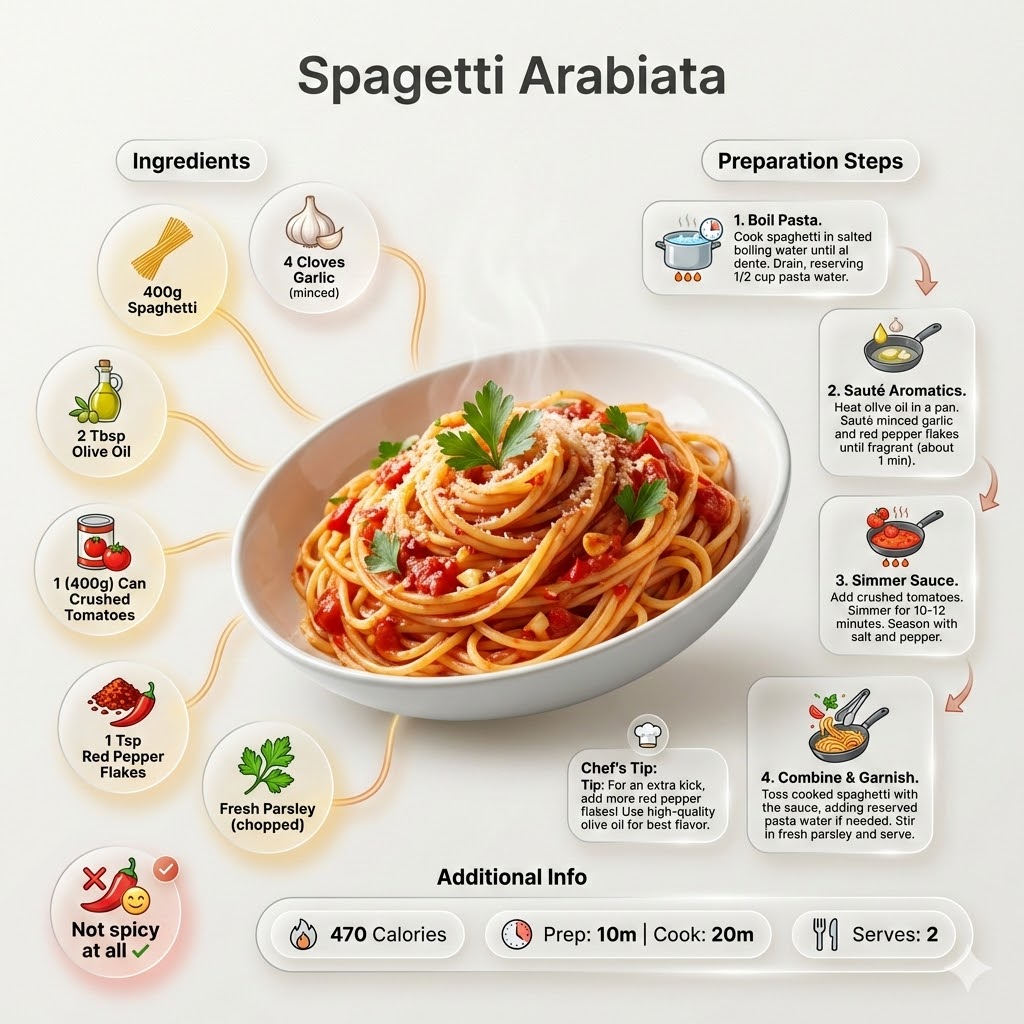
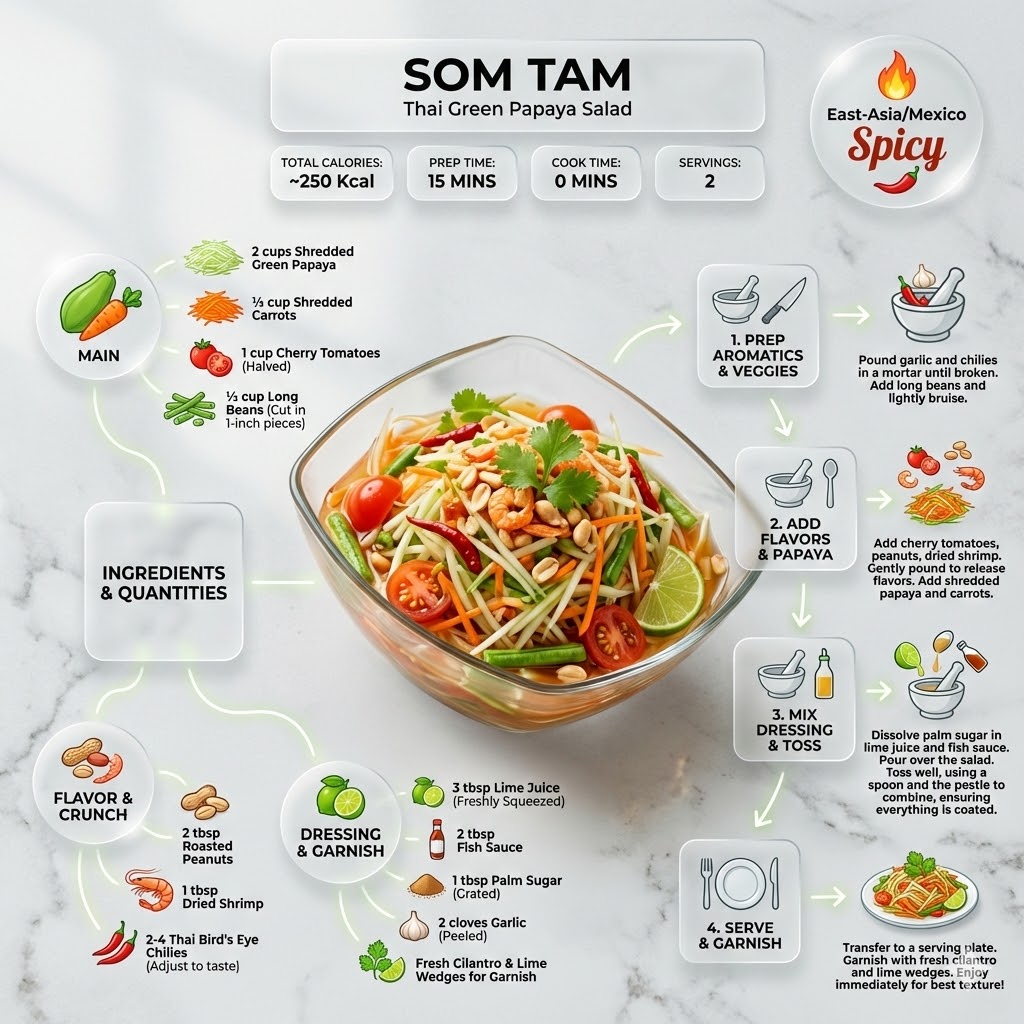
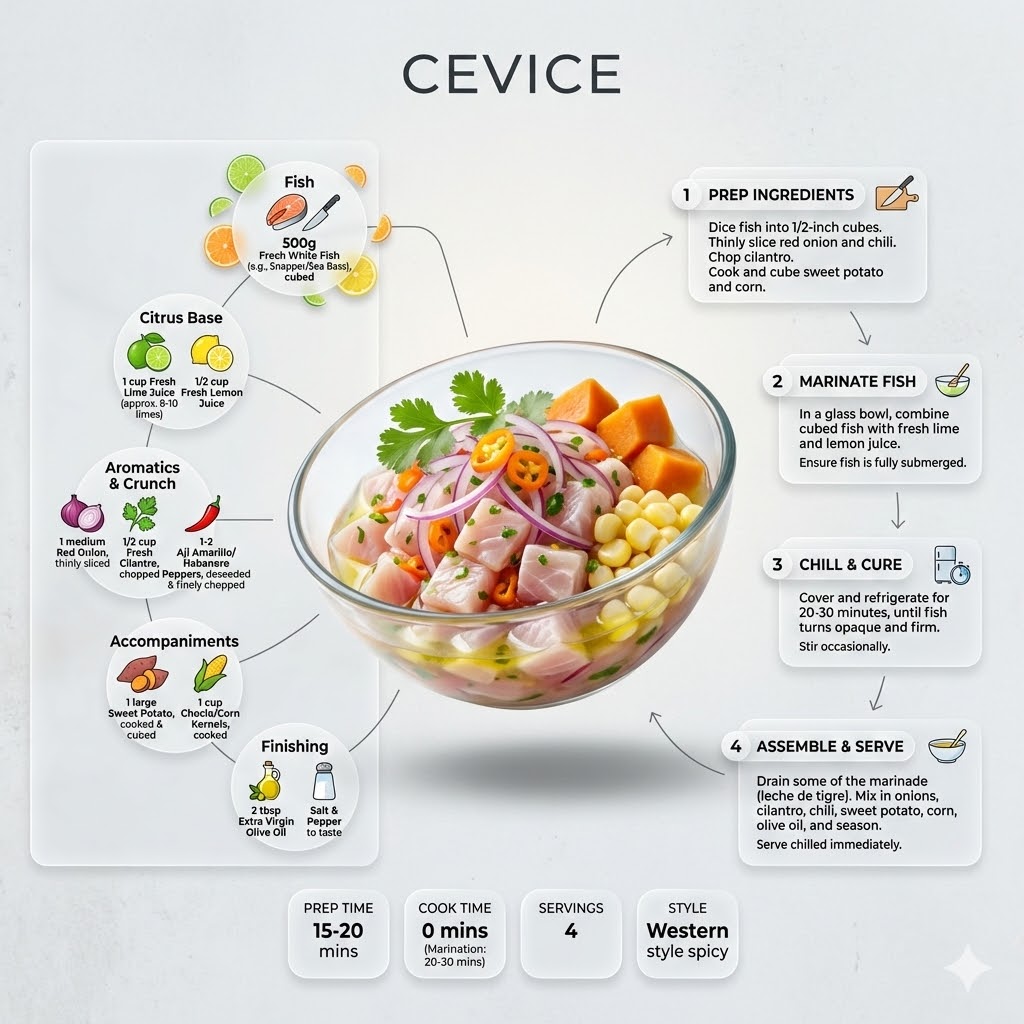
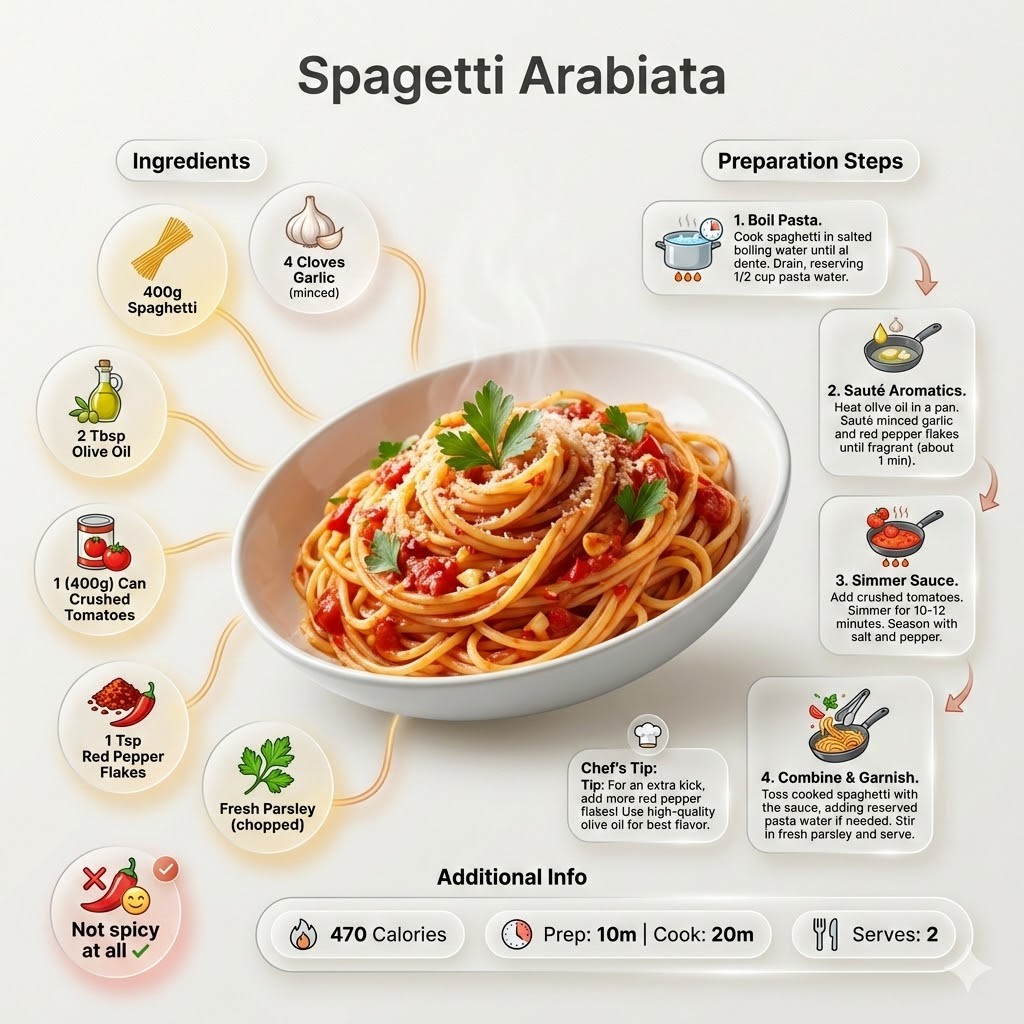

Ultra-clean modern recipe infographic for {{Dish:[dishes]}}. Adapt the recipe to accommodate the following dietary restriction: {{Dietary Option: Standard, Vegan, Vegetarian, Gluten-Free, Dairy-Free, Low-Carb}}. Provide a clear list of ingredients, necessary substitutions.
Showcase the food in a visually appealing finished form—sliced, plated, or portioned—floating slightly in perspective or angled view. Arrange ingredients, steps, and tips around the dish in a dynamic editorial layout. Ingredients Section: Include icons or mini illustrations for each ingredient with quantities arranged in clusters or circular flows connected to the dish. Steps Section: Show preparation steps with numbered panels, arrows, or lines, forming a logical flow. Include small cooking icons (knife, pan, oven, timer). Additional Info: Total calories, prep/cook time, servings, and {{Spice Level: *Default, Not spicy at all, Western style spicy, Spicy, East-Asia/Mexico Spicy}}—displayed as clean bubbles or badges. Visual Style: Editorial lifestyle food photography, vibrant natural colors, soft drop shadows, clean vector icons, and glassmorphism for panels. Composition: {{Dish}} as hero visual, clear hierarchy, and enough negative space to keep the design airy. Lighting: Soft, natural studio lighting with a minimal textured background. Output: 1080×1080, ultra-crisp, social-feed optimized.",
  "title" : "Modern Recipe Editorial Infographic",
  "updated" : "2026-04-20 17:45:02"
}
[dishes]
Standard, Vegan, Vegetarian, Gluten-Free, Dairy-Free, Low-Carb
Default, Not spicy at all, Western style spicy, Spicy, East-Asia/Mexico Spicy
Ultra-clean modern recipe infographic for [dishes]. Adapt the recipe to accommodate the following dietary restriction: Standard. Provide a clear list of ingredients, necessary substitutions.
Showcase the food in a visually appealing finished form—sliced, plated, or portioned—floating slightly in perspective or angled view. Arrange ingredients, steps, and tips around the dish in a dynamic editorial layout. Ingredients Section: Include icons or mini illustrations for each ingredient with quantities arranged in clusters or circular flows connected to the dish. Steps Section: Show preparation steps with numbered panels, arrows, or lines, forming a logical flow. Include small cooking icons (knife, pan, oven, timer). Additional Info: Total calories, prep/cook time, servings, and Default—displayed as clean bubbles or badges. Visual Style: Editorial lifestyle food photography, vibrant natural...
As variáveis ficam entre {{ e }} e seguem este padrão:
Uma seleção pode fazer referência a uma lista de variáveis predefinida usando colchetes. Aparecem em [laranja] e fornecem valores comuns, como cores, tons ou idiomas.
Também pode fornecer uma lista de opções em linha, separadas por vírgulas.
Dica: não precisa da app PUCO para usar estes prompts! Basta copiar o modelo e substituir cada secção {{…}} pelo seu próprio texto diretamente no ChatGPT, Claude, Gemini ou qualquer outro assistente de IA.