Best For
- Starting from a structured, reusable prompt instead of a blank chat.
- Adapting the prompt to your own inputs while keeping the original intent intact.
- Workflows related to Creative & Visuals.

Modifies the hairstyle and color of a person in an attached image while maintaining realism.
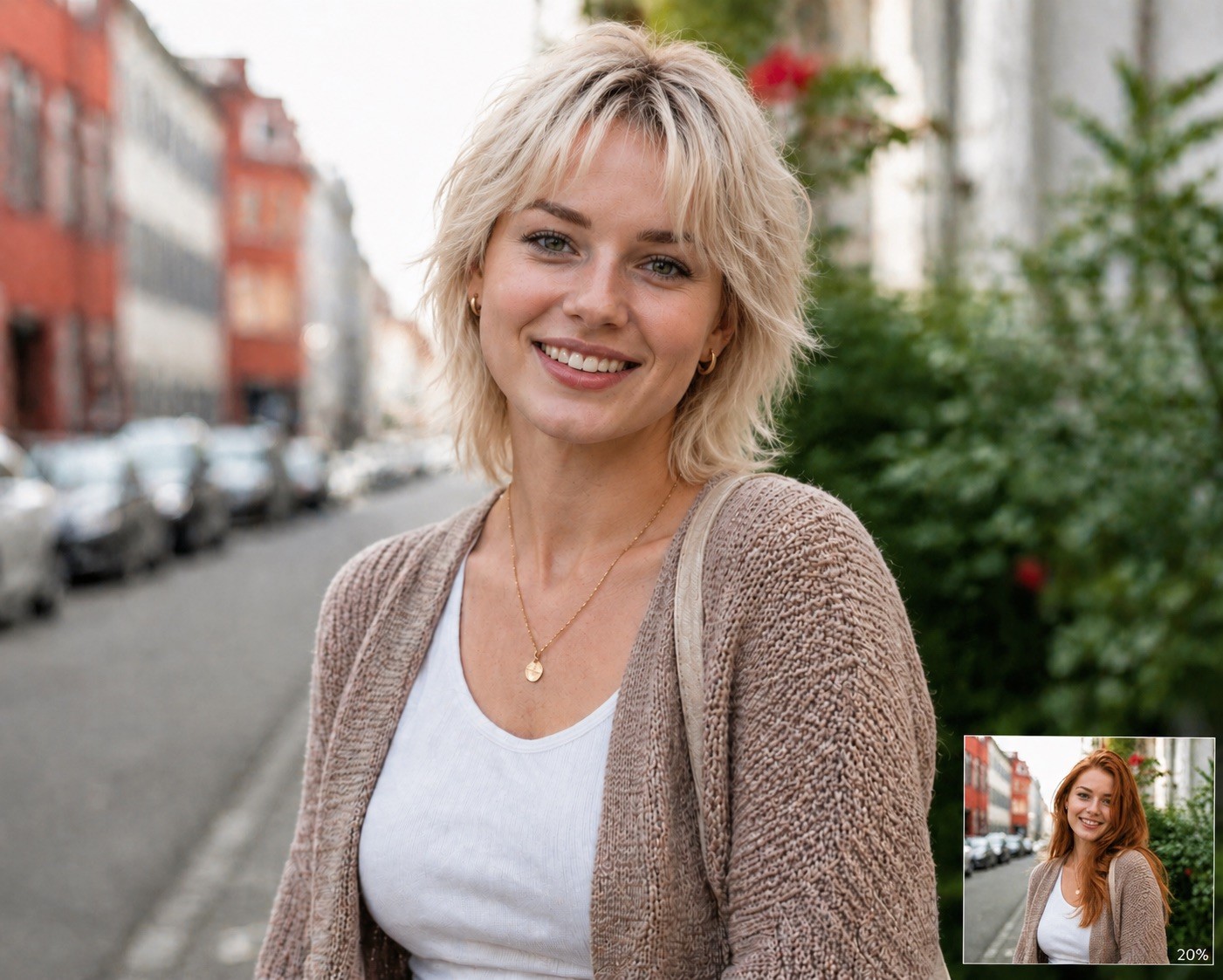
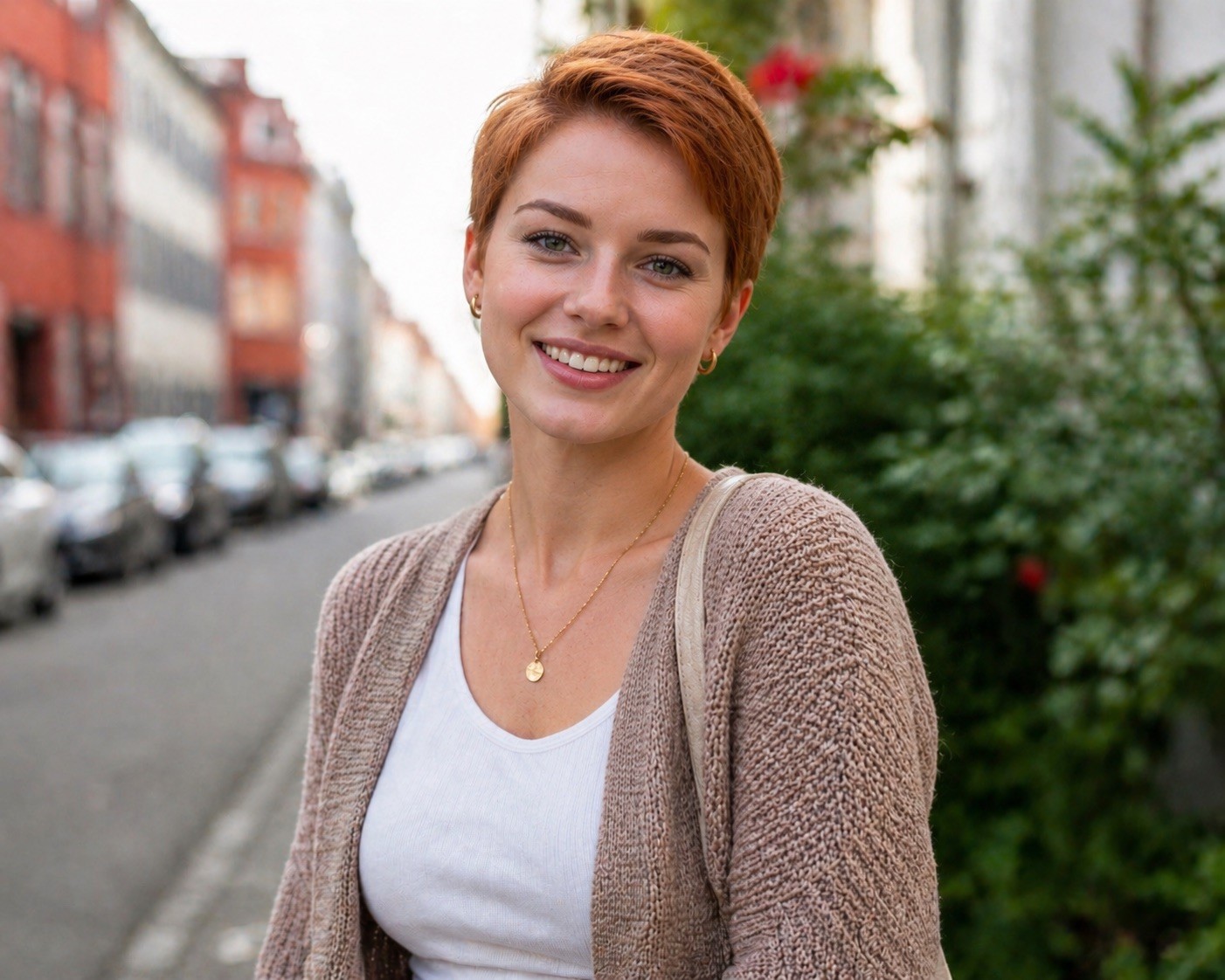
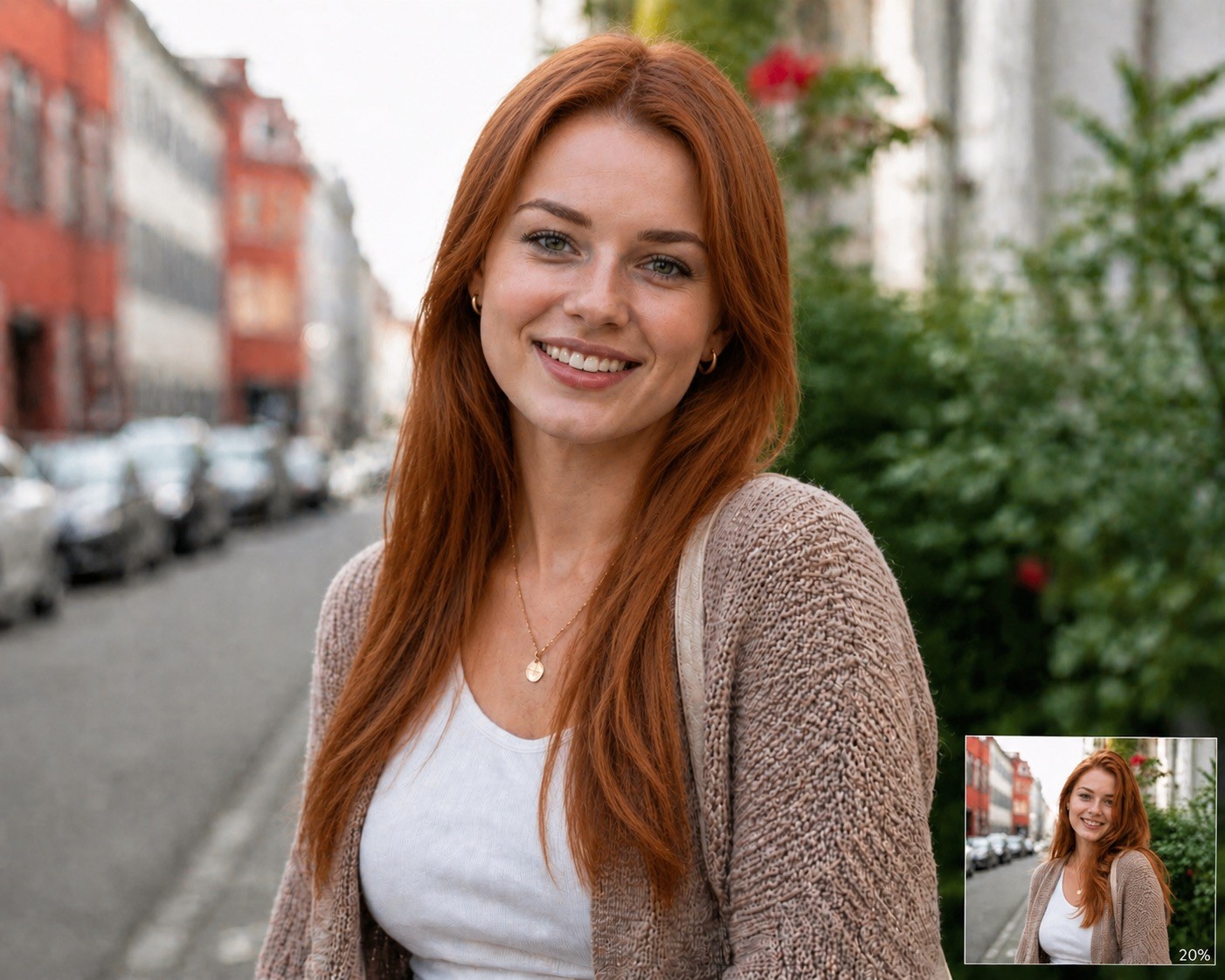
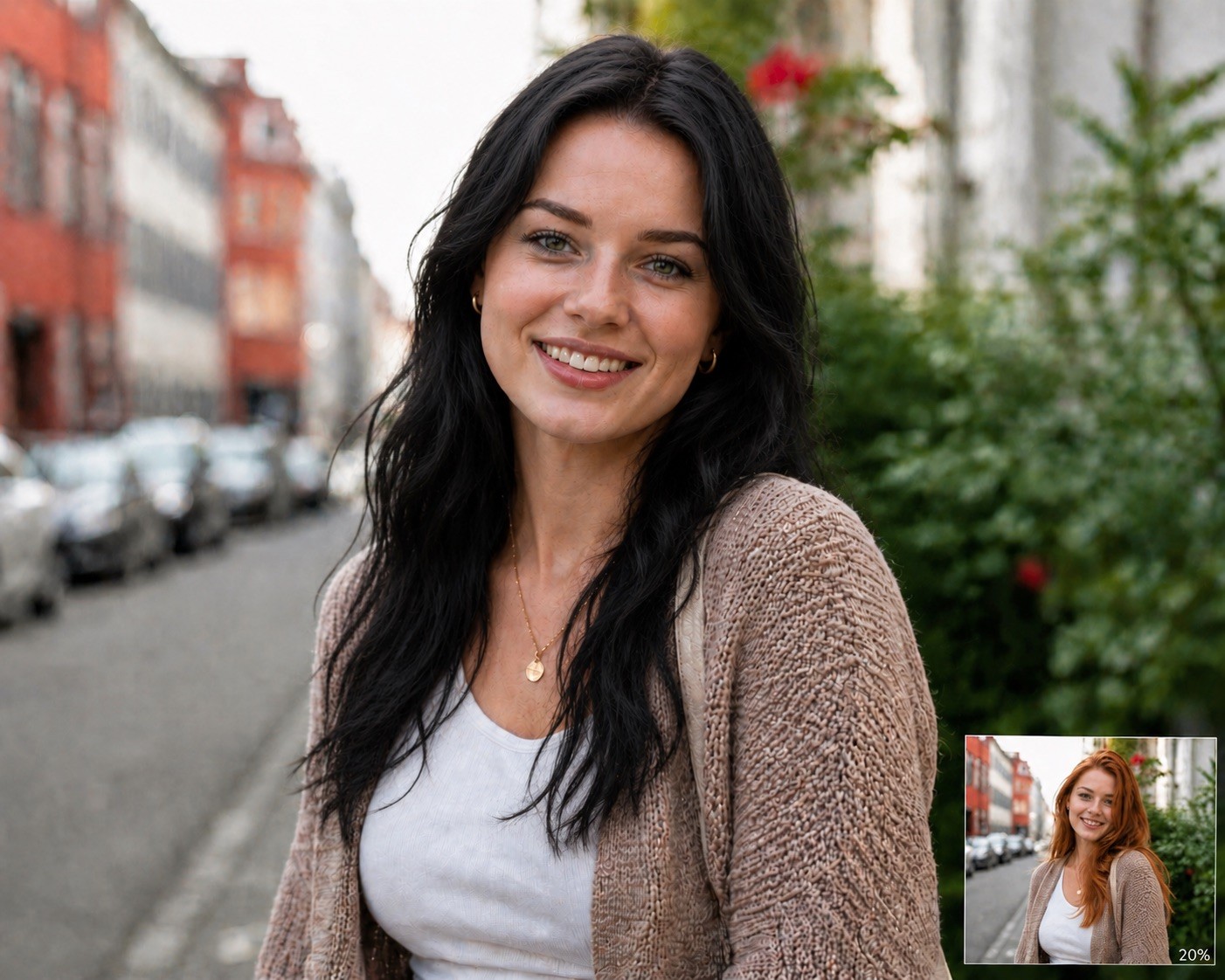
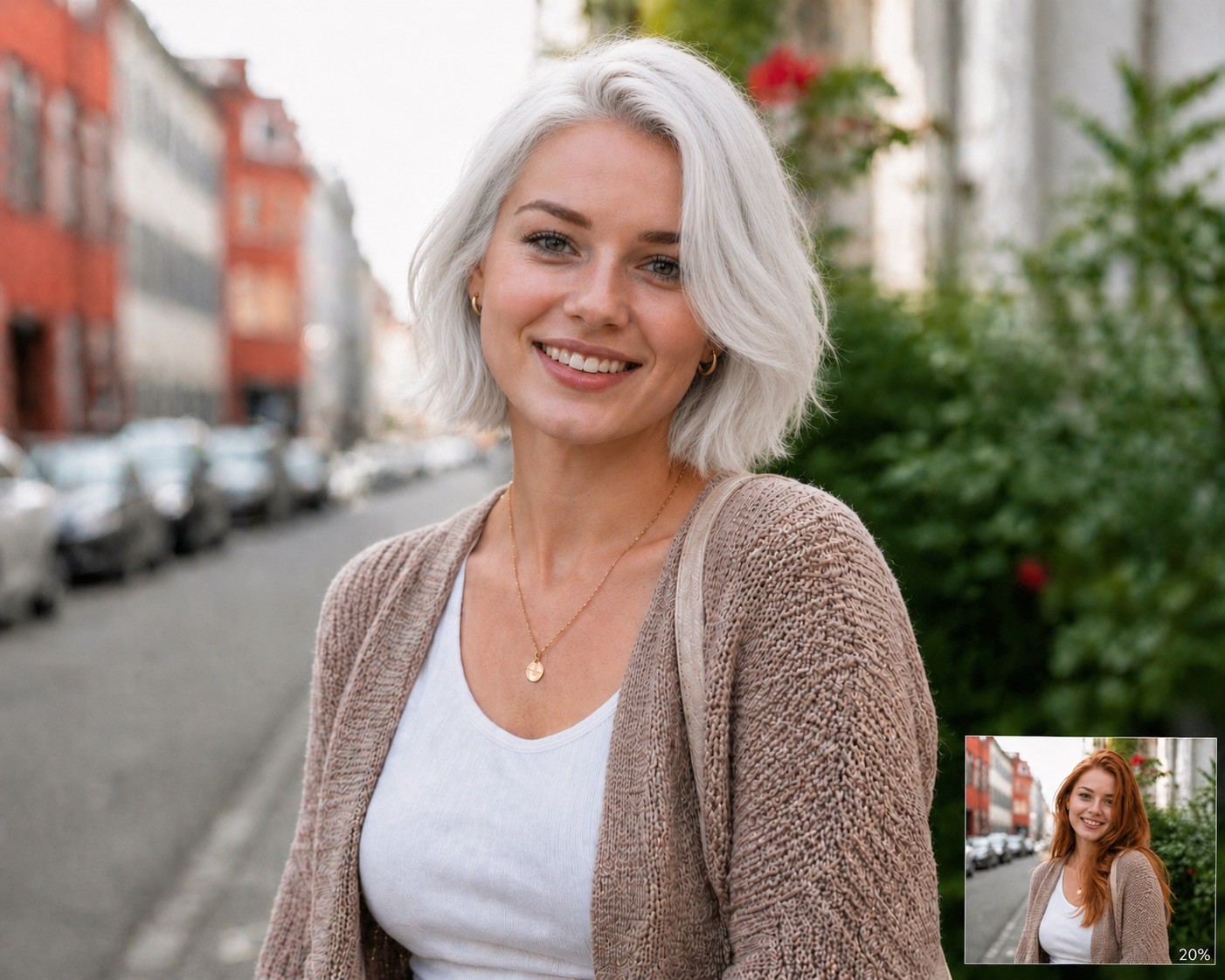




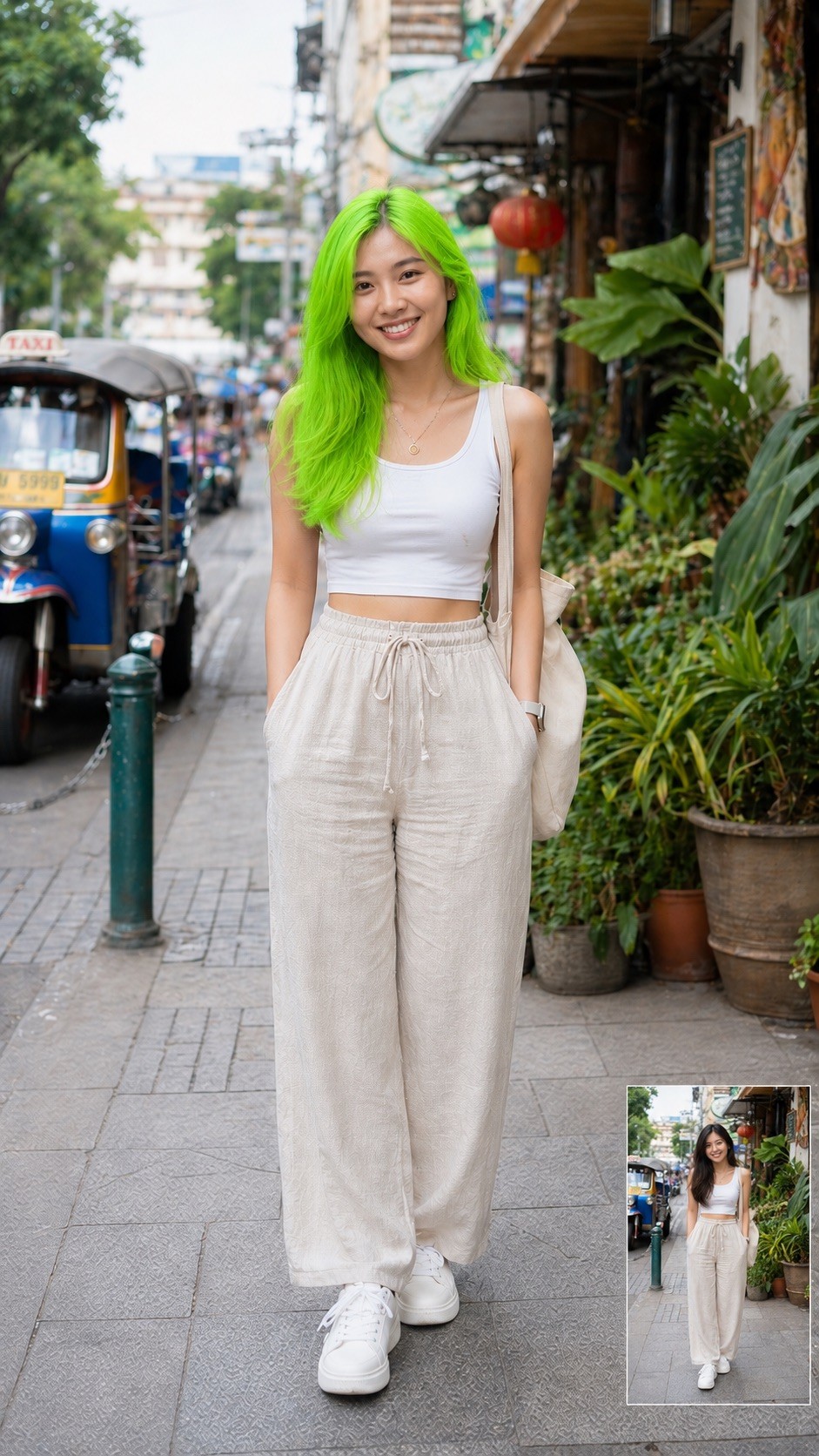
Modify the attached image by changing the person's hair. Set the hairstyle to {{Hairstyle: Original Hair, # Woman - Short, Pixie Cut, Buzz Cut, Short Bob, # Woman - Middle, Shoulder-length Waves, Lob, Shag Cut, # Woman - Long, Straight Long Hair, Beach Waves, Braided Crown, High Ponytail, # Man - Short, Crew Cut, Fade, Undercut, Pompadour, # Man - Middle, Man Bun, Slicked Back, Shoulder-length, # Man - Long, Long Waves, Viking Braids, Top Knot}} and the hair color to {{Color: Original Color, # Natural, Black, Dark Brown, Light Brown, Blonde, Platinum Blonde, Red, Auburn, Grey, White, # Extraordinary, Pastel Pink, Electric Blue, Lavender, Neon Green, Silver, Rose Gold, Sunset Orange}} and the Facial hair like beard and/or eyebrows to {{Color}}. Ensure the result is photorealistic, blends naturally with the lighting, and preserves the person's original facial features.
Original Hair, # Woman - Short, Pixie Cut, Buzz Cut, Short Bob, # Woman - Middle, Shoulder-length Waves, Lob
Original Color, # Natural, Black, Dark Brown, Light Brown, Blonde, Platinum Blonde, Red
Modify the attached image by changing the person's hair. Set the hairstyle to Original Hair and the hair color to Original Color and the Facial hair like beard and/or eyebrows to Original Color. Ensure the result is photorealistic, blends naturally with the lighting, and preserves the person's original facial features.
Variables are wrapped in {{ and }} and follow this pattern:
A selection can reference a predefined variable list using square brackets. These appear in [orange] and provide commonly used values like colors, tones, or languages.
You can also provide an inline list of choices separated by commas.
Tip: You don't need the PUCO app to use these prompts! Simply copy the template and replace each {{…}} section with your own text directly in ChatGPT, Claude, Gemini, or any other AI assistant.