Idéal pour
- Partir d'un prompt structuré et réutilisable plutôt que d'une conversation vierge.
- Adapter le prompt à vos propres données tout en conservant l'intention d'origine.
- Les workflows liés à Creative & Visuals.

Modifie la coiffure et la couleur des cheveux d’une personne dans une image jointe tout en conservant le réalisme.


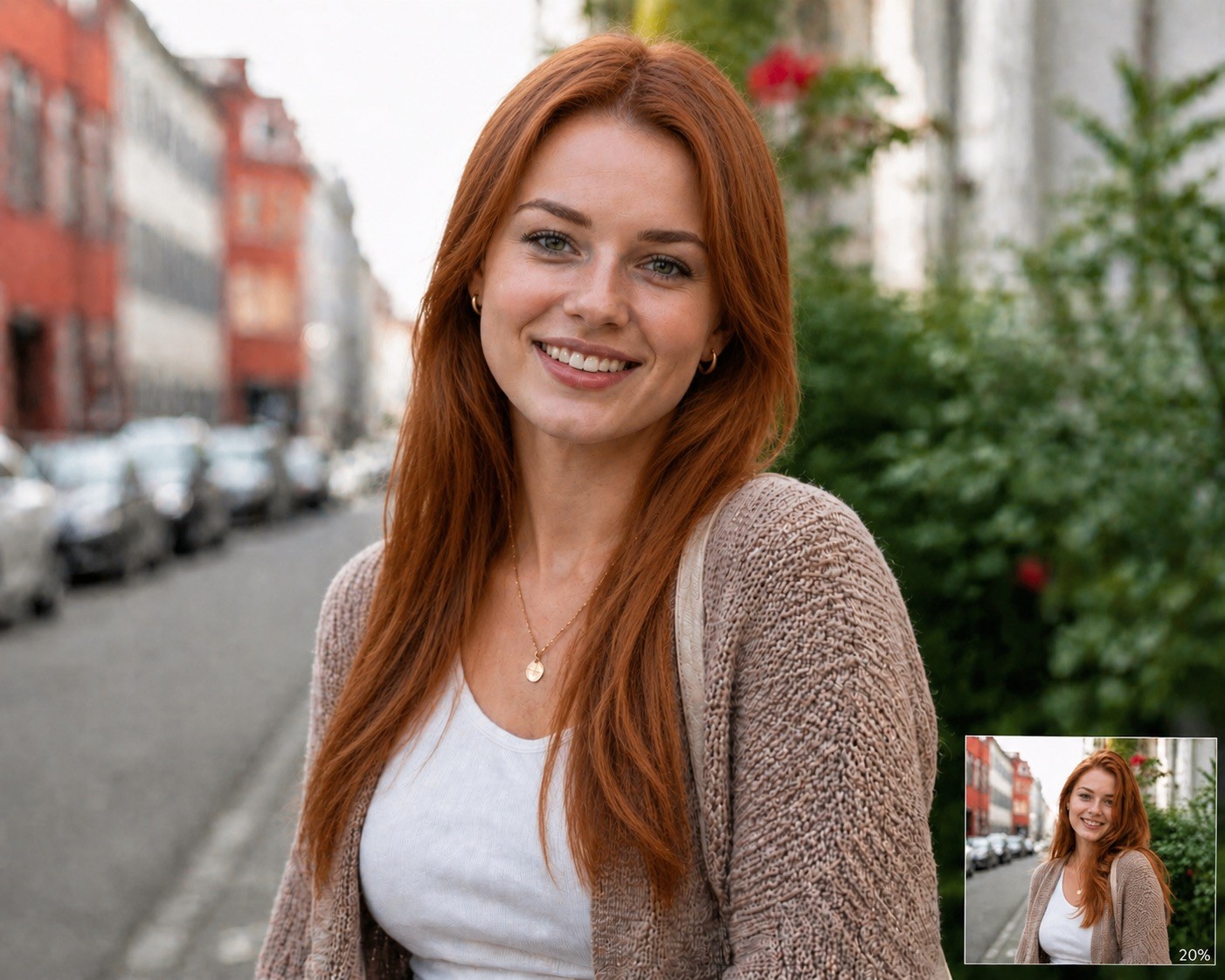






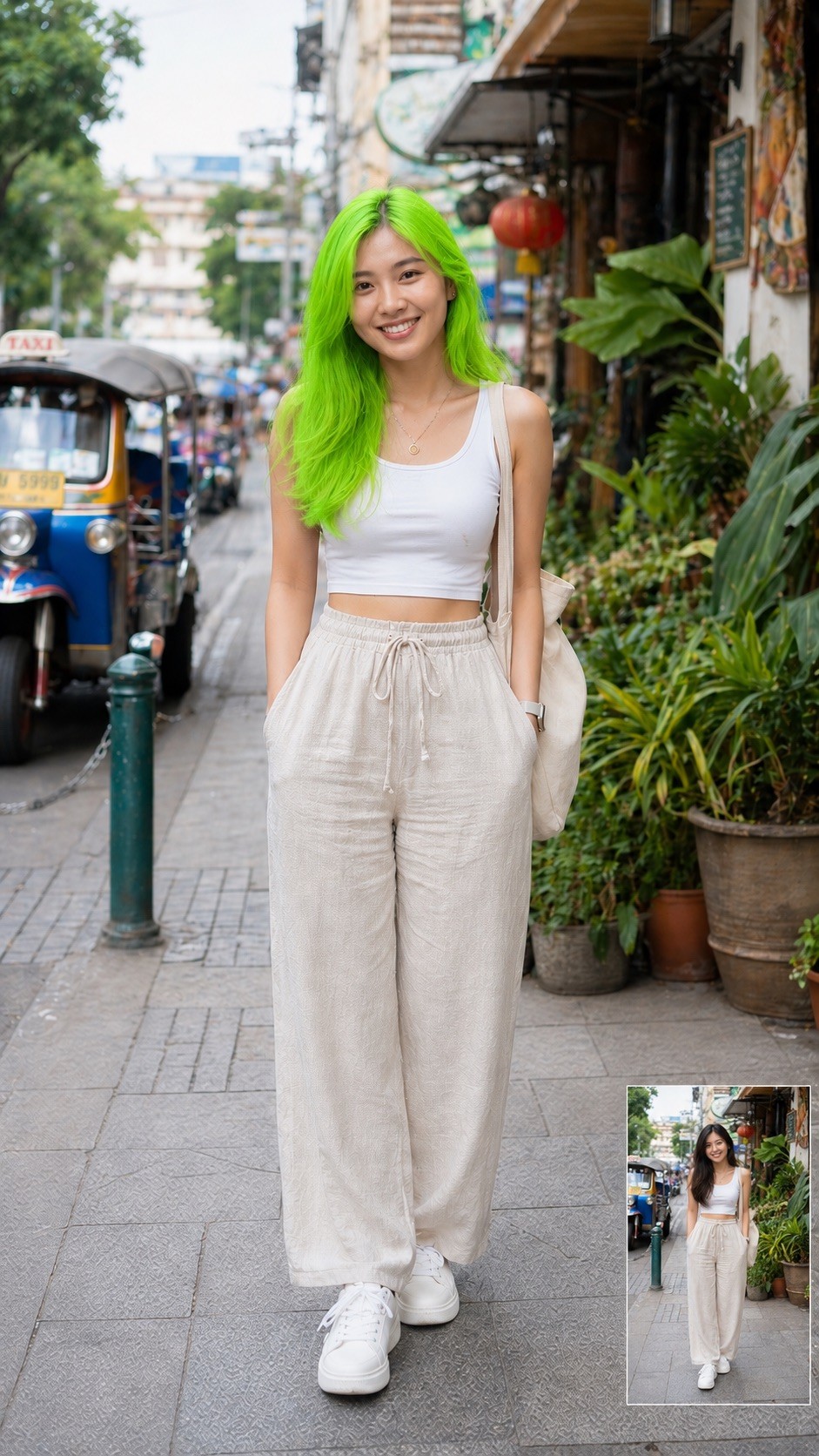
Modify the attached image by changing the person's hair. Set the hairstyle to {{Hairstyle: Original Hair, # Woman - Short, Pixie Cut, Buzz Cut, Short Bob, # Woman - Middle, Shoulder-length Waves, Lob, Shag Cut, # Woman - Long, Straight Long Hair, Beach Waves, Braided Crown, High Ponytail, # Man - Short, Crew Cut, Fade, Undercut, Pompadour, # Man - Middle, Man Bun, Slicked Back, Shoulder-length, # Man - Long, Long Waves, Viking Braids, Top Knot}} and the hair color to {{Color: Original Color, # Natural, Black, Dark Brown, Light Brown, Blonde, Platinum Blonde, Red, Auburn, Grey, White, # Extraordinary, Pastel Pink, Electric Blue, Lavender, Neon Green, Silver, Rose Gold, Sunset Orange}} and the Facial hair like beard and/or eyebrows to {{Color}}. Ensure the result is photorealistic, blends naturally with the lighting, and preserves the person's original facial features.
Original Hair, # Woman - Short, Pixie Cut, Buzz Cut, Short Bob, # Woman - Middle, Shoulder-length Waves, Lob
Original Color, # Natural, Black, Dark Brown, Light Brown, Blonde, Platinum Blonde, Red
Modify the attached image by changing the person's hair. Set the hairstyle to Original Hair and the hair color to Original Color and the Facial hair like beard and/or eyebrows to Original Color. Ensure the result is photorealistic, blends naturally with the lighting, and preserves the person's original facial features.
Les variables sont entourées de {{ et }} et suivent ce modèle :
Une sélection peut référencer une liste de variables prédéfinie à l'aide de crochets. Elles apparaissent en [orange] et fournissent des valeurs courantes comme des couleurs, des tons ou des langues.
Vous pouvez aussi fournir une liste de choix en ligne, séparés par des virgules.
Astuce : vous n'avez pas besoin de l'application PUCO pour utiliser ces prompts ! Copiez simplement le modèle et remplacez chaque section {{…}} par votre propre texte directement dans ChatGPT, Claude, Gemini ou tout autre assistant IA.