适用场景
- 以结构化、可复用的提示词为起点,而非空白对话框。
- 根据自己的需求调整提示词,同时保持原始意图不变。
- 与Creative & Visuals相关的工作流。

在保持真实感的同时,修改附加图片中人物的发型和发色。
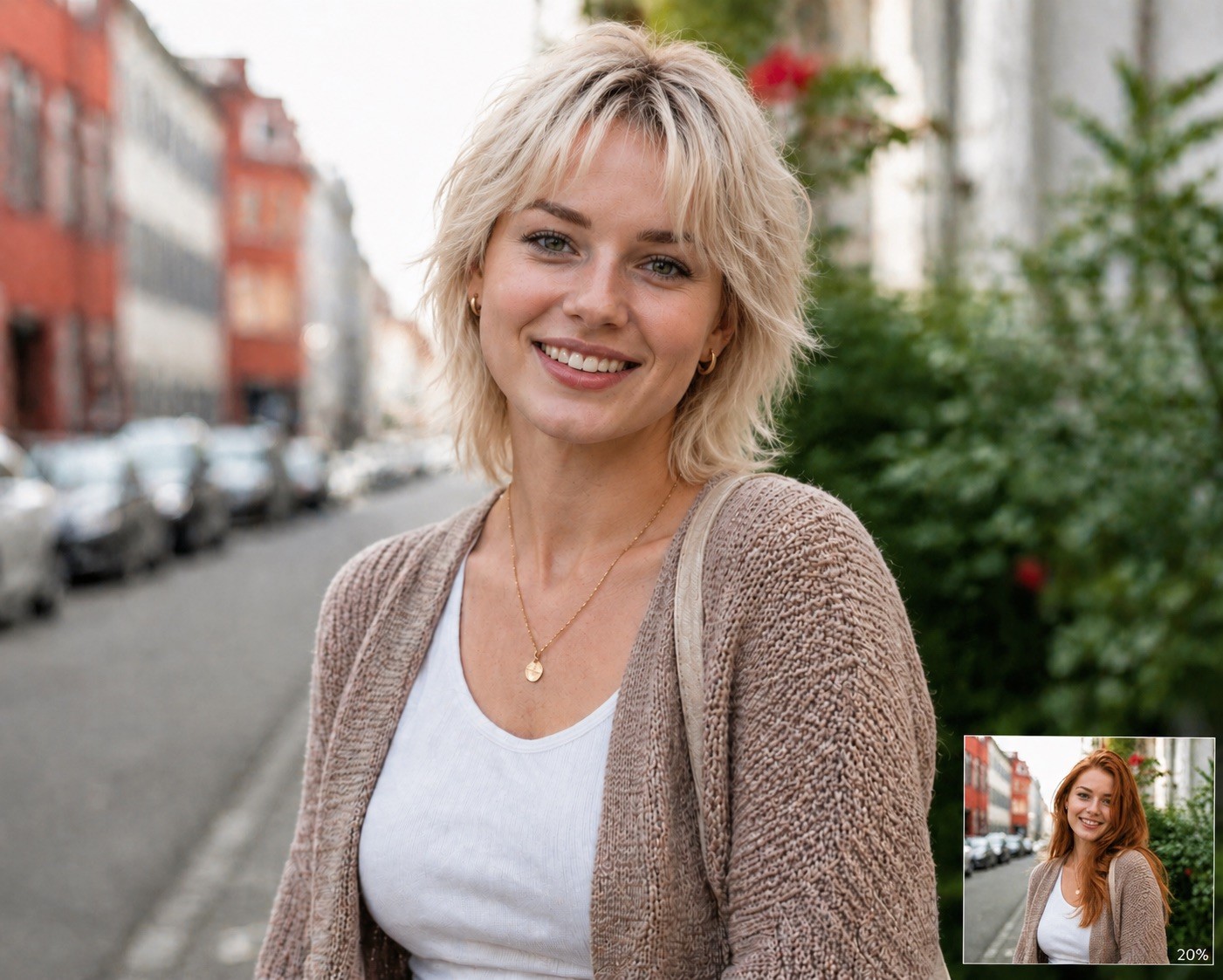
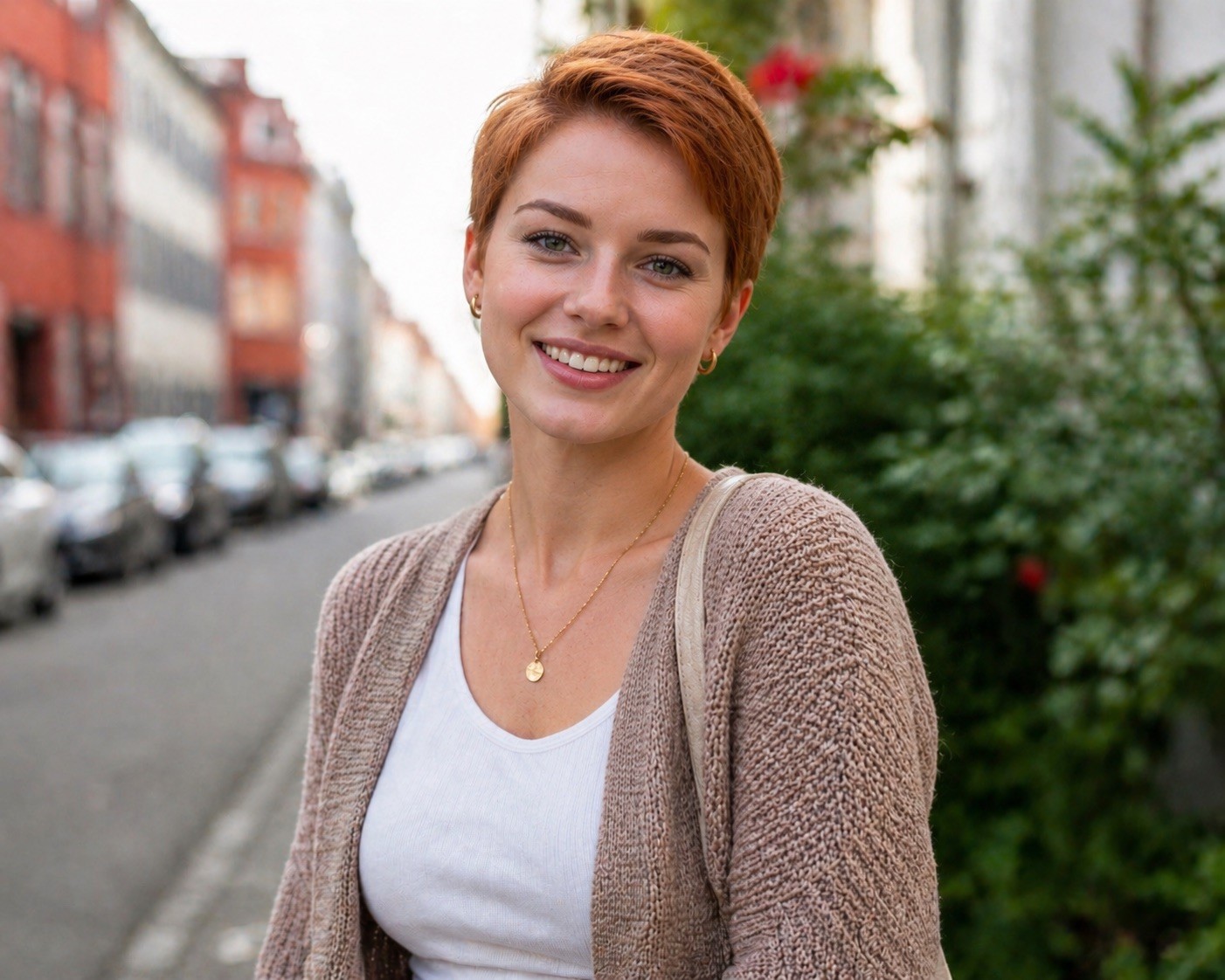
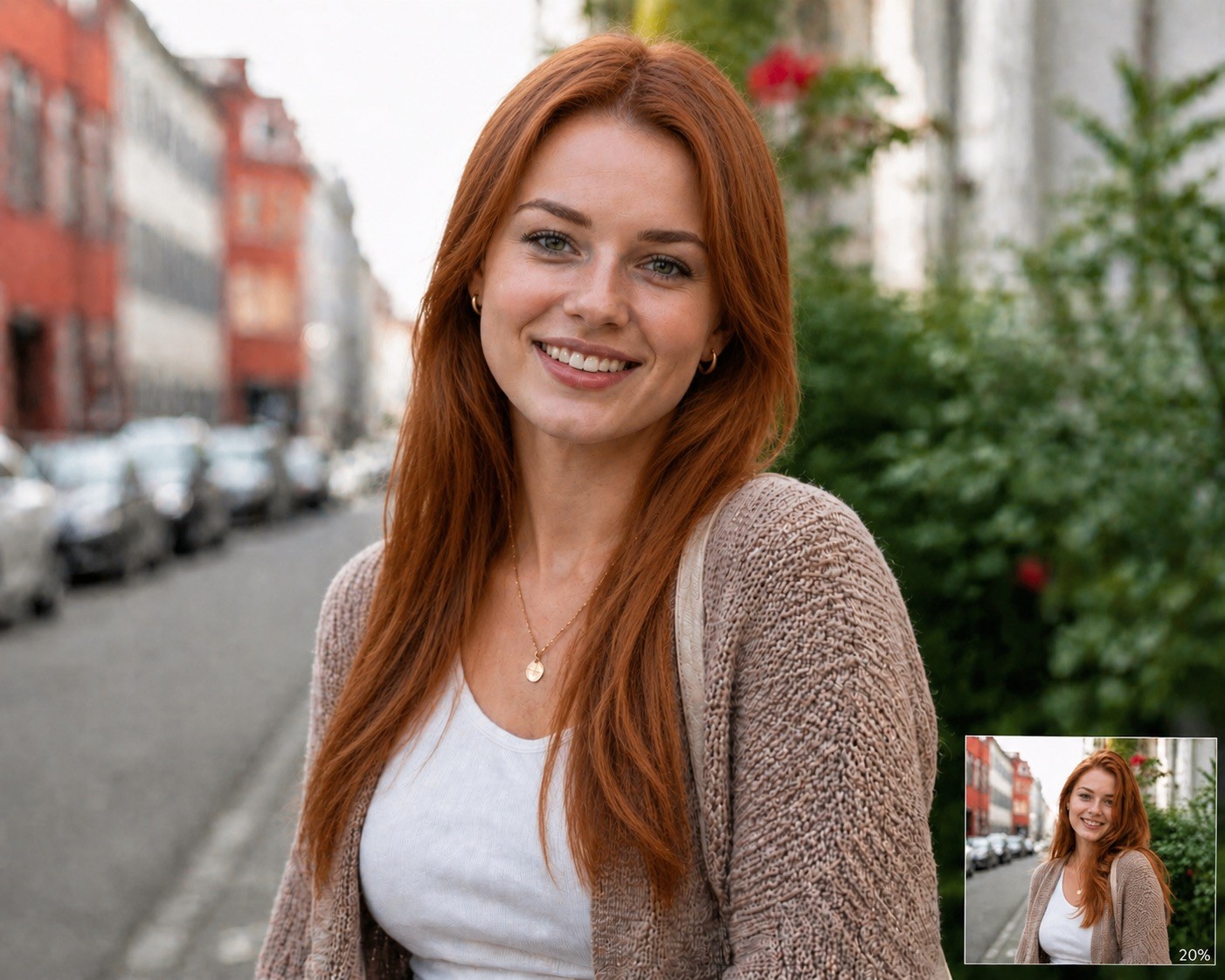
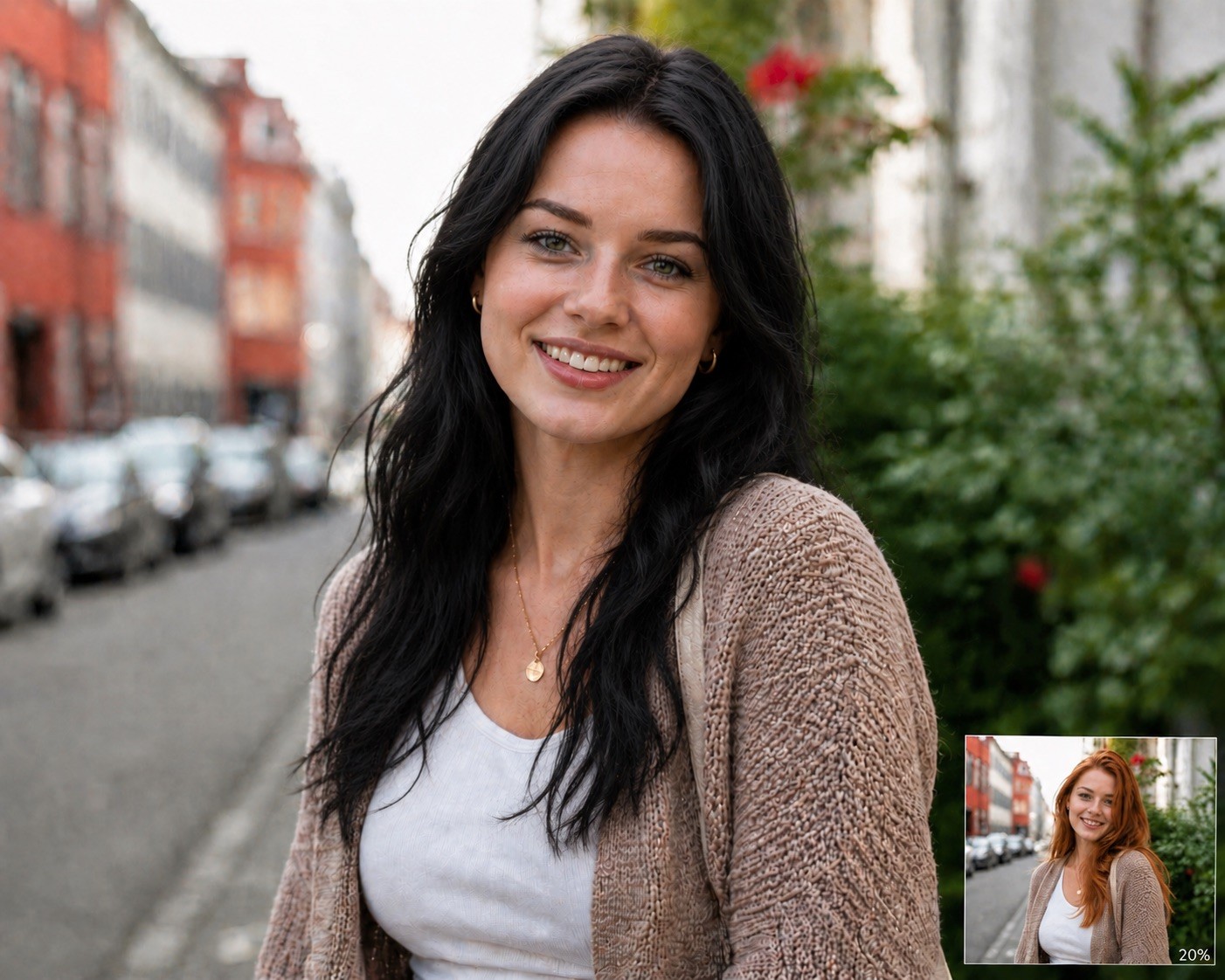
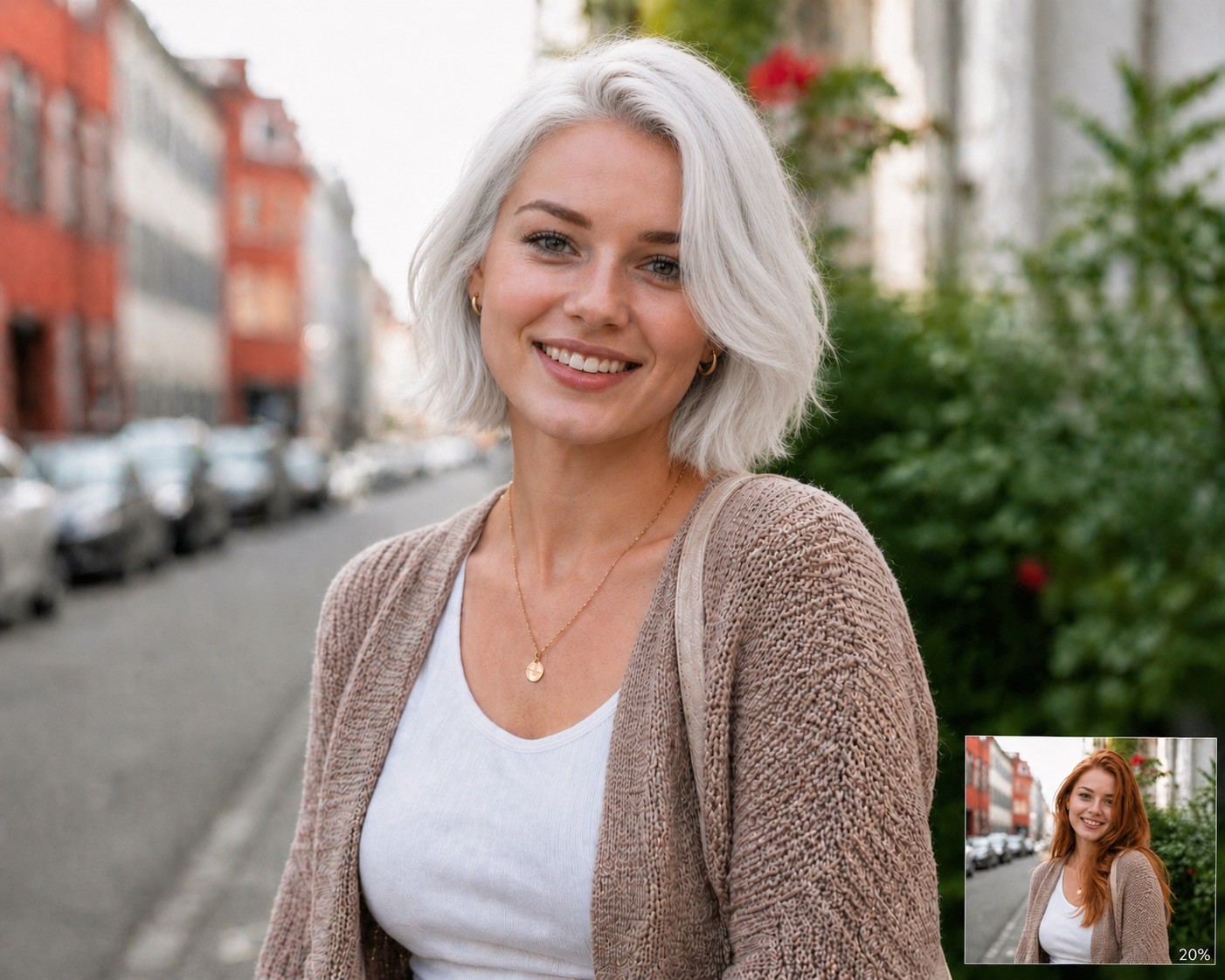
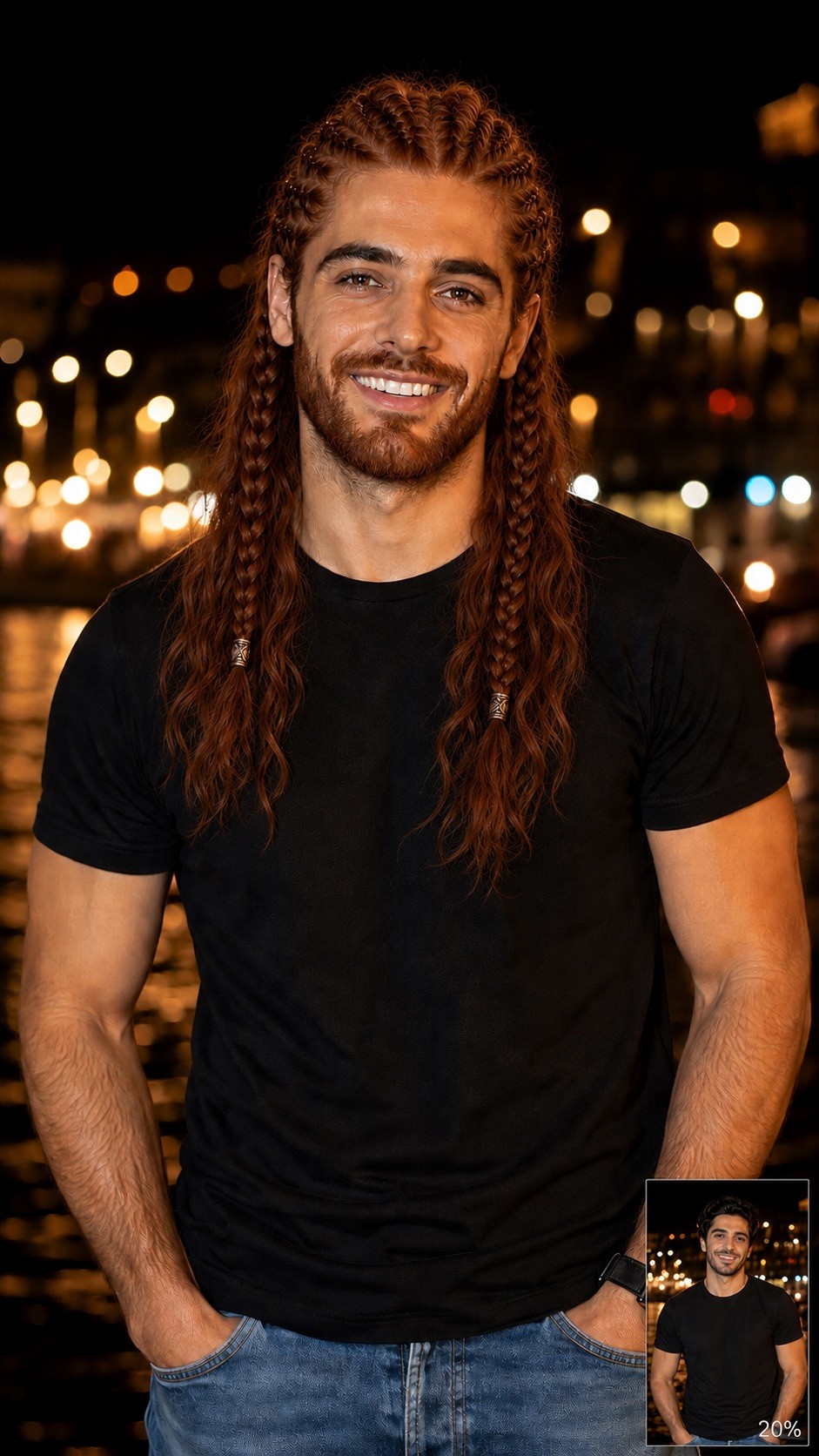
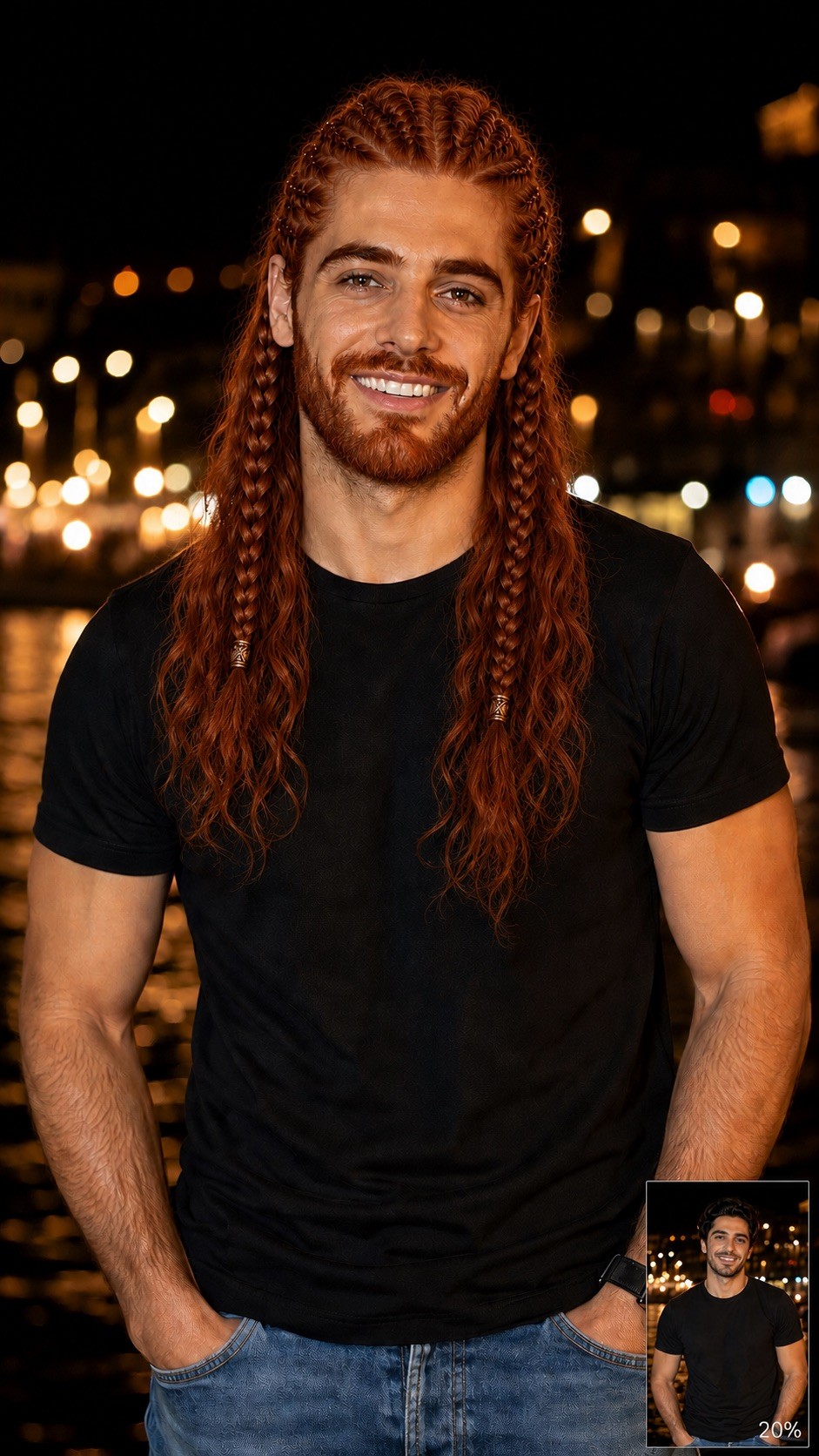
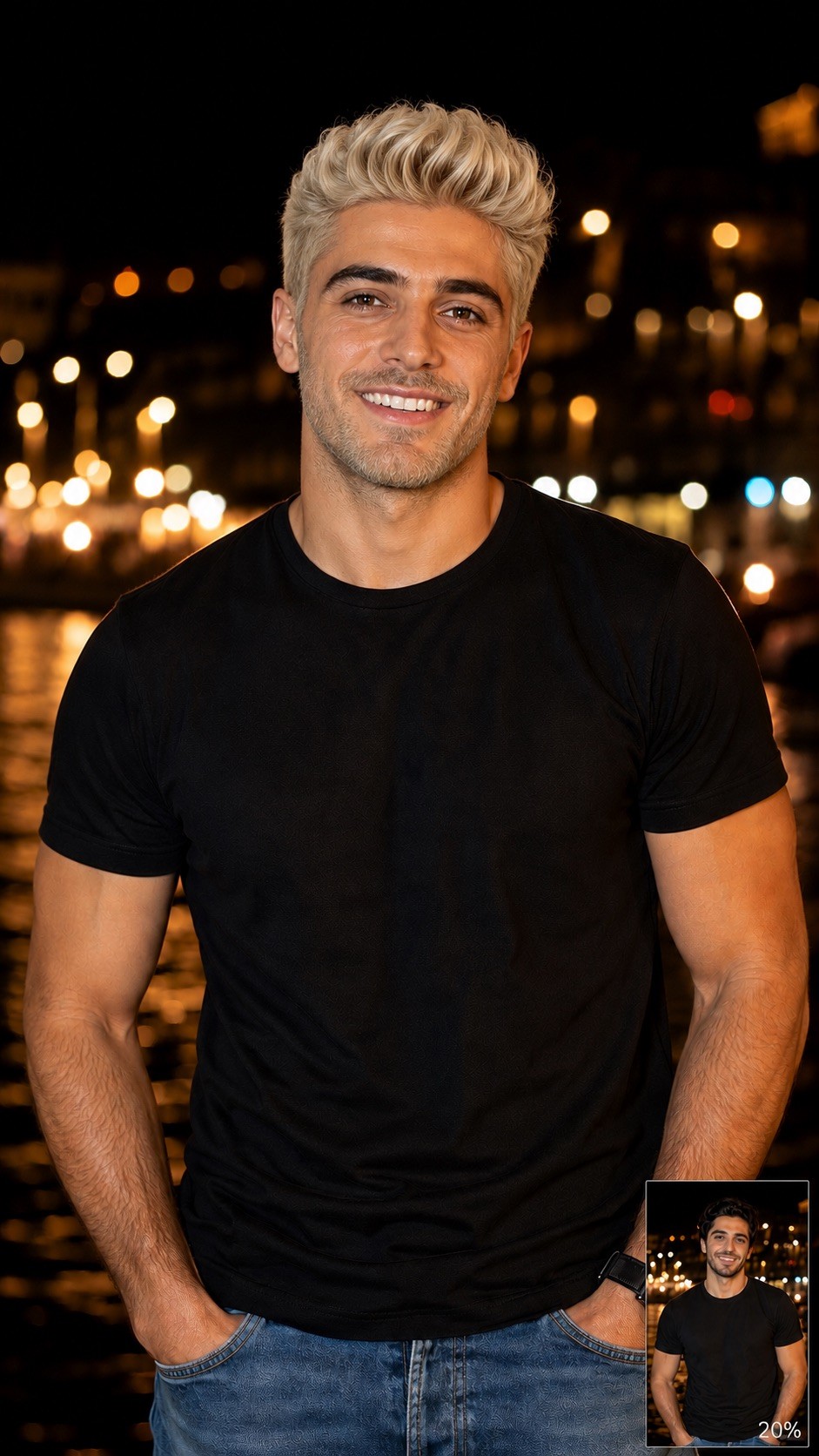
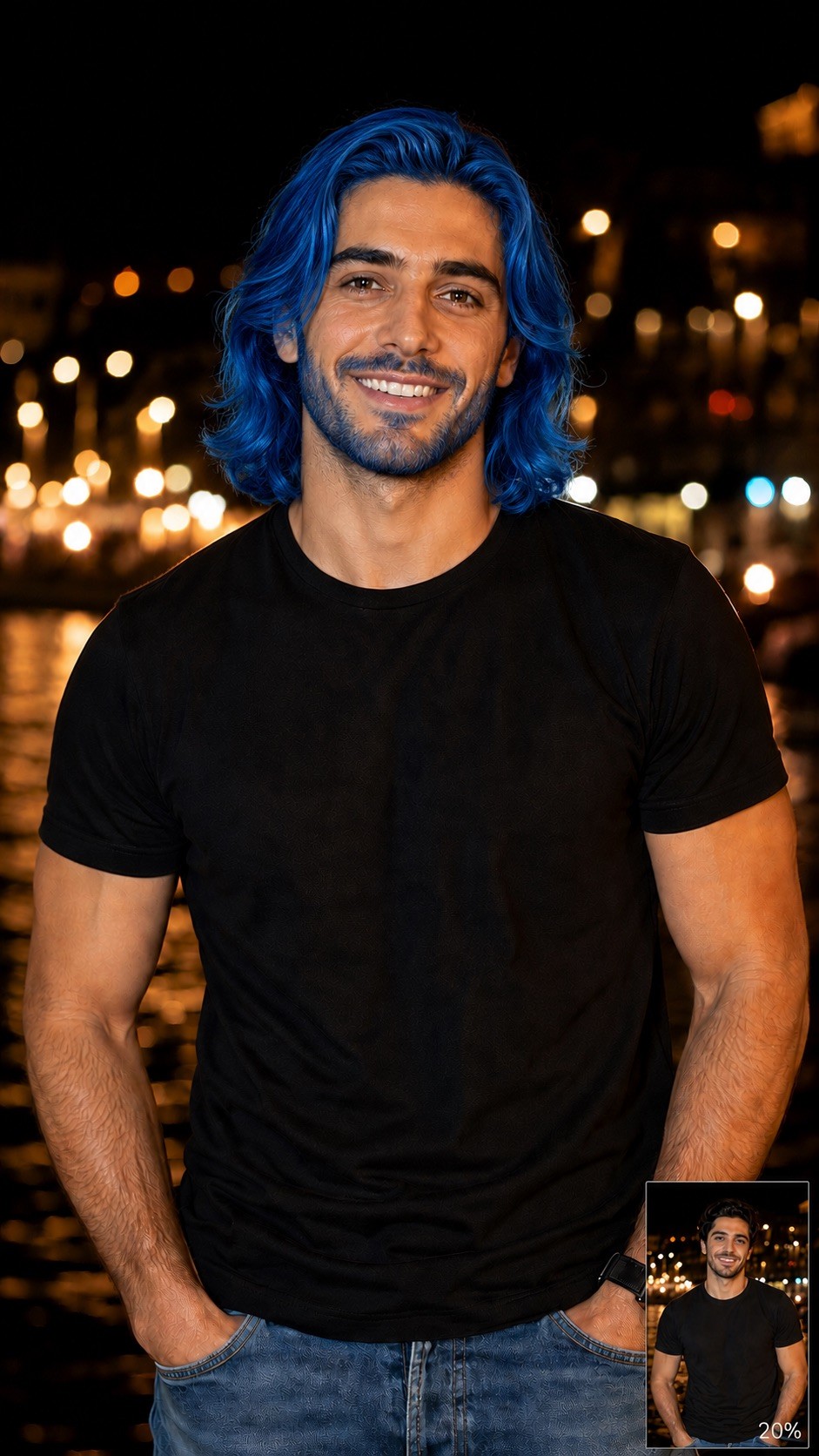
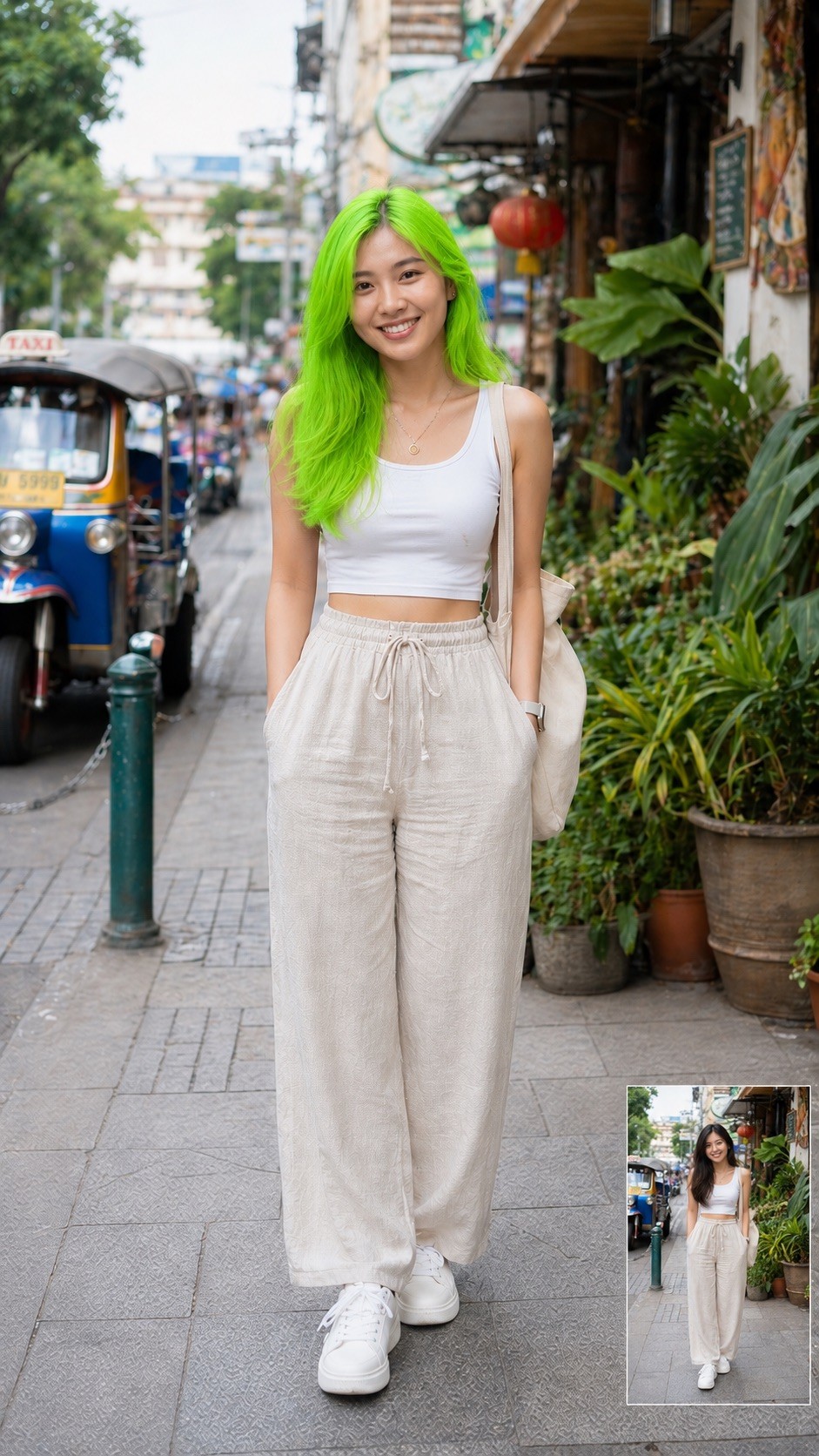
Modify the attached image by changing the person's hair. Set the hairstyle to {{Hairstyle: Original Hair, # Woman - Short, Pixie Cut, Buzz Cut, Short Bob, # Woman - Middle, Shoulder-length Waves, Lob, Shag Cut, # Woman - Long, Straight Long Hair, Beach Waves, Braided Crown, High Ponytail, # Man - Short, Crew Cut, Fade, Undercut, Pompadour, # Man - Middle, Man Bun, Slicked Back, Shoulder-length, # Man - Long, Long Waves, Viking Braids, Top Knot}} and the hair color to {{Color: Original Color, # Natural, Black, Dark Brown, Light Brown, Blonde, Platinum Blonde, Red, Auburn, Grey, White, # Extraordinary, Pastel Pink, Electric Blue, Lavender, Neon Green, Silver, Rose Gold, Sunset Orange}} and the Facial hair like beard and/or eyebrows to {{Color}}. Ensure the result is photorealistic, blends naturally with the lighting, and preserves the person's original facial features.
Original Hair, # Woman - Short, Pixie Cut, Buzz Cut, Short Bob, # Woman - Middle, Shoulder-length Waves, Lob
Original Color, # Natural, Black, Dark Brown, Light Brown, Blonde, Platinum Blonde, Red
Modify the attached image by changing the person's hair. Set the hairstyle to Original Hair and the hair color to Original Color and the Facial hair like beard and/or eyebrows to Original Color. Ensure the result is photorealistic, blends naturally with the lighting, and preserves the person's original facial features.
变量被 {{ 和 }} 包裹,遵循以下格式:
选项可以通过方括号引用预定义变量列表。这些选项以[橙色]显示,提供颜色、语气或语言等常用值。
也可以提供以逗号分隔的内联选项列表。
提示:使用这些提示词无需 PUCO 应用!只需复制模板,直接在 ChatGPT、Claude、Gemini 或任何其他 AI 助手中将每个 {{…}} 部分替换为自己的文本。