Best For
- Starting from a structured, reusable prompt instead of a blank chat.
- Adapting the prompt to your own inputs while keeping the original intent intact.
- Workflows related to Design & Art.

Transforms a reference photo into a modern anime-inspired vector portrait with customizable poses, background colors, and unique accessories.
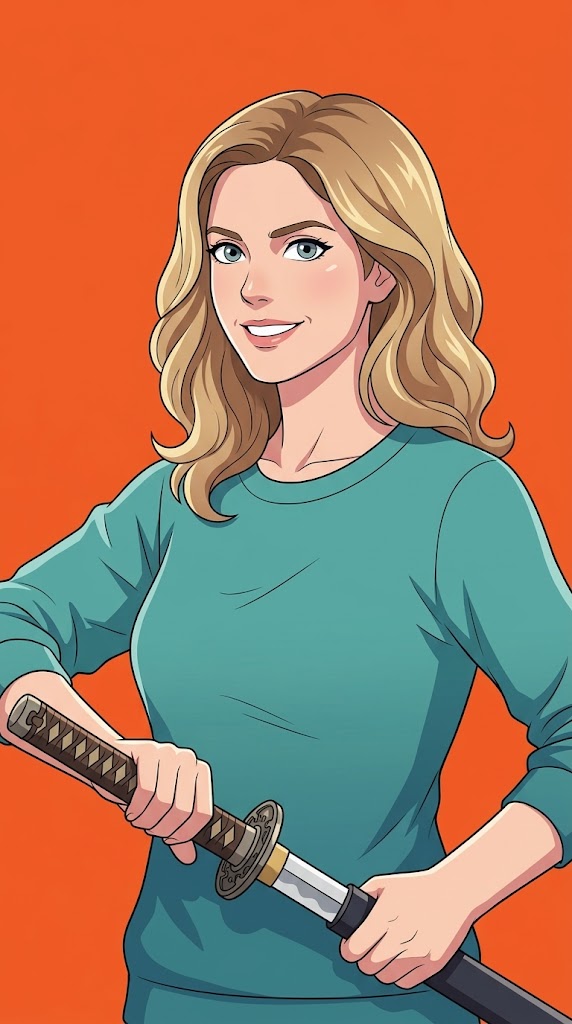
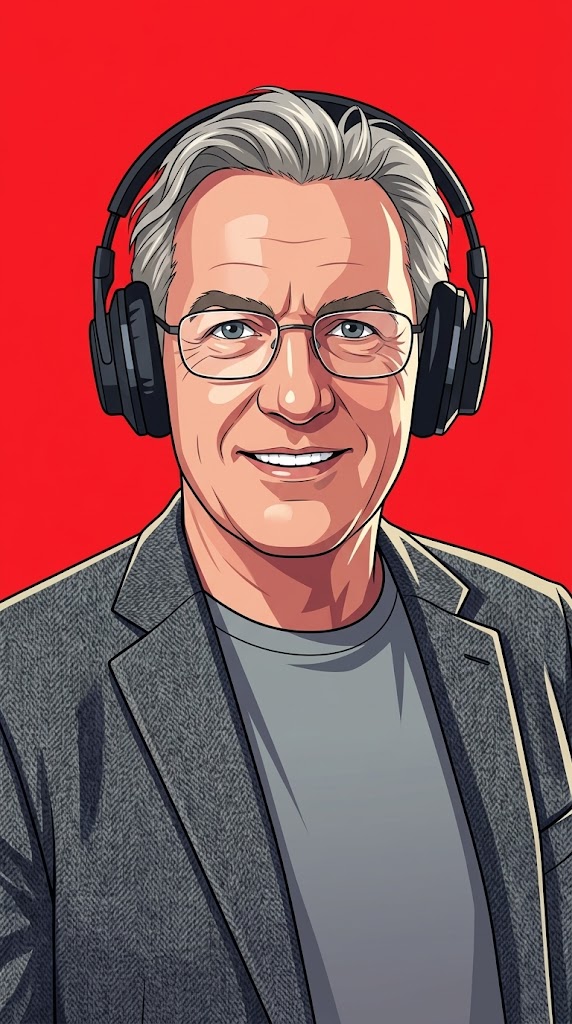
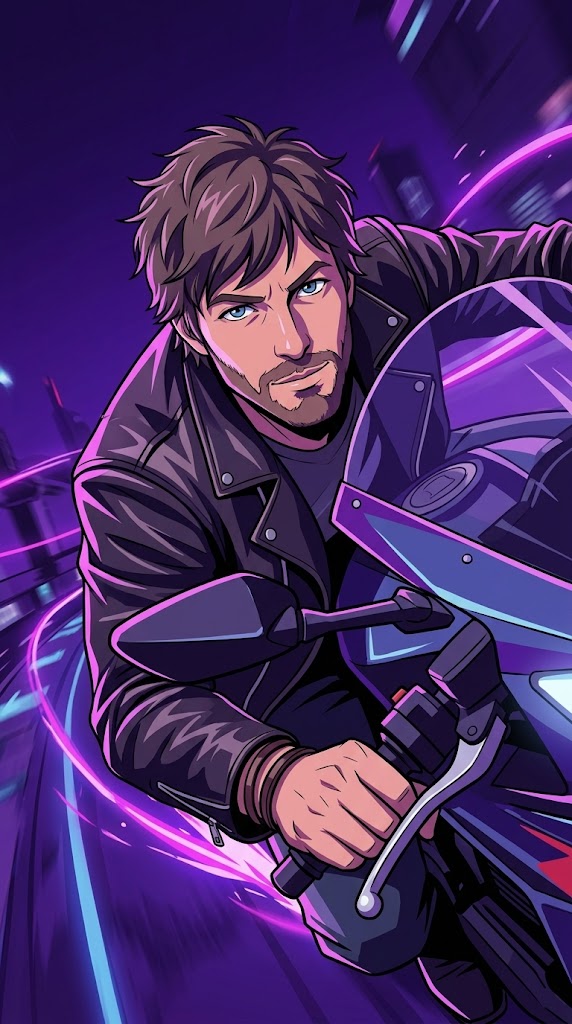
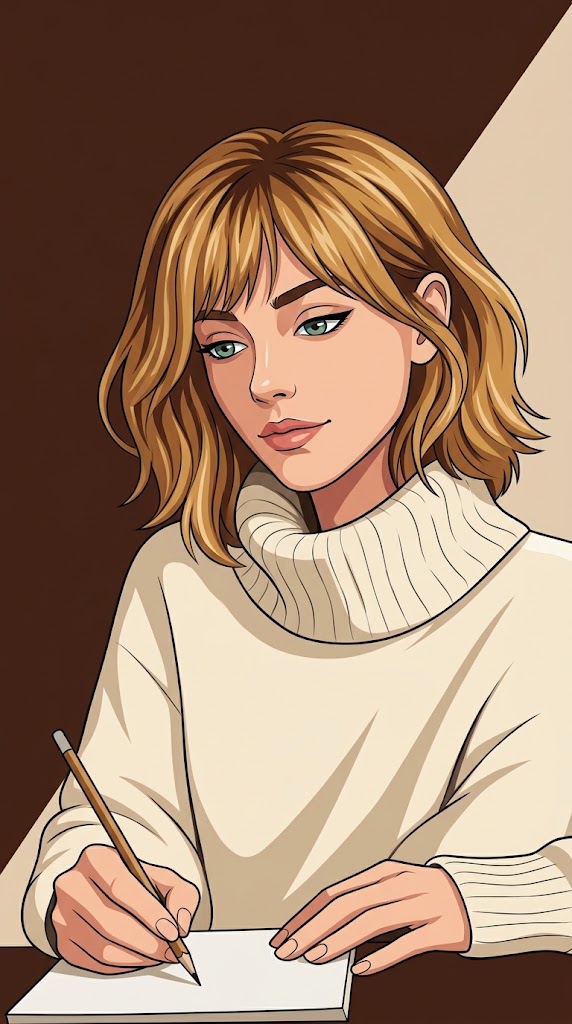
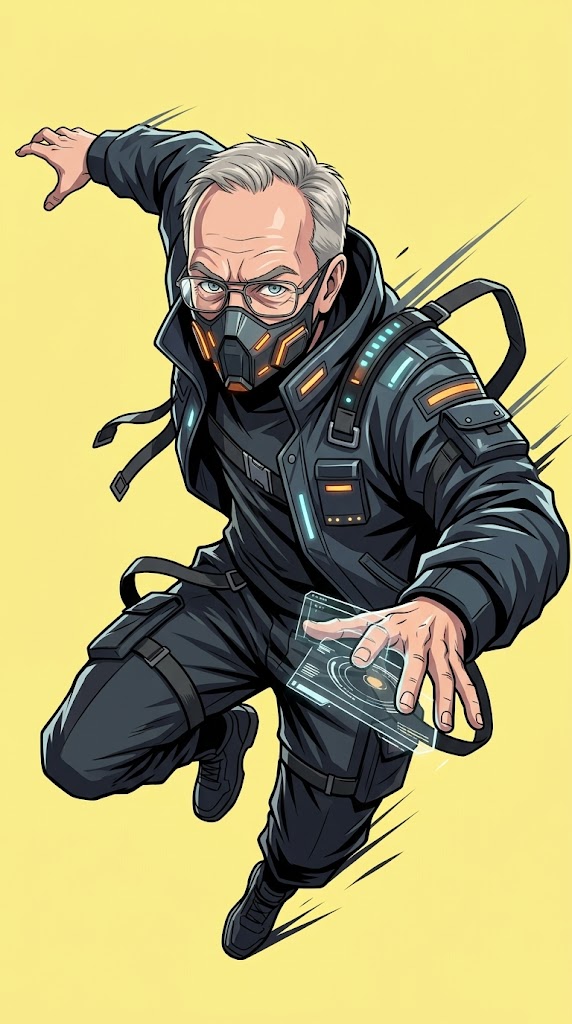
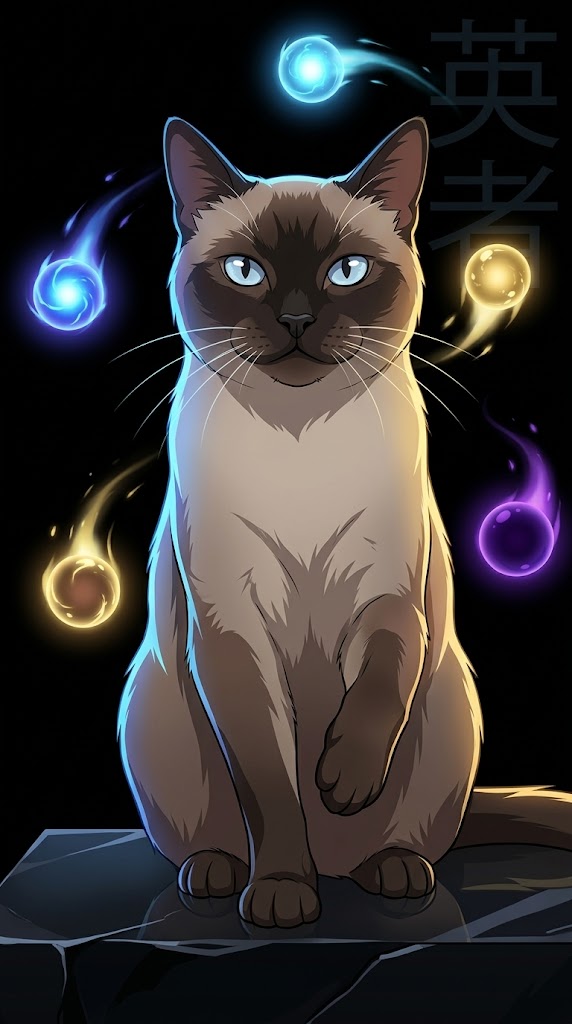
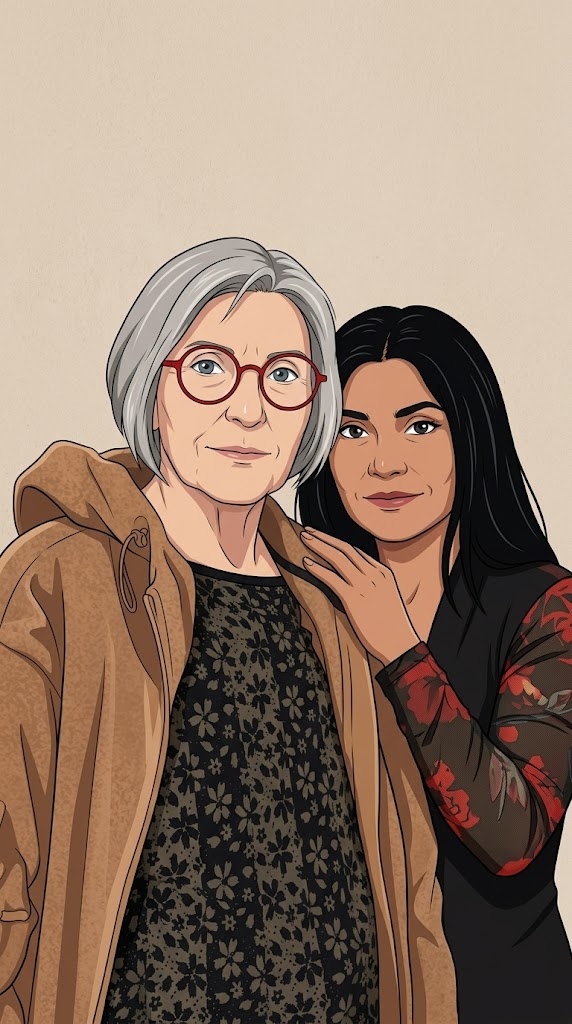
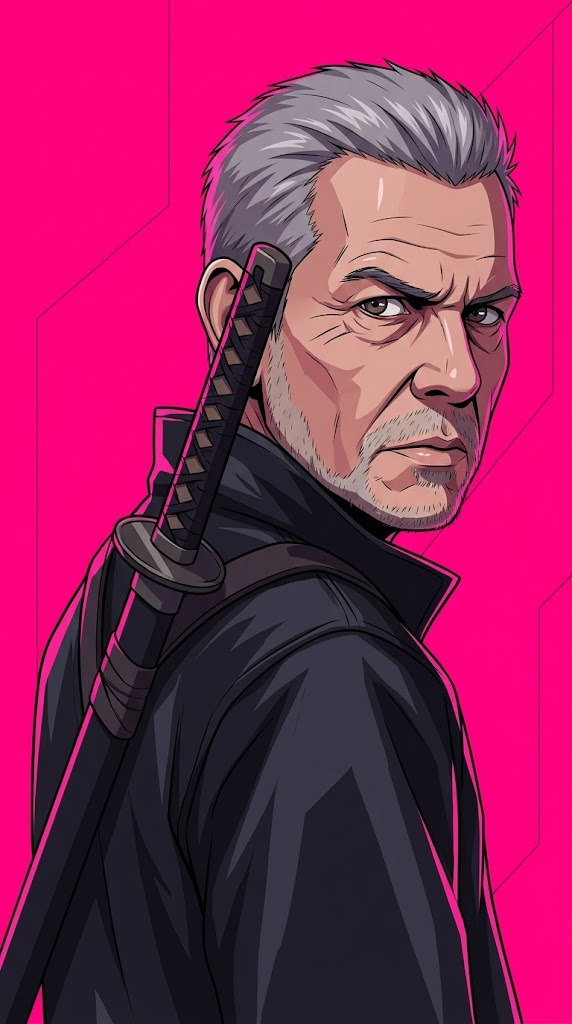
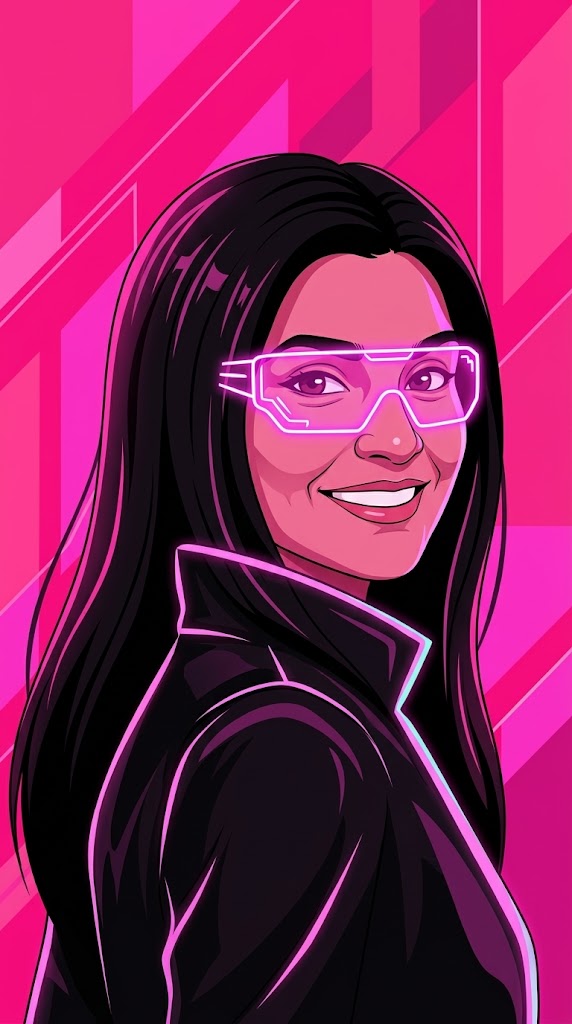
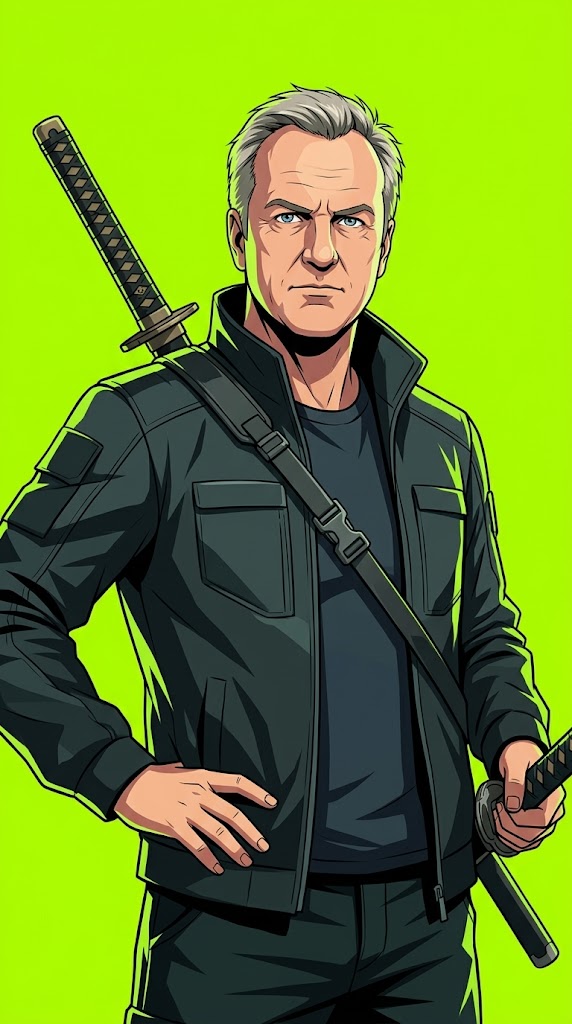
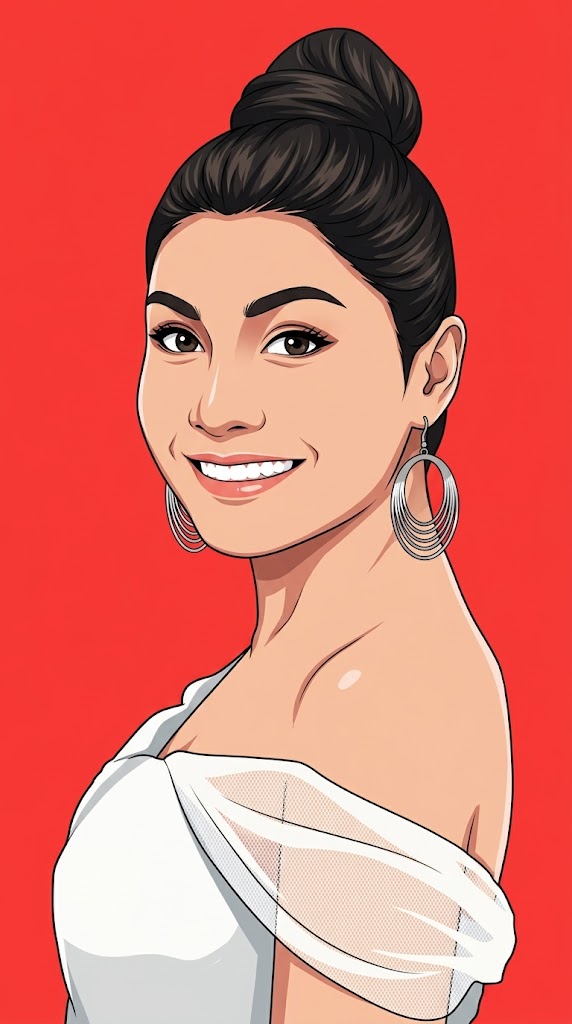

Create a modern anime-inspired vector portrait based on the provided reference photo.

PARAMETERS:
Background Color: {{Background Color: red, black, beige, orange, electric blue, neon pink, deep purple, pastel yellow, toxic green, stark white}}
Aspect Ratio: {{Aspect Ratio: 9:16, 4:5, 1:1, 16:9}}

Pose: {{Pose: no special pose, calm and introspective, quietly powerful, looking over shoulder, dynamic action, sitting thoughtfully, heroic stance}}
Accessory: {{Accessory: none, black over-ear headphones, glowing neon glasses, futuristic visor, katana on back, cybernetic arm, mechanical wings, oversized hoodie, techwear mask, floating glowing orbs, holographic smartwatch}}

REFERENCE USAGE RULE:
Use the provided photo as a reference for the subject’s facial identity and likeness only. By default, do not copy the reference photo’s pose, head angle, expression, camera angle, crop, background, lighting, or accessories. Only inherit the pose from the uploaded photo if 'Use Reference Pose' is set to 'yes'. If 'no special pose' is selected, ensure the generated pose feels iconic, emotional, cinematic, elegant, and poster-worthy.

IDENTITY RULE:
Preserve the subject’s recognizable facial identity and likeness so the result clearly feels like the same person.
red, black, beige, orange, electric blue, neon pink, deep purple, pastel yellow
9:16, 4:5, 1:1, 16:9
no special pose, calm and introspective, quietly powerful, looking over shoulder, dynamic action, sitting thoughtfully, heroic stance
none, black over-ear headphones, glowing neon glasses, futuristic visor, katana on back, cybernetic arm, mechanical wings, oversized hoodie
Create a modern anime-inspired vector portrait based on the provided reference photo.

PARAMETERS:
Background Color: red
Aspect Ratio: 9:16

Pose: no special pose
Accessory: none

REFERENCE USAGE RULE:
Use the provided photo as a reference for the subject’s facial identity and likeness only. By default, do not copy the reference photo’s pose, head angle, expression, camera angle, crop, background, lighting, or accessories. Only inherit the pose from the uploaded photo if 'Use Reference Pose' is set to 'yes'. If 'no special pose' is selected, ensure the generated pose feels iconic, emotional, cinematic, elegant, and poster-worthy.

IDENTITY RULE:
Preserve the subject’s recognizable facial identity and likeness so the result clearly feels like the same person.
Variables are wrapped in {{ and }} and follow this pattern:
A selection can reference a predefined variable list using square brackets. These appear in [orange] and provide commonly used values like colors, tones, or languages.
You can also provide an inline list of choices separated by commas.
Tip: You don't need the PUCO app to use these prompts! Simply copy the template and replace each {{…}} section with your own text directly in ChatGPT, Claude, Gemini, or any other AI assistant.