Best For
- Starting from a structured, reusable prompt instead of a blank chat.
- Adapting the prompt to your own inputs while keeping the original intent intact.
- Workflows related to Design & Art.

Creates professional magazine-style infographics with customizable layouts, color schemes, and typography.
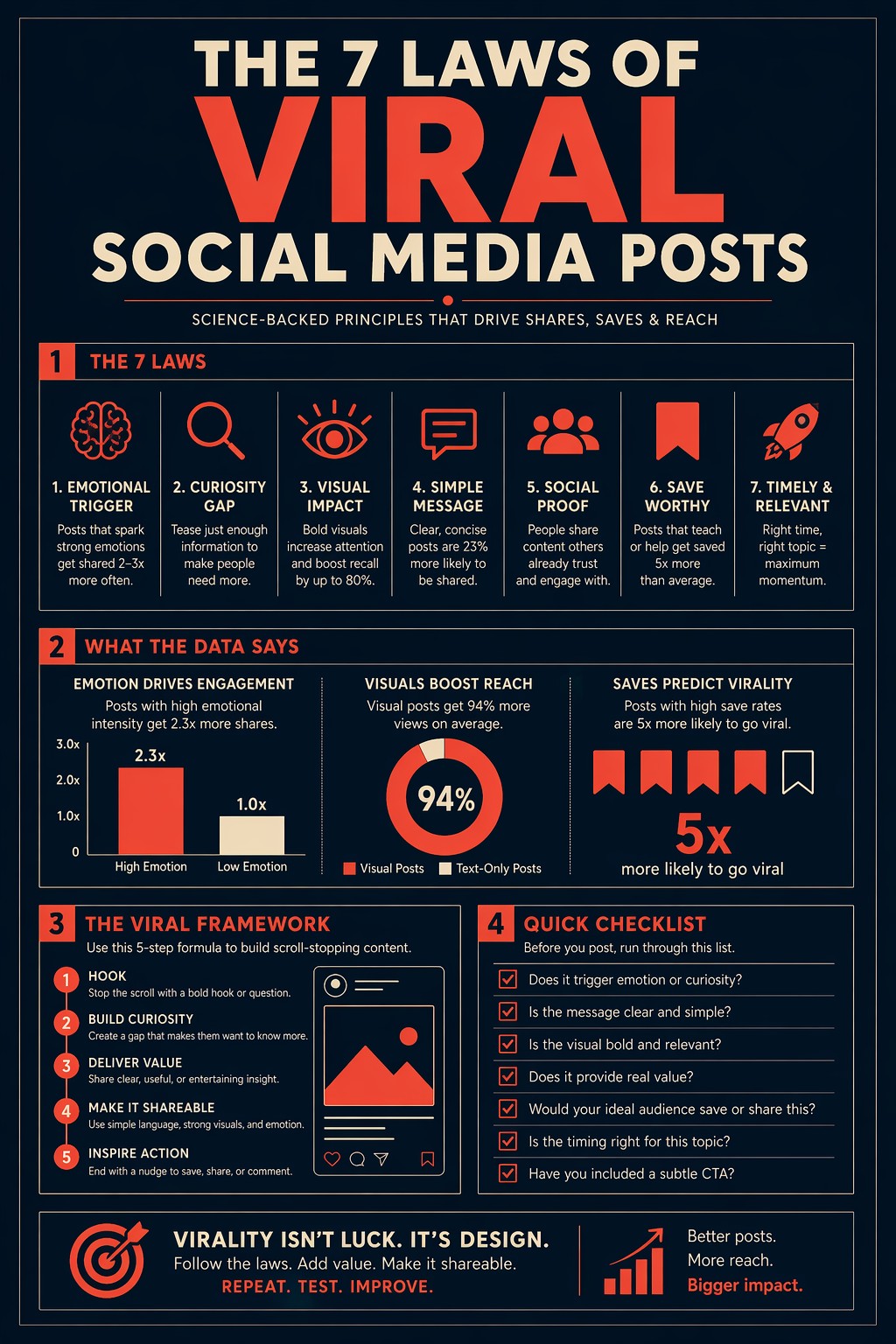
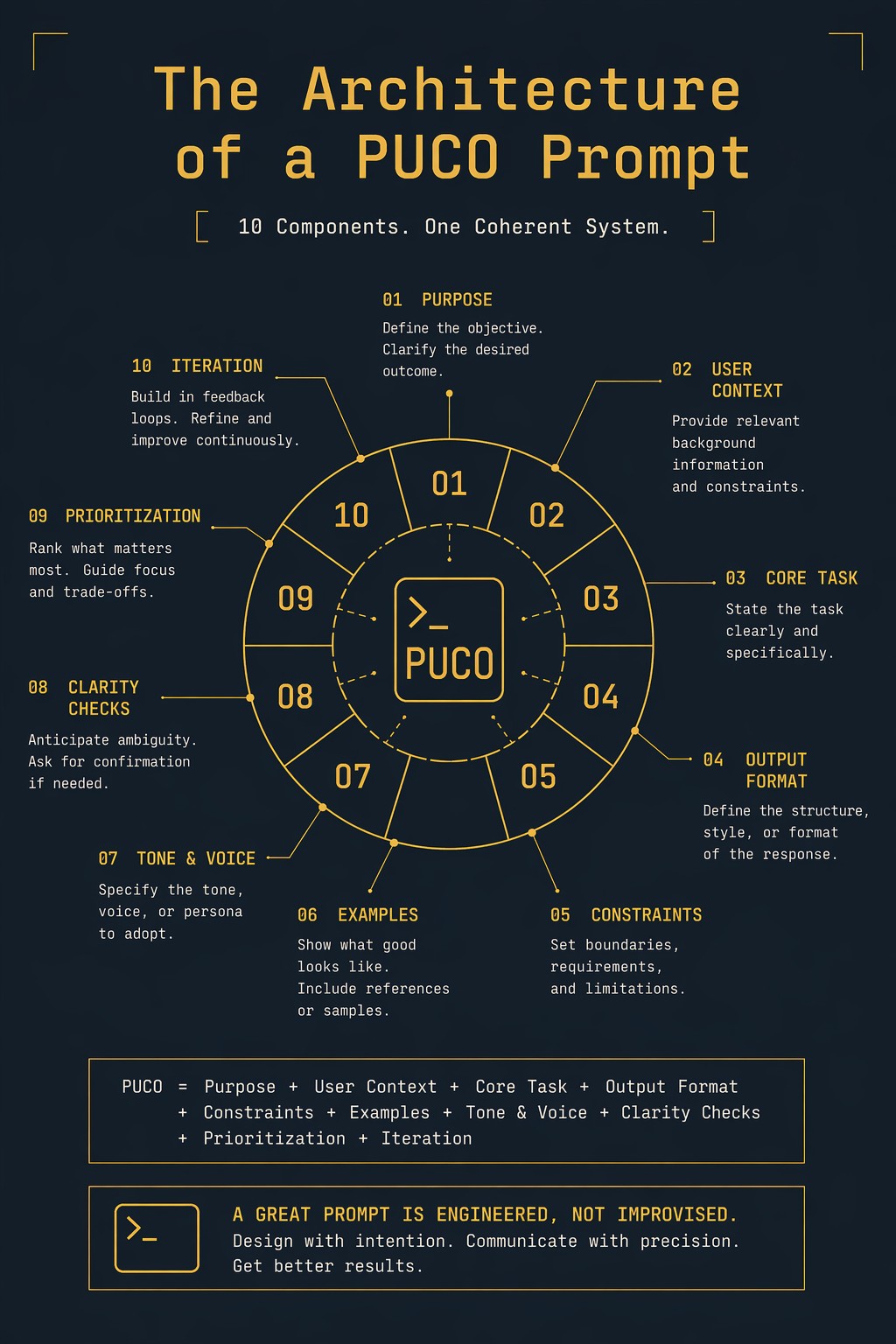
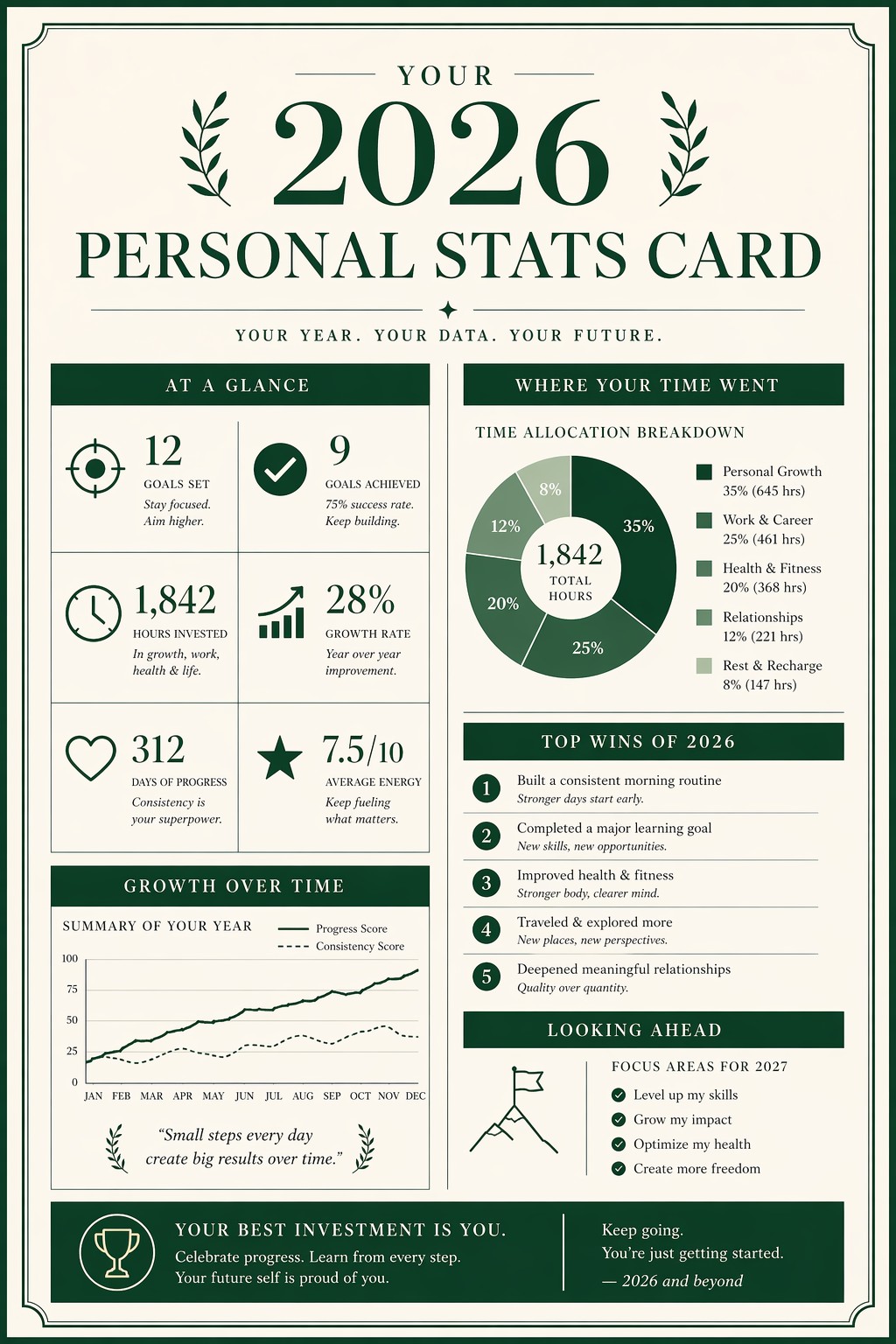
Create a single-page editorial infographic titled "{{Subject: The Architecture of a PUCO Prompt, Your 2026 Personal Stats Card, The 7 Laws of Viral Social Media Posts}}" in the style of a premium magazine data spread. Visual style: Information design meets editorial print. Layout: {{Layout: Clean portrait with 4 sections, Balanced two-column spread, Focused central diagram}}. Color palette: {{Color Palette: Midnight Navy and Coral, Forest Green and Cream, Deep Slate and Gold}}. Typography: {{Typography: Bold geometric sans-serif, High-contrast elegant serif, Clean minimalist monospace}}. Composition: Centered layout with {{Margin: 10-25}}% breathing margin on all sides and balanced whitespace. Lighting: Flat design with no gradients. Aspect ratio: {{Aspect Ratio: 2:3, 3:4, 9:16}}. Negative constraints: No blurry or garbled text, no clipart, no overcrowded layout, no watermarks, no generic textures.
The Architecture of a PUCO Prompt, Your 2026 Personal Stats Card, The 7 Laws of Viral Social Media Posts
Clean portrait with 4 sections, Balanced two-column spread, Focused central diagram
Midnight Navy and Coral, Forest Green and Cream, Deep Slate and Gold
Bold geometric sans-serif, High-contrast elegant serif, Clean minimalist monospace
10-25
2:3, 3:4, 9:16
Create a single-page editorial infographic titled "The Architecture of a PUCO Prompt" in the style of a premium magazine data spread. Visual style: Information design meets editorial print. Layout: Clean portrait with 4 sections. Color palette: Midnight Navy and Coral. Typography: Bold geometric sans-serif. Composition: Centered layout with 10-25% breathing margin on all sides and balanced whitespace. Lighting: Flat design with no gradients. Aspect ratio: 2:3. Negative constraints: No blurry or garbled text, no clipart, no overcrowded layout, no watermarks, no generic textures.
Variables are wrapped in {{ and }} and follow this pattern:
A selection can reference a predefined variable list using square brackets. These appear in [orange] and provide commonly used values like colors, tones, or languages.
You can also provide an inline list of choices separated by commas.
Tip: You don't need the PUCO app to use these prompts! Simply copy the template and replace each {{…}} section with your own text directly in ChatGPT, Claude, Gemini, or any other AI assistant.