Ideal para
- Empezar desde un prompt estructurado y reutilizable en lugar de un chat en blanco.
- Adaptar el prompt a tus propios datos manteniendo intacta la intención original.
- Flujos de trabajo relacionados con Design & Art.

Transforma una foto de referencia en un retrato vectorial inspirado en el anime moderno, con poses, colores de fondo y accesorios únicos personalizables.
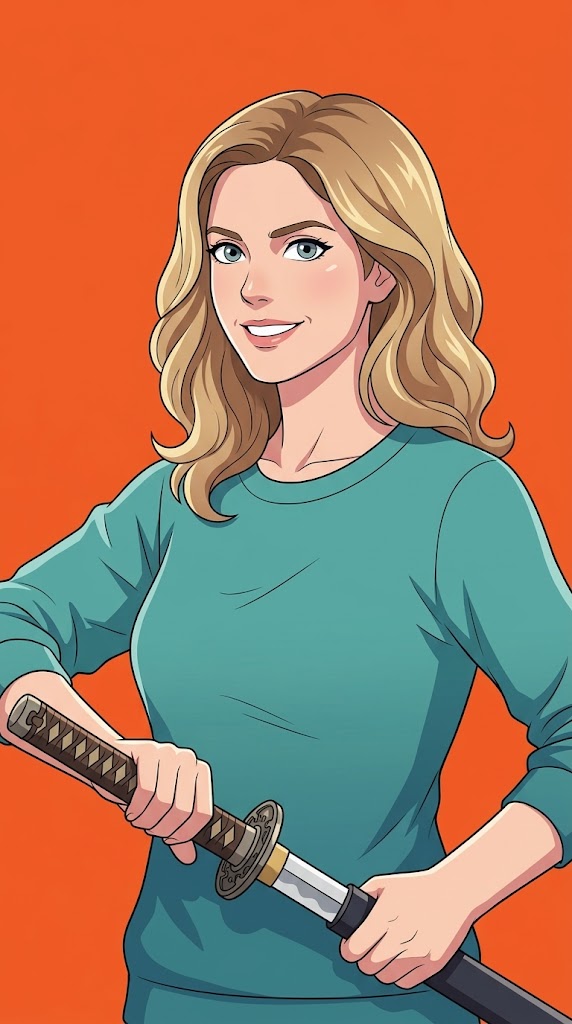
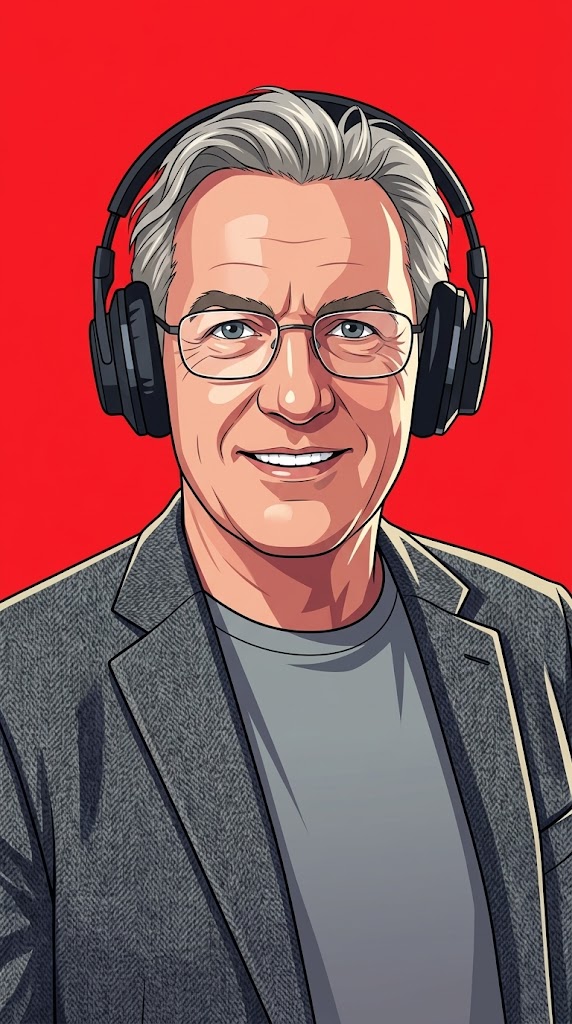
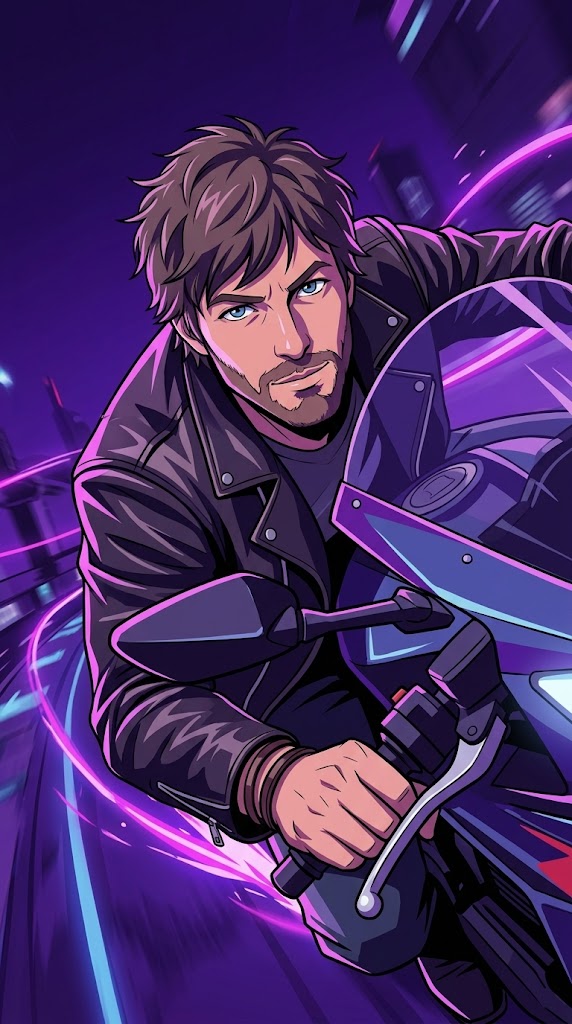
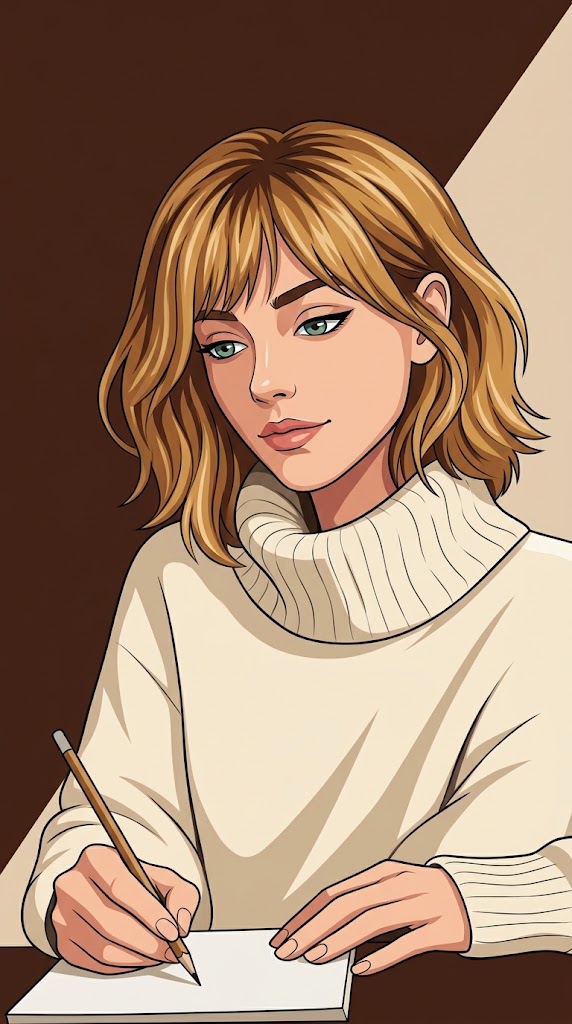
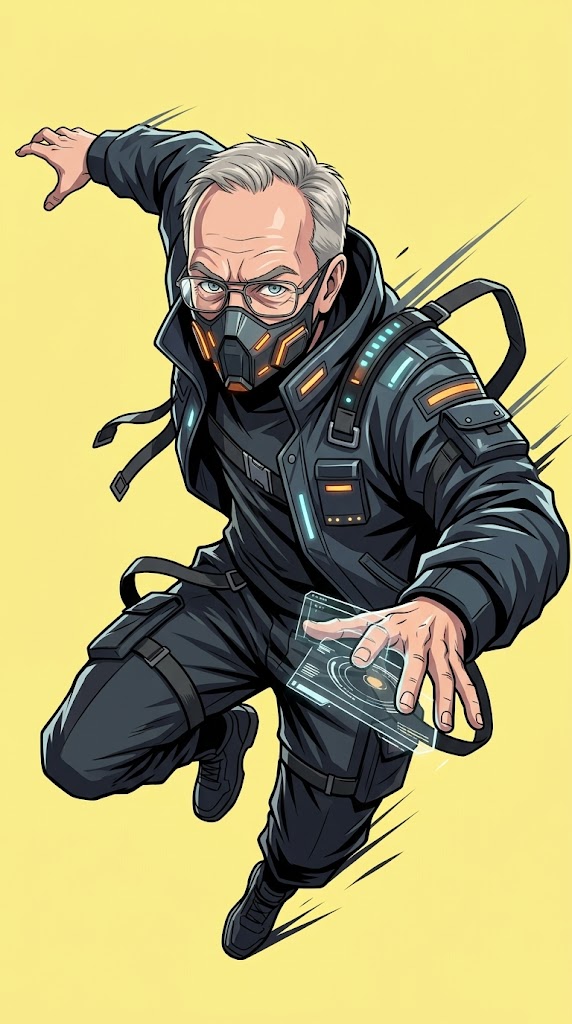
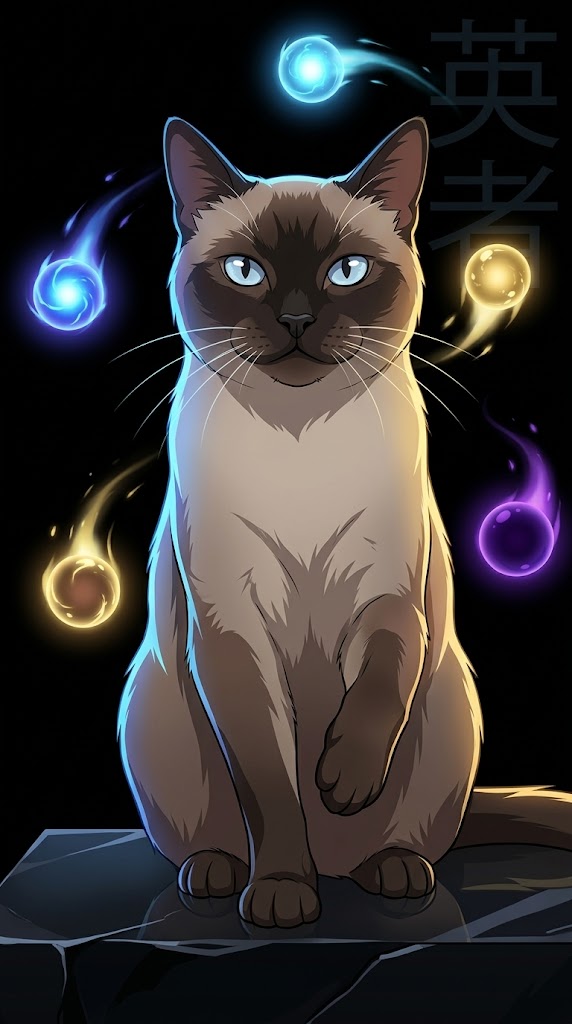
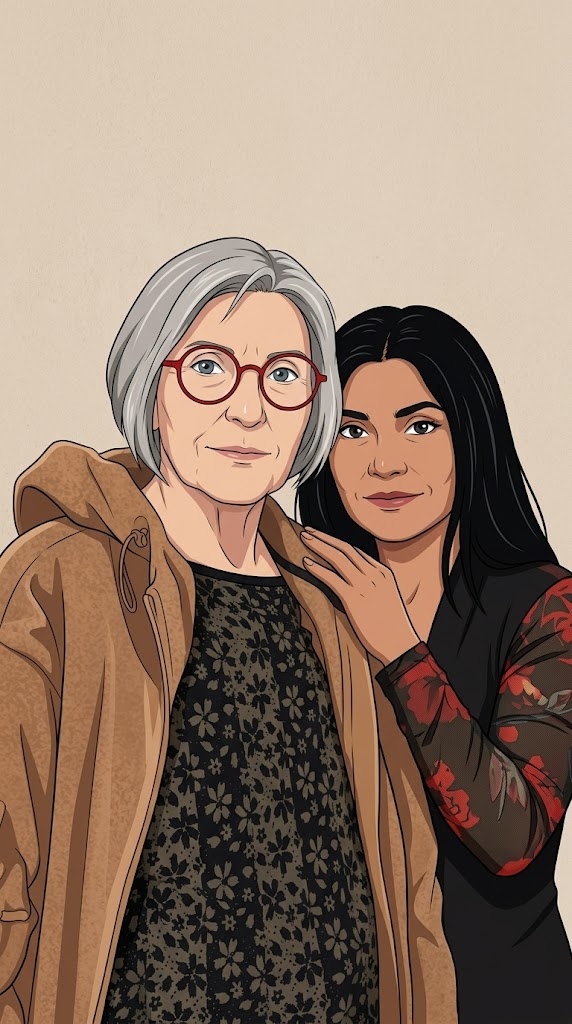
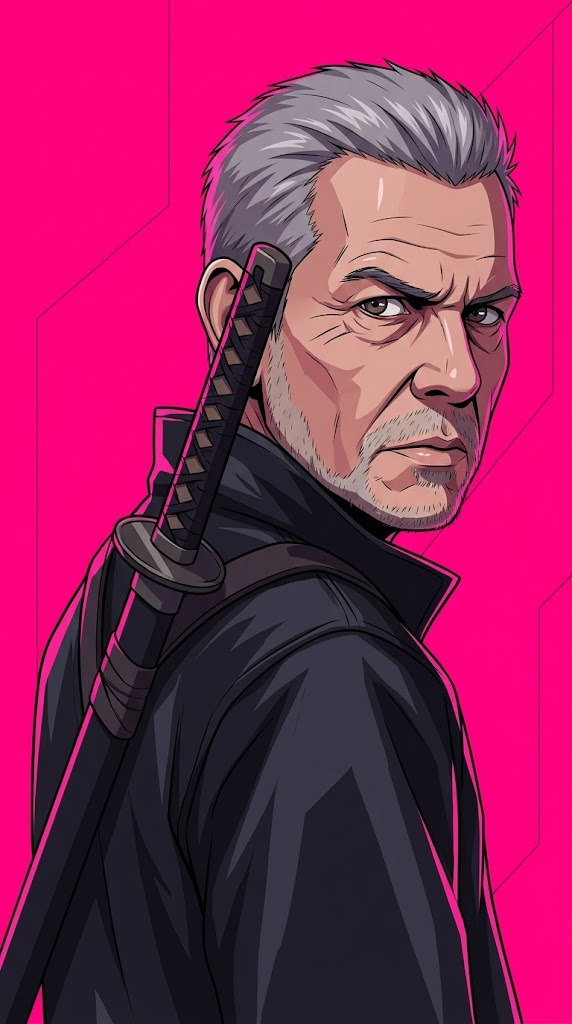
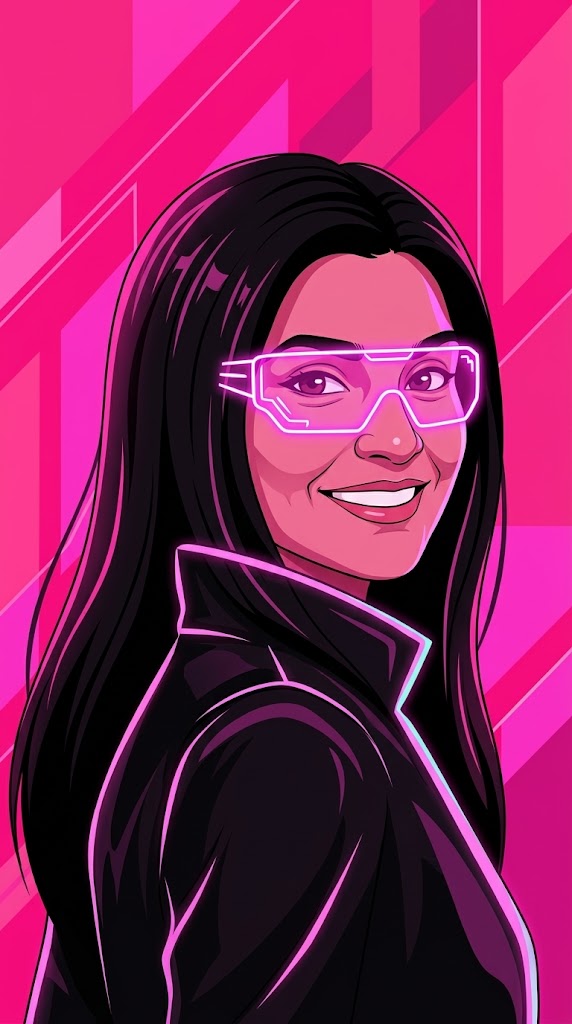
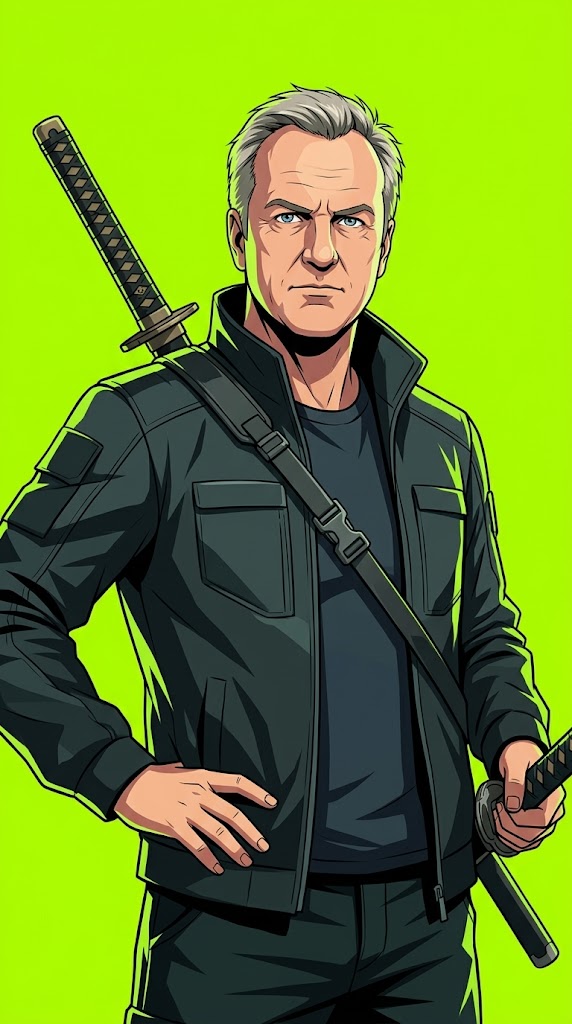
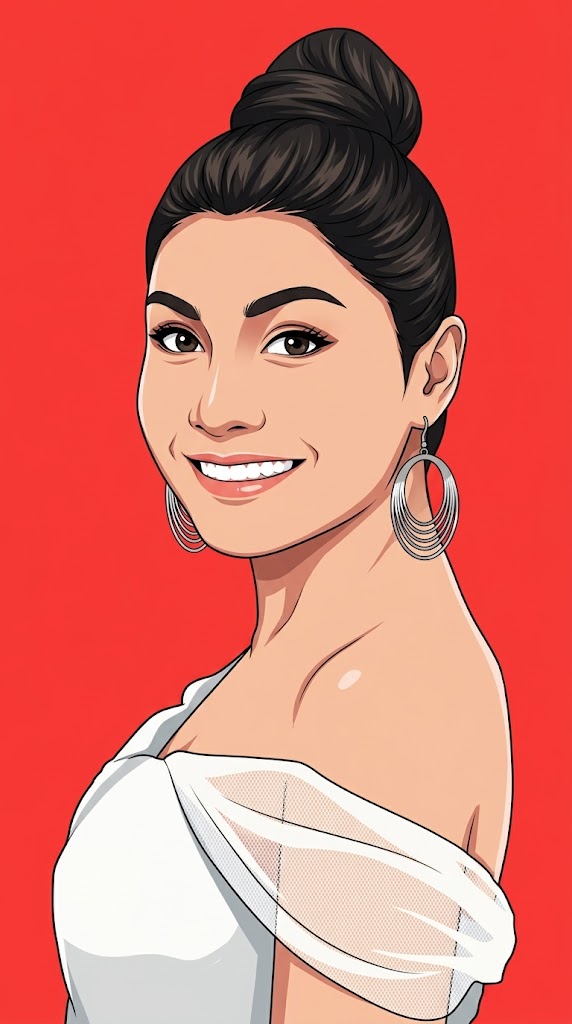

Create a modern anime-inspired vector portrait based on the provided reference photo.

PARAMETERS:
Background Color: {{Background Color: red, black, beige, orange, electric blue, neon pink, deep purple, pastel yellow, toxic green, stark white}}
Aspect Ratio: {{Aspect Ratio: 9:16, 4:5, 1:1, 16:9}}

Pose: {{Pose: no special pose, calm and introspective, quietly powerful, looking over shoulder, dynamic action, sitting thoughtfully, heroic stance}}
Accessory: {{Accessory: none, black over-ear headphones, glowing neon glasses, futuristic visor, katana on back, cybernetic arm, mechanical wings, oversized hoodie, techwear mask, floating glowing orbs, holographic smartwatch}}

REFERENCE USAGE RULE:
Use the provided photo as a reference for the subject’s facial identity and likeness only. By default, do not copy the reference photo’s pose, head angle, expression, camera angle, crop, background, lighting, or accessories. Only inherit the pose from the uploaded photo if 'Use Reference Pose' is set to 'yes'. If 'no special pose' is selected, ensure the generated pose feels iconic, emotional, cinematic, elegant, and poster-worthy.

IDENTITY RULE:
Preserve the subject’s recognizable facial identity and likeness so the result clearly feels like the same person.
red, black, beige, orange, electric blue, neon pink, deep purple, pastel yellow
9:16, 4:5, 1:1, 16:9
no special pose, calm and introspective, quietly powerful, looking over shoulder, dynamic action, sitting thoughtfully, heroic stance
none, black over-ear headphones, glowing neon glasses, futuristic visor, katana on back, cybernetic arm, mechanical wings, oversized hoodie
Create a modern anime-inspired vector portrait based on the provided reference photo.

PARAMETERS:
Background Color: red
Aspect Ratio: 9:16

Pose: no special pose
Accessory: none

REFERENCE USAGE RULE:
Use the provided photo as a reference for the subject’s facial identity and likeness only. By default, do not copy the reference photo’s pose, head angle, expression, camera angle, crop, background, lighting, or accessories. Only inherit the pose from the uploaded photo if 'Use Reference Pose' is set to 'yes'. If 'no special pose' is selected, ensure the generated pose feels iconic, emotional, cinematic, elegant, and poster-worthy.

IDENTITY RULE:
Preserve the subject’s recognizable facial identity and likeness so the result clearly feels like the same person.
Las variables van entre {{ y }} y siguen este patrón:
Una selección puede hacer referencia a una lista de variables predefinida usando corchetes. Aparecen en [naranja] y proporcionan valores de uso común como colores, tonos o idiomas.
También puedes proporcionar una lista de opciones en línea, separadas por comas.
Consejo: ¡no necesitas la app PUCO para usar estos prompts! Solo copia la plantilla y sustituye cada sección {{…}} por tu propio texto directamente en ChatGPT, Claude, Gemini o cualquier otro asistente de IA.