Best For
- Starting from a structured, reusable prompt instead of a blank chat.
- Adapting the prompt to your own inputs while keeping the original intent intact.
- Workflows related to Design & Art.

Transforms a specific dish and location into a macro-photographic edible diorama with miniature figures.
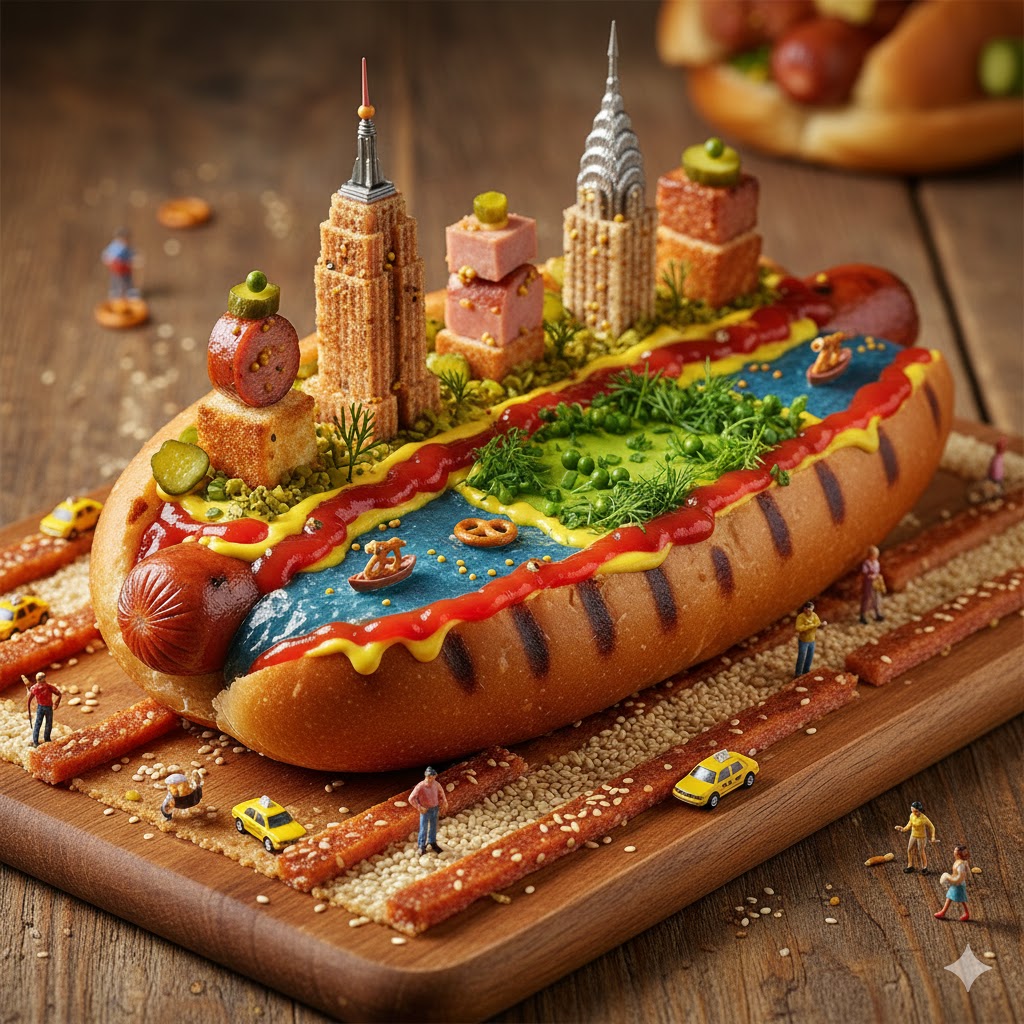
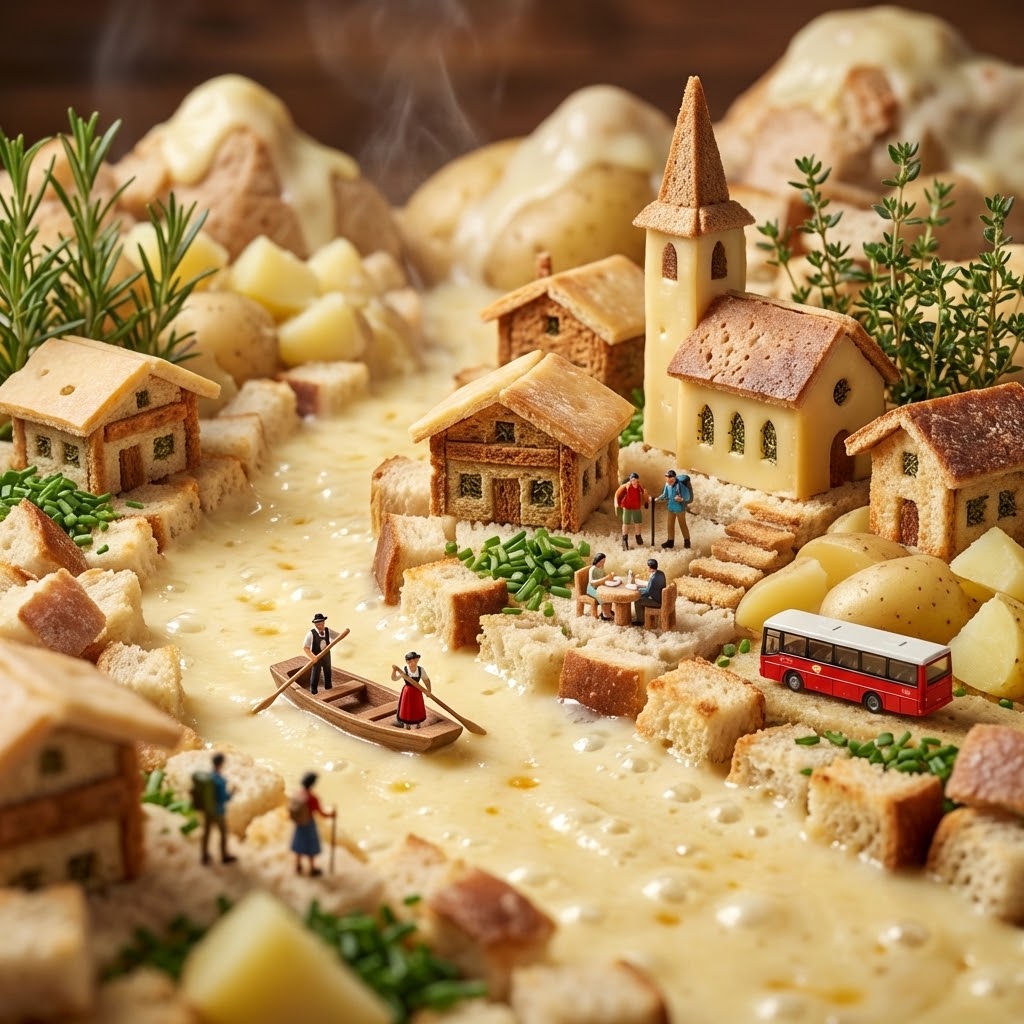
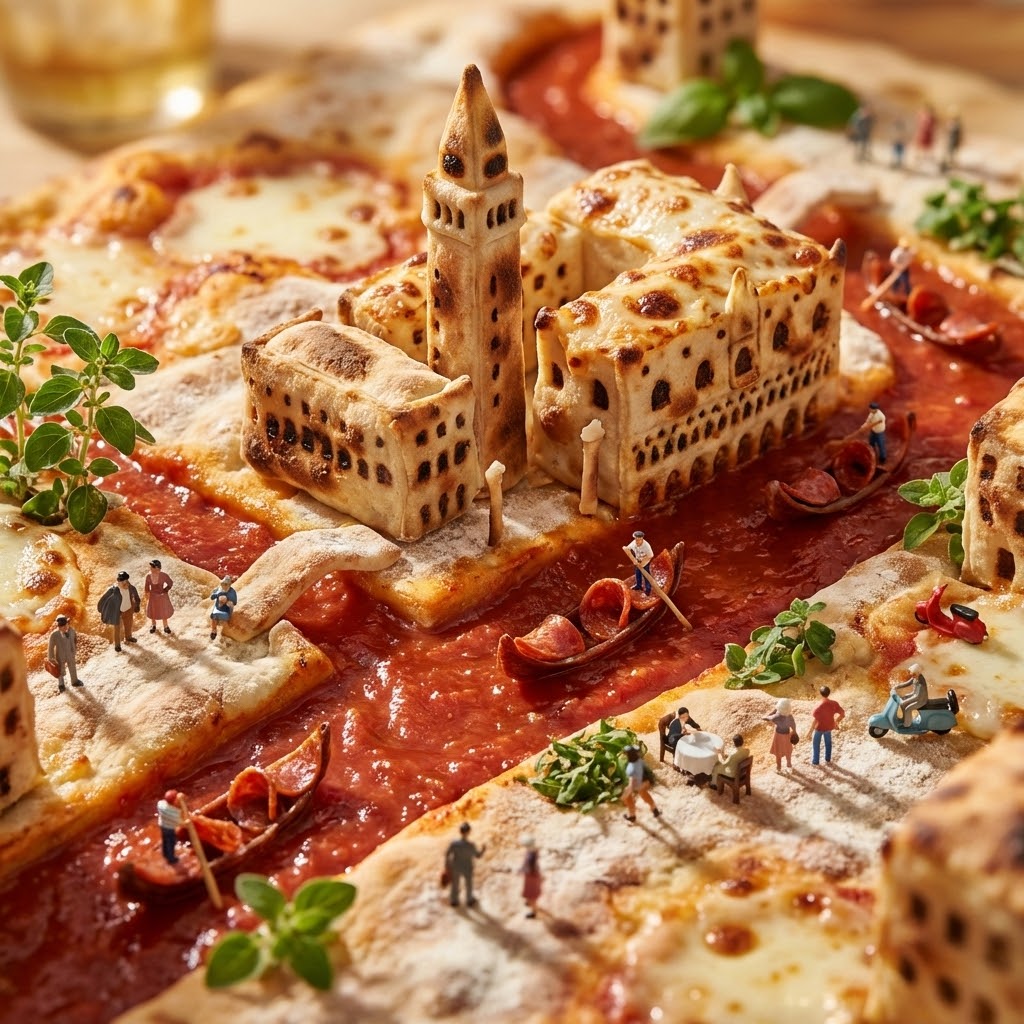
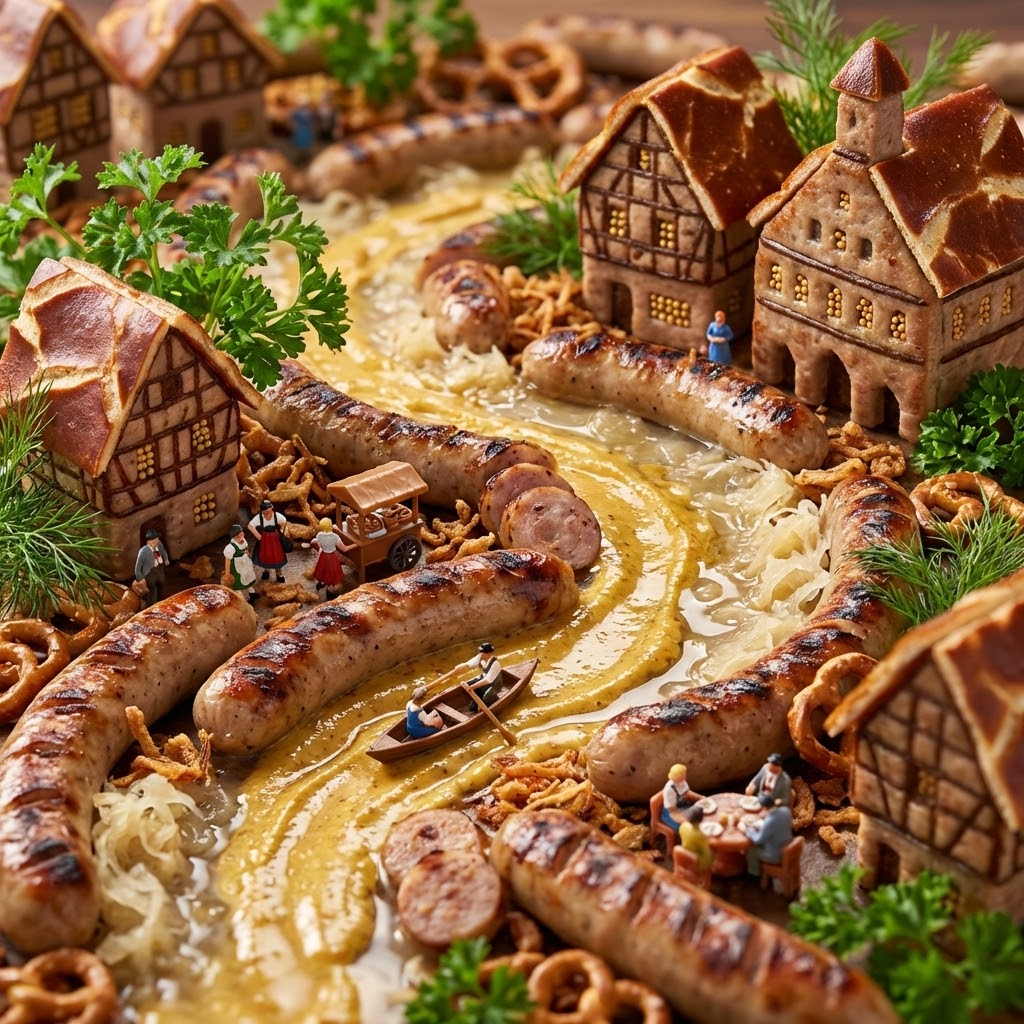
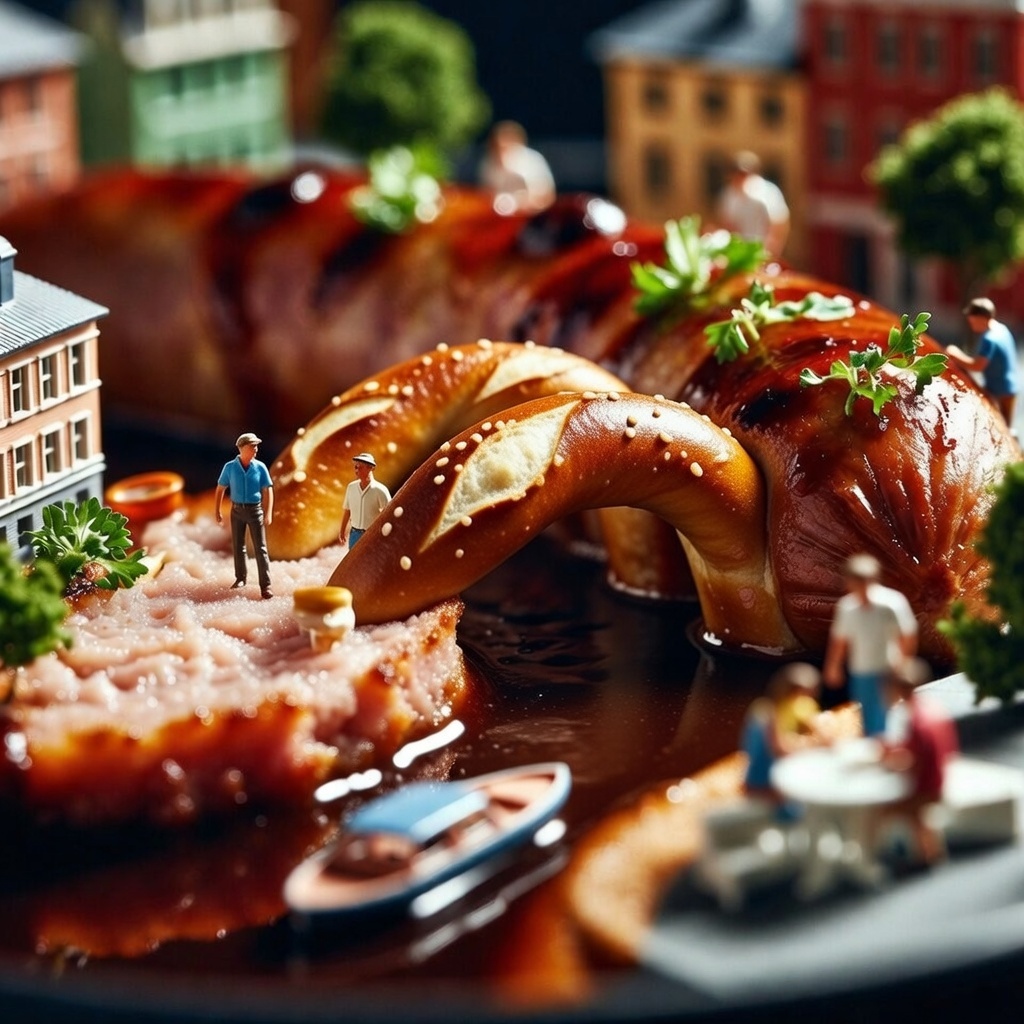
Create an 'Edible Diorama' macro photograph using the following mapping:
- Food Item: {{Dish:Pizza}}
- Geographical Inspiration: {{City or Landscape:Venice}}

Map the food ingredients to geographical features:
- Liquid (Sauce/Broth) -> Water features (Canals/Rivers)
- Solid (Carb/Protein) -> Land/Infrastructure (Pavement/Roads)
- Garnish -> Vegetation (Trees/Grass)

Architecture:
Construct miniature buildings inspired by {{City or Landscape:Venice}} rising directly from the food. The structures must mimic the texture of the food (e.g., buildings made of crust or tofu).

Narrative Scale:
Include 1:87 scale (HO Scale) miniature figures interacting with the scene. Place vehicles or boats in the liquid layer and tiny people dining or walking on the food surfaces.

Technical Specs:
- Style: Macro photography 'Foodscape' aesthetic
- Lighting: Warm food styling light with glisten on sauces
- Focus: Tilt-shift with a sharp center and blurred edges
- Aspect Ratio: 1:1
- Atmosphere: Appetizing and surreal
Pizza
Venice
Create an 'Edible Diorama' macro photograph using the following mapping:
- Food Item: Pizza
- Geographical Inspiration: Venice

Map the food ingredients to geographical features:
- Liquid (Sauce/Broth) -> Water features (Canals/Rivers)
- Solid (Carb/Protein) -> Land/Infrastructure (Pavement/Roads)
- Garnish -> Vegetation (Trees/Grass)

Architecture:
Construct miniature buildings inspired by Venice rising directly from the food. The structures must mimic the texture of the food (e.g., buildings made of crust or tofu).

Narrative Scale:
Include 1:87 scale (HO Scale) miniature figures interacting with the scene. Place vehicles or boats in the liquid layer and tiny people dining or walking on the food surfaces.

Technical Specs:
- Style: Macro photography 'Foodscape' aesthetic
- Lighting: Warm food styling light with glisten on sauces
- Focus: Tilt-shift with a sharp center and blurred...
Variables are wrapped in {{ and }} and follow this pattern:
A selection can reference a predefined variable list using square brackets. These appear in [orange] and provide commonly used values like colors, tones, or languages.
You can also provide an inline list of choices separated by commas.
Tip: You don't need the PUCO app to use these prompts! Simply copy the template and replace each {{…}} section with your own text directly in ChatGPT, Claude, Gemini, or any other AI assistant.