Best For
- Starting from a structured, reusable prompt instead of a blank chat.
- Adapting the prompt to your own inputs while keeping the original intent intact.
- Workflows related to Creative & Visuals.

Generates a cinematic image of a person reflecting on a different life stage through a weathered mirror using attached reference photos.
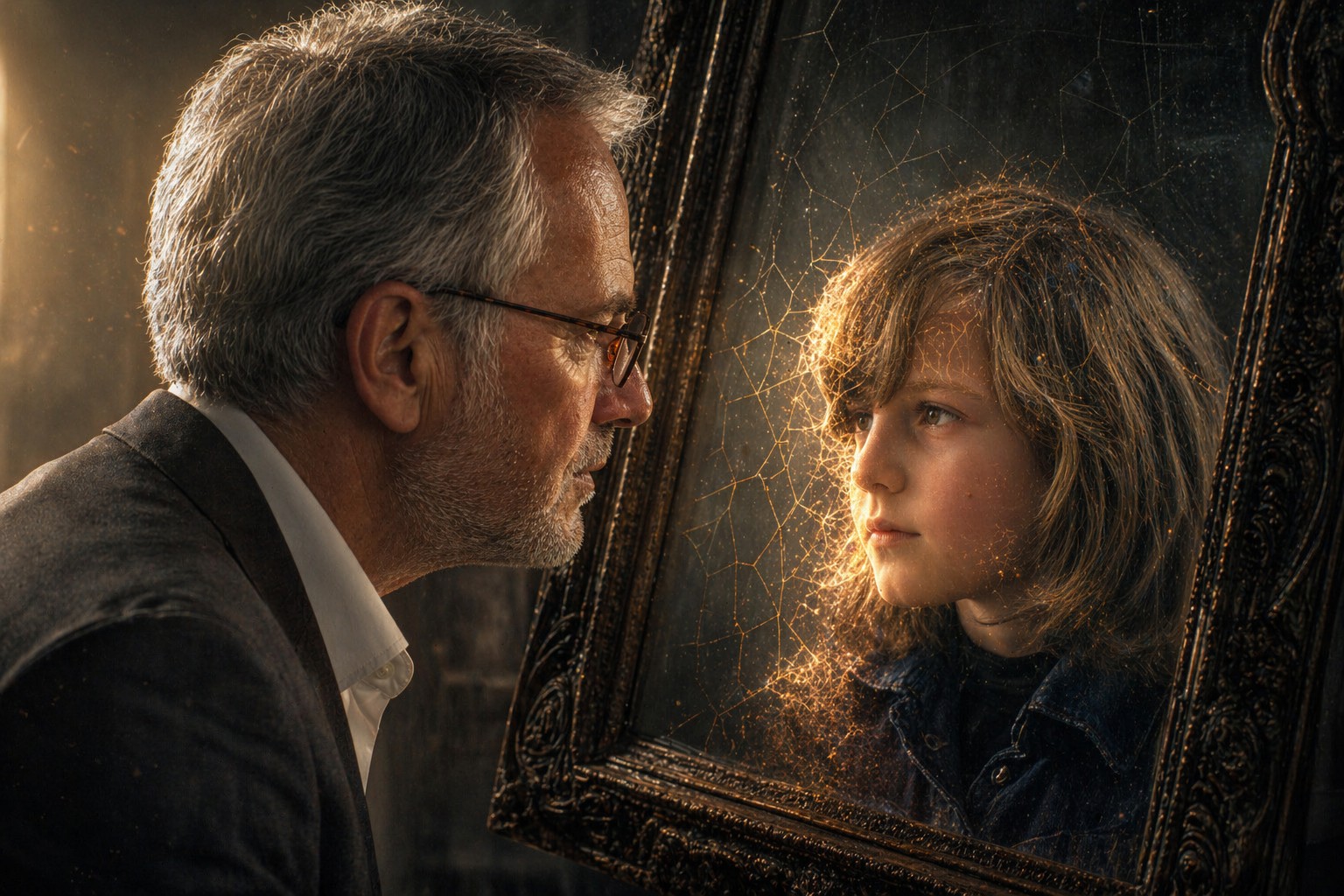
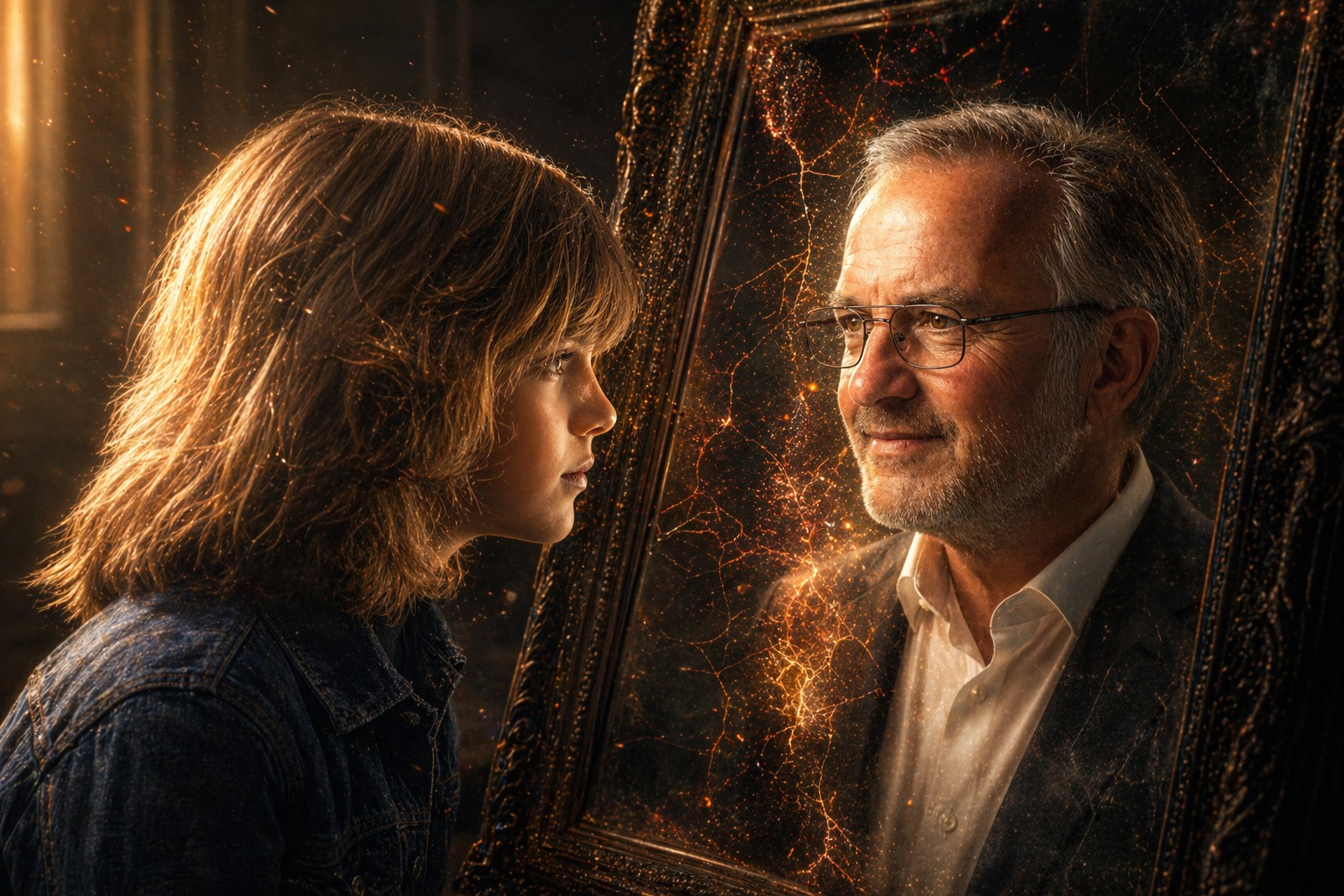
A hyper-detailed, high-contrast portrait based on the attached photo of my current self (Photo 1) and my younger self (Photo 2). The {{Subject: Child, Teenager, Young Adult, Middle-Aged, Senior}} is looking intently into a dark, slightly weathered mirror. The person in the mirror is their {{Reflection: Childhood Self, Teenage Self, Young Adult Self, Middle-Aged Self, Senior Self}}, maintaining the exact same curious eye expression and facial structure. The transition between the two versions is a seamless, painterly morph involving soft, glowing light leaks and {{Effect Style: subtle geometric cracks, liquid distortion, smoke wisps, glowing embers, shifting sand}} that reveal the reflection layer underneath. {{Lighting Conditions: [lighting_conditions]}}, featuring realistic skin textures and delicate subsurface scattering. Background is a {{Background: minimalist, dimly lit room}} with floating dust particles captured in the light beam. 4k resolution, photorealistic, evocative and deeply personal.
Aspect Ratio: {{Aspect Ratios: [aspect_ratios]}}
Child, Teenager, Young Adult, Middle-Aged, Senior
Childhood Self, Teenage Self, Young Adult Self, Middle-Aged Self, Senior Self
subtle geometric cracks, liquid distortion, smoke wisps, glowing embers, shifting sand
[lighting_conditions]
minimalist, dimly lit room
[aspect_ratios]
A hyper-detailed, high-contrast portrait based on the attached photo of my current self (Photo 1) and my younger self (Photo 2). The Child is looking intently into a dark, slightly weathered mirror. The person in the mirror is their Childhood Self, maintaining the exact same curious eye expression and facial structure. The transition between the two versions is a seamless, painterly morph involving soft, glowing light leaks and subtle geometric cracks that reveal the reflection layer underneath. [lighting_conditions], featuring realistic skin textures and delicate subsurface scattering. Background is a minimalist with floating dust particles captured in the light beam. 4k resolution, photorealistic, evocative and deeply personal.
Aspect Ratio: [aspect_ratios]
Variables are wrapped in {{ and }} and follow this pattern:
A selection can reference a predefined variable list using square brackets. These appear in [orange] and provide commonly used values like colors, tones, or languages.
You can also provide an inline list of choices separated by commas.
Tip: You don't need the PUCO app to use these prompts! Simply copy the template and replace each {{…}} section with your own text directly in ChatGPT, Claude, Gemini, or any other AI assistant.