Ideal für
- Einen strukturierten, wiederverwendbaren Prompt statt eines leeren Chats als Ausgangspunkt nutzen.
- Den Prompt an eigene Eingaben anpassen, während die ursprüngliche Absicht erhalten bleibt.
- Workflows rund um Creative & Visuals.

Generiert ein cineastisches Bild einer Person, die mithilfe eines verwitterten Spiegels über eine andere Lebensphase nachdenkt, basierend auf den angehängten Referenzfotos.
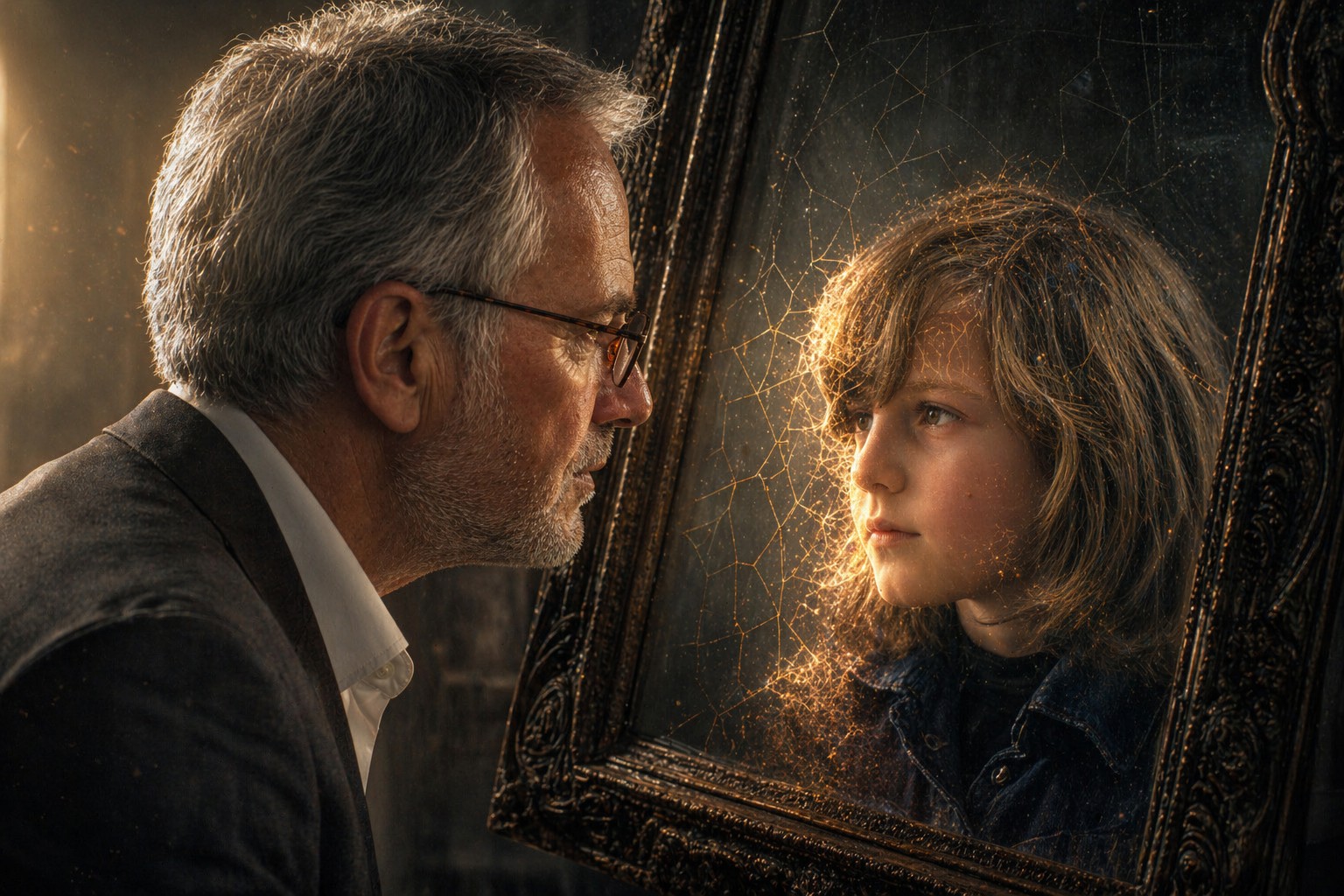
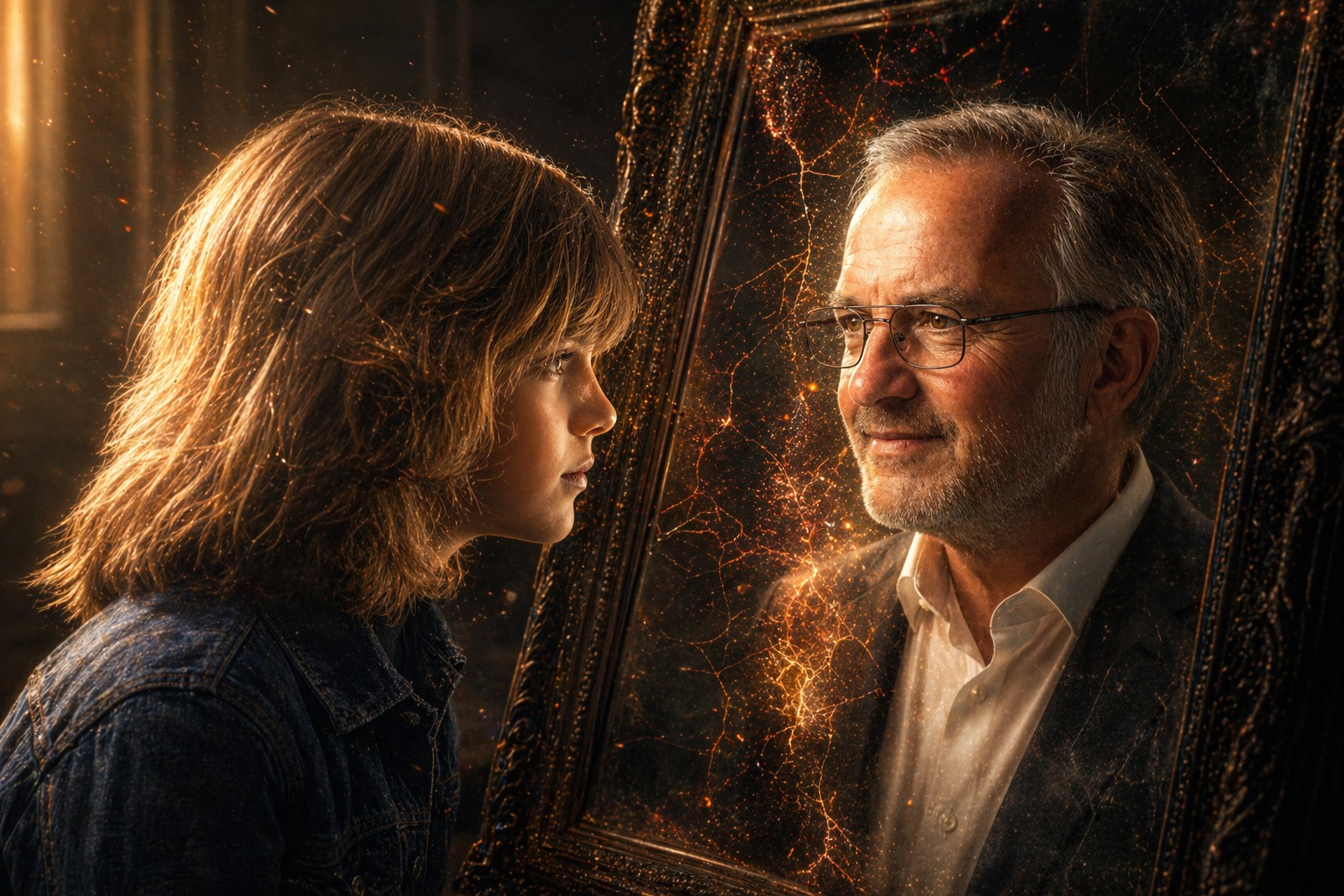
A hyper-detailed, high-contrast portrait based on the attached photo of my current self (Photo 1) and my younger self (Photo 2). The {{Subject: Child, Teenager, Young Adult, Middle-Aged, Senior}} is looking intently into a dark, slightly weathered mirror. The person in the mirror is their {{Reflection: Childhood Self, Teenage Self, Young Adult Self, Middle-Aged Self, Senior Self}}, maintaining the exact same curious eye expression and facial structure. The transition between the two versions is a seamless, painterly morph involving soft, glowing light leaks and {{Effect Style: subtle geometric cracks, liquid distortion, smoke wisps, glowing embers, shifting sand}} that reveal the reflection layer underneath. {{Lighting Conditions: [lighting_conditions]}}, featuring realistic skin textures and delicate subsurface scattering. Background is a {{Background: minimalist, dimly lit room}} with floating dust particles captured in the light beam. 4k resolution, photorealistic, evocative and deeply personal.
Aspect Ratio: {{Aspect Ratios: [aspect_ratios]}}
Child, Teenager, Young Adult, Middle-Aged, Senior
Childhood Self, Teenage Self, Young Adult Self, Middle-Aged Self, Senior Self
subtle geometric cracks, liquid distortion, smoke wisps, glowing embers, shifting sand
[lighting_conditions]
minimalist, dimly lit room
[aspect_ratios]
A hyper-detailed, high-contrast portrait based on the attached photo of my current self (Photo 1) and my younger self (Photo 2). The Child is looking intently into a dark, slightly weathered mirror. The person in the mirror is their Childhood Self, maintaining the exact same curious eye expression and facial structure. The transition between the two versions is a seamless, painterly morph involving soft, glowing light leaks and subtle geometric cracks that reveal the reflection layer underneath. [lighting_conditions], featuring realistic skin textures and delicate subsurface scattering. Background is a minimalist with floating dust particles captured in the light beam. 4k resolution, photorealistic, evocative and deeply personal.
Aspect Ratio: [aspect_ratios]
Variablen sind in {{ und }} eingeschlossen und folgen diesem Muster:
Eine Auswahl kann auf eine vordefinierte Variablenliste per eckige Klammern verweisen. Diese erscheinen in [Orange] und bieten häufig verwendete Werte wie Farben, Töne oder Sprachen.
Du kannst auch eine durch Kommas getrennte Inline-Liste mit Optionen angeben.
Tipp: Du brauchst die PUCO-App nicht, um diese Prompts zu verwenden! Kopiere einfach die Vorlage und ersetze jeden {{…}}-Abschnitt direkt in ChatGPT, Claude, Gemini oder einem anderen KI-Assistenten durch eigenen Text.