Best For
- Starting from a structured, reusable prompt instead of a blank chat.
- Adapting the prompt to your own inputs while keeping the original intent intact.
- Workflows related to Creative & Visuals.

Generates a 3D isometric miniature scene of a city that visually incorporates specific weather conditions and typographic metadata.
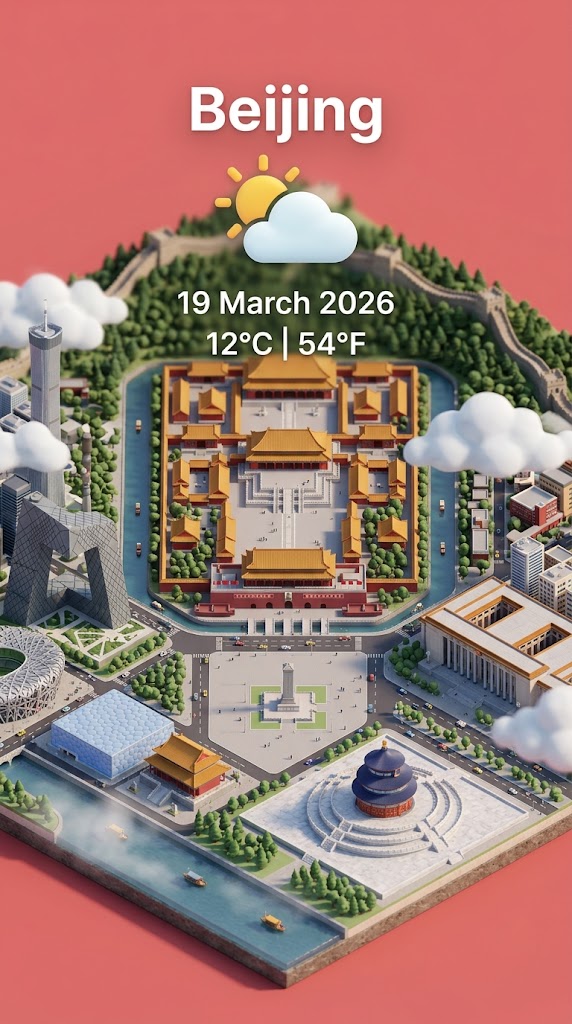
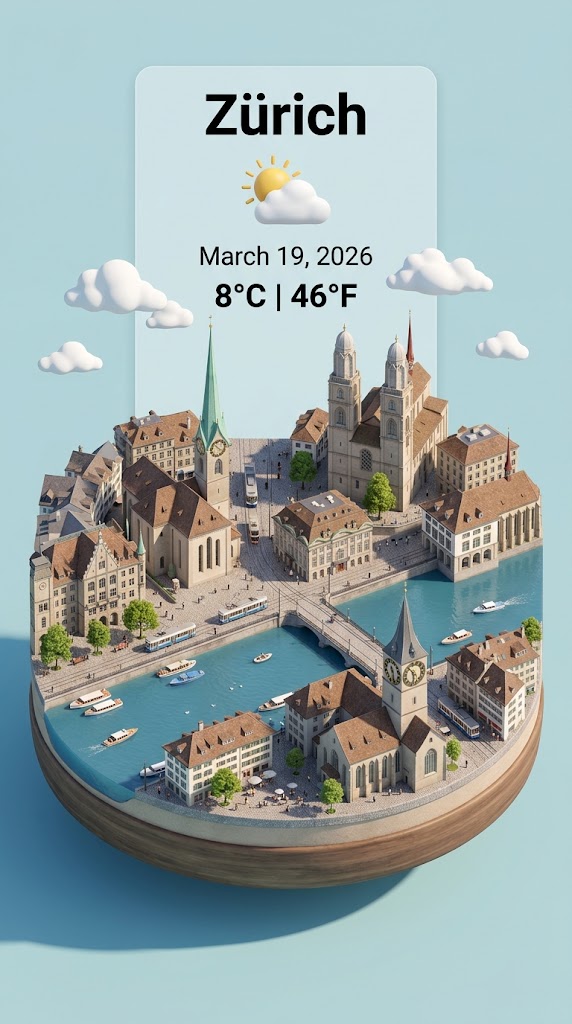
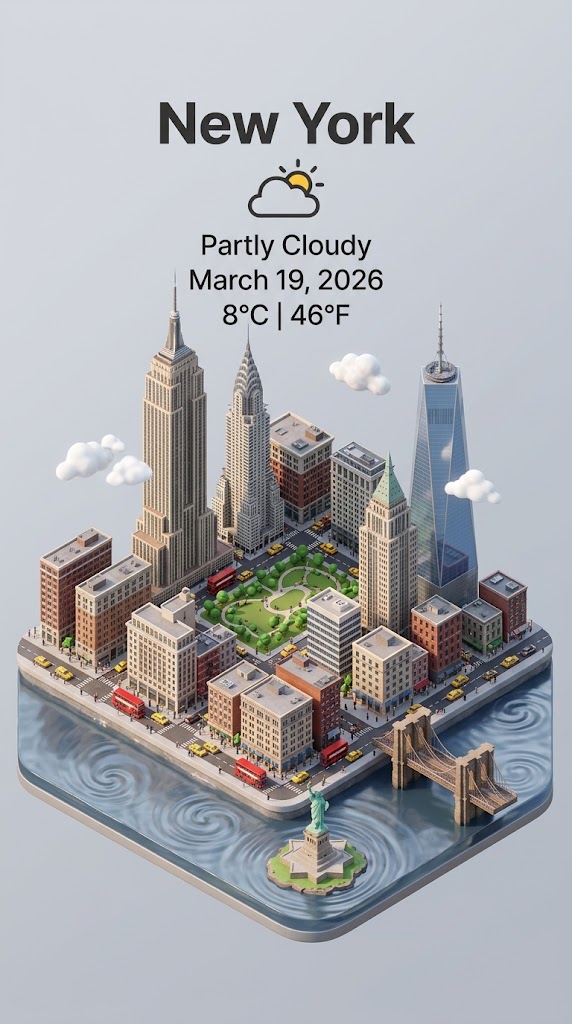
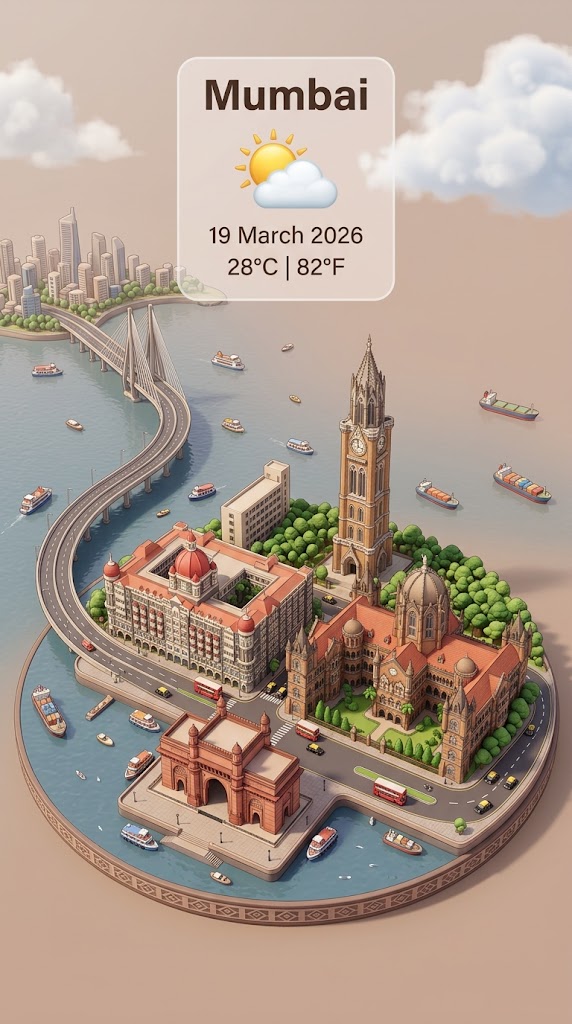
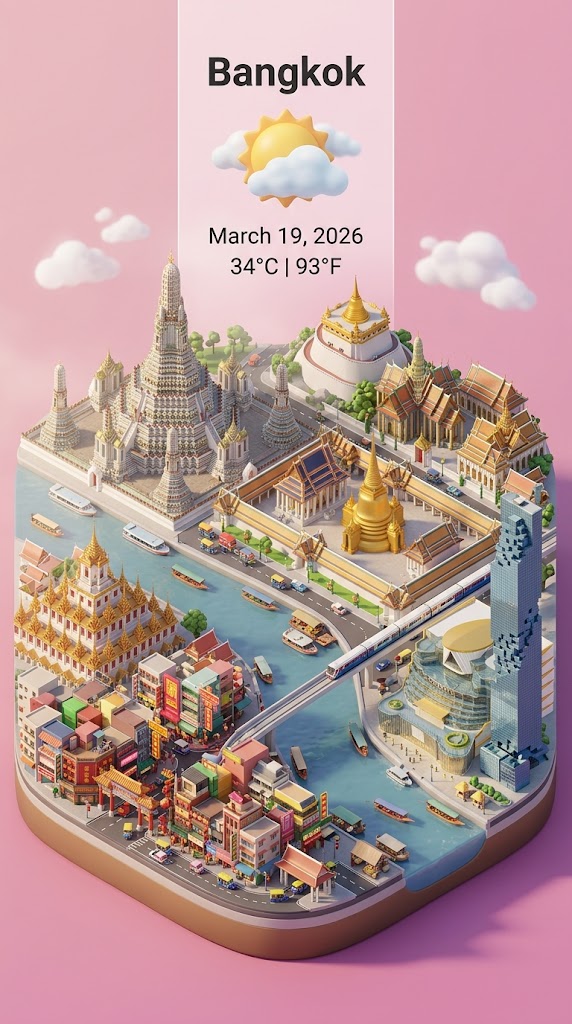
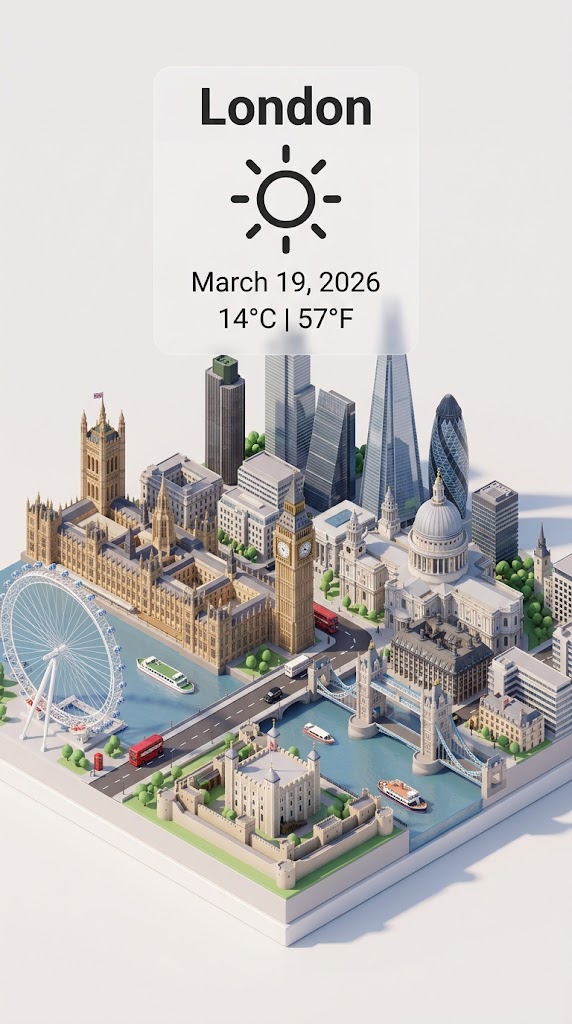
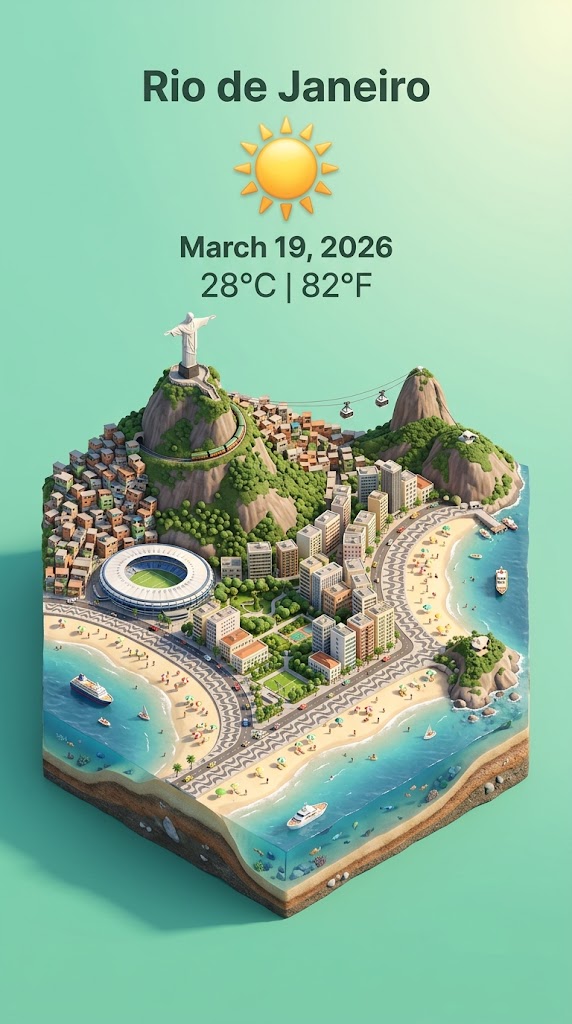
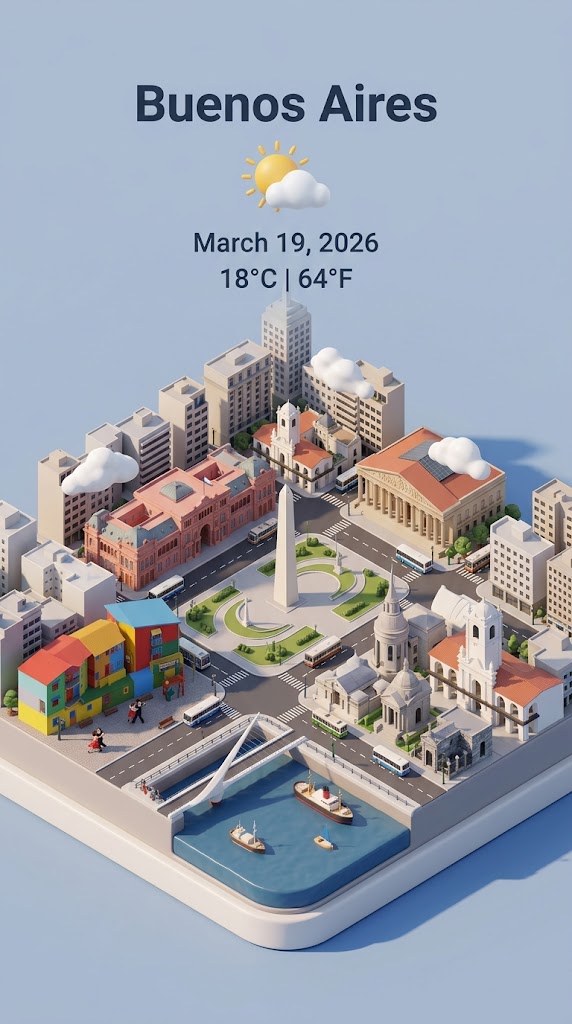
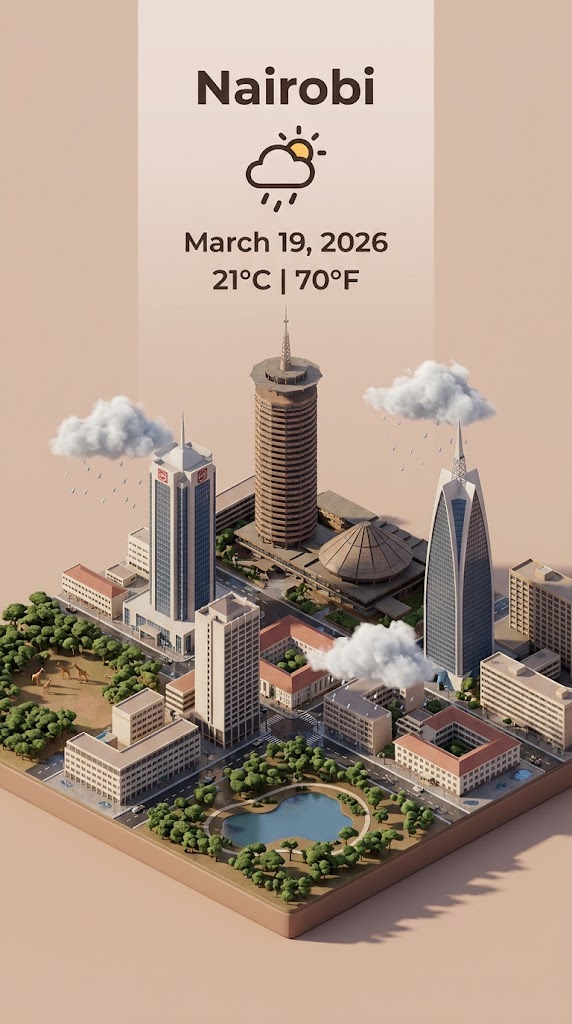
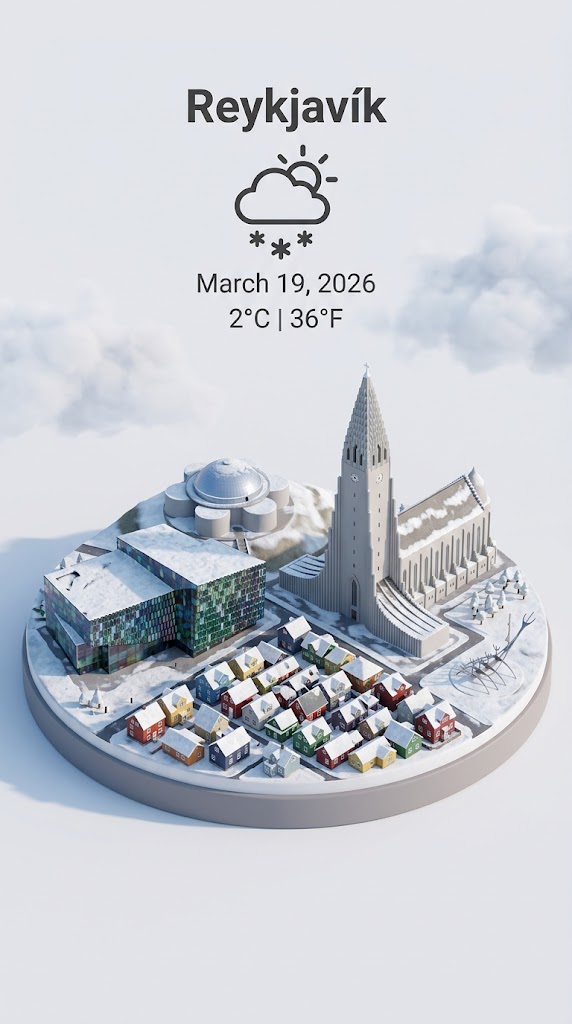
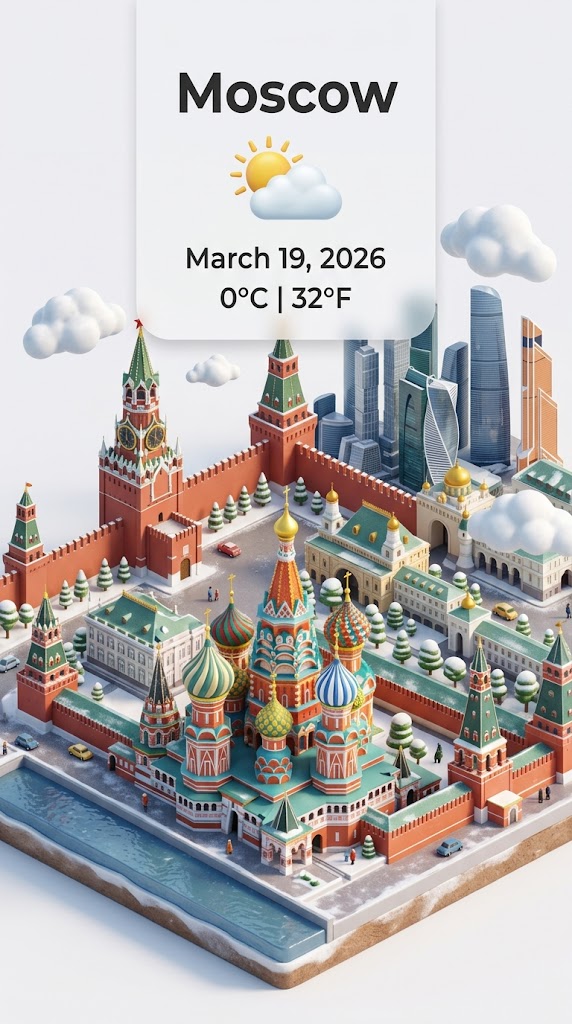
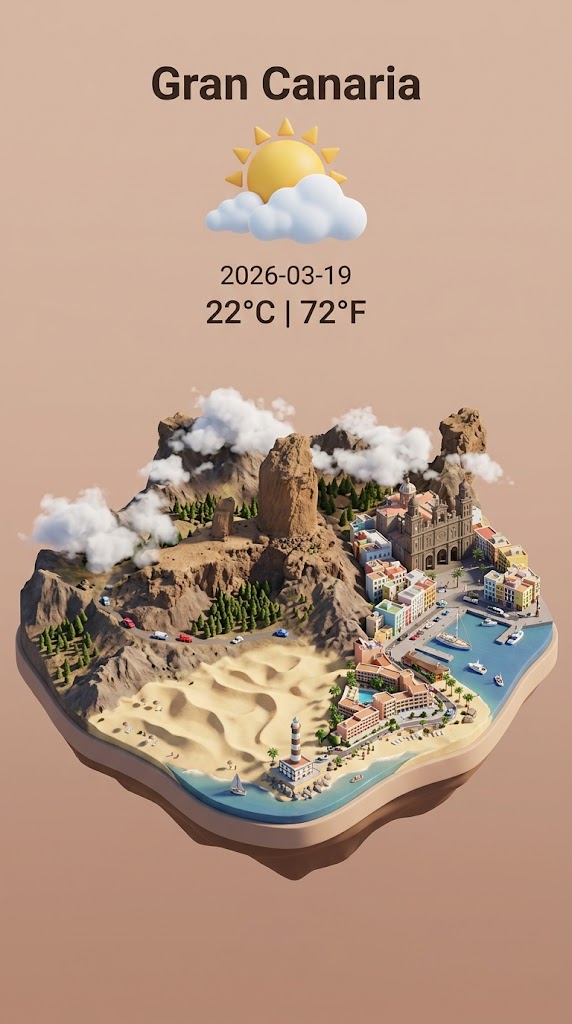
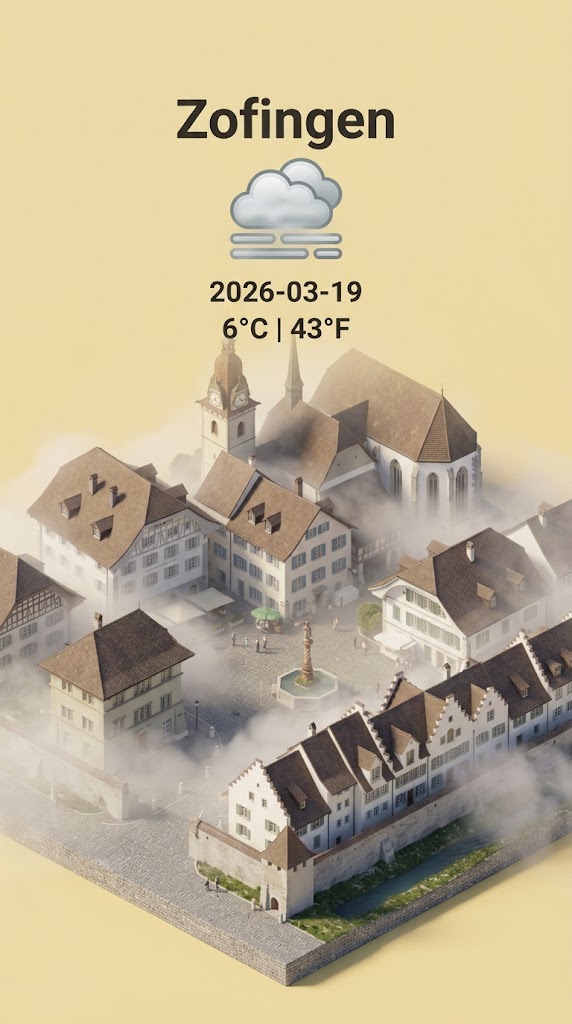
Step 1: retrieve the weather conditions and temperature of {{City: e.g. Zürich}} on the date  {{date: today}}.

Step 2:

Present a clear, 45° top-down isometric miniature 3D cartoon scene of {{City}} featuring its most iconic landmarks and architectural elements. Use soft, refined textures with realistic PBR materials and gentle, lifelike lighting and shadows.

Use the weather conditions to create an immersive atmospheric mood.

Use a clean, minimalistic composition with pastel {{Colors: [colors]}} background. At the top-center, place the title {{City}} in large bold text, a prominent weather icon beneath it, then the date {{date}} (format the date according to my locale - just the date, no time) and temperature in ° Celsius and Fahrenheit

All text must be centered with consistent spacing and may subtly overlap the tops of the buildings. Dimension: {{Image Sizes: [image_sizes]}}.
e.g. Zürich
today
[colors]
[image_sizes]
Step 1: retrieve the weather conditions and temperature of e.g. Zürich on the date  today.

Step 2:

Present a clear, 45° top-down isometric miniature 3D cartoon scene of e.g. Zürich featuring its most iconic landmarks and architectural elements. Use soft, refined textures with realistic PBR materials and gentle, lifelike lighting and shadows.

Use the weather conditions to create an immersive atmospheric mood.

Use a clean, minimalistic composition with pastel [colors] background. At the top-center, place the title e.g. Zürich in large bold text, a prominent weather icon beneath it, then the date today (format the date according to my locale - just the date, no time) and temperature in ° Celsius and Fahrenheit

All text must be centered with consistent spacing and may subtly overlap the tops of the buildings. Dimension: [image_sizes].
Variables are wrapped in {{ and }} and follow this pattern:
A selection can reference a predefined variable list using square brackets. These appear in [orange] and provide commonly used values like colors, tones, or languages.
You can also provide an inline list of choices separated by commas.
Tip: You don't need the PUCO app to use these prompts! Simply copy the template and replace each {{…}} section with your own text directly in ChatGPT, Claude, Gemini, or any other AI assistant.