Ideal para
- Empezar desde un prompt estructurado y reutilizable en lugar de un chat en blanco.
- Adaptar el prompt a tus propios datos manteniendo intacta la intención original.
- Flujos de trabajo relacionados con Creative & Visuals.

Genera una escena miniatura 3D isométrica de una ciudad que incorpora visualmente condiciones meteorológicas específicas y metadatos tipográficos.
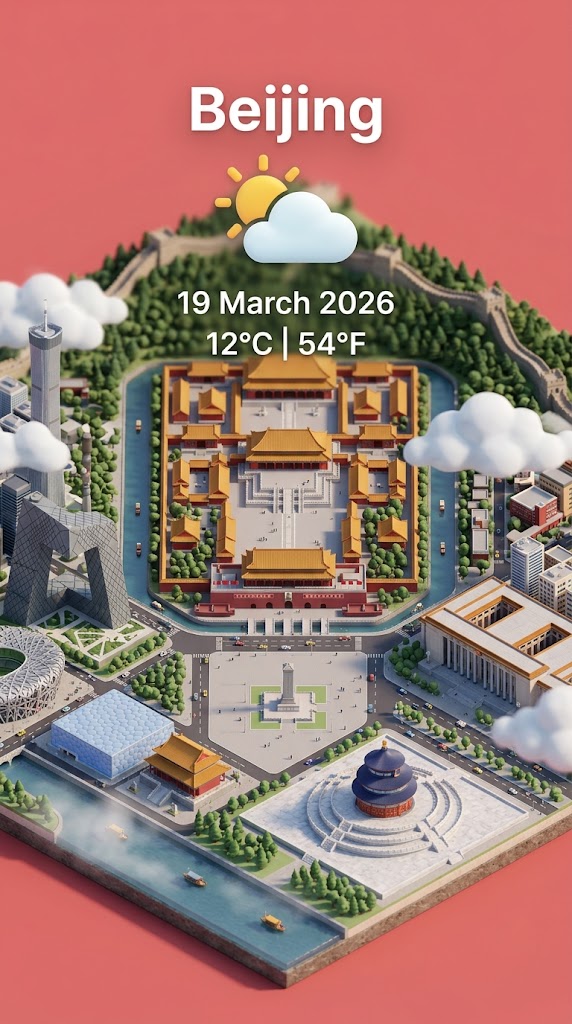
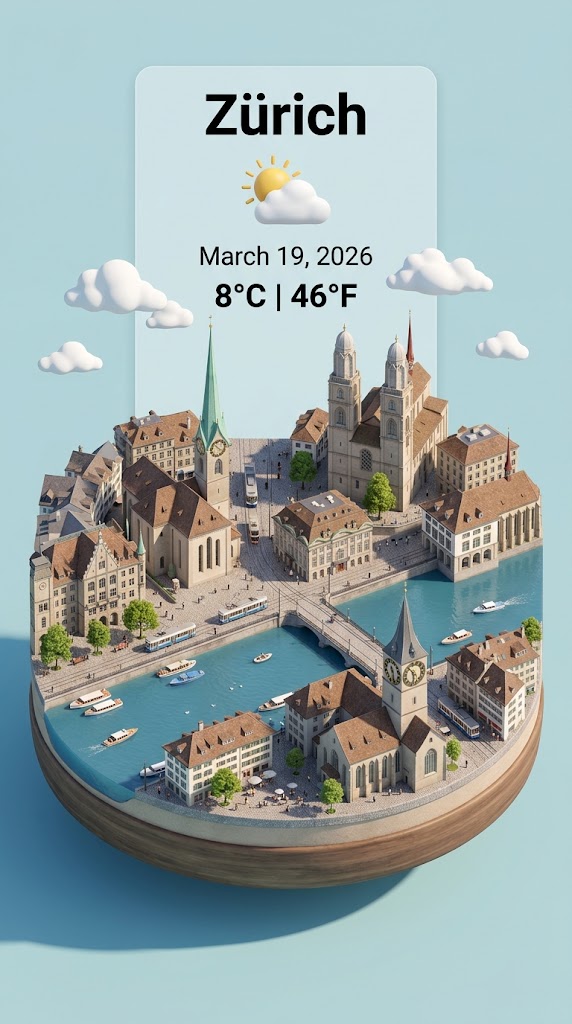
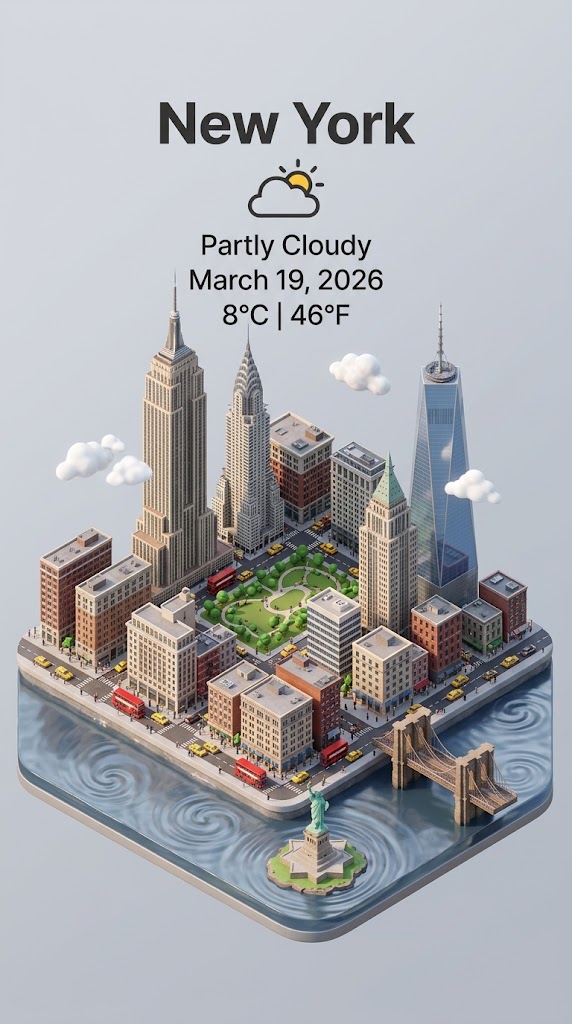
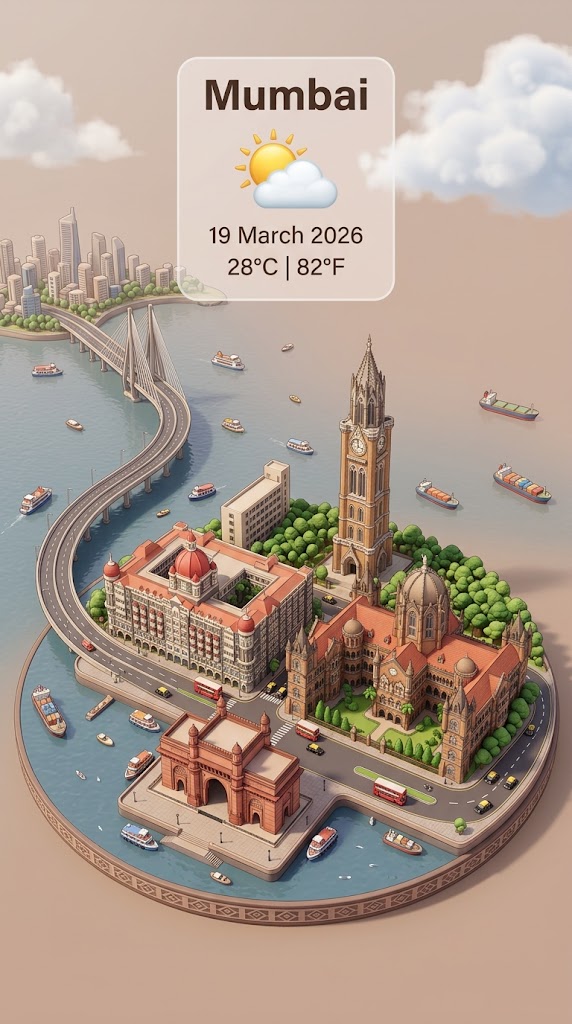
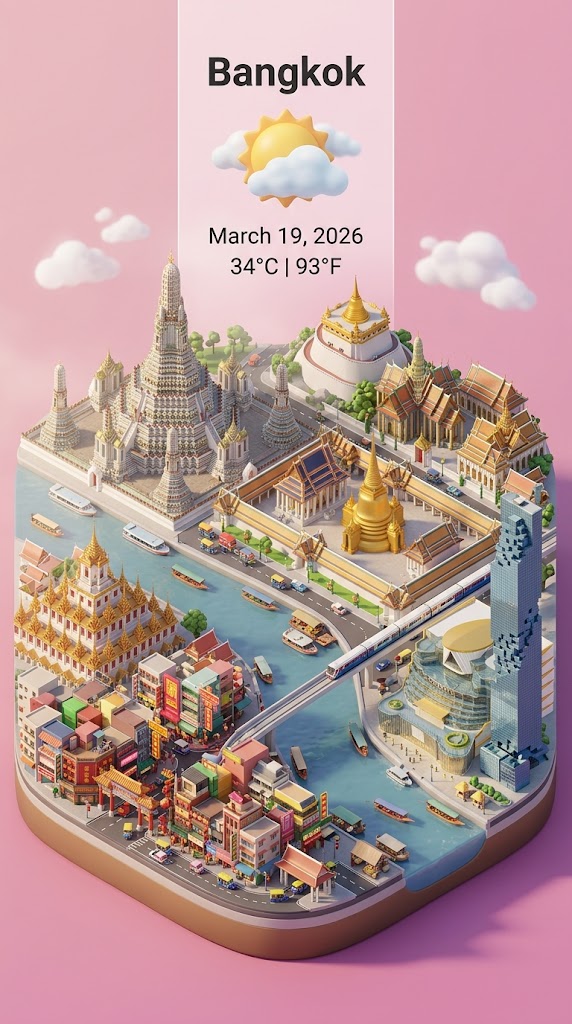
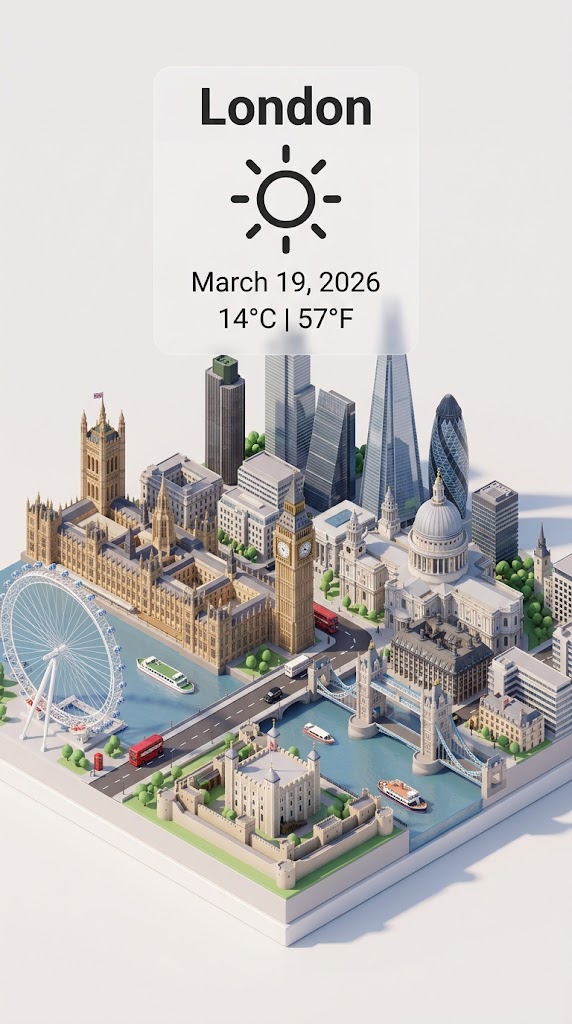
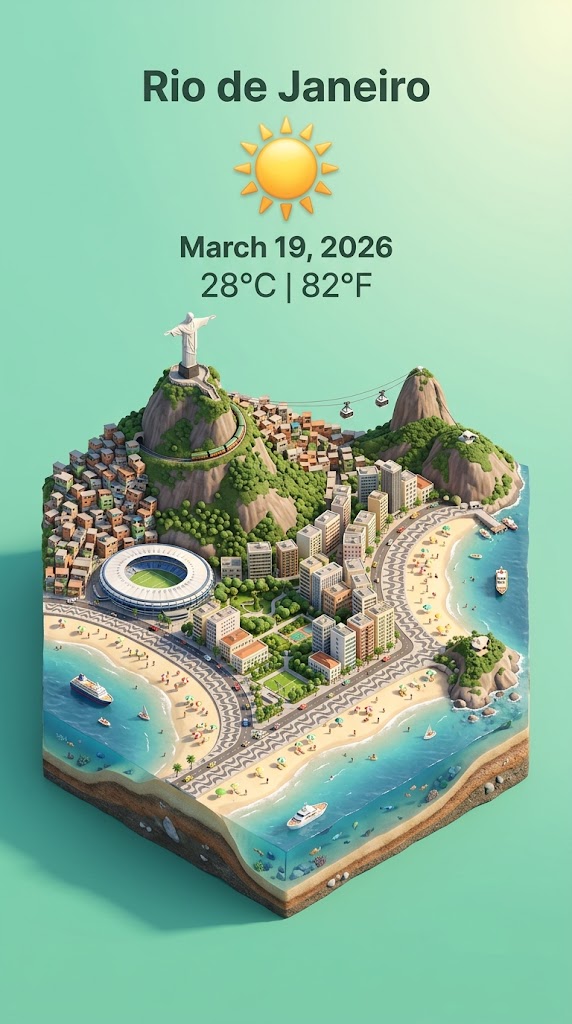
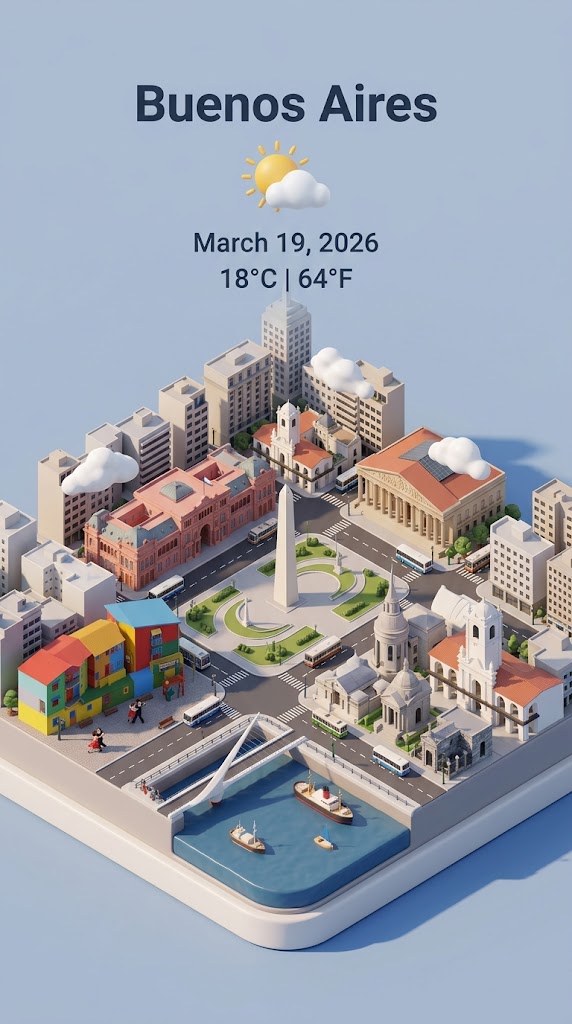
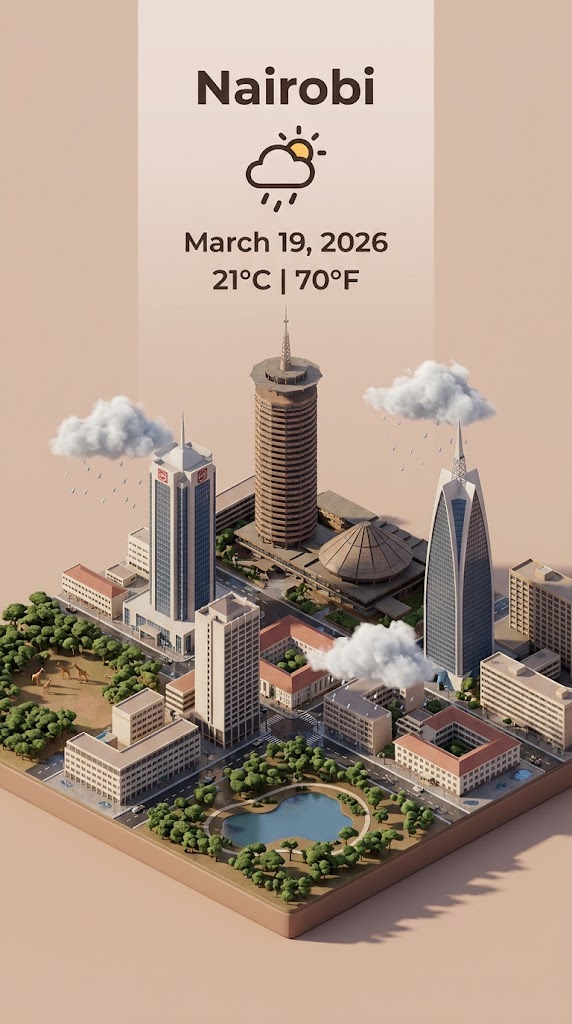
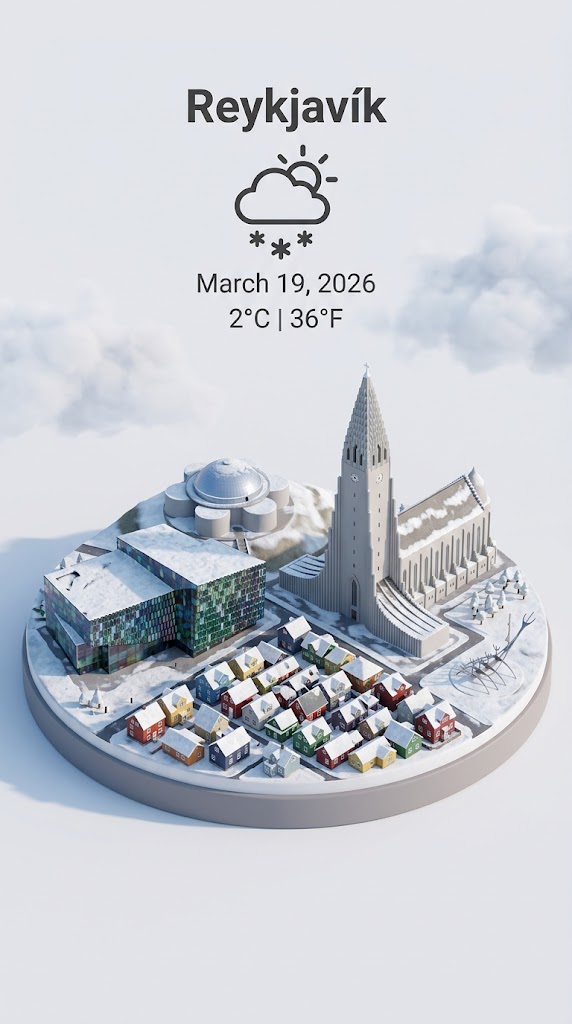
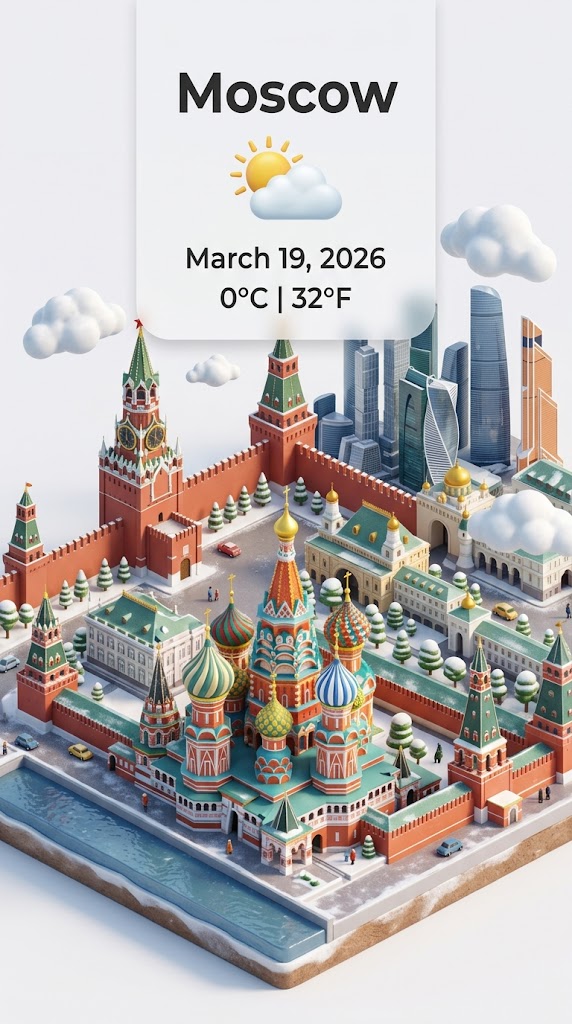
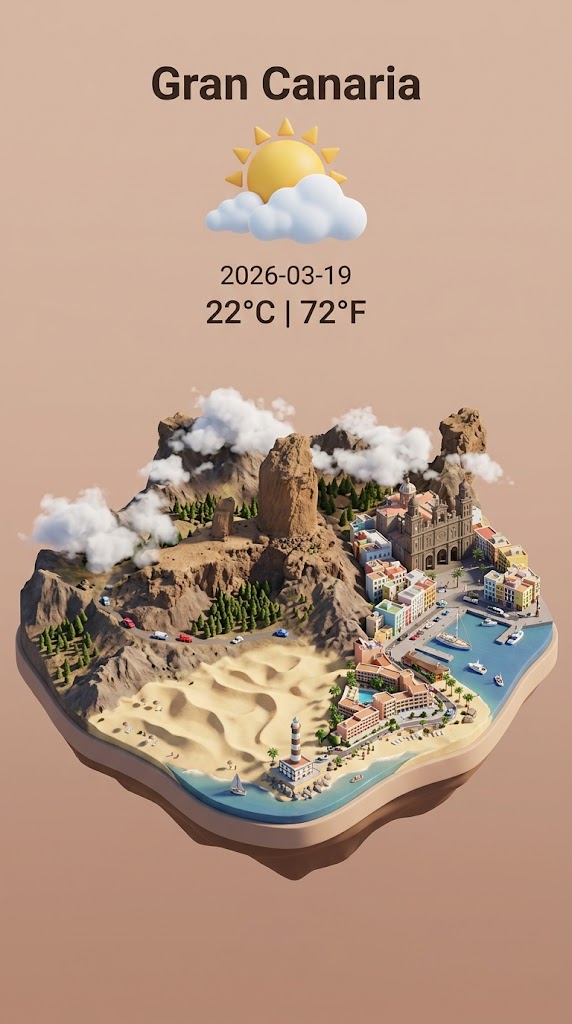
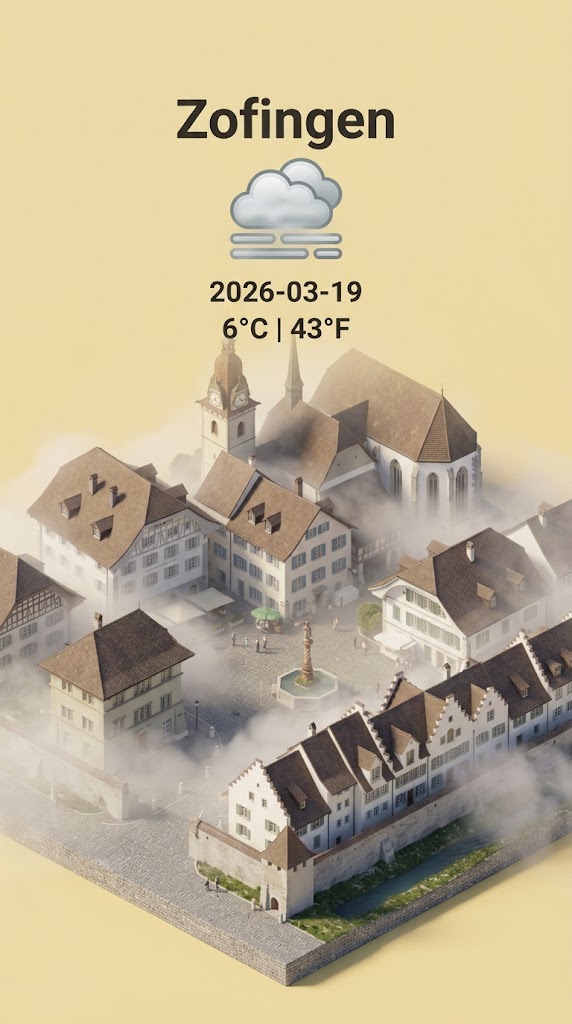
Step 1: retrieve the weather conditions and temperature of {{City: e.g. Zürich}} on the date  {{date: today}}.

Step 2:

Present a clear, 45° top-down isometric miniature 3D cartoon scene of {{City}} featuring its most iconic landmarks and architectural elements. Use soft, refined textures with realistic PBR materials and gentle, lifelike lighting and shadows.

Use the weather conditions to create an immersive atmospheric mood.

Use a clean, minimalistic composition with pastel {{Colors: [colors]}} background. At the top-center, place the title {{City}} in large bold text, a prominent weather icon beneath it, then the date {{date}} (format the date according to my locale - just the date, no time) and temperature in ° Celsius and Fahrenheit

All text must be centered with consistent spacing and may subtly overlap the tops of the buildings. Dimension: {{Image Sizes: [image_sizes]}}.
e.g. Zürich
today
[colors]
[image_sizes]
Step 1: retrieve the weather conditions and temperature of e.g. Zürich on the date  today.

Step 2:

Present a clear, 45° top-down isometric miniature 3D cartoon scene of e.g. Zürich featuring its most iconic landmarks and architectural elements. Use soft, refined textures with realistic PBR materials and gentle, lifelike lighting and shadows.

Use the weather conditions to create an immersive atmospheric mood.

Use a clean, minimalistic composition with pastel [colors] background. At the top-center, place the title e.g. Zürich in large bold text, a prominent weather icon beneath it, then the date today (format the date according to my locale - just the date, no time) and temperature in ° Celsius and Fahrenheit

All text must be centered with consistent spacing and may subtly overlap the tops of the buildings. Dimension: [image_sizes].
Las variables van entre {{ y }} y siguen este patrón:
Una selección puede hacer referencia a una lista de variables predefinida usando corchetes. Aparecen en [naranja] y proporcionan valores de uso común como colores, tonos o idiomas.
También puedes proporcionar una lista de opciones en línea, separadas por comas.
Consejo: ¡no necesitas la app PUCO para usar estos prompts! Solo copia la plantilla y sustituye cada sección {{…}} por tu propio texto directamente en ChatGPT, Claude, Gemini o cualquier otro asistente de IA.