Best For
- Starting from a structured, reusable prompt instead of a blank chat.
- Adapting the prompt to your own inputs while keeping the original intent intact.
- Workflows related to Design & Art, Photography.

Restores and enhances old photographs by improving quality, removing noise, correcting lighting, and adding color.
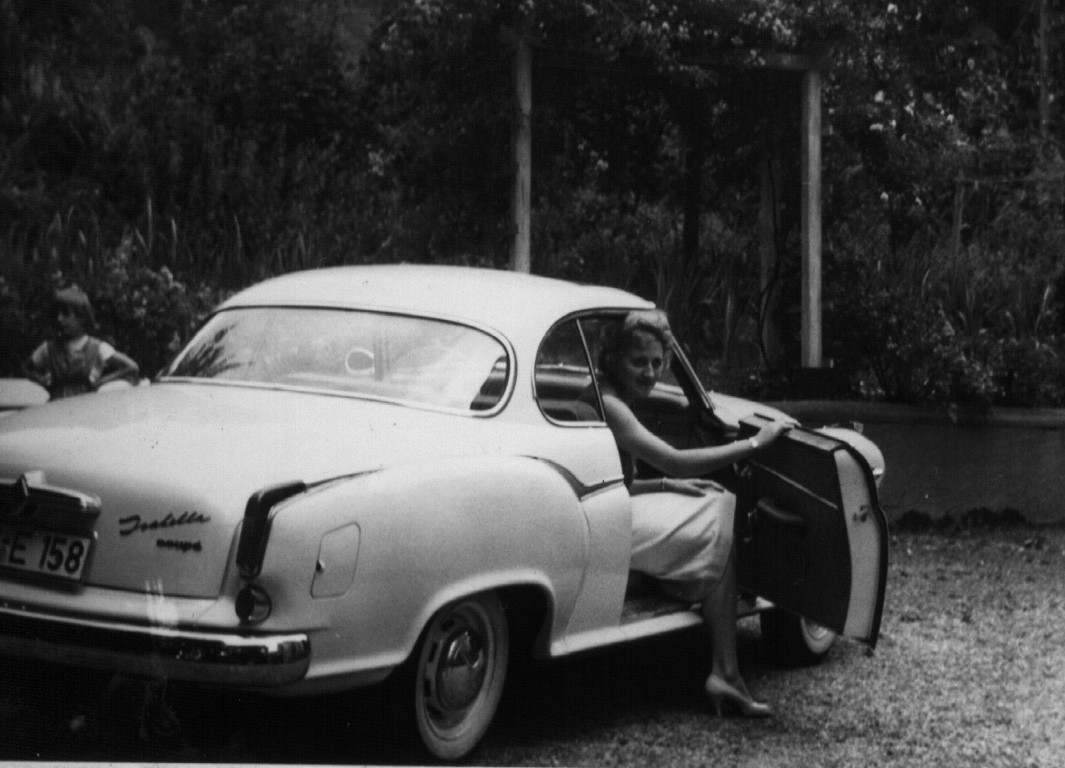
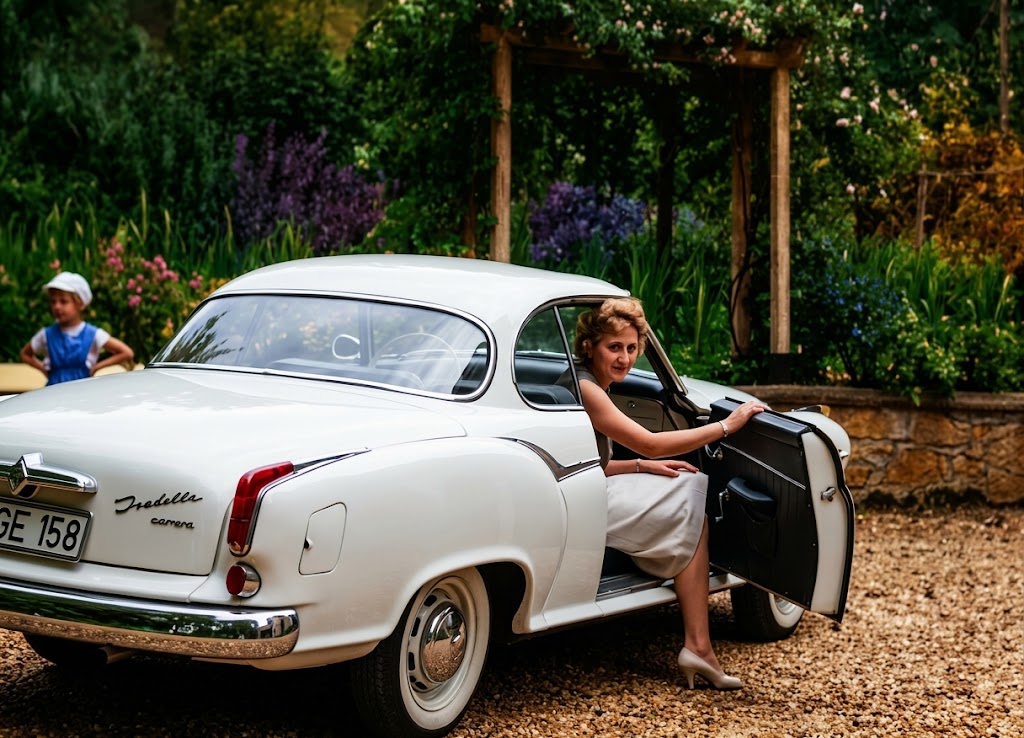
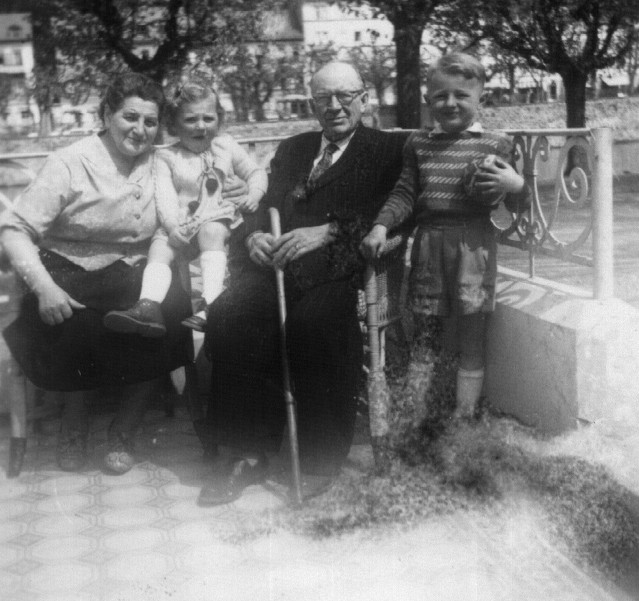
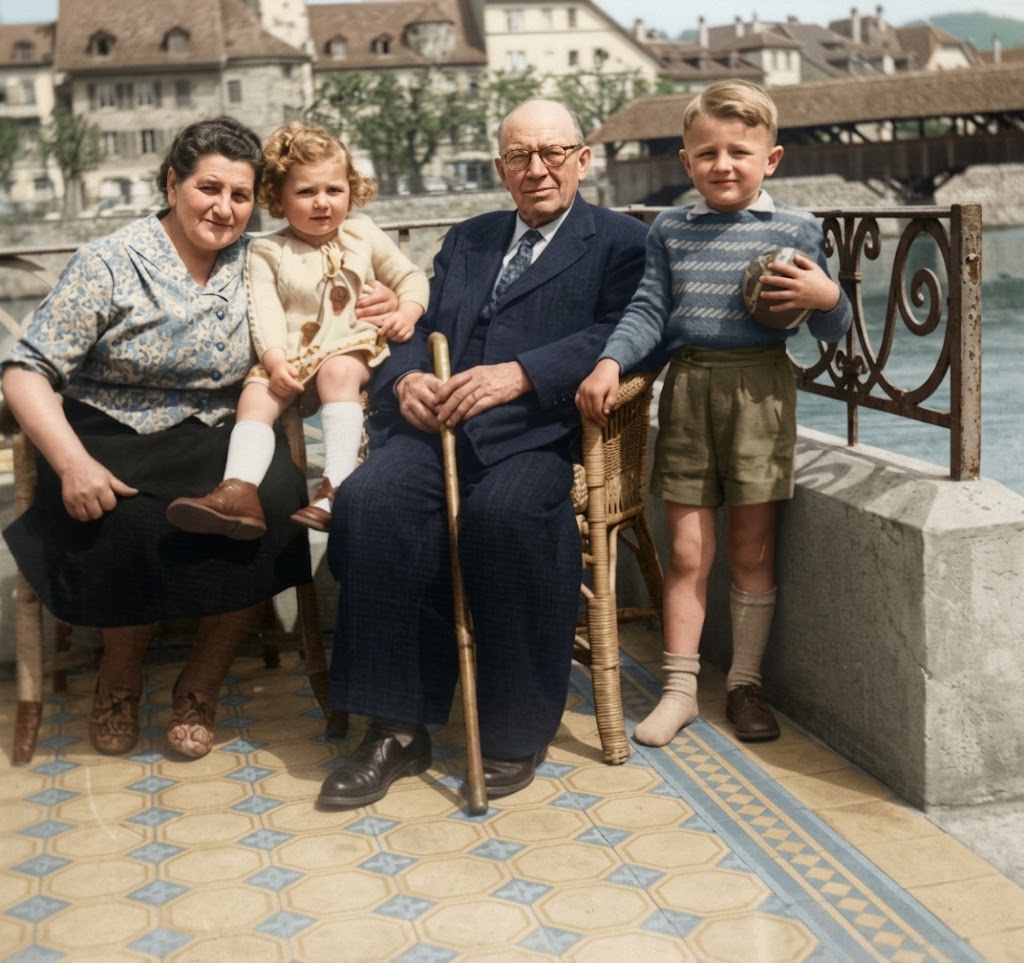
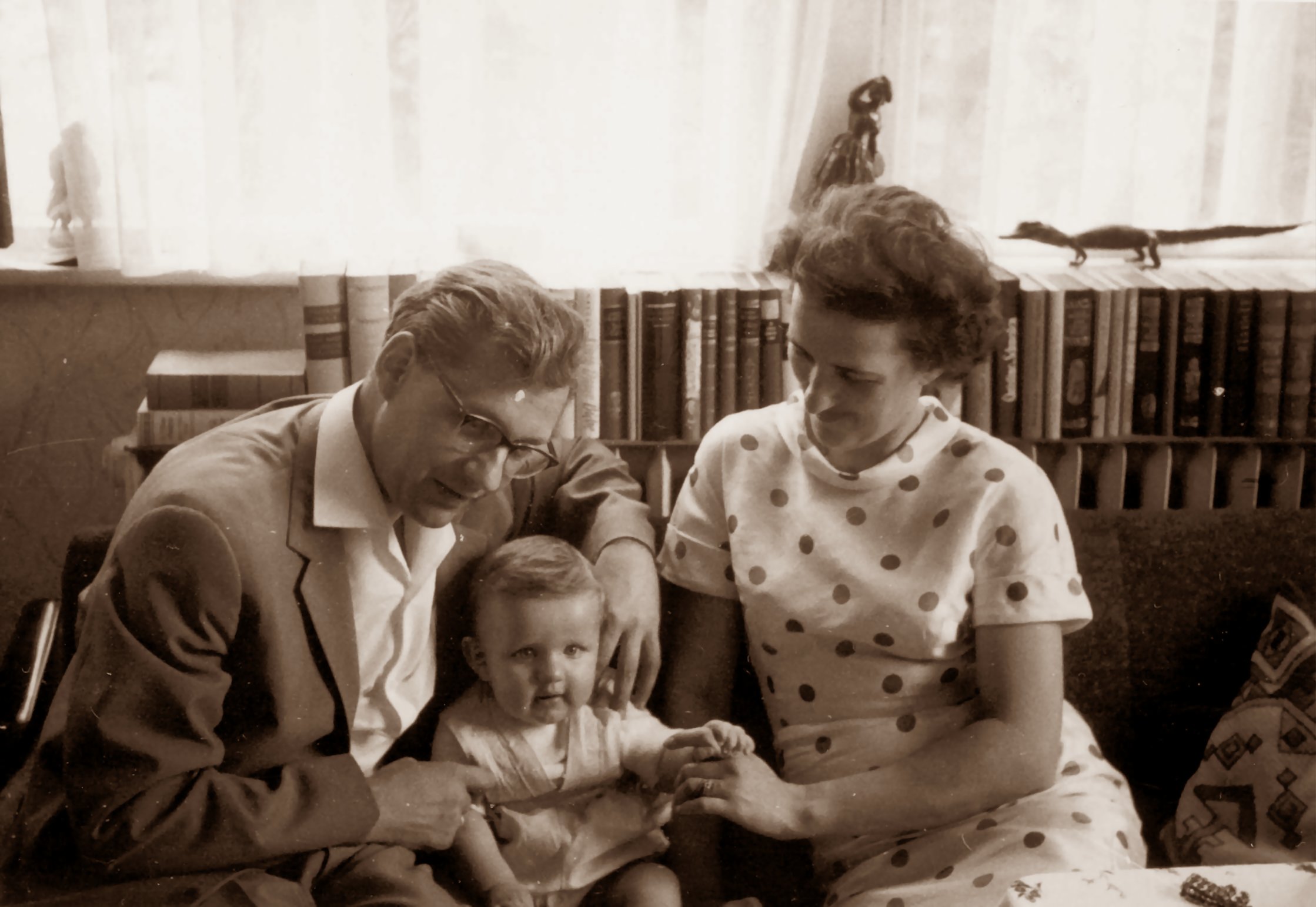
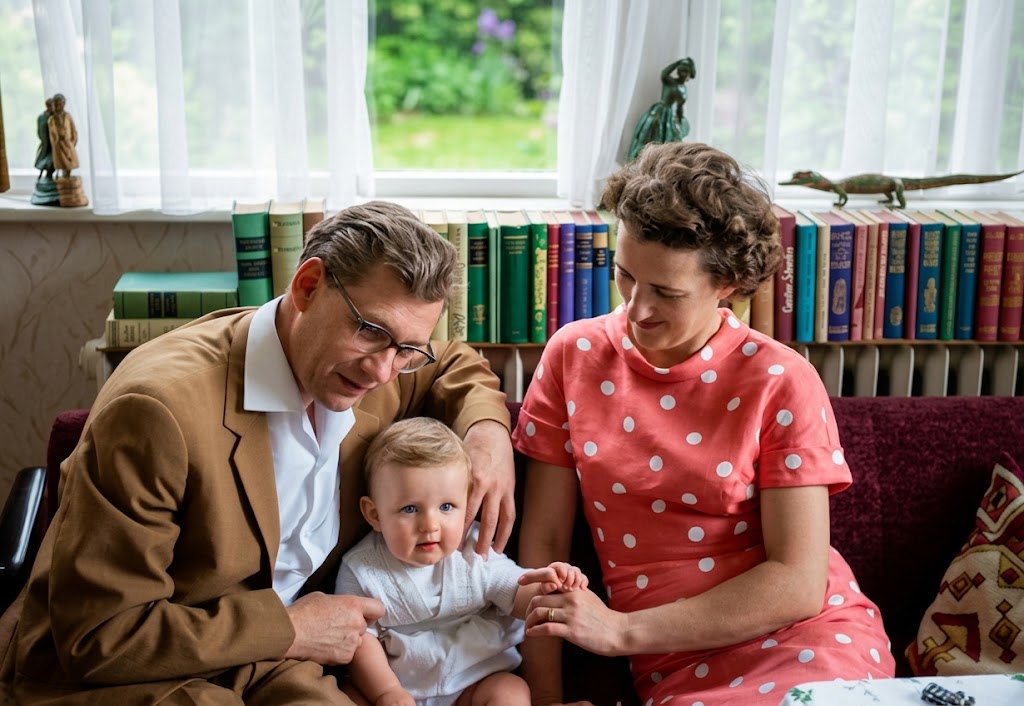
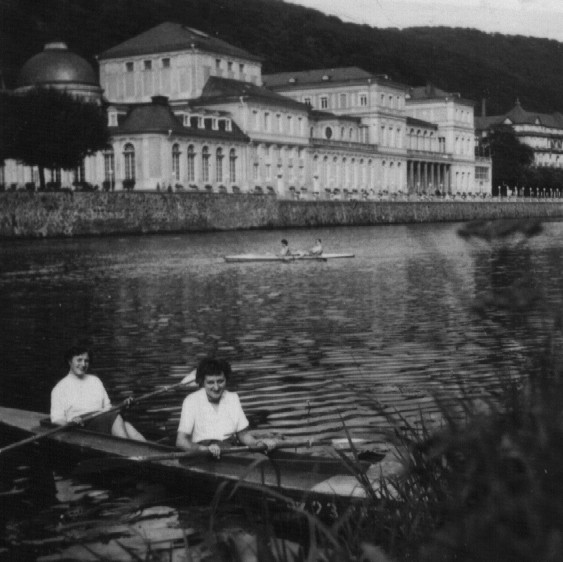
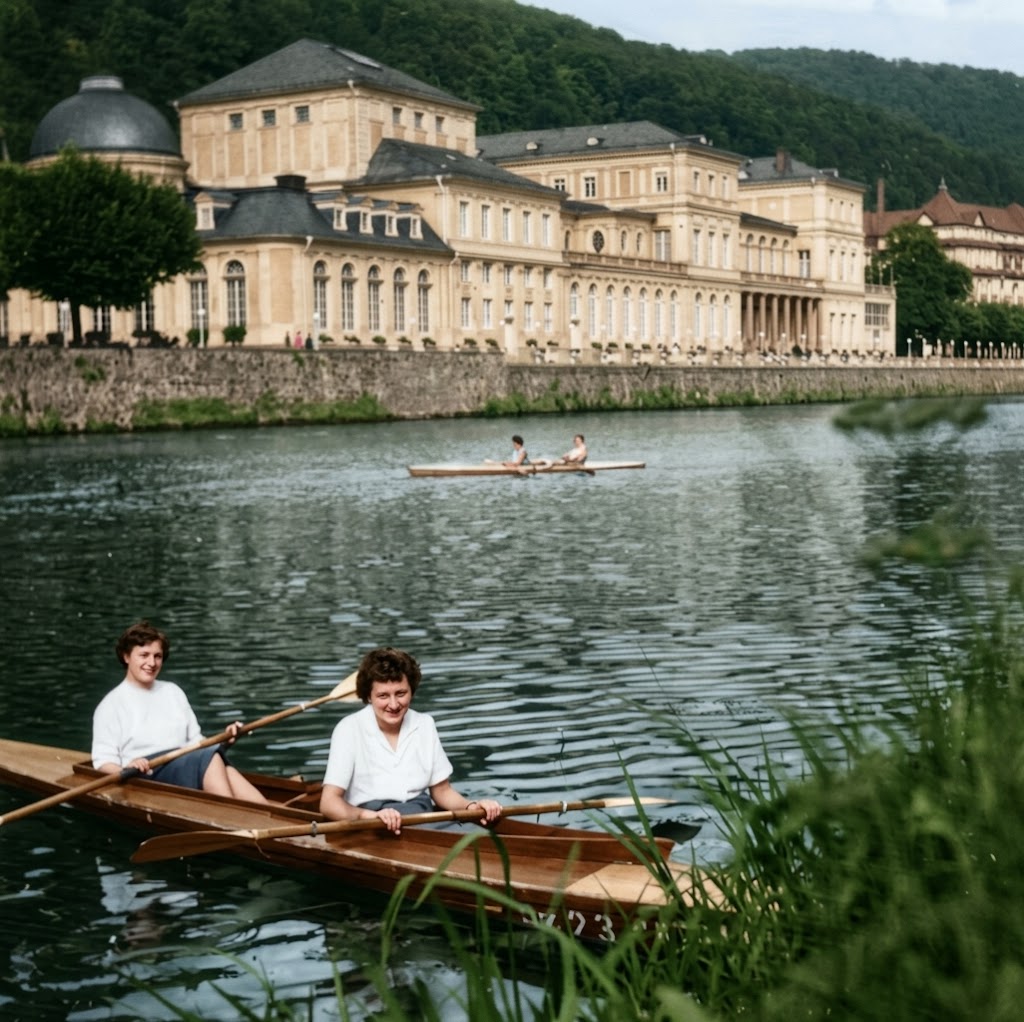
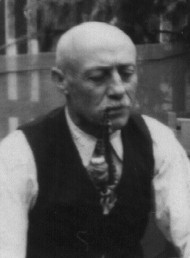
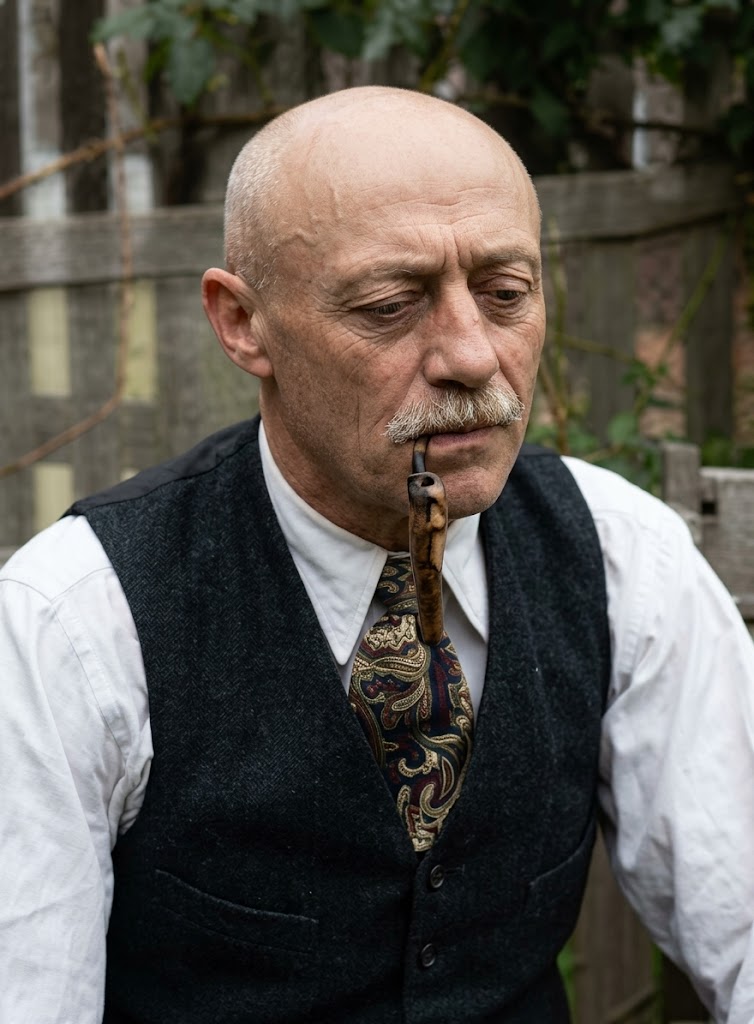
Restore this old photograph. Improve image quality, increase resolution without losing details, remove noise and digital artifacts, and balance light and contrast. Colorize the image using {{Color Palette:vibrant juicy colors, realistic historical tones, sepia, faded color}}. Render in the style of a {{Style:modern professional photograph, vintage film scan}}. Shot on {{Camera:Nikon D6 SLR camera, Sony A7R IV, Canon EOS R5}} by a professional photographer.
vibrant juicy colors, realistic historical tones, sepia, faded color
modern professional photograph, vintage film scan
Nikon D6 SLR camera, Sony A7R IV, Canon EOS R5
Restore this old photograph. Improve image quality, increase resolution without losing details, remove noise and digital artifacts, and balance light and contrast. Colorize the image using vibrant juicy colors. Render in the style of a modern professional photograph. Shot on Nikon D6 SLR camera by a professional photographer.
Variables are wrapped in {{ and }} and follow this pattern:
A selection can reference a predefined variable list using square brackets. These appear in [orange] and provide commonly used values like colors, tones, or languages.
You can also provide an inline list of choices separated by commas.
Tip: You don't need the PUCO app to use these prompts! Simply copy the template and replace each {{…}} section with your own text directly in ChatGPT, Claude, Gemini, or any other AI assistant.