เหมาะสำหรับ
- เริ่มจากพรอมต์ที่มีโครงสร้างและใช้ซ้ำได้ แทนที่จะเป็นแชทเปล่า
- ปรับพรอมต์ให้เข้ากับข้อมูลของคุณ โดยยังคงเจตนาเดิมไว้
- เวิร์กโฟลว์ที่เกี่ยวข้องกับ Design & Art, Photography

กู้คืนและปรับปรุงภาพถ่ายเก่าโดยเพิ่มคุณภาพ ลบจุดรบกวน ปรับแสง และเพิ่มสีสัน
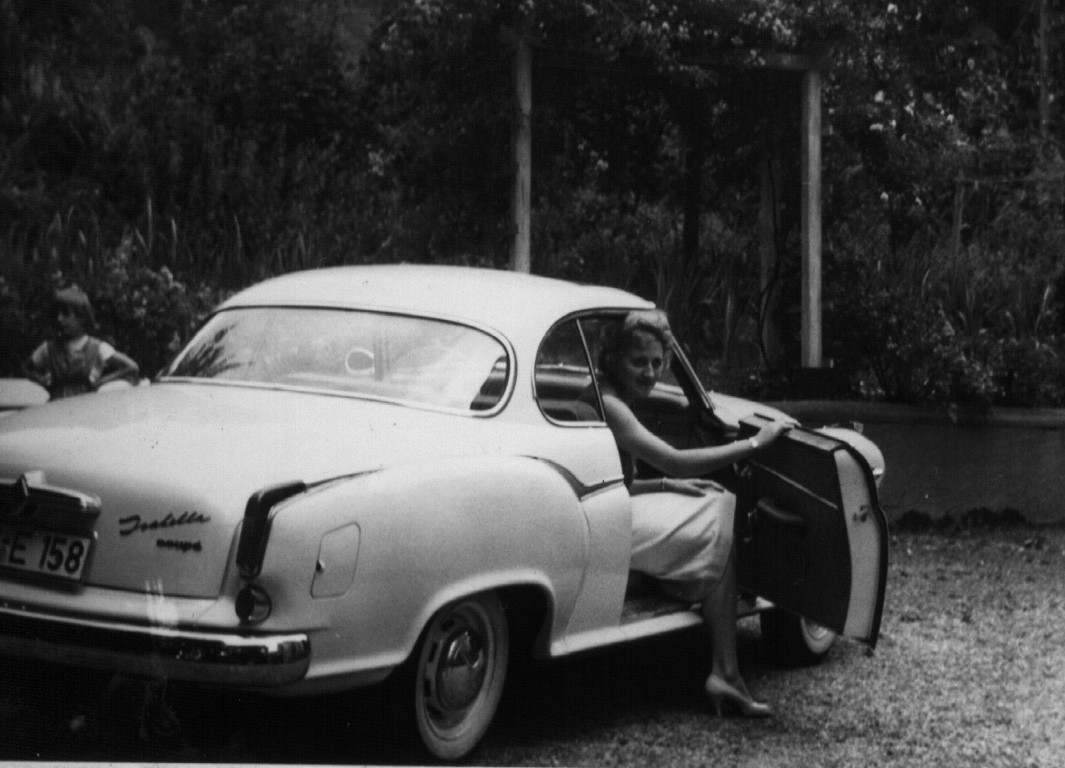
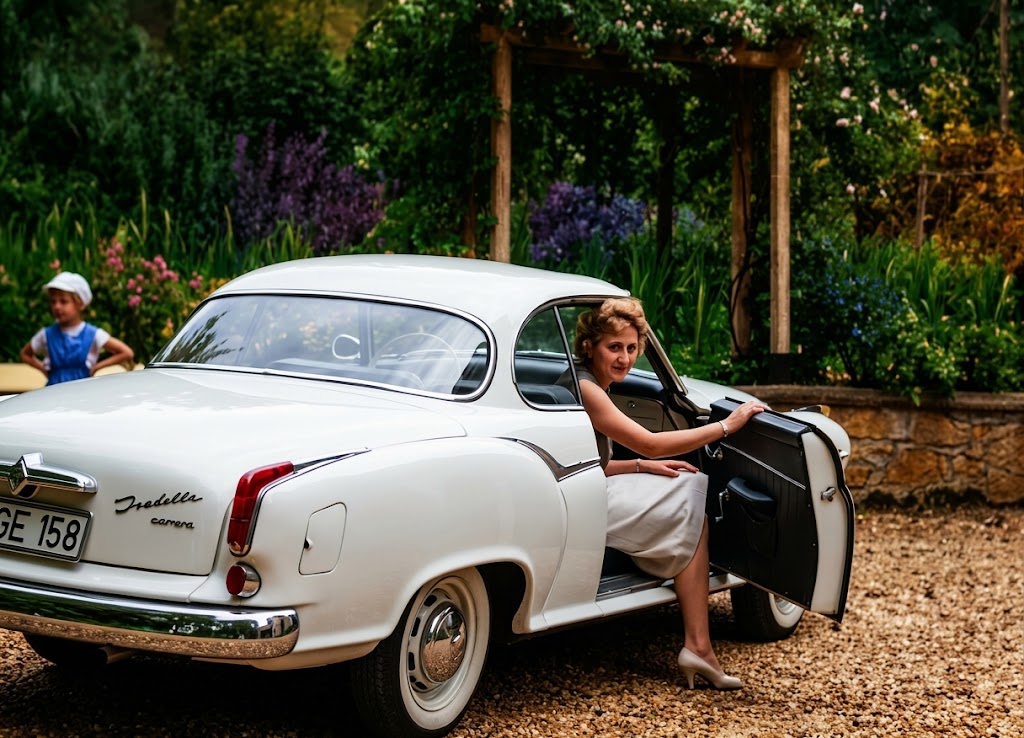
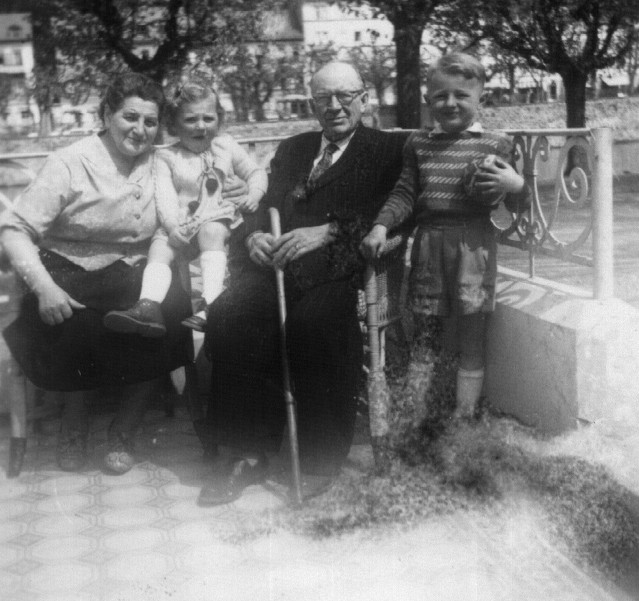
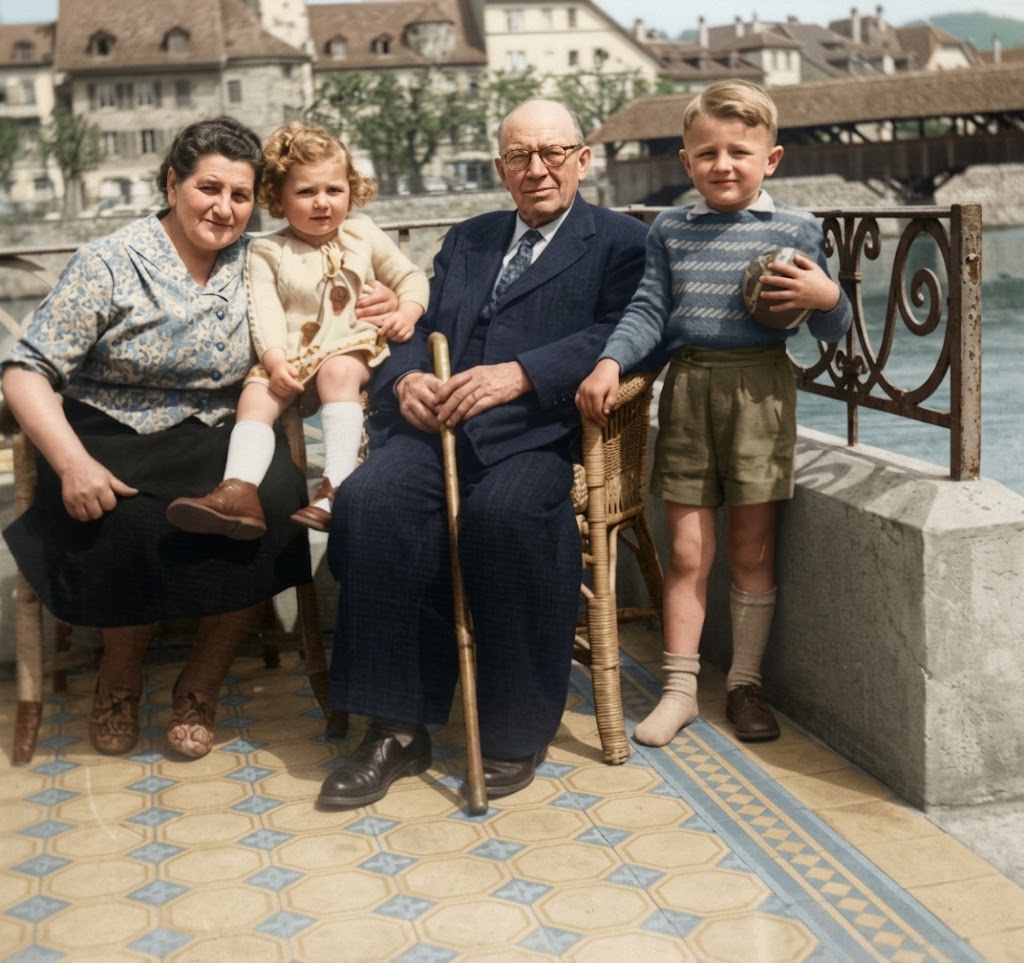
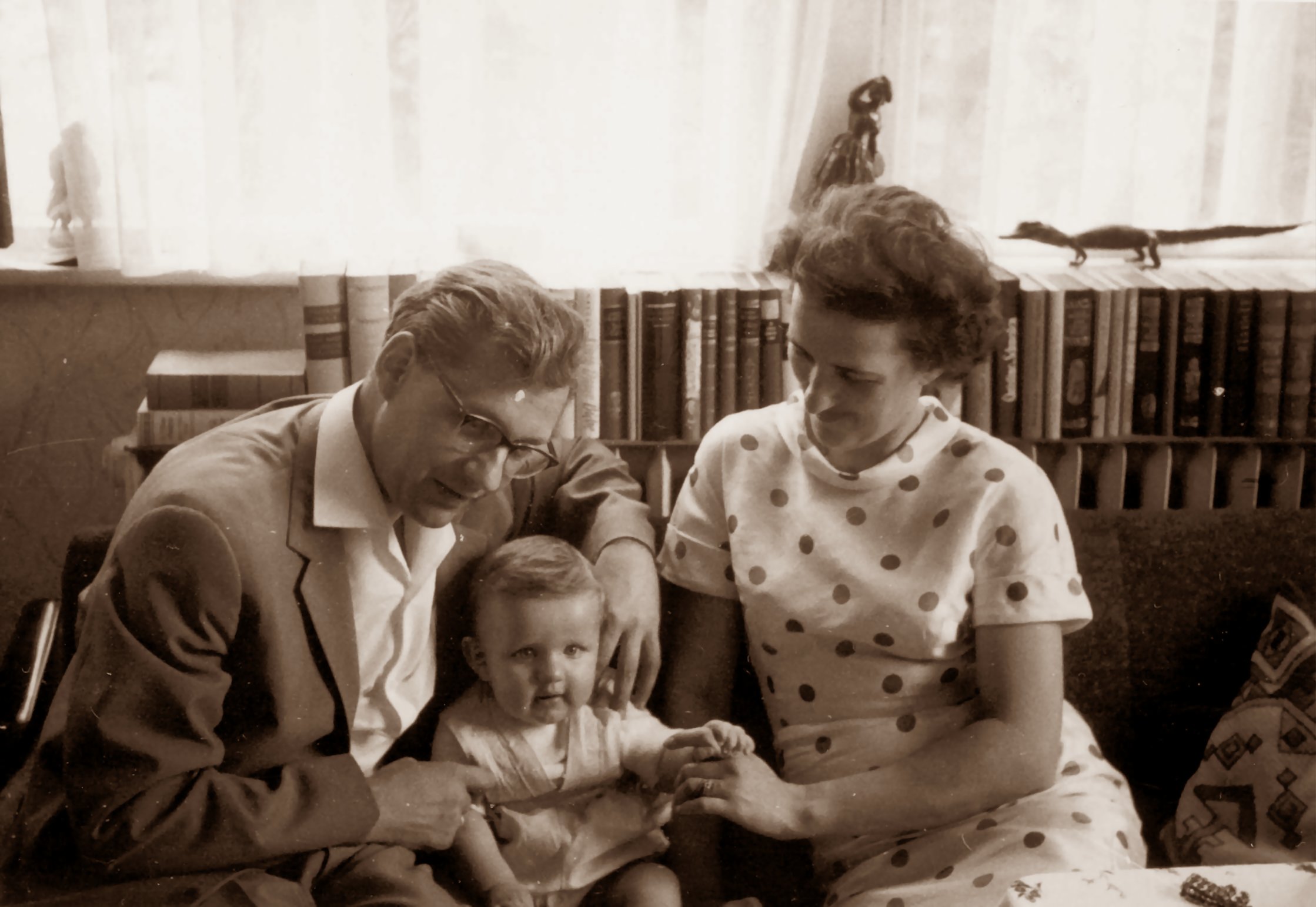
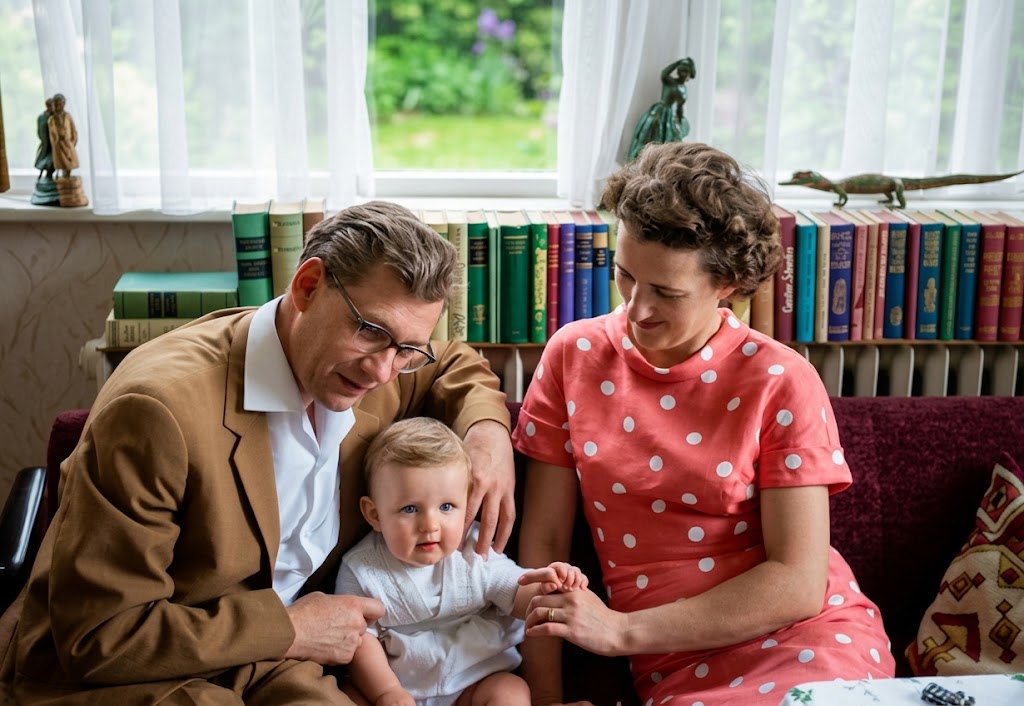
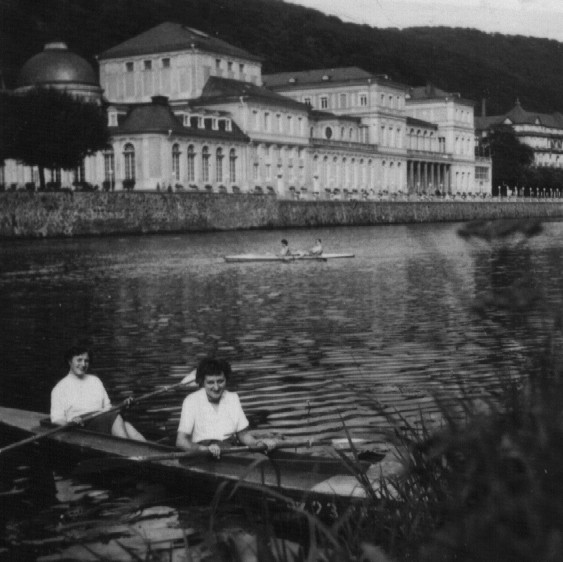
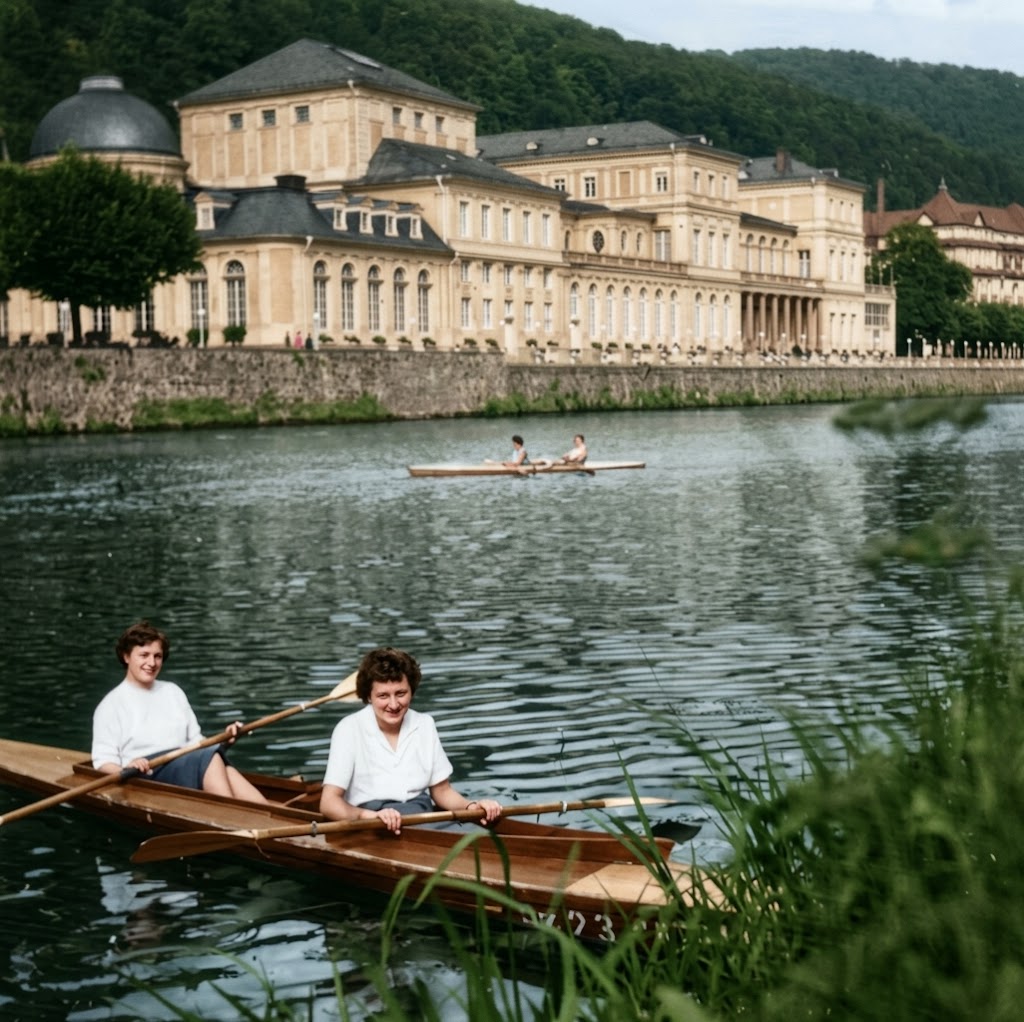
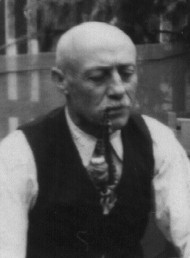
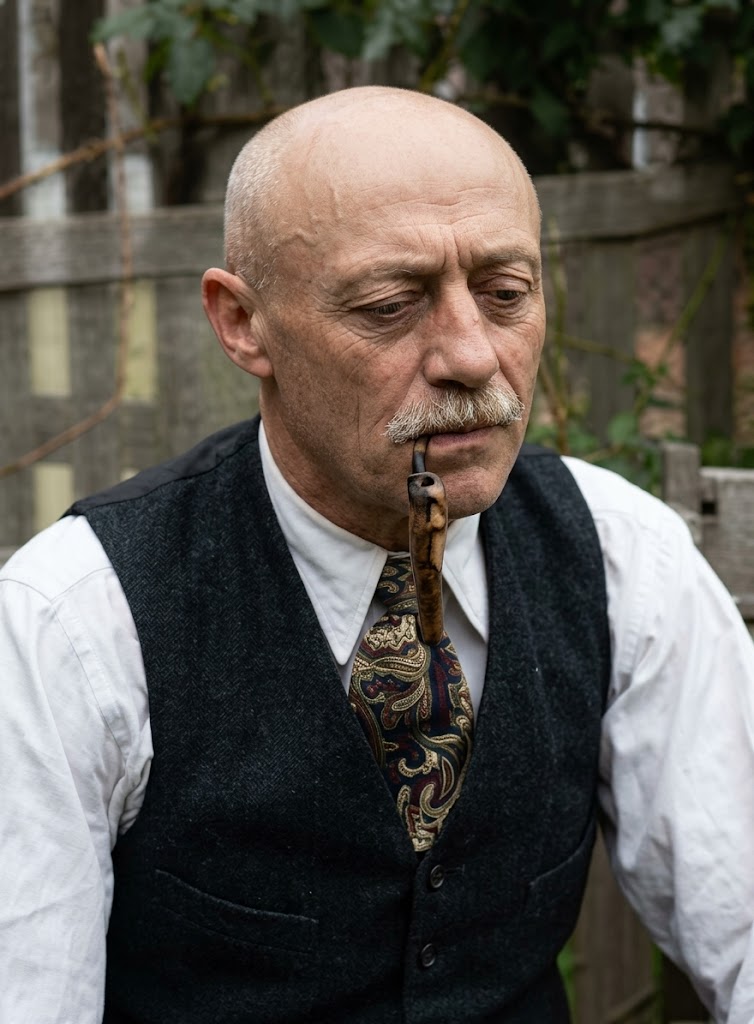
Restore this old photograph. Improve image quality, increase resolution without losing details, remove noise and digital artifacts, and balance light and contrast. Colorize the image using {{Color Palette:vibrant juicy colors, realistic historical tones, sepia, faded color}}. Render in the style of a {{Style:modern professional photograph, vintage film scan}}. Shot on {{Camera:Nikon D6 SLR camera, Sony A7R IV, Canon EOS R5}} by a professional photographer.
vibrant juicy colors, realistic historical tones, sepia, faded color
modern professional photograph, vintage film scan
Nikon D6 SLR camera, Sony A7R IV, Canon EOS R5
Restore this old photograph. Improve image quality, increase resolution without losing details, remove noise and digital artifacts, and balance light and contrast. Colorize the image using vibrant juicy colors. Render in the style of a modern professional photograph. Shot on Nikon D6 SLR camera by a professional photographer.
ตัวแปรจะอยู่ภายใน {{ และ }} และเป็นไปตามรูปแบบนี้:
ตัวเลือกสามารถอ้างอิงรายการตัวแปรที่กำหนดไว้ล่วงหน้าโดยใช้วงเล็บเหลี่ยม ตัวเลือกเหล่านี้จะแสดงเป็น[สีส้ม]และให้ค่าที่ใช้บ่อย เช่น สี โทน หรือภาษา
คุณยังสามารถระบุรายการตัวเลือกแบบอินไลน์ โดยคั่นด้วยเครื่องหมายจุลภาคได้
เคล็ดลับ: คุณไม่จำเป็นต้องใช้แอป PUCO เพื่อใช้พรอมต์เหล่านี้! เพียงคัดลอกเทมเพลตและแทนที่แต่ละส่วน {{…}} ด้วยข้อความของคุณเองโดยตรงใน ChatGPT, Claude, Gemini หรือผู้ช่วย AI อื่น ๆ