Best For
- Starting from a structured, reusable prompt instead of a blank chat.
- Adapting the prompt to your own inputs while keeping the original intent intact.
- Workflows related to Design & Art.

Transforms a photo of a person into a detailed, custom-packaged action figure design with personalized accessories.
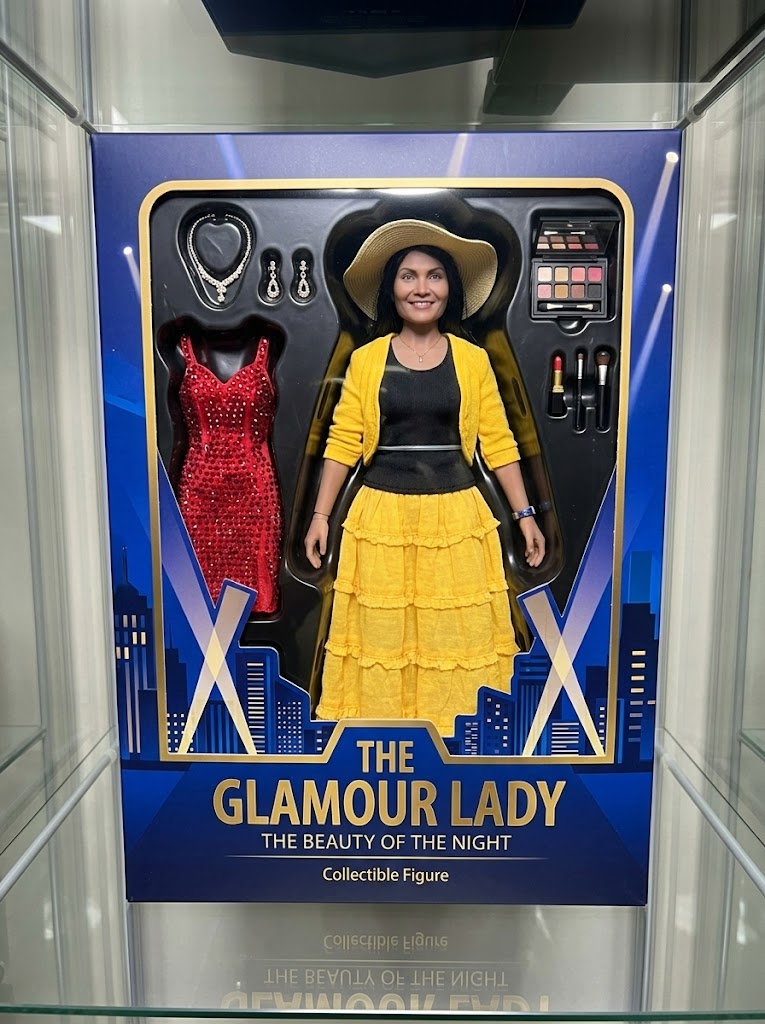
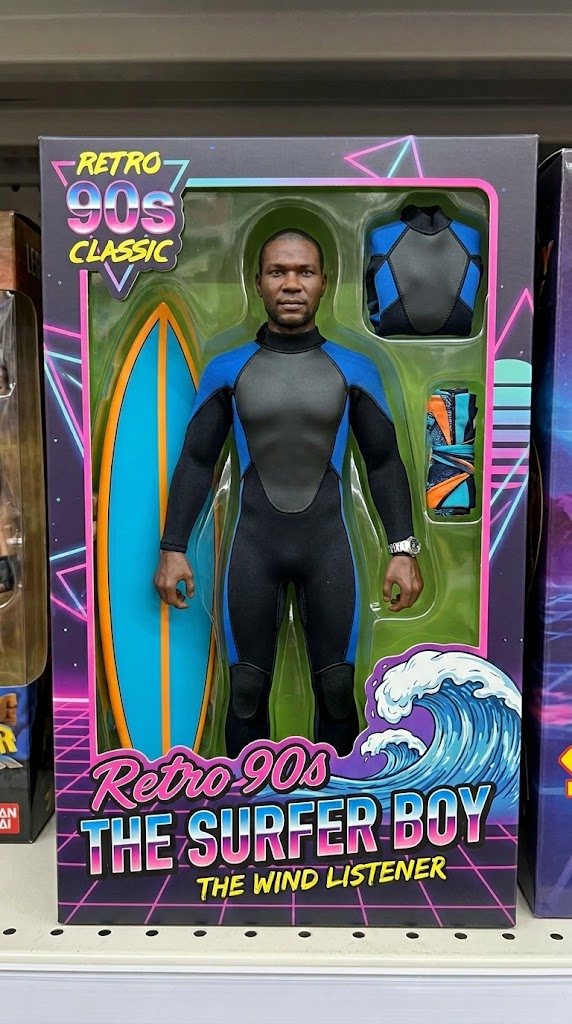
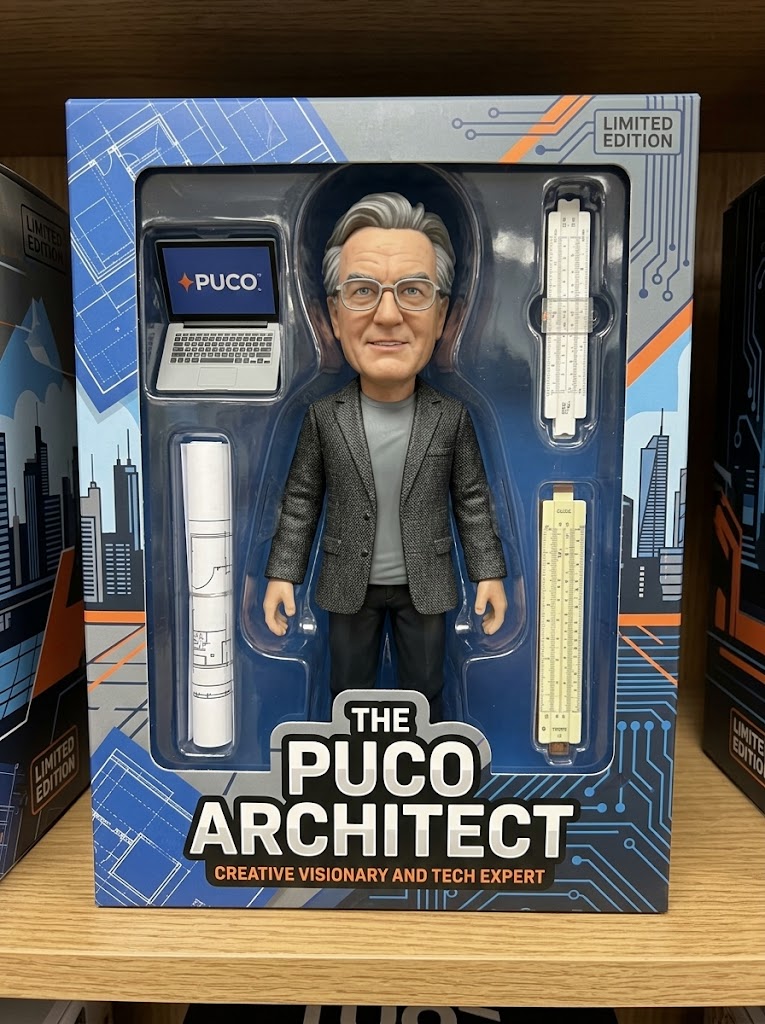
Generate a high-fidelity, realistic image of the person from the attached photo as a professional collectible action figure secured inside its retail window-box packaging. The figure's sculpt must accurately reflect the person's likeness and attire. The packaging should prominently display the name "{{Name:e.g. The PUCO Architect}}" and include at least three miniature accessories representing their interests, specifically: {{Accessories:e.g. a laptop with a PUCO sticker, a specialized toolkit, and a travel mug}}. The design style should be {{Style:Modern High-End, Retro 90s Classic, Stylized Vinyl, Cyberpunk}}. Ensure the box art and background graphics emphasize the character's vibe as {{Personality:e.g. a creative visionary and tech expert}}.
e.g. The PUCO Architect
e.g. a laptop with a PUCO sticker, a specialized toolkit, and a travel mug
Modern High-End, Retro 90s Classic, Stylized Vinyl, Cyberpunk
e.g. a creative visionary and tech expert
Generate a high-fidelity, realistic image of the person from the attached photo as a professional collectible action figure secured inside its retail window-box packaging. The figure's sculpt must accurately reflect the person's likeness and attire. The packaging should prominently display the name "e.g. The PUCO Architect" and include at least three miniature accessories representing their interests, specifically: e.g. a laptop with a PUCO sticker. The design style should be Modern High-End. Ensure the box art and background graphics emphasize the character's vibe as e.g. a creative visionary and tech expert.
Variables are wrapped in {{ and }} and follow this pattern:
A selection can reference a predefined variable list using square brackets. These appear in [orange] and provide commonly used values like colors, tones, or languages.
You can also provide an inline list of choices separated by commas.
Tip: You don't need the PUCO app to use these prompts! Simply copy the template and replace each {{…}} section with your own text directly in ChatGPT, Claude, Gemini, or any other AI assistant.