Best For
- Starting from a structured, reusable prompt instead of a blank chat.
- Adapting the prompt to your own inputs while keeping the original intent intact.
- Workflows related to Creative & Visuals.

Generates high-end, photorealistic 3D renders of subjects reinterpreted as sleek biomechanical organisms with ceramic and liquid chrome finishes.
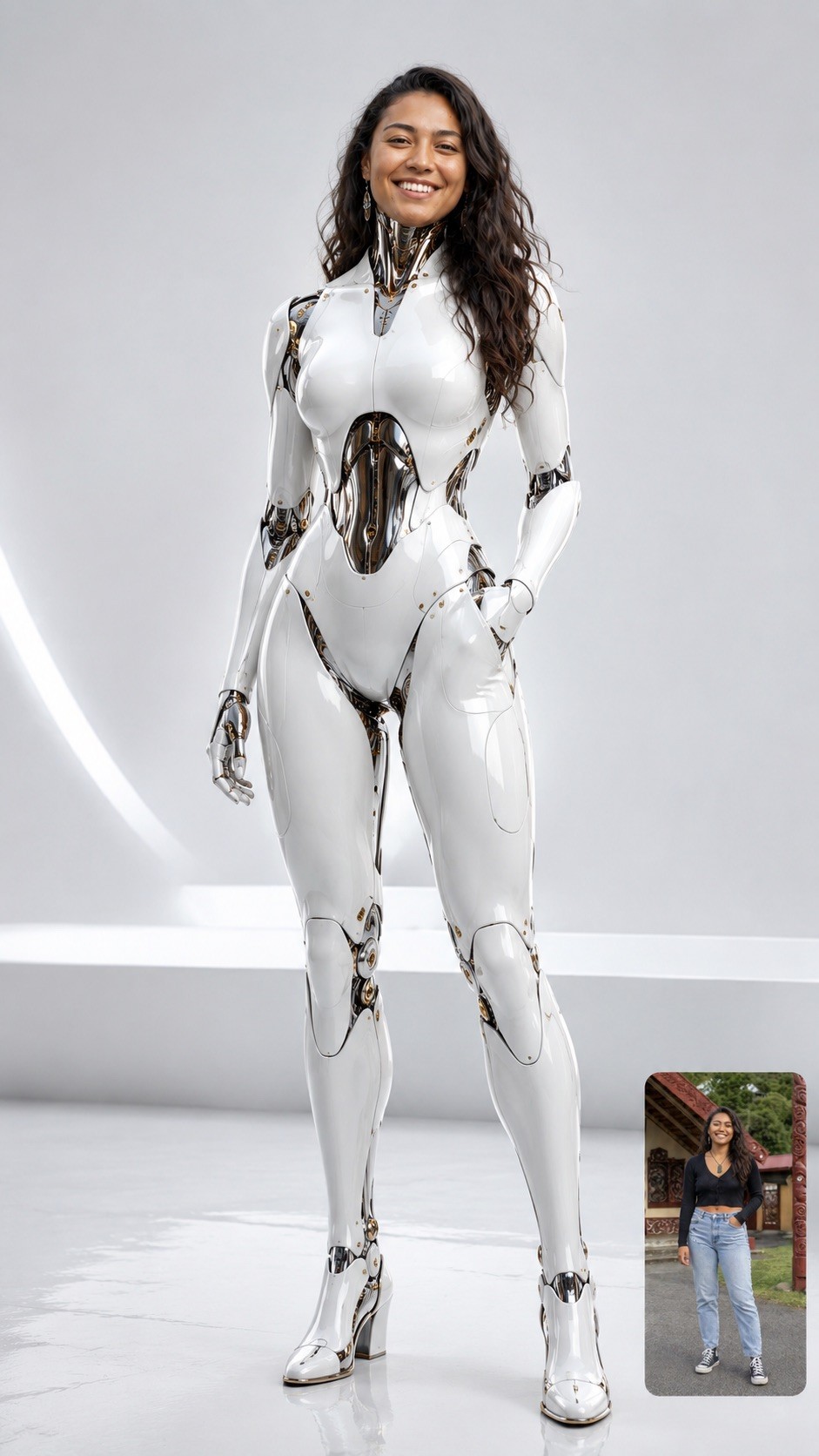
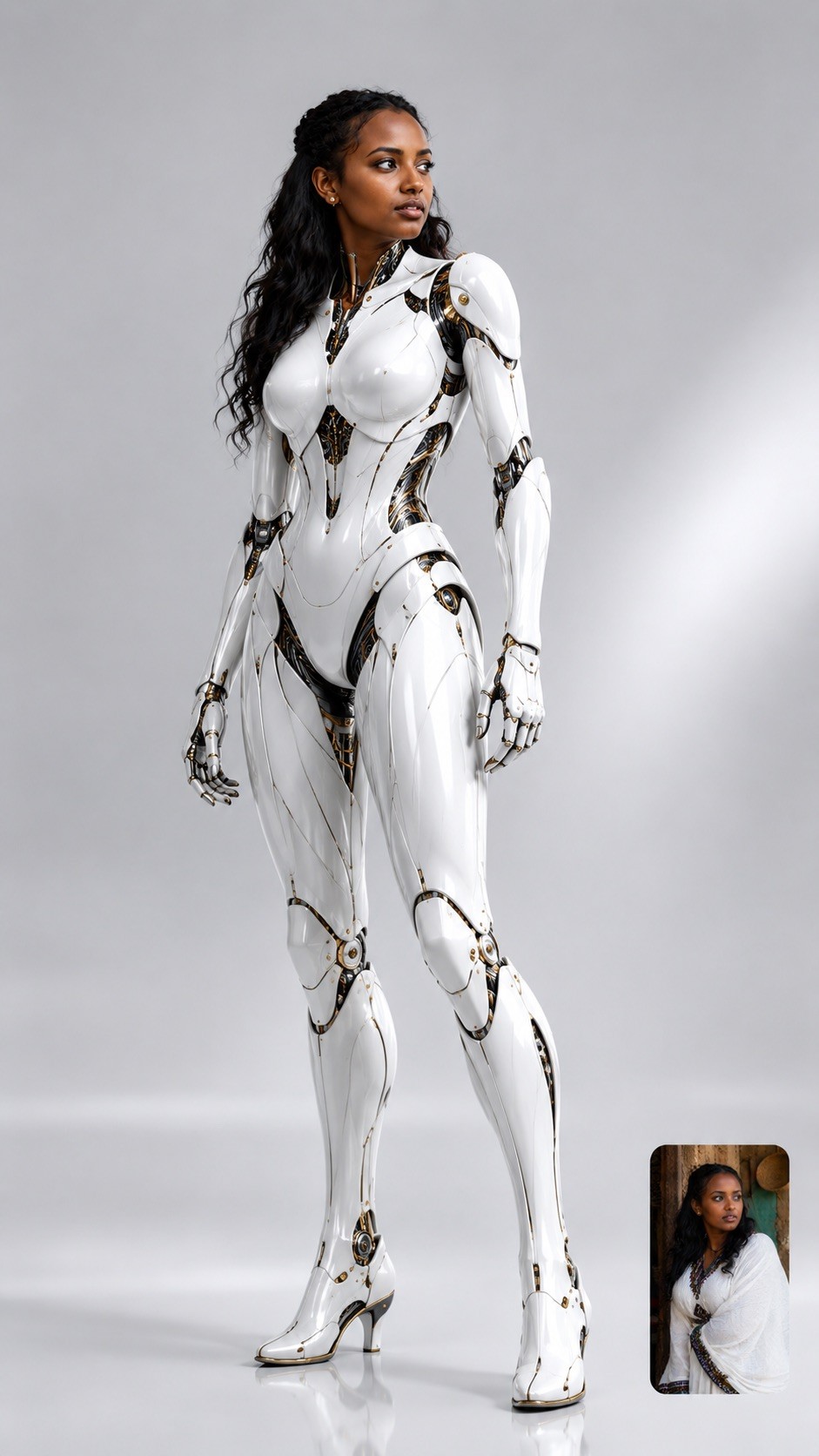
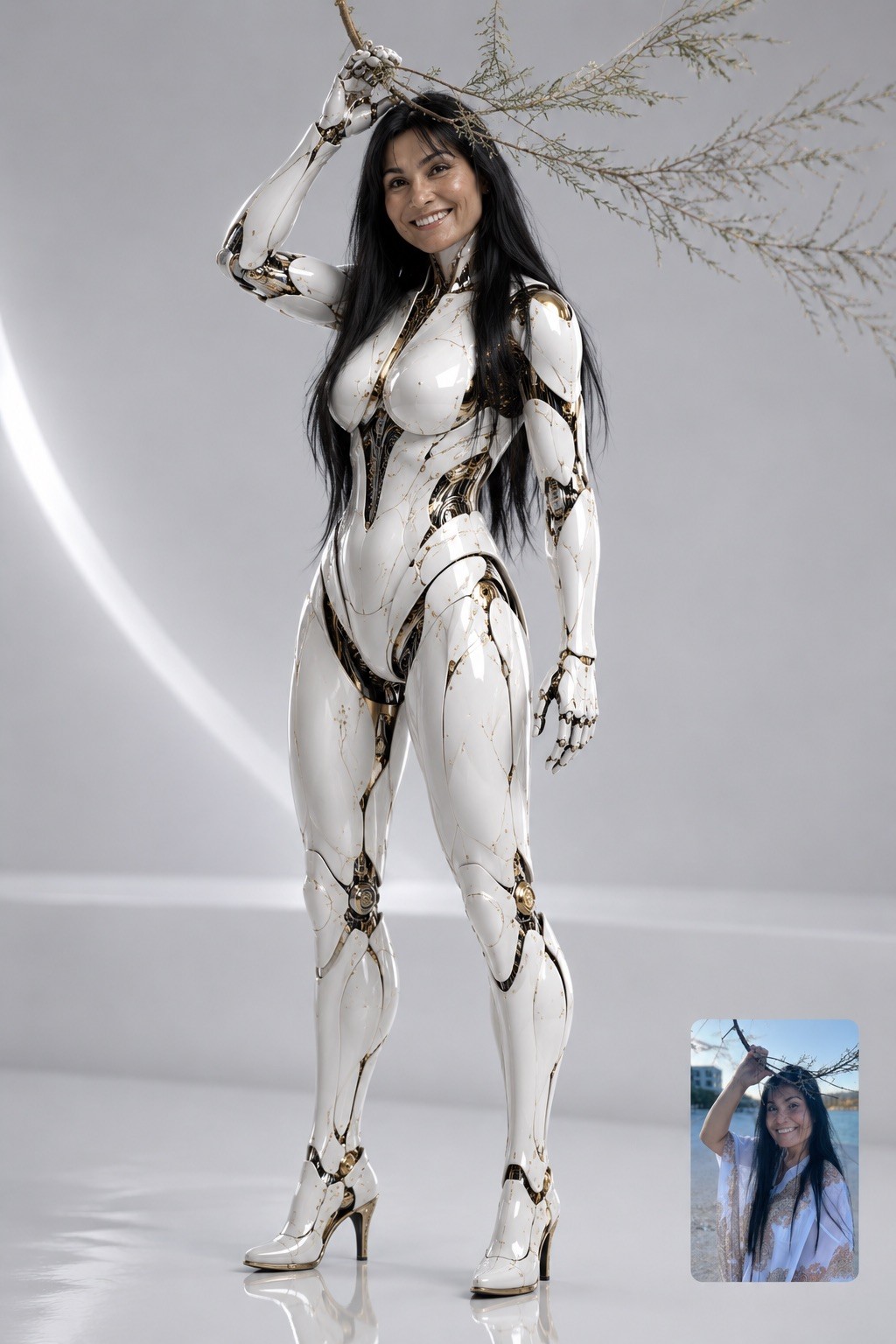
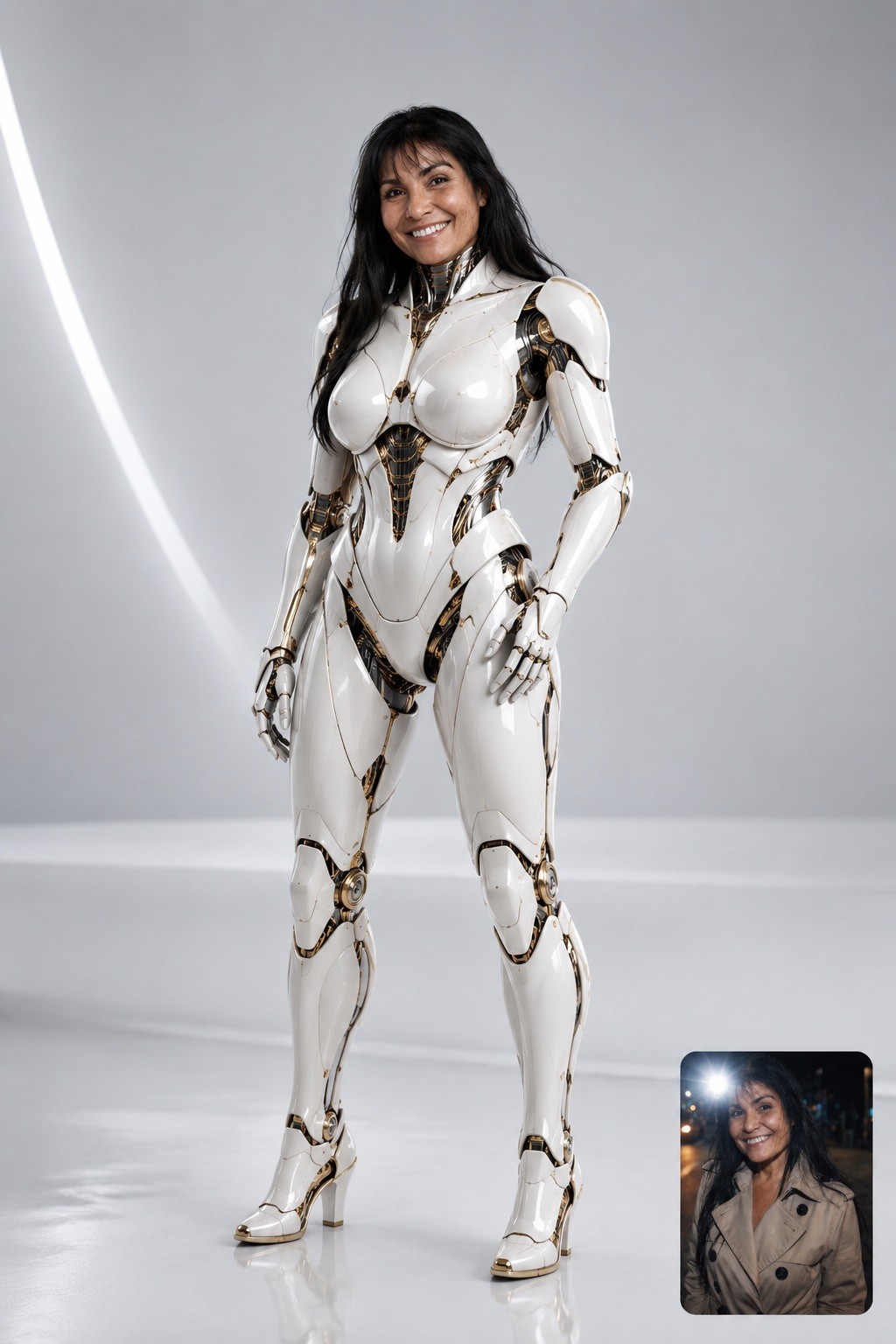
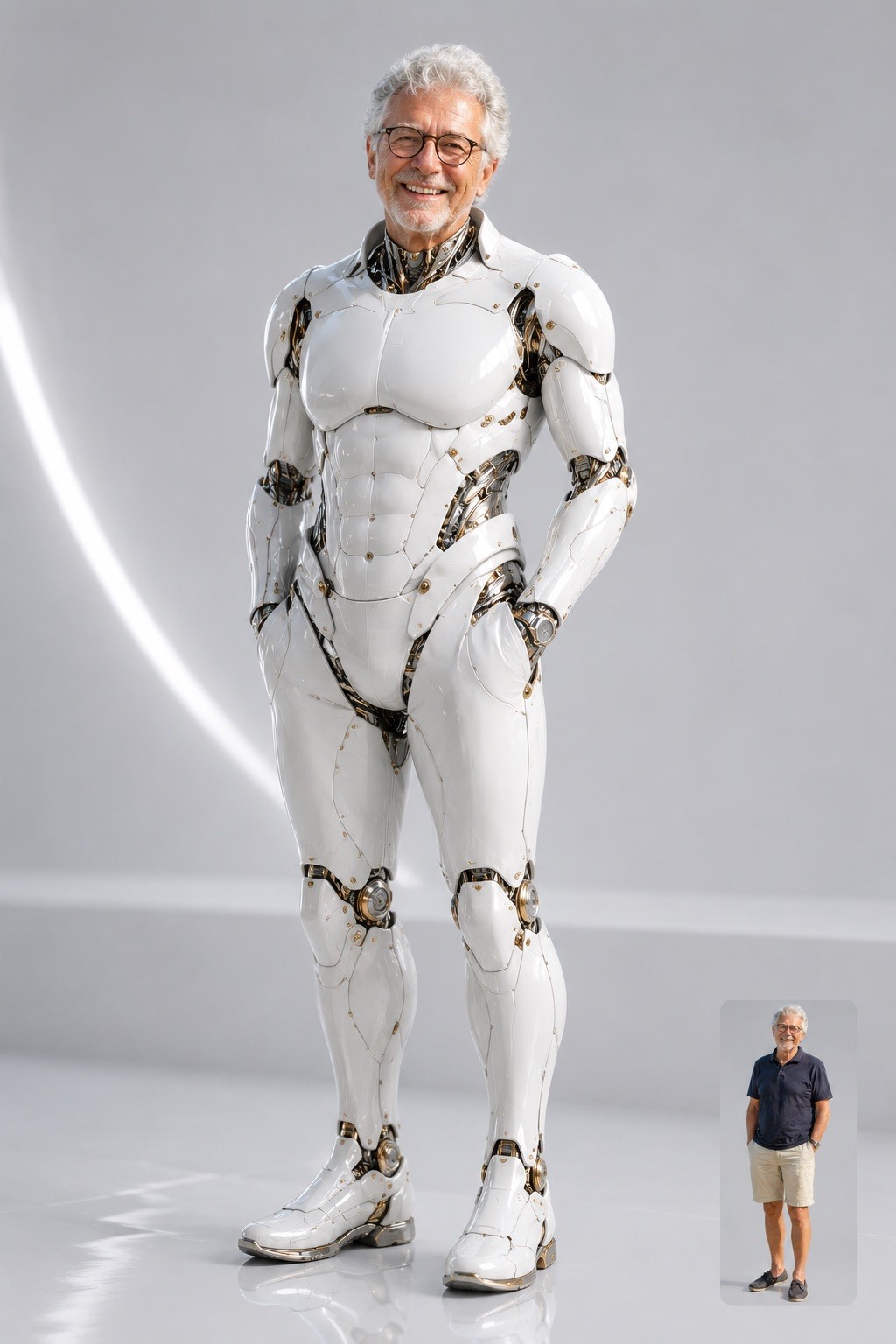
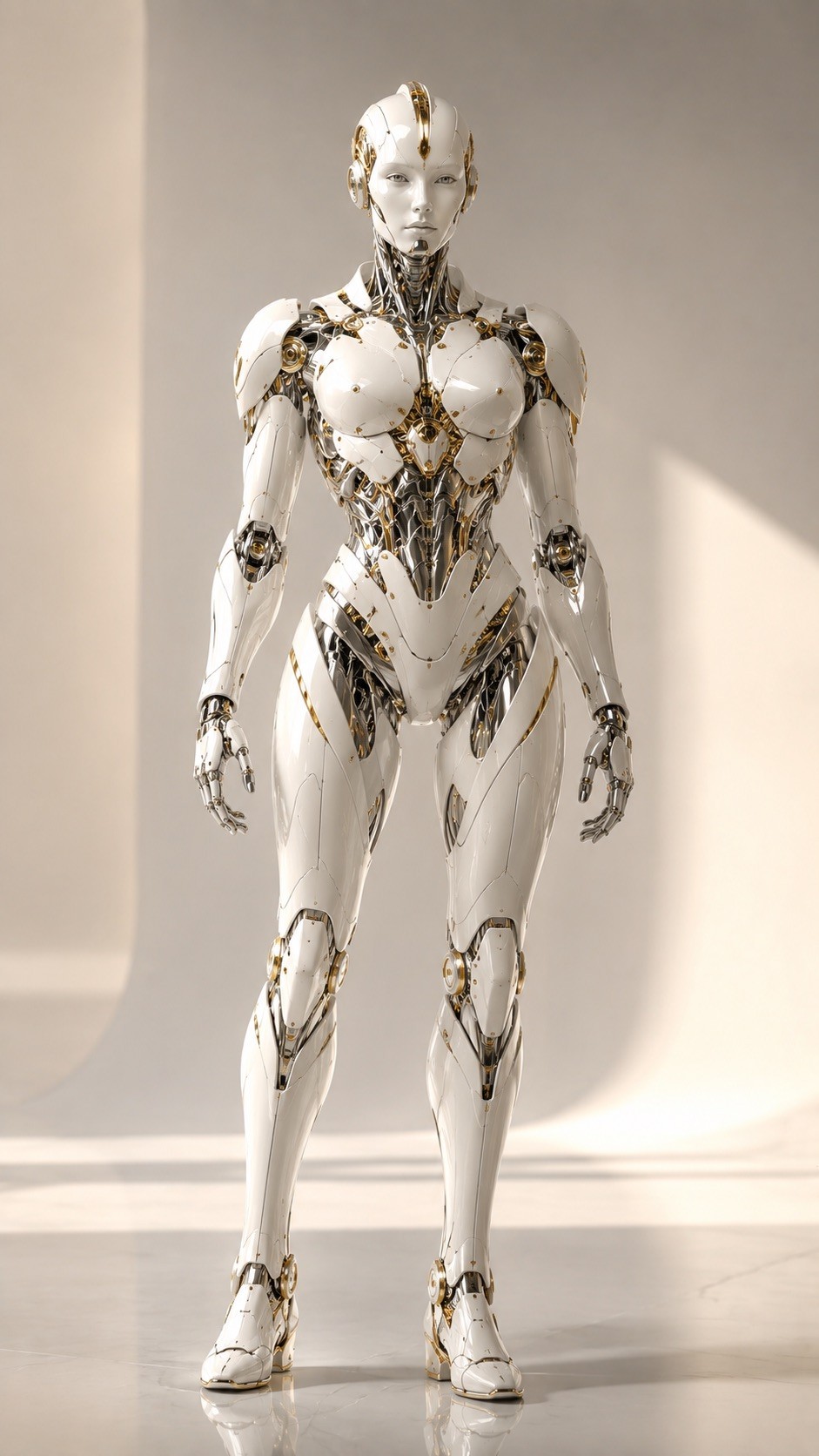
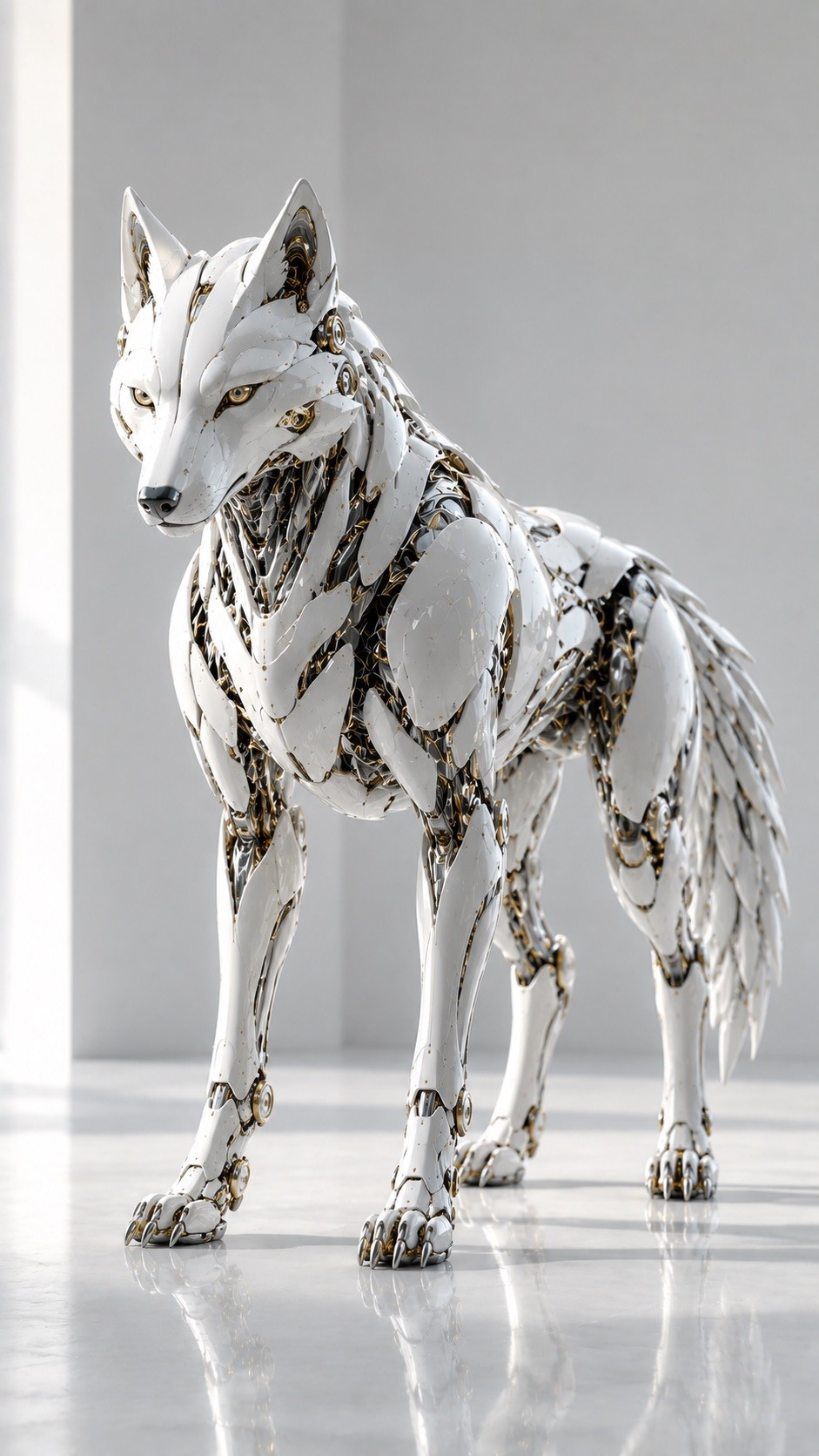
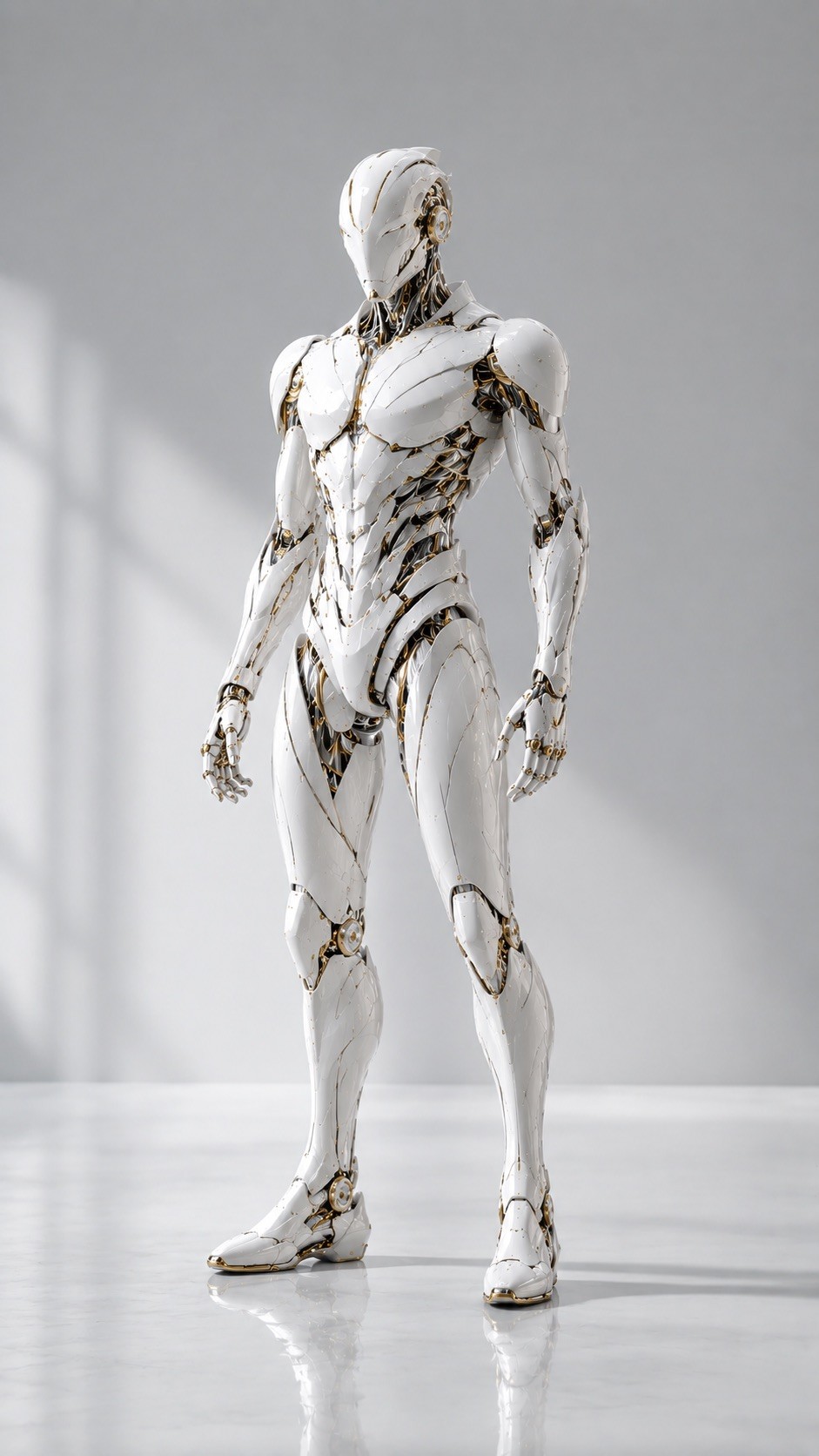
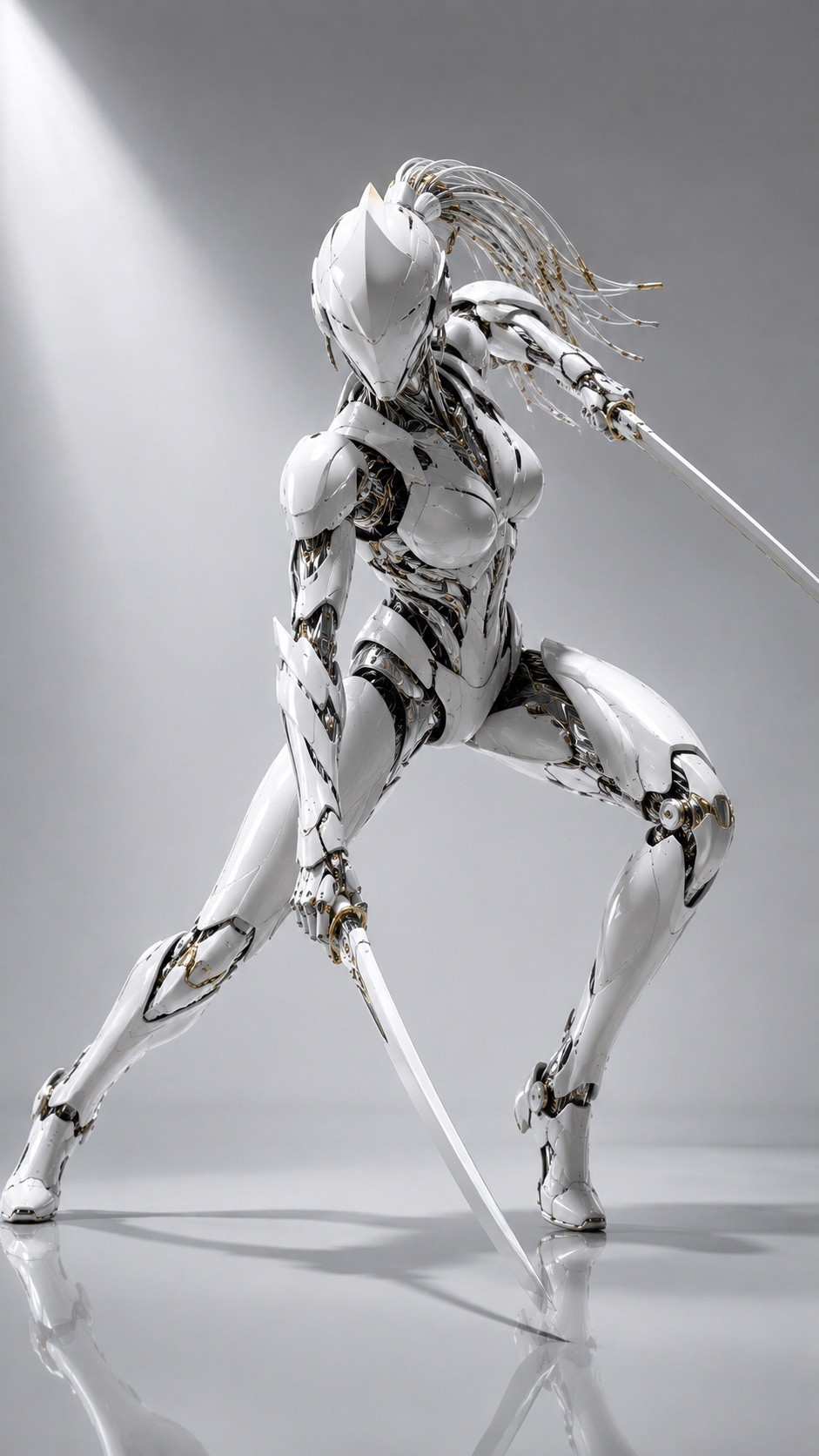
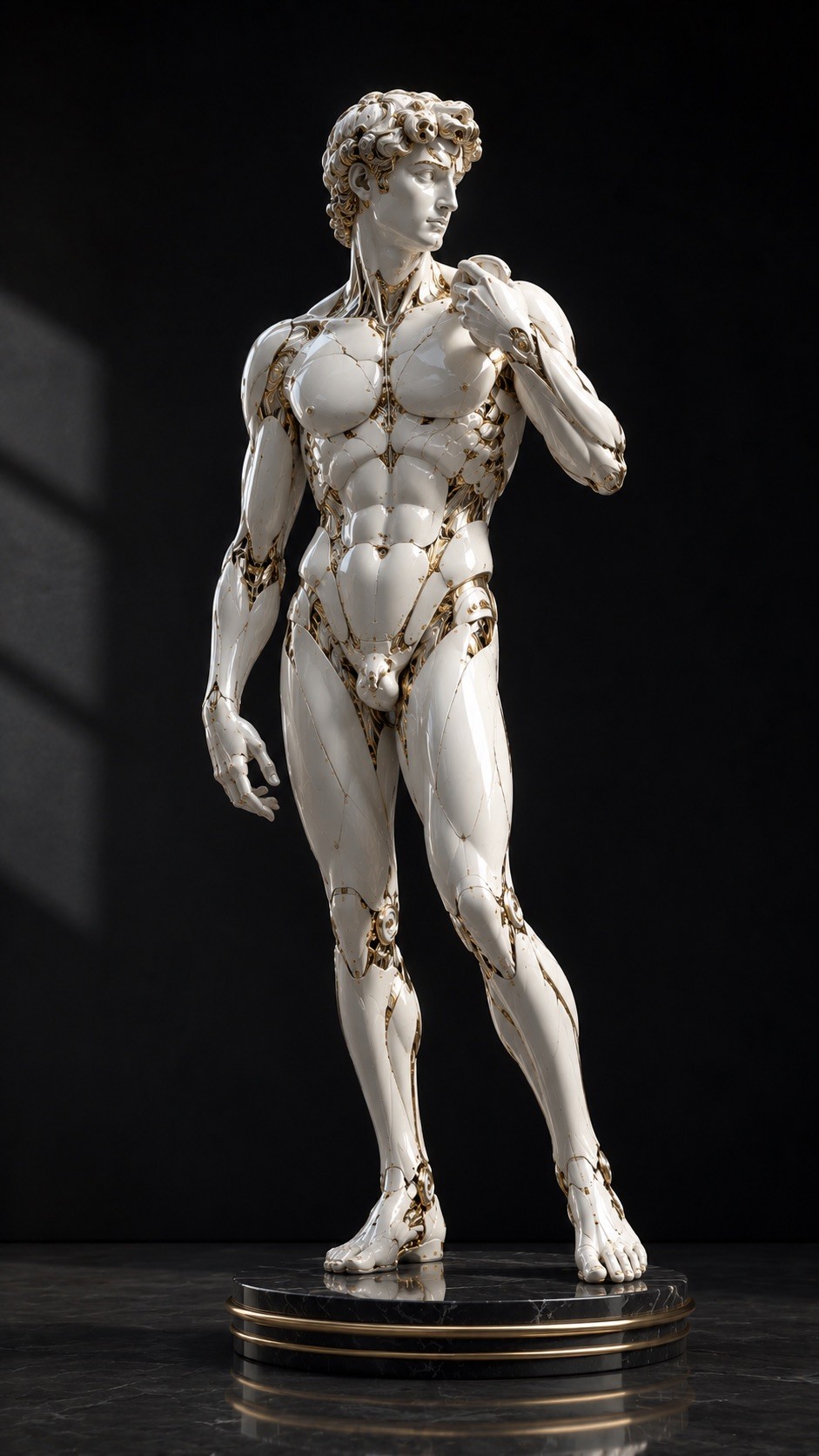
Design a high-end photorealistic 3D render {{Subject: The subject on the attached photo, # Animals, Cat, Pug, Lion, Dragon, Eagle, Stag, Wolf, Whale, Praying Mantis, Beetle, Jellyfish, # Humanoid, Humanoid robot with stylized face, Man, Woman, Male Warrior Figure in an Action Pose, Female Warrior Figure in an Action Pose, Dancer, # Abstract, Sculpture, The Thinker from Rodin, David from Michelangelo, Vessel, Mask, Ornamental Object}} in {{Aspect Ratio:[aspect_ratios]}} as a fusion of polished {{Color: white, black, anthracite, pink, yellow, gold, silver, copper}} ceramic shells and glossy porcelain-like armor. The structure should feature liquid chrome internal components, subtle exposed mechanical joints, black graphite inner gaps, and tiny gold technical details. Use a form language of flowing curved shapes and seamless armor plates to create a refined, minimal, and almost alive aesthetic. If the subject is a person, create a fully covered humanoid figure with elegant {{Color}} biomechanical armor and smooth sculptural forms. Environment: Minimal {{Background Color: pale grey, white, soft beige, black, midnight blue, silver, golden, Glass Dome}} studio with soft diffused daylight and a clean glossy floor. Composition: {{View: Three-quarter view, Full shape}} with elegant negative space. Absolute constraints: No cartoon or anime styles, no messy wires, no cyberpunk neon, and no weapons.
The subject on the attached photo, # Animals, Cat, Pug, Lion, Dragon, Eagle, Stag
[aspect_ratios]
white, black, anthracite, pink, yellow, gold, silver, copper
pale grey, white, soft beige, black, midnight blue, silver, golden, Glass Dome
Three-quarter view, Full shape
Design a high-end photorealistic 3D render The subject on the attached photo in [aspect_ratios] as a fusion of polished white ceramic shells and glossy porcelain-like armor. The structure should feature liquid chrome internal components, subtle exposed mechanical joints, black graphite inner gaps, and tiny gold technical details. Use a form language of flowing curved shapes and seamless armor plates to create a refined, minimal, and almost alive aesthetic. If the subject is a person, create a fully covered humanoid figure with elegant white biomechanical armor and smooth sculptural forms. Environment: Minimal pale grey studio with soft diffused daylight and a clean glossy floor. Composition: Three-quarter view with elegant negative space. Absolute constraints: No cartoon or anime styles, no messy wires, no cyberpunk neon, and no weapons.
Variables are wrapped in {{ and }} and follow this pattern:
A selection can reference a predefined variable list using square brackets. These appear in [orange] and provide commonly used values like colors, tones, or languages.
You can also provide an inline list of choices separated by commas.
Tip: You don't need the PUCO app to use these prompts! Simply copy the template and replace each {{…}} section with your own text directly in ChatGPT, Claude, Gemini, or any other AI assistant.