Ideal für
- Einen strukturierten, wiederverwendbaren Prompt statt eines leeren Chats als Ausgangspunkt nutzen.
- Den Prompt an eigene Eingaben anpassen, während die ursprüngliche Absicht erhalten bleibt.
- Workflows rund um Creative & Visuals.

Erzeugt hochwertige, fotorealistische 3D-Renderings von Subjekten, die als elegante biomechanische Organismen mit Keramik- und Flüssigchrom-Oberflächen neu interpretiert werden.
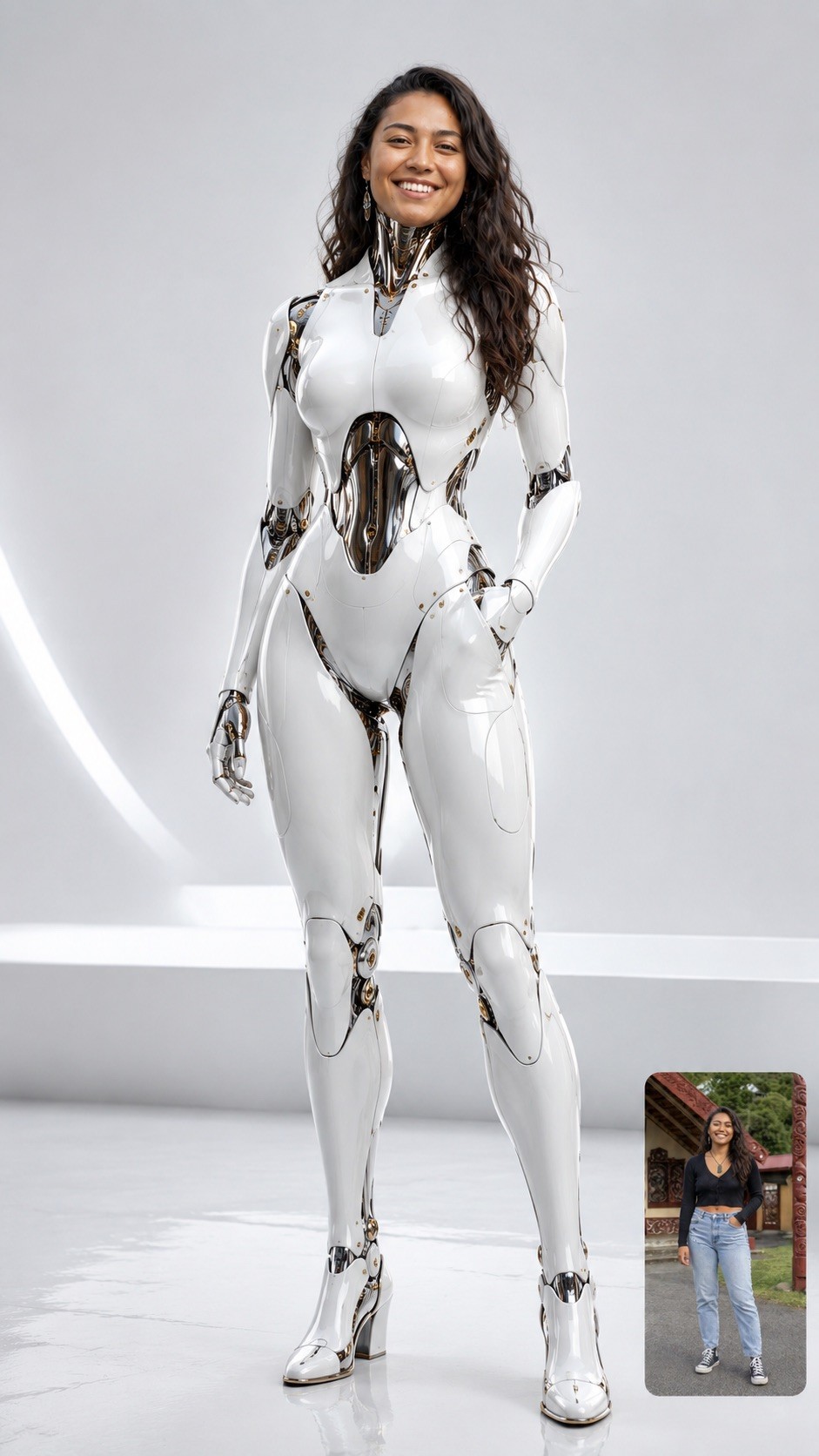
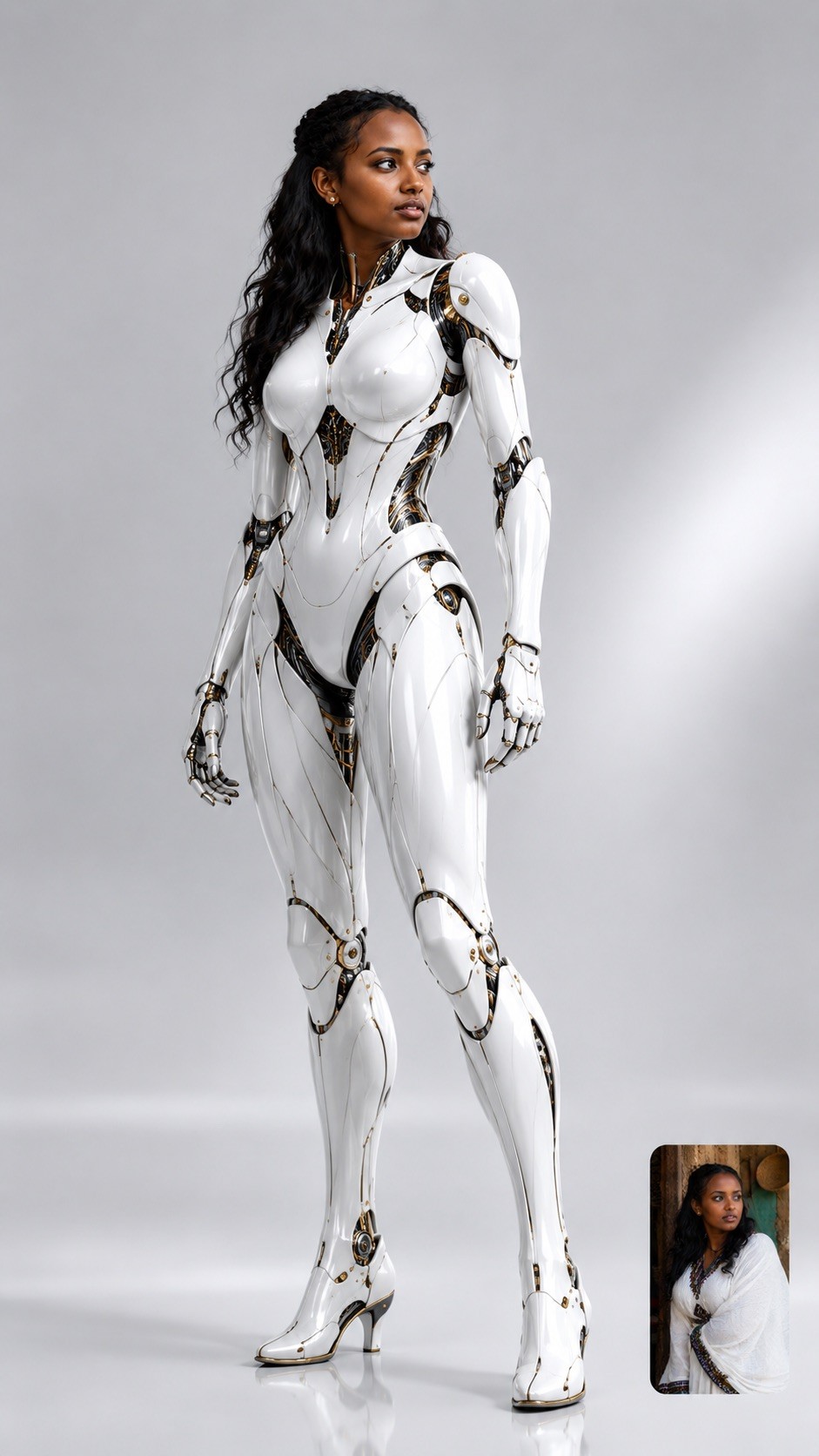
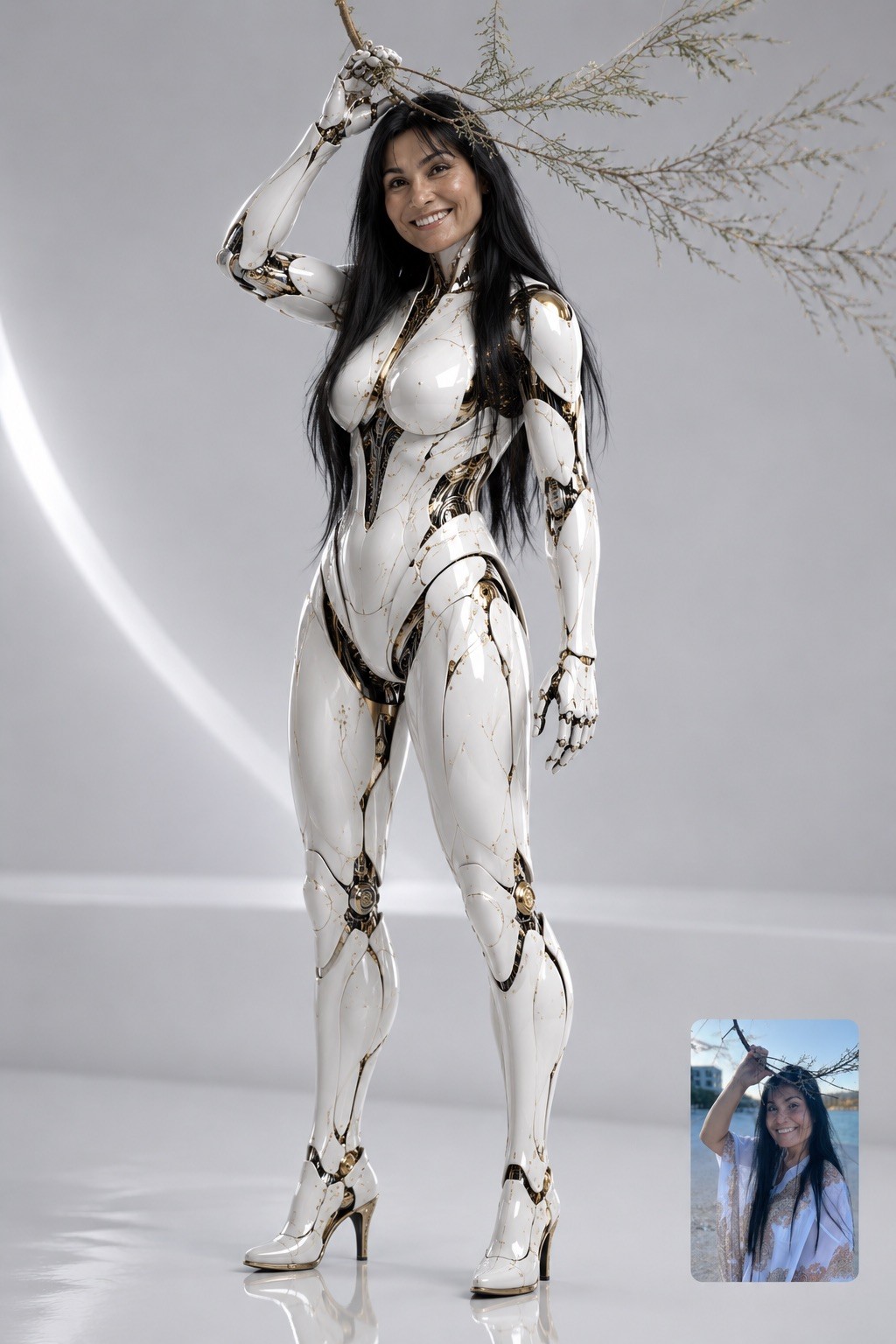
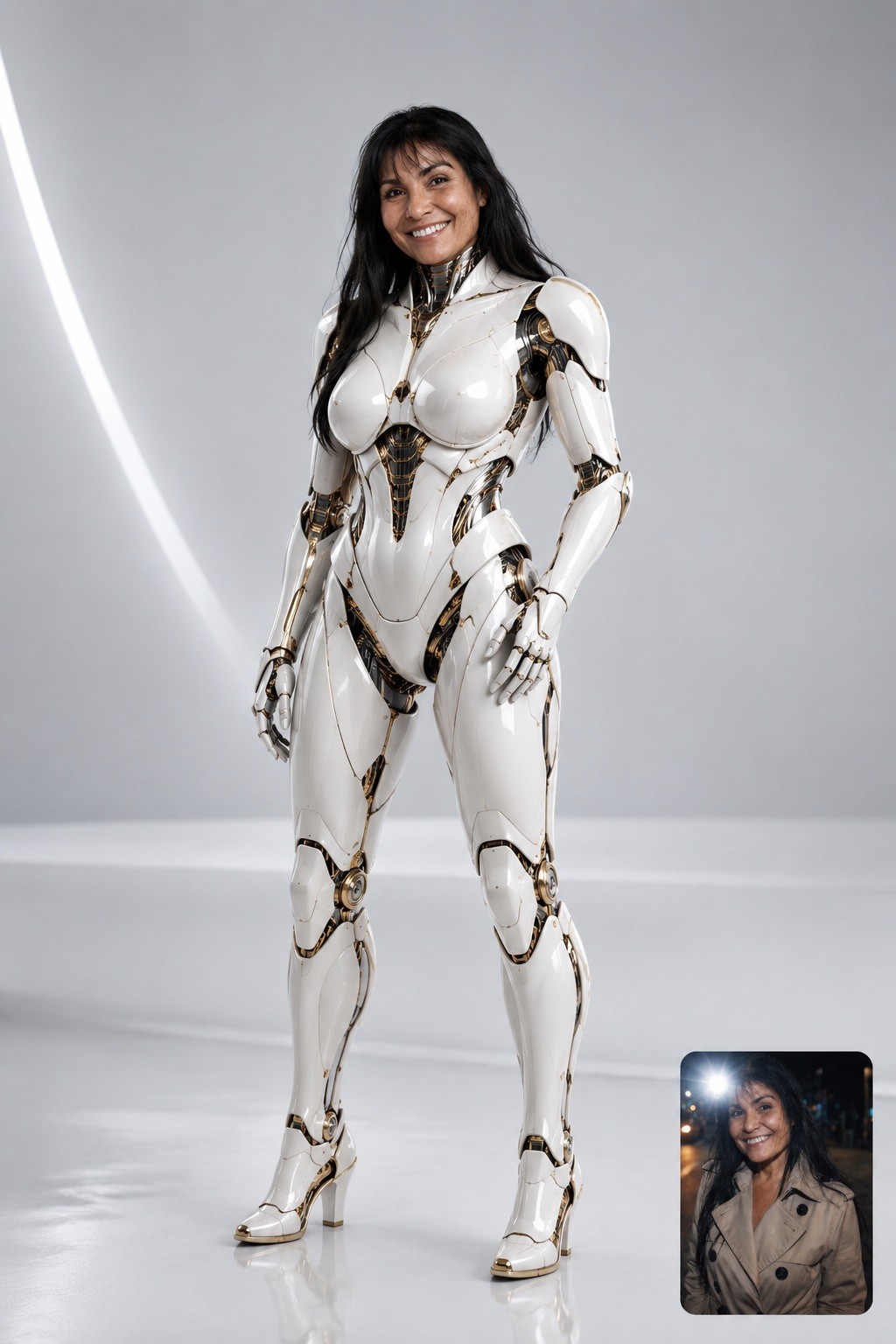
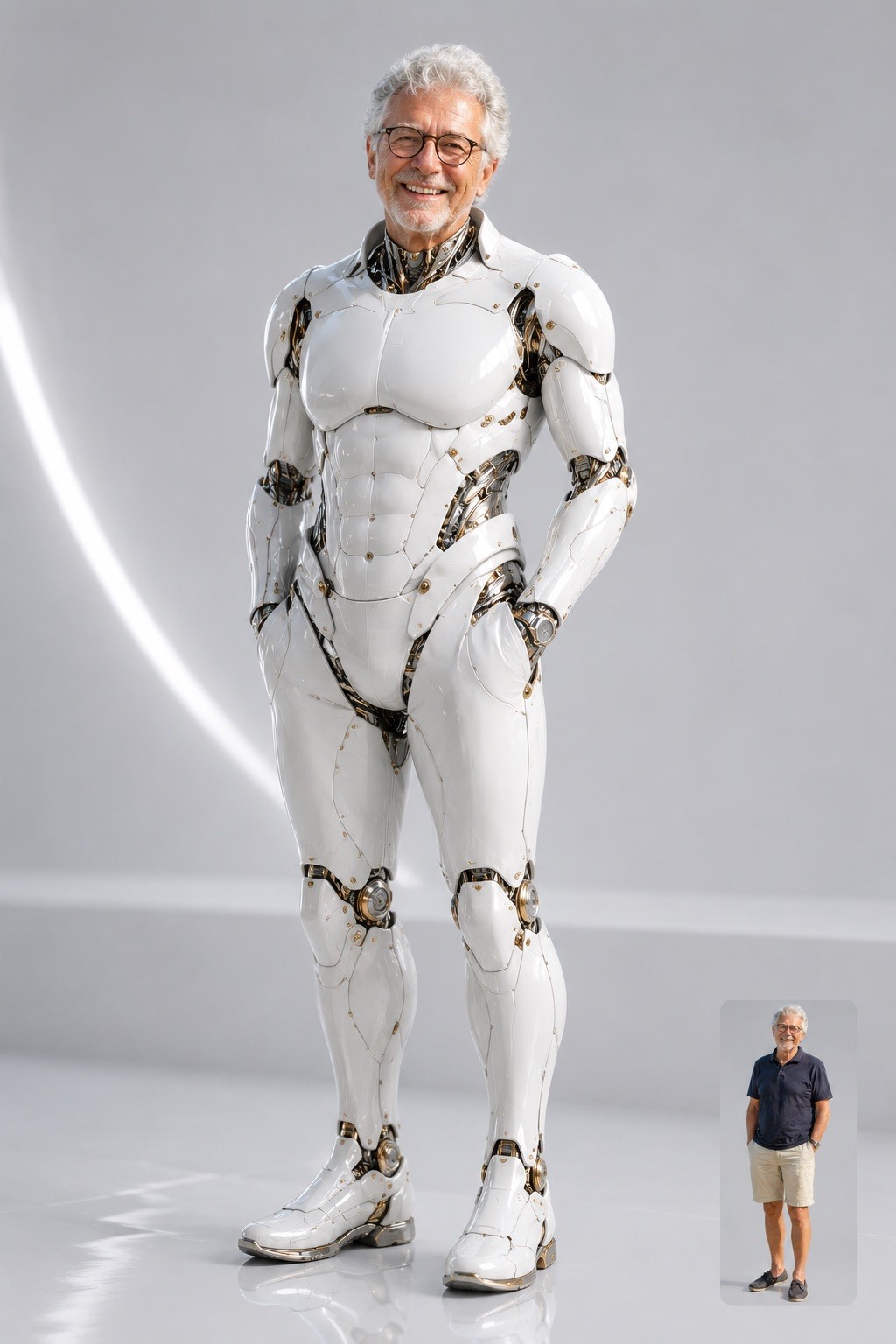
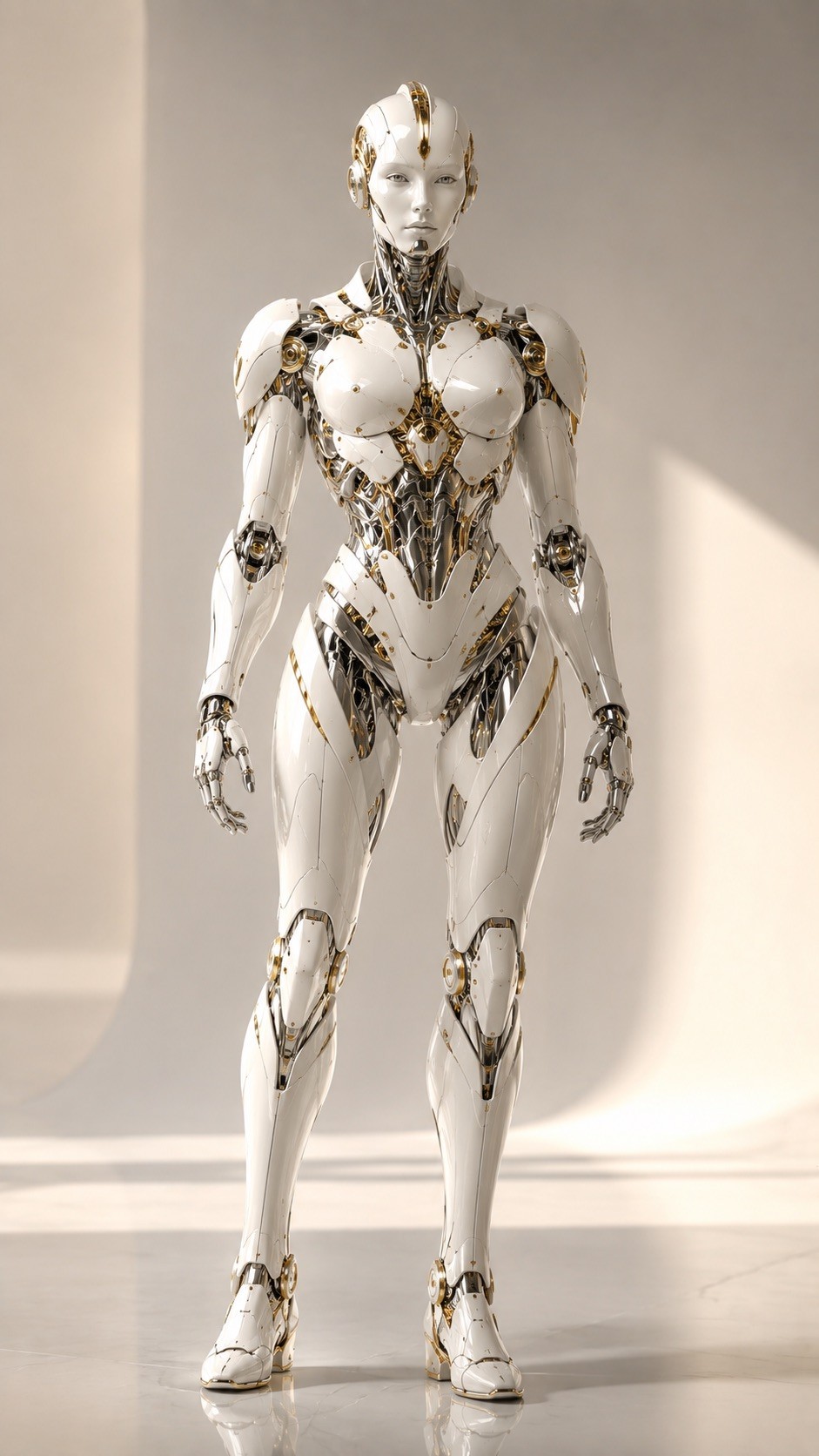
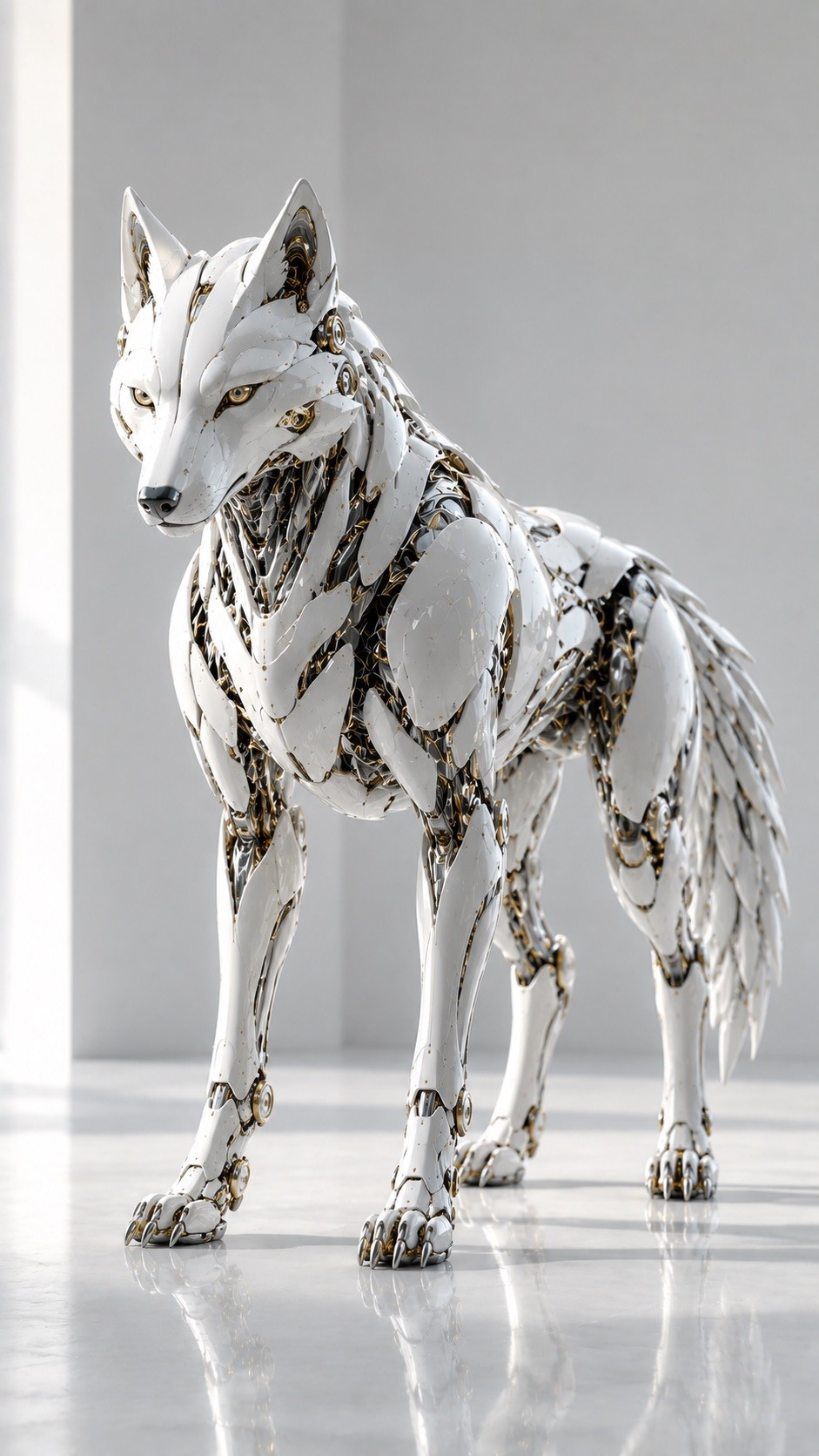
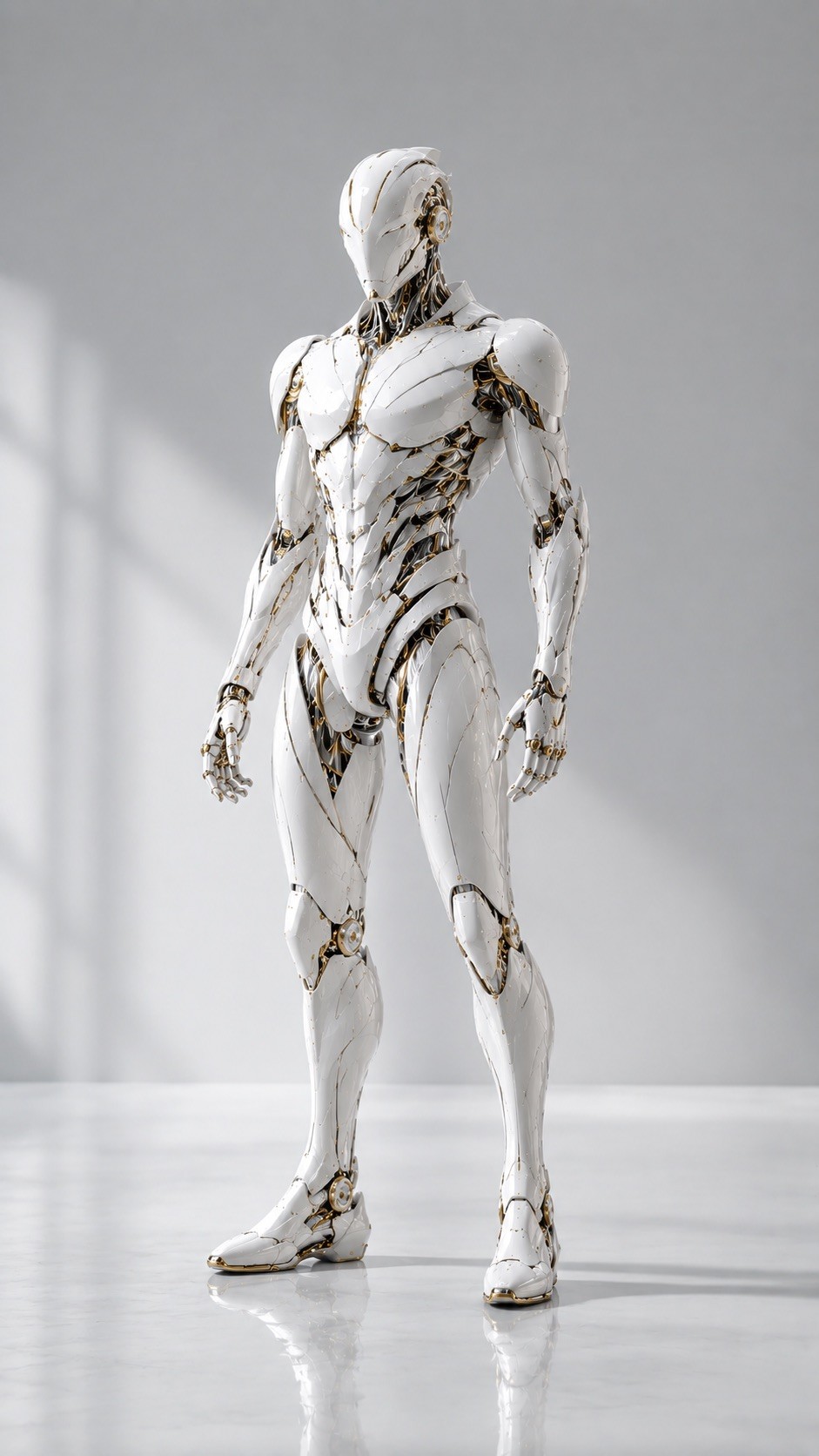
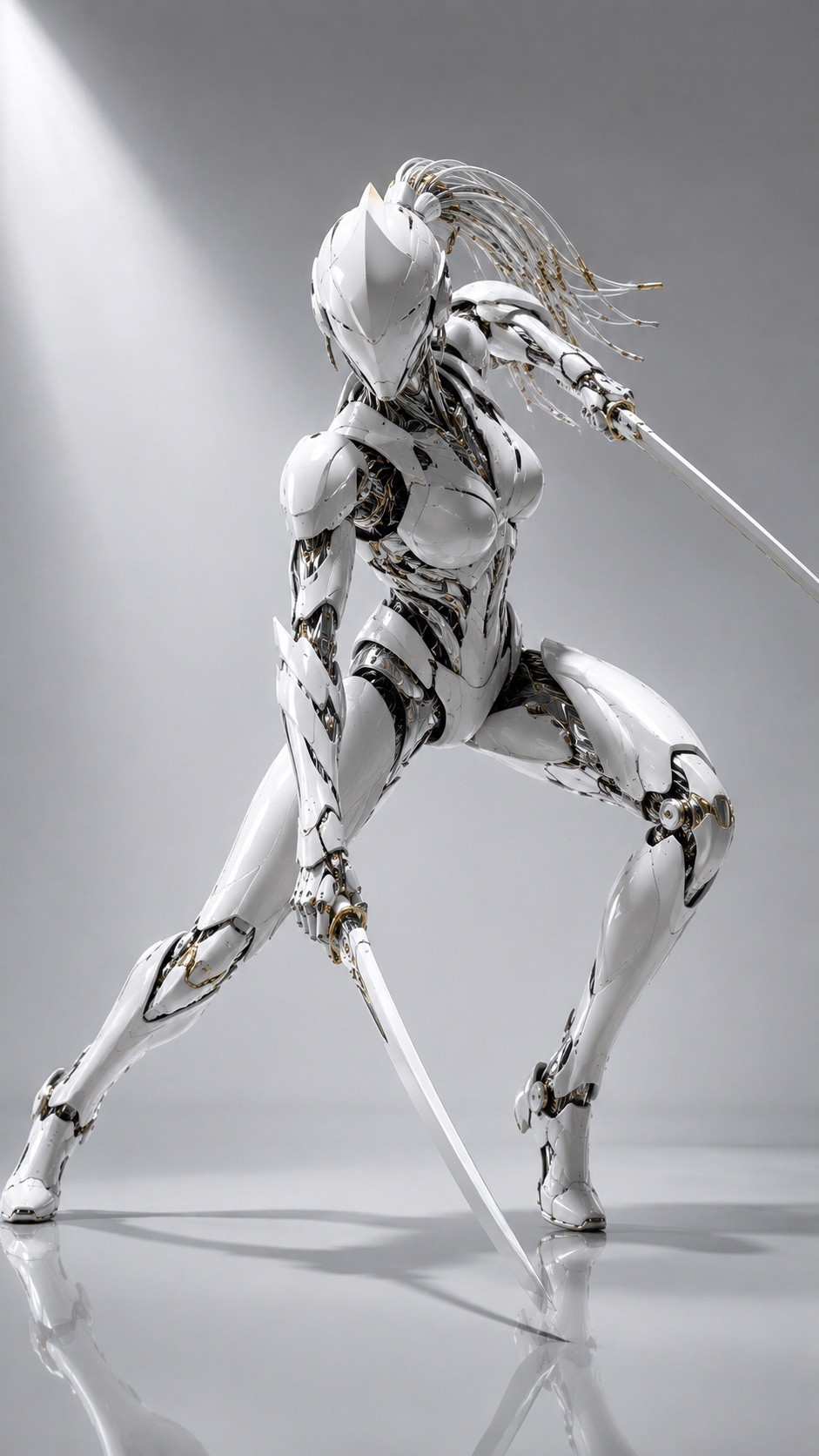
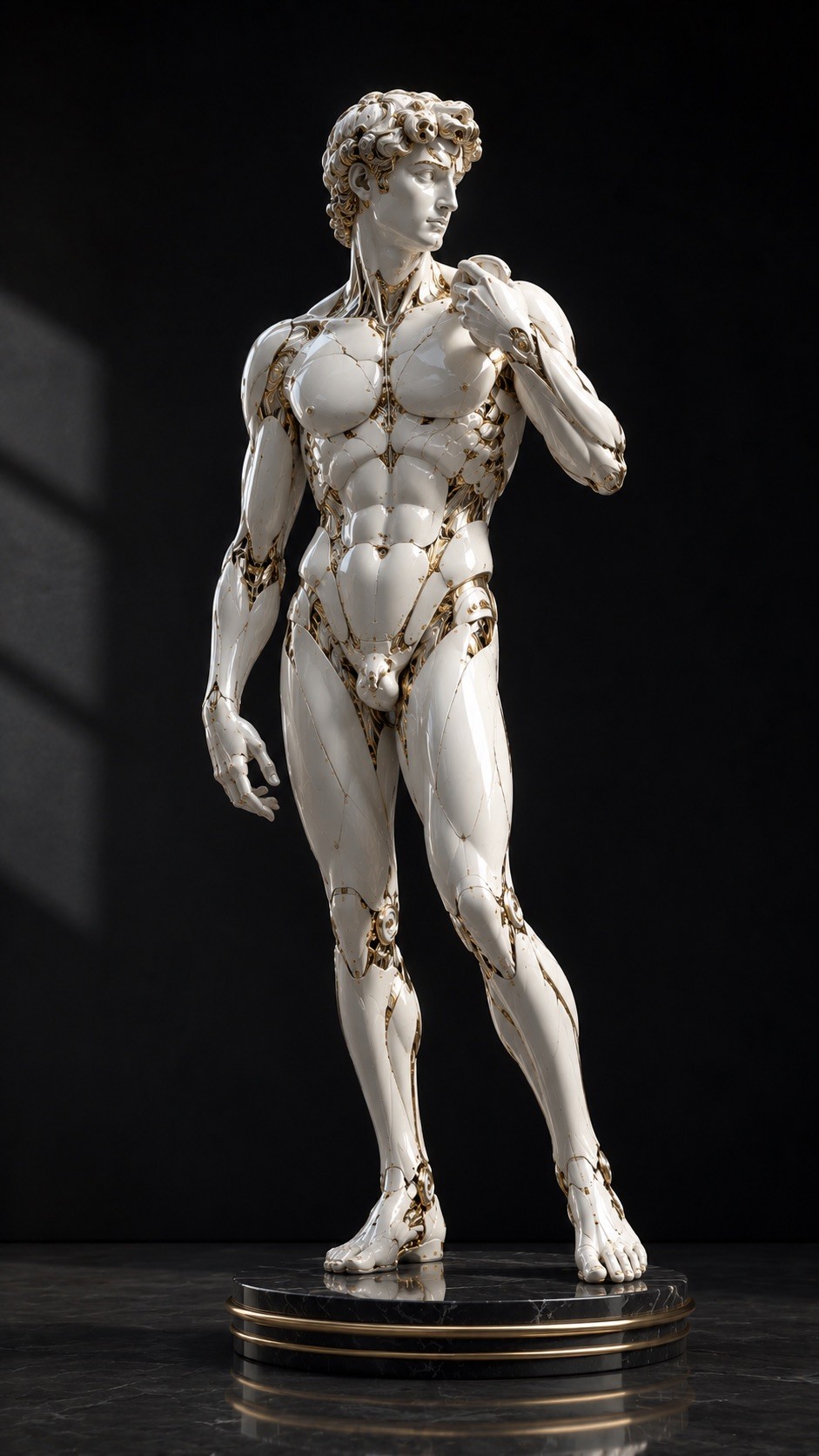
Design a high-end photorealistic 3D render {{Subject: The subject on the attached photo, # Animals, Cat, Pug, Lion, Dragon, Eagle, Stag, Wolf, Whale, Praying Mantis, Beetle, Jellyfish, # Humanoid, Humanoid robot with stylized face, Man, Woman, Male Warrior Figure in an Action Pose, Female Warrior Figure in an Action Pose, Dancer, # Abstract, Sculpture, The Thinker from Rodin, David from Michelangelo, Vessel, Mask, Ornamental Object}} in {{Aspect Ratio:[aspect_ratios]}} as a fusion of polished {{Color: white, black, anthracite, pink, yellow, gold, silver, copper}} ceramic shells and glossy porcelain-like armor. The structure should feature liquid chrome internal components, subtle exposed mechanical joints, black graphite inner gaps, and tiny gold technical details. Use a form language of flowing curved shapes and seamless armor plates to create a refined, minimal, and almost alive aesthetic. If the subject is a person, create a fully covered humanoid figure with elegant {{Color}} biomechanical armor and smooth sculptural forms. Environment: Minimal {{Background Color: pale grey, white, soft beige, black, midnight blue, silver, golden, Glass Dome}} studio with soft diffused daylight and a clean glossy floor. Composition: {{View: Three-quarter view, Full shape}} with elegant negative space. Absolute constraints: No cartoon or anime styles, no messy wires, no cyberpunk neon, and no weapons.
The subject on the attached photo, # Animals, Cat, Pug, Lion, Dragon, Eagle, Stag
[aspect_ratios]
white, black, anthracite, pink, yellow, gold, silver, copper
pale grey, white, soft beige, black, midnight blue, silver, golden, Glass Dome
Three-quarter view, Full shape
Design a high-end photorealistic 3D render The subject on the attached photo in [aspect_ratios] as a fusion of polished white ceramic shells and glossy porcelain-like armor. The structure should feature liquid chrome internal components, subtle exposed mechanical joints, black graphite inner gaps, and tiny gold technical details. Use a form language of flowing curved shapes and seamless armor plates to create a refined, minimal, and almost alive aesthetic. If the subject is a person, create a fully covered humanoid figure with elegant white biomechanical armor and smooth sculptural forms. Environment: Minimal pale grey studio with soft diffused daylight and a clean glossy floor. Composition: Three-quarter view with elegant negative space. Absolute constraints: No cartoon or anime styles, no messy wires, no cyberpunk neon, and no weapons.
Variablen sind in {{ und }} eingeschlossen und folgen diesem Muster:
Eine Auswahl kann auf eine vordefinierte Variablenliste per eckige Klammern verweisen. Diese erscheinen in [Orange] und bieten häufig verwendete Werte wie Farben, Töne oder Sprachen.
Du kannst auch eine durch Kommas getrennte Inline-Liste mit Optionen angeben.
Tipp: Du brauchst die PUCO-App nicht, um diese Prompts zu verwenden! Kopiere einfach die Vorlage und ersetze jeden {{…}}-Abschnitt direkt in ChatGPT, Claude, Gemini oder einem anderen KI-Assistenten durch eigenen Text.