Best For
- Starting from a structured, reusable prompt instead of a blank chat.
- Adapting the prompt to your own inputs while keeping the original intent intact.
- Workflows related to Finance & Investing.

Generates a comprehensive, mobile-responsive 2-page dark HTML risk score report for a specific stock with dynamic UI elements and metrics.
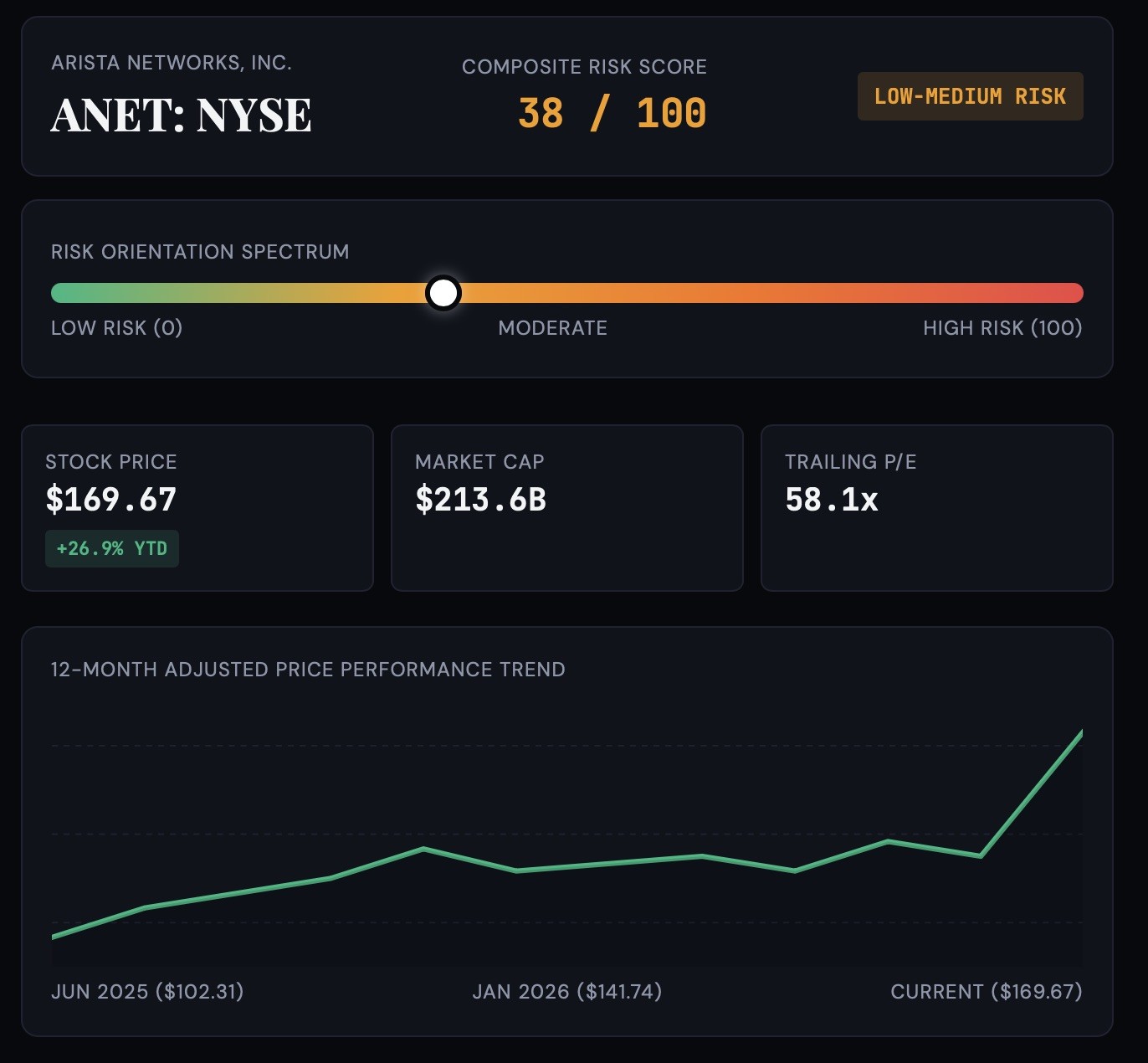
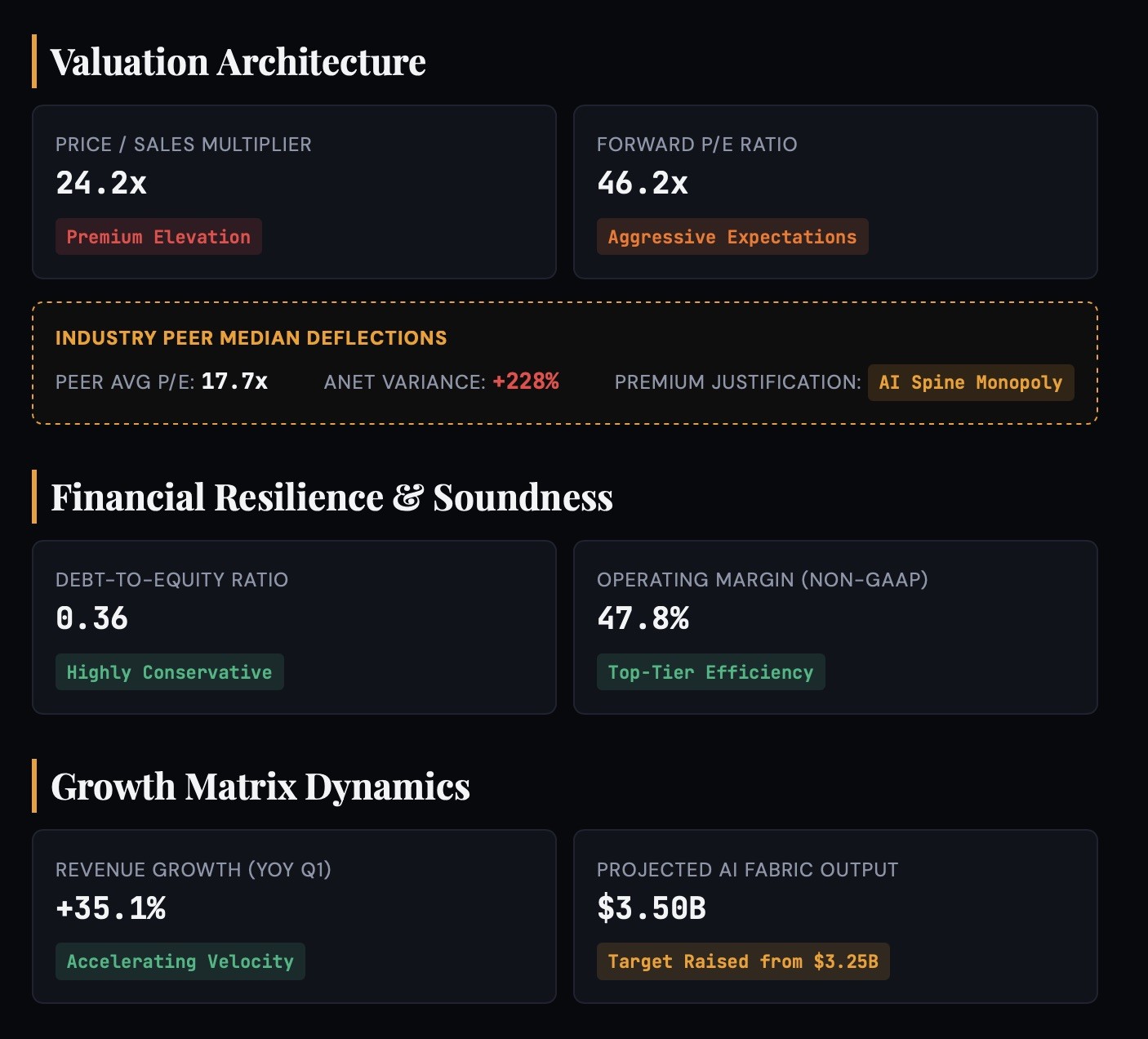
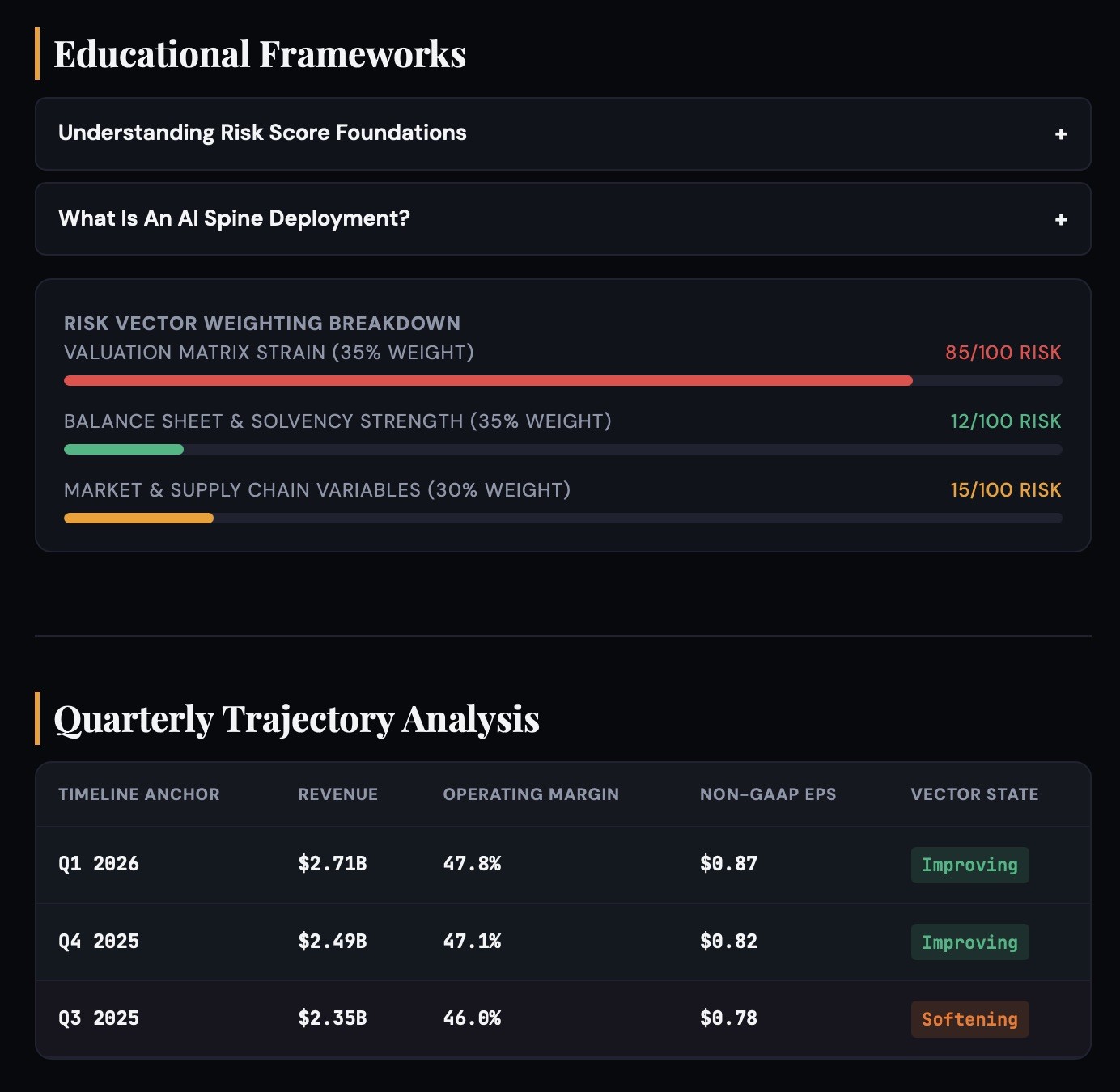
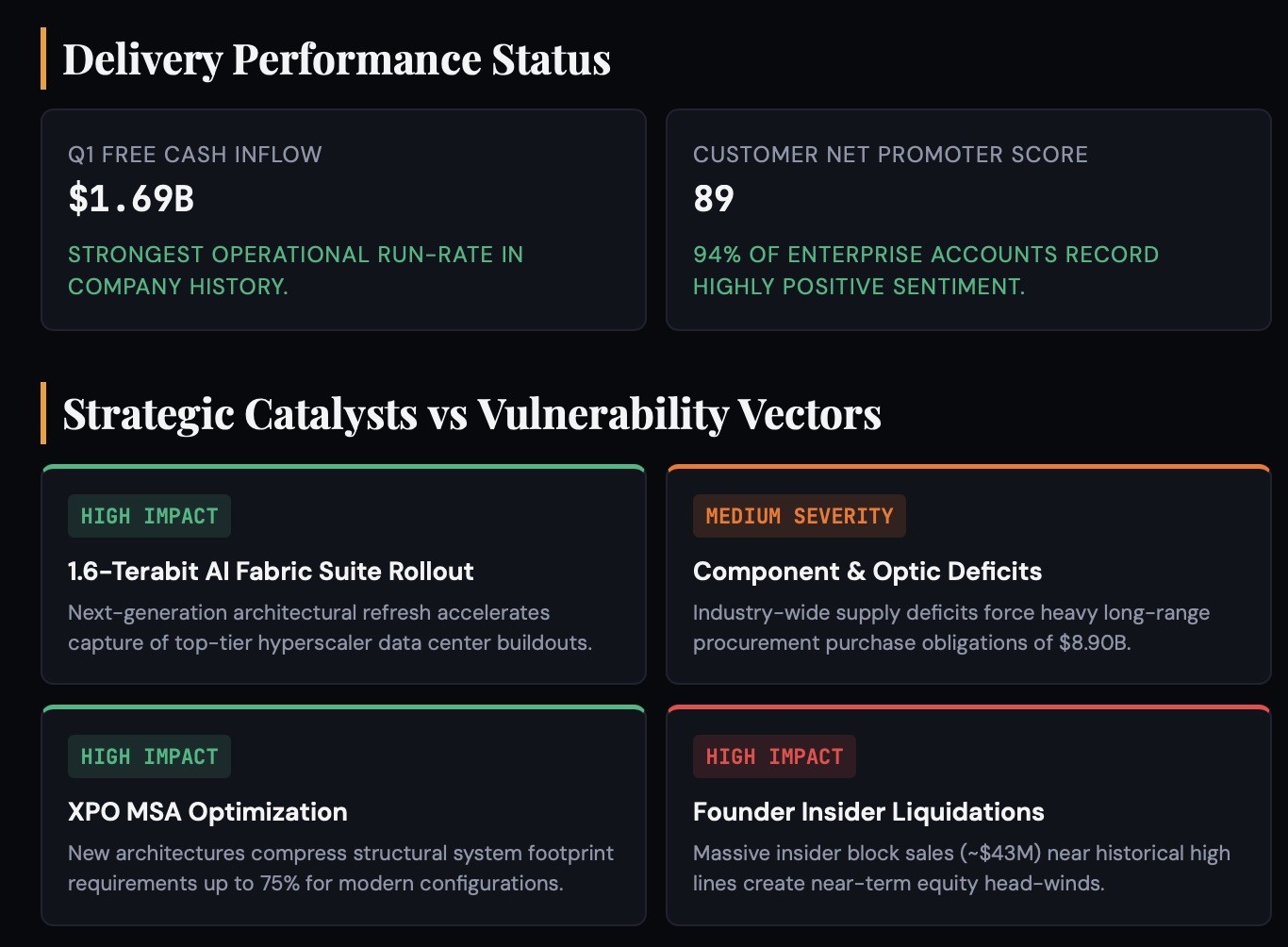
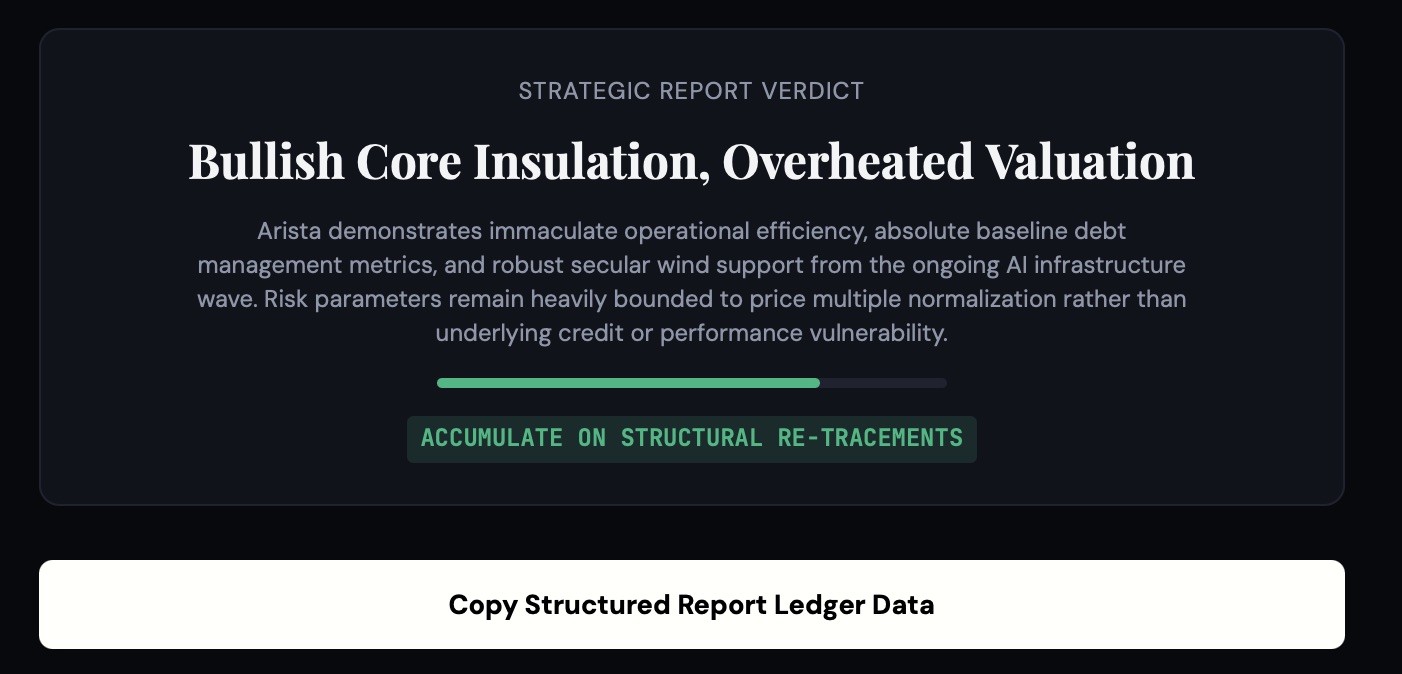
Build a 2-page dark HTML risk score report for {{Company:# Artificial Intelligence, Tesla (TSLA), NVIDIA (NVDA), Microsoft (MSFT), Alphabet (GOOGL), Amazon (AMZN), Meta (META), Apple (AAPL), AMD (AMD), Palantir (PLTR), Intel (INTC), # Pharmaceuticals & Biotech, Pfizer (PFE), Moderna (MRNA), Eli Lilly (LLY), Novo Nordisk (NVO), Johnson & Johnson (JNJ), Merck (MRK), AbbVie (ABBV), AstraZeneca (AZN), Bristol Myers Squibb (BMY), Novartis (NVS), # Finance & Banking, JPMorgan Chase (JPM), Bank of America (BAC), Goldman Sachs (GS), Morgan Stanley (MS), Citigroup (C), Wells Fargo (WFC), Visa (V), Mastercard (MA), American Express (AXP), # Energy & Automotive, ExxonMobil (XOM), Chevron (CVX), NextEra Energy (NEE), Ford (F), General Motors (GM), Toyota (TM), Rivian (RIVN), NIO (NIO)}}. Hero strip with ticker + score + risk badge in one row. Horizontal colour bar (red/amber/gold/green zones) with position marker at the score. Page 1: KPI strip, 12-month SVG price chart, 6-card grids for Valuation, Financial Health & Growth with colour tags. Sector median comparison row under valuation. Collapsible beginner explainer toggles. Score breakdown bars (35/35/30 weighting). Page 2: quarterly trend table with colour-coded rows (green improving, red declining), latest earnings/delivery cards, catalysts vs risks with HIGH IMPACT / MEDIUM severity tags, bottom line with rating bar & verdict. Dark bg (#08090d), JetBrains Mono data, DM Sans body, Playfair Display headlines. Text sized for mobile readability (values 22px+, tags 13px+, labels 26px+). Clipboard export. Use latest web data.
# Artificial Intelligence, Tesla (TSLA), NVIDIA (NVDA), Microsoft (MSFT), Alphabet (GOOGL), Amazon (AMZN), Meta (META), Apple (AAPL)
Build a 2-page dark HTML risk score report for # Artificial Intelligence. Hero strip with ticker + score + risk badge in one row. Horizontal colour bar (red/amber/gold/green zones) with position marker at the score. Page 1: KPI strip, 12-month SVG price chart, 6-card grids for Valuation, Financial Health & Growth with colour tags. Sector median comparison row under valuation. Collapsible beginner explainer toggles. Score breakdown bars (35/35/30 weighting). Page 2: quarterly trend table with colour-coded rows (green improving, red declining), latest earnings/delivery cards, catalysts vs risks with HIGH IMPACT / MEDIUM severity tags, bottom line with rating bar & verdict. Dark bg (#08090d), JetBrains Mono data, DM Sans body, Playfair Display headlines. Text sized for mobile readability (values 22px+, tags 13px+, labels 26px+). Clipboard export. Use latest web data.
Variables are wrapped in {{ and }} and follow this pattern:
A selection can reference a predefined variable list using square brackets. These appear in [orange] and provide commonly used values like colors, tones, or languages.
You can also provide an inline list of choices separated by commas.
Tip: You don't need the PUCO app to use these prompts! Simply copy the template and replace each {{…}} section with your own text directly in ChatGPT, Claude, Gemini, or any other AI assistant.