Ideal für
- Einen strukturierten, wiederverwendbaren Prompt statt eines leeren Chats als Ausgangspunkt nutzen.
- Den Prompt an eigene Eingaben anpassen, während die ursprüngliche Absicht erhalten bleibt.
- Workflows rund um Creative & Visuals.

Erstellt auf Basis einer Textbeschreibung ein umfassendes fotografisches Charaktermodell mit Rundumansichten.
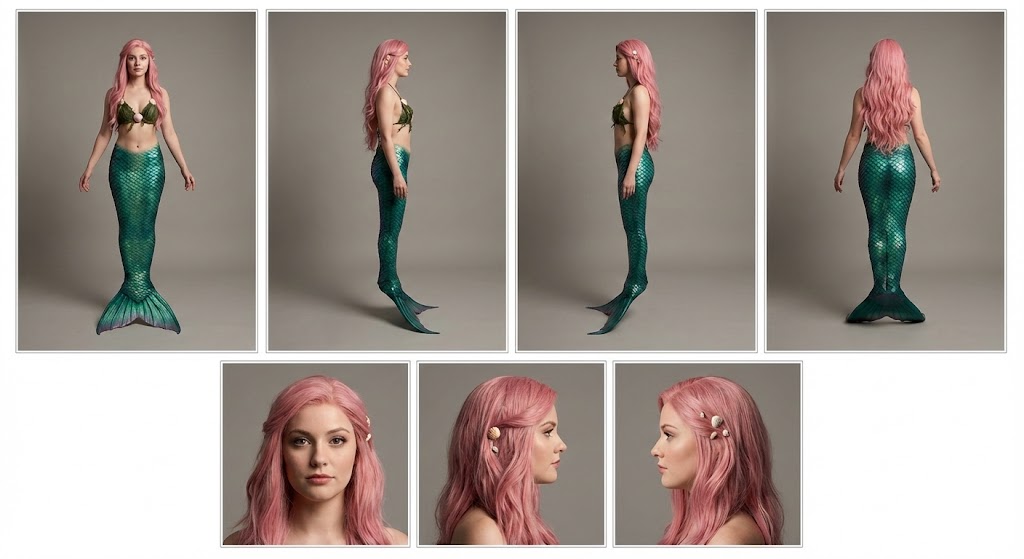
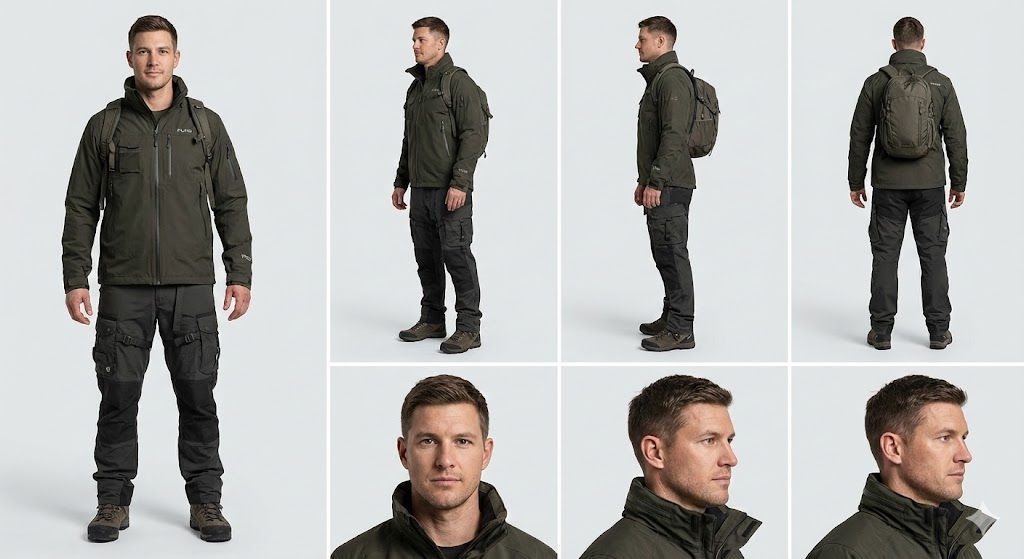
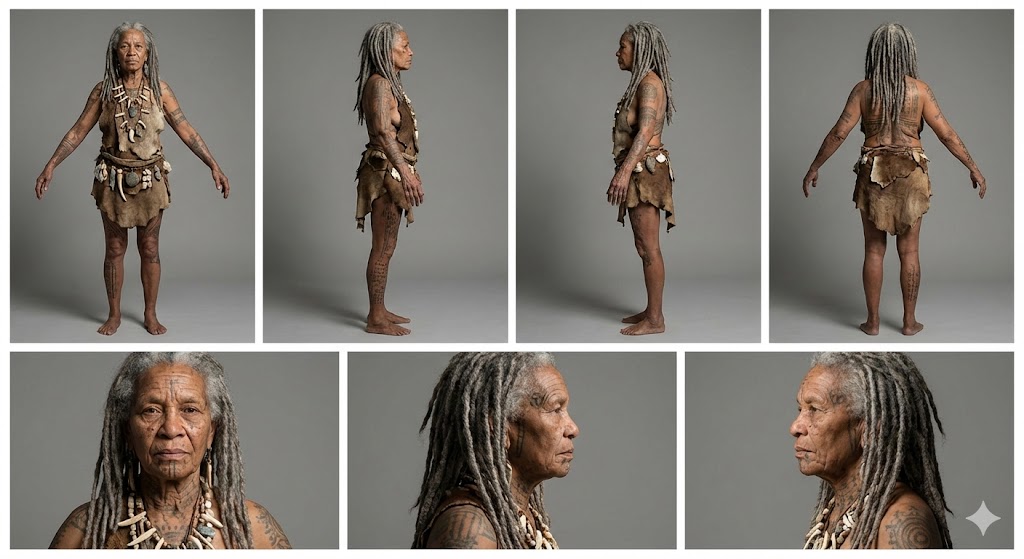
Create a professional character reference sheet of {{Character Description: e.g. An adventurer wearing a Puco-branded techwear jacket and cargo pants}}. Use a clean, neutral plain background and present the sheet as a technical model turnaround in a photographic style. Arrange the composition into two horizontal rows. Top row: four full-body standing views placed side-by-side in this order: front view, left profile view (facing left), right profile view (facing right), and back view. Bottom row: three highly detailed close-up portraits aligned beneath the full-body row in this order: front portrait, left profile portrait (facing left), and right profile portrait (facing right). Maintain perfect identity consistency across every panel. Keep the subject in a relaxed A-pose with consistent scale and alignment between views, accurate anatomy, and a clear silhouette. Ensure even spacing and clean panel separation, with uniform framing and consistent head height across the full-body lineup and consistent facial scale across the portraits. Lighting should be consistent across all panels (same direction, intensity, and softness), with natural, controlled shadows that preserve detail without dramatic mood shifts. Output a crisp, print-ready reference sheet look with sharp details.
e.g. An adventurer wearing a Puco-branded techwear jacket and cargo pants
Create a professional character reference sheet of e.g. An adventurer wearing a Puco-branded techwear jacket and cargo pants. Use a clean, neutral plain background and present the sheet as a technical model turnaround in a photographic style. Arrange the composition into two horizontal rows. Top row: four full-body standing views placed side-by-side in this order: front view, left profile view (facing left), right profile view (facing right), and back view. Bottom row: three highly detailed close-up portraits aligned beneath the full-body row in this order: front portrait, left profile portrait (facing left), and right profile portrait (facing right). Maintain perfect identity consistency across every panel. Keep the subject in a relaxed A-pose with consistent scale and alignment between views, accurate anatomy, and a clear silhouette. Ensure even spacing and clean panel separation...
Variablen sind in {{ und }} eingeschlossen und folgen diesem Muster:
Eine Auswahl kann auf eine vordefinierte Variablenliste per eckige Klammern verweisen. Diese erscheinen in [Orange] und bieten häufig verwendete Werte wie Farben, Töne oder Sprachen.
Du kannst auch eine durch Kommas getrennte Inline-Liste mit Optionen angeben.
Tipp: Du brauchst die PUCO-App nicht, um diese Prompts zu verwenden! Kopiere einfach die Vorlage und ersetze jeden {{…}}-Abschnitt direkt in ChatGPT, Claude, Gemini oder einem anderen KI-Assistenten durch eigenen Text.