Ideale per
- Partire da un prompt strutturato e riutilizzabile invece di una chat vuota.
- Adattare il prompt ai propri input mantenendo intatto l'intento originale.
- Flussi di lavoro legati a Creative & Visuals.

Crea un modello fotografico completo del personaggio con viste a 360° a partire da una descrizione testuale.
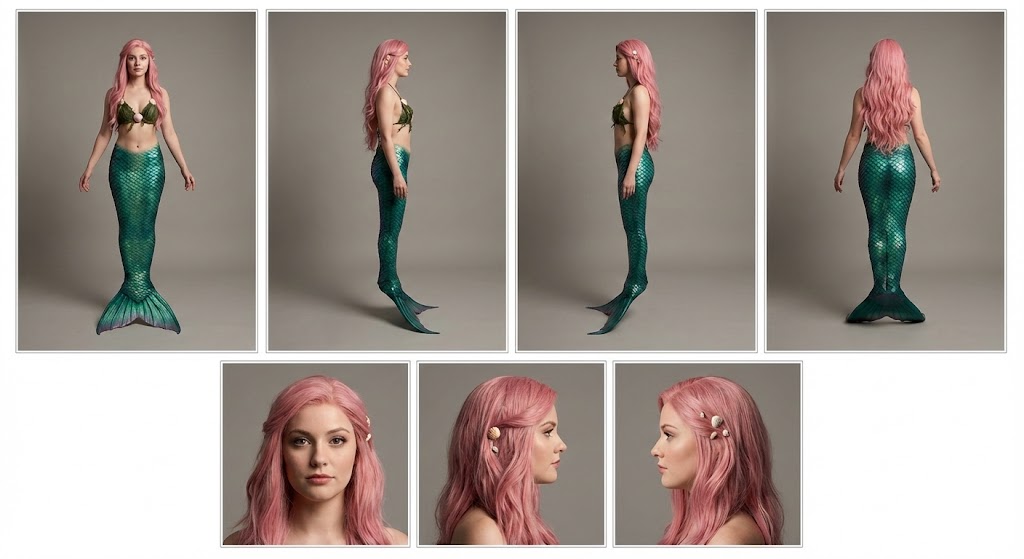
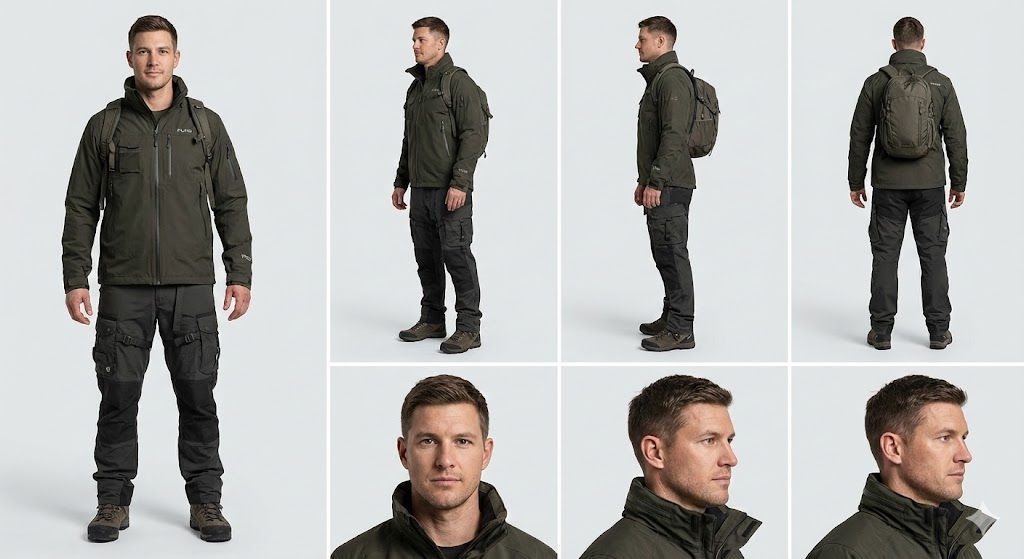
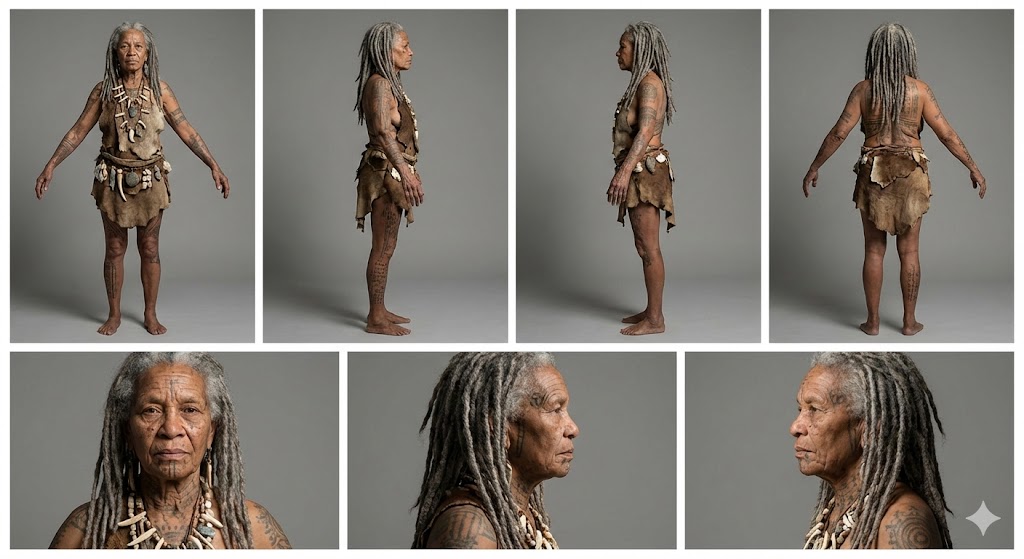
Create a professional character reference sheet of {{Character Description: e.g. An adventurer wearing a Puco-branded techwear jacket and cargo pants}}. Use a clean, neutral plain background and present the sheet as a technical model turnaround in a photographic style. Arrange the composition into two horizontal rows. Top row: four full-body standing views placed side-by-side in this order: front view, left profile view (facing left), right profile view (facing right), and back view. Bottom row: three highly detailed close-up portraits aligned beneath the full-body row in this order: front portrait, left profile portrait (facing left), and right profile portrait (facing right). Maintain perfect identity consistency across every panel. Keep the subject in a relaxed A-pose with consistent scale and alignment between views, accurate anatomy, and a clear silhouette. Ensure even spacing and clean panel separation, with uniform framing and consistent head height across the full-body lineup and consistent facial scale across the portraits. Lighting should be consistent across all panels (same direction, intensity, and softness), with natural, controlled shadows that preserve detail without dramatic mood shifts. Output a crisp, print-ready reference sheet look with sharp details.
e.g. An adventurer wearing a Puco-branded techwear jacket and cargo pants
Create a professional character reference sheet of e.g. An adventurer wearing a Puco-branded techwear jacket and cargo pants. Use a clean, neutral plain background and present the sheet as a technical model turnaround in a photographic style. Arrange the composition into two horizontal rows. Top row: four full-body standing views placed side-by-side in this order: front view, left profile view (facing left), right profile view (facing right), and back view. Bottom row: three highly detailed close-up portraits aligned beneath the full-body row in this order: front portrait, left profile portrait (facing left), and right profile portrait (facing right). Maintain perfect identity consistency across every panel. Keep the subject in a relaxed A-pose with consistent scale and alignment between views, accurate anatomy, and a clear silhouette. Ensure even spacing and clean panel separation...
Le variabili sono racchiuse tra {{ e }} e seguono questo schema:
Una selezione può fare riferimento a un elenco di variabili predefinito usando le parentesi quadre. Appaiono in [arancione] e forniscono valori di uso comune come colori, toni o lingue.
Puoi anche fornire un elenco di scelte in linea, separate da virgole.
Suggerimento: non hai bisogno dell'app PUCO per usare questi prompt! Copia semplicemente il modello e sostituisci ogni sezione {{…}} con il tuo testo direttamente in ChatGPT, Claude, Gemini o qualsiasi altro assistente IA.