Ideale per
- Partire da un prompt strutturato e riutilizzabile invece di una chat vuota.
- Adattare il prompt ai propri input mantenendo intatto l'intento originale.
- Flussi di lavoro legati a Creative & Visuals.

Genera un’immagine surreale di un soggetto scelto, realizzato in un materiale specifico come un puzzle con i pezzi che fluttuano nello spazio.
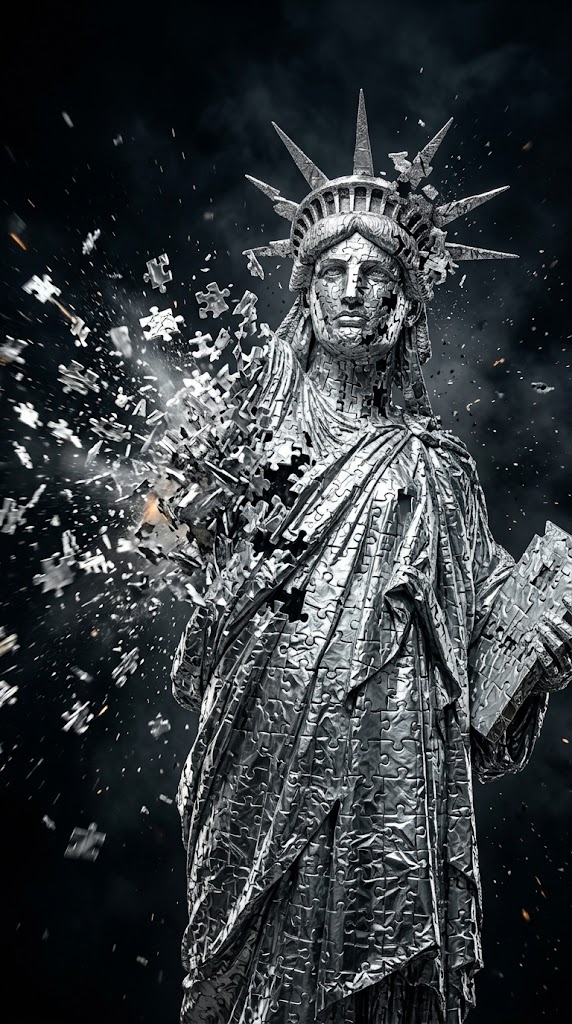
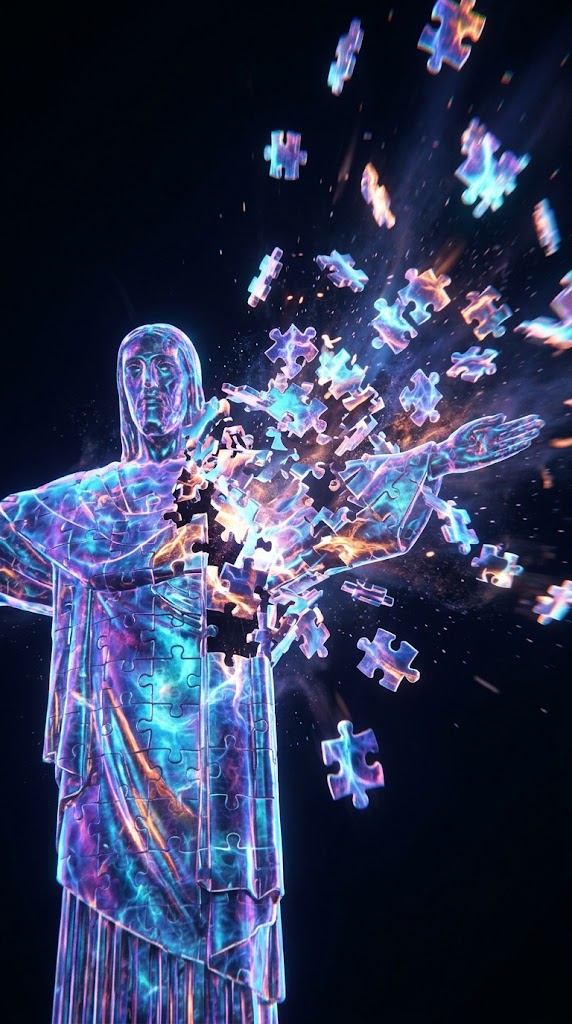
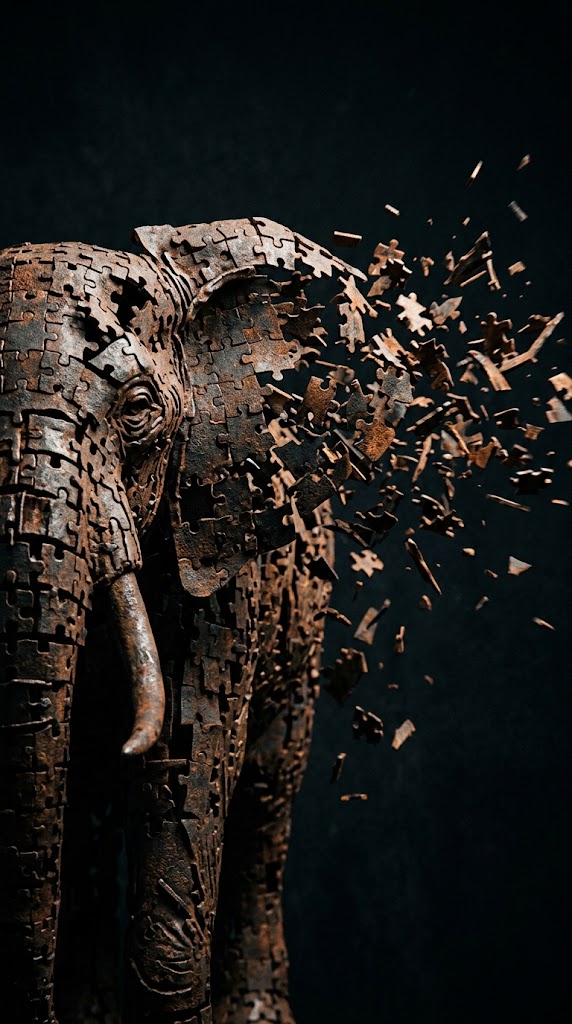
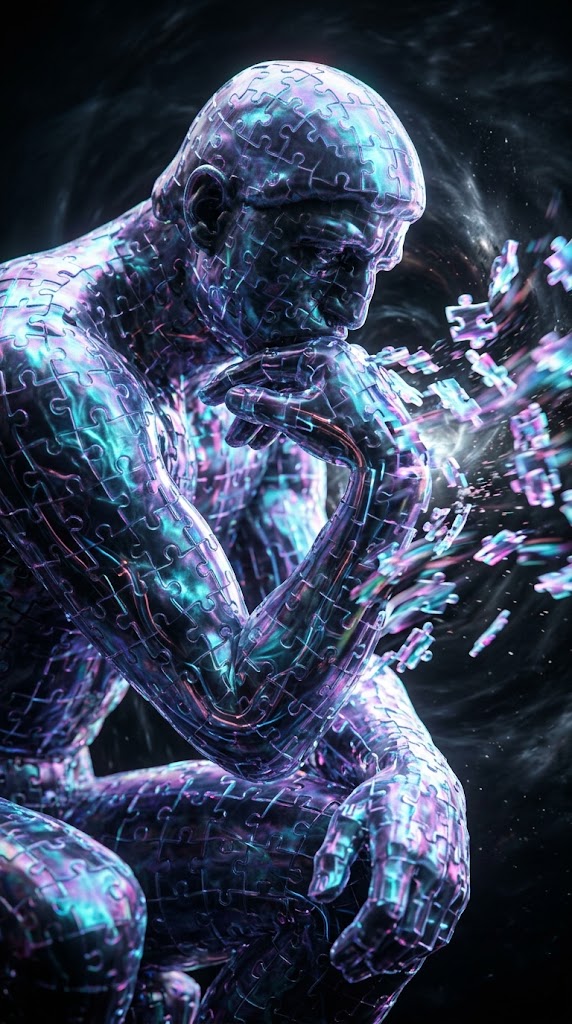
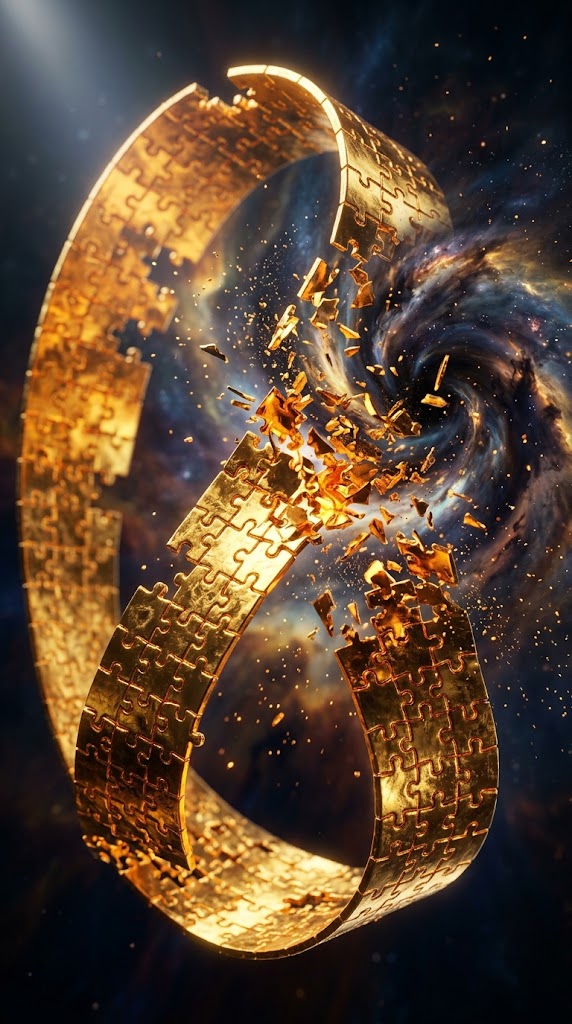
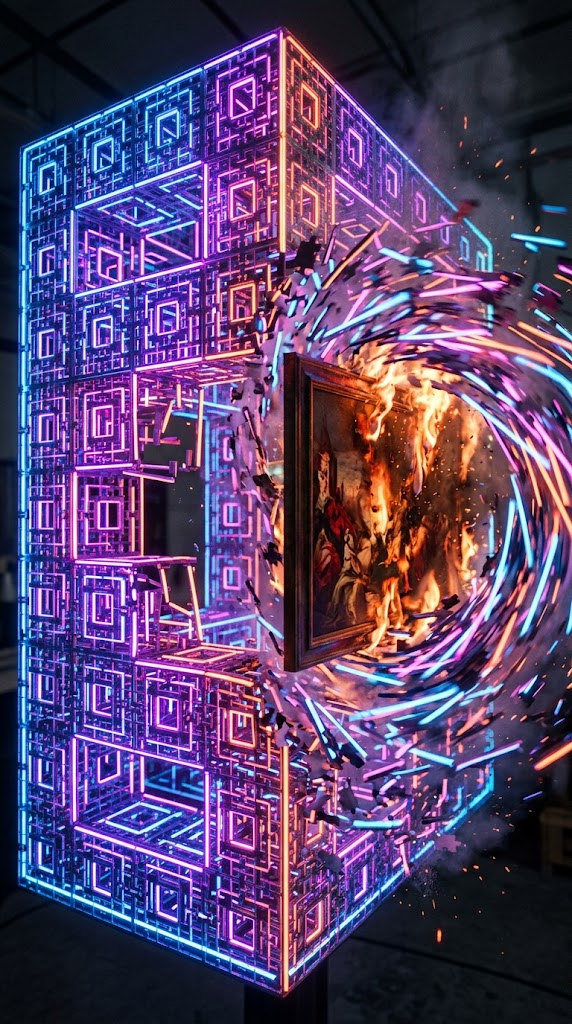
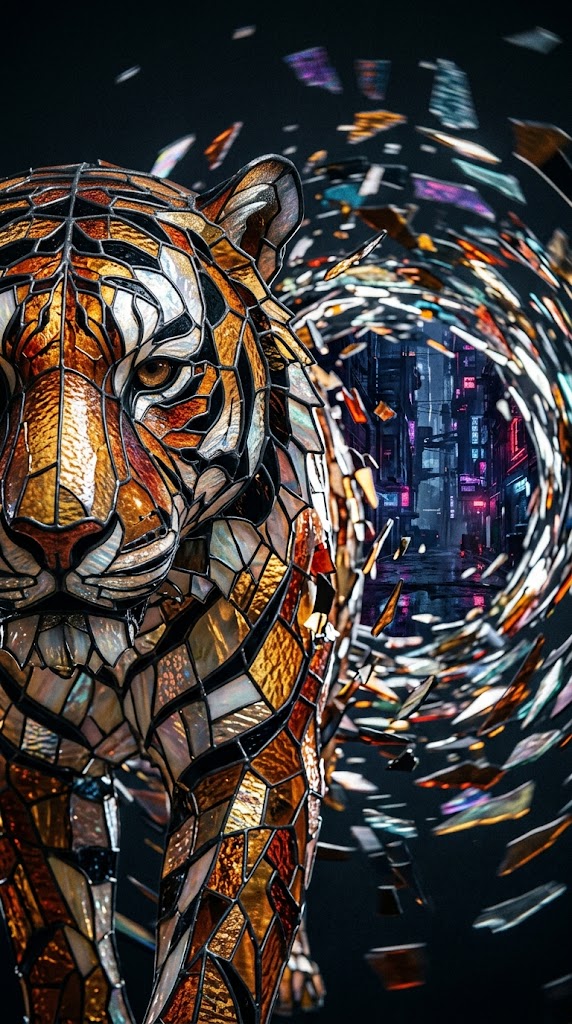
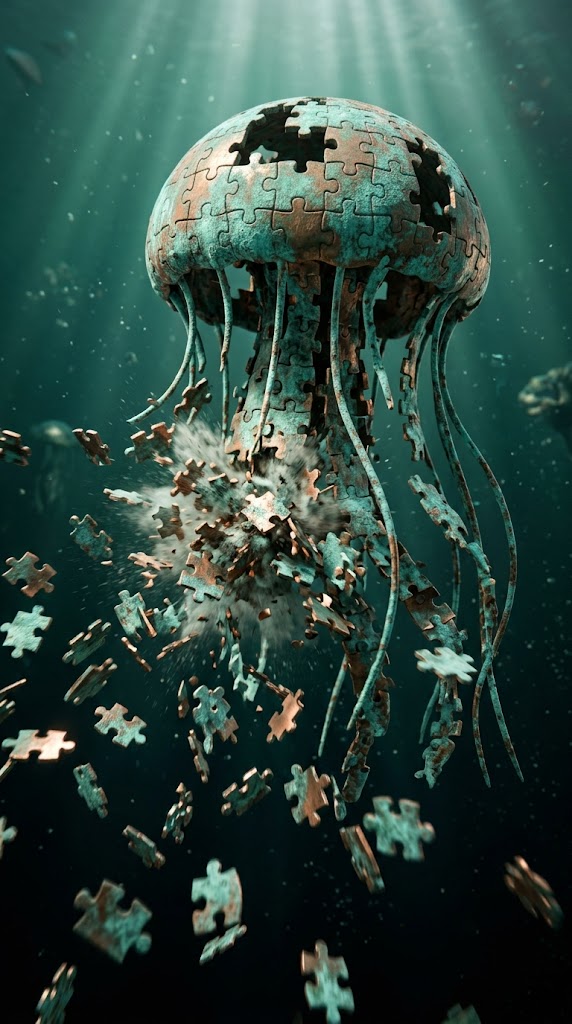
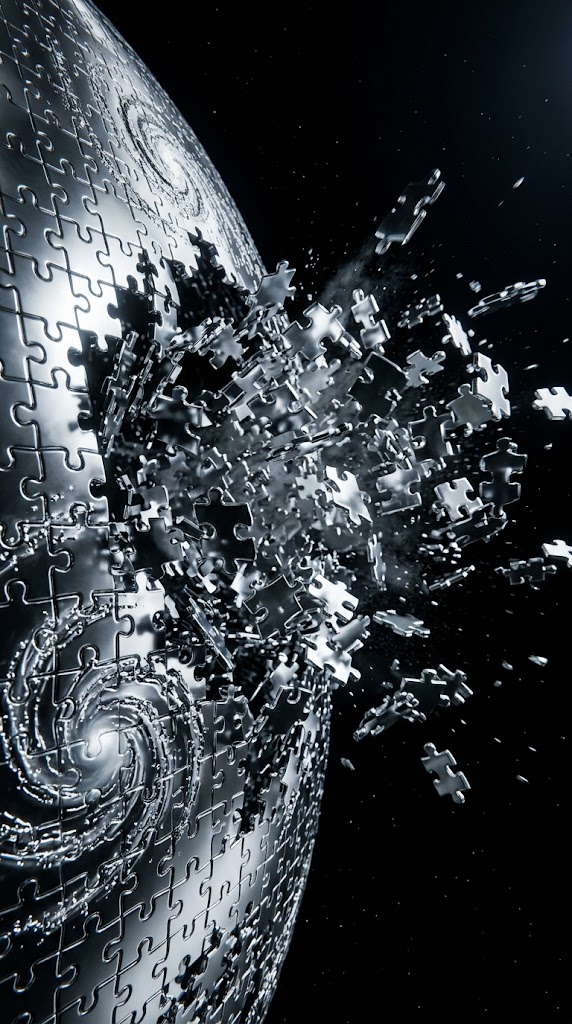
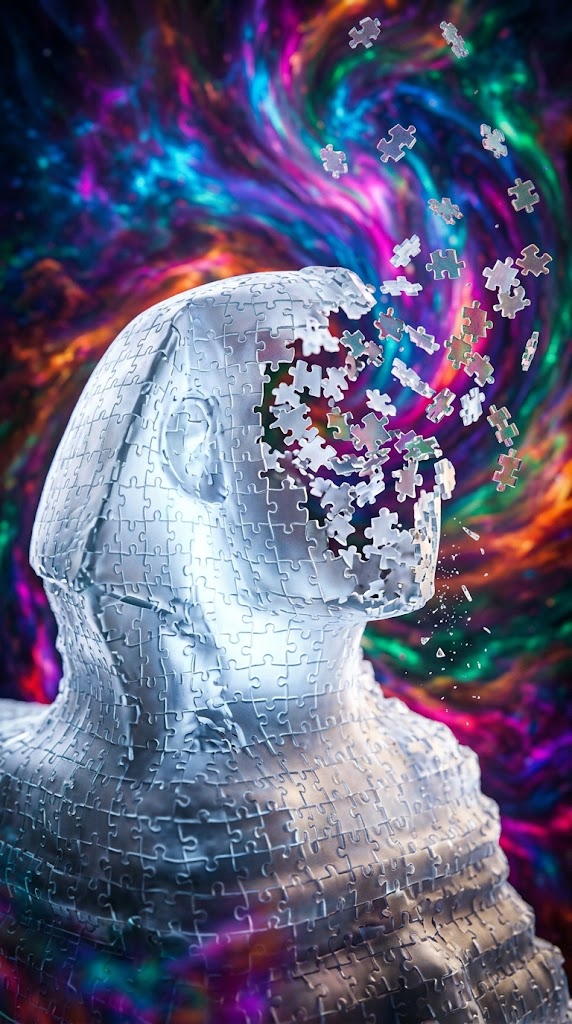
A highly detailed, surreal image of {{Subject: # Famous Sculptures, Michelangelo's David, Venus de Milo, The Thinker, Christ the Redeemer, Statue of Liberty, Moai Statue, Great Sphinx, # Geometric Objects, Tesseract, Möbius Strip, Dodecahedron, Icosahedron, Torus, Fibonacci Spiral, Fractal Cube, # Animals, Bengal Tiger, Blue Whale, Peregrine Falcon, African Elephant, Jellyfish, Chameleon}} crafted entirely out of {{Material: # Metals & Minerals, aluminum foil, polished obsidian, rusted iron, molten gold, translucent jade, oxidized copper, # Glass & Light, stained glass, glowing neon, holographic plasma, frosted glass, glowing uranium glass, # Organic & Nature, mother of pearl, carved mahogany, bioluminescent coral, # Engineered & Everyday, white cardboard, woven carbon fiber, crumpled newspaper, shattered porcelain, Vantablack coating}}. The subject is constructed as a complex 3D jigsaw puzzle. At one specific focal point on the subject, the individual puzzle pieces {{Intensity: violently explode outward, are caught in a chaotic high-speed vortex, aggressively peel away with intense motion blur, aggressively shatter and splinter, are forcefully blasted away}} into {{Background: # Cosmic & Abstract, Space, a black void, a surreal color mix, a collapsing nebula, a swirling quantum storm, # Environments & Scale, a dystopian cyberpunk cityscape, an underwater abyss, a stormy sky with violent lightning, a microscopic cellular landscape, # Surreal & Studio, an infinitely mirroring room, a stark white studio backdrop, a hyper-saturated vaporwave grid, a burning Renaissance painting}}.

Cinematic lighting, hyper-realistic, visually striking, dynamic action shot.
Closeup photo
Only show the deteriorating sculpture not the complete one.
Aspect ratio: {{Aspect Ratios: [aspect_ratios]}}
# Famous Sculptures, Michelangelo's David, Venus de Milo, The Thinker, Christ the Redeemer, Statue of Liberty, Moai Statue, Great Sphinx
# Metals & Minerals, aluminum foil, polished obsidian, rusted iron, molten gold, translucent jade, oxidized copper, # Glass & Light
violently explode outward, are caught in a chaotic high-speed vortex, aggressively peel away with intense motion blur, aggressively shatter and splinter, are forcefully blasted away
# Cosmic & Abstract, Space, a black void, a surreal color mix, a collapsing nebula, a swirling quantum storm, # Environments & Scale, a dystopian cyberpunk cityscape
[aspect_ratios]
A highly detailed, surreal image of # Famous Sculptures crafted entirely out of # Metals & Minerals. The subject is constructed as a complex 3D jigsaw puzzle. At one specific focal point on the subject, the individual puzzle pieces violently explode outward into # Cosmic & Abstract.

Cinematic lighting, hyper-realistic, visually striking, dynamic action shot.
Closeup photo
Only show the deteriorating sculpture not the complete one.
Aspect ratio: [aspect_ratios]
Le variabili sono racchiuse tra {{ e }} e seguono questo schema:
Una selezione può fare riferimento a un elenco di variabili predefinito usando le parentesi quadre. Appaiono in [arancione] e forniscono valori di uso comune come colori, toni o lingue.
Puoi anche fornire un elenco di scelte in linea, separate da virgole.
Suggerimento: non hai bisogno dell'app PUCO per usare questi prompt! Copia semplicemente il modello e sostituisci ogni sezione {{…}} con il tuo testo direttamente in ChatGPT, Claude, Gemini o qualsiasi altro assistente IA.