Ideal para
- Empezar desde un prompt estructurado y reutilizable en lugar de un chat en blanco.
- Adaptar el prompt a tus propios datos manteniendo intacta la intención original.
- Flujos de trabajo relacionados con Creative & Visuals.

Crea un modelo fotográfico completo del personaje con vistas de 360° a partir de una descripción de texto.
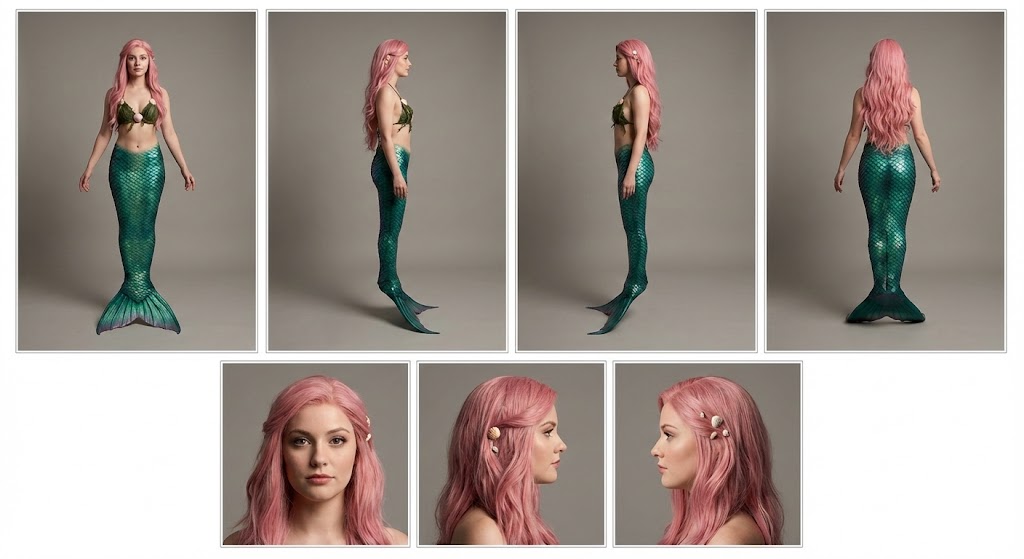
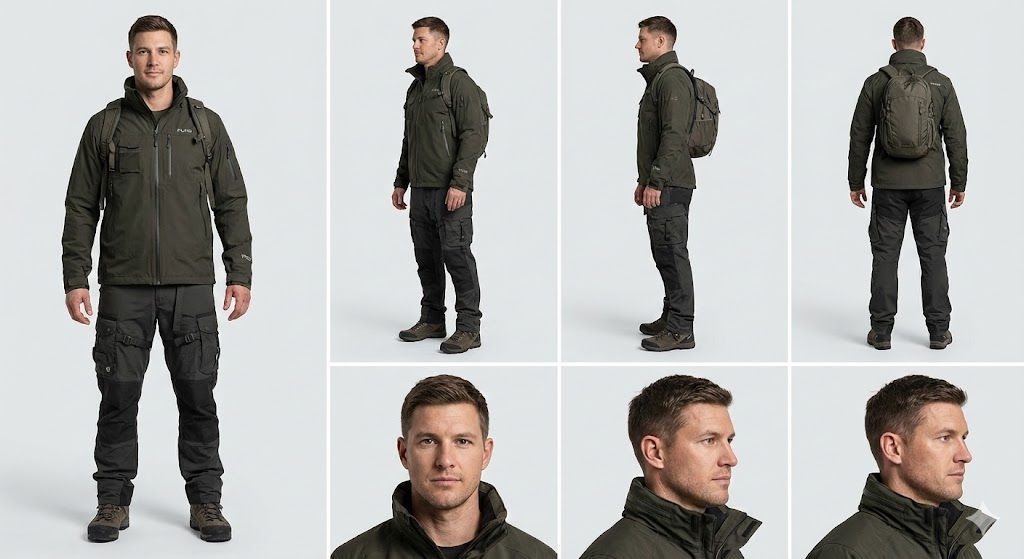
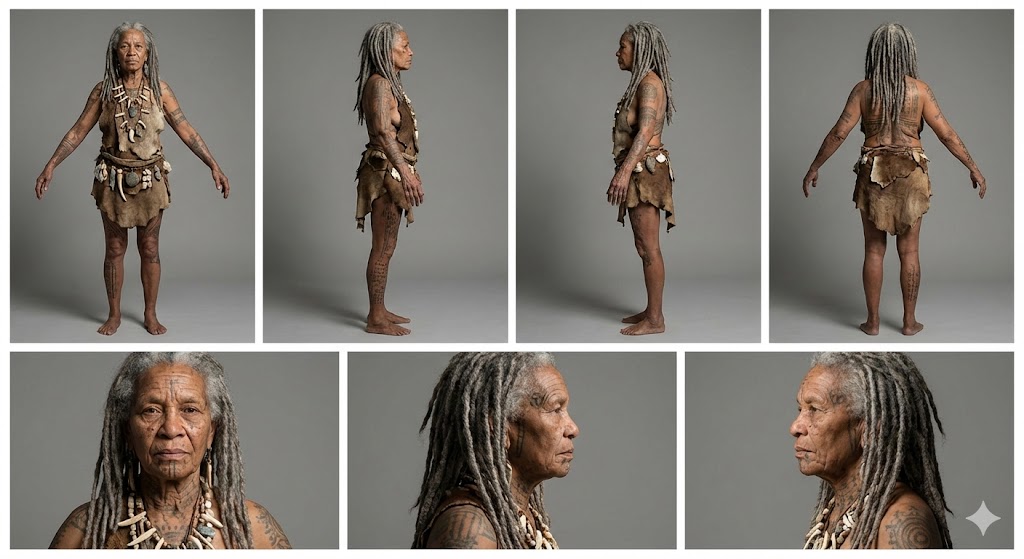
Create a professional character reference sheet of {{Character Description: e.g. An adventurer wearing a Puco-branded techwear jacket and cargo pants}}. Use a clean, neutral plain background and present the sheet as a technical model turnaround in a photographic style. Arrange the composition into two horizontal rows. Top row: four full-body standing views placed side-by-side in this order: front view, left profile view (facing left), right profile view (facing right), and back view. Bottom row: three highly detailed close-up portraits aligned beneath the full-body row in this order: front portrait, left profile portrait (facing left), and right profile portrait (facing right). Maintain perfect identity consistency across every panel. Keep the subject in a relaxed A-pose with consistent scale and alignment between views, accurate anatomy, and a clear silhouette. Ensure even spacing and clean panel separation, with uniform framing and consistent head height across the full-body lineup and consistent facial scale across the portraits. Lighting should be consistent across all panels (same direction, intensity, and softness), with natural, controlled shadows that preserve detail without dramatic mood shifts. Output a crisp, print-ready reference sheet look with sharp details.
e.g. An adventurer wearing a Puco-branded techwear jacket and cargo pants
Create a professional character reference sheet of e.g. An adventurer wearing a Puco-branded techwear jacket and cargo pants. Use a clean, neutral plain background and present the sheet as a technical model turnaround in a photographic style. Arrange the composition into two horizontal rows. Top row: four full-body standing views placed side-by-side in this order: front view, left profile view (facing left), right profile view (facing right), and back view. Bottom row: three highly detailed close-up portraits aligned beneath the full-body row in this order: front portrait, left profile portrait (facing left), and right profile portrait (facing right). Maintain perfect identity consistency across every panel. Keep the subject in a relaxed A-pose with consistent scale and alignment between views, accurate anatomy, and a clear silhouette. Ensure even spacing and clean panel separation...
Las variables van entre {{ y }} y siguen este patrón:
Una selección puede hacer referencia a una lista de variables predefinida usando corchetes. Aparecen en [naranja] y proporcionan valores de uso común como colores, tonos o idiomas.
También puedes proporcionar una lista de opciones en línea, separadas por comas.
Consejo: ¡no necesitas la app PUCO para usar estos prompts! Solo copia la plantilla y sustituye cada sección {{…}} por tu propio texto directamente en ChatGPT, Claude, Gemini o cualquier otro asistente de IA.