
Ideal für
- Einen strukturierten, wiederverwendbaren Prompt statt eines leeren Chats als Ausgangspunkt nutzen.
- Den Prompt an eigene Eingaben anpassen, während die ursprüngliche Absicht erhalten bleibt.
- Workflows rund um Creative & Visuals.
Erstellt ein professionelles Charakter-Referenzblatt aus mehreren Blickwinkeln, um die visuelle Konsistenz bei der Bild- und Videogenerierung mit KI zu gewährleisten.
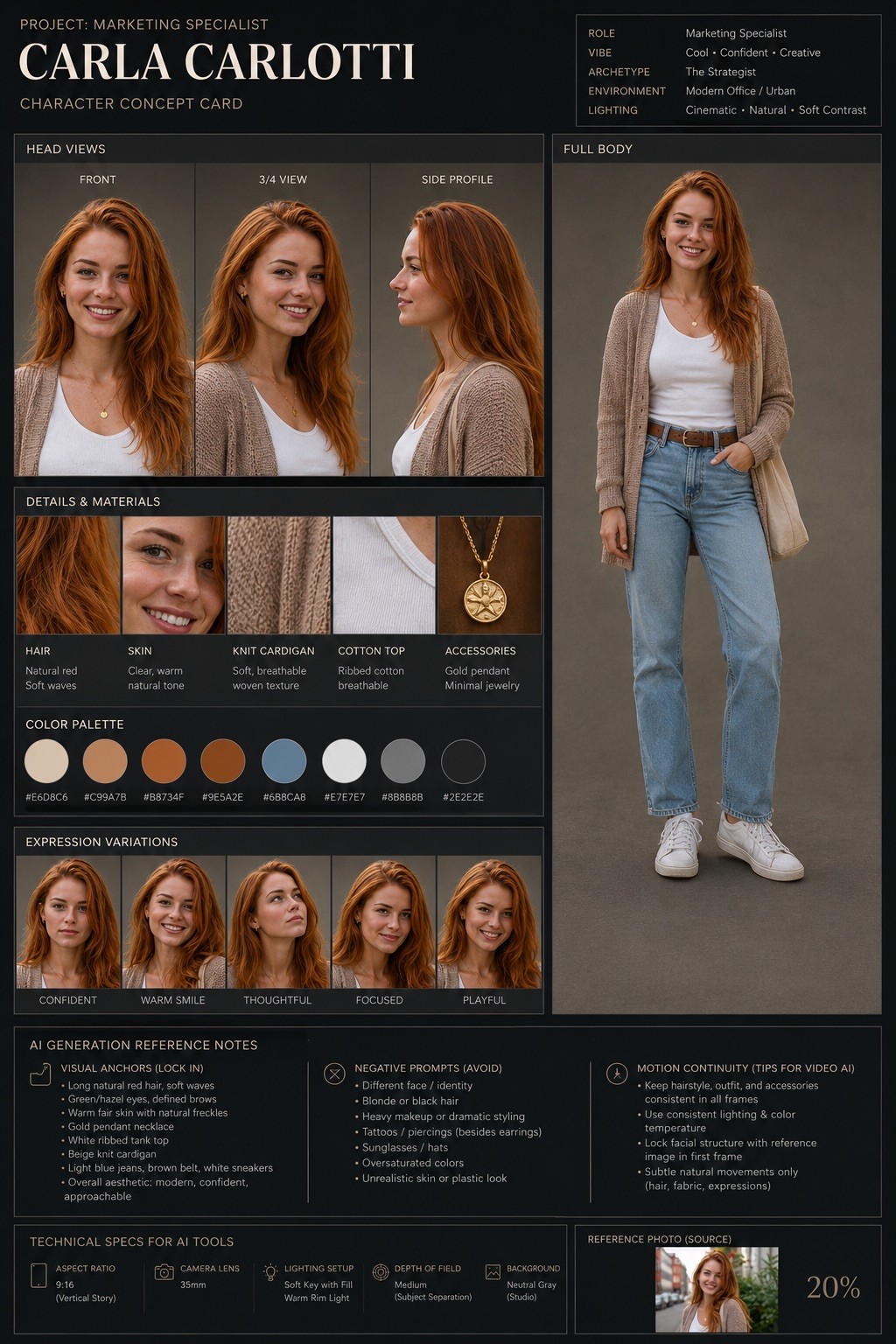
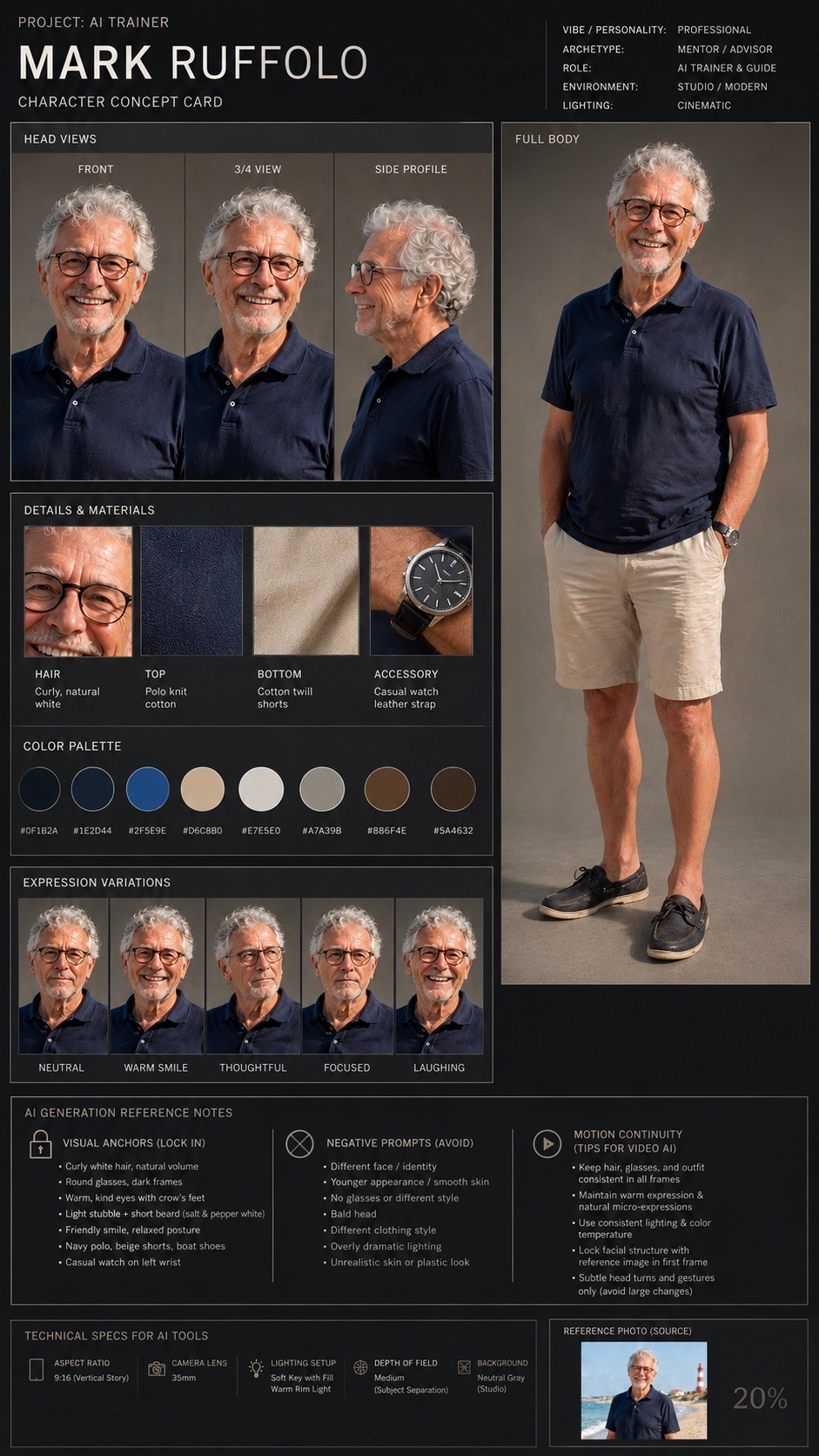
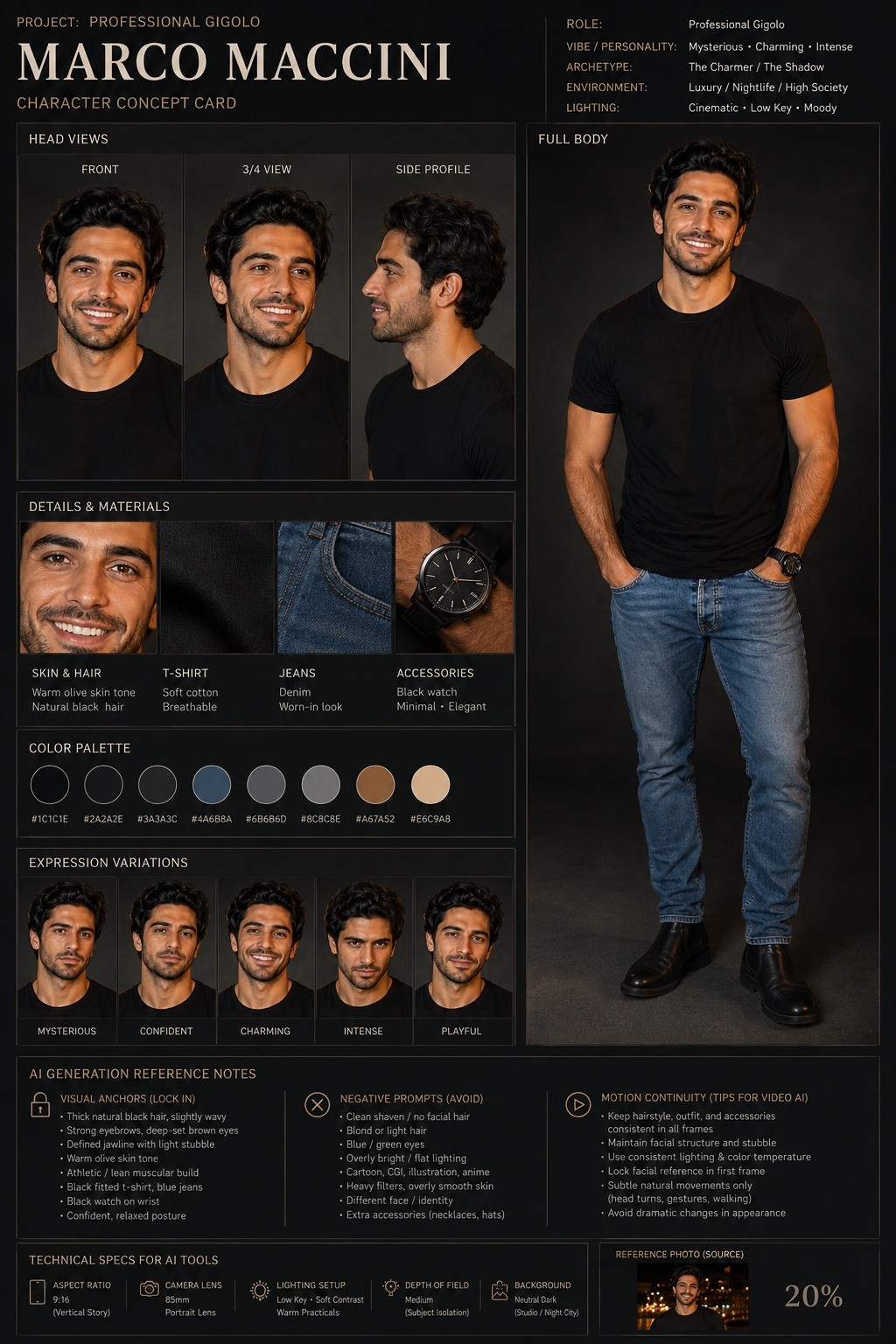
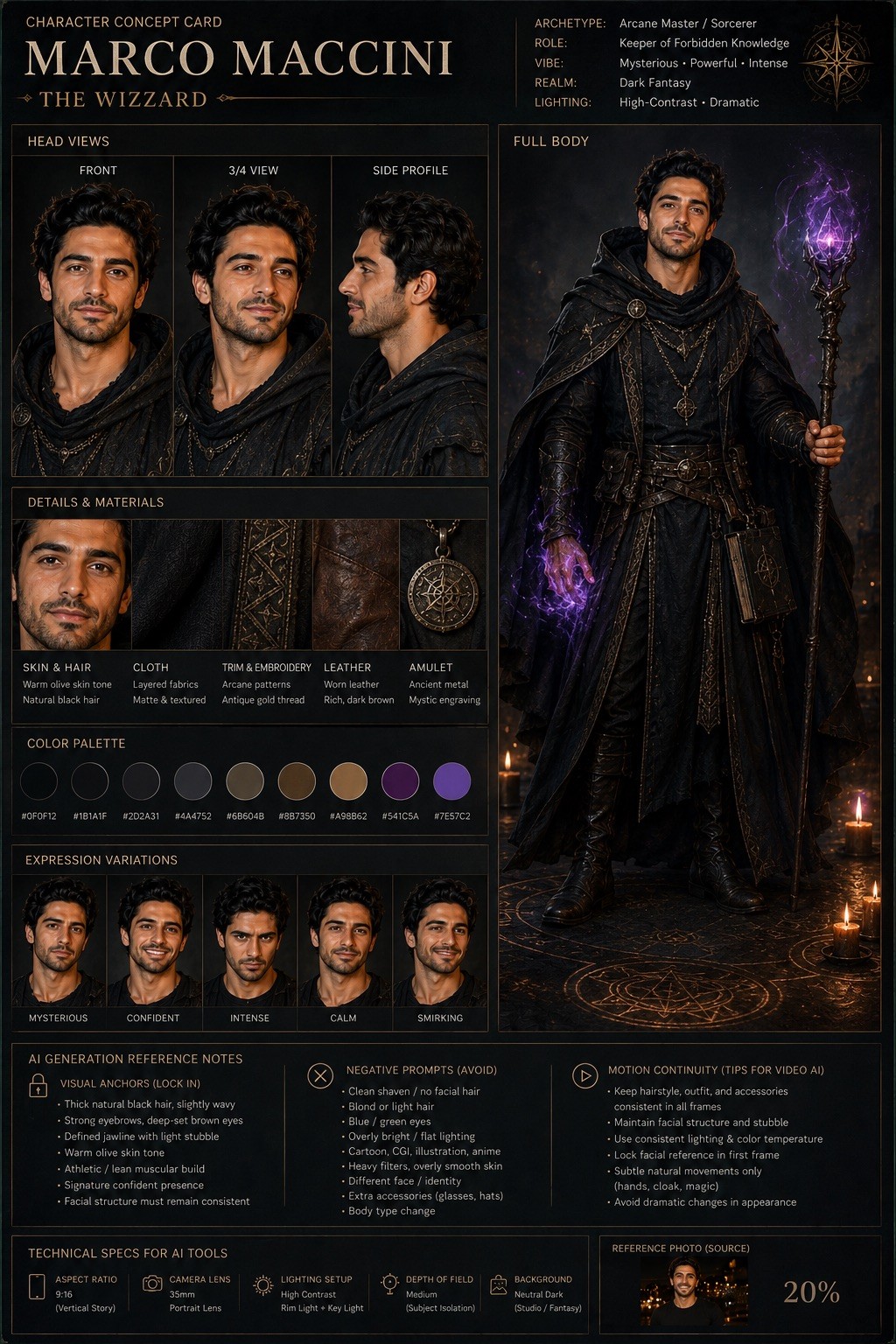
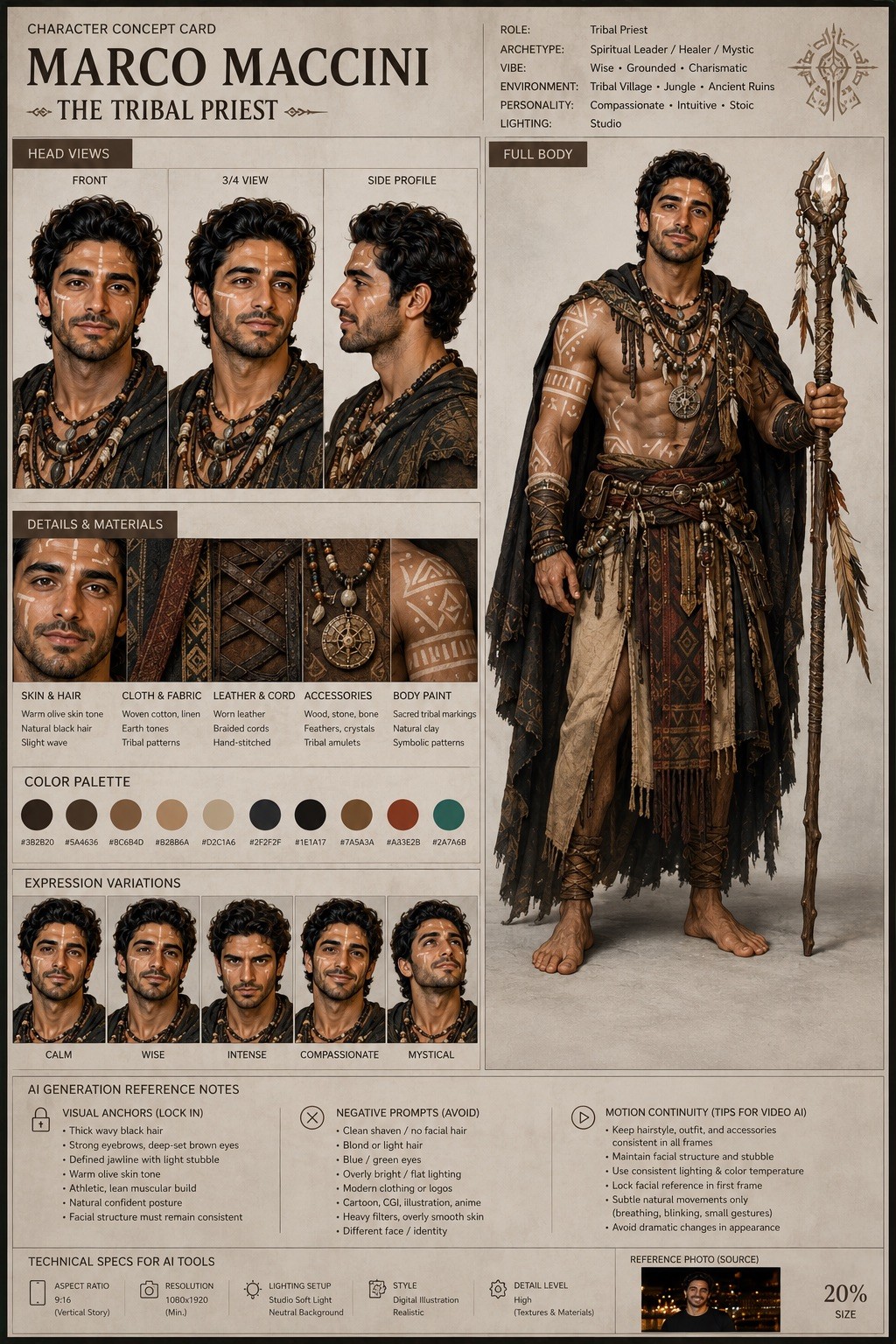
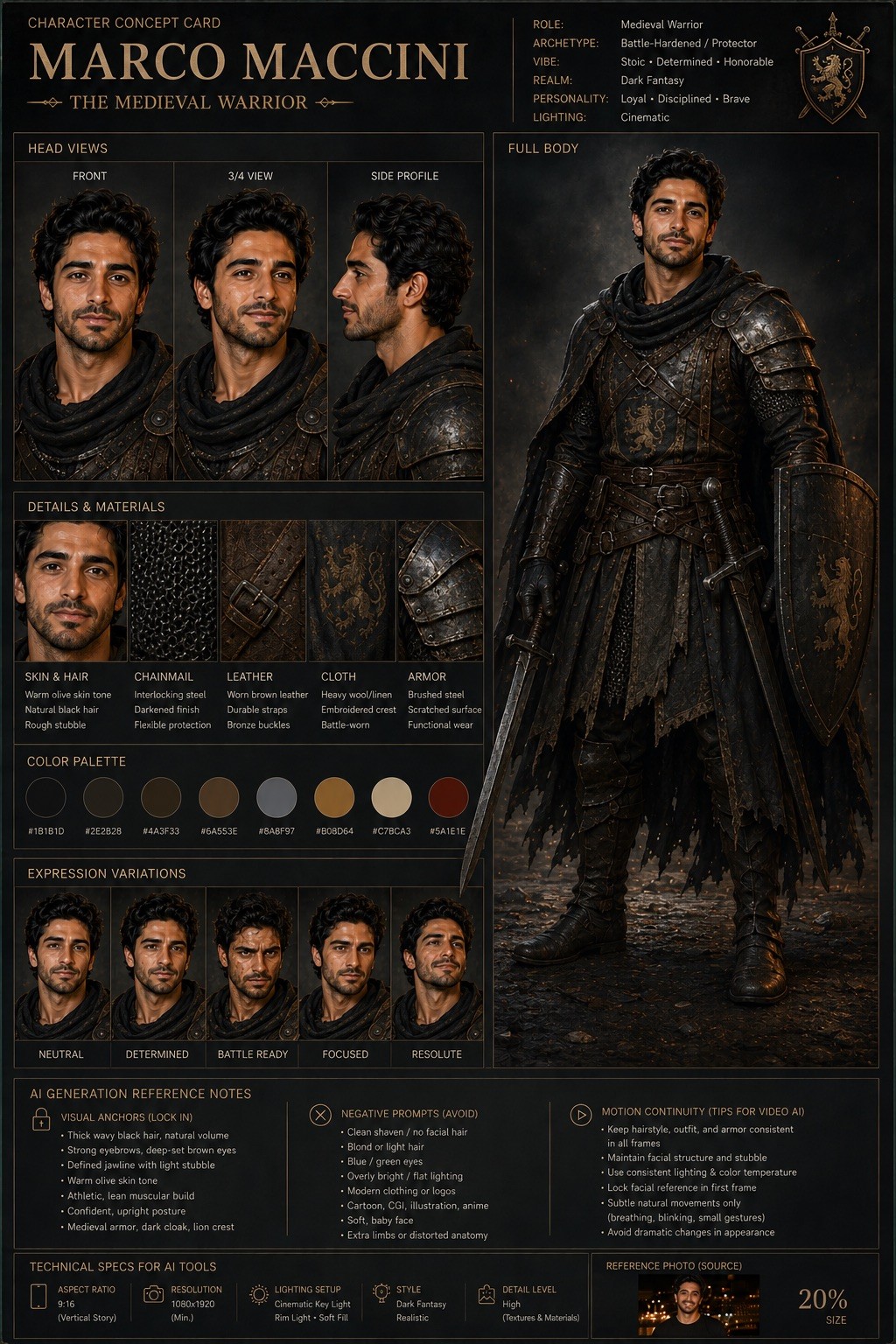
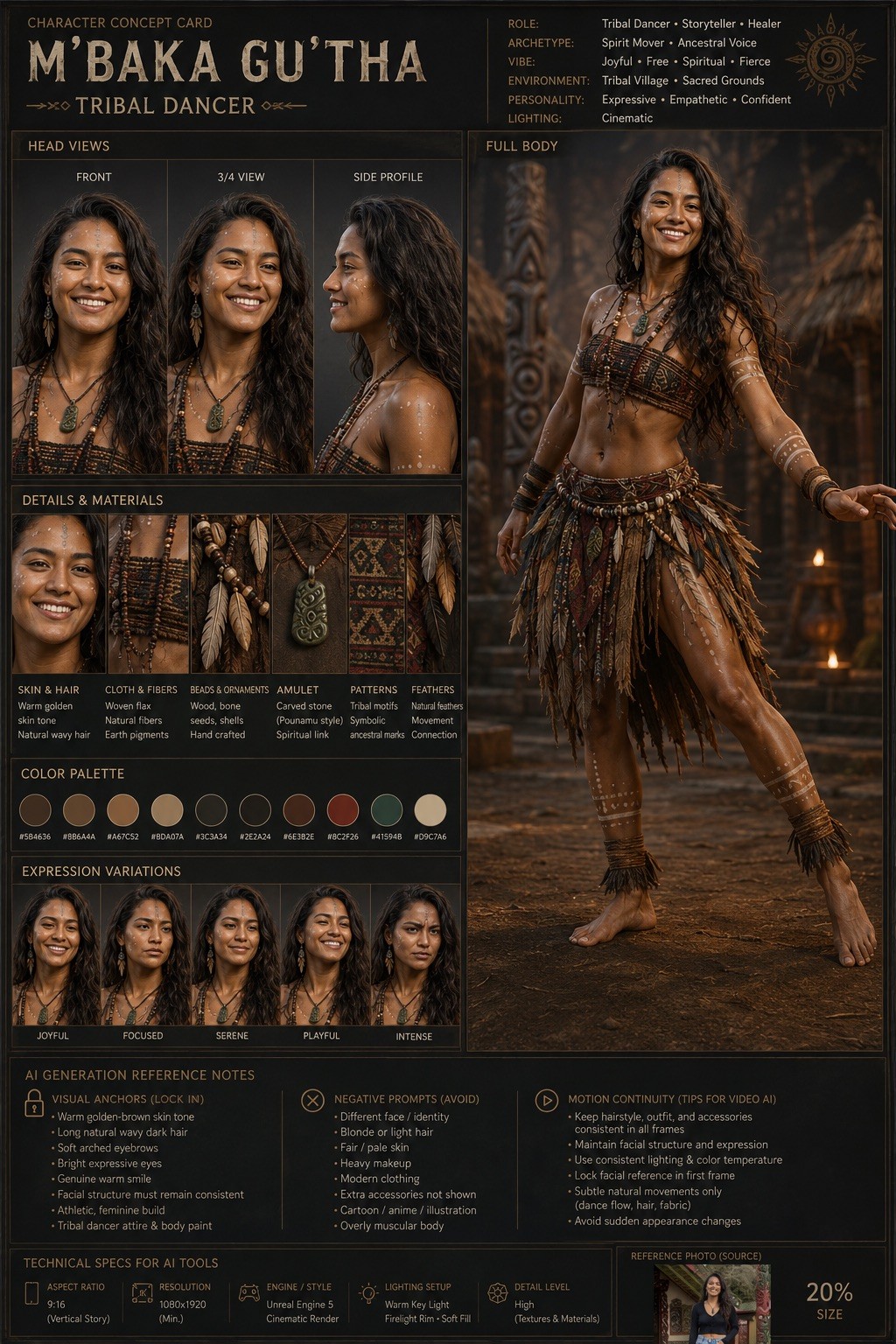
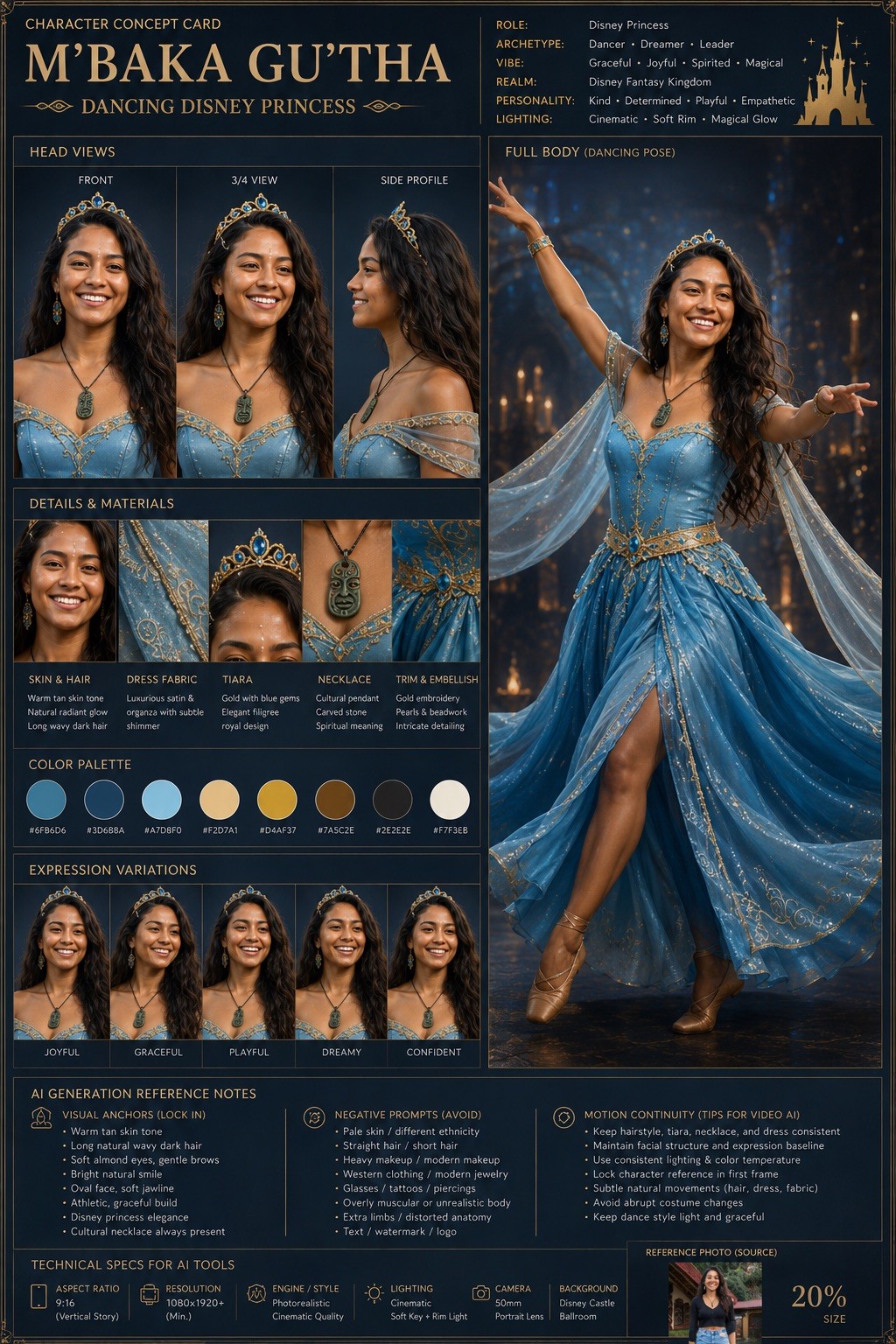
Act as a world-class AI character designer and cinematic concept artist. Your objective is to transform the uploaded character image into a highly detailed “Character Concept Card” for: {{Project Headline: e.g. AI Trainer, Marketing Specialist, Medival Warrior, Tribal Priest }}.

### Task
Analyze the original image and create a professional character sheet optimized for AI visual consistency. Preserve the exact facial structure, skin tone, eye color, and clothing silhouette of the source identity.

### Character & Style Specs
- Character Name: {{Sub Headline: e.g. Person’s Name}}
- Target Art Style: {{Art Style: # Cinematic, Photorealistic, Digital Illustration, # Gaming, AAA Concept Art, Unreal Engine 5 Render, # Stylized, 2D Animation, Cyberpunk, Dark Fantasy, Minimalist Editorial}}
- Lighting: {{Lighting Setup: Cinematic, Studio, High-Contrast, Soft-Box}}

### Output Requirements
Design a premium studio layout containing:
1. Front, Side Profile, and 3/4 angle views with consistent facial geometry.
2. A full-body pose showing costume details and silhouette.
3. A breakdown of the color palette and materials.
4. Facial expression variations matching the core identity.

### AI Generation Reference Notes
Include a technical section for consistency in tools like Midjourney, Flux, or Veo:
- Aspect Ratio: {{Aspect Ratios: [aspect_ratios]}}
- Visual Anchors: Key traits to lock in prompts.
- Negative Prompts: Traits to avoid to prevent identity drift. Avoid assumed or invented text.
- Motion Continuity: Advice for AI video tools.

Maintain an ultra-clean, AAA game concept art quality with professional typography labels and a neutral background.
e.g. AI Trainer, Marketing Specialist, Medival Warrior, Tribal Priest
e.g. Person’s Name
# Cinematic, Photorealistic, Digital Illustration, # Gaming, AAA Concept Art, Unreal Engine 5 Render, # Stylized, 2D Animation
Cinematic, Studio, High-Contrast, Soft-Box
[aspect_ratios]
Act as a world-class AI character designer and cinematic concept artist. Your objective is to transform the uploaded character image into a highly detailed “Character Concept Card” for: e.g. AI Trainer.

### Task
Analyze the original image and create a professional character sheet optimized for AI visual consistency. Preserve the exact facial structure, skin tone, eye color, and clothing silhouette of the source identity.

### Character & Style Specs
- Character Name: e.g. Person’s Name
- Target Art Style: # Cinematic
- Lighting: Cinematic

### Output Requirements
Design a premium studio layout containing:
1. Front, Side Profile, and 3/4 angle views with consistent facial geometry.
2. A full-body pose showing costume details and silhouette.
3. A breakdown of the color palette and materials.
4. Facial expression variations matching the core identity.

### AI Generation Reference...
Variablen sind in {{ und }} eingeschlossen und folgen diesem Muster:
Eine Auswahl kann auf eine vordefinierte Variablenliste per eckige Klammern verweisen. Diese erscheinen in [Orange] und bieten häufig verwendete Werte wie Farben, Töne oder Sprachen.
Du kannst auch eine durch Kommas getrennte Inline-Liste mit Optionen angeben.
Tipp: Du brauchst die PUCO-App nicht, um diese Prompts zu verwenden! Kopiere einfach die Vorlage und ersetze jeden {{…}}-Abschnitt direkt in ChatGPT, Claude, Gemini oder einem anderen KI-Assistenten durch eigenen Text.