适用场景
- 以结构化、可复用的提示词为起点,而非空白对话框。
- 根据自己的需求调整提示词,同时保持原始意图不变。
- 与Design & Art, Business & Pro, Photography相关的工作流。

为 LinkedIn 或企业资料生成逼真的专业头像照。
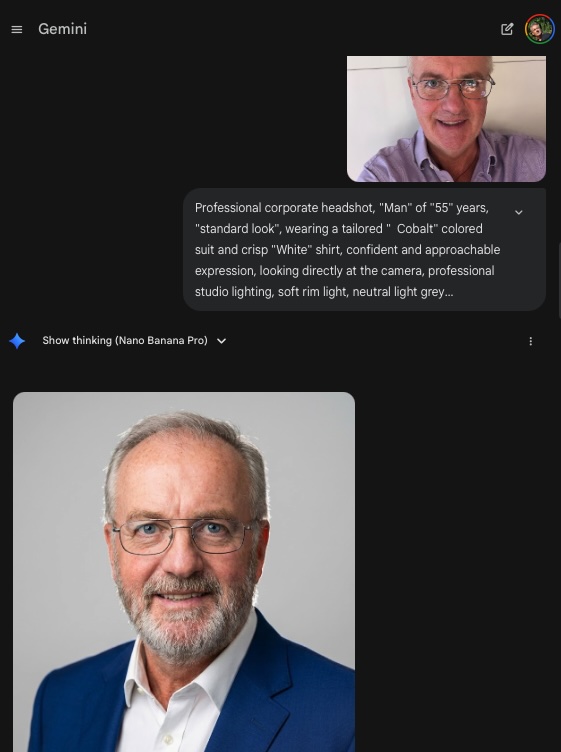
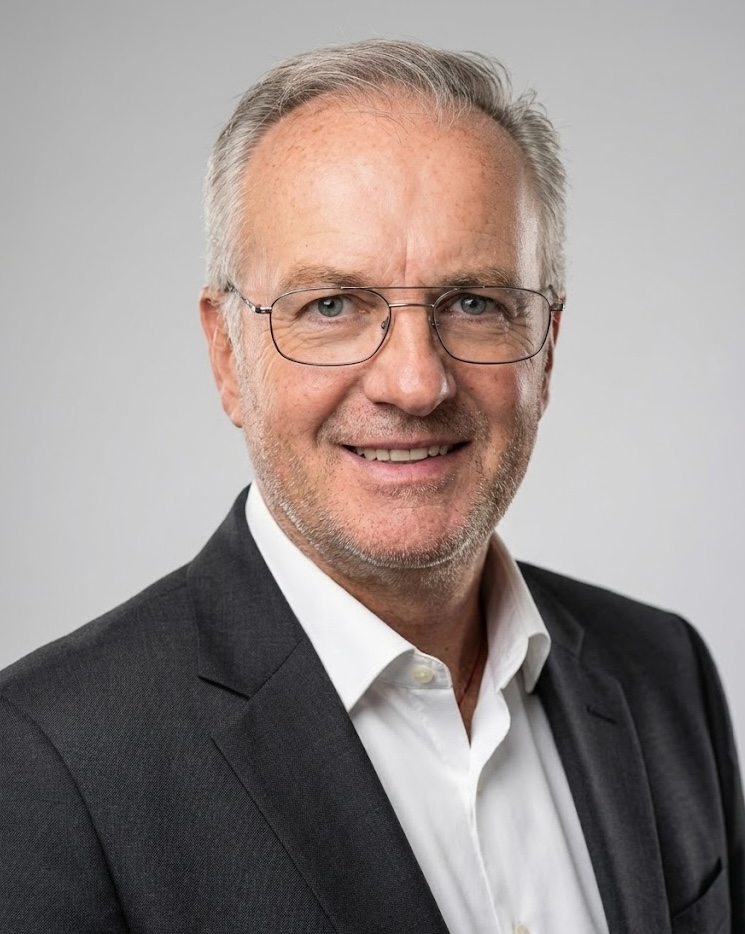
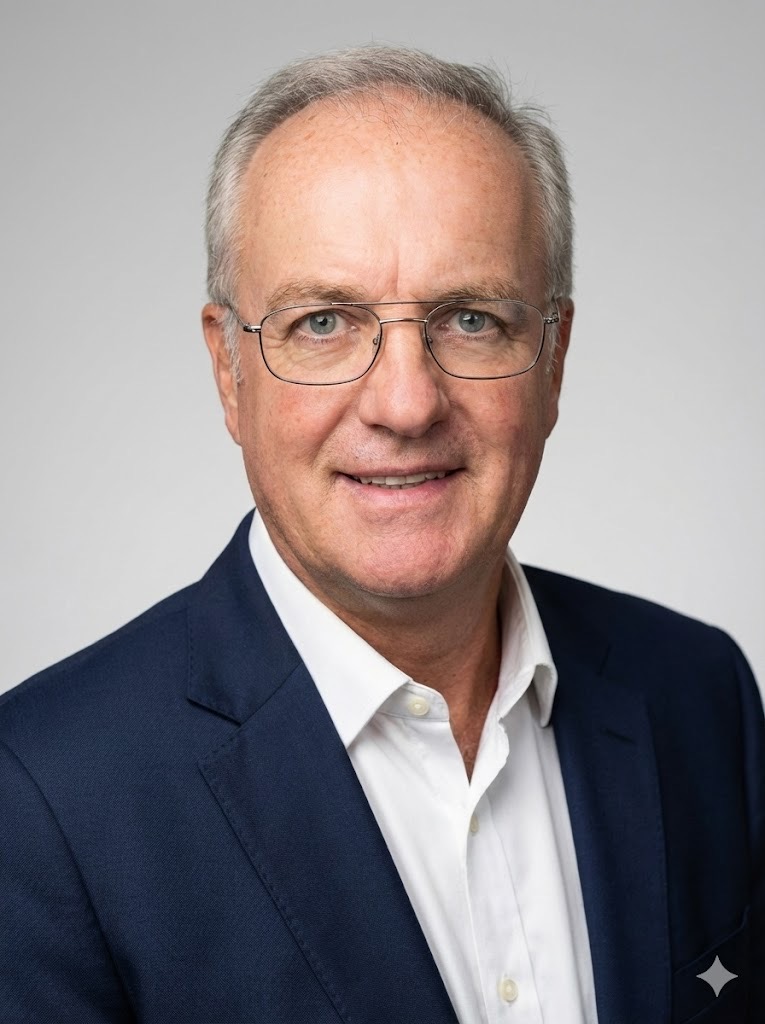
Create an image from the attached photo / person: Professional corporate headshot, {{Gender:Woman, Man, Girl, Boy, Non-binary}} of {{Age:5-85}} years, {{Apparent Age:standard look, looks younger, looks older}}, wearing a tailored {{Color: [dressing_colors]}} colored {{suit_or_style: [dressing_elements]}} and {{Shirt or Blouse color: [dressing_colors]}} for shirt or blouse, confident and approachable expression, looking directly at the camera, professional studio lighting, soft rim light, neutral light grey background, 8k resolution, photorealistic, sharp focus on eyes, shot on Sony A7R IV 85mm lens. Special features of this person: {{Features:None, Clean shaven, Full beard, Glasses, Freckles}}.
Woman, Man, Girl, Boy, Non-binary
5-85
standard look, looks younger, looks older
[dressing_colors]
[dressing_elements]
[dressing_colors]
None, Clean shaven, Full beard, Glasses, Freckles
Create an image from the attached photo / person: Professional corporate headshot, Woman of 5-85 years, standard look, wearing a tailored [dressing_colors] colored [dressing_elements] and [dressing_colors] for shirt or blouse, confident and approachable expression, looking directly at the camera, professional studio lighting, soft rim light, neutral light grey background, 8k resolution, photorealistic, sharp focus on eyes, shot on Sony A7R IV 85mm lens. Special features of this person: None.
变量被 {{ 和 }} 包裹,遵循以下格式:
选项可以通过方括号引用预定义变量列表。这些选项以[橙色]显示,提供颜色、语气或语言等常用值。
也可以提供以逗号分隔的内联选项列表。
提示:使用这些提示词无需 PUCO 应用!只需复制模板,直接在 ChatGPT、Claude、Gemini 或任何其他 AI 助手中将每个 {{…}} 部分替换为自己的文本。