适用场景
- 以结构化、可复用的提示词为起点,而非空白对话框。
- 根据自己的需求调整提示词,同时保持原始意图不变。
- 与Education & Academic相关的工作流。

通过易于理解的类比解释复杂主题,并生成专业的手绘速写笔记视觉摘要。
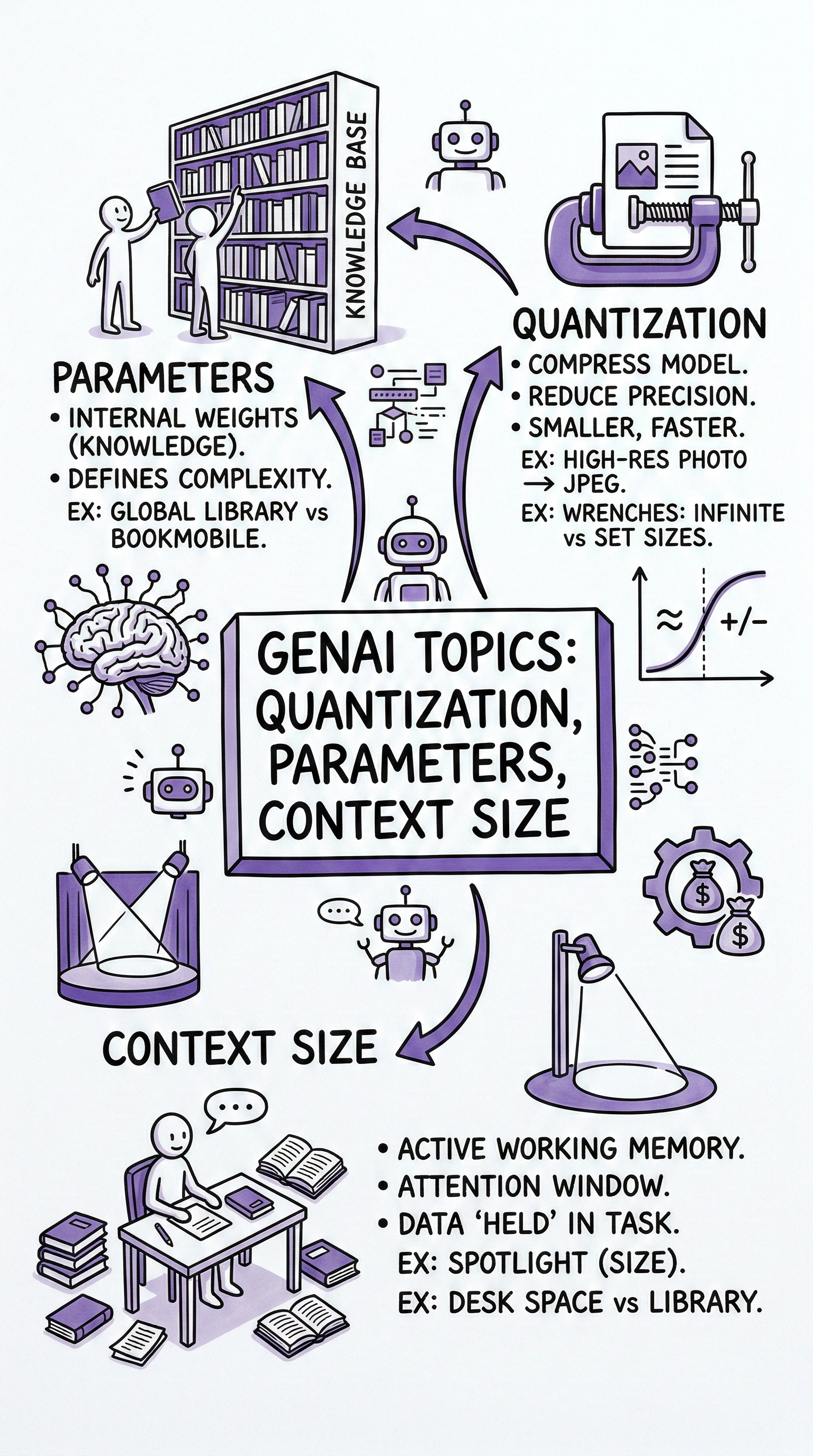
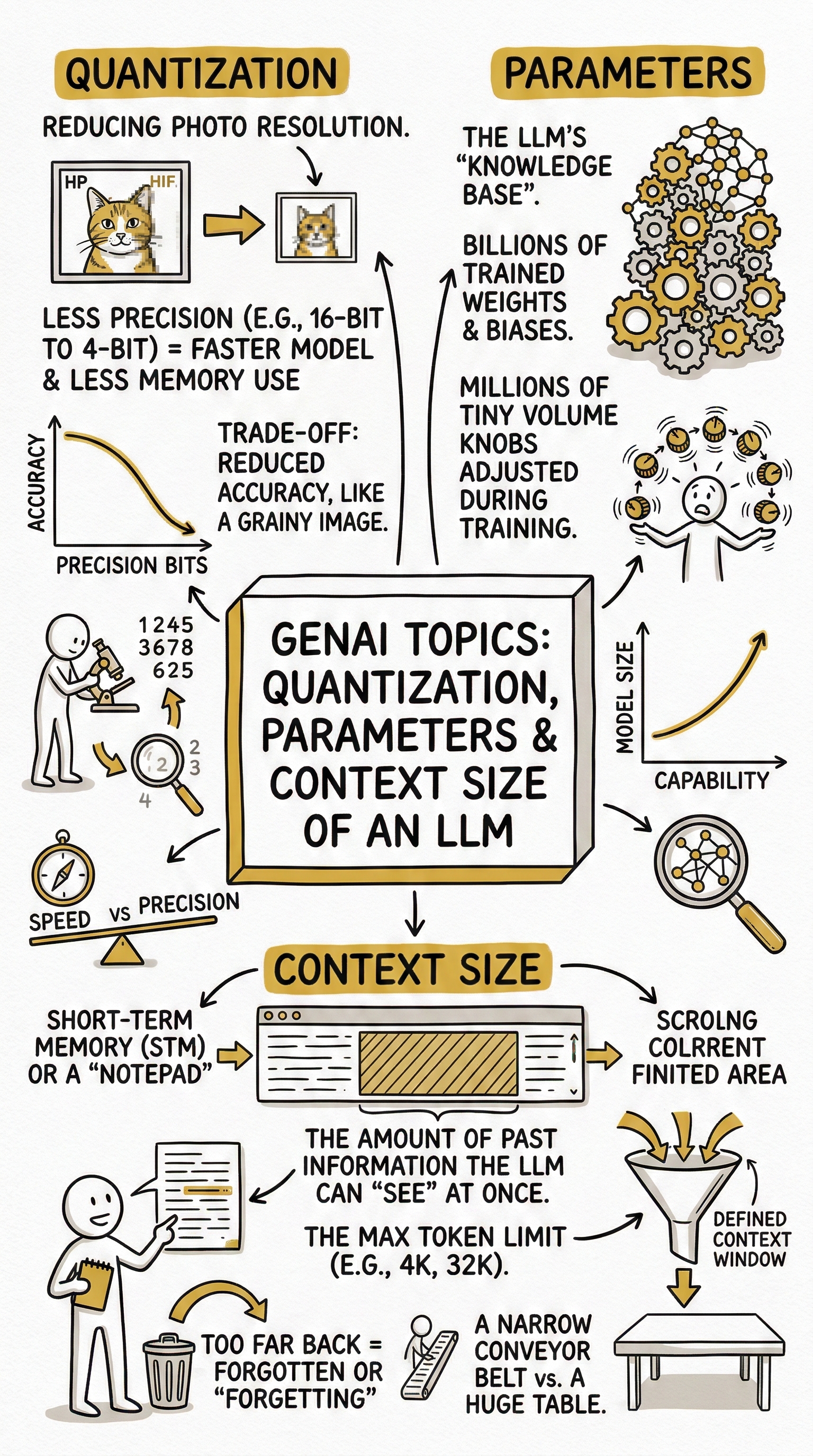
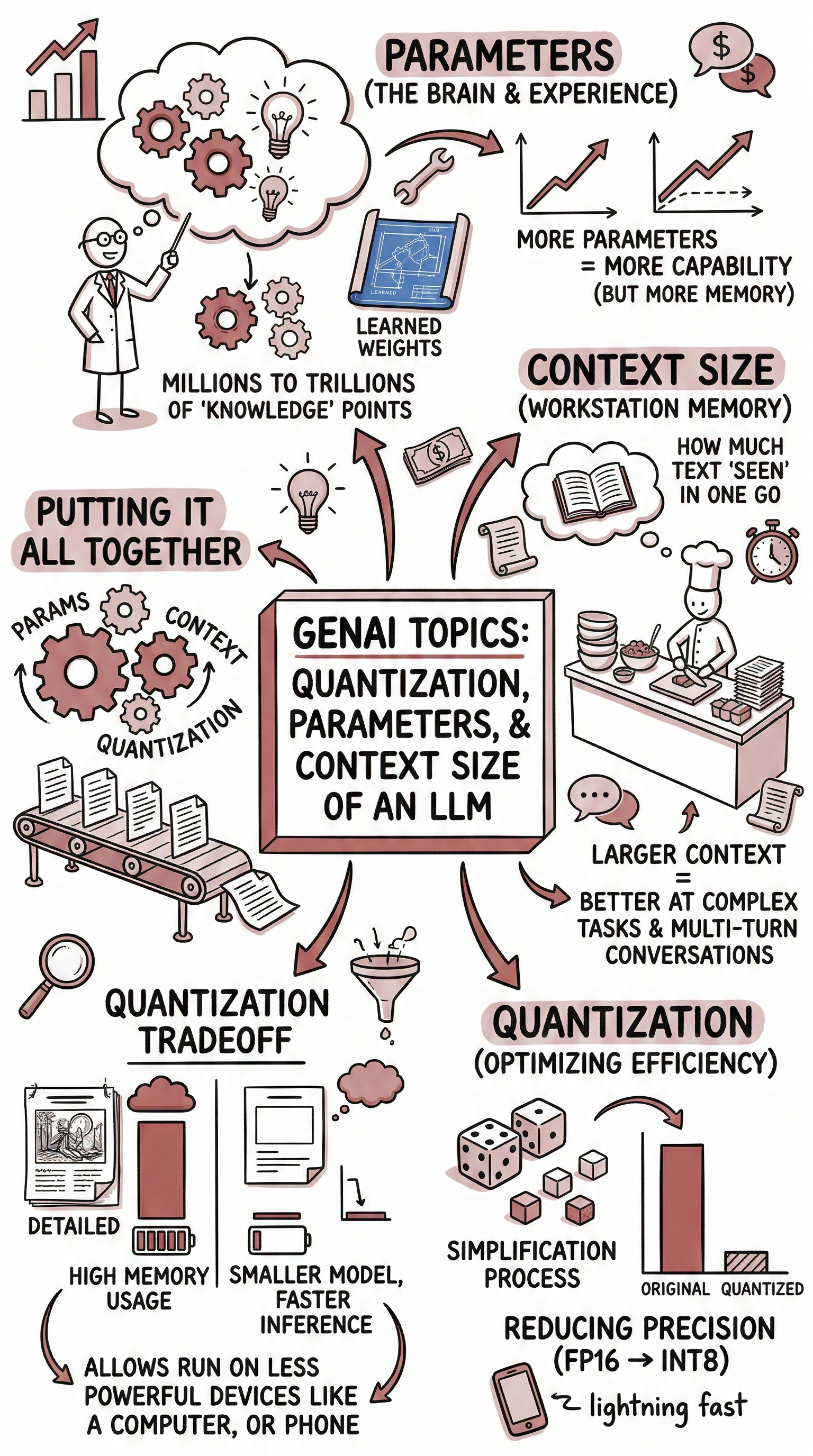
First, use well-constructed analogies and comparisons to clarify {{Topic:e.g. Cell Biology}}. Relate its principles to everyday experiences, widely known phenomena, or cross-disciplinary examples to make the concepts more tangible and memorable. Based on that explanation, create a hand-drawn sketchnote visual summary using the following specifications:
- Text Style: {{Text Style: Telegraphic: Extreme brevity. Focuses on nouns and verbs, Punchy: Short - high-impact sentences, Scannable: Heavy use of headers - bolded keywords, Nugget-sized: Distills complex ideas into standalone bite-sized "truth bombs" or facts, Expansive: The direct opposite of "condensed”}}
- Art Style: 'Graphic recording' or 'visual thinking' using black ink fine-liners for clear outlines and text.
- Colors: {{Accent Colors:Teal, Orange, Muted Red, Emerald Green, Navy Blue, Mustard Yellow, Charcoal Grey, Royal Purple}} for simple shading and accents.
- Composition: Center the main title in a 3D-style rectangular box. Surround the title with radially distributed simple doodles, business icons, stick figures, and graphs that explain the concepts. Use arrows to connect ideas.

- Text: Distinct, handwritten, all-caps printing, legible and organized like a professional brainstorming session.
- Aspect Ratio: {{Aspect Ratios: 9:16 (Portrait), 4:5 (Portrait), 3:4 (Portrait), 1:1 (Square), 16:9 (Landscape), 5:4 (Landscape), 4:3 (Landscape)}}
e.g. Cell Biology
Telegraphic: Extreme brevity. Focuses on nouns and verbs, Punchy: Short - high-impact sentences, Scannable: Heavy use of headers - bolded keywords, Nugget-sized: Distills complex ideas into standalone bite-sized "truth bombs" or facts, Expansive: The direct opposite of "condensed”
Teal, Orange, Muted Red, Emerald Green, Navy Blue, Mustard Yellow, Charcoal Grey, Royal Purple
9:16 (Portrait), 4:5 (Portrait), 3:4 (Portrait), 1:1 (Square), 16:9 (Landscape), 5:4 (Landscape), 4:3 (Landscape)
First, use well-constructed analogies and comparisons to clarify e.g. Cell Biology. Relate its principles to everyday experiences, widely known phenomena, or cross-disciplinary examples to make the concepts more tangible and memorable. Based on that explanation, create a hand-drawn sketchnote visual summary using the following specifications:
- Text Style: Telegraphic: Extreme brevity. Focuses on nouns and verbs
- Art Style: 'Graphic recording' or 'visual thinking' using black ink fine-liners for clear outlines and text.
- Colors: Teal for simple shading and accents.
- Composition: Center the main title in a 3D-style rectangular box. Surround the title with radially distributed simple doodles, business icons, stick figures, and graphs that explain the concepts. Use arrows to connect ideas.

- Text: Distinct, handwritten, all-caps printing, legible and organized like a professional...
变量被 {{ 和 }} 包裹,遵循以下格式:
选项可以通过方括号引用预定义变量列表。这些选项以[橙色]显示,提供颜色、语气或语言等常用值。
也可以提供以逗号分隔的内联选项列表。
提示:使用这些提示词无需 PUCO 应用!只需复制模板,直接在 ChatGPT、Claude、Gemini 或任何其他 AI 助手中将每个 {{…}} 部分替换为自己的文本。