
เหมาะสำหรับ
- เริ่มจากพรอมต์ที่มีโครงสร้างและใช้ซ้ำได้ แทนที่จะเป็นแชทเปล่า
- ปรับพรอมต์ให้เข้ากับข้อมูลของคุณ โดยยังคงเจตนาเดิมไว้
- เวิร์กโฟลว์ที่เกี่ยวข้องกับ Design & Art, Global Travel, Photography
ย้ายวัตถุในภาพที่อัปโหลดไปยังจุดหมายท่องเที่ยวหรือสถานที่สำคัญที่มีชื่อเสียง

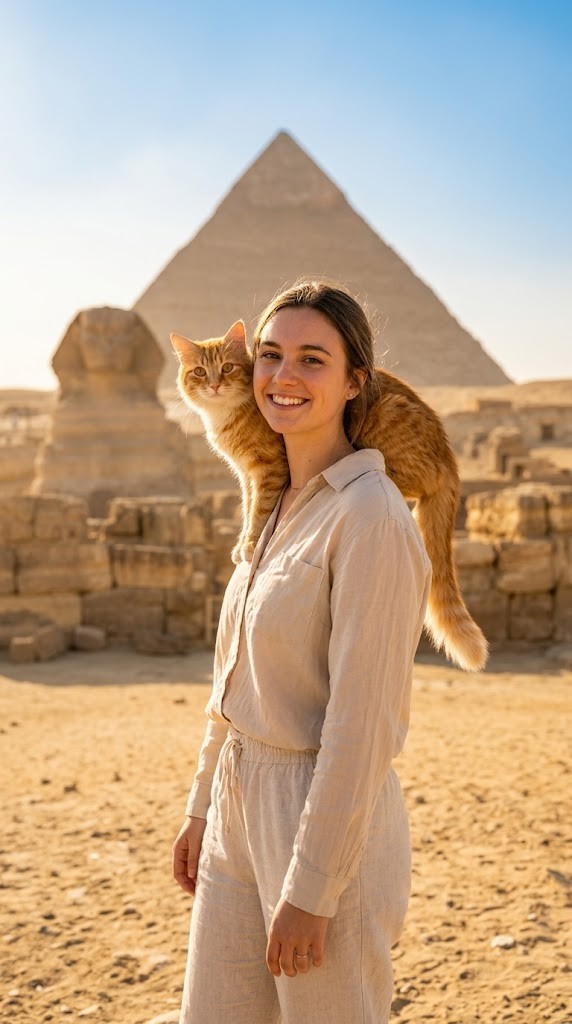
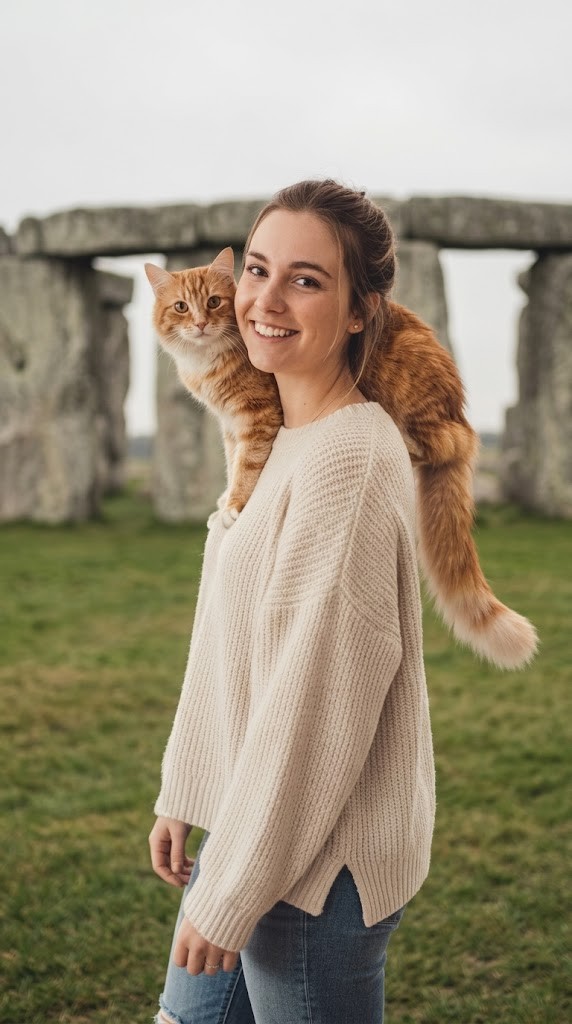
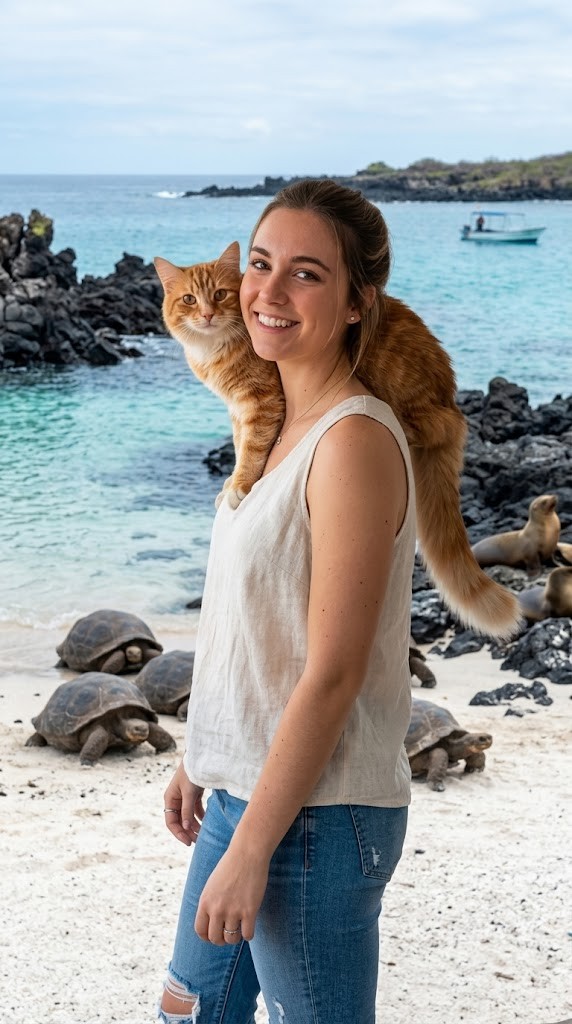
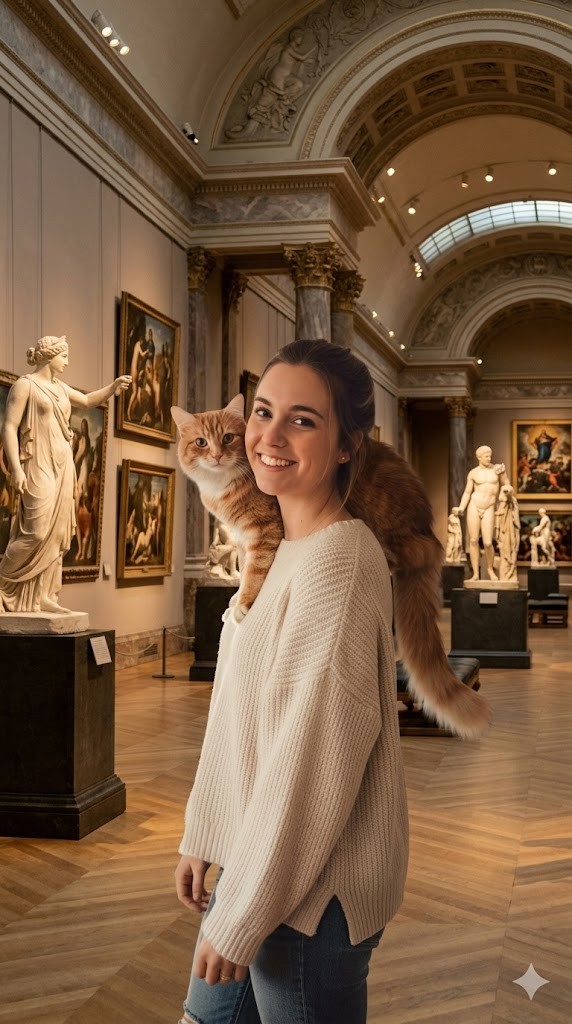
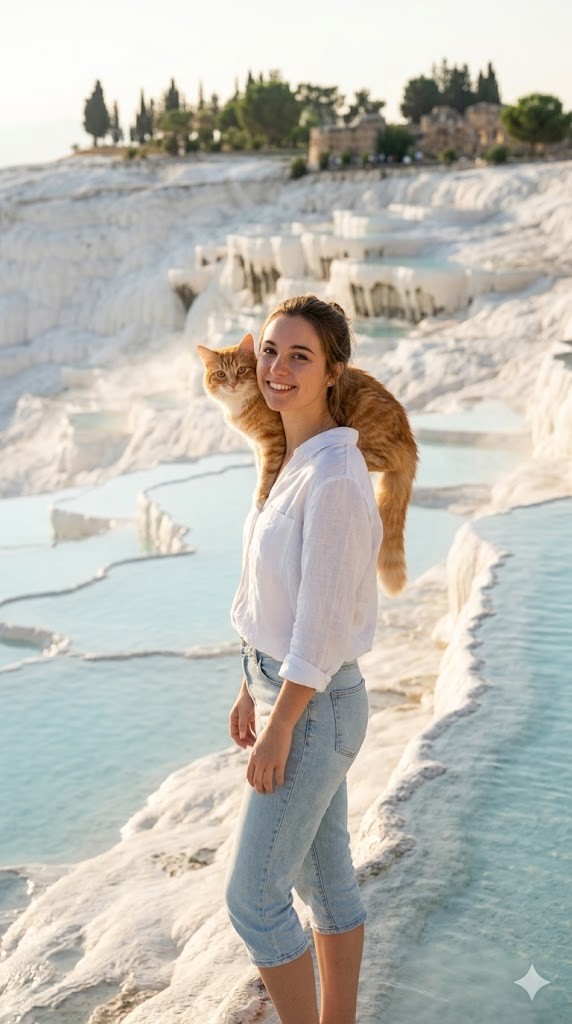
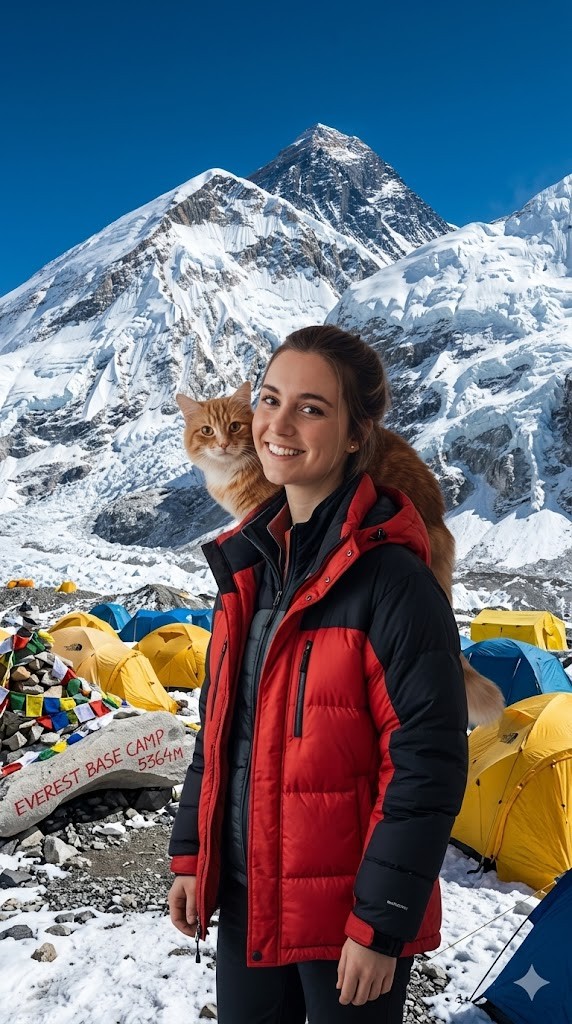
I have attached an image of myself. No public figures on the image. Please follow these steps:

Step 1: Analyze the visual environment of {{Destination:[tourist_destinations]}}, noting its iconic landmarks, typical lighting conditions, and architectural style.

Step 2: Use the attached image and the description from Step 1 to modify the background and adjust the lighting so it matches the background. If the clothing of the subject is not appropriate for the environment (e.g. warm coat at the beach), adjust the clothes accordingly.
Generate  a new version of the image where the subject appears to be visiting {{Destination:[tourist_destinations]}} and chose the Aspect ratio: {{Aspect Ratios: [aspect_ratios]}} Make sure it blends well with the backgrond
[tourist_destinations]
[aspect_ratios]
I have attached an image of myself. No public figures on the image. Please follow these steps:

Step 1: Analyze the visual environment of [tourist_destinations], noting its iconic landmarks, typical lighting conditions, and architectural style.

Step 2: Use the attached image and the description from Step 1 to modify the background and adjust the lighting so it matches the background. If the clothing of the subject is not appropriate for the environment (e.g. warm coat at the beach), adjust the clothes accordingly.
Generate  a new version of the image where the subject appears to be visiting [tourist_destinations] and chose the Aspect ratio: [aspect_ratios] Make sure it blends well with the backgrond
ตัวแปรจะอยู่ภายใน {{ และ }} และเป็นไปตามรูปแบบนี้:
ตัวเลือกสามารถอ้างอิงรายการตัวแปรที่กำหนดไว้ล่วงหน้าโดยใช้วงเล็บเหลี่ยม ตัวเลือกเหล่านี้จะแสดงเป็น[สีส้ม]และให้ค่าที่ใช้บ่อย เช่น สี โทน หรือภาษา
คุณยังสามารถระบุรายการตัวเลือกแบบอินไลน์ โดยคั่นด้วยเครื่องหมายจุลภาคได้
เคล็ดลับ: คุณไม่จำเป็นต้องใช้แอป PUCO เพื่อใช้พรอมต์เหล่านี้! เพียงคัดลอกเทมเพลตและแทนที่แต่ละส่วน {{…}} ด้วยข้อความของคุณเองโดยตรงใน ChatGPT, Claude, Gemini หรือผู้ช่วย AI อื่น ๆ