เหมาะสำหรับ
- เริ่มจากพรอมต์ที่มีโครงสร้างและใช้ซ้ำได้ แทนที่จะเป็นแชทเปล่า
- ปรับพรอมต์ให้เข้ากับข้อมูลของคุณ โดยยังคงเจตนาเดิมไว้
- เวิร์กโฟลว์ที่เกี่ยวข้องกับ Design & Art

สร้างโปสเตอร์อินโฟกราฟิกสไตล์บรรณาธิการระดับมืออาชีพ พร้อมหัวเรื่อง สไตล์ และชุดสีที่ปรับแต่งได้
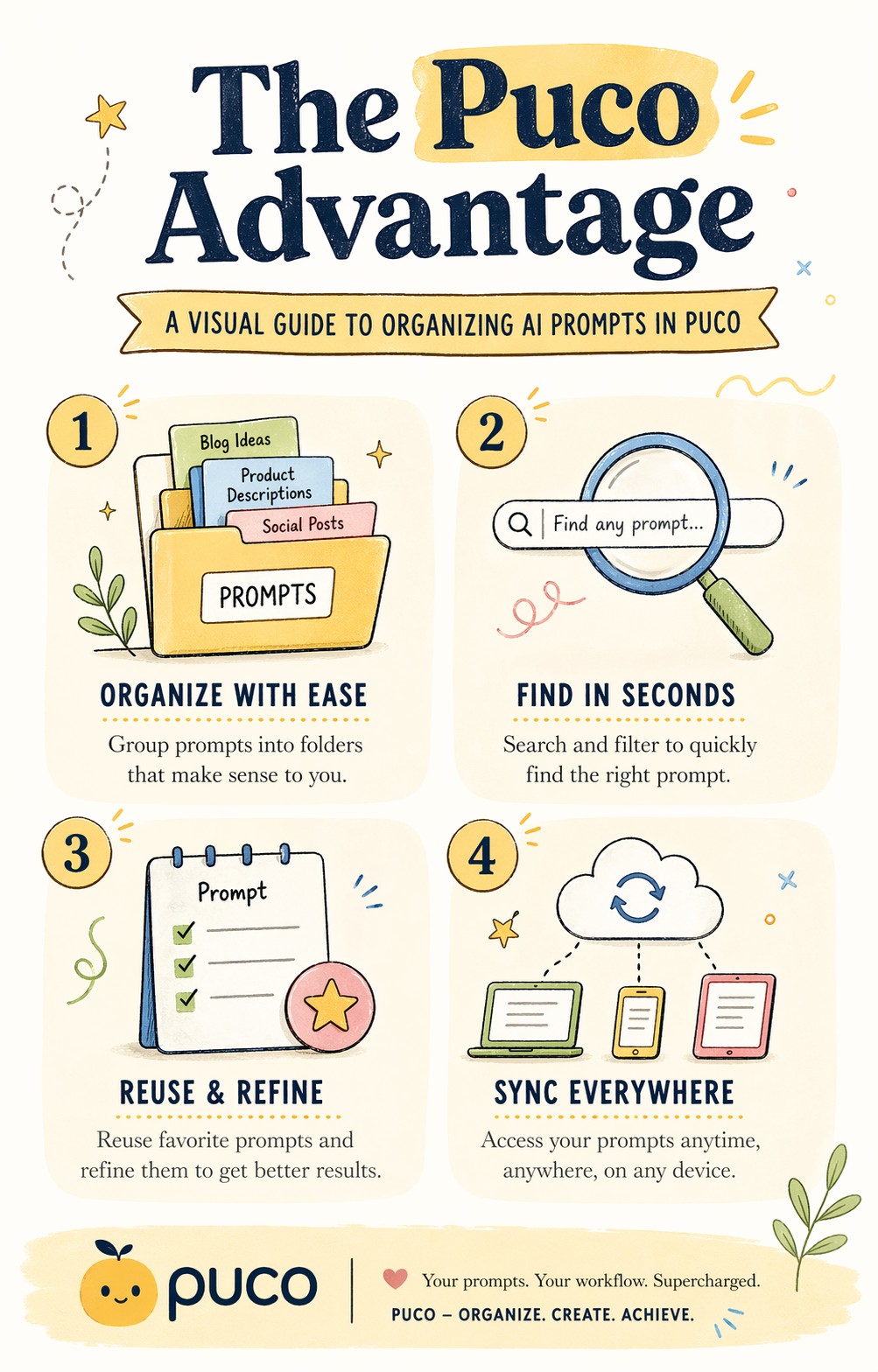
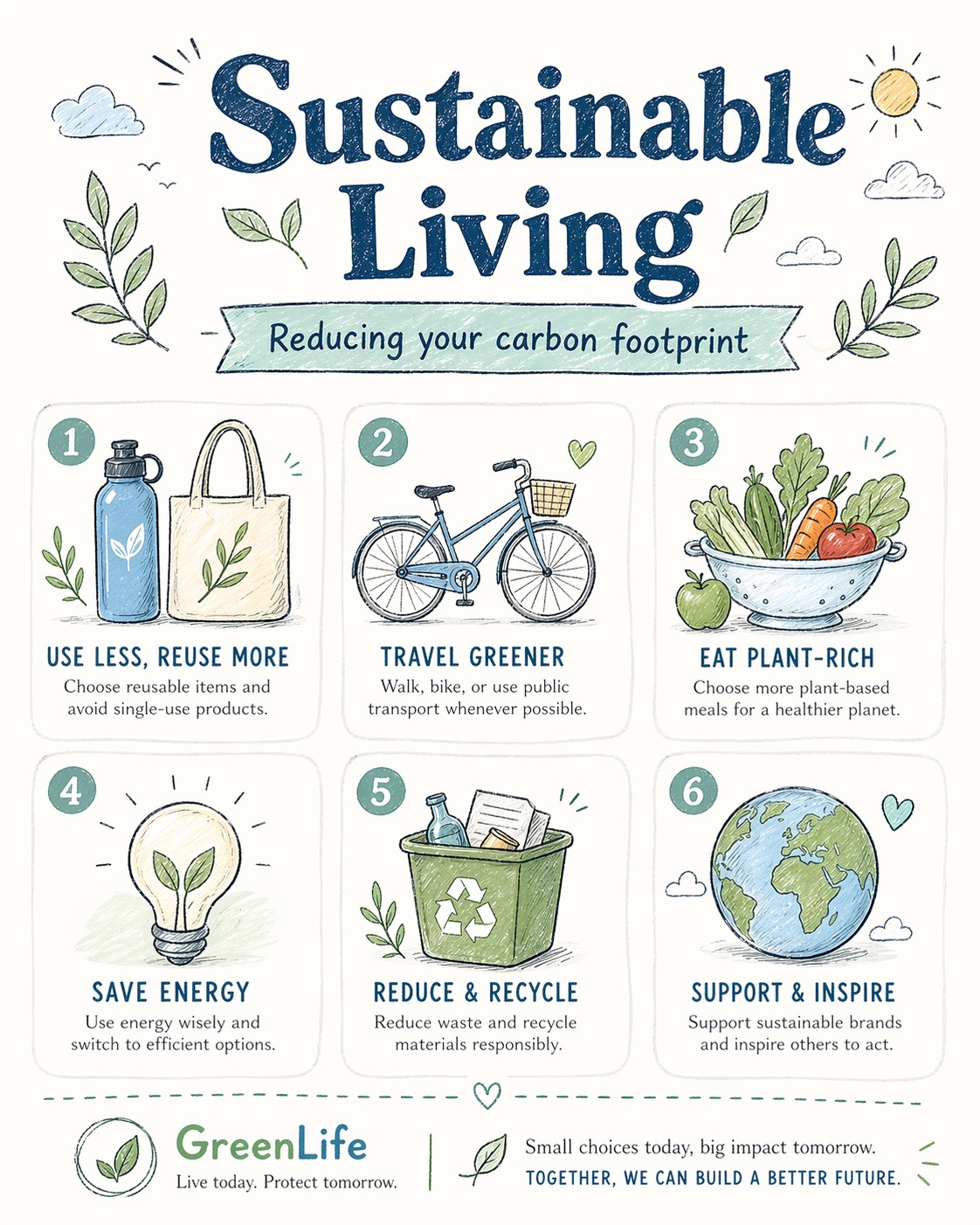
A bright, illustrated infographic poster titled "{{Headline: The Puco Workflow, Future of AI, Mastering Prompts, Digital Nomad Life, Sustainable Living, Tech Trends 2024, Productivity Hacks, Creative Mindset, Healthy Habits, Coding Best Practices}}". Sub headline: {{Sub headline: A guide to prompt engineering, How to scale your business, The evolution of neural networks, Tips for remote workers, Reducing your carbon footprint, Top gadgets this year, Time management techniques, Unlocking your potential, Meal prep for beginners, Debugging like a pro}}. Style: {{Style: Editorial Flat Design, Bauhaus Geometric, Retro Vaporwave, Minimalist Line Art, Corporate Memphis, Hand-Drawn Sketch, Cyberpunk Vector, Swiss Modernism}} — hand-drawn icons, playful but professional, similar to a Behance-award-winning social graphic. Color palette: {{Color Palette: Warm Pastels, Earthy Tones, Neon Cyber, Monochrome Blue, Sunset Gradient, Forest Green & Gold, Nordic Cool, Vibrant Pop Art}} on an off-white background. Layout: {{Section Count:4}} sections, each with a small icon and 2-line label. Title at top in bold playful serif. Footer with subtle branding area. Typography: mix of rounded sans-serif (headers) and light serif (body). All text clearly readable. Aspect ratio: {{Aspect Ratio: 4:5, 1:1, 16:9, 9:16}}. Negative constraints: no photorealism, no dark tones, no clipart, no blurry text, no stock-illustration generic look.
The Puco Workflow, Future of AI, Mastering Prompts, Digital Nomad Life, Sustainable Living, Tech Trends 2024, Productivity Hacks, Creative Mindset
A guide to prompt engineering, How to scale your business, The evolution of neural networks, Tips for remote workers, Reducing your carbon footprint, Top gadgets this year, Time management techniques, Unlocking your potential
Editorial Flat Design, Bauhaus Geometric, Retro Vaporwave, Minimalist Line Art, Corporate Memphis, Hand-Drawn Sketch, Cyberpunk Vector, Swiss Modernism
Warm Pastels, Earthy Tones, Neon Cyber, Monochrome Blue, Sunset Gradient, Forest Green & Gold, Nordic Cool, Vibrant Pop Art
4
4:5, 1:1, 16:9, 9:16
A bright, illustrated infographic poster titled "The Puco Workflow". Sub headline: A guide to prompt engineering. Style: Editorial Flat Design — hand-drawn icons, playful but professional, similar to a Behance-award-winning social graphic. Color palette: Warm Pastels on an off-white background. Layout: 4 sections, each with a small icon and 2-line label. Title at top in bold playful serif. Footer with subtle branding area. Typography: mix of rounded sans-serif (headers) and light serif (body). All text clearly readable. Aspect ratio: 4:5. Negative constraints: no photorealism, no dark tones, no clipart, no blurry text, no stock-illustration generic look.
ตัวแปรจะอยู่ภายใน {{ และ }} และเป็นไปตามรูปแบบนี้:
ตัวเลือกสามารถอ้างอิงรายการตัวแปรที่กำหนดไว้ล่วงหน้าโดยใช้วงเล็บเหลี่ยม ตัวเลือกเหล่านี้จะแสดงเป็น[สีส้ม]และให้ค่าที่ใช้บ่อย เช่น สี โทน หรือภาษา
คุณยังสามารถระบุรายการตัวเลือกแบบอินไลน์ โดยคั่นด้วยเครื่องหมายจุลภาคได้
เคล็ดลับ: คุณไม่จำเป็นต้องใช้แอป PUCO เพื่อใช้พรอมต์เหล่านี้! เพียงคัดลอกเทมเพลตและแทนที่แต่ละส่วน {{…}} ด้วยข้อความของคุณเองโดยตรงใน ChatGPT, Claude, Gemini หรือผู้ช่วย AI อื่น ๆ