Best For
- Starting from a structured, reusable prompt instead of a blank chat.
- Adapting the prompt to your own inputs while keeping the original intent intact.
- Workflows related to Creative & Visuals.

Transforms an uploaded photo into a dramatic, colorful movie poster in the style of Indian cinema blockbusters.
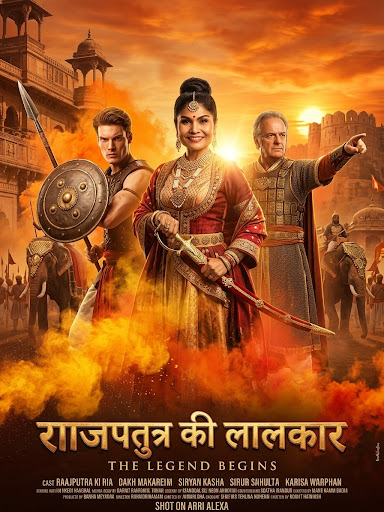
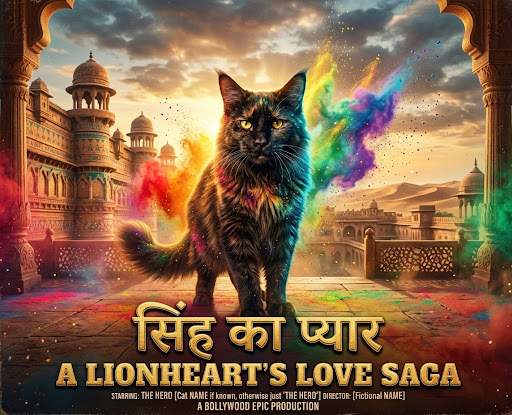
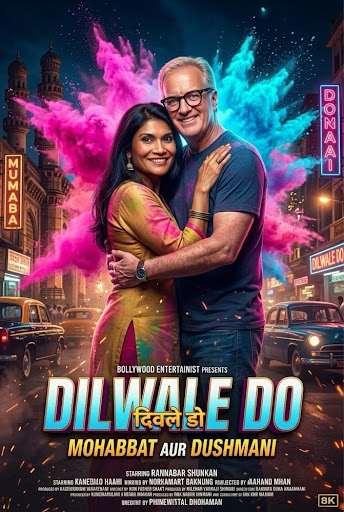
Transform the subject(s) in the attached photo into a grand Bollywood {{Genre: Epic Love Story, Science fiction, History Drama}} movie poster, dramatic heroic pose, swirling clouds of vibrant {{Colors: Pink and neon blue, Orange and yellow, Purple and green, Vibrant rainbow}} gulal powder, {{Background: Majestic palace courtyard, Bustling city street, Serene mountain temple, Genre typical Scenery}} background, intense cinematic lighting, ultra-realistic skin textures, 8k resolution, bold title font at the bottom.
Epic Love Story, Science fiction, History Drama
Pink and neon blue, Orange and yellow, Purple and green, Vibrant rainbow
Majestic palace courtyard, Bustling city street, Serene mountain temple, Genre typical Scenery
Transform the subject(s) in the attached photo into a grand Bollywood Epic Love Story movie poster, dramatic heroic pose, swirling clouds of vibrant Pink and neon blue gulal powder, Majestic palace courtyard background, intense cinematic lighting, ultra-realistic skin textures, 8k resolution, bold title font at the bottom.
Variables are wrapped in {{ and }} and follow this pattern:
A selection can reference a predefined variable list using square brackets. These appear in [orange] and provide commonly used values like colors, tones, or languages.
You can also provide an inline list of choices separated by commas.
Tip: You don't need the PUCO app to use these prompts! Simply copy the template and replace each {{…}} section with your own text directly in ChatGPT, Claude, Gemini, or any other AI assistant.