Best For
- Starting from a structured, reusable prompt instead of a blank chat.
- Adapting the prompt to your own inputs while keeping the original intent intact.
- Workflows related to Creative & Visuals.

Creates an ethereal visual of a subject composed entirely of shimmering, interwoven iridescent silk threads.
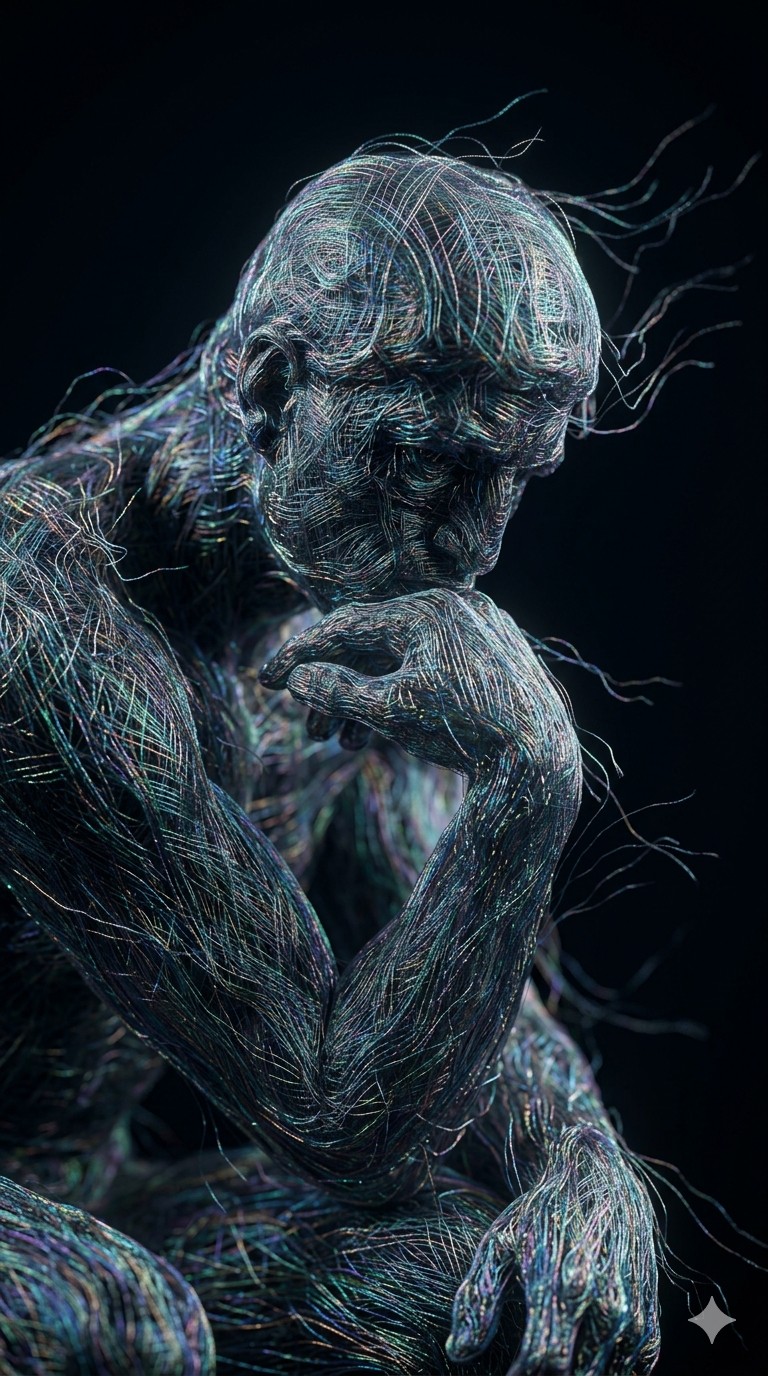
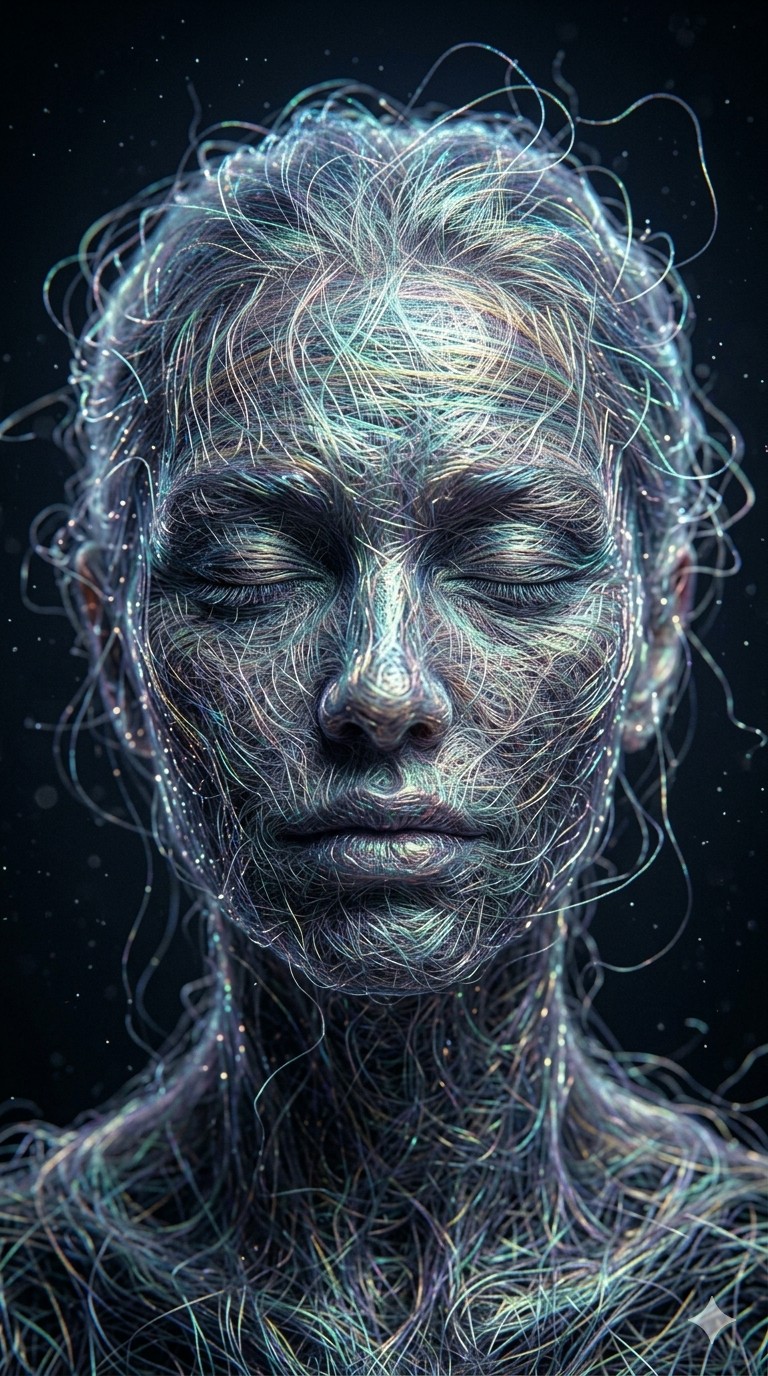
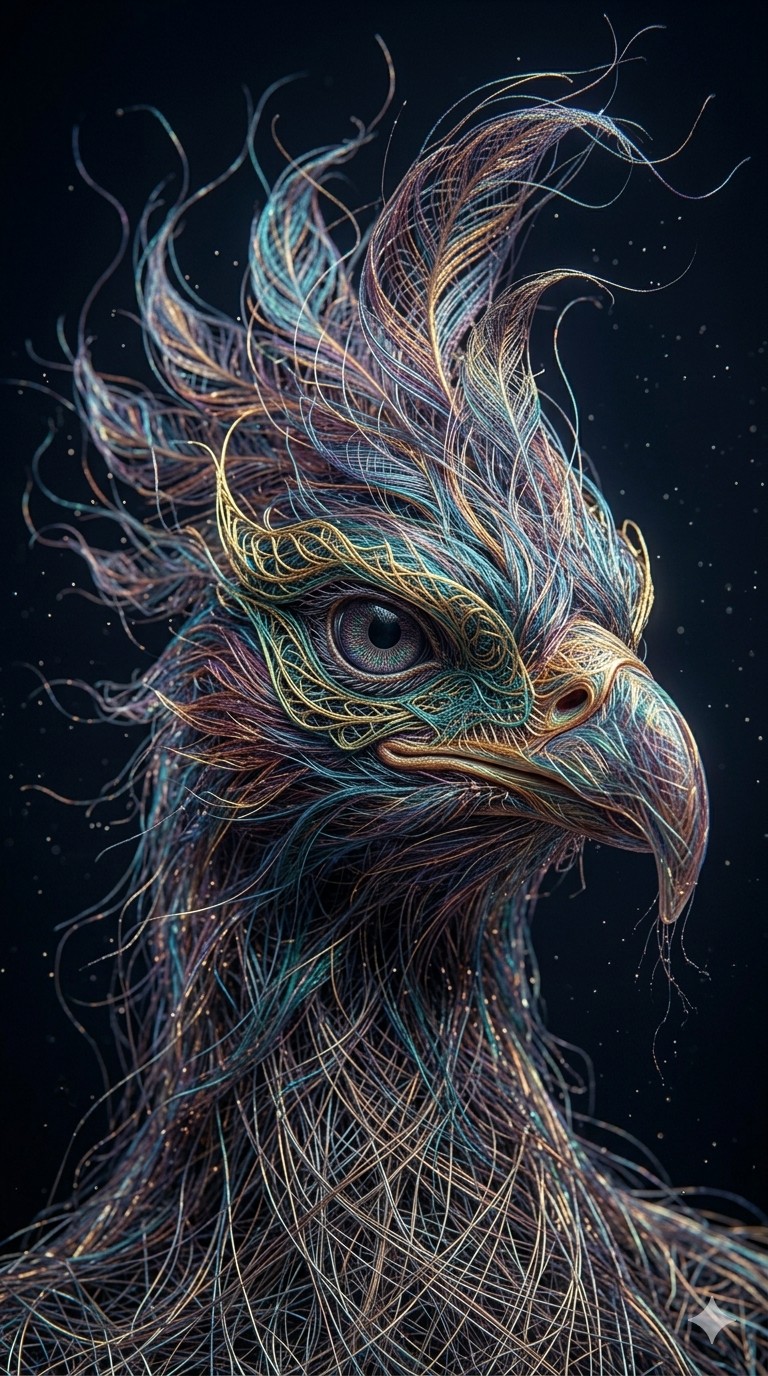
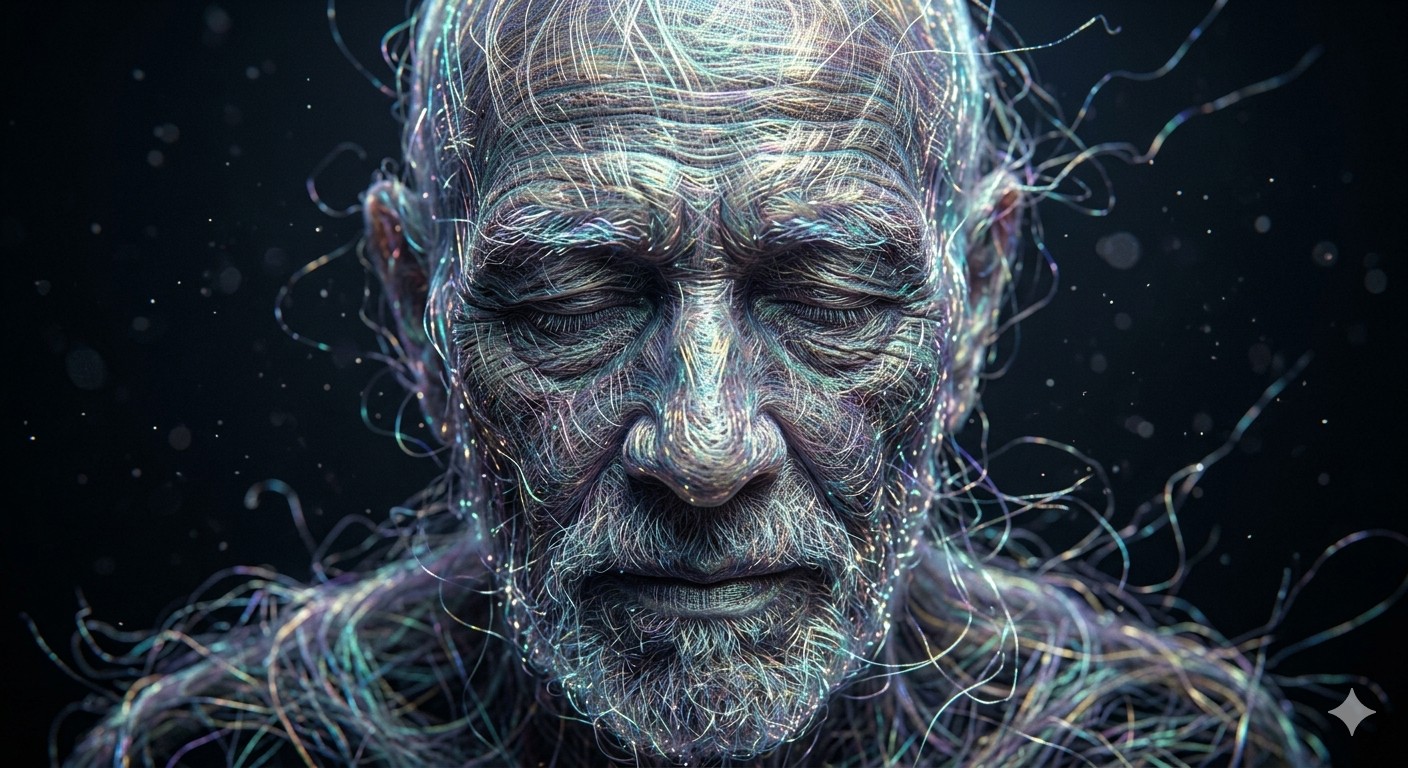
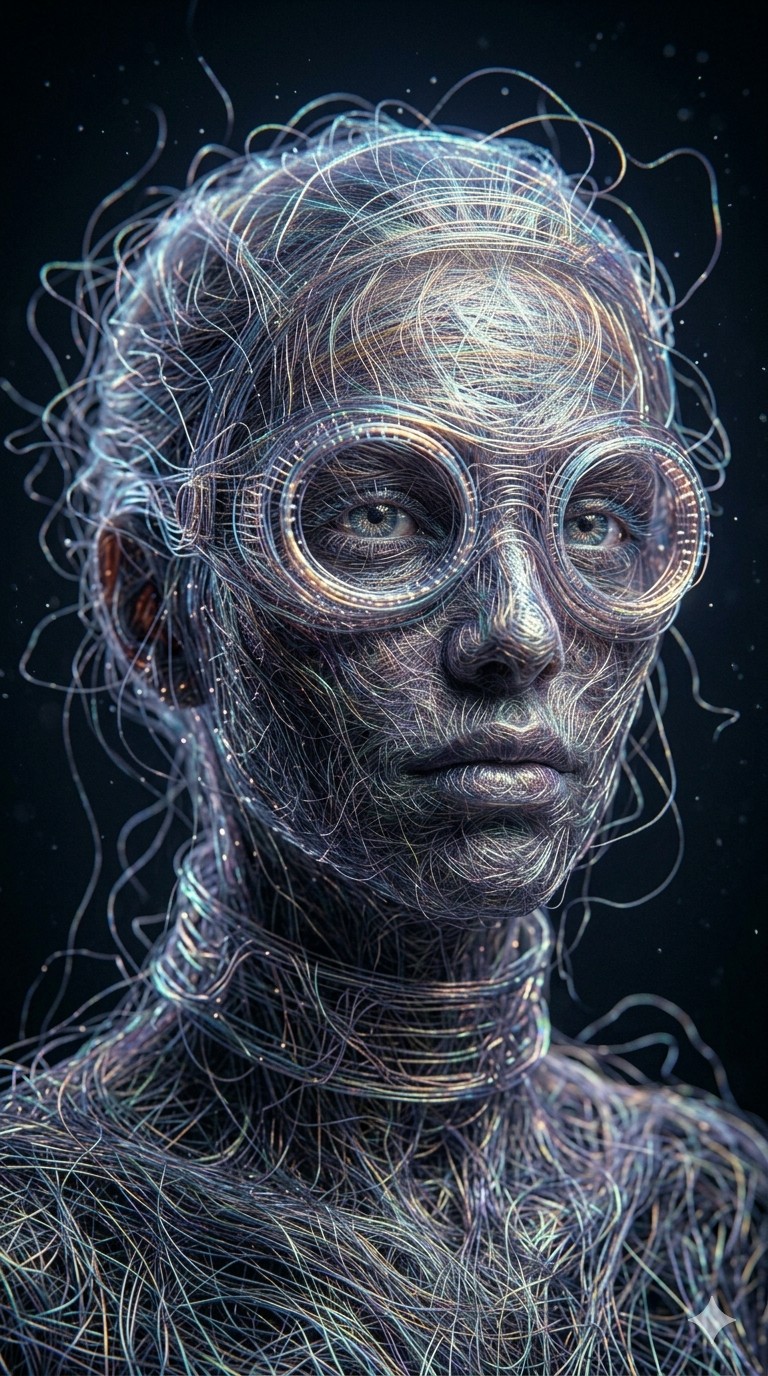
Create a hyper-detailed, close-up portrait of {{Subject: The person on the attached image, A mystical woman, A futuristic traveler, A mythical creature, A serene elder}} where the subject's entire form is composed of millions of fine, glowing iridescent silk threads. The fibers must be intricately interwoven but appear to be subtly unraveling at the edges, floating into a dark void. Ensure light catches individual strands, creating a shimmering, kinetic texture like a fiber-optic tapestry. There should be no solid surfaces; the subject is a ghost-like structure of pure thread and light. Use deep shadows, cinematic macro-photography style, 8k resolution, and ultra-fine detail to convey an ethereal and fragile mood.
The person on the attached image, A mystical woman, A futuristic traveler, A mythical creature, A serene elder
Create a hyper-detailed, close-up portrait of The person on the attached image where the subject's entire form is composed of millions of fine, glowing iridescent silk threads. The fibers must be intricately interwoven but appear to be subtly unraveling at the edges, floating into a dark void. Ensure light catches individual strands, creating a shimmering, kinetic texture like a fiber-optic tapestry. There should be no solid surfaces; the subject is a ghost-like structure of pure thread and light. Use deep shadows, cinematic macro-photography style, 8k resolution, and ultra-fine detail to convey an ethereal and fragile mood.
Variables are wrapped in {{ and }} and follow this pattern:
A selection can reference a predefined variable list using square brackets. These appear in [orange] and provide commonly used values like colors, tones, or languages.
You can also provide an inline list of choices separated by commas.
Tip: You don't need the PUCO app to use these prompts! Simply copy the template and replace each {{…}} section with your own text directly in ChatGPT, Claude, Gemini, or any other AI assistant.