Best For
- Starting from a structured, reusable prompt instead of a blank chat.
- Adapting the prompt to your own inputs while keeping the original intent intact.
- Workflows related to Creative & Visuals, Design & Art, Global Travel.

Generates a high-detail 3D isometric diorama of a specific city, featuring adaptive weather, architectural landmarks, and a miniature style.
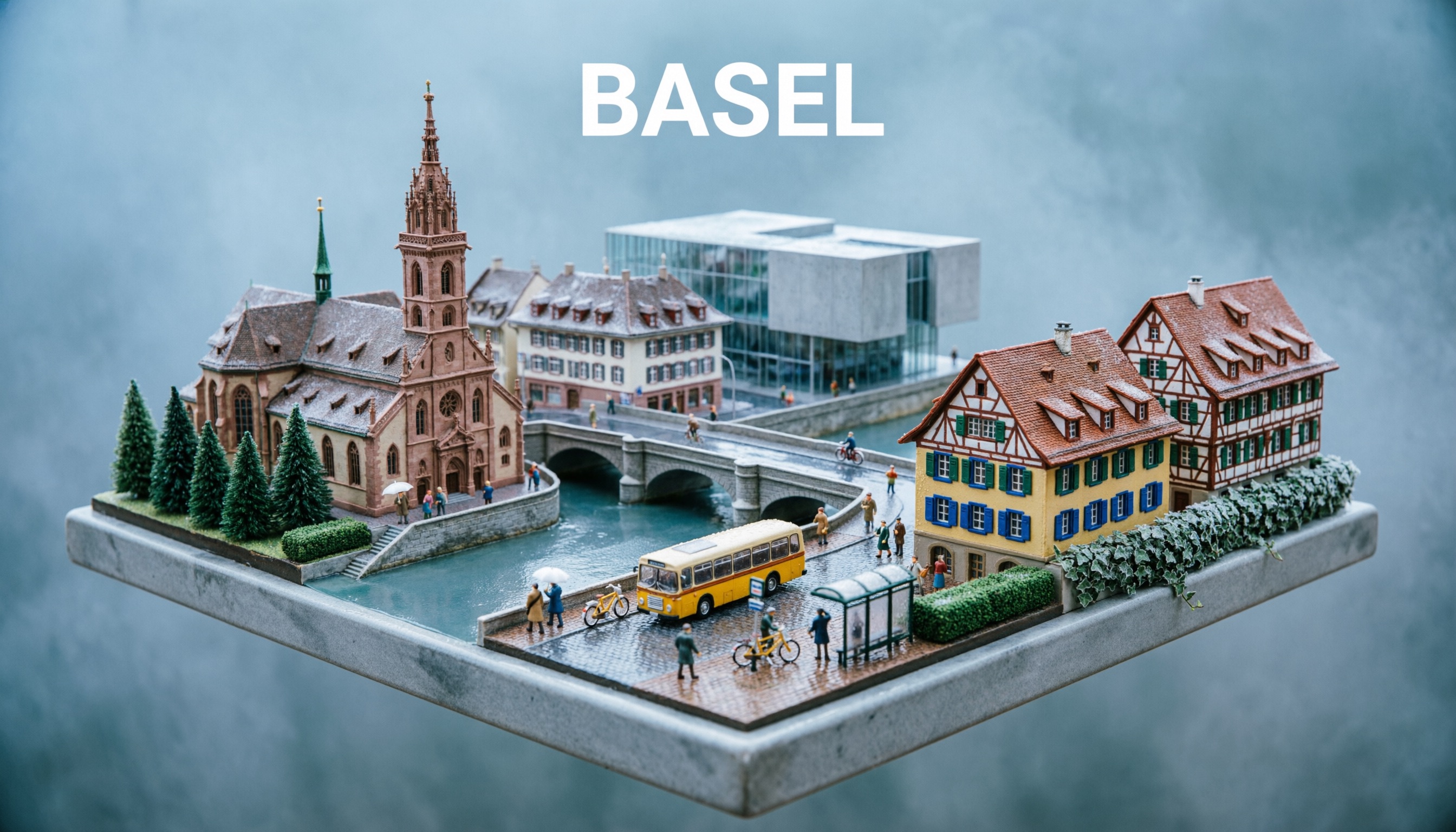

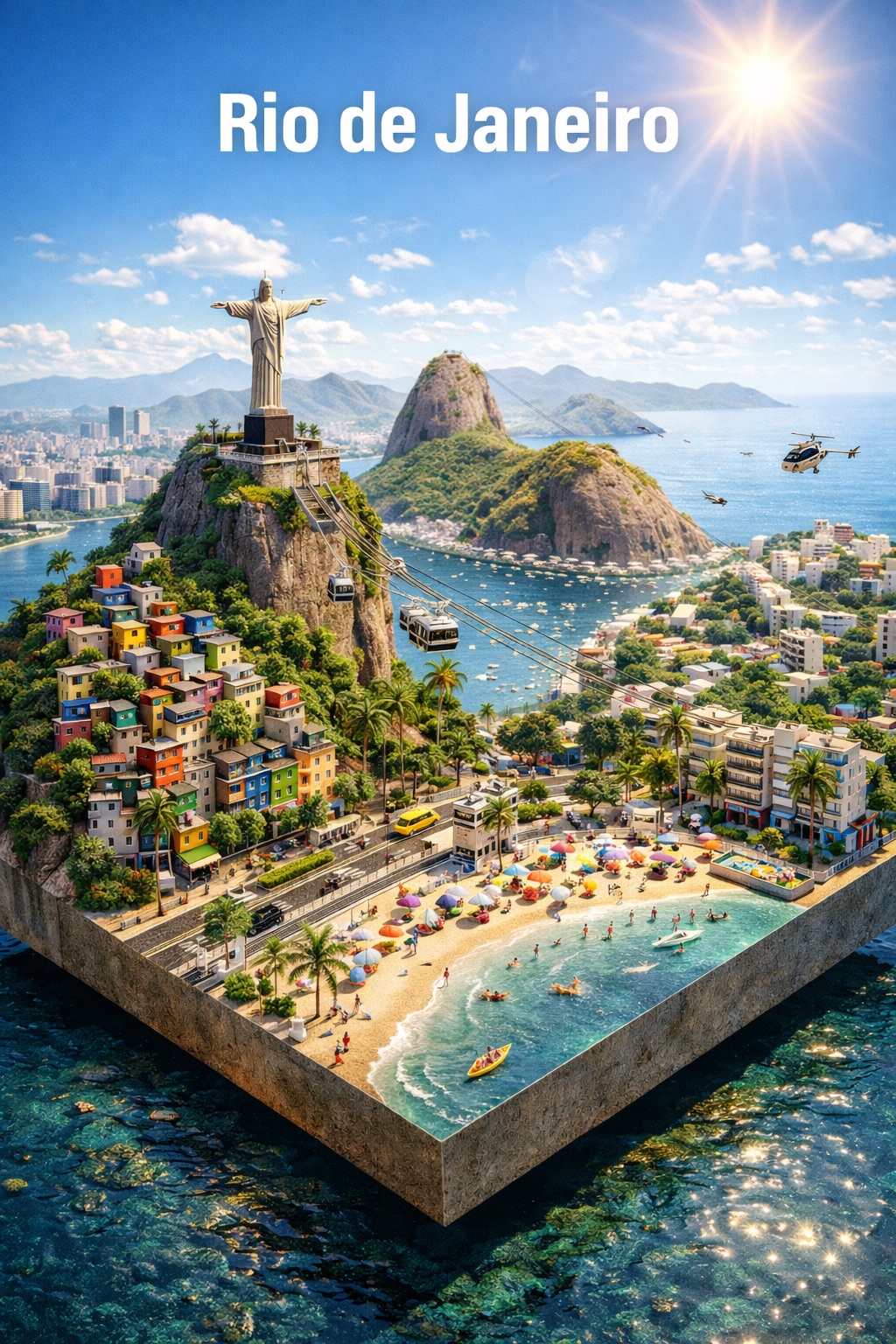
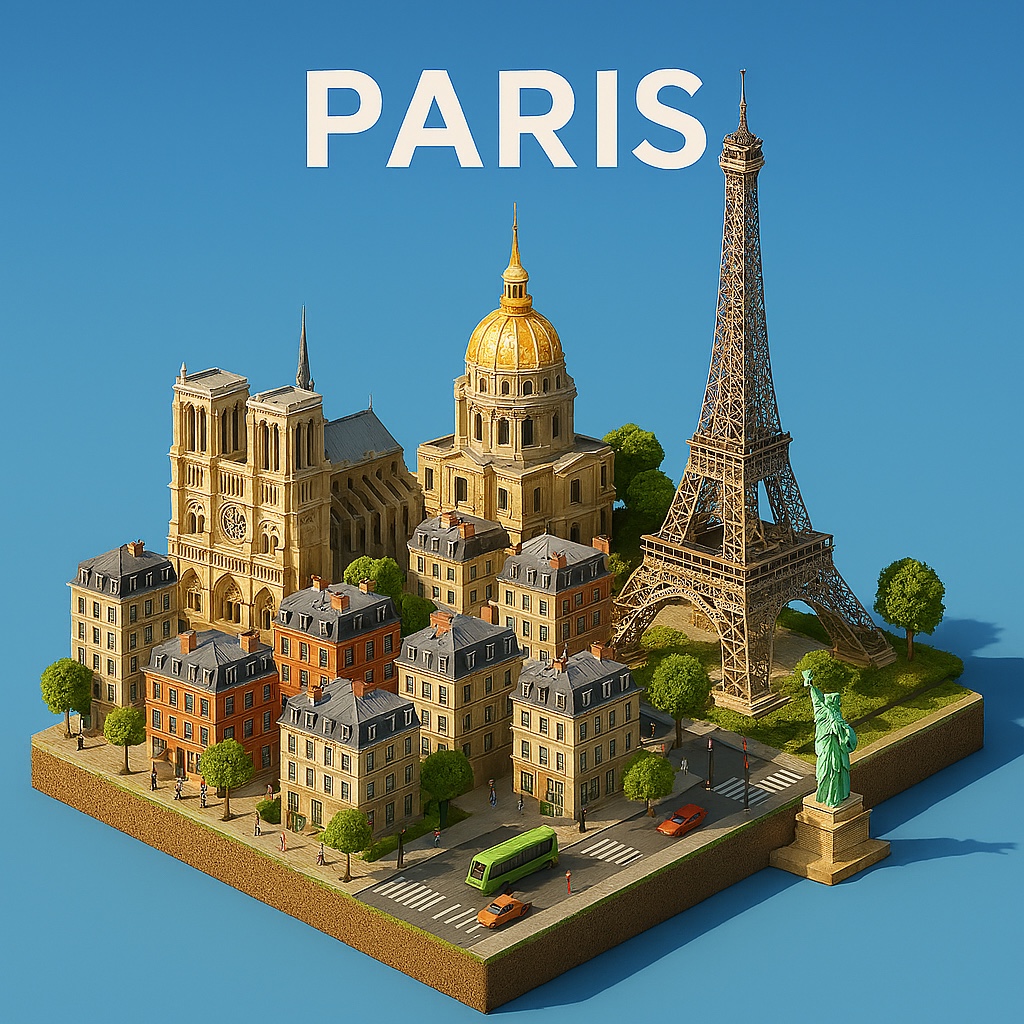
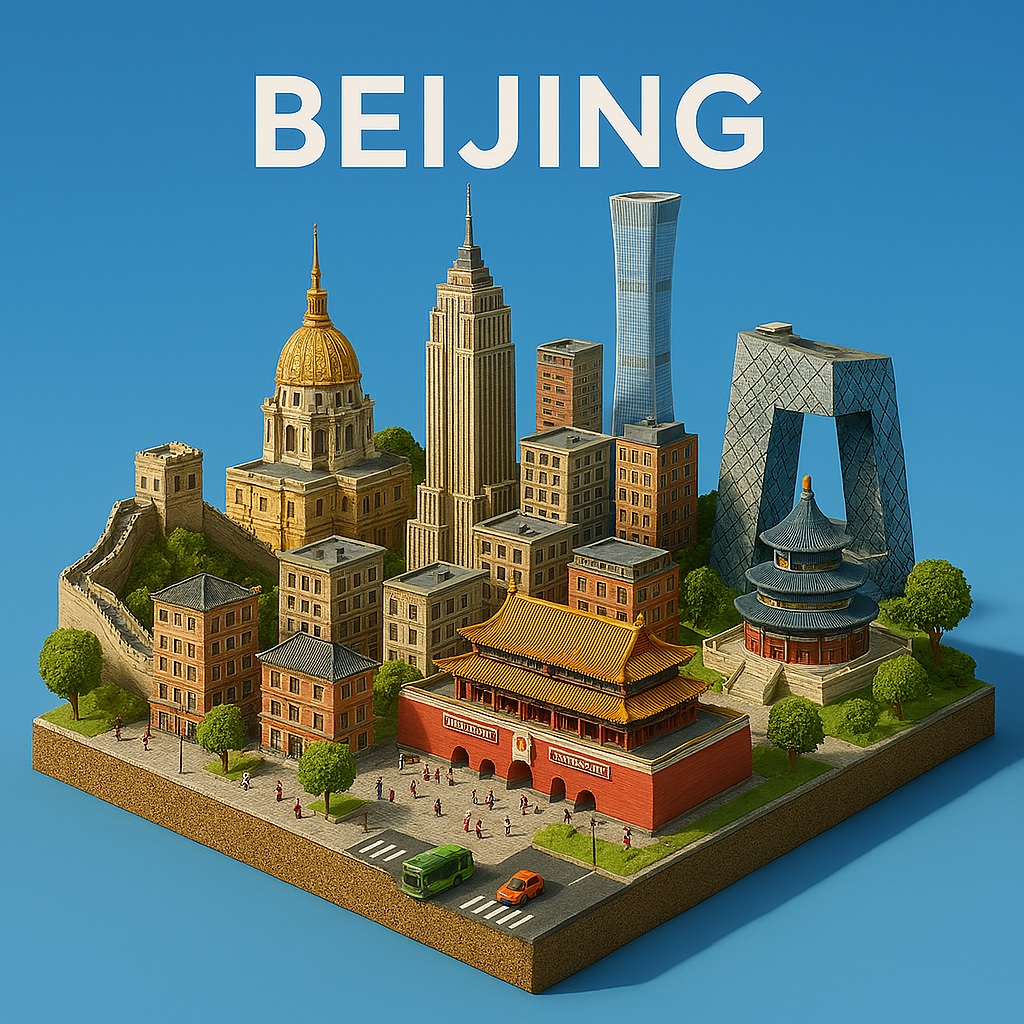

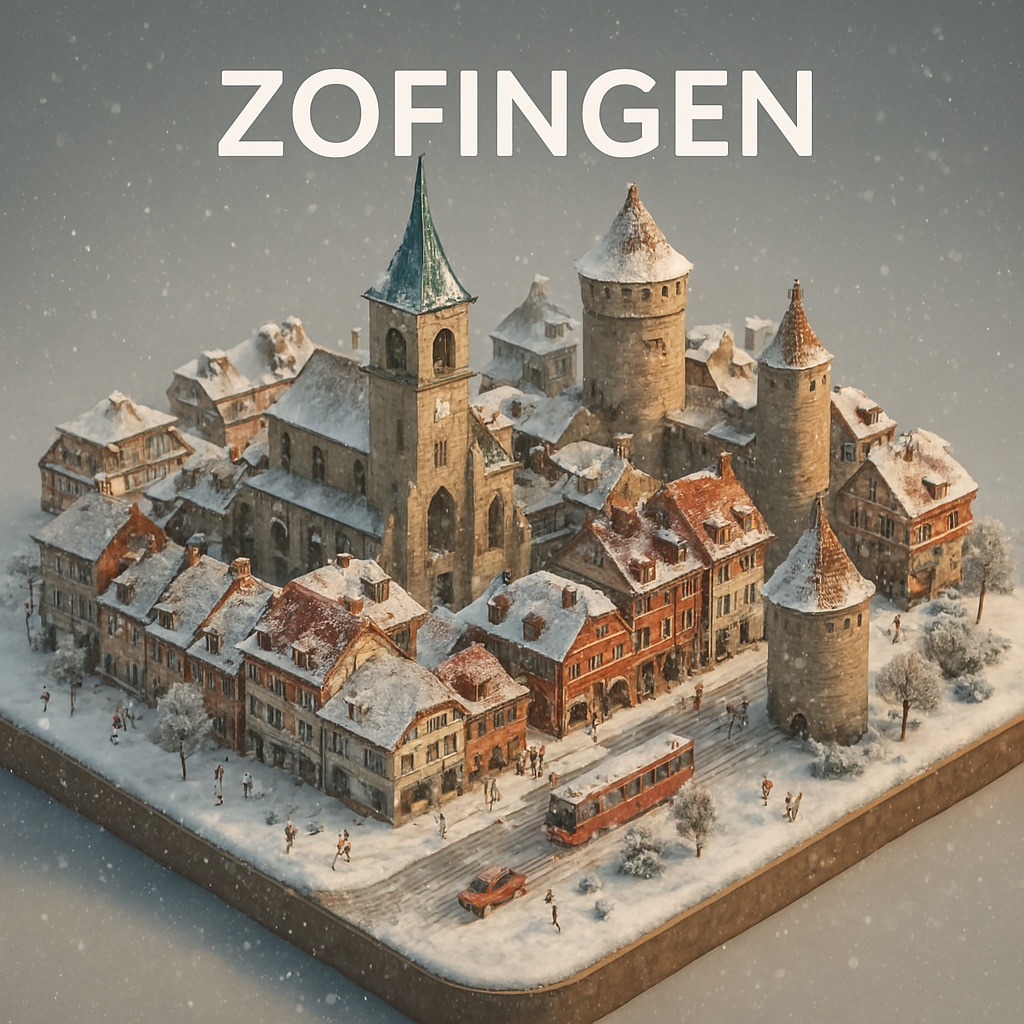
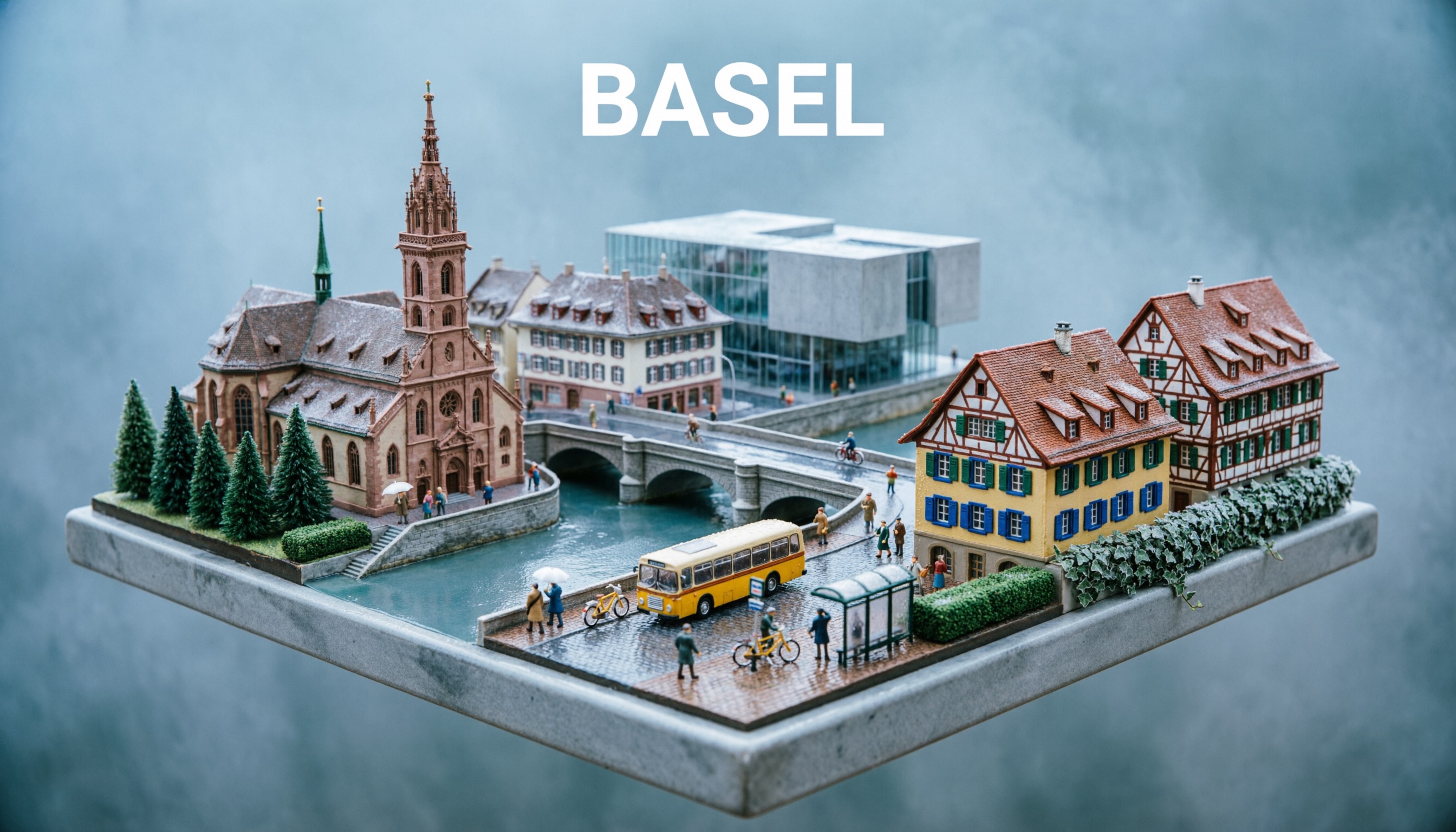
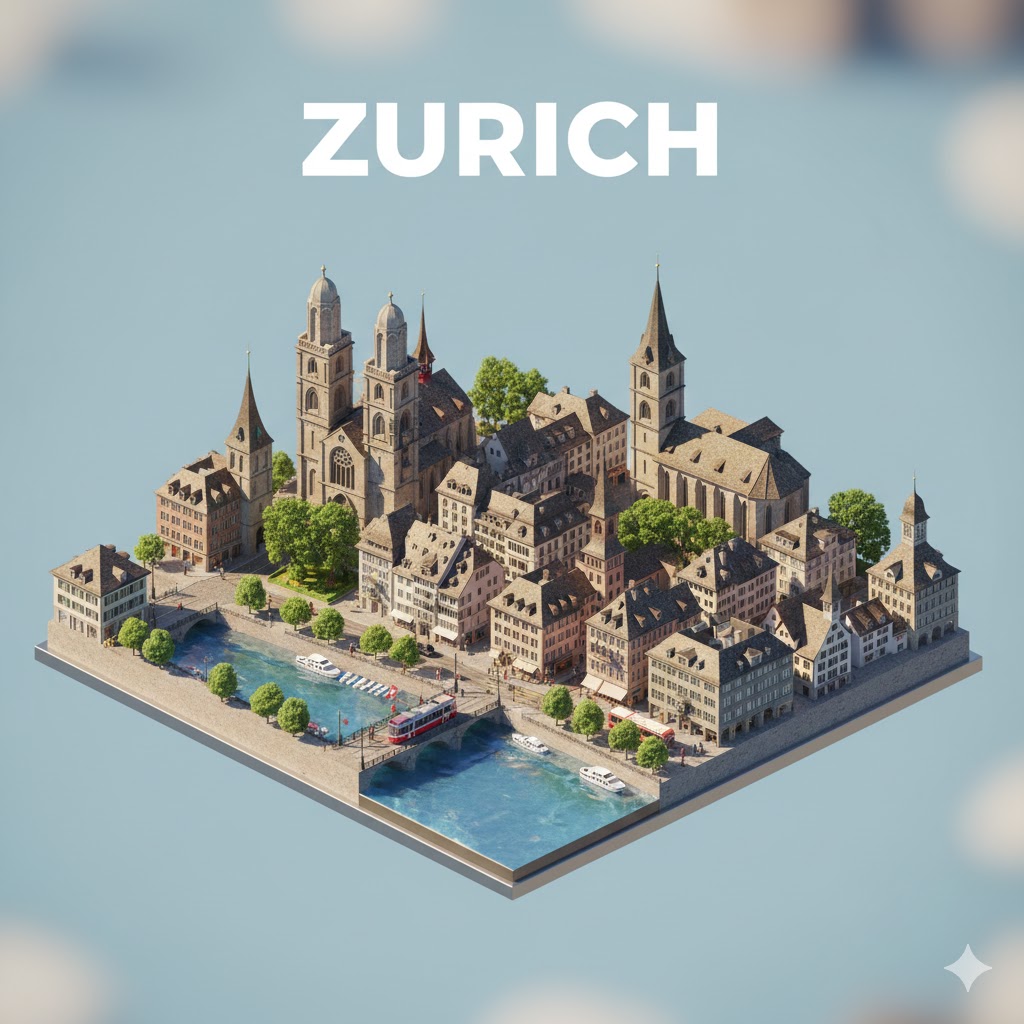

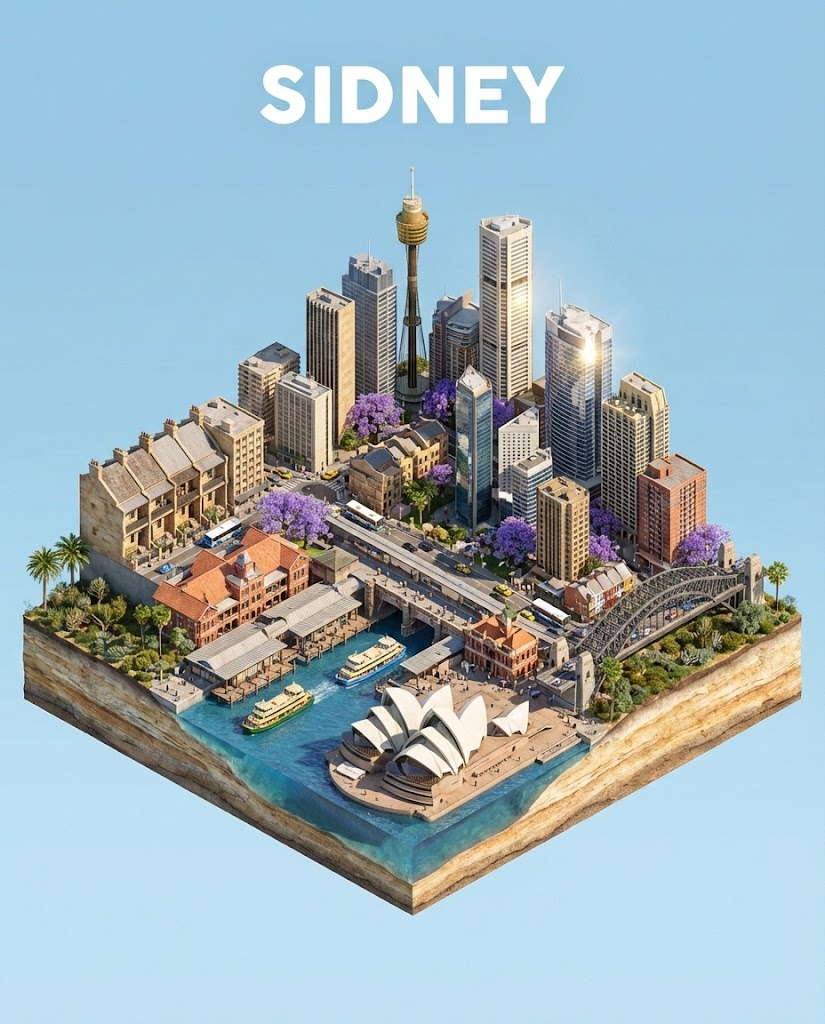
Generate an image of a high-detail isometric 3D diorama of {{City: Paris}}.

**Visual Specifications:**
- **View:** Isometric camera view, miniature model resting on a floating square base.
- **Style:** Realistic textures (stone, glass, brick), toy-like but sophisticated 3D render.
- **Weather & Atmosphere:**  {{Weather Conditions: [weather_conditions]}} (lighting and ground conditions should match).
- **Architecture:** Dense cluster of vernacular buildings and iconic landmarks specific to {{City}}.
- **Details:** Miniature street elements (iconic vehicles, local vegetation) and tiny stylized figures.
- **Typography:** The text "{{City}}" floating at the top in white, sans-serif, bold, uppercase letters.
- **Aspect Ratio:** {{Aspect Ratios: [aspect_ratios]}}
Paris
[weather_conditions]
[aspect_ratios]
Generate an image of a high-detail isometric 3D diorama of Paris.

**Visual Specifications:**
- **View:** Isometric camera view, miniature model resting on a floating square base.
- **Style:** Realistic textures (stone, glass, brick), toy-like but sophisticated 3D render.
- **Weather & Atmosphere:**  [weather_conditions] (lighting and ground conditions should match).
- **Architecture:** Dense cluster of vernacular buildings and iconic landmarks specific to Paris.
- **Details:** Miniature street elements (iconic vehicles, local vegetation) and tiny stylized figures.
- **Typography:** The text "Paris" floating at the top in white, sans-serif, bold, uppercase letters.
- **Aspect Ratio:** [aspect_ratios]
Variables are wrapped in {{ and }} and follow this pattern:
A selection can reference a predefined variable list using square brackets. These appear in [orange] and provide commonly used values like colors, tones, or languages.
You can also provide an inline list of choices separated by commas.
Tip: You don't need the PUCO app to use these prompts! Simply copy the template and replace each {{…}} section with your own text directly in ChatGPT, Claude, Gemini, or any other AI assistant.