Best For
- Starting from a structured, reusable prompt instead of a blank chat.
- Adapting the prompt to your own inputs while keeping the original intent intact.
- Workflows related to Creative & Visuals.

Generates a high-shutter-speed photograph of a subject mid-leap with a crystallized movement trail in diverse environments.
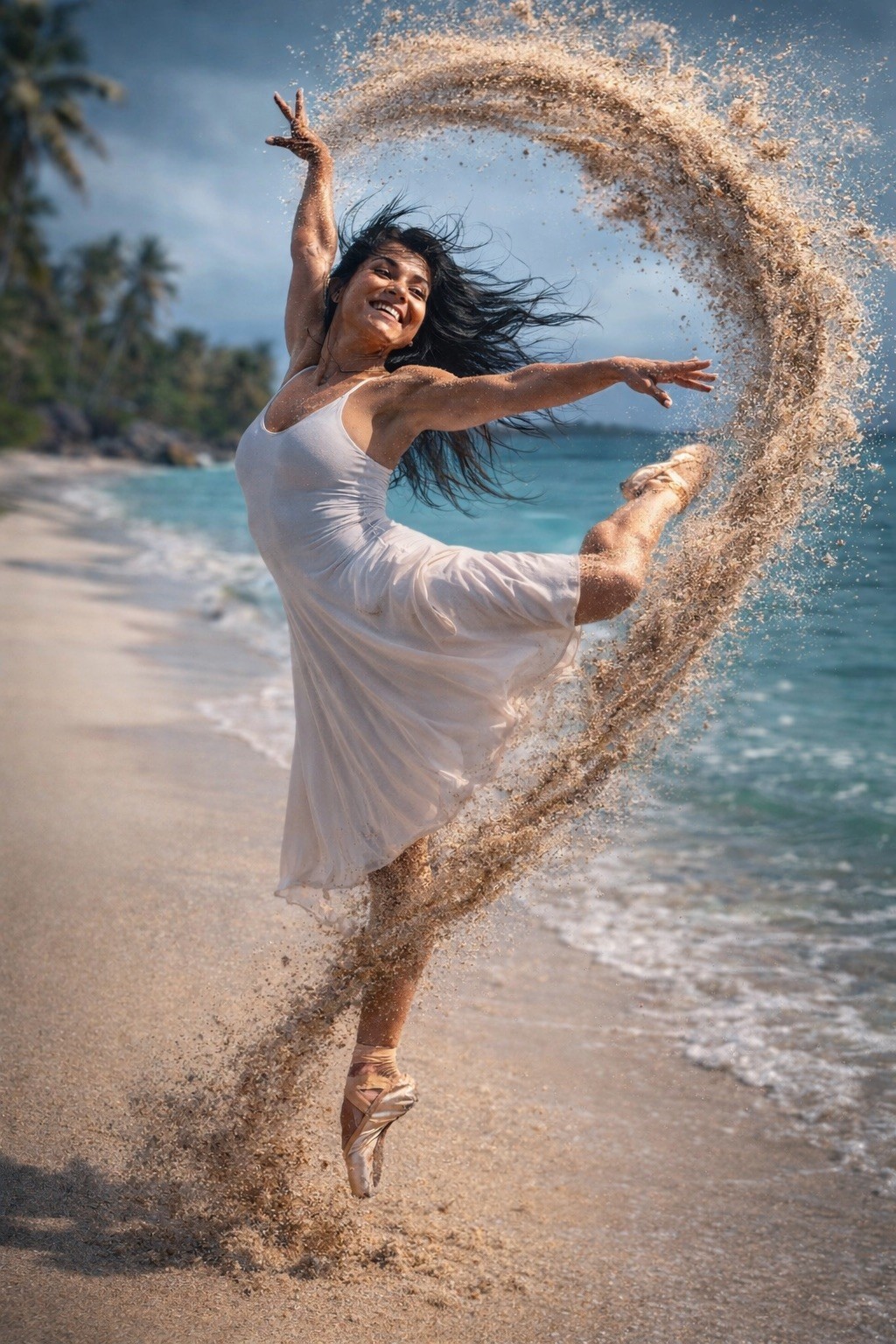
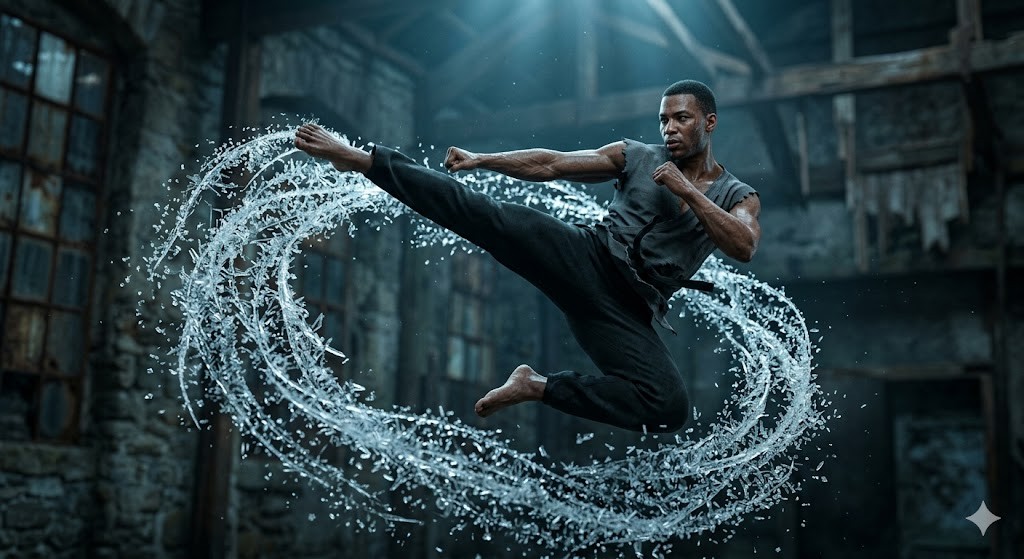
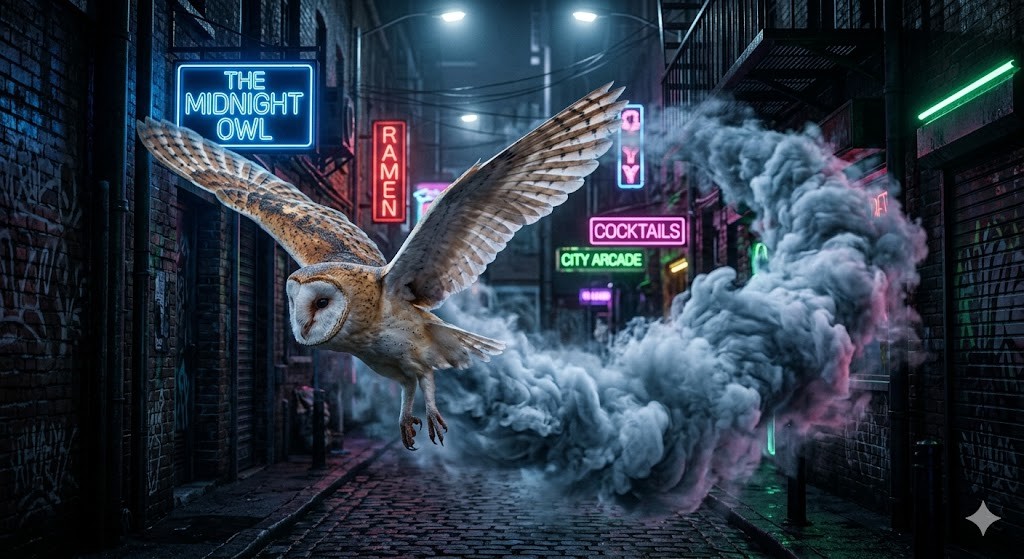
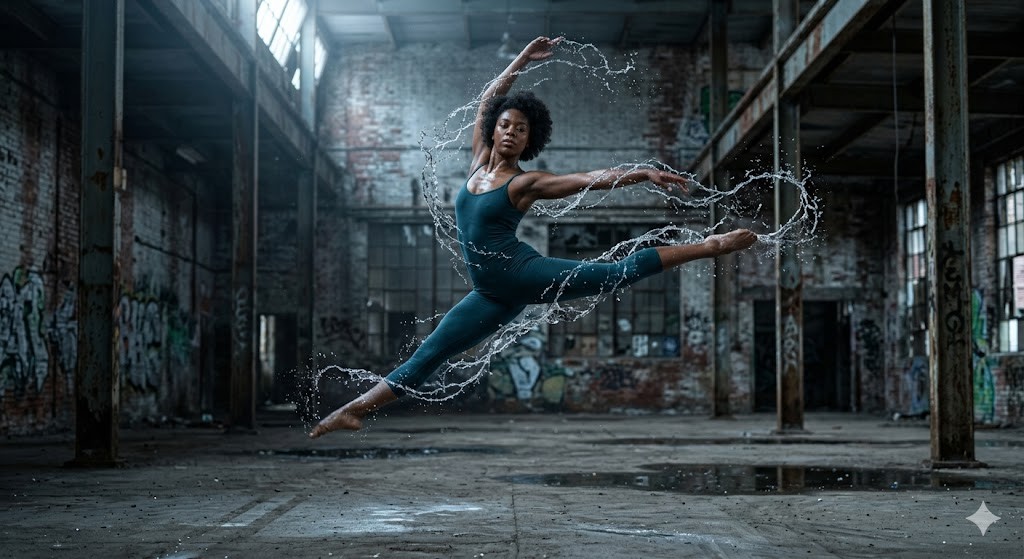
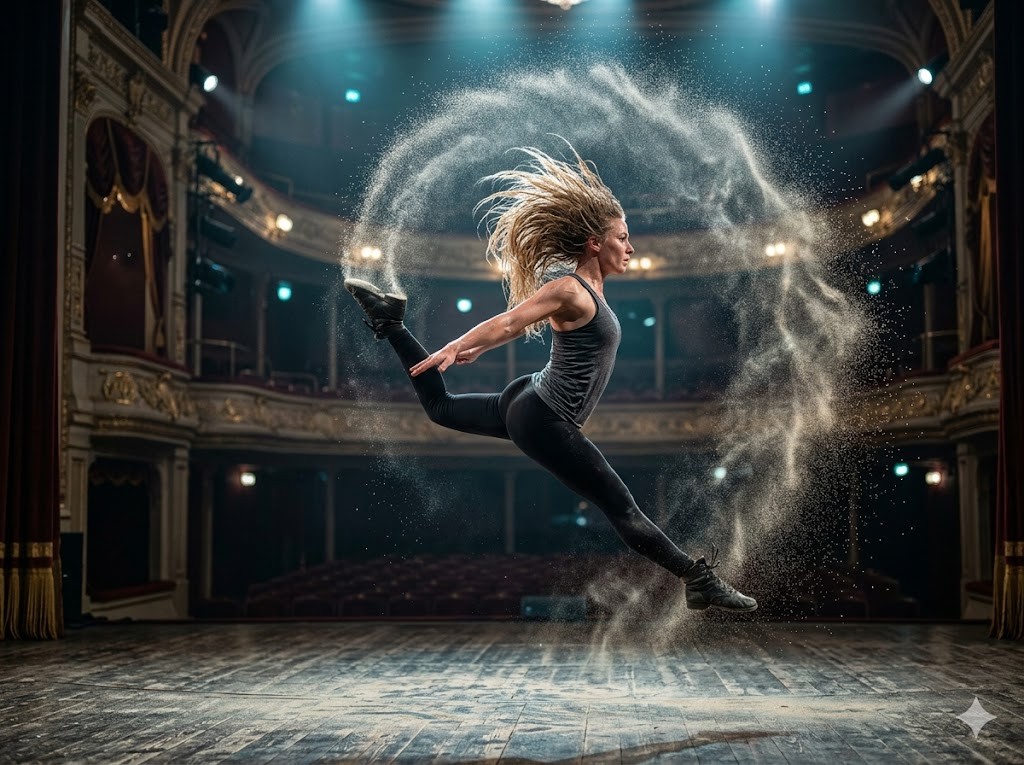
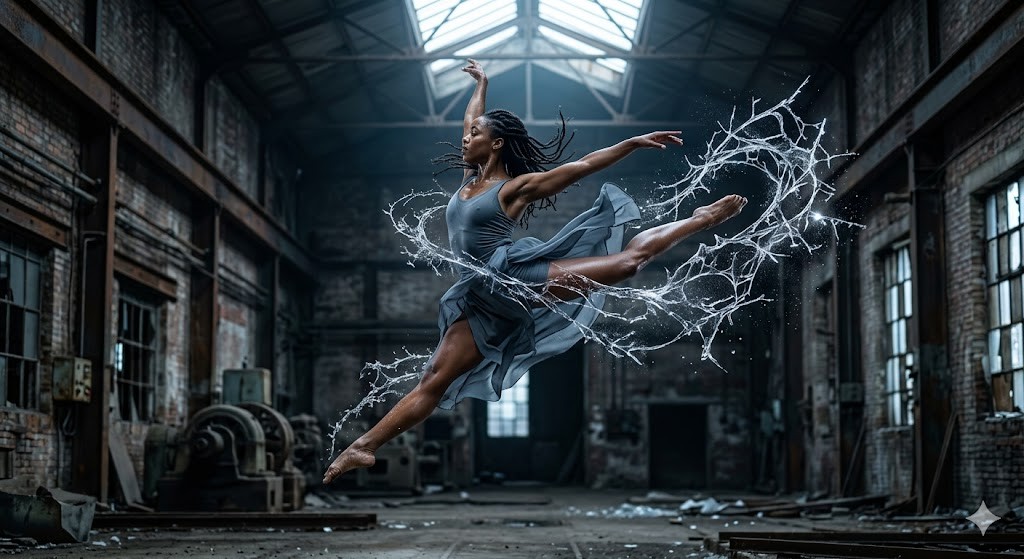
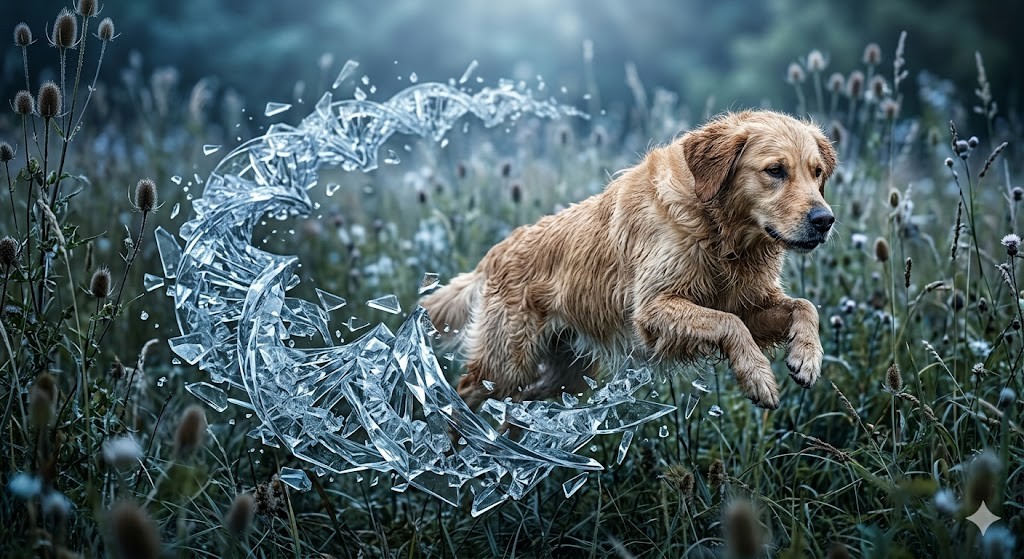
A hyper-detailed, high-shutter-speed photograph of a {{Subject:The subject from the attached photo dancing ballet , #Dancers & Athletes, Contemporary dancer, Ballet performer, Parkour athlete, Martial artist, Capoeira practitioner, Woman with long wet hair swinging her head, # Creatures & Others, Leaping snow leopard, Flying barn owl, Ethereal spirit, Cybernetic ninja, Galactic traveler}} captured mid-leap within a {{Scenery:# Urban & Industrial, Abandoned factory, Neon-lit alleyway, Brutalist concrete hall, # Culture & Nature, Grand theater stage, Ancient stone temple, Misty pine forest, Minimalist art gallery, A beautiful tropical beach, # Sci-Fi & Other, Futuristic space station, Volcanic landscape, Sun-drenched desert dunes}}. The air trailing their movement has instantly turned into a swirling, realistic looking intricate {{Formation: web, cloud, spray, vortex, mist, burst, shroud, trail}}  of {{Particles:# Style, Large jagged glass shards, Tiny frozen hexagonal crystals, Long translucent needles, Chunky geometric ice blocks, Fine crystalline dust, Spiraling glass ribbons, Sharp diamond-cut fragments, Iridescent prismatic flakes, Evaporating water, Foggy Vapor, Flying sand }} that follow the exact arc of their motion. The subject’s skin is rendered with natural, realistic texture, contrasting sharply with the {{Particles}} structures. Soft, cool-toned cinematic lighting from above creates deep shadows and brilliant highlights on the glass edges. 8k resolution, photorealistic, captured on a 35mm lens, shallow depth of field, atmospheric and powerful.

Aspect Ratios: {{Aspect Ratio: [aspect_ratios]}}
The subject from the attached photo dancing ballet, #Dancers & Athletes, Contemporary dancer, Ballet performer, Parkour athlete, Martial artist, Capoeira practitioner, Woman with long wet hair swinging her head
# Urban & Industrial, Abandoned factory, Neon-lit alleyway, Brutalist concrete hall, # Culture & Nature, Grand theater stage, Ancient stone temple, Misty pine forest
web, cloud, spray, vortex, mist, burst, shroud, trail
# Style, Large jagged glass shards, Tiny frozen hexagonal crystals, Long translucent needles, Chunky geometric ice blocks, Fine crystalline dust, Spiraling glass ribbons, Sharp diamond-cut fragments
[aspect_ratios]
A hyper-detailed, high-shutter-speed photograph of a The subject from the attached photo dancing ballet captured mid-leap within a # Urban & Industrial. The air trailing their movement has instantly turned into a swirling, realistic looking intricate web  of # Style that follow the exact arc of their motion. The subject’s skin is rendered with natural, realistic texture, contrasting sharply with the # Style structures. Soft, cool-toned cinematic lighting from above creates deep shadows and brilliant highlights on the glass edges. 8k resolution, photorealistic, captured on a 35mm lens, shallow depth of field, atmospheric and powerful.

Aspect Ratios: [aspect_ratios]
Variables are wrapped in {{ and }} and follow this pattern:
A selection can reference a predefined variable list using square brackets. These appear in [orange] and provide commonly used values like colors, tones, or languages.
You can also provide an inline list of choices separated by commas.
Tip: You don't need the PUCO app to use these prompts! Simply copy the template and replace each {{…}} section with your own text directly in ChatGPT, Claude, Gemini, or any other AI assistant.