Best For
- Starting from a structured, reusable prompt instead of a blank chat.
- Adapting the prompt to your own inputs while keeping the original intent intact.
- Workflows related to Music & Audio.

Creates a 3D diorama built on a spinning vinyl record that visualizes the sonic signature of a music artist.
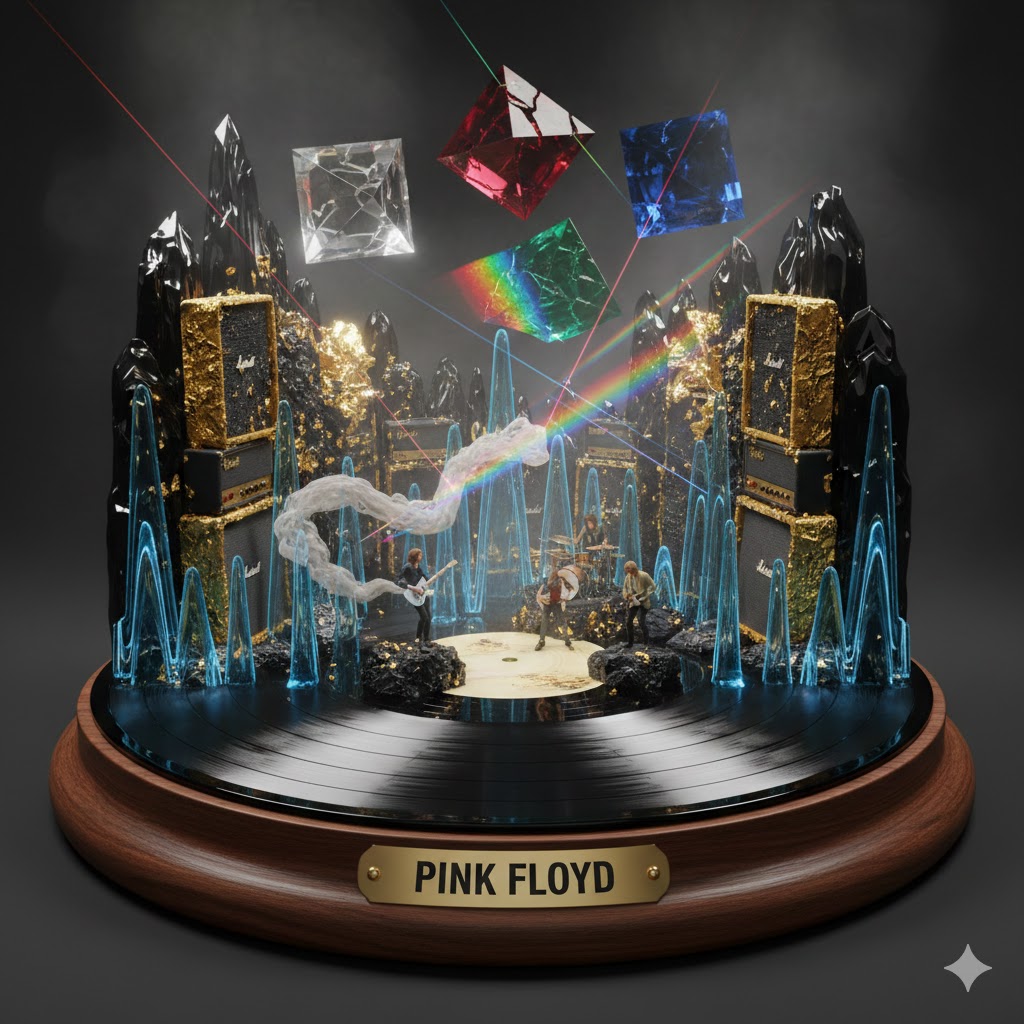
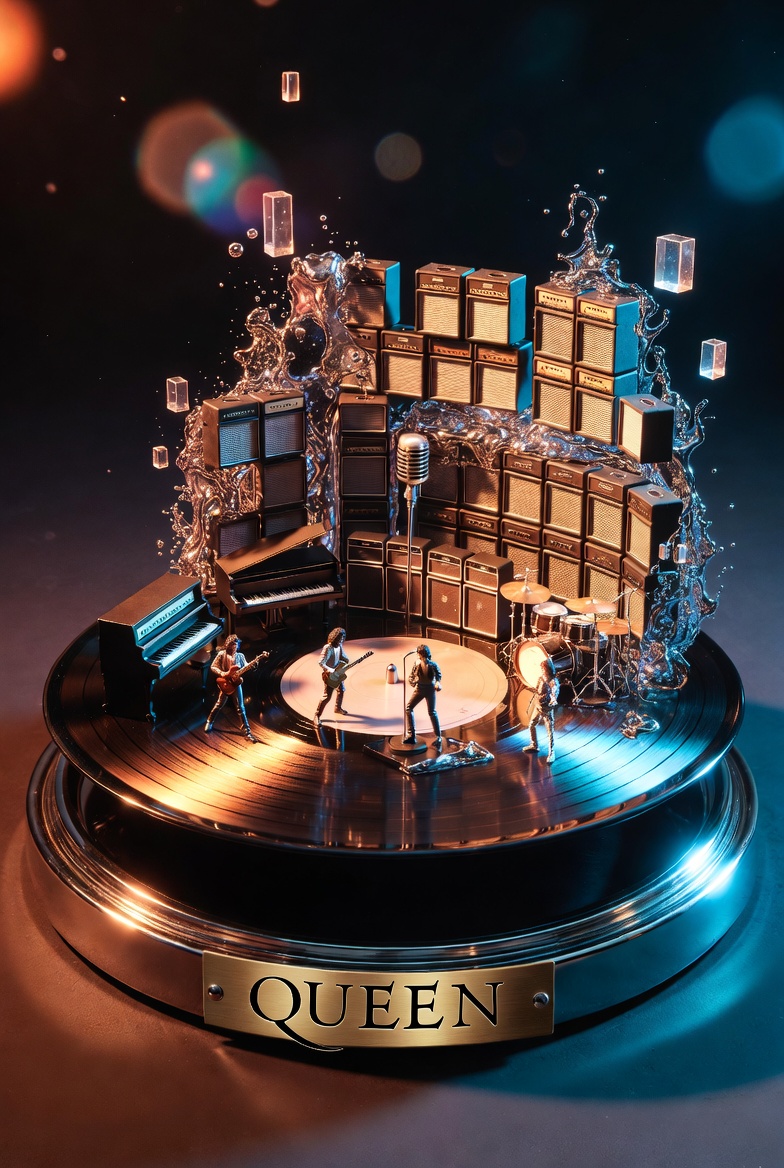
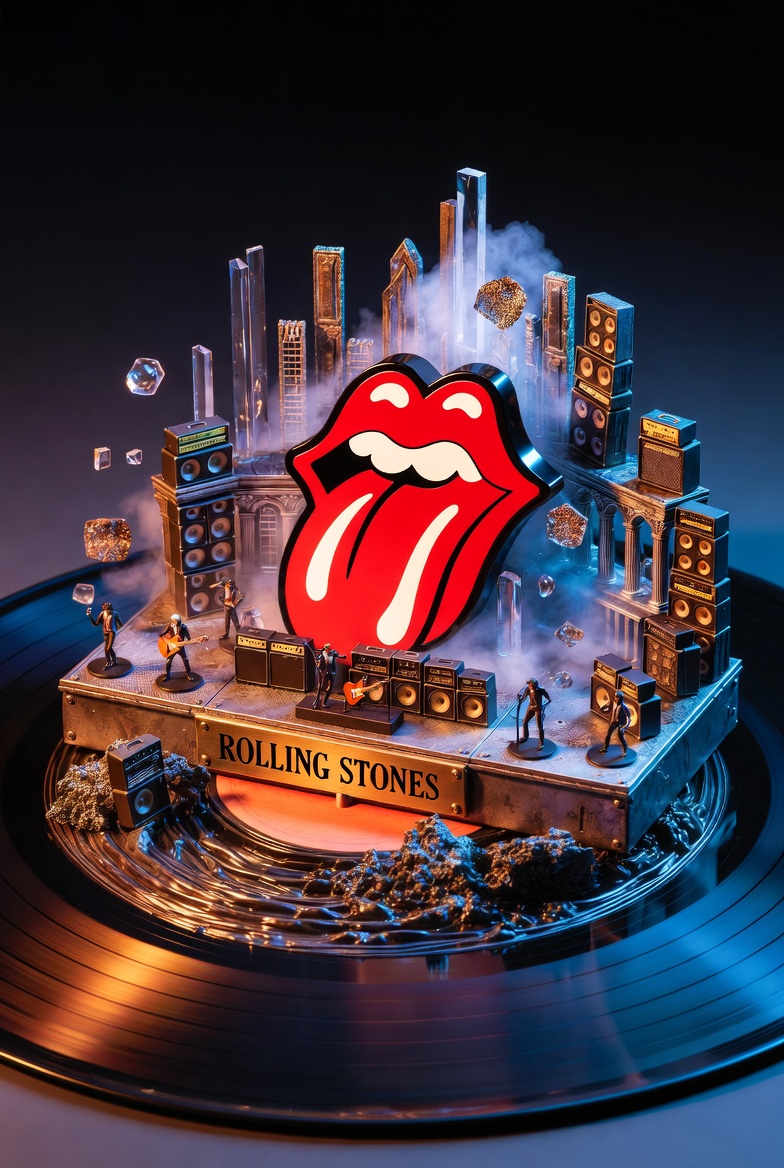
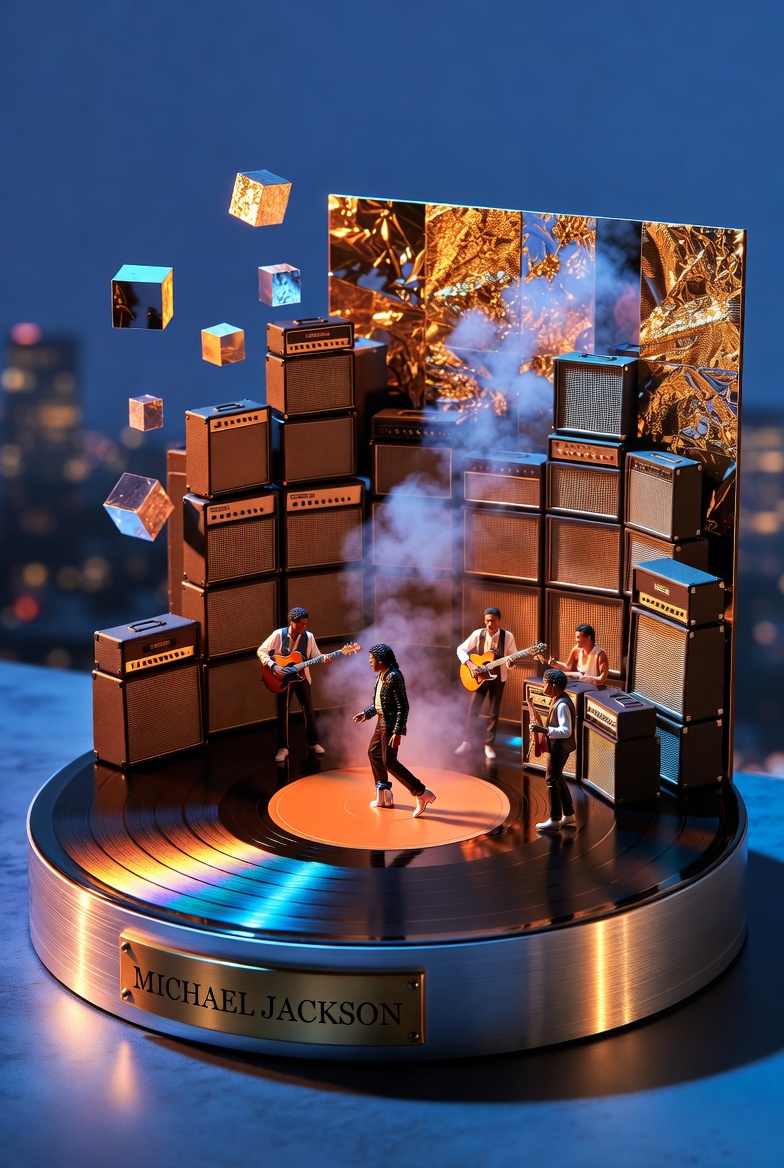
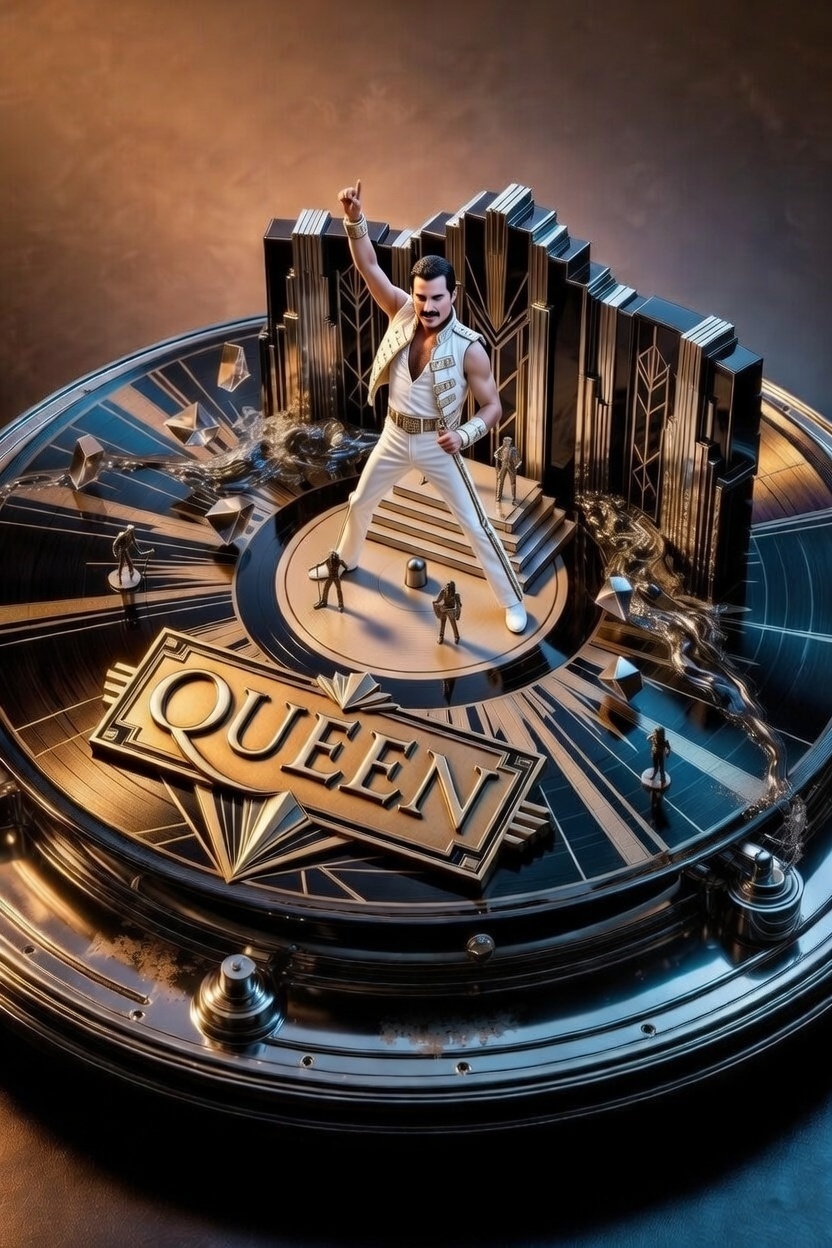
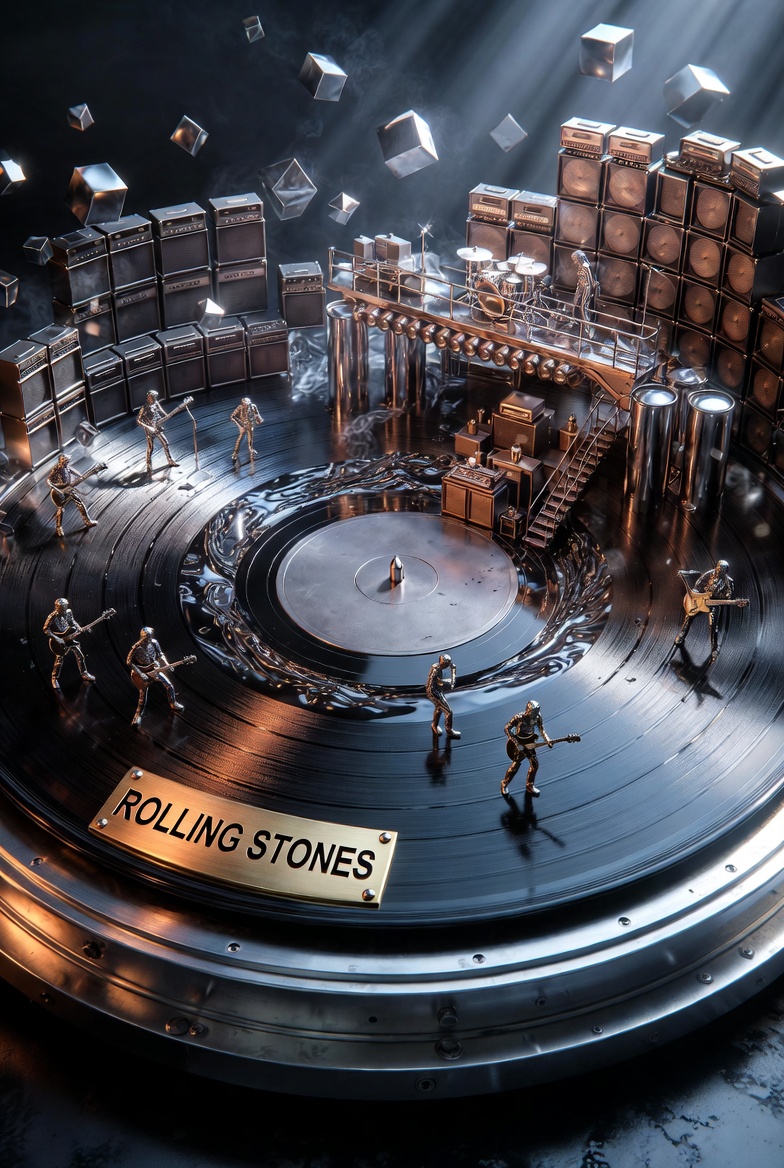
Act as a Music Historian and Set Designer. Create an audio-visual diorama based on the artist: {{Artist Name:Pink Floyd}}.

Design Rules:
1. The Base: The diorama is built on a spinning vinyl record acting as a circular stage, sitting on a high-end {{Turntable Material:Wood, Brushed Aluminum}} base.
2. The Plinth: A brass nameplate on the front must display '{{Artist Name:Pink Floyd}}' in bold capital letters.
3. Sonic Materiality: Translate the band's genre into textures. Use materials like {{Materiality:[materials]}}.
4. Composition: Architecture must rise from the grooves of the record (e.g., walls of amplifiers, floating prisms). Include tiny 1:87 scale band members performing inside the landscape.
5. Atmosphere: Use particle effects like smoke or vibrating liquid to visualize sound waves.
6. Style: 3D render, hyper-detailed, cinematic lighting.
Pink Floyd
Wood, Brushed Aluminum
[materials]
Act as a Music Historian and Set Designer. Create an audio-visual diorama based on the artist: Pink Floyd.

Design Rules:
1. The Base: The diorama is built on a spinning vinyl record acting as a circular stage, sitting on a high-end Wood base.
2. The Plinth: A brass nameplate on the front must display 'Pink Floyd' in bold capital letters.
3. Sonic Materiality: Translate the band's genre into textures. Use materials like [materials].
4. Composition: Architecture must rise from the grooves of the record (e.g., walls of amplifiers, floating prisms). Include tiny 1:87 scale band members performing inside the landscape.
5. Atmosphere: Use particle effects like smoke or vibrating liquid to visualize sound waves.
6. Style: 3D render, hyper-detailed, cinematic lighting.
Variables are wrapped in {{ and }} and follow this pattern:
A selection can reference a predefined variable list using square brackets. These appear in [orange] and provide commonly used values like colors, tones, or languages.
You can also provide an inline list of choices separated by commas.
Tip: You don't need the PUCO app to use these prompts! Simply copy the template and replace each {{…}} section with your own text directly in ChatGPT, Claude, Gemini, or any other AI assistant.