Best For
- Starting from a structured, reusable prompt instead of a blank chat.
- Adapting the prompt to your own inputs while keeping the original intent intact.
- Workflows related to Creative & Visuals, Design & Art, Marketing & Social.

Create a realistic 4-line digital neon sign image with contrasting cyan and gold typography on a pitch-black background.
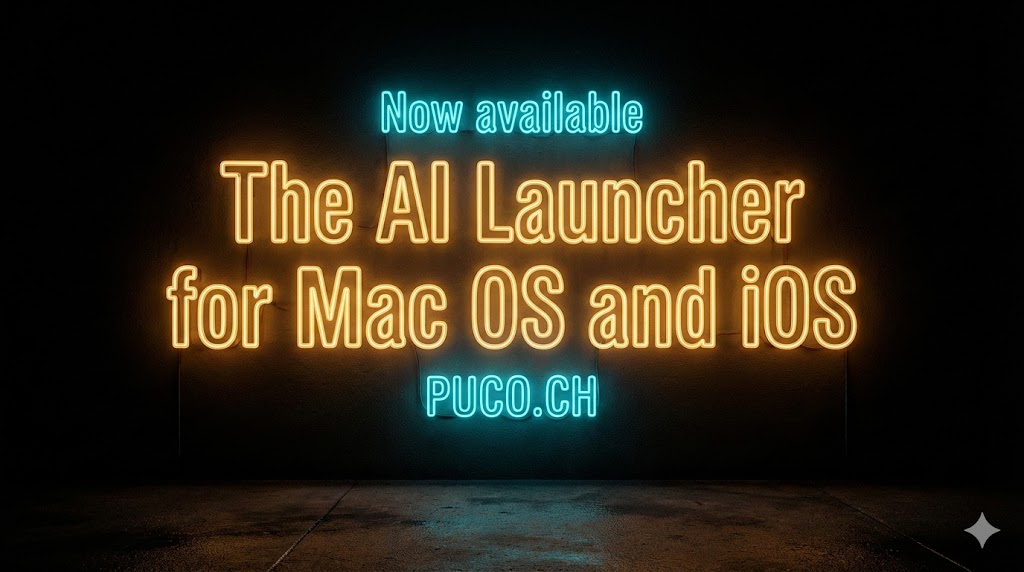
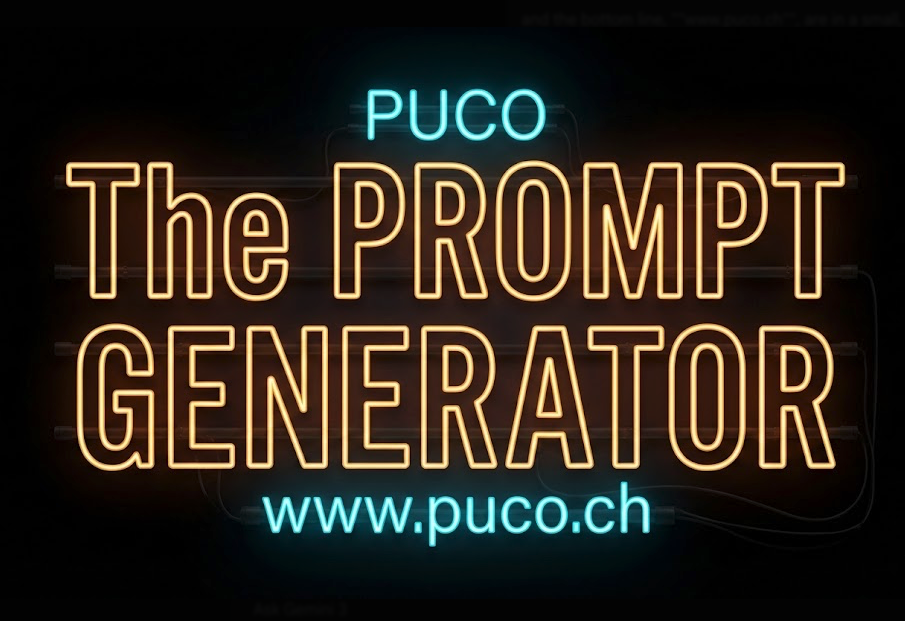
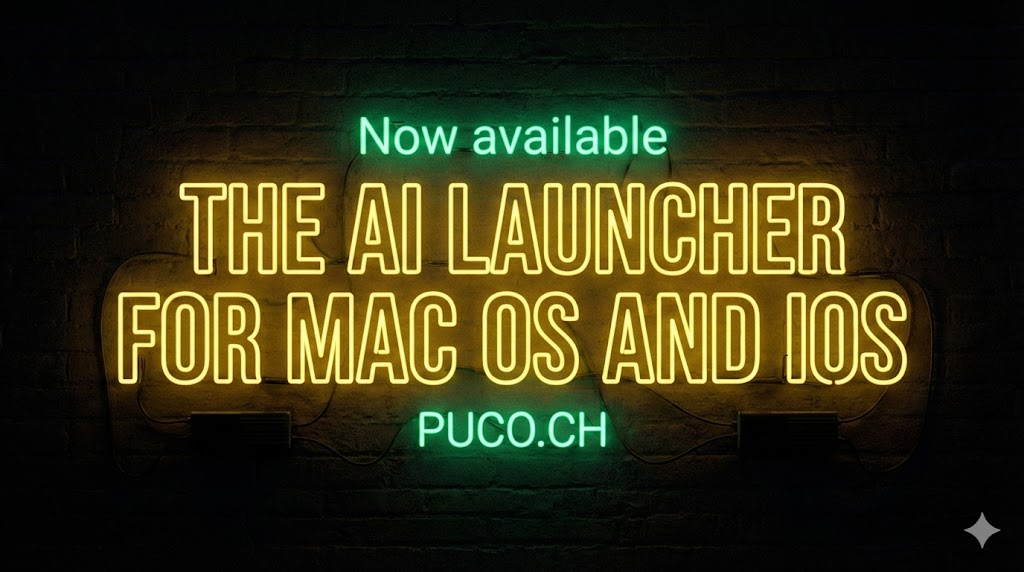
A realistic digital neon sign on a pitch-black background. The text is stacked vertically. The top line, "{{Top Line Text:OPEN}}", and the bottom line, "{{Bottom Line Text:DAILY}}", are in a small, glowing electric cyan-blue sans-serif font. The middle two lines, "{{Middle Line 1:LATE}}" and "{{Middle Line 2:NIGHT}}", are large, bold, and written in an orange-gold neon outline block font. The neon tubes cast a warm glow on the dark surrounding area. Cinematic lighting. --ar {{Aspect Ratio:16:9,1:1,9:16,3:2,2:3}} --v {{Midjourney Version:6.0,5.2,5.1,Niji 6}}
OPEN
DAILY
LATE
NIGHT
16:9, 1:1, 9:16, 3:2, 2:3
6.0, 5.2, 5.1, Niji 6
A realistic digital neon sign on a pitch-black background. The text is stacked vertically. The top line, "OPEN", and the bottom line, "DAILY", are in a small, glowing electric cyan-blue sans-serif font. The middle two lines, "LATE" and "NIGHT", are large, bold, and written in an orange-gold neon outline block font. The neon tubes cast a warm glow on the dark surrounding area. Cinematic lighting. --ar 16:9 --v 6.0
Variables are wrapped in {{ and }} and follow this pattern:
A selection can reference a predefined variable list using square brackets. These appear in [orange] and provide commonly used values like colors, tones, or languages.
You can also provide an inline list of choices separated by commas.
Tip: You don't need the PUCO app to use these prompts! Simply copy the template and replace each {{…}} section with your own text directly in ChatGPT, Claude, Gemini, or any other AI assistant.