Best For
- Starting from a structured, reusable prompt instead of a blank chat.
- Adapting the prompt to your own inputs while keeping the original intent intact.
- Workflows related to Creative & Visuals.

Generates hyper-detailed, anthropomorphic objects with expressive faces and cinematic atmosphere.
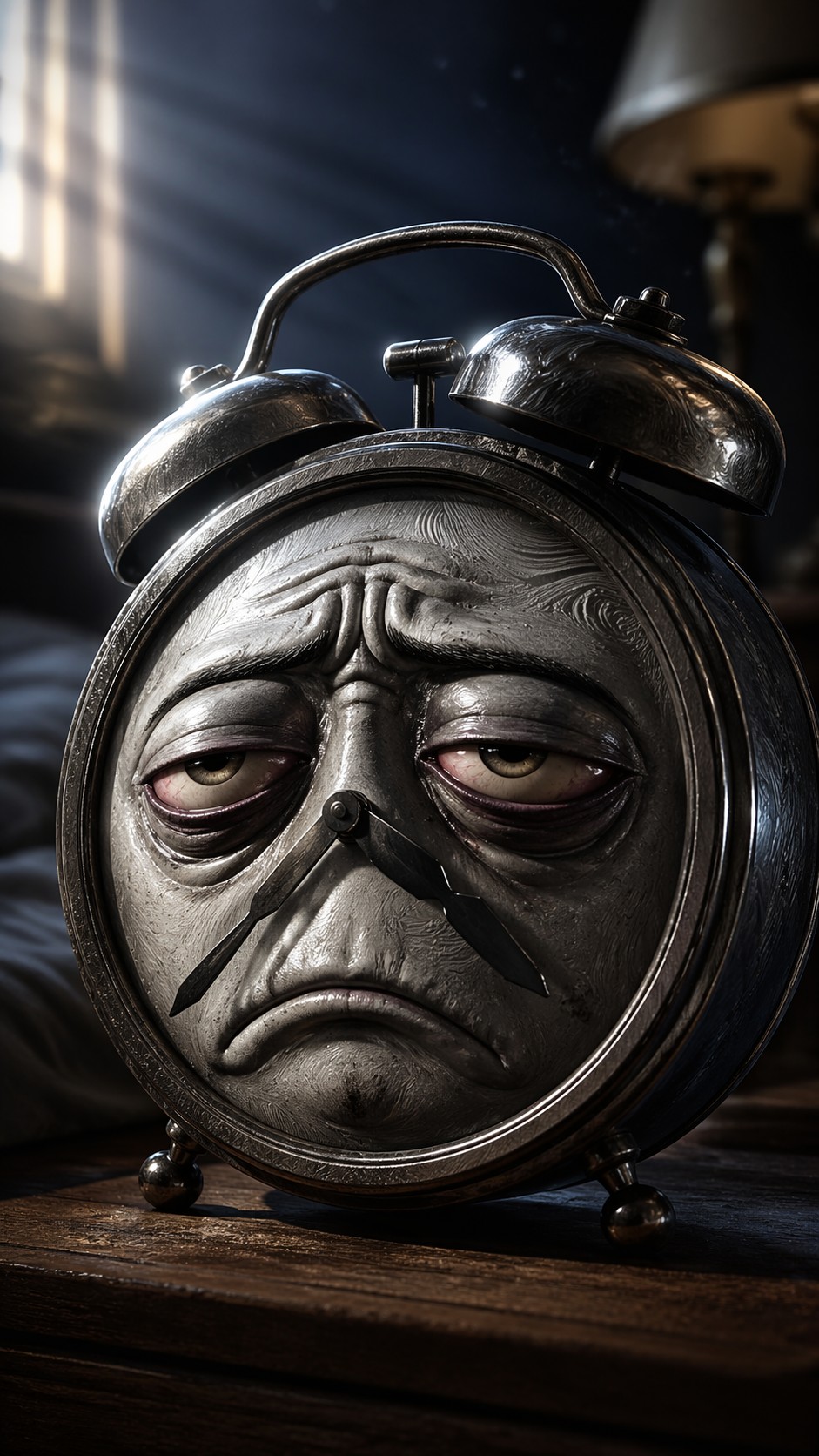

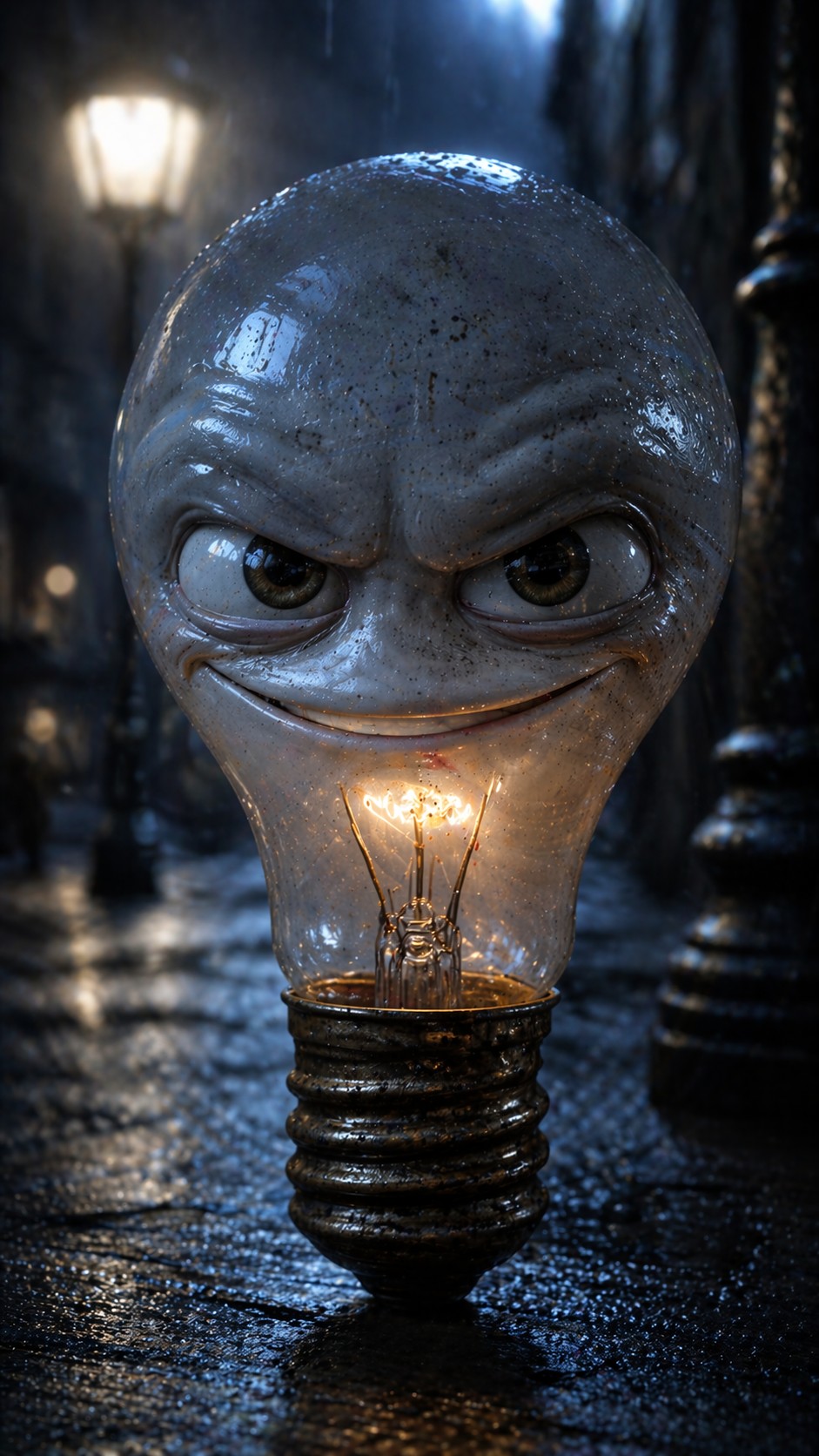
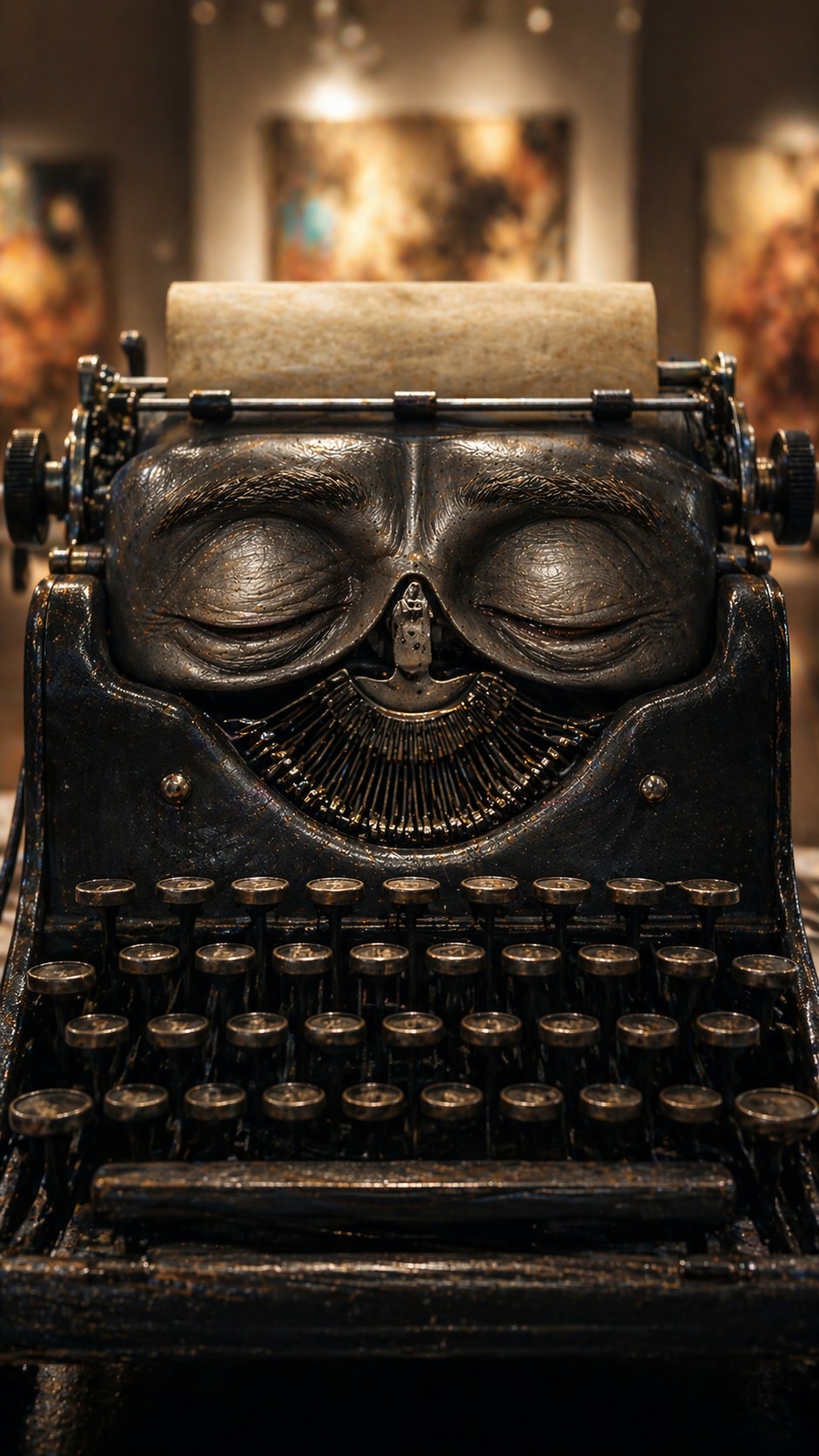
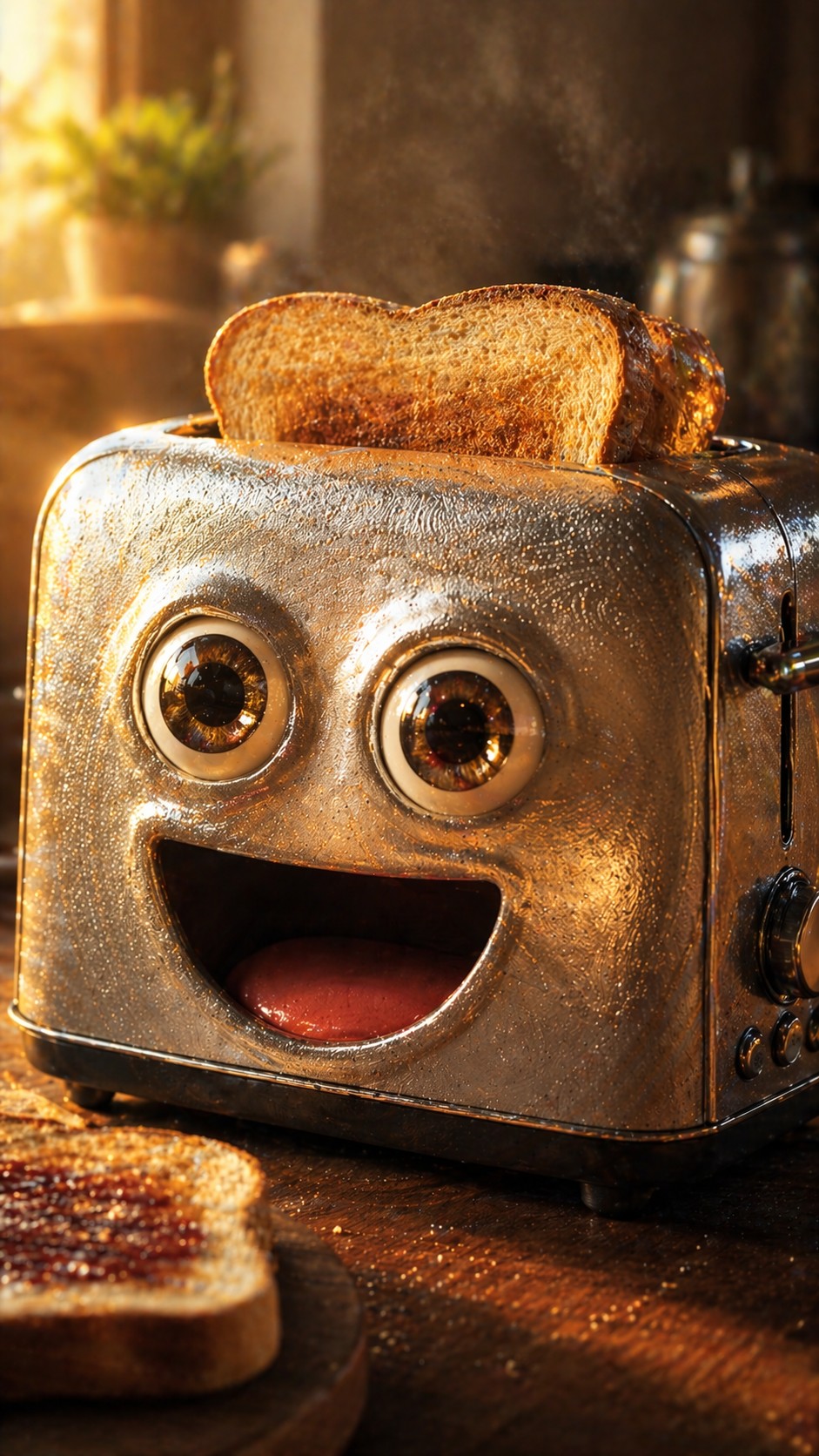

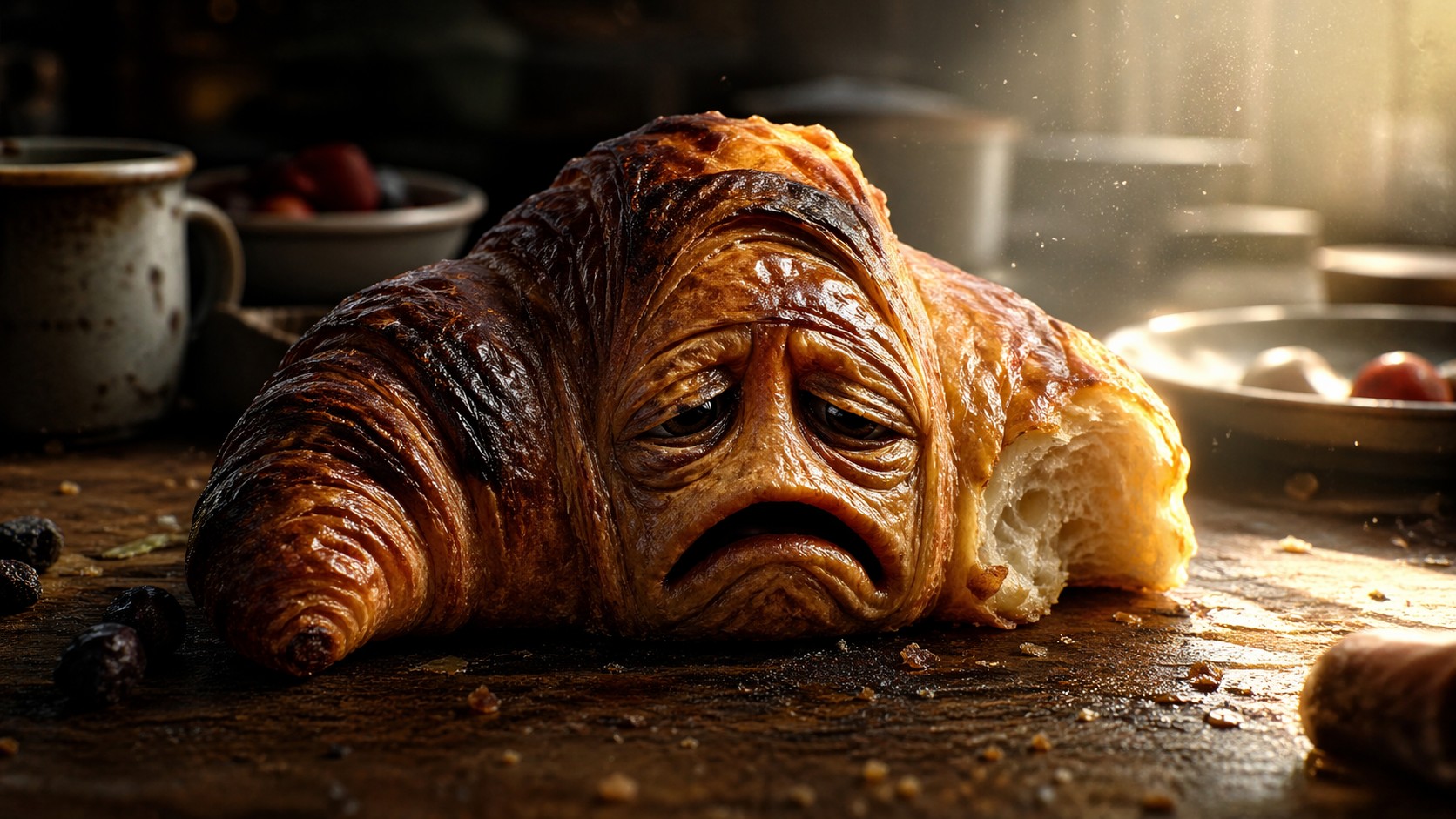
Generate a hyper-detailed, anthropomorphic {{Subject: Half-eaten croissant, Tired alarm clock, Cracked coffee mug, Grumpy smartphone, Nervous lightbulb, Angry broccoli, Joyful strawberry, Worn-out sneaker, Forgotten umbrella, Wise typewriter, Melancholy violin, Excited toaster, Suspicious backpack, Bored office chair, Lonely sock}} with a highly expressive, {{Emotion: Pure exhaustion, Manic joy, Deep contemplation, Grumpy defiance, Eager excitement, Suspicious side-eye, Heartbreaking sadness, Sly confidence, Abject panic, Calm Zen, Mischievous grin, Overwhelming curiosity, Sleepy grumpiness, Existential dread}} face. The texture of the subject is hyper-realistic, featuring microscopic details like {{Materials: [materials]}}. Style: {{Style: 3D animation cinematic render, Photoreal macro photography, Studio Ghibli-inspired illustration, Minimalist flat clay 3D icon, Watercolor whimsical texture, Isometric high-end app aesthetic, 100mm lens realistic photography, Surrealist oil painting, Cyberpunk neon digital art, 3D toy photography}}. Composition: Extreme close-up, shallow depth of field, subject centered. Lighting: {{Lighting: Dramatic side-lighting with volumetric god rays, Soft natural sunlight, Harsh neon glow, Warm golden hour, Dim moody candlelight, Cool moonlight, High-contrast rim lighting, Ethereal glow}}. Background: A softly blurred {{Location: Messy breakfast table, Dark bedroom, Dust-filled attic, Rainy street corner, Sun-drenched garden, Misty forest floor, Abandoned toy store, Busy workshop, Cozy kitchen counter, Quiet park bench, Modern art gallery, Crowded subway floor, Overgrown greenhouse, Minimalist studio, Empty stage}}. Aspect Ratio: {{Aspect Ratio: 16:9, 9:16, 1:1}}. Negative constraints: avoid human bodies, low resolution, blurry main subject, text, distorted facial features, flat lighting.
Half-eaten croissant, Tired alarm clock, Cracked coffee mug, Grumpy smartphone, Nervous lightbulb, Angry broccoli, Joyful strawberry, Worn-out sneaker
Pure exhaustion, Manic joy, Deep contemplation, Grumpy defiance, Eager excitement, Suspicious side-eye, Heartbreaking sadness, Sly confidence
[materials]
3D animation cinematic render, Photoreal macro photography, Studio Ghibli-inspired illustration, Minimalist flat clay 3D icon, Watercolor whimsical texture, Isometric high-end app aesthetic, 100mm lens realistic photography, Surrealist oil painting
Dramatic side-lighting with volumetric god rays, Soft natural sunlight, Harsh neon glow, Warm golden hour, Dim moody candlelight, Cool moonlight, High-contrast rim lighting, Ethereal glow
Messy breakfast table, Dark bedroom, Dust-filled attic, Rainy street corner, Sun-drenched garden, Misty forest floor, Abandoned toy store, Busy workshop
16:9, 9:16, 1:1
Generate a hyper-detailed, anthropomorphic Half-eaten croissant with a highly expressive, Pure exhaustion face. The texture of the subject is hyper-realistic, featuring microscopic details like [materials]. Style: 3D animation cinematic render. Composition: Extreme close-up, shallow depth of field, subject centered. Lighting: Dramatic side-lighting with volumetric god rays. Background: A softly blurred Messy breakfast table. Aspect Ratio: 16:9. Negative constraints: avoid human bodies, low resolution, blurry main subject, text, distorted facial features, flat lighting.
Variables are wrapped in {{ and }} and follow this pattern:
A selection can reference a predefined variable list using square brackets. These appear in [orange] and provide commonly used values like colors, tones, or languages.
You can also provide an inline list of choices separated by commas.
Tip: You don't need the PUCO app to use these prompts! Simply copy the template and replace each {{…}} section with your own text directly in ChatGPT, Claude, Gemini, or any other AI assistant.