Best For
- Starting from a structured, reusable prompt instead of a blank chat.
- Adapting the prompt to your own inputs while keeping the original intent intact.
- Workflows related to Creative & Visuals.

Generates a humorous, high-quality digital caricature that visualizes a person's nickname through symbolic elements and exaggerated features.
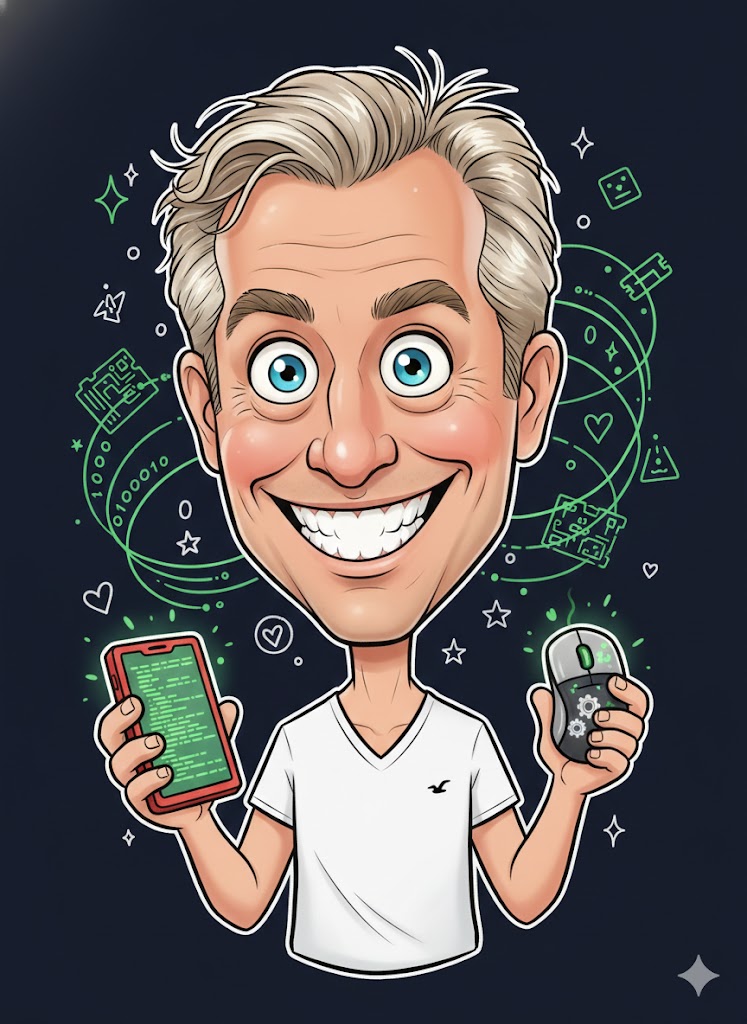
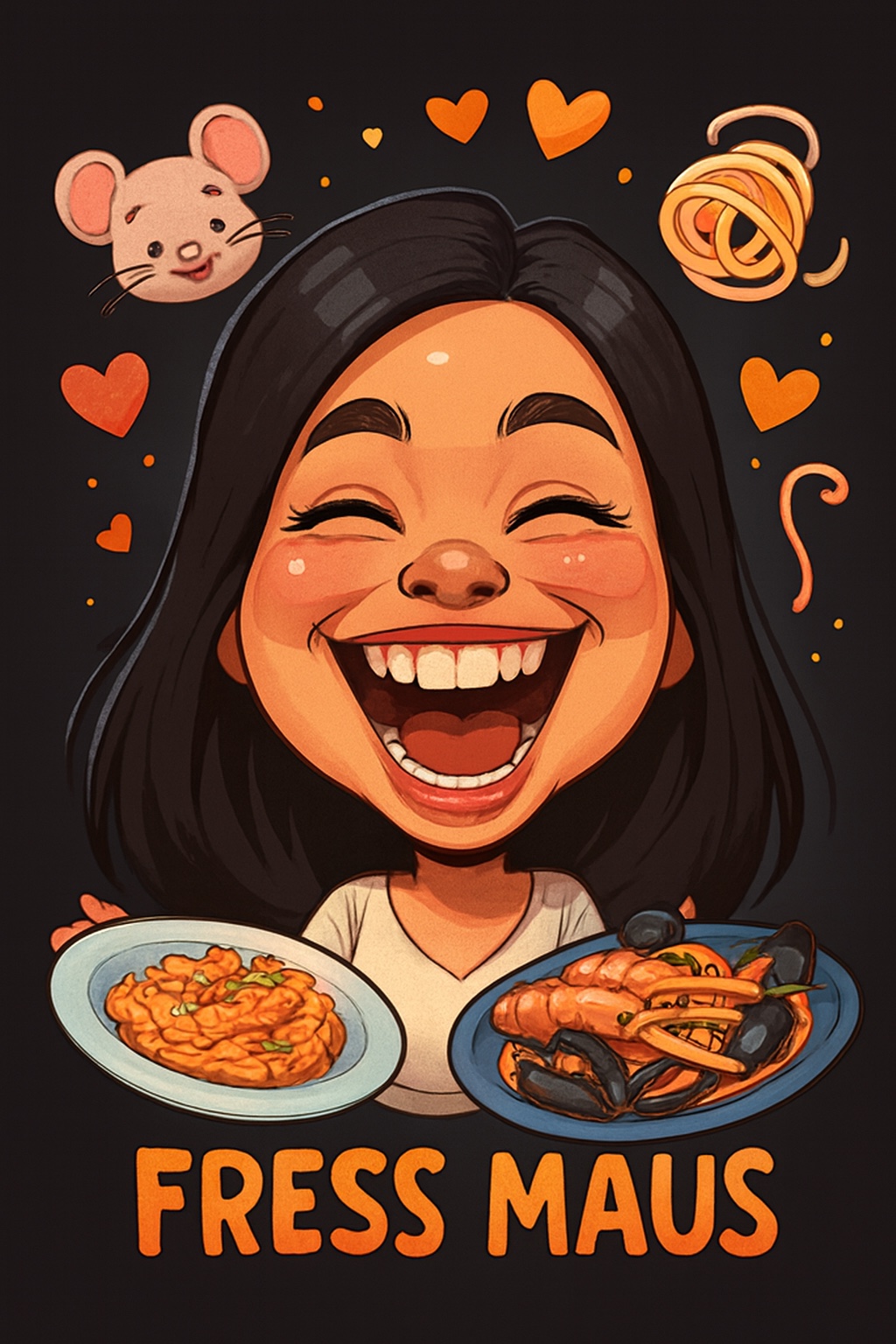

Create a humorous caricature of {{Subject: The subject on the attached picture}} in the style of a modern digital cartoon illustration. The person should remain recognizable but with strongly exaggerated facial features, specifically a {{Expression: Wide Smile, Huge Grin, Laughing Face}}, large eyes, and a slightly enlarged head on a smaller body. Use soft, clean outlines with varying line weight, organic shapes, and warm, saturated colors with soft-shading. The style should be semi-flat digital painting (Pixar/sticker aesthetic) with gentle highlights on skin and hair. Visually interpret the nickname '{{Nickname: e.g. The Code Wizard}}' by including symbolic elements related to it floating playfully around the head and having the subject hold thematic objects in their hands. Composition: Central frontal figure, dark or black background, with small supporting icons like hearts or symbols. The final image should look like a premium sticker or poster with high aesthetic appeal and friendly, non-offensive humor.
The subject on the attached picture
Wide Smile, Huge Grin, Laughing Face
e.g. The Code Wizard
Create a humorous caricature of The subject on the attached picture in the style of a modern digital cartoon illustration. The person should remain recognizable but with strongly exaggerated facial features, specifically a Wide Smile, large eyes, and a slightly enlarged head on a smaller body. Use soft, clean outlines with varying line weight, organic shapes, and warm, saturated colors with soft-shading. The style should be semi-flat digital painting (Pixar/sticker aesthetic) with gentle highlights on skin and hair. Visually interpret the nickname 'e.g. The Code Wizard' by including symbolic elements related to it floating playfully around the head and having the subject hold thematic objects in their hands. Composition: Central frontal figure, dark or black background, with small supporting icons like hearts or symbols. The final image should look like a premium sticker or poster with...
Variables are wrapped in {{ and }} and follow this pattern:
A selection can reference a predefined variable list using square brackets. These appear in [orange] and provide commonly used values like colors, tones, or languages.
You can also provide an inline list of choices separated by commas.
Tip: You don't need the PUCO app to use these prompts! Simply copy the template and replace each {{…}} section with your own text directly in ChatGPT, Claude, Gemini, or any other AI assistant.