Best For
- Starting from a structured, reusable prompt instead of a blank chat.
- Adapting the prompt to your own inputs while keeping the original intent intact.
- Workflows related to Creative & Visuals.

Redraws an attached image in a deliberately low-quality, clumsy, and scribbly MS Paint aesthetic.
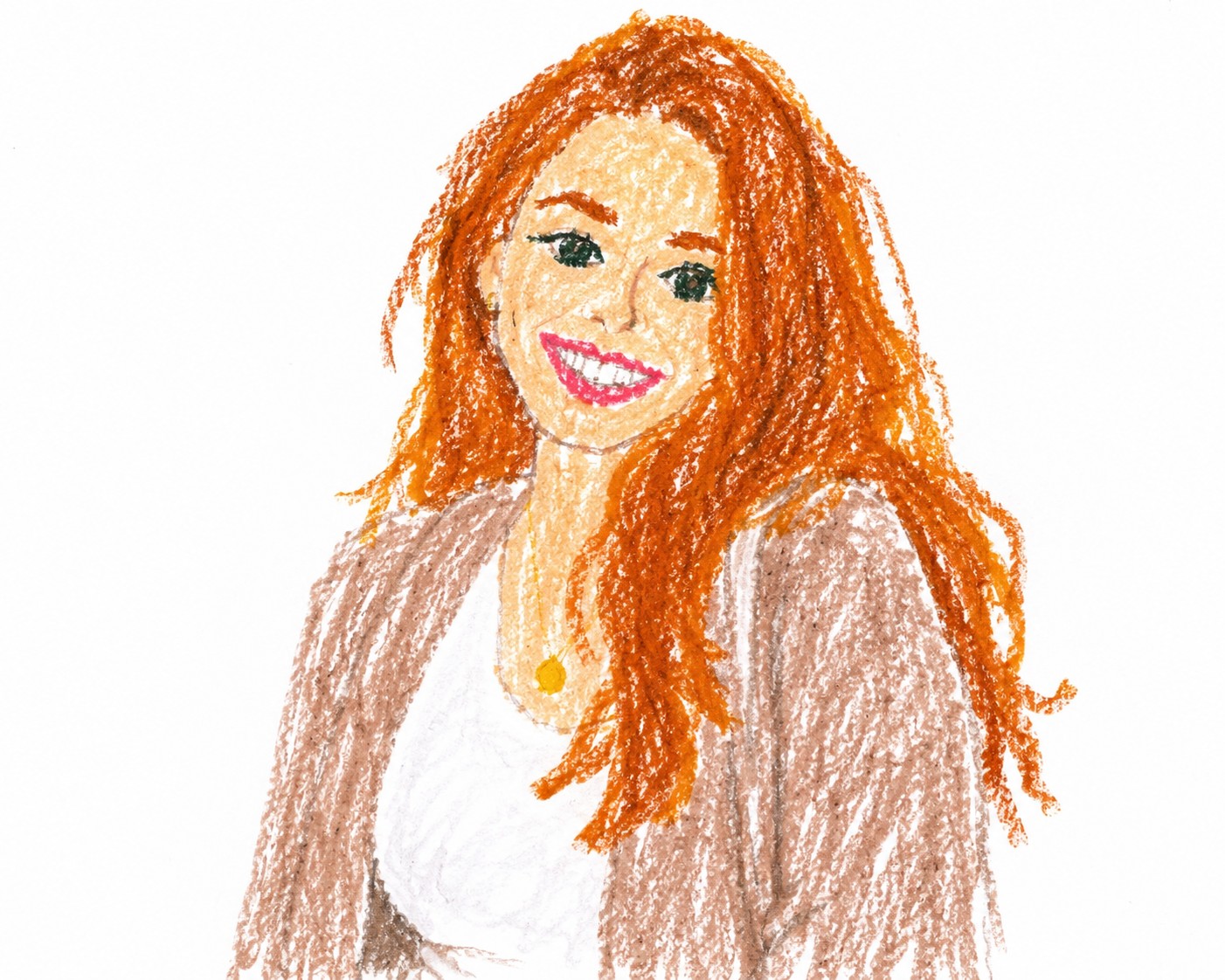
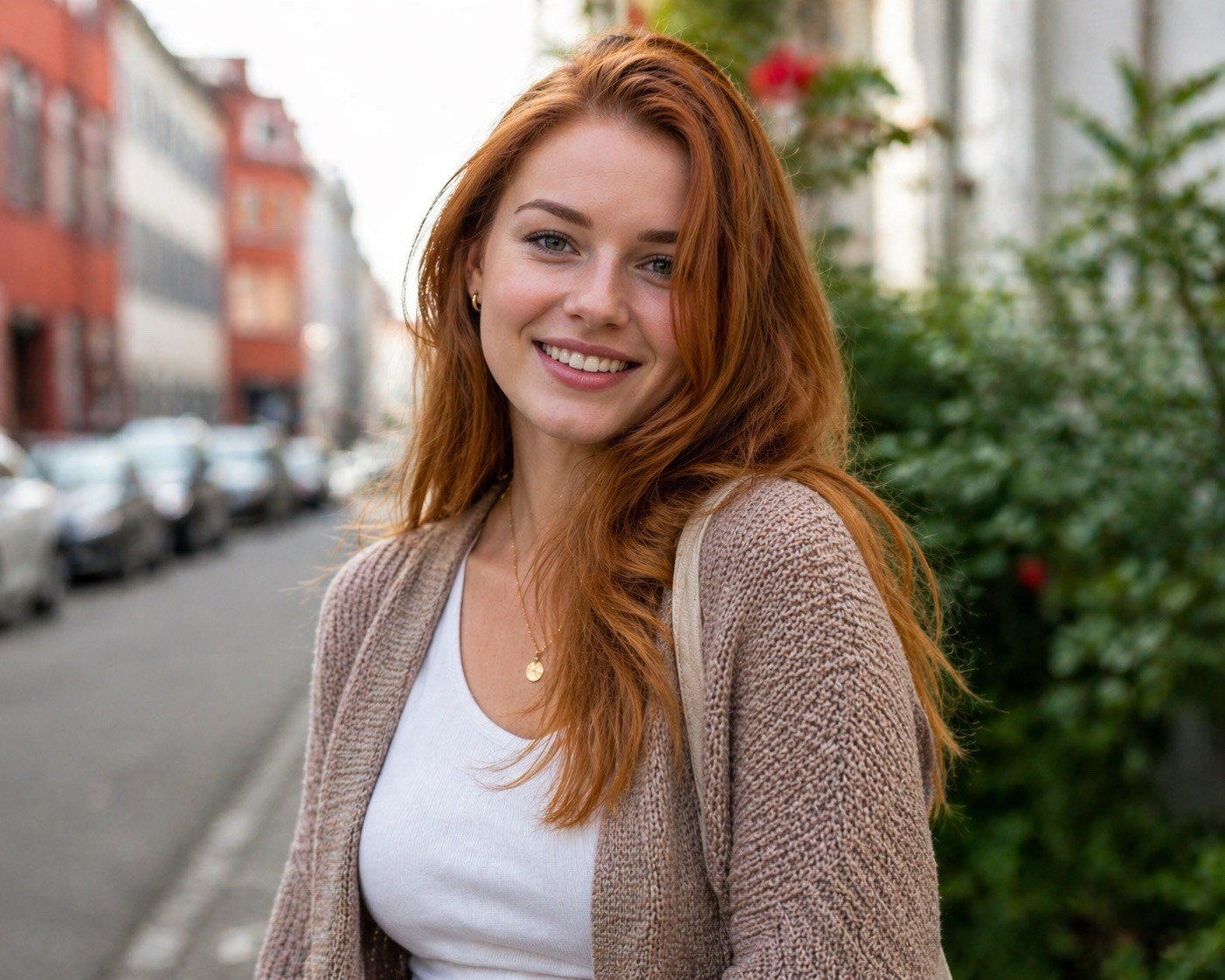
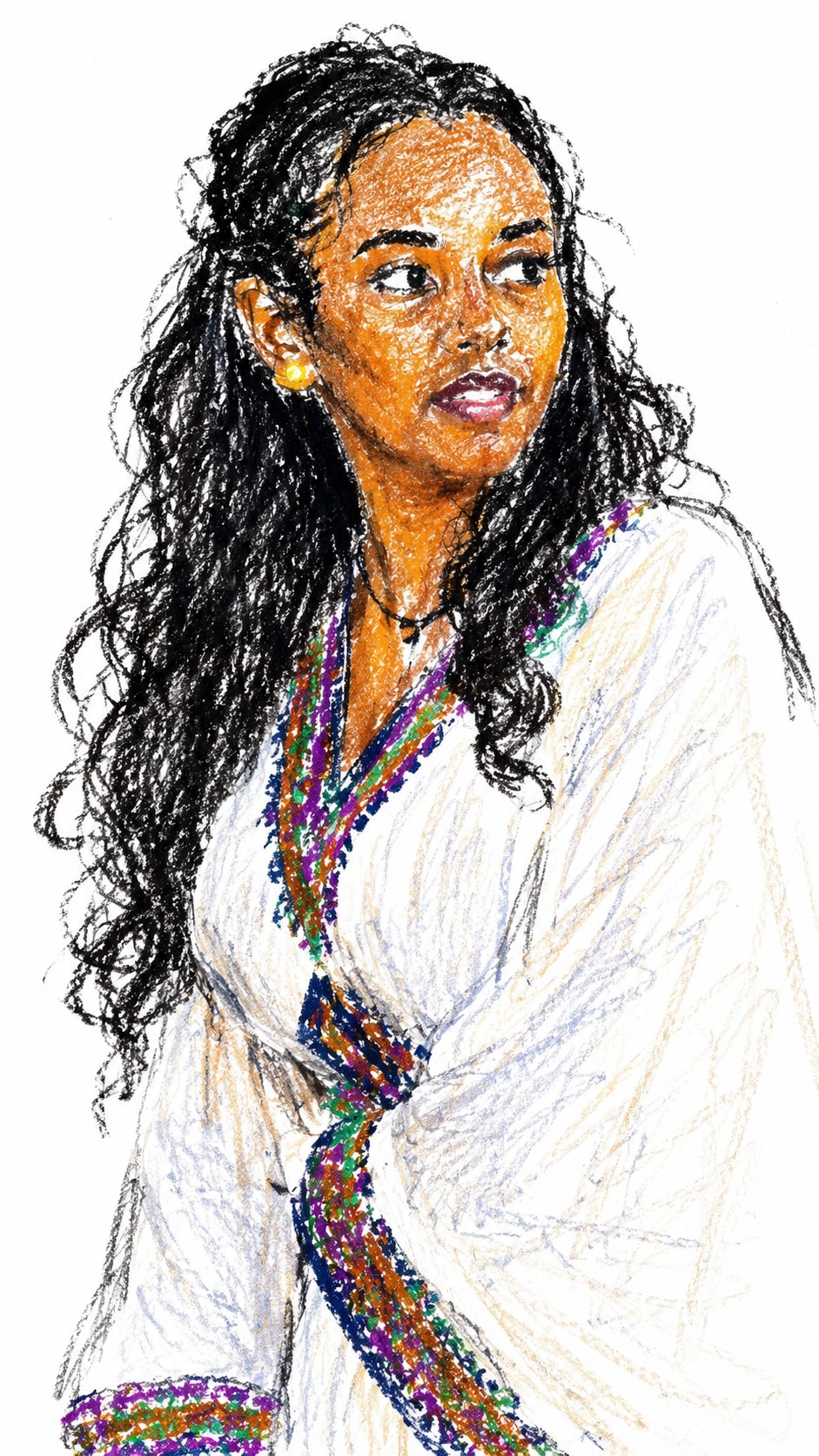
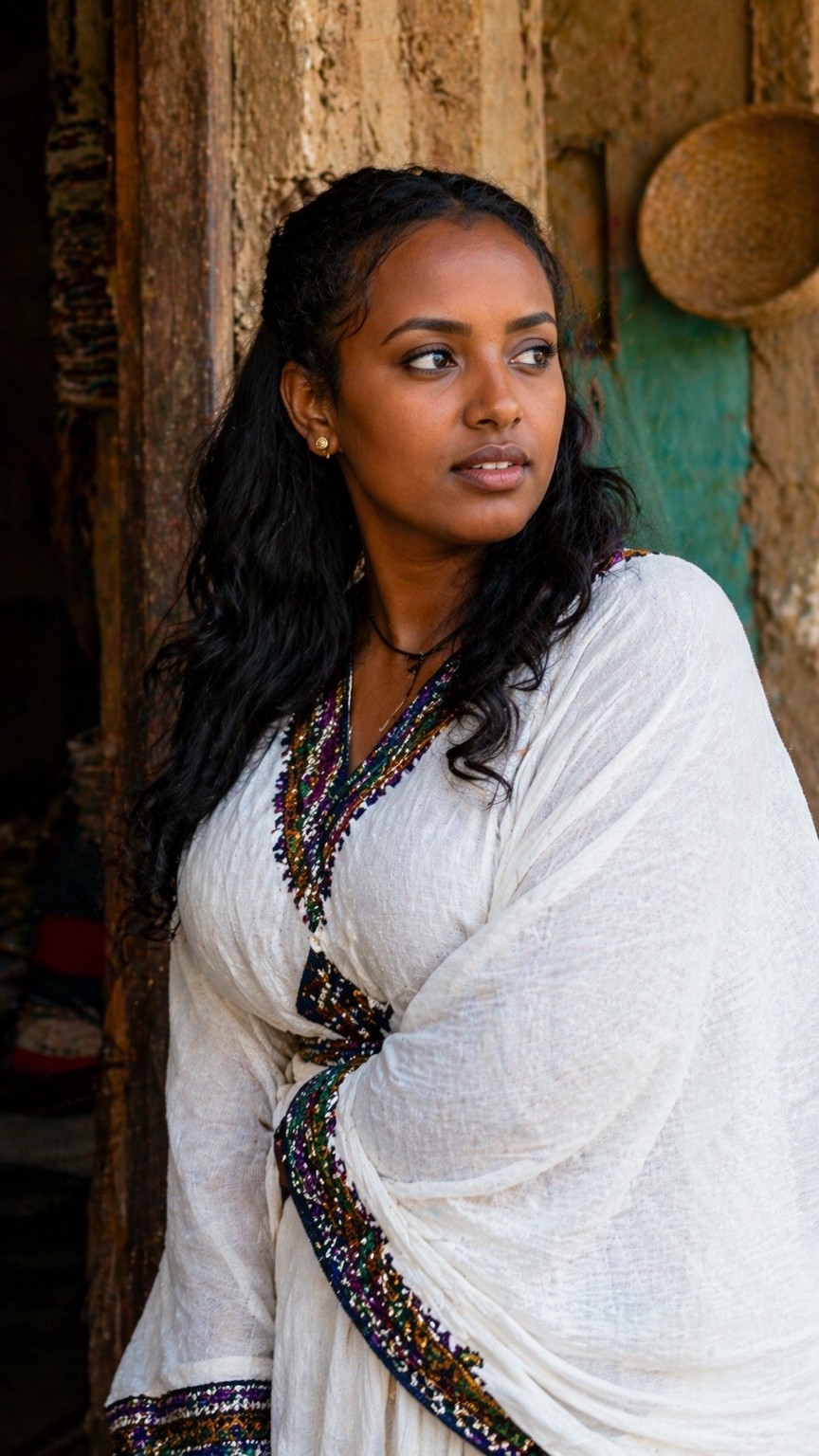
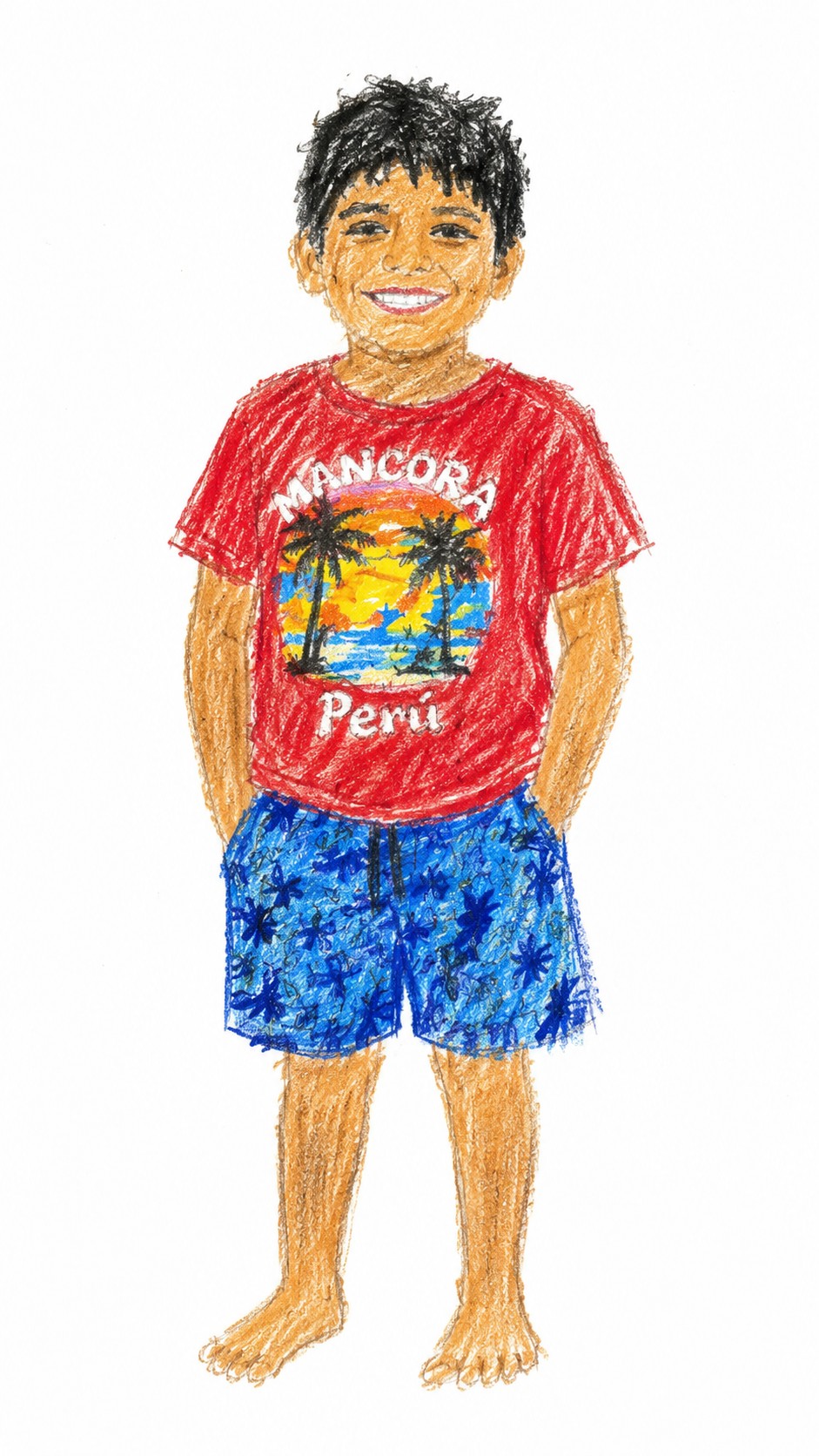
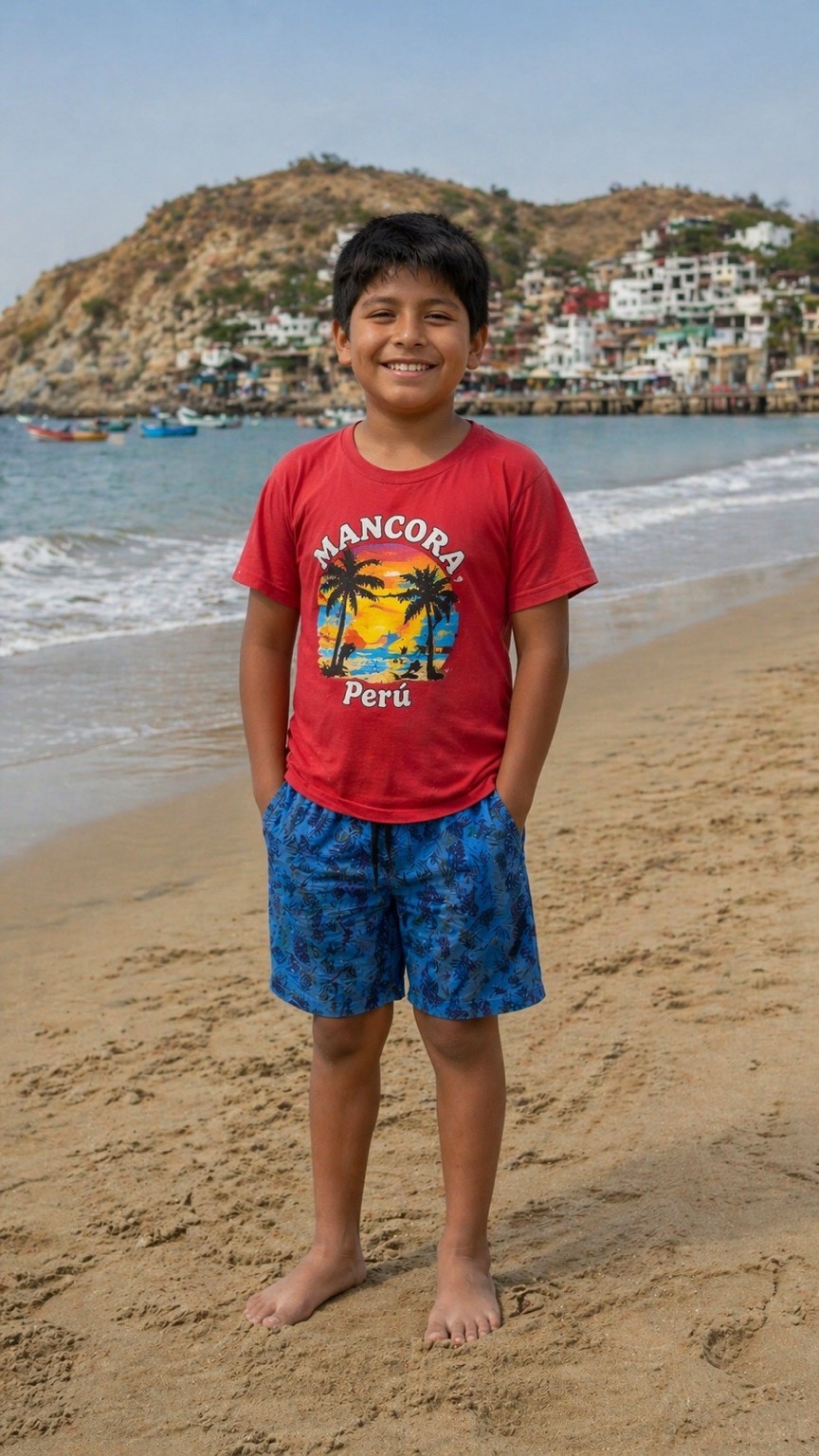
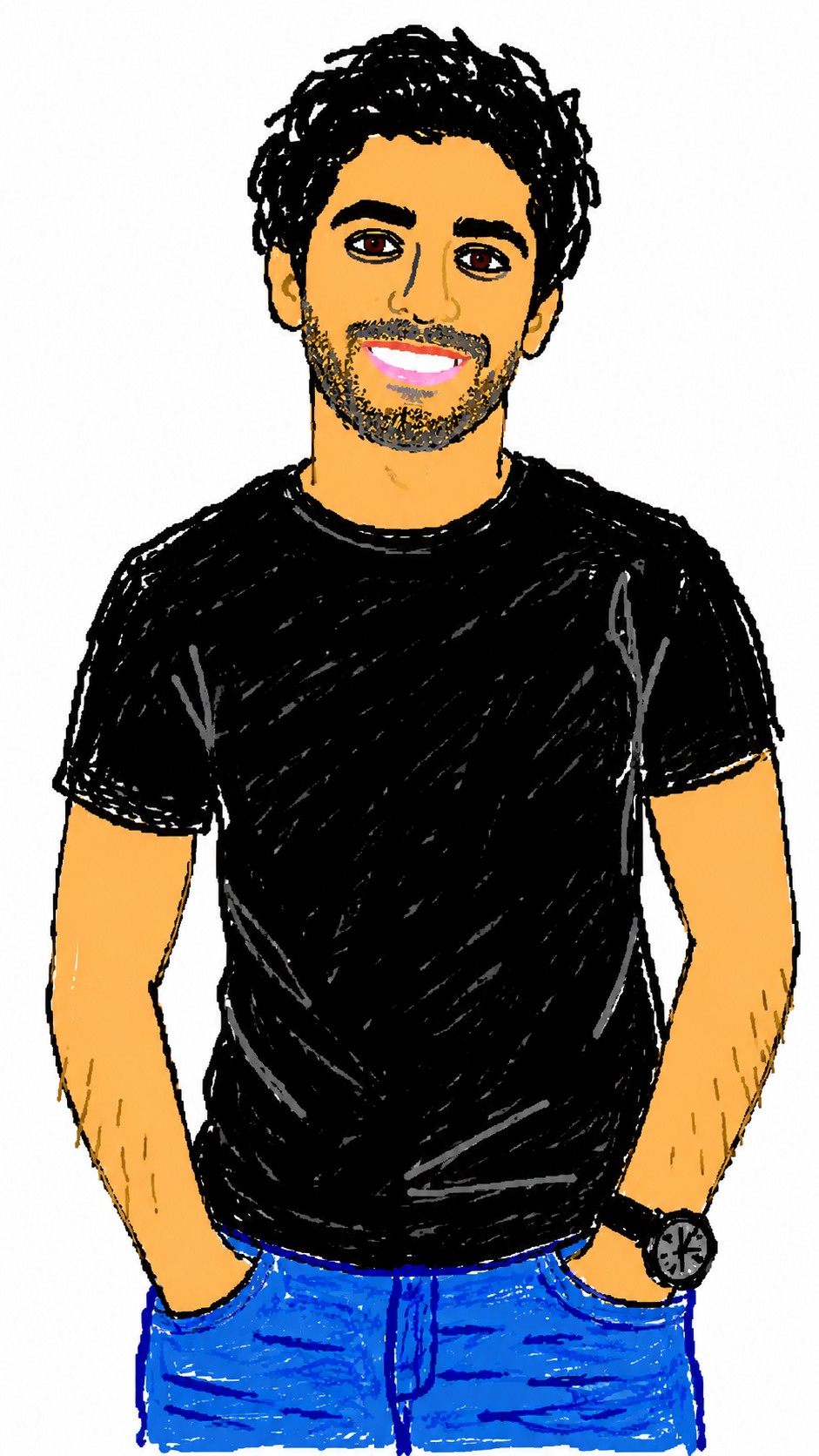

Redraw the attached image in a {{Style: clumsy and scribbly, utterly pathetic, chaotic and messy}} way. Use a {{Background Color: white, black, transparent}} background and a {{Software Aesthetic: MS Paint, Kid Pix}} style. Ensure the reproduction is vaguely similar to the original but awkward and confusing to emphasize a low-quality, pixelated feel. Use an aspect ratio of {{Aspect Ratio: 1:1, 16:9, 4:3, 3:2, 9:16}}.
clumsy and scribbly, utterly pathetic, chaotic and messy
white, black, transparent
MS Paint, Kid Pix
1:1, 16:9, 4:3, 3:2, 9:16
Redraw the attached image in a clumsy and scribbly way. Use a white background and a MS Paint style. Ensure the reproduction is vaguely similar to the original but awkward and confusing to emphasize a low-quality, pixelated feel. Use an aspect ratio of 1:1.
Variables are wrapped in {{ and }} and follow this pattern:
A selection can reference a predefined variable list using square brackets. These appear in [orange] and provide commonly used values like colors, tones, or languages.
You can also provide an inline list of choices separated by commas.
Tip: You don't need the PUCO app to use these prompts! Simply copy the template and replace each {{…}} section with your own text directly in ChatGPT, Claude, Gemini, or any other AI assistant.