Best For
- Starting from a structured, reusable prompt instead of a blank chat.
- Adapting the prompt to your own inputs while keeping the original intent intact.
- Workflows related to Creative & Visuals.

Generates a premium fine-art double-exposure side-profile portrait of a person blended with a symbolic inner theme.
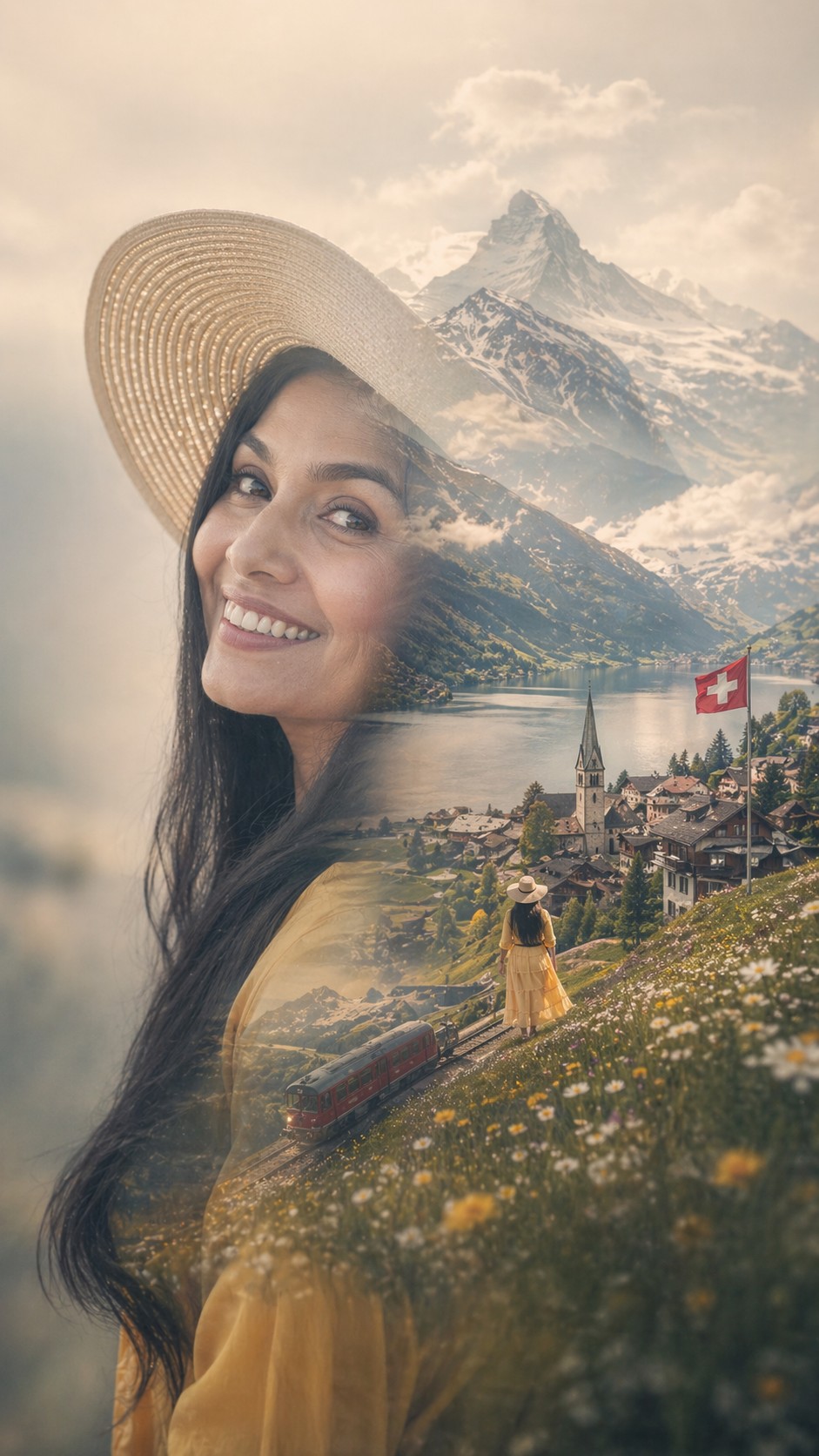
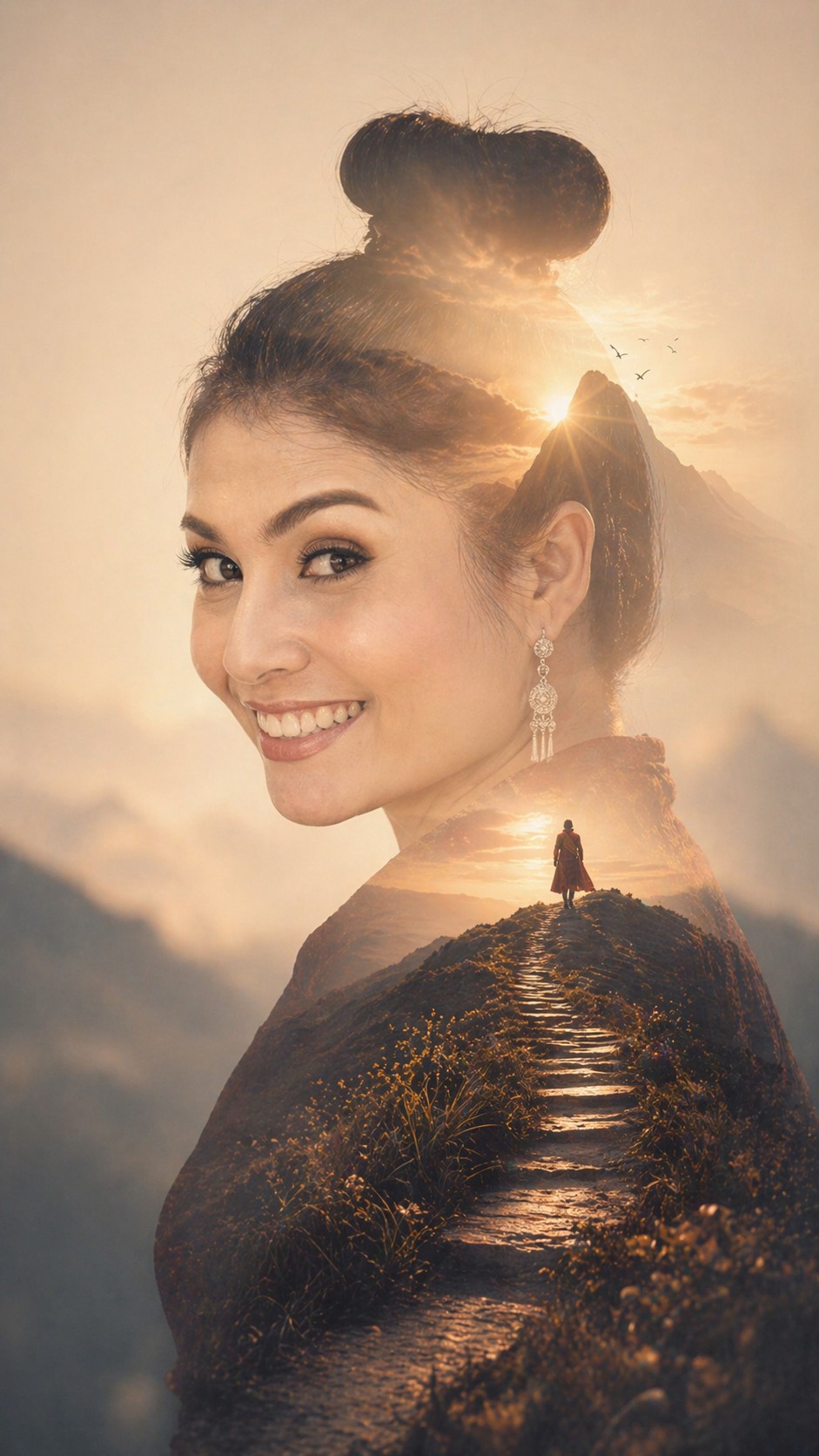
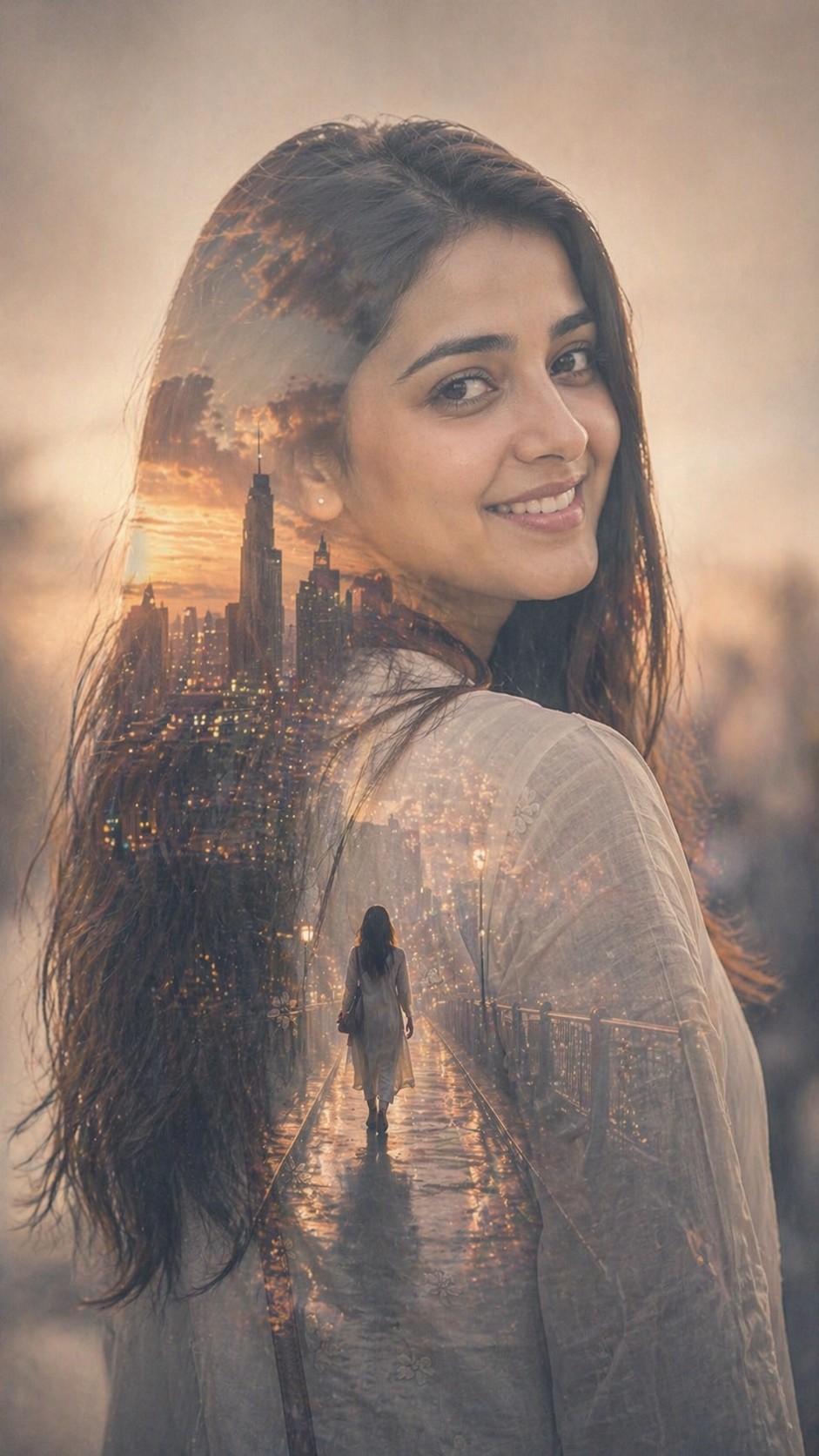
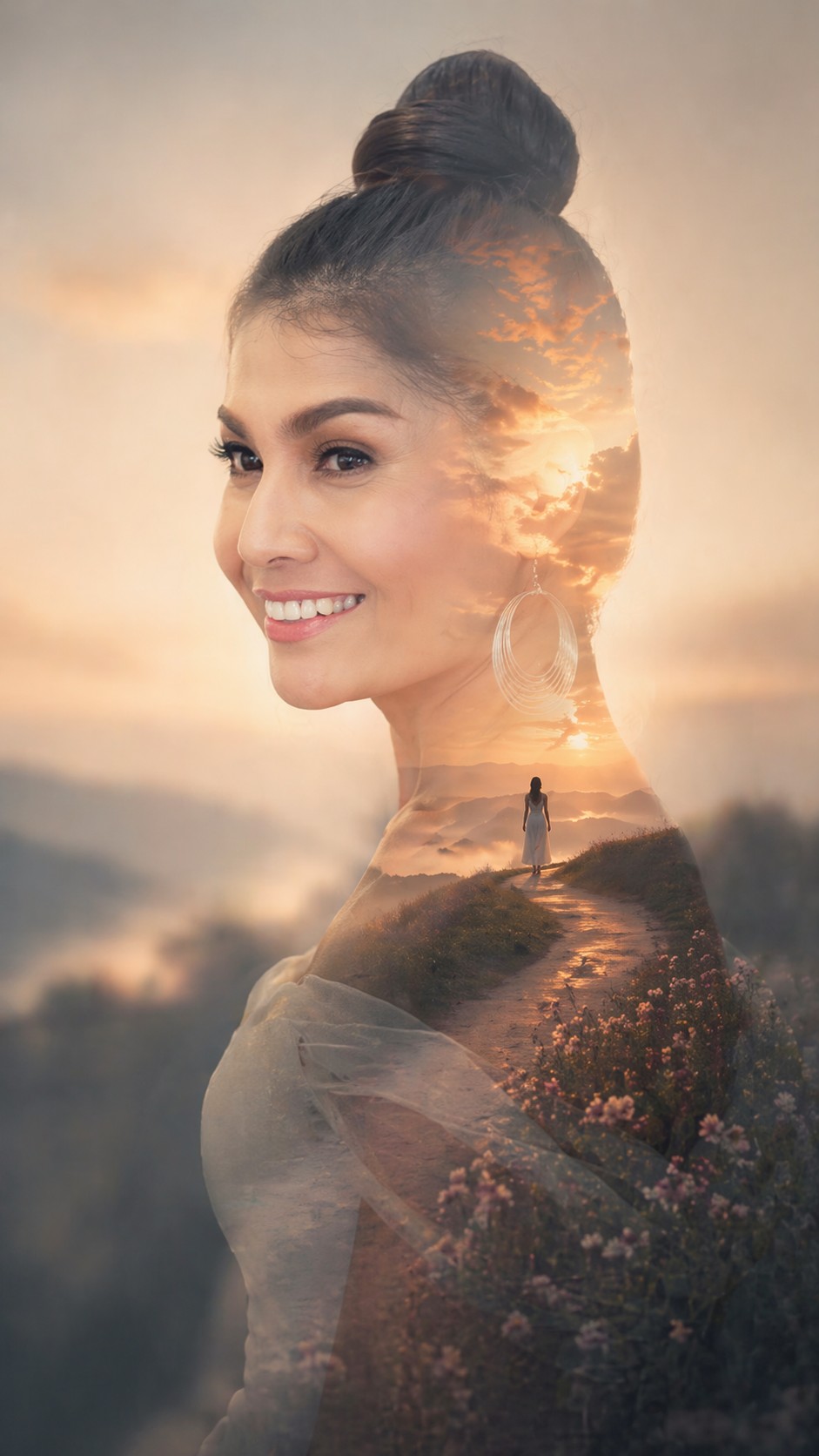
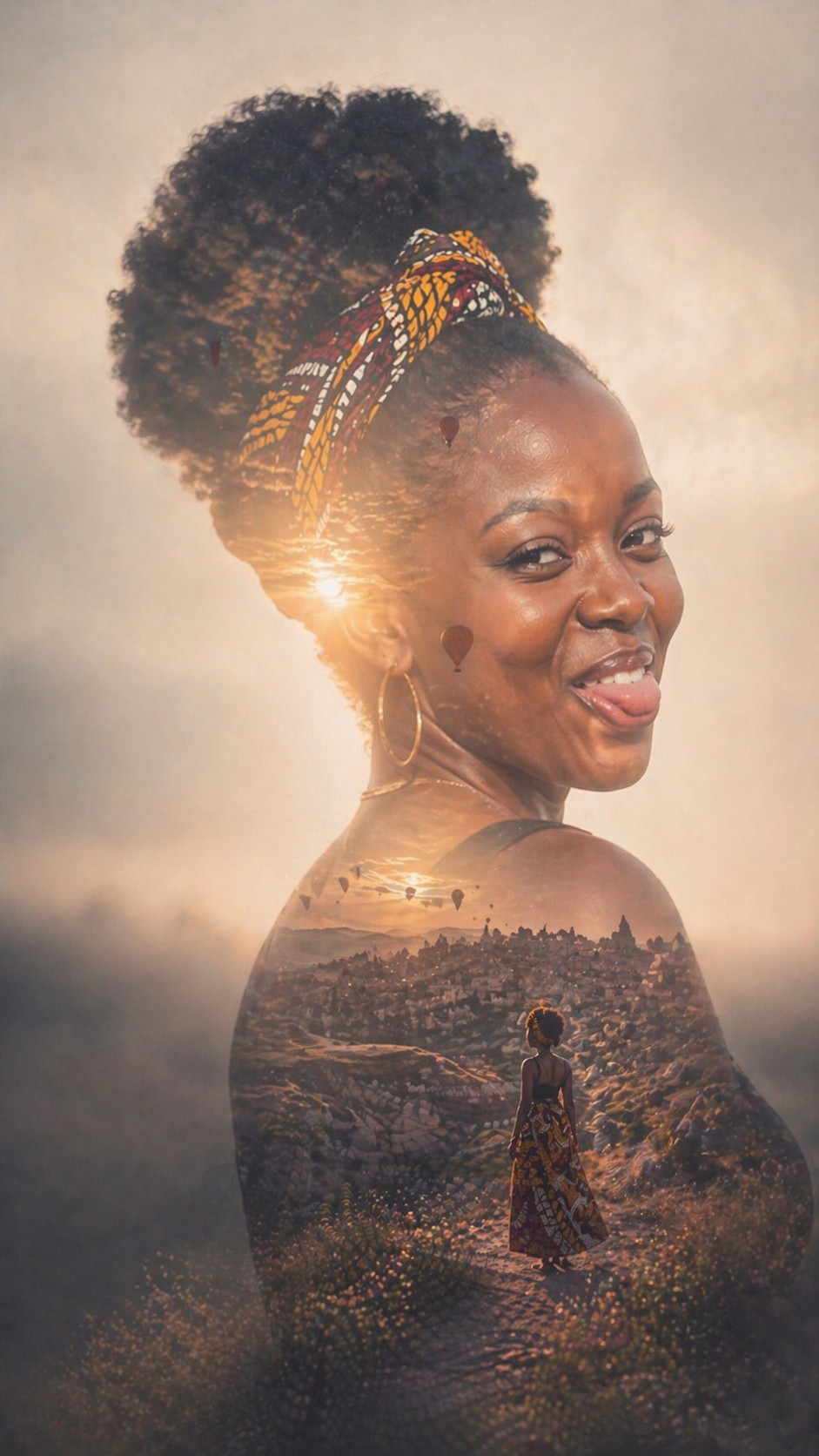
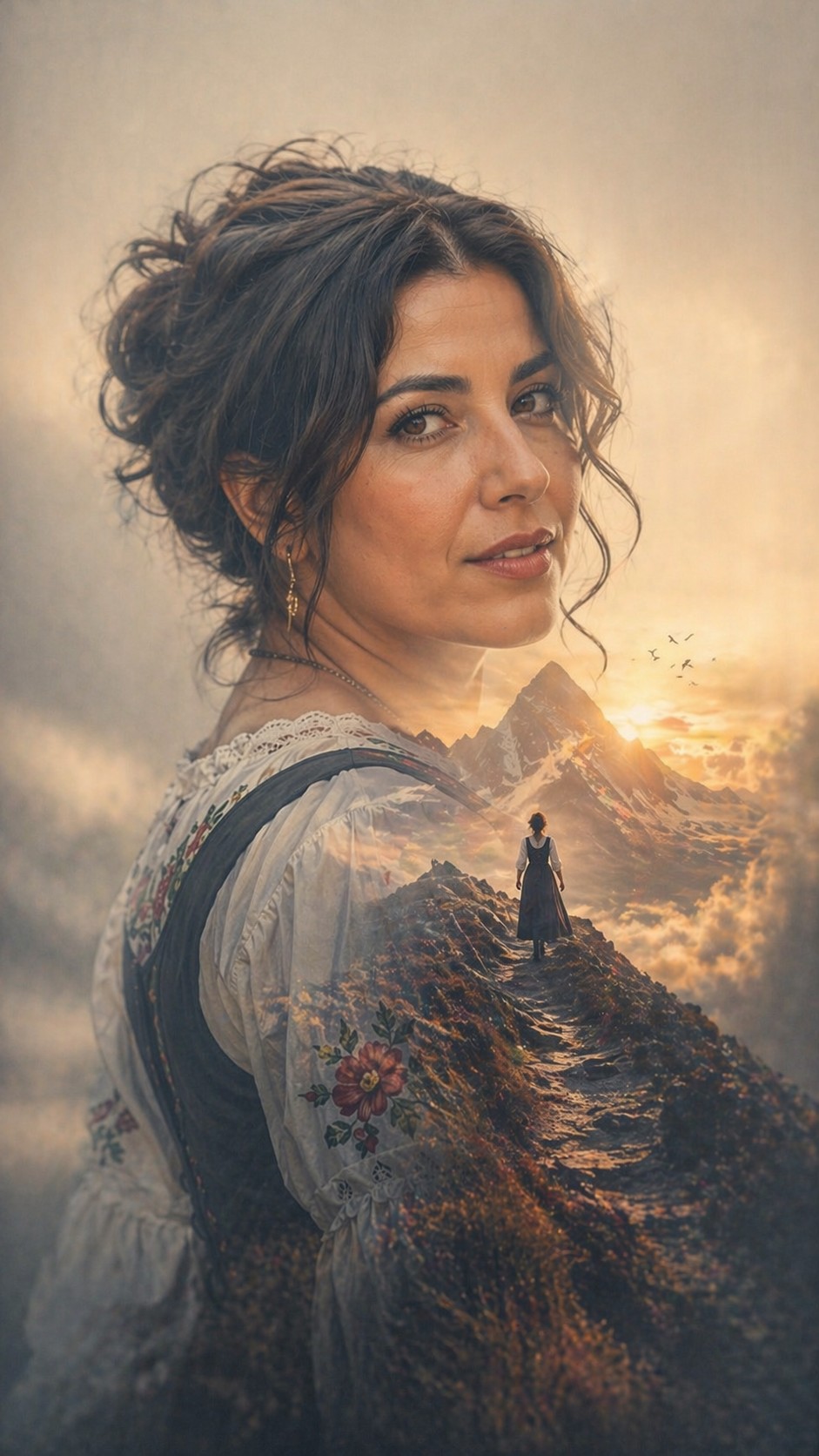
Create a premium fine-art double-exposure portrait using the uploaded reference photo as the identity source. Keep the person recognizable. Reinterpret the person into a clean side-profile silhouette while strictly preserving their facial structure, features, and hairstyle. Inside the silhouette, blend a symbolic cinematic scene based on {{Inner Theme: # Themes, dream, city, freedom, memory, ambition, solitude, # Custom, e.g. A holographic neural network for a PUCO architect}}. The composition should feature a large, dominant silhouette with strong negative space and a very soft, blurred atmospheric background that relates to the inner scene's emotional world. Use a high-end photorealistic style with soft seamless blending, a dreamlike atmosphere, and a limited palette of muted cinematic tones. The inner scene should include one subtle narrative focal element like a lone figure or horizon to enhance depth. Final image aspect {{Aspect Ratios: [aspect_ratios]}}
# Themes, dream, city, freedom, memory, ambition, solitude, # Custom
[aspect_ratios]
Create a premium fine-art double-exposure portrait using the uploaded reference photo as the identity source. Keep the person recognizable. Reinterpret the person into a clean side-profile silhouette while strictly preserving their facial structure, features, and hairstyle. Inside the silhouette, blend a symbolic cinematic scene based on # Themes. The composition should feature a large, dominant silhouette with strong negative space and a very soft, blurred atmospheric background that relates to the inner scene's emotional world. Use a high-end photorealistic style with soft seamless blending, a dreamlike atmosphere, and a limited palette of muted cinematic tones. The inner scene should include one subtle narrative focal element like a lone figure or horizon to enhance depth. Final image aspect [aspect_ratios]
Variables are wrapped in {{ and }} and follow this pattern:
A selection can reference a predefined variable list using square brackets. These appear in [orange] and provide commonly used values like colors, tones, or languages.
You can also provide an inline list of choices separated by commas.
Tip: You don't need the PUCO app to use these prompts! Simply copy the template and replace each {{…}} section with your own text directly in ChatGPT, Claude, Gemini, or any other AI assistant.