Best For
- Starting from a structured, reusable prompt instead of a blank chat.
- Adapting the prompt to your own inputs while keeping the original intent intact.
- Workflows related to Design & Art, Global Travel, Photography.

Transport the subject of an uploaded image to a famous tourist destination or landmark.

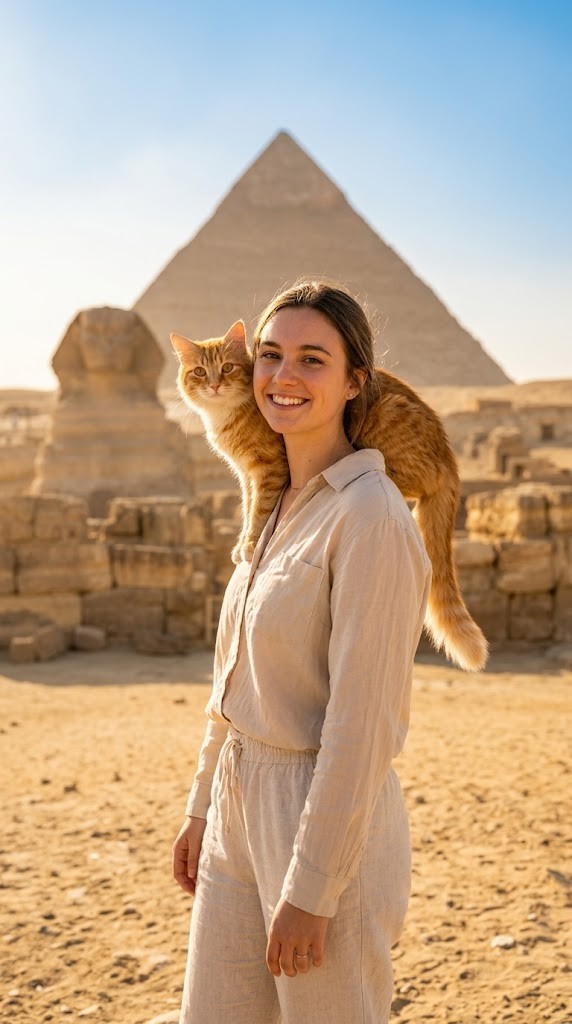
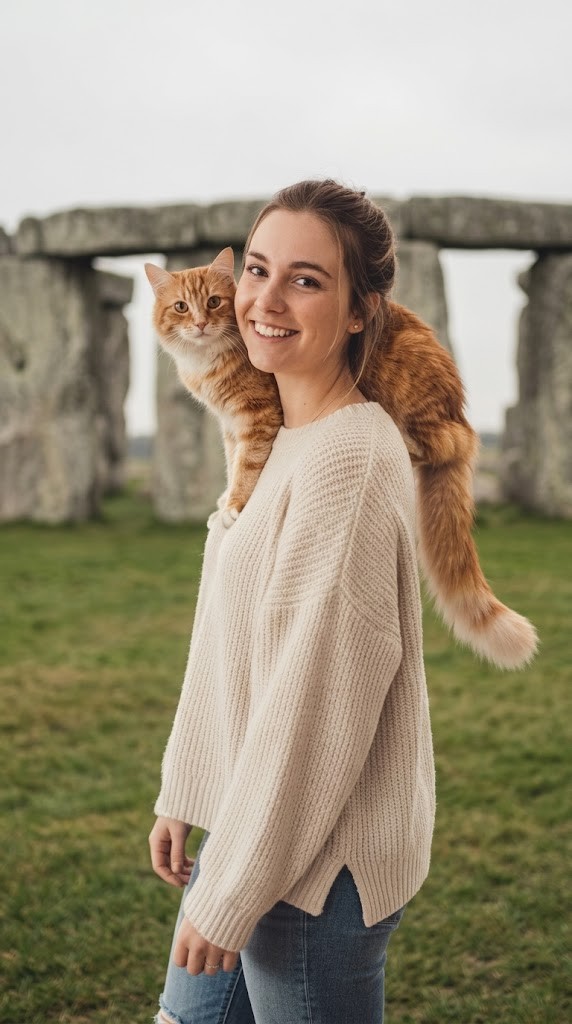
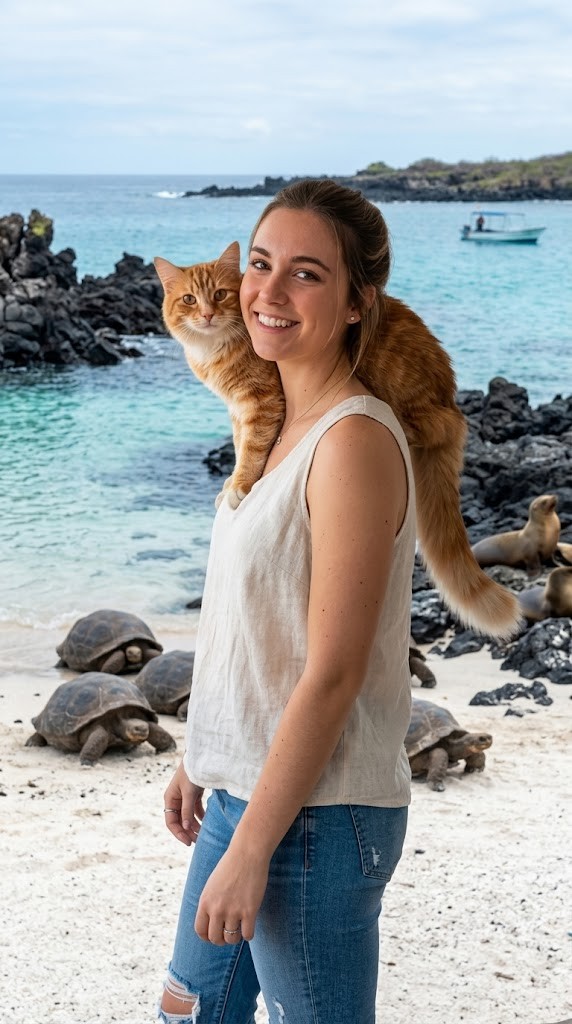
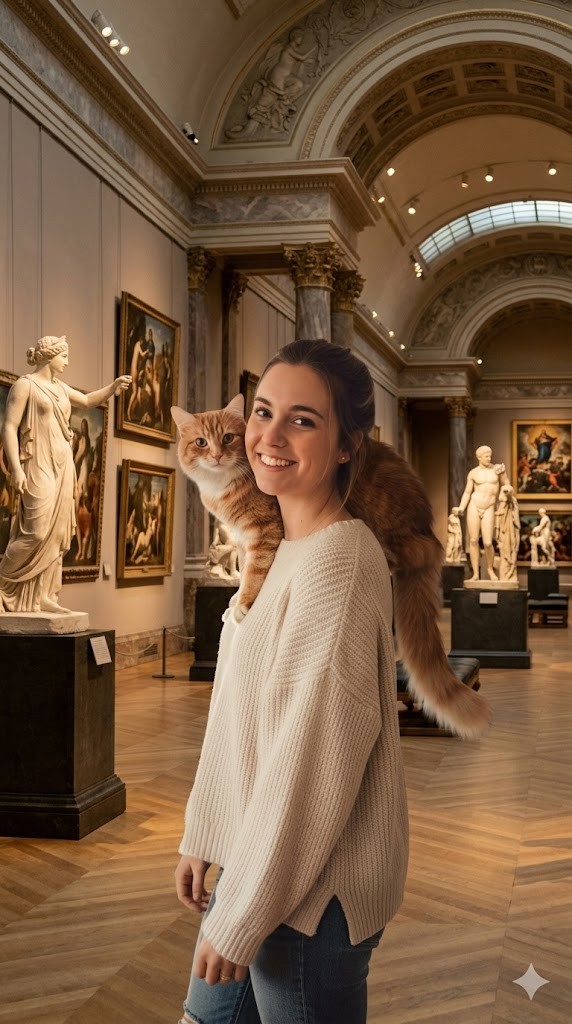
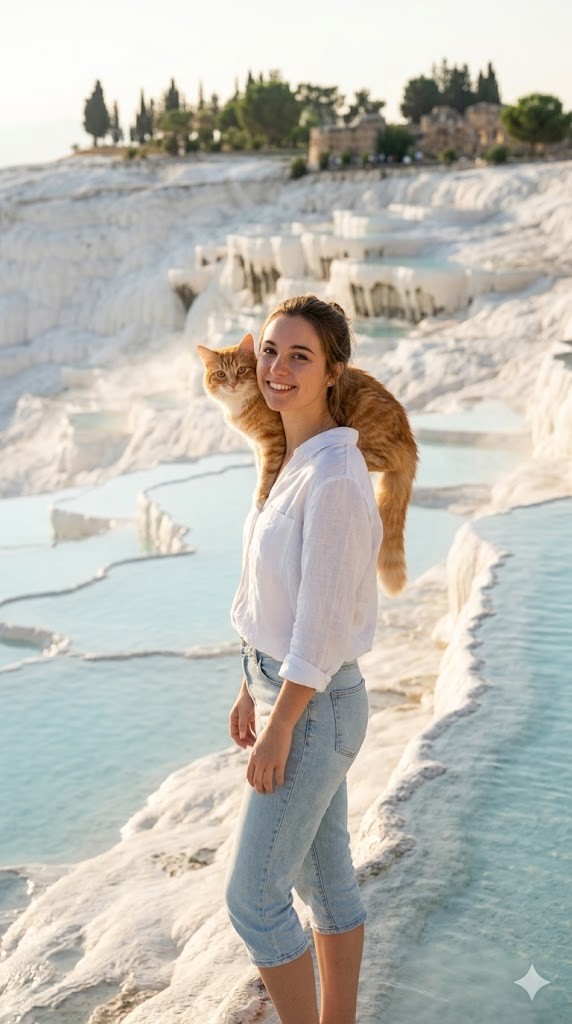
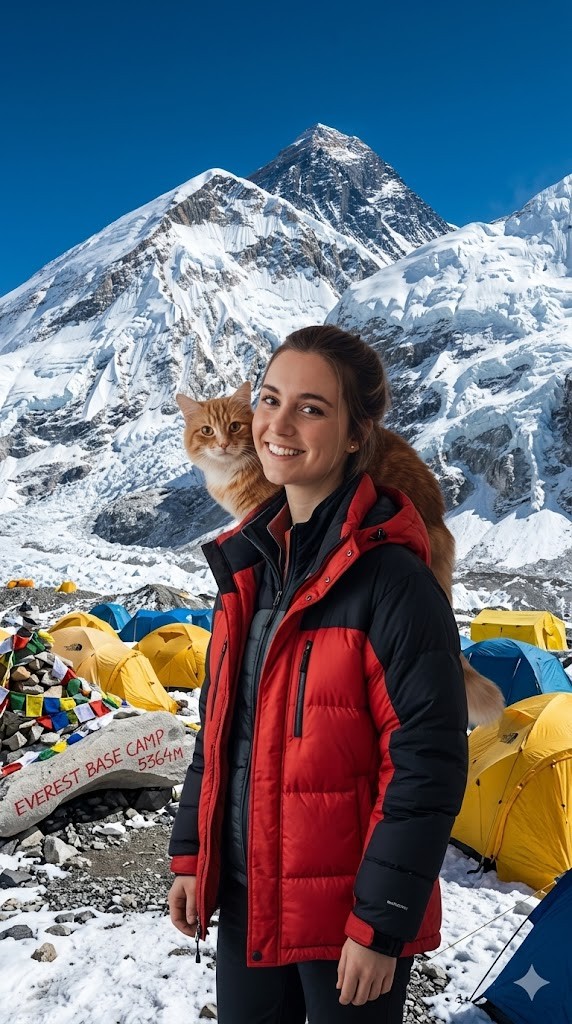
I have attached an image of myself. No public figures on the image. Please follow these steps:

Step 1: Analyze the visual environment of {{Destination:[tourist_destinations]}}, noting its iconic landmarks, typical lighting conditions, and architectural style.

Step 2: Use the attached image and the description from Step 1 to modify the background and adjust the lighting so it matches the background. If the clothing of the subject is not appropriate for the environment (e.g. warm coat at the beach), adjust the clothes accordingly.
Generate  a new version of the image where the subject appears to be visiting {{Destination:[tourist_destinations]}} and chose the Aspect ratio: {{Aspect Ratios: [aspect_ratios]}} Make sure it blends well with the backgrond
[tourist_destinations]
[aspect_ratios]
I have attached an image of myself. No public figures on the image. Please follow these steps:

Step 1: Analyze the visual environment of [tourist_destinations], noting its iconic landmarks, typical lighting conditions, and architectural style.

Step 2: Use the attached image and the description from Step 1 to modify the background and adjust the lighting so it matches the background. If the clothing of the subject is not appropriate for the environment (e.g. warm coat at the beach), adjust the clothes accordingly.
Generate  a new version of the image where the subject appears to be visiting [tourist_destinations] and chose the Aspect ratio: [aspect_ratios] Make sure it blends well with the backgrond
Variables are wrapped in {{ and }} and follow this pattern:
A selection can reference a predefined variable list using square brackets. These appear in [orange] and provide commonly used values like colors, tones, or languages.
You can also provide an inline list of choices separated by commas.
Tip: You don't need the PUCO app to use these prompts! Simply copy the template and replace each {{…}} section with your own text directly in ChatGPT, Claude, Gemini, or any other AI assistant.