Best For
- Starting from a structured, reusable prompt instead of a blank chat.
- Adapting the prompt to your own inputs while keeping the original intent intact.
- Workflows related to Design & Art, Marketing & Social.

Creates a playful, tactile 3D icon with a trendy clay or plasticine texture, often used for games or friendly consumer apps.

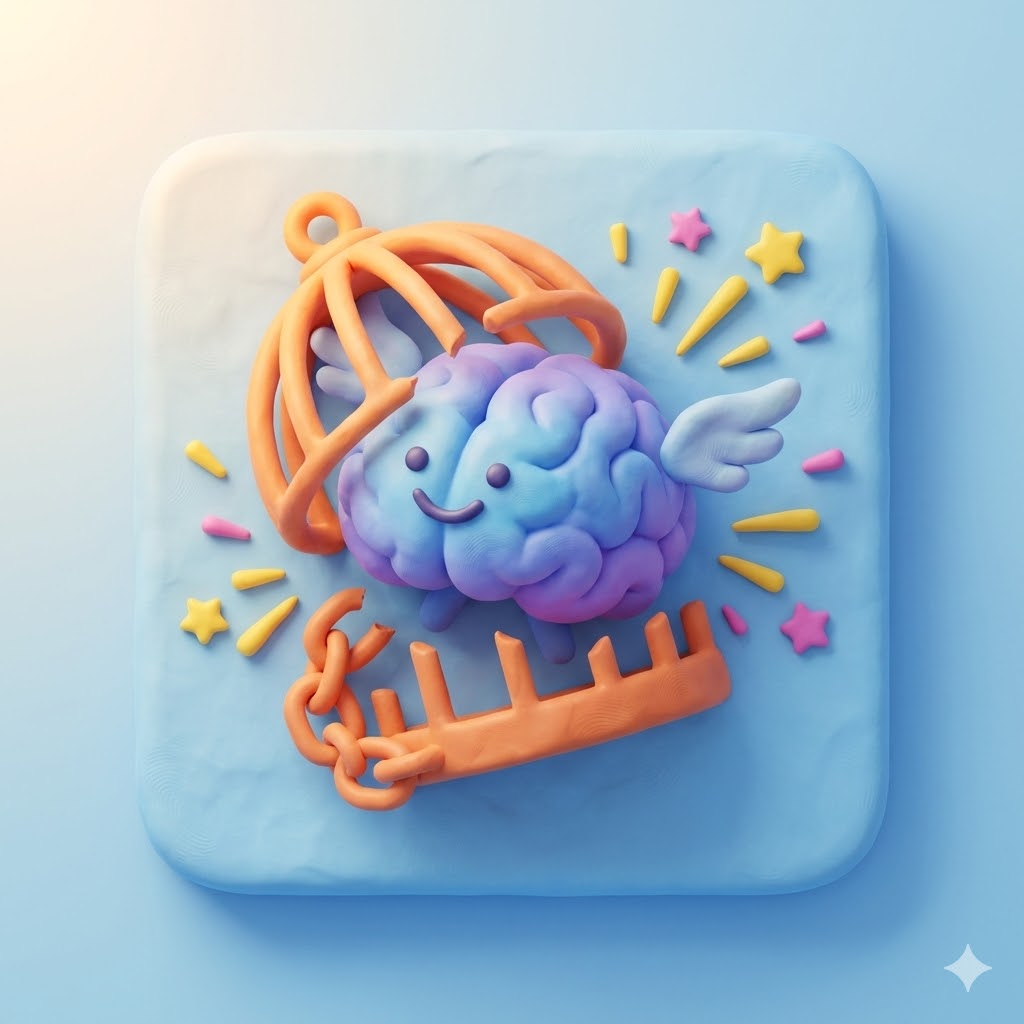
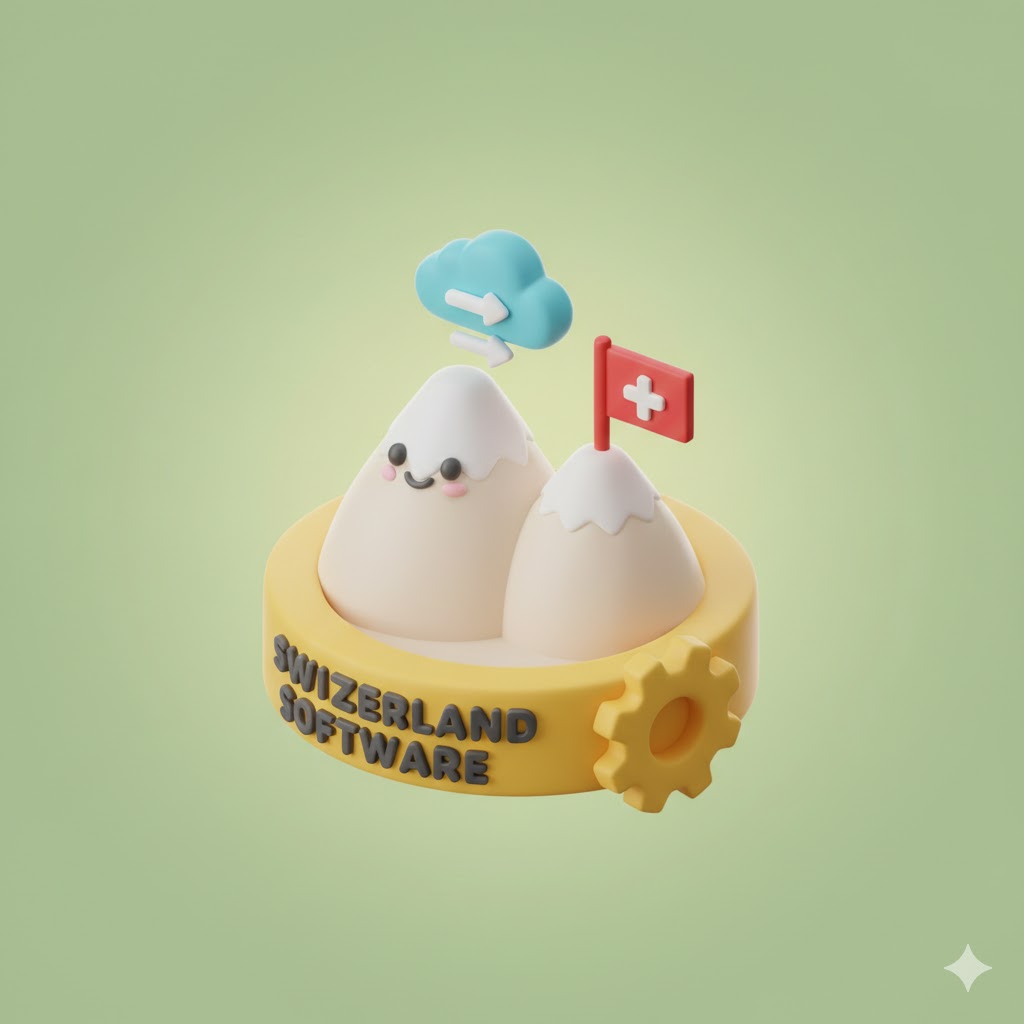
Act as an expert AI image generator. Create a 3D 'claymorphism' style app icon.

Subject of the icon: {{subject: e.g. Switzerland Software}}
Desired Mood/Vibe: {{mood: Happy, Euphoric, Optimistic, Playful, Depressed, Melancholic, Gloomy, Ominous, Serene, Dreamy, Stoic, Zen}}

Stylistic constraints: isometric view, cute rounded shapes, plasticine clay texture, soft volumetric lighting, gentle shadows, high-quality 3D render. The image size is {{Image Size: [image_sizes]}}. The icon is drawn to the edges without rounded corners
e.g. Switzerland Software
Happy, Euphoric, Optimistic, Playful, Depressed, Melancholic, Gloomy, Ominous
[image_sizes]
Act as an expert AI image generator. Create a 3D 'claymorphism' style app icon.

Subject of the icon: e.g. Switzerland Software
Desired Mood/Vibe: Happy

Stylistic constraints: isometric view, cute rounded shapes, plasticine clay texture, soft volumetric lighting, gentle shadows, high-quality 3D render. The image size is [image_sizes]. The icon is drawn to the edges without rounded corners
Variables are wrapped in {{ and }} and follow this pattern:
A selection can reference a predefined variable list using square brackets. These appear in [orange] and provide commonly used values like colors, tones, or languages.
You can also provide an inline list of choices separated by commas.
Tip: You don't need the PUCO app to use these prompts! Simply copy the template and replace each {{…}} section with your own text directly in ChatGPT, Claude, Gemini, or any other AI assistant.