Ideale per
- Partire da un prompt strutturato e riutilizzabile invece di una chat vuota.
- Adattare il prompt ai propri input mantenendo intatto l'intento originale.
- Flussi di lavoro legati a Creative & Visuals.

Genera un ritratto in estremo primo piano di una giovane donna in una scena invernale all’aperto innevata, con fuoco macro sugli occhi.
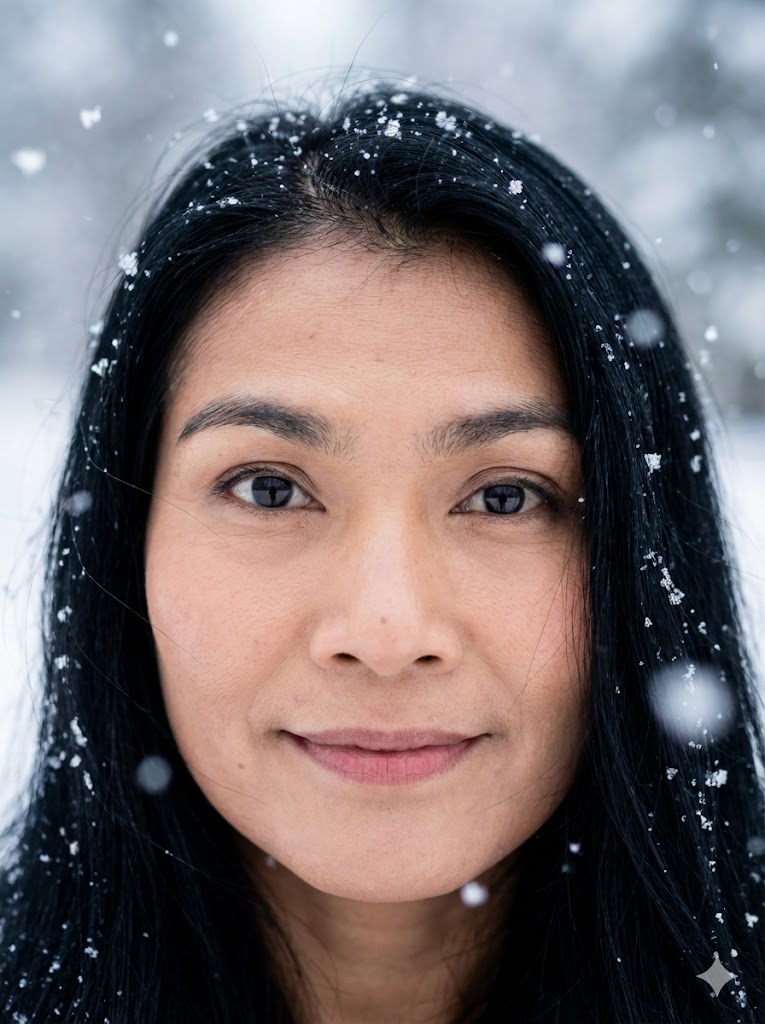
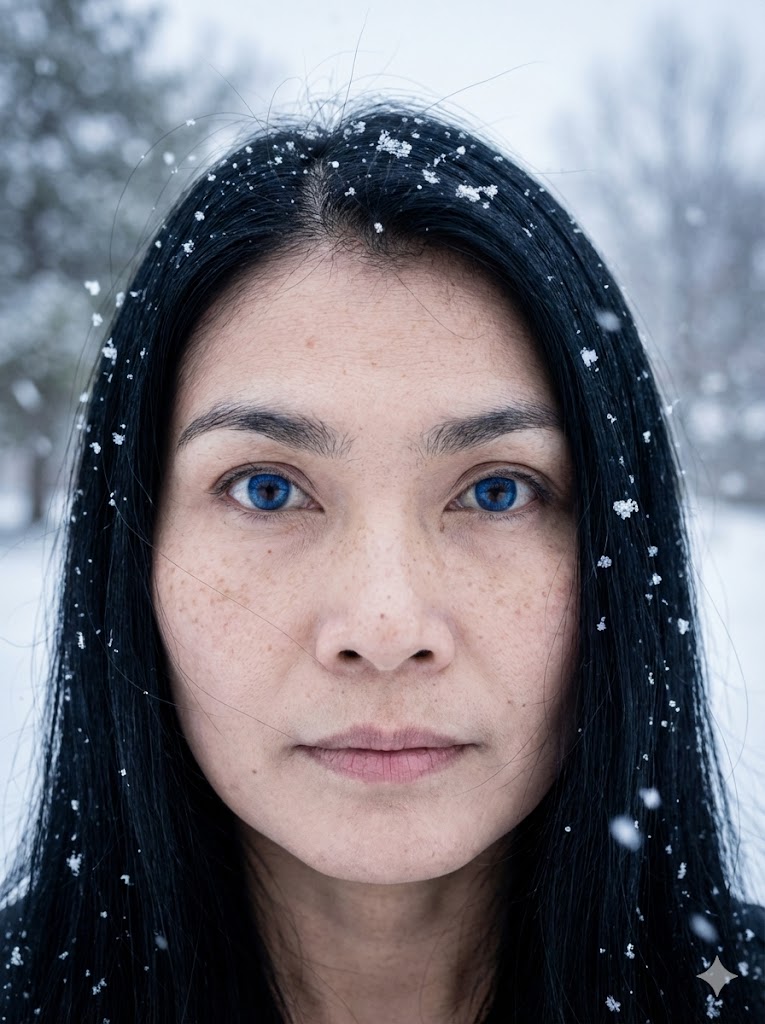
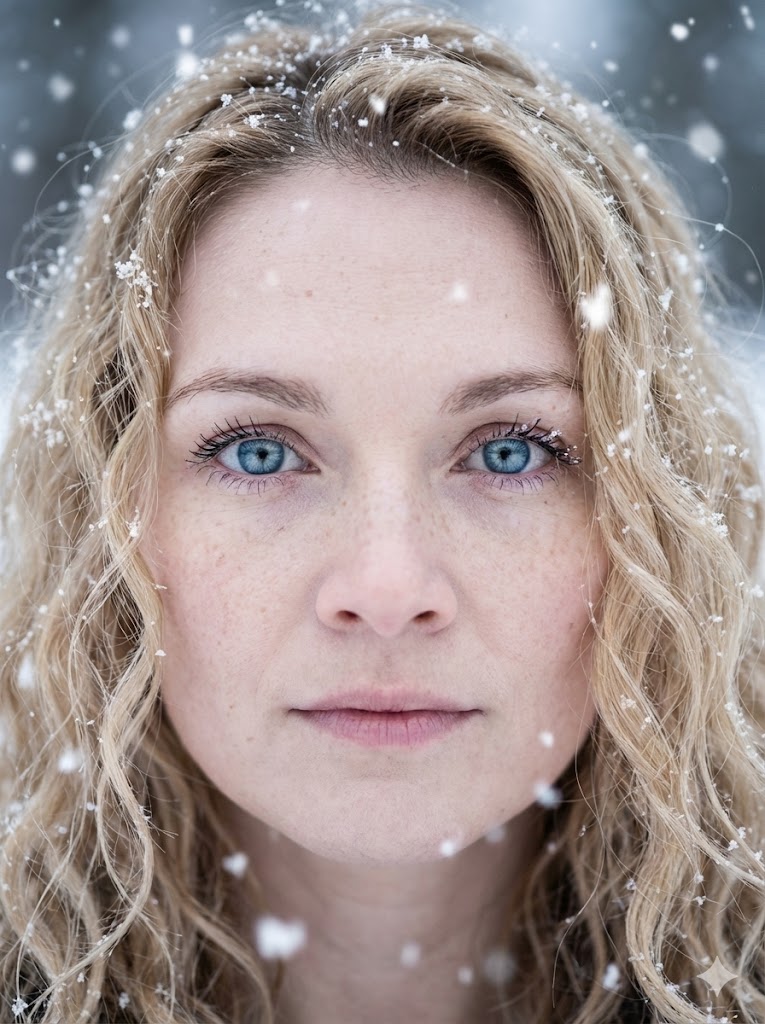
Create an extreme close-up portrait of a {{subject: the subject from the attached photo,young woman, woman mid-20s, woman mid-40s, old woman}} with {{Skin Texture:pale porcelain skin with light freckles}}. The subject features {{Eye Color:[colors]}} eyes with sharp focus and {{Hair Color: [hair_color]}} {{Style: straight, curly, short, Afro, very long, shoulder long}} hair with loose strands and snowflakes. Set in an outdoor winter scene during a snowy day with an ethereal vibe and large bokeh snowflakes. Use soft, diffuse natural overcast light with cool tones. High resolution, cinematic photography, 8k.
the subject from the attached photo, young woman, woman mid-20s, woman mid-40s, old woman
pale porcelain skin with light freckles
[colors]
[hair_color]
straight, curly, short, Afro, very long, shoulder long
Create an extreme close-up portrait of a the subject from the attached photo with pale porcelain skin with light freckles. The subject features [colors] eyes with sharp focus and [hair_color] straight hair with loose strands and snowflakes. Set in an outdoor winter scene during a snowy day with an ethereal vibe and large bokeh snowflakes. Use soft, diffuse natural overcast light with cool tones. High resolution, cinematic photography, 8k.
Le variabili sono racchiuse tra {{ e }} e seguono questo schema:
Una selezione può fare riferimento a un elenco di variabili predefinito usando le parentesi quadre. Appaiono in [arancione] e forniscono valori di uso comune come colori, toni o lingue.
Puoi anche fornire un elenco di scelte in linea, separate da virgole.
Suggerimento: non hai bisogno dell'app PUCO per usare questi prompt! Copia semplicemente il modello e sostituisci ogni sezione {{…}} con il tuo testo direttamente in ChatGPT, Claude, Gemini o qualsiasi altro assistente IA.