Idéal pour
- Partir d'un prompt structuré et réutilisable plutôt que d'une conversation vierge.
- Adapter le prompt à vos propres données tout en conservant l'intention d'origine.
- Les workflows liés à Creative & Visuals.

Génère une scène miniature 3D isométrique d’une ville intégrant visuellement des conditions météo spécifiques et des métadonnées typographiques.
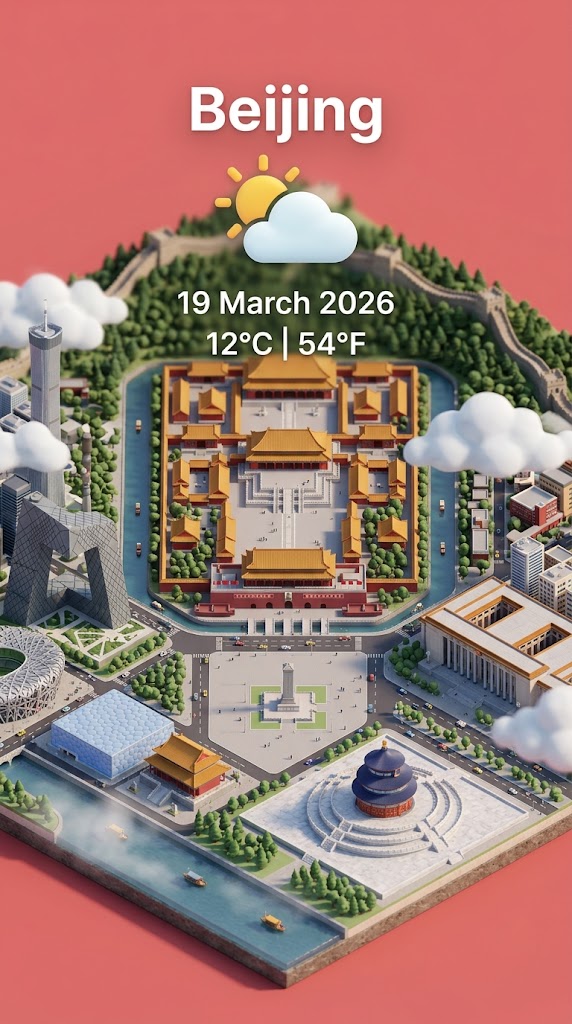
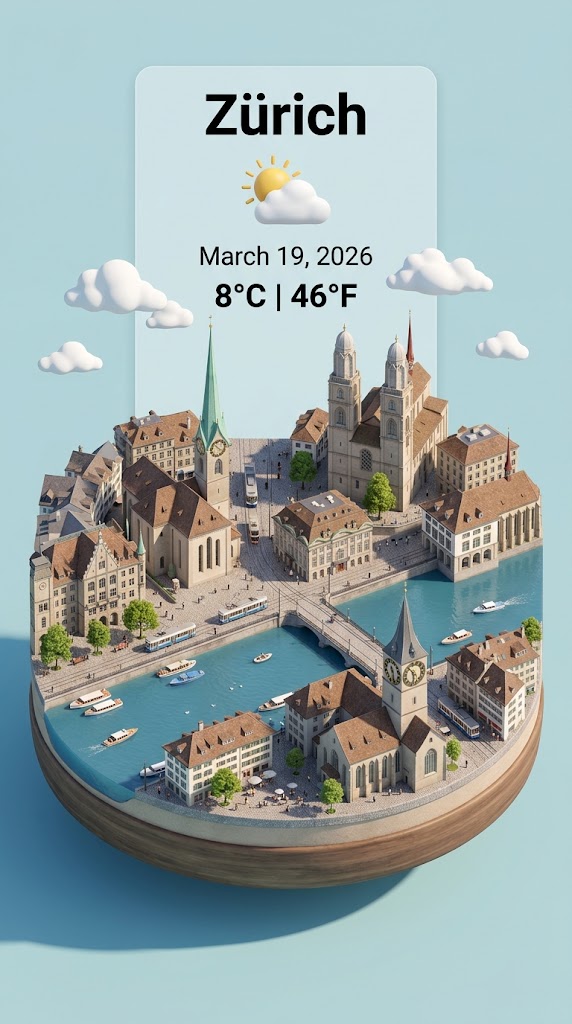
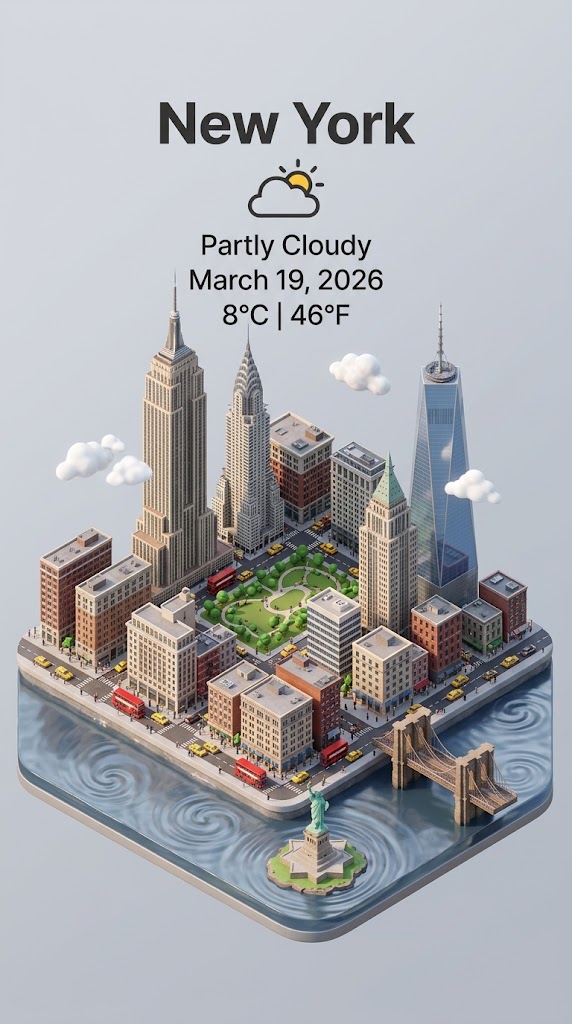
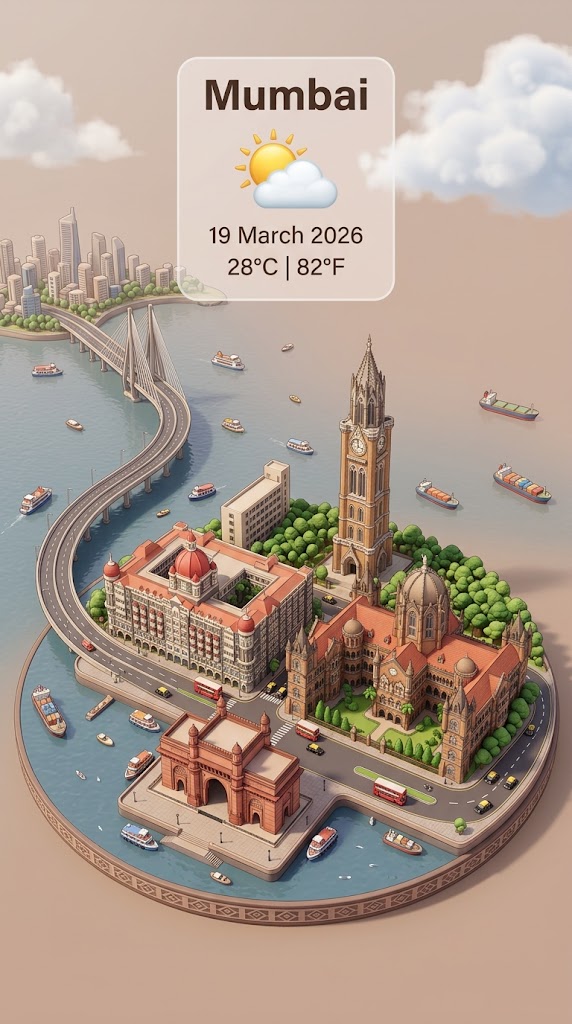
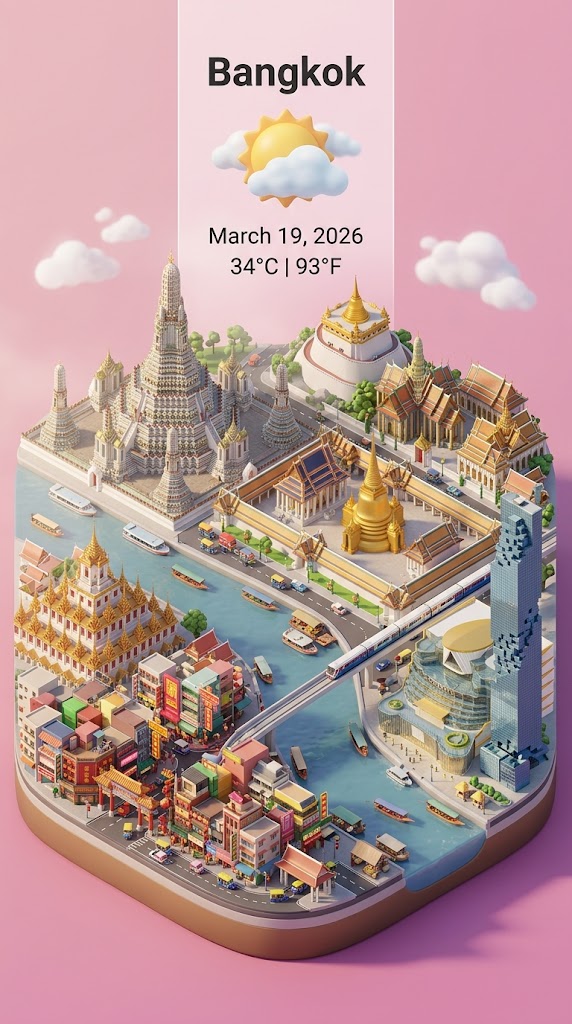
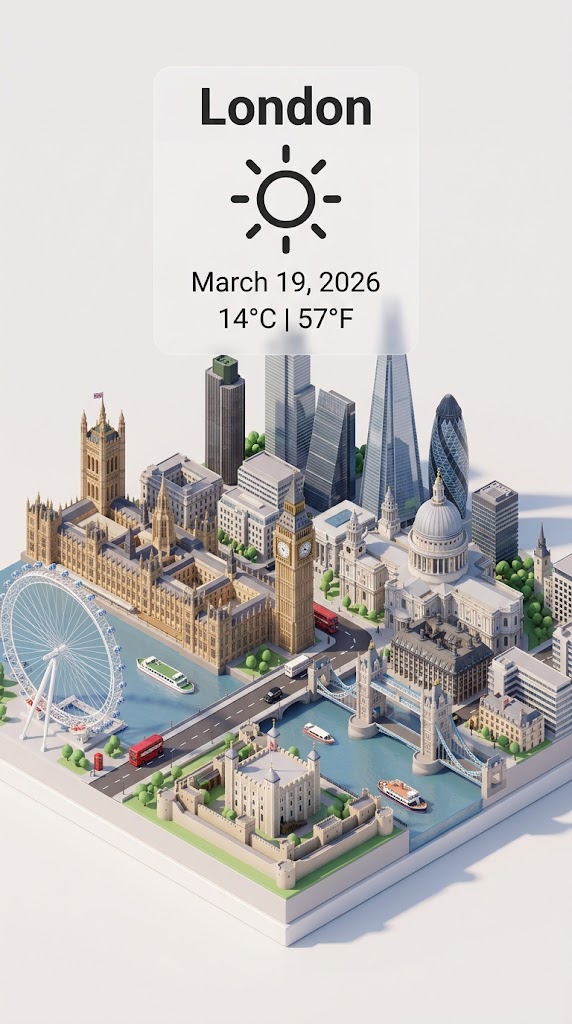
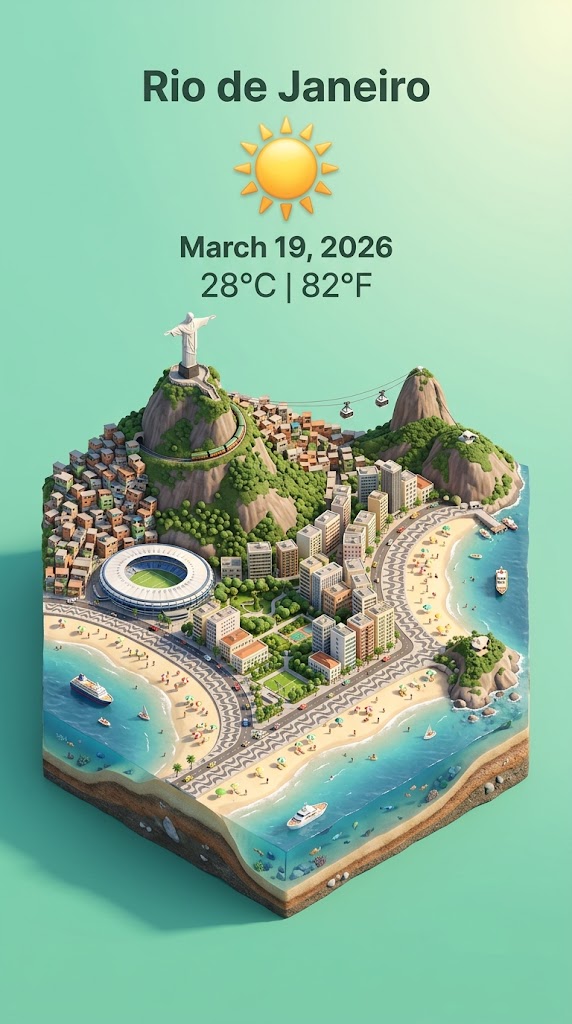
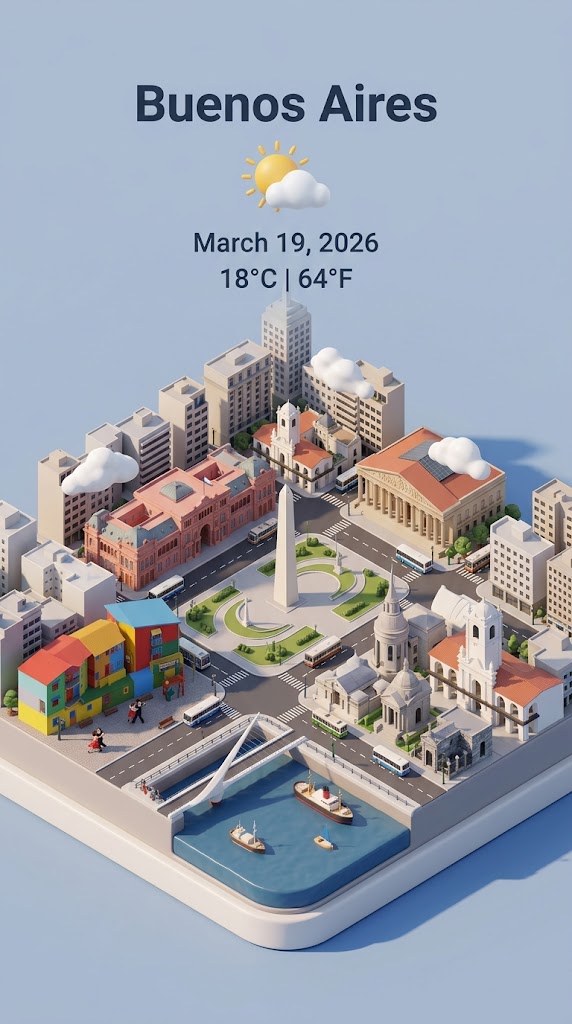
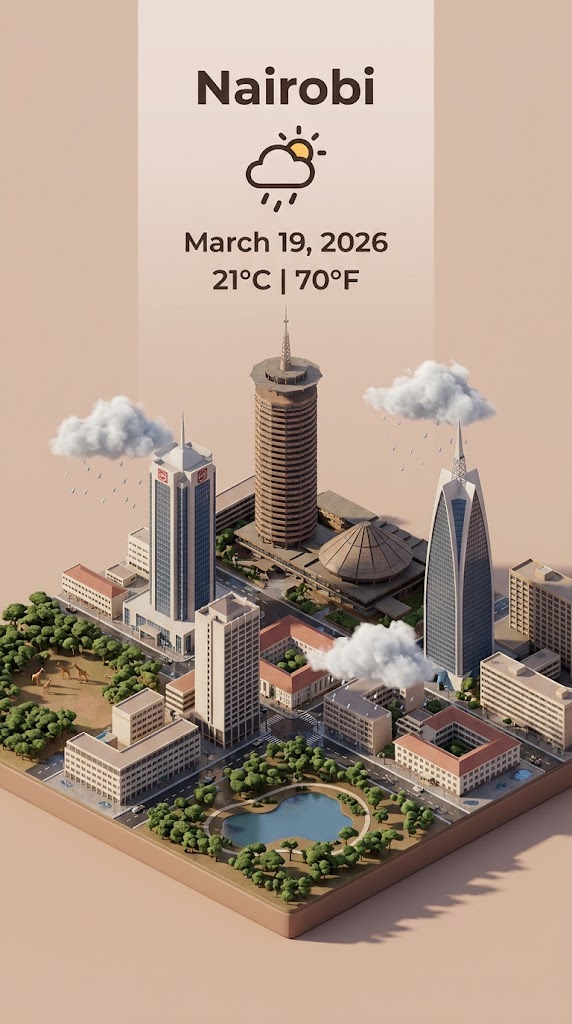
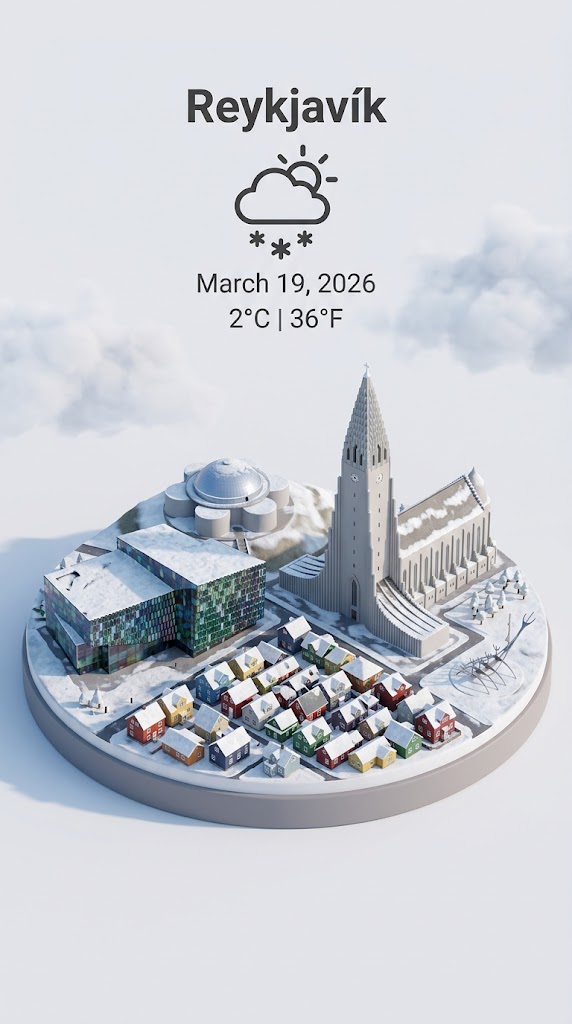
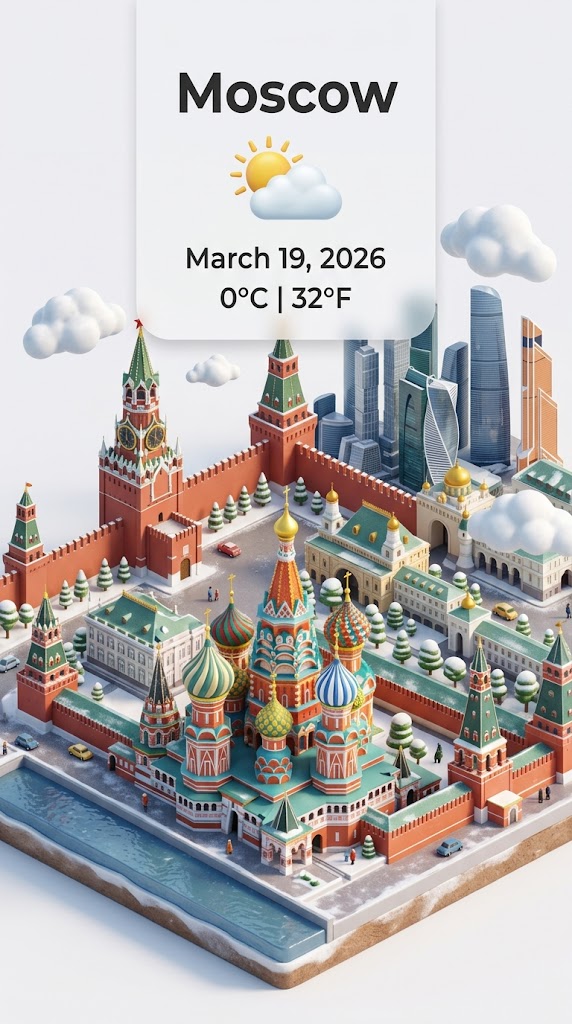
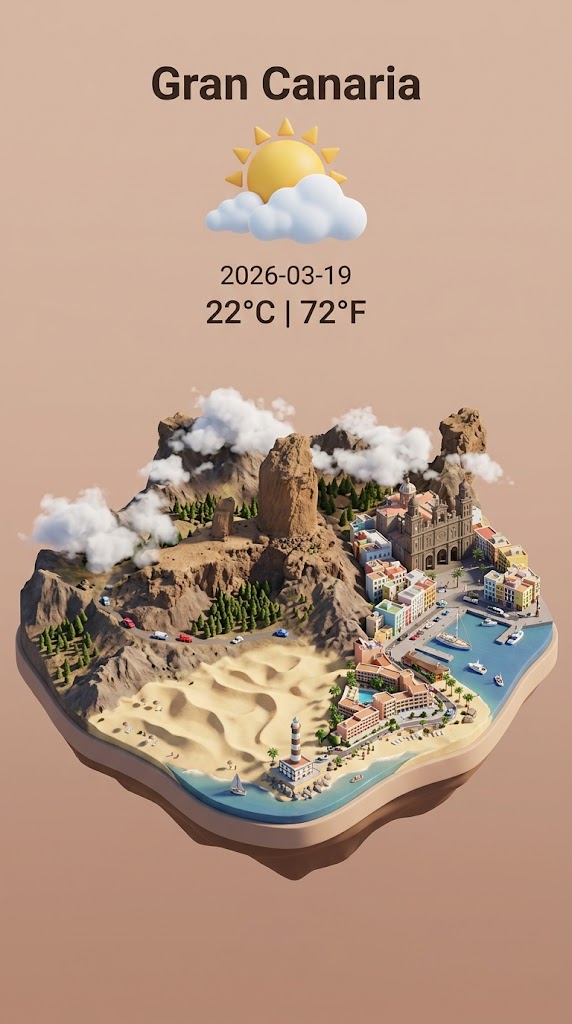
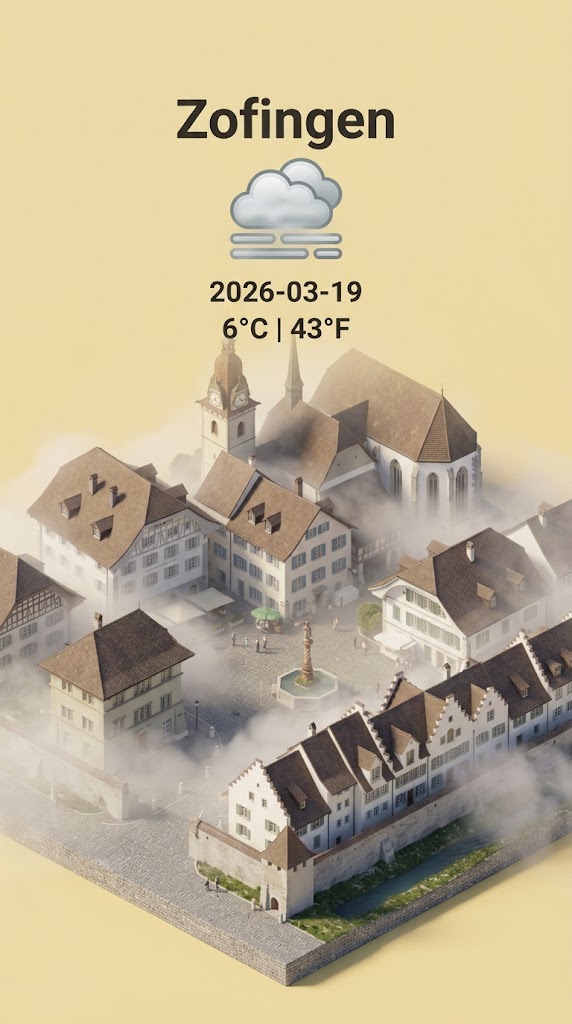
Step 1: retrieve the weather conditions and temperature of {{City: e.g. Zürich}} on the date  {{date: today}}.

Step 2:

Present a clear, 45° top-down isometric miniature 3D cartoon scene of {{City}} featuring its most iconic landmarks and architectural elements. Use soft, refined textures with realistic PBR materials and gentle, lifelike lighting and shadows.

Use the weather conditions to create an immersive atmospheric mood.

Use a clean, minimalistic composition with pastel {{Colors: [colors]}} background. At the top-center, place the title {{City}} in large bold text, a prominent weather icon beneath it, then the date {{date}} (format the date according to my locale - just the date, no time) and temperature in ° Celsius and Fahrenheit

All text must be centered with consistent spacing and may subtly overlap the tops of the buildings. Dimension: {{Image Sizes: [image_sizes]}}.
e.g. Zürich
today
[colors]
[image_sizes]
Step 1: retrieve the weather conditions and temperature of e.g. Zürich on the date  today.

Step 2:

Present a clear, 45° top-down isometric miniature 3D cartoon scene of e.g. Zürich featuring its most iconic landmarks and architectural elements. Use soft, refined textures with realistic PBR materials and gentle, lifelike lighting and shadows.

Use the weather conditions to create an immersive atmospheric mood.

Use a clean, minimalistic composition with pastel [colors] background. At the top-center, place the title e.g. Zürich in large bold text, a prominent weather icon beneath it, then the date today (format the date according to my locale - just the date, no time) and temperature in ° Celsius and Fahrenheit

All text must be centered with consistent spacing and may subtly overlap the tops of the buildings. Dimension: [image_sizes].
Les variables sont entourées de {{ et }} et suivent ce modèle :
Une sélection peut référencer une liste de variables prédéfinie à l'aide de crochets. Elles apparaissent en [orange] et fournissent des valeurs courantes comme des couleurs, des tons ou des langues.
Vous pouvez aussi fournir une liste de choix en ligne, séparés par des virgules.
Astuce : vous n'avez pas besoin de l'application PUCO pour utiliser ces prompts ! Copiez simplement le modèle et remplacez chaque section {{…}} par votre propre texte directement dans ChatGPT, Claude, Gemini ou tout autre assistant IA.