Ideal für
- Einen strukturierten, wiederverwendbaren Prompt statt eines leeren Chats als Ausgangspunkt nutzen.
- Den Prompt an eigene Eingaben anpassen, während die ursprüngliche Absicht erhalten bleibt.
- Workflows rund um Education & Academic.

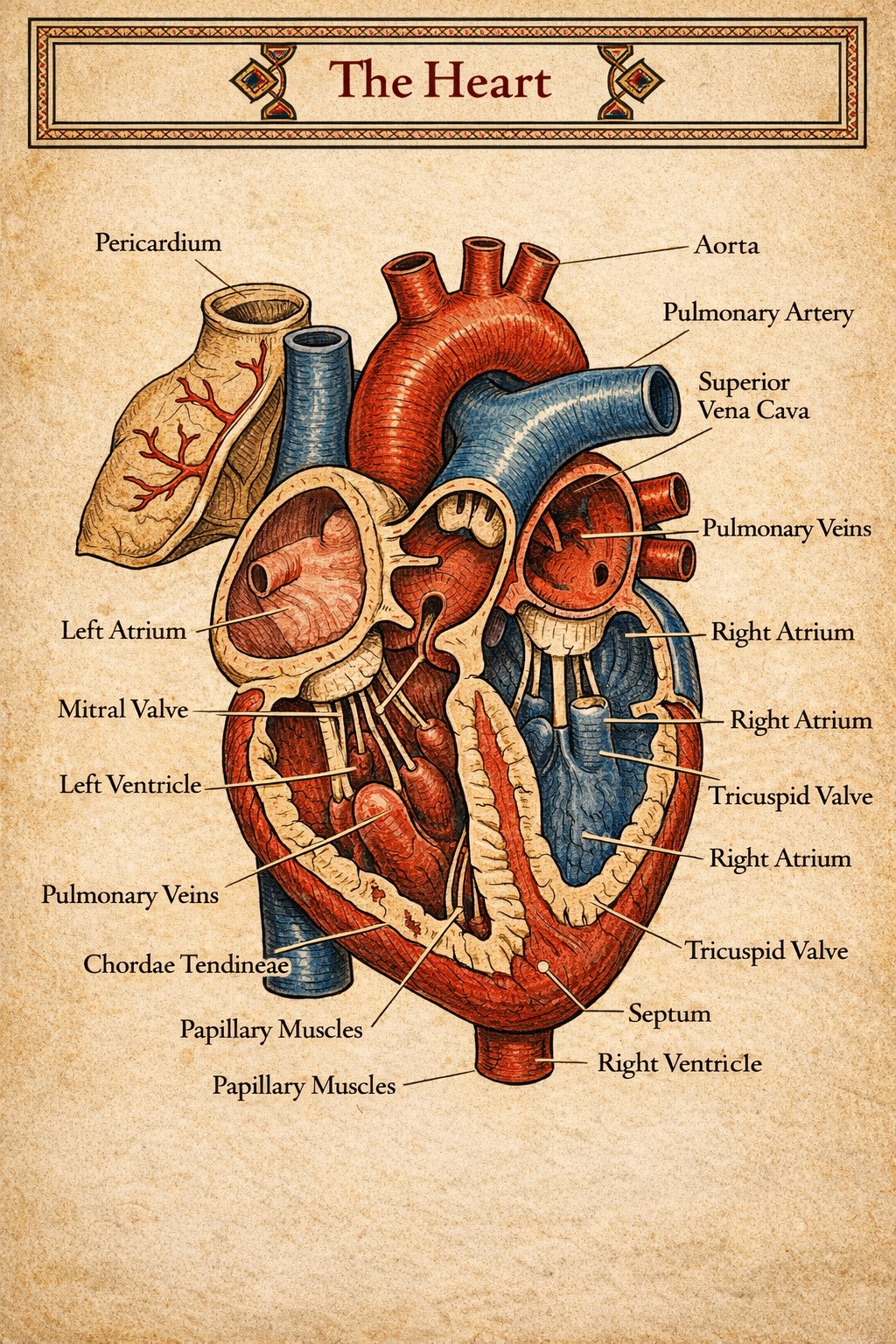
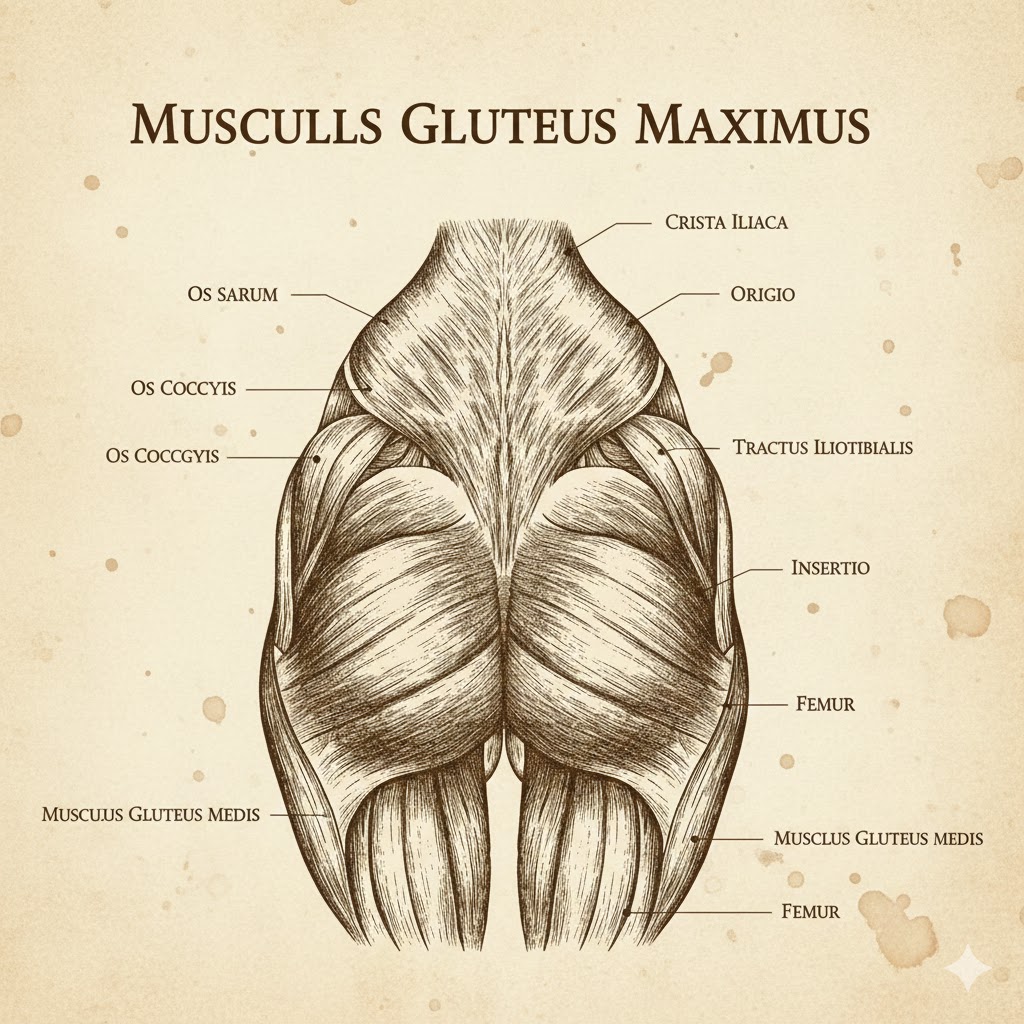
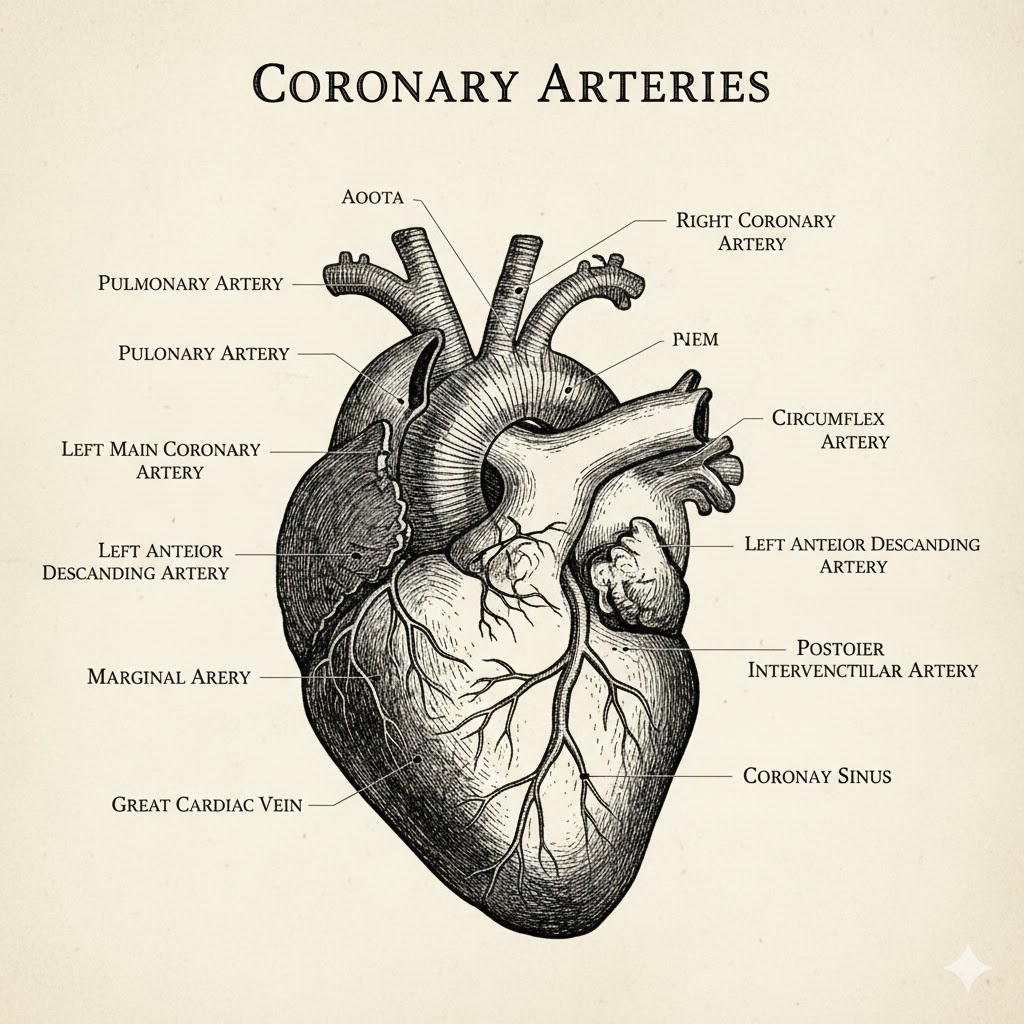
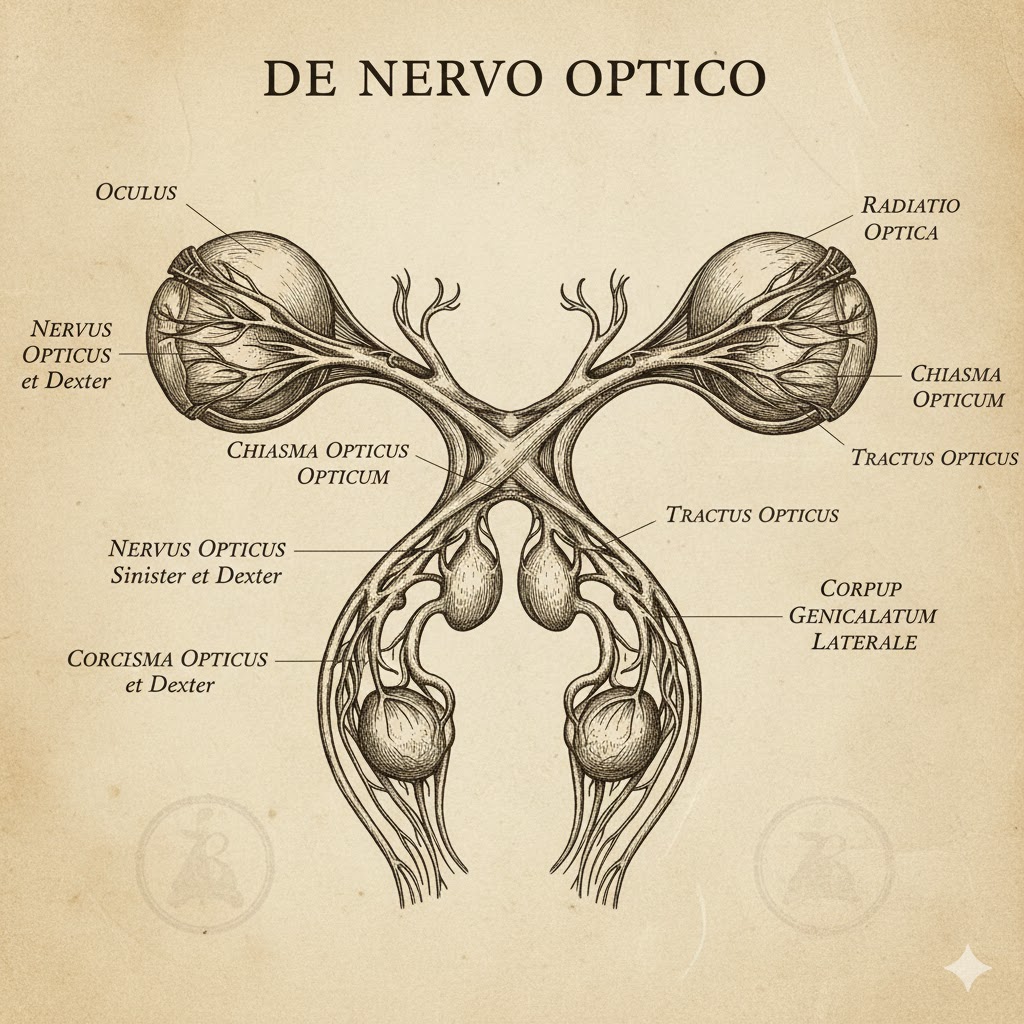
Erstellt medizinisch präzise anatomische Illustrationen für Studierende, mit Explosionsansichten und vielfältigen historischen Stilen.
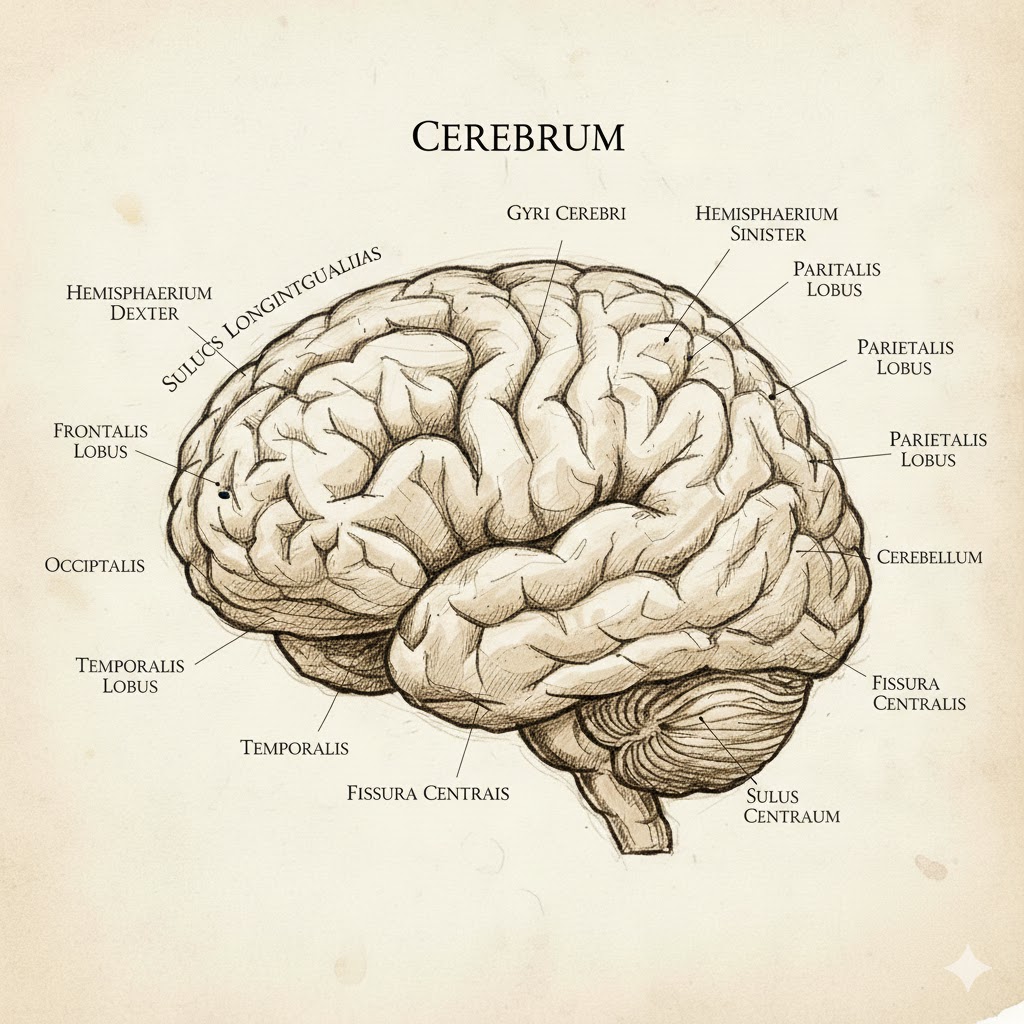
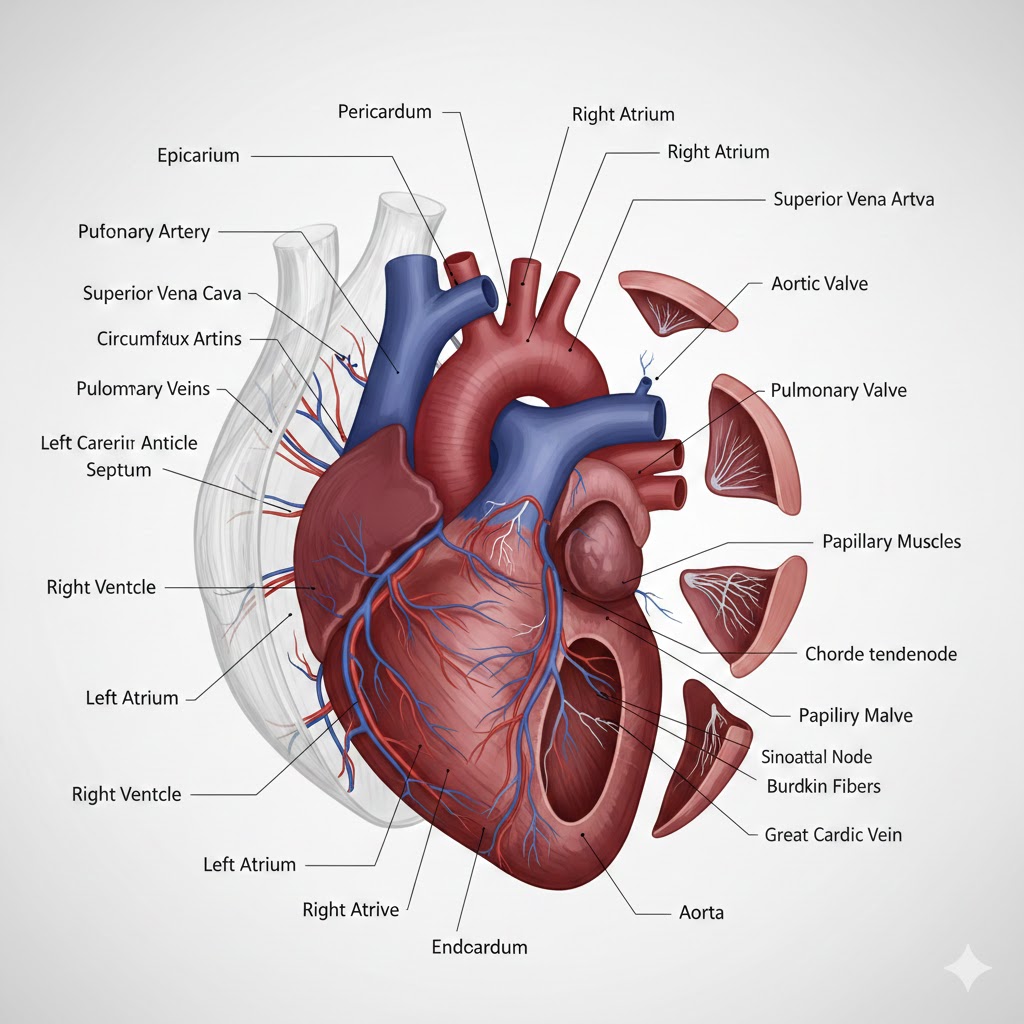
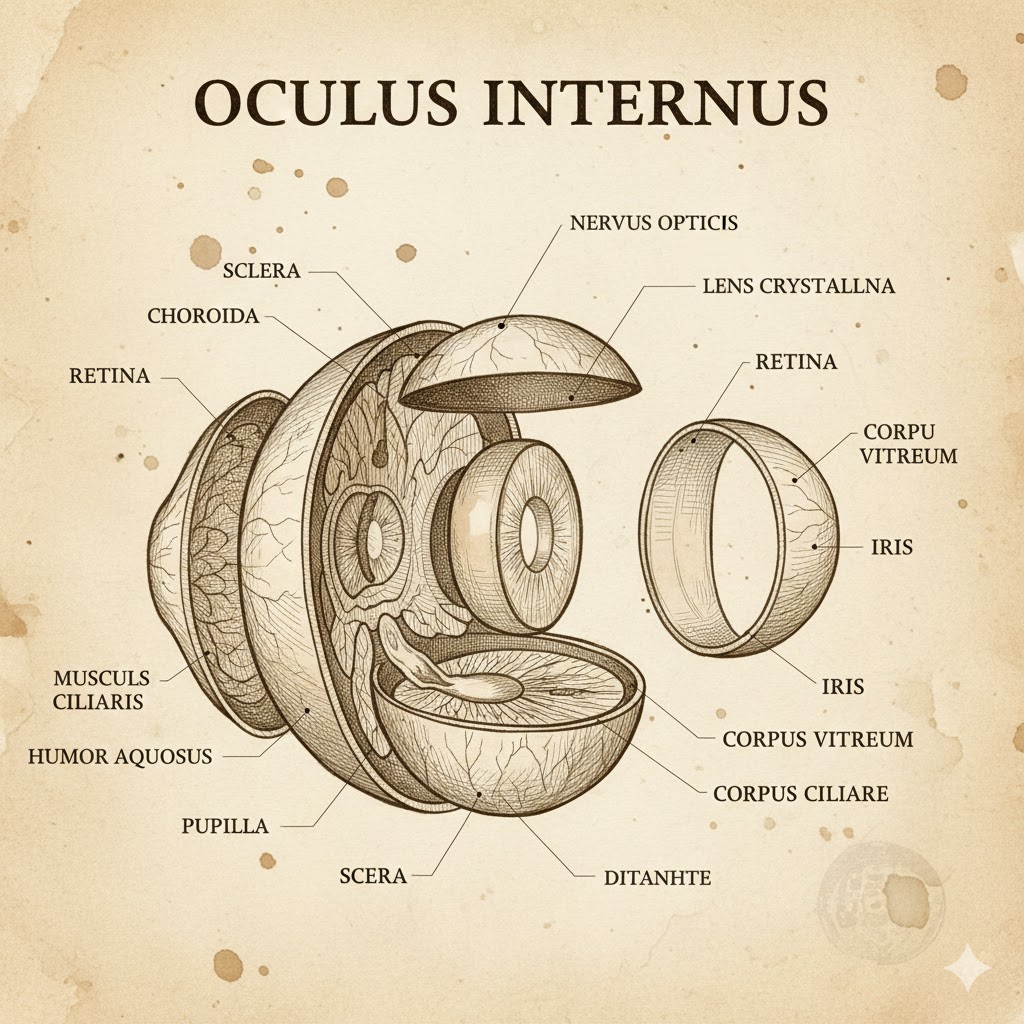
# Scientific Objective
Generate a medically accurate and scientifically precise anatomical drawing of the {{Anatomy Part:[anatomy_parts]}} specifically designed for medical students.

# Artistic Style
Render the illustration in a {{Style: modern medical, ancient anatomical, medieval Arabic, Renaissance sketch, 19th-century lithograph}} style. Ensure the aesthetic matches the selected era's medical documentation standards while maintaining clarity.

# Composition & View
Present the subject as {{View: a whole part extracted from the body, an explosive drawing showing internal layers and components}}. The composition must allow for clear visualization of all structural components and internal relationships.

# Technical Execution
The drawing must be conclusive and creative, utilizing a clean background to focus entirely on the anatomical structure. Ensure all proportions and details are scientifically correct to serve as a high-quality educational resource.
[anatomy_parts]
modern medical, ancient anatomical, medieval Arabic, Renaissance sketch, 19th-century lithograph
a whole part extracted from the body, an explosive drawing showing internal layers and components
# Scientific Objective
Generate a medically accurate and scientifically precise anatomical drawing of the [anatomy_parts] specifically designed for medical students.

# Artistic Style
Render the illustration in a modern medical style. Ensure the aesthetic matches the selected era's medical documentation standards while maintaining clarity.

# Composition & View
Present the subject as a whole part extracted from the body. The composition must allow for clear visualization of all structural components and internal relationships.

# Technical Execution
The drawing must be conclusive and creative, utilizing a clean background to focus entirely on the anatomical structure. Ensure all proportions and details are scientifically correct to serve as a high-quality educational resource.
Variablen sind in {{ und }} eingeschlossen und folgen diesem Muster:
Eine Auswahl kann auf eine vordefinierte Variablenliste per eckige Klammern verweisen. Diese erscheinen in [Orange] und bieten häufig verwendete Werte wie Farben, Töne oder Sprachen.
Du kannst auch eine durch Kommas getrennte Inline-Liste mit Optionen angeben.
Tipp: Du brauchst die PUCO-App nicht, um diese Prompts zu verwenden! Kopiere einfach die Vorlage und ersetze jeden {{…}}-Abschnitt direkt in ChatGPT, Claude, Gemini oder einem anderen KI-Assistenten durch eigenen Text.