
Ideal für
- Einen strukturierten, wiederverwendbaren Prompt statt eines leeren Chats als Ausgangspunkt nutzen.
- Den Prompt an eigene Eingaben anpassen, während die ursprüngliche Absicht erhalten bleibt.
- Workflows rund um Design & Art.
Verwandelt ein Referenzfoto in ein modernes, anime-inspiriertes Vektorporträt mit anpassbaren Posen, Hintergrundfarben und einzigartigen Accessoires.
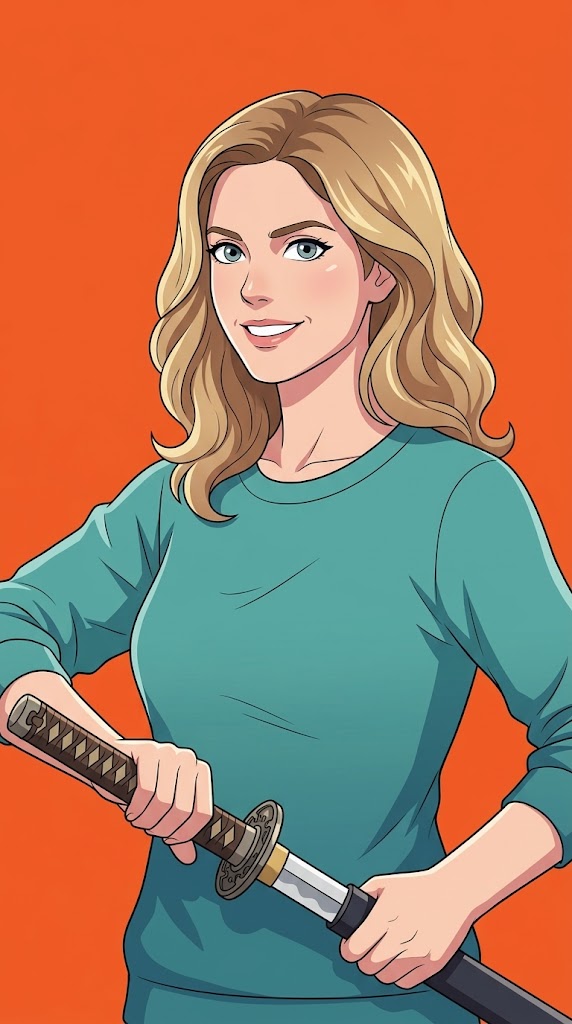
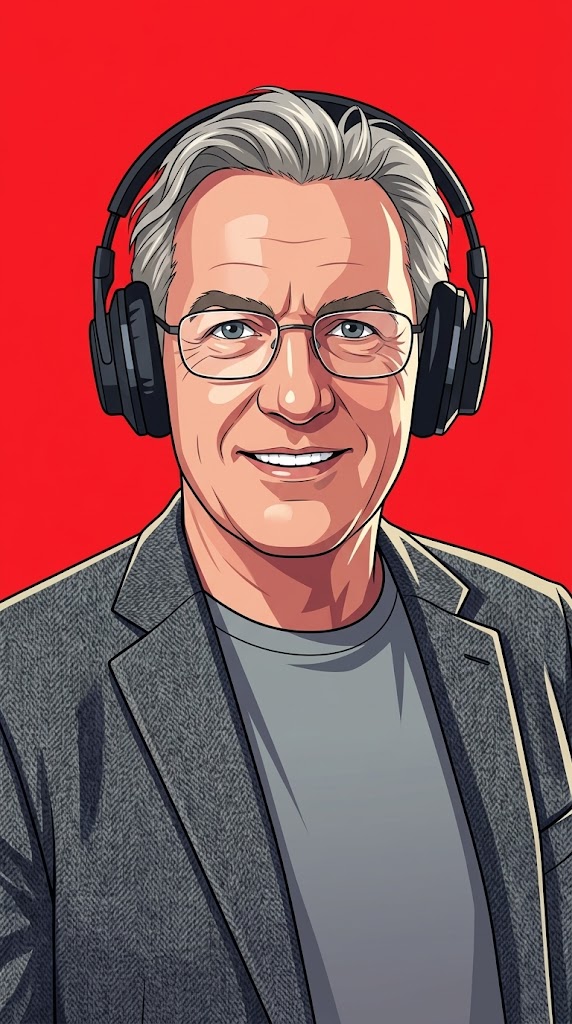
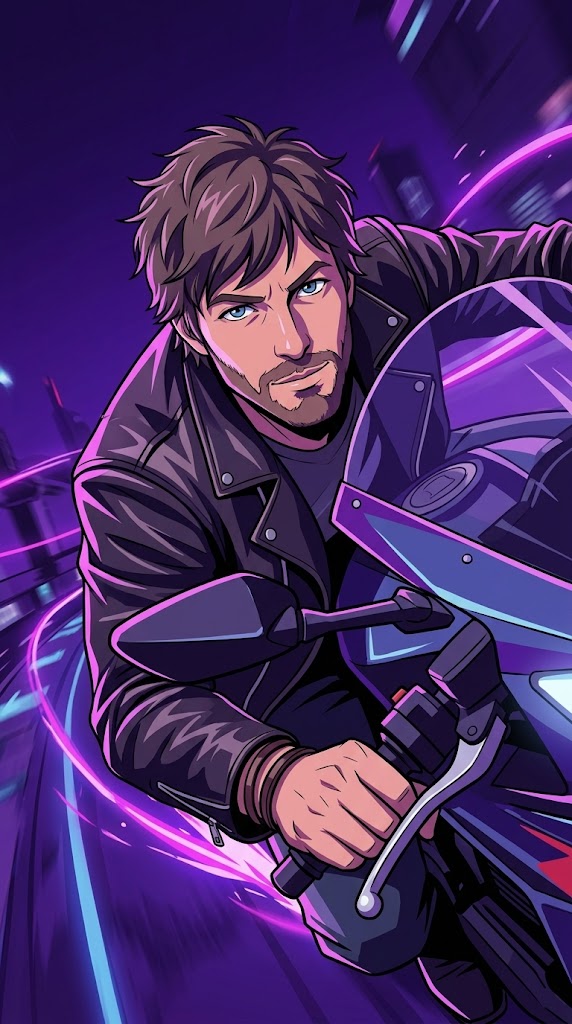
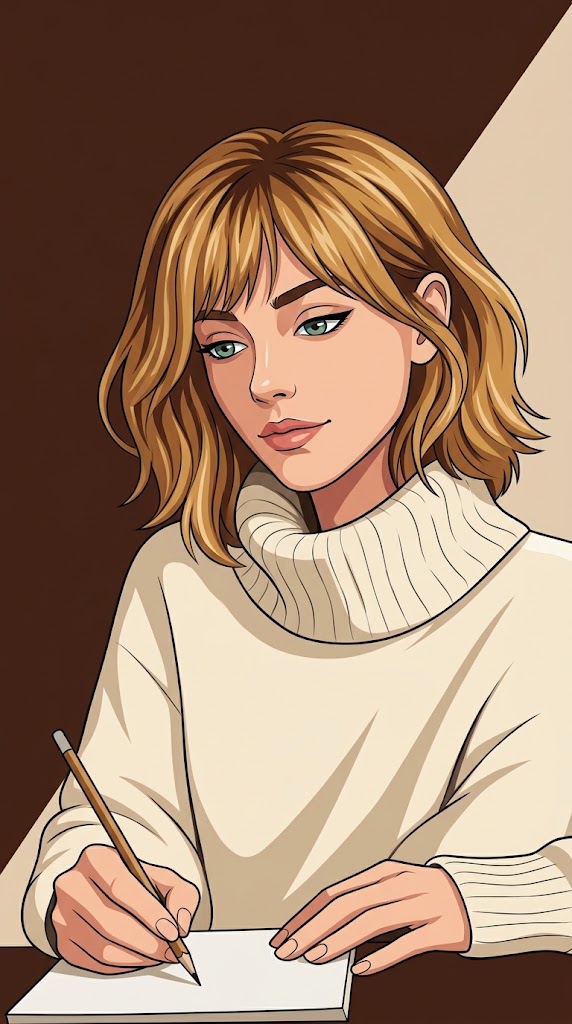
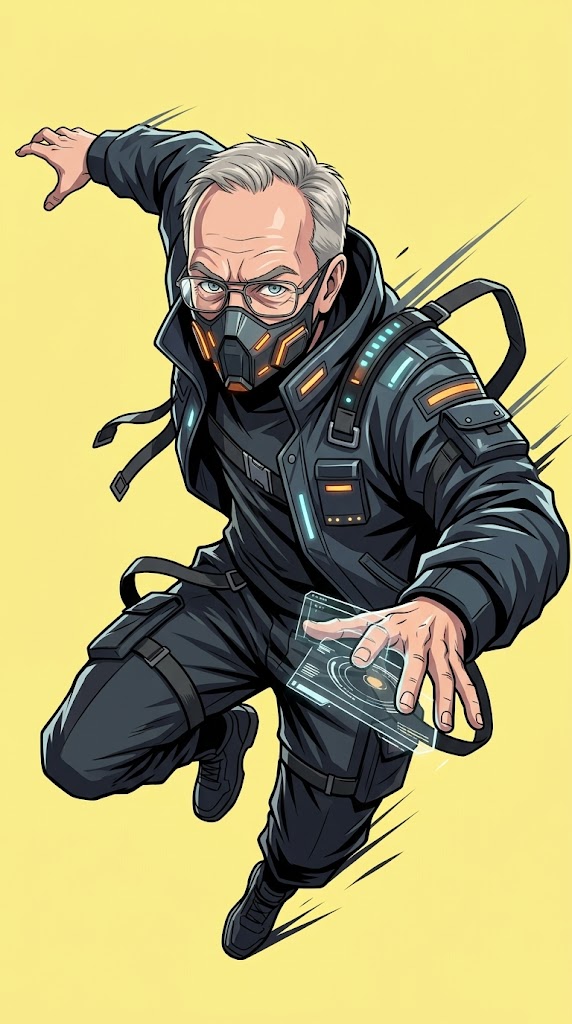
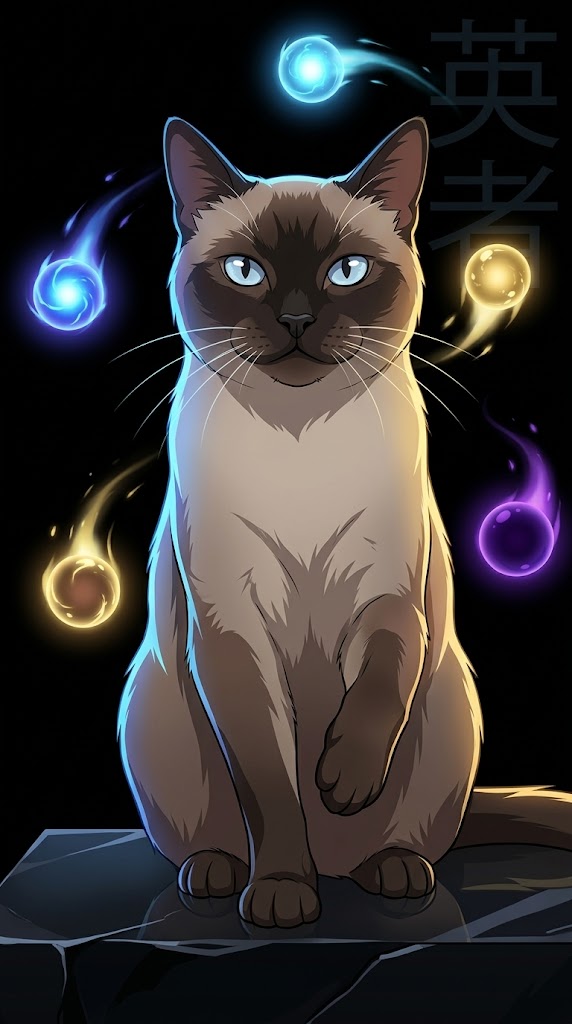
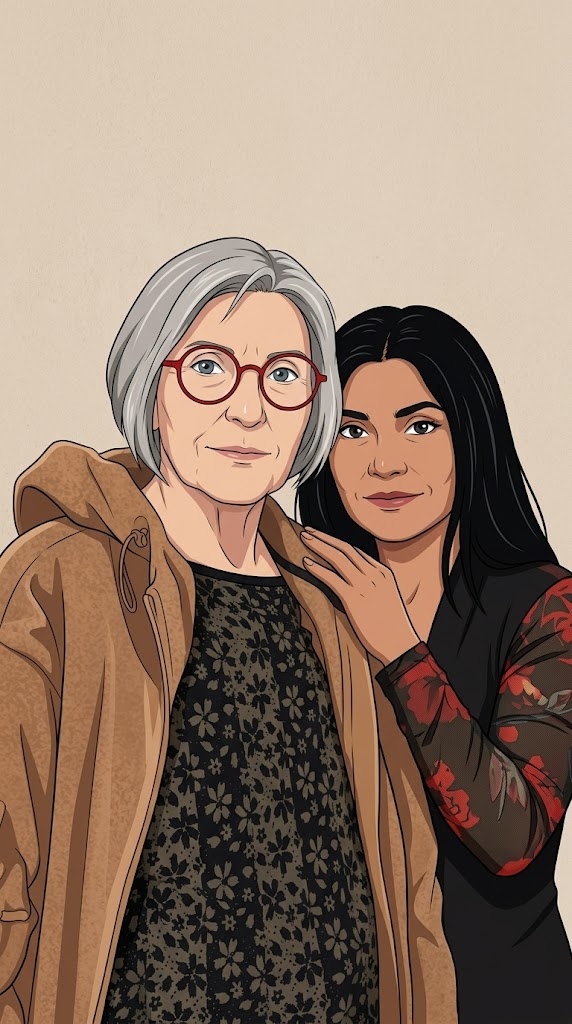
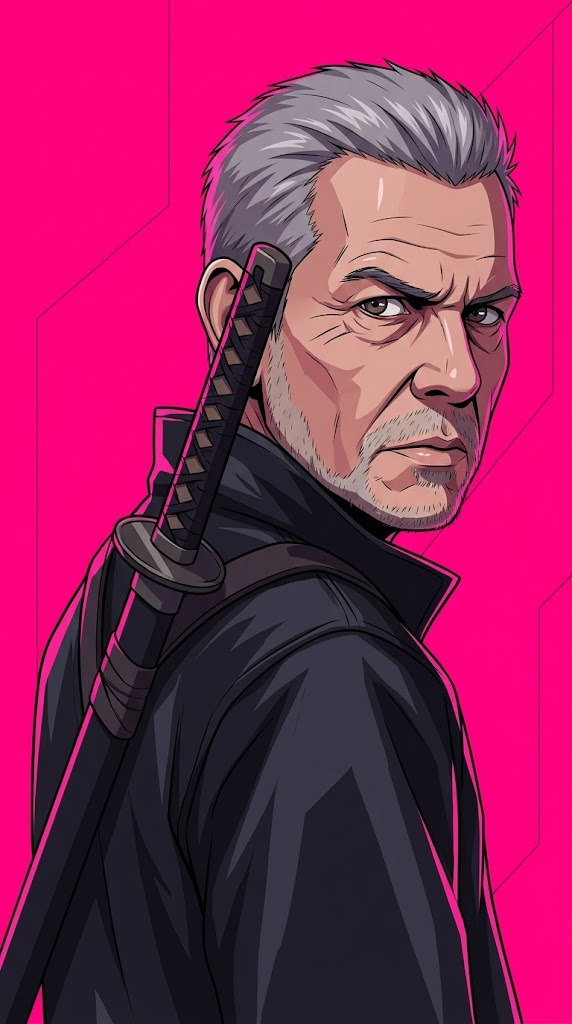
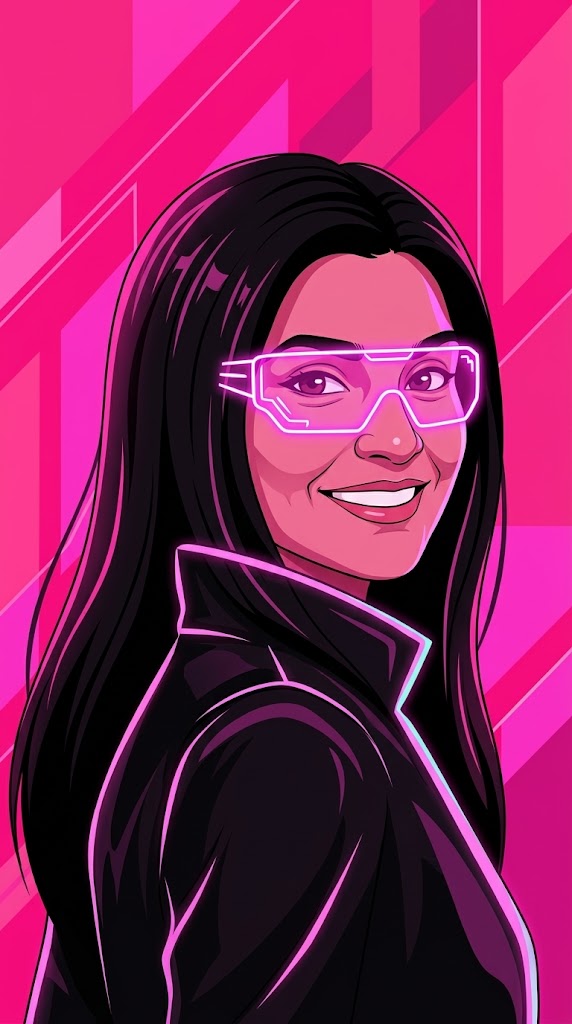
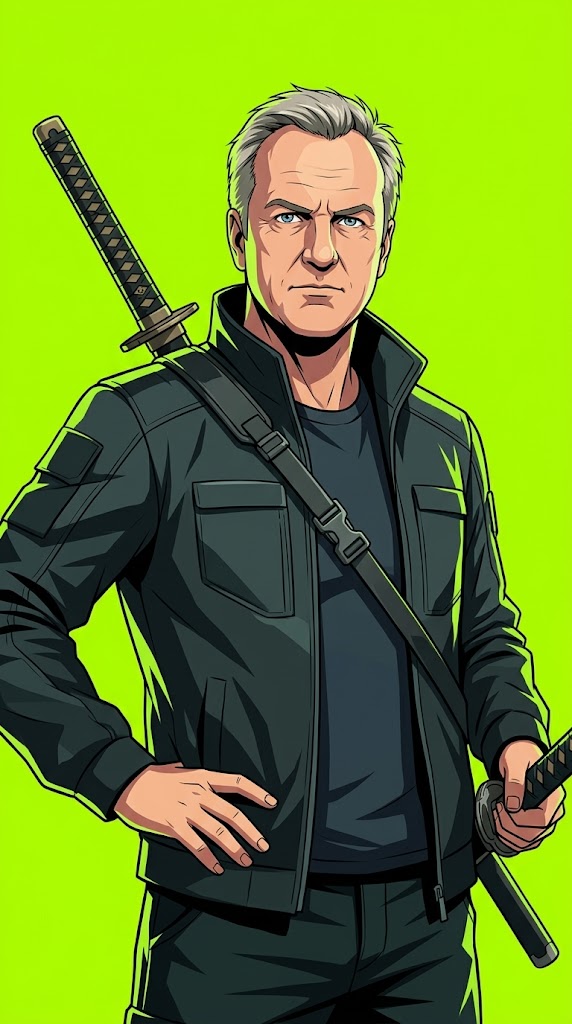
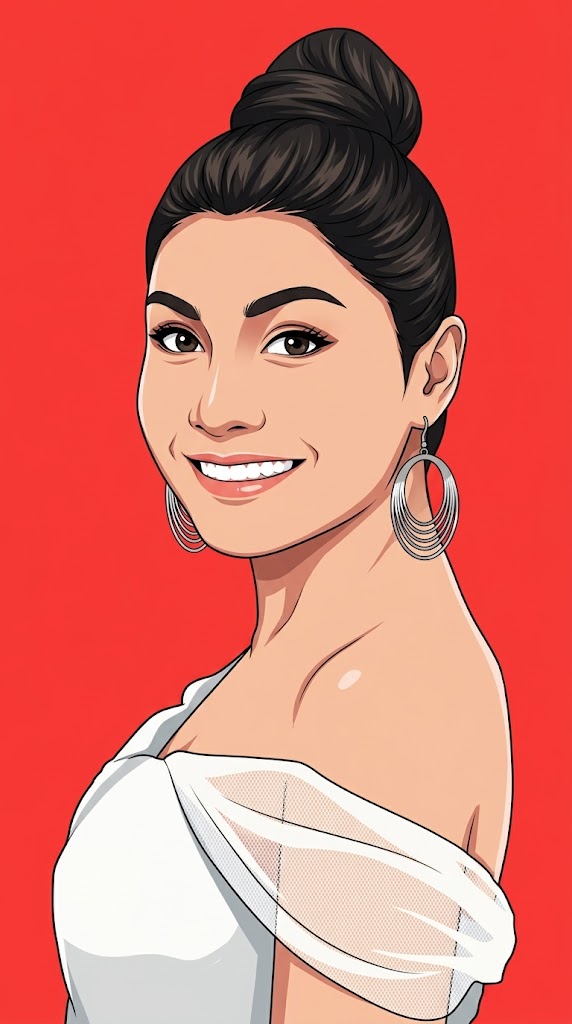

Create a modern anime-inspired vector portrait based on the provided reference photo.

PARAMETERS:
Background Color: {{Background Color: red, black, beige, orange, electric blue, neon pink, deep purple, pastel yellow, toxic green, stark white}}
Aspect Ratio: {{Aspect Ratio: 9:16, 4:5, 1:1, 16:9}}

Pose: {{Pose: no special pose, calm and introspective, quietly powerful, looking over shoulder, dynamic action, sitting thoughtfully, heroic stance}}
Accessory: {{Accessory: none, black over-ear headphones, glowing neon glasses, futuristic visor, katana on back, cybernetic arm, mechanical wings, oversized hoodie, techwear mask, floating glowing orbs, holographic smartwatch}}

REFERENCE USAGE RULE:
Use the provided photo as a reference for the subject’s facial identity and likeness only. By default, do not copy the reference photo’s pose, head angle, expression, camera angle, crop, background, lighting, or accessories. Only inherit the pose from the uploaded photo if 'Use Reference Pose' is set to 'yes'. If 'no special pose' is selected, ensure the generated pose feels iconic, emotional, cinematic, elegant, and poster-worthy.

IDENTITY RULE:
Preserve the subject’s recognizable facial identity and likeness so the result clearly feels like the same person.
red, black, beige, orange, electric blue, neon pink, deep purple, pastel yellow
9:16, 4:5, 1:1, 16:9
no special pose, calm and introspective, quietly powerful, looking over shoulder, dynamic action, sitting thoughtfully, heroic stance
none, black over-ear headphones, glowing neon glasses, futuristic visor, katana on back, cybernetic arm, mechanical wings, oversized hoodie
Create a modern anime-inspired vector portrait based on the provided reference photo.

PARAMETERS:
Background Color: red
Aspect Ratio: 9:16

Pose: no special pose
Accessory: none

REFERENCE USAGE RULE:
Use the provided photo as a reference for the subject’s facial identity and likeness only. By default, do not copy the reference photo’s pose, head angle, expression, camera angle, crop, background, lighting, or accessories. Only inherit the pose from the uploaded photo if 'Use Reference Pose' is set to 'yes'. If 'no special pose' is selected, ensure the generated pose feels iconic, emotional, cinematic, elegant, and poster-worthy.

IDENTITY RULE:
Preserve the subject’s recognizable facial identity and likeness so the result clearly feels like the same person.
Variablen sind in {{ und }} eingeschlossen und folgen diesem Muster:
Eine Auswahl kann auf eine vordefinierte Variablenliste per eckige Klammern verweisen. Diese erscheinen in [Orange] und bieten häufig verwendete Werte wie Farben, Töne oder Sprachen.
Du kannst auch eine durch Kommas getrennte Inline-Liste mit Optionen angeben.
Tipp: Du brauchst die PUCO-App nicht, um diese Prompts zu verwenden! Kopiere einfach die Vorlage und ersetze jeden {{…}}-Abschnitt direkt in ChatGPT, Claude, Gemini oder einem anderen KI-Assistenten durch eigenen Text.