Ideal für
- Einen strukturierten, wiederverwendbaren Prompt statt eines leeren Chats als Ausgangspunkt nutzen.
- Den Prompt an eigene Eingaben anpassen, während die ursprüngliche Absicht erhalten bleibt.
- Workflows rund um Education & Academic.

Erklärt komplexe Themen mit nachvollziehbaren Analogien und erstellt eine professionelle, handgezeichnete Sketchnote als visuelle Zusammenfassung.
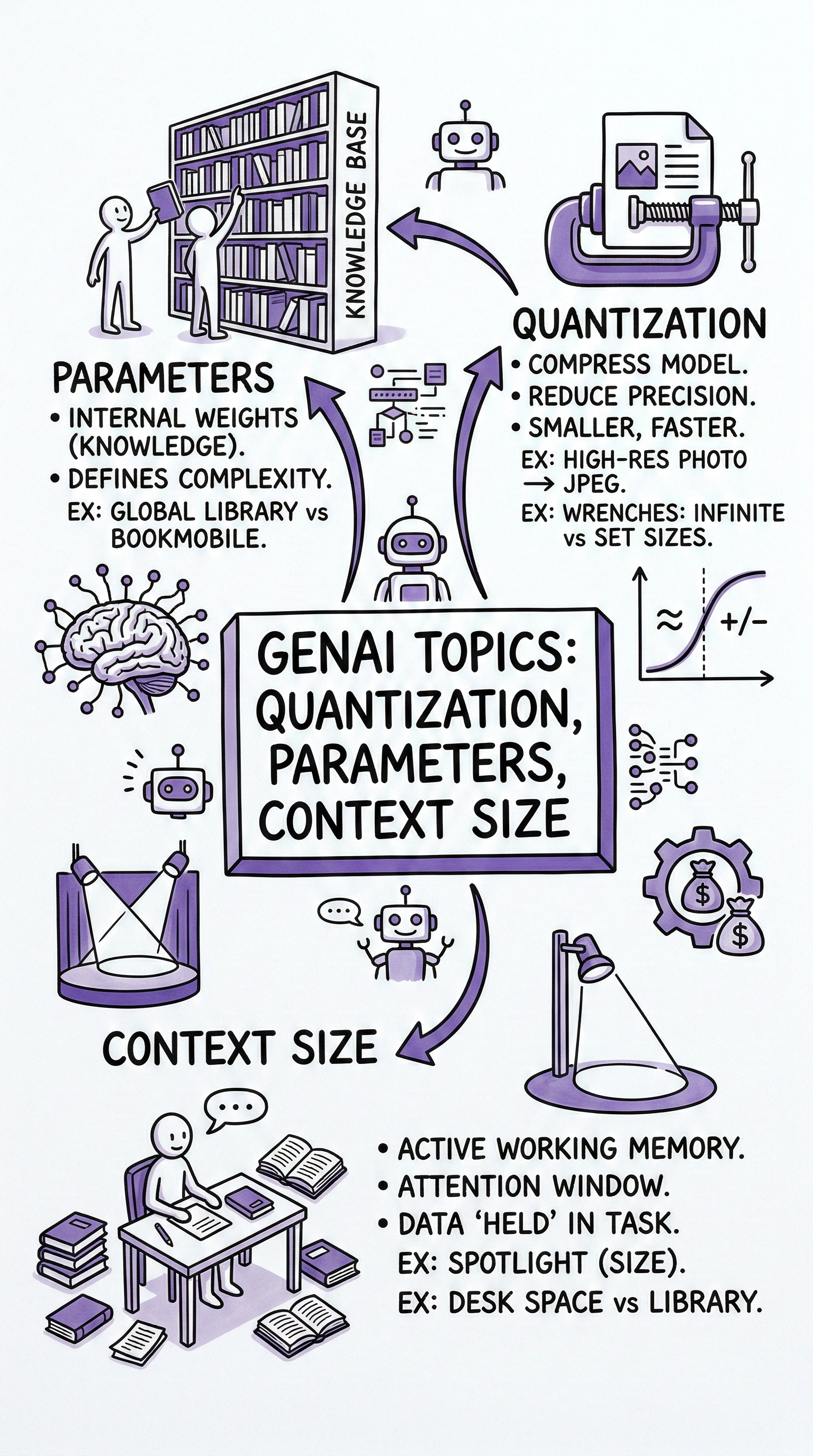
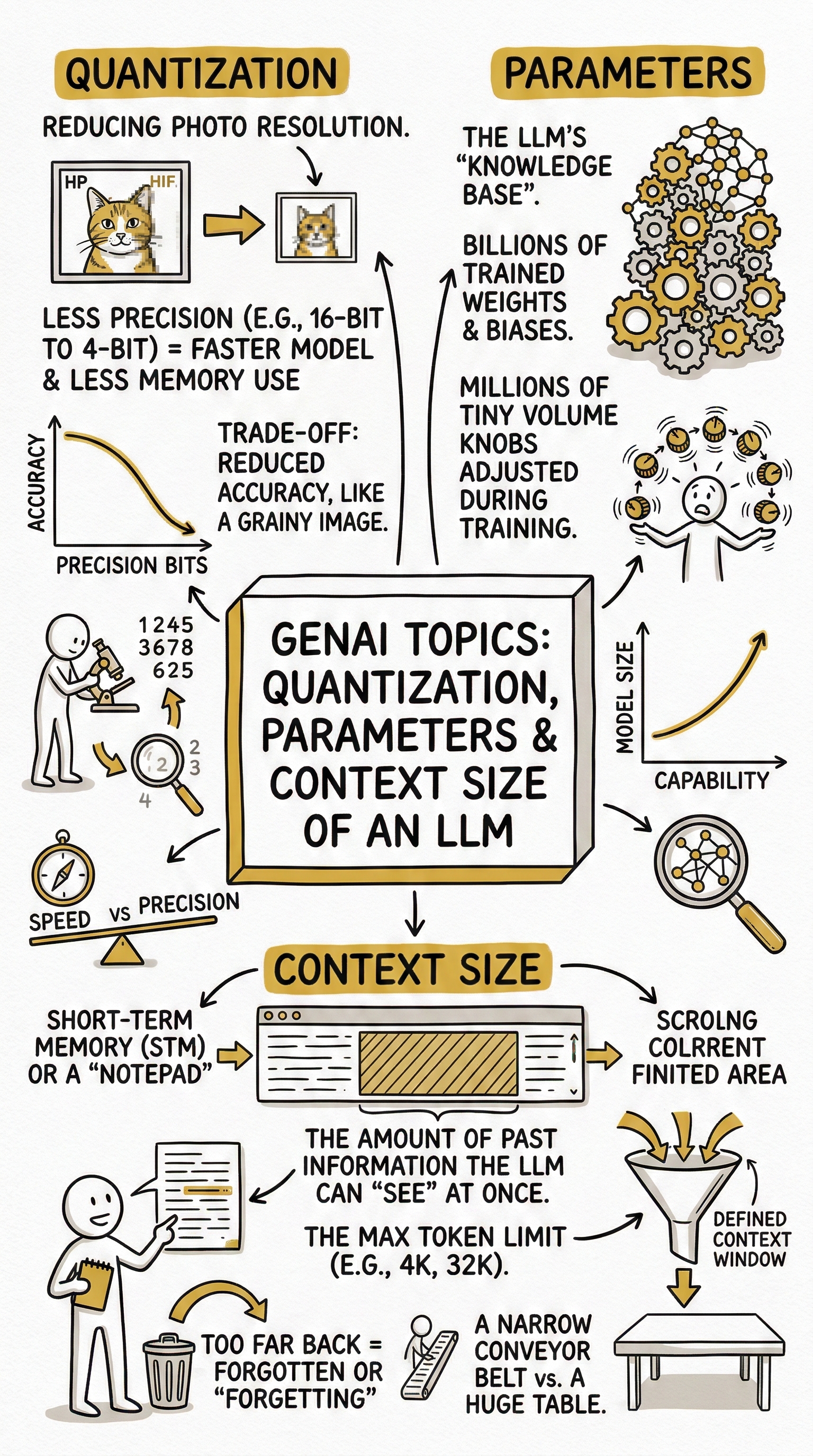
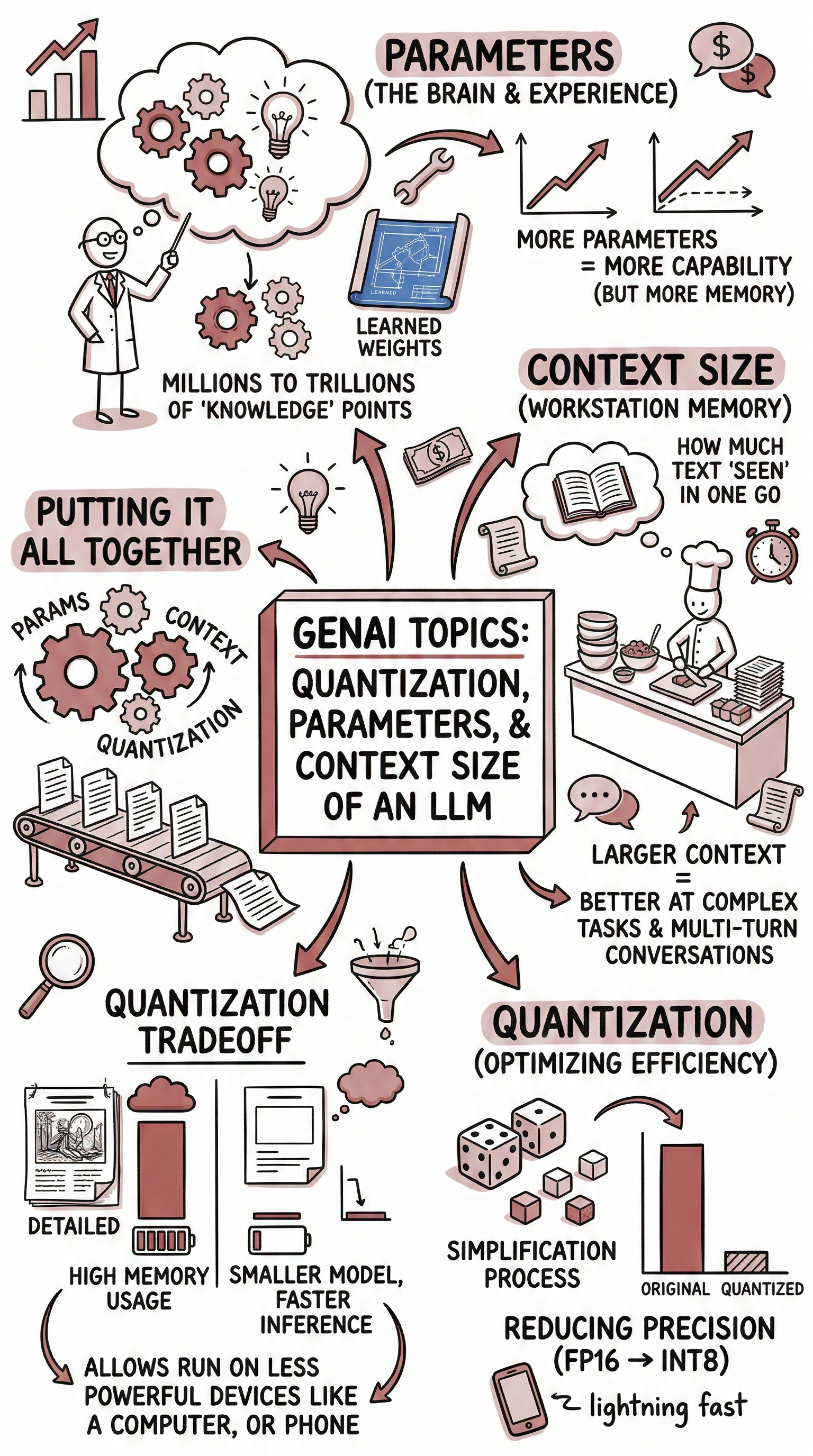
First, use well-constructed analogies and comparisons to clarify {{Topic:e.g. Cell Biology}}. Relate its principles to everyday experiences, widely known phenomena, or cross-disciplinary examples to make the concepts more tangible and memorable. Based on that explanation, create a hand-drawn sketchnote visual summary using the following specifications:
- Text Style: {{Text Style: Telegraphic: Extreme brevity. Focuses on nouns and verbs, Punchy: Short - high-impact sentences, Scannable: Heavy use of headers - bolded keywords, Nugget-sized: Distills complex ideas into standalone bite-sized "truth bombs" or facts, Expansive: The direct opposite of "condensed”}}
- Art Style: 'Graphic recording' or 'visual thinking' using black ink fine-liners for clear outlines and text.
- Colors: {{Accent Colors:Teal, Orange, Muted Red, Emerald Green, Navy Blue, Mustard Yellow, Charcoal Grey, Royal Purple}} for simple shading and accents.
- Composition: Center the main title in a 3D-style rectangular box. Surround the title with radially distributed simple doodles, business icons, stick figures, and graphs that explain the concepts. Use arrows to connect ideas.

- Text: Distinct, handwritten, all-caps printing, legible and organized like a professional brainstorming session.
- Aspect Ratio: {{Aspect Ratios: 9:16 (Portrait), 4:5 (Portrait), 3:4 (Portrait), 1:1 (Square), 16:9 (Landscape), 5:4 (Landscape), 4:3 (Landscape)}}
e.g. Cell Biology
Telegraphic: Extreme brevity. Focuses on nouns and verbs, Punchy: Short - high-impact sentences, Scannable: Heavy use of headers - bolded keywords, Nugget-sized: Distills complex ideas into standalone bite-sized "truth bombs" or facts, Expansive: The direct opposite of "condensed”
Teal, Orange, Muted Red, Emerald Green, Navy Blue, Mustard Yellow, Charcoal Grey, Royal Purple
9:16 (Portrait), 4:5 (Portrait), 3:4 (Portrait), 1:1 (Square), 16:9 (Landscape), 5:4 (Landscape), 4:3 (Landscape)
First, use well-constructed analogies and comparisons to clarify e.g. Cell Biology. Relate its principles to everyday experiences, widely known phenomena, or cross-disciplinary examples to make the concepts more tangible and memorable. Based on that explanation, create a hand-drawn sketchnote visual summary using the following specifications:
- Text Style: Telegraphic: Extreme brevity. Focuses on nouns and verbs
- Art Style: 'Graphic recording' or 'visual thinking' using black ink fine-liners for clear outlines and text.
- Colors: Teal for simple shading and accents.
- Composition: Center the main title in a 3D-style rectangular box. Surround the title with radially distributed simple doodles, business icons, stick figures, and graphs that explain the concepts. Use arrows to connect ideas.

- Text: Distinct, handwritten, all-caps printing, legible and organized like a professional...
Variablen sind in {{ und }} eingeschlossen und folgen diesem Muster:
Eine Auswahl kann auf eine vordefinierte Variablenliste per eckige Klammern verweisen. Diese erscheinen in [Orange] und bieten häufig verwendete Werte wie Farben, Töne oder Sprachen.
Du kannst auch eine durch Kommas getrennte Inline-Liste mit Optionen angeben.
Tipp: Du brauchst die PUCO-App nicht, um diese Prompts zu verwenden! Kopiere einfach die Vorlage und ersetze jeden {{…}}-Abschnitt direkt in ChatGPT, Claude, Gemini oder einem anderen KI-Assistenten durch eigenen Text.