Ideal für
- Einen strukturierten, wiederverwendbaren Prompt statt eines leeren Chats als Ausgangspunkt nutzen.
- Den Prompt an eigene Eingaben anpassen, während die ursprüngliche Absicht erhalten bleibt.
- Workflows rund um Creative & Visuals.

Verwandelt das Motiv eines Bildes in einen Vintage-Blythe-Puppenstil mit anpassbaren Outfits, Hintergründen und Beleuchtung.
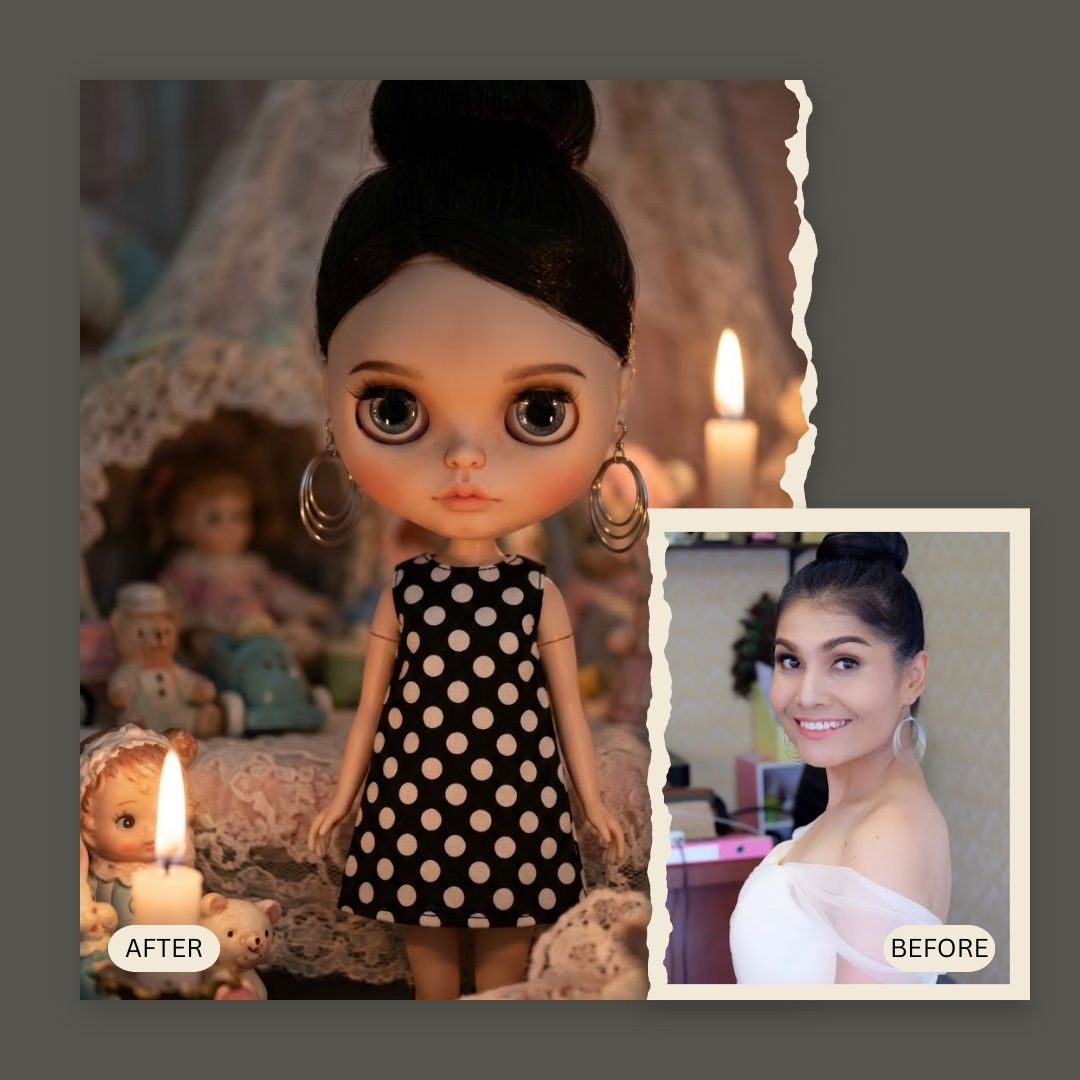
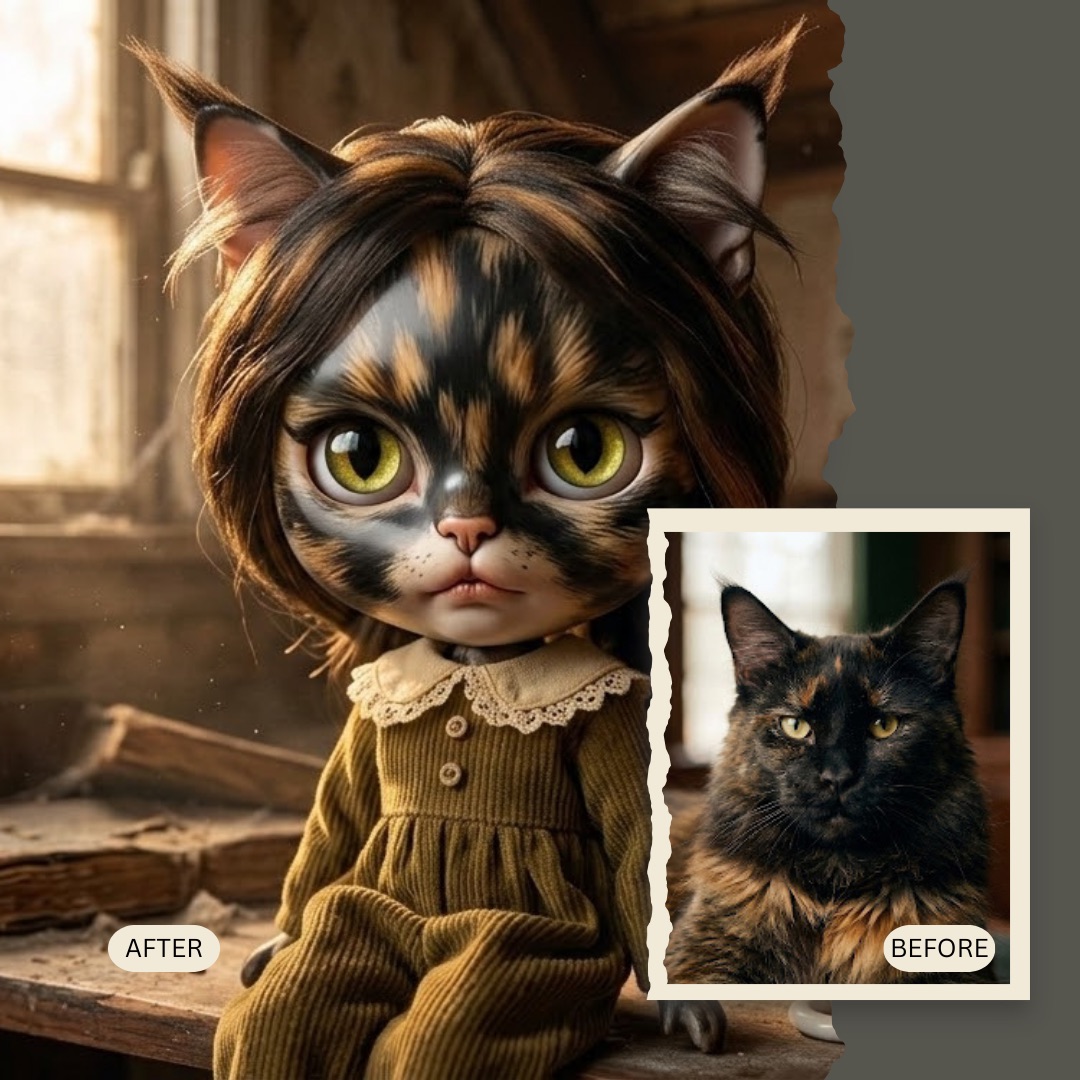
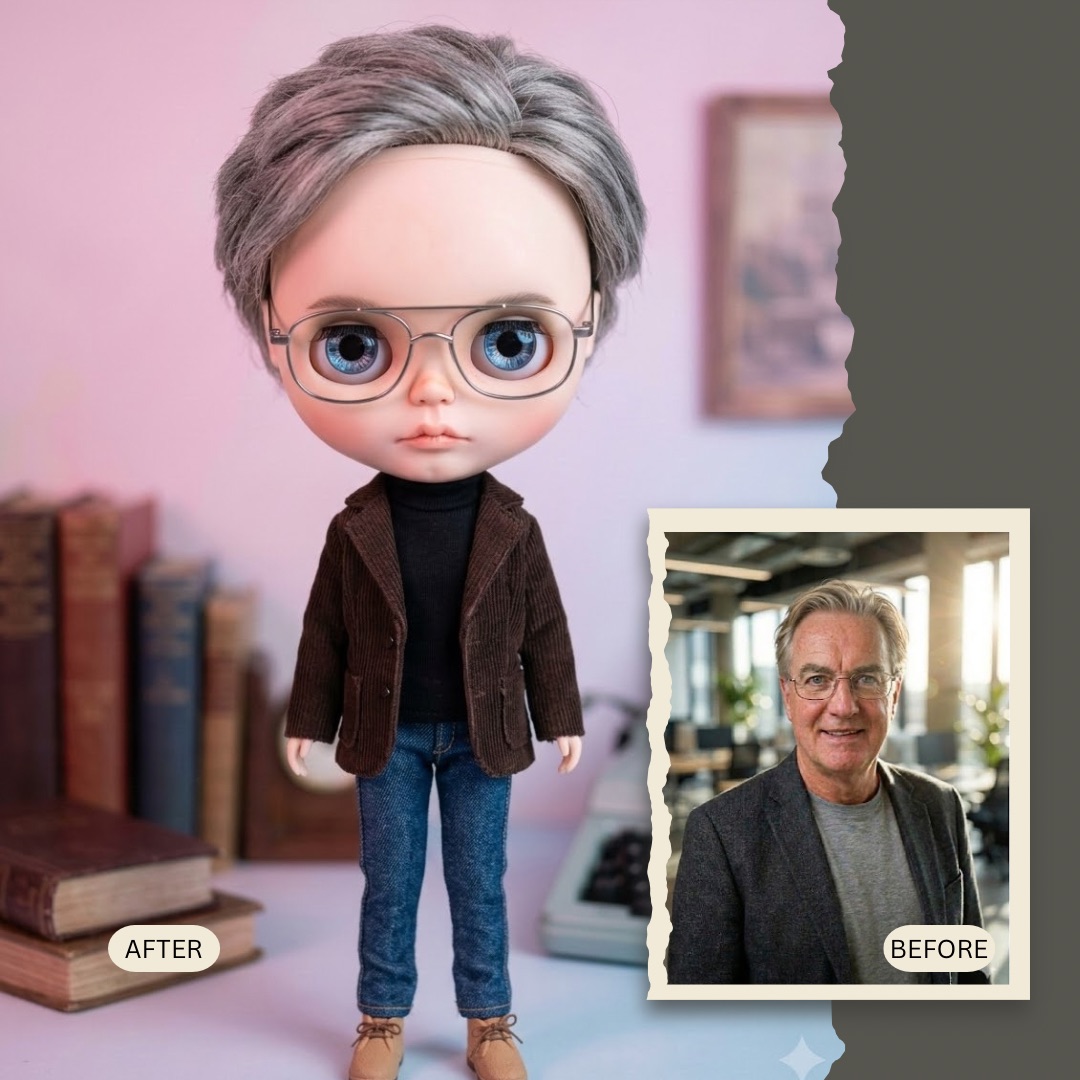
Generate a high-detail toy photography portrait transforming {{Subject:the subject in the attached image}} into a vintage Blythe doll style. Features include oversized glossy glass eyes, a delicate small nose, soft pouty lips, smooth porcelain skin, and a slightly oversized head. The subject is wearing a {{Outfit:1960s Floral Dress, Peter Pan Collar Romper, Vintage Lace Gown, Polka Dot Mod Dress, Knitted Cardigan & Skirt, Sailor Suit}} and is situated in a {{Setting:Miniature Garden, Enchanted Forest, Vintage Living Room, Abandoned Attic, Pastel Dreamscape}}. Use {{Lighting:Whimsical Pastel, Golden Hour, Studio Softbox, Dim Candlelight, Dreamy Haze}} lighting to create a creepy-cute vintage toy vibe.
the subject in the attached image
1960s Floral Dress, Peter Pan Collar Romper, Vintage Lace Gown, Polka Dot Mod Dress, Knitted Cardigan & Skirt, Sailor Suit
Miniature Garden, Enchanted Forest, Vintage Living Room, Abandoned Attic, Pastel Dreamscape
Whimsical Pastel, Golden Hour, Studio Softbox, Dim Candlelight, Dreamy Haze
Generate a high-detail toy photography portrait transforming the subject in the attached image into a vintage Blythe doll style. Features include oversized glossy glass eyes, a delicate small nose, soft pouty lips, smooth porcelain skin, and a slightly oversized head. The subject is wearing a 1960s Floral Dress and is situated in a Miniature Garden. Use Whimsical Pastel lighting to create a creepy-cute vintage toy vibe.
Variablen sind in {{ und }} eingeschlossen und folgen diesem Muster:
Eine Auswahl kann auf eine vordefinierte Variablenliste per eckige Klammern verweisen. Diese erscheinen in [Orange] und bieten häufig verwendete Werte wie Farben, Töne oder Sprachen.
Du kannst auch eine durch Kommas getrennte Inline-Liste mit Optionen angeben.
Tipp: Du brauchst die PUCO-App nicht, um diese Prompts zu verwenden! Kopiere einfach die Vorlage und ersetze jeden {{…}}-Abschnitt direkt in ChatGPT, Claude, Gemini oder einem anderen KI-Assistenten durch eigenen Text.