适用场景
- 以结构化、可复用的提示词为起点,而非空白对话框。
- 根据自己的需求调整提示词,同时保持原始意图不变。
- 与Creative & Visuals, Kitchen & Food相关的工作流。

生成高级、动感的食谱版式,以主菜为中心,周围环绕食材图标和分步骤面板。
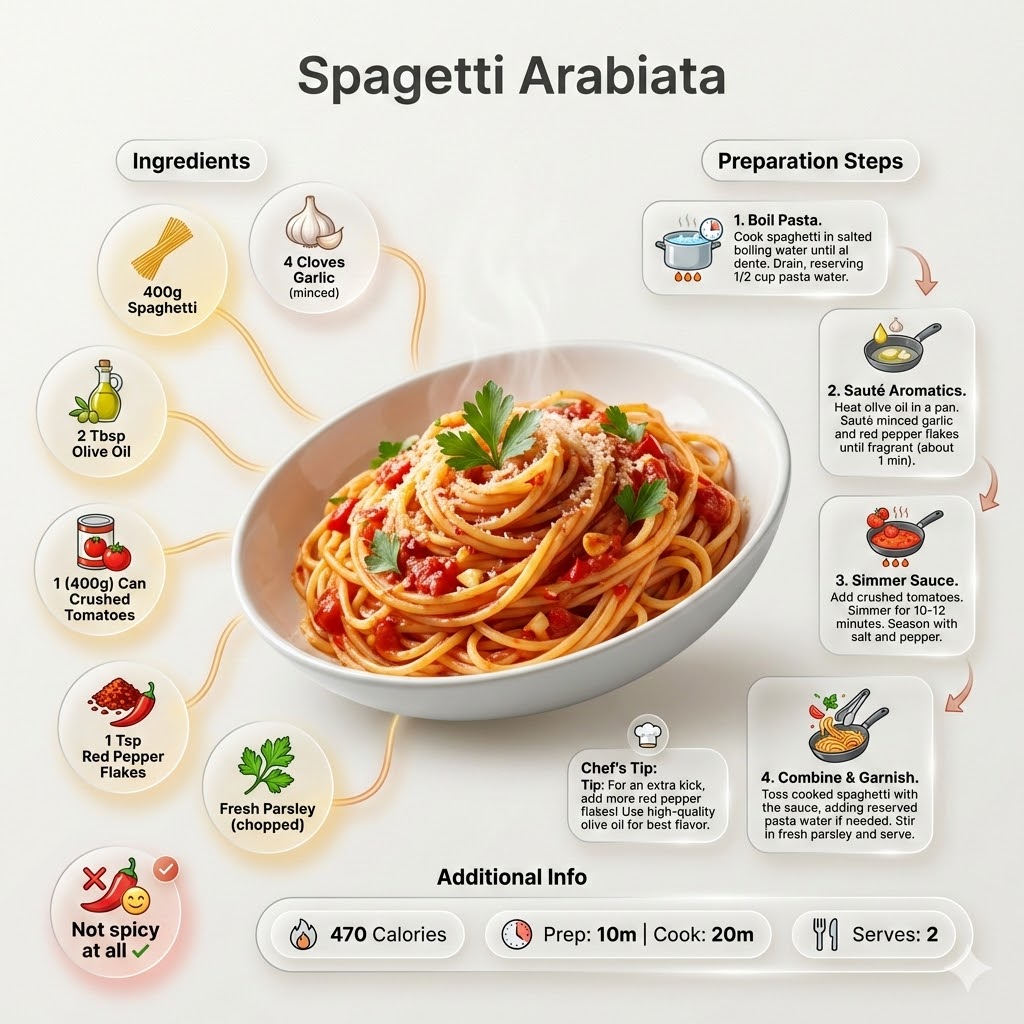
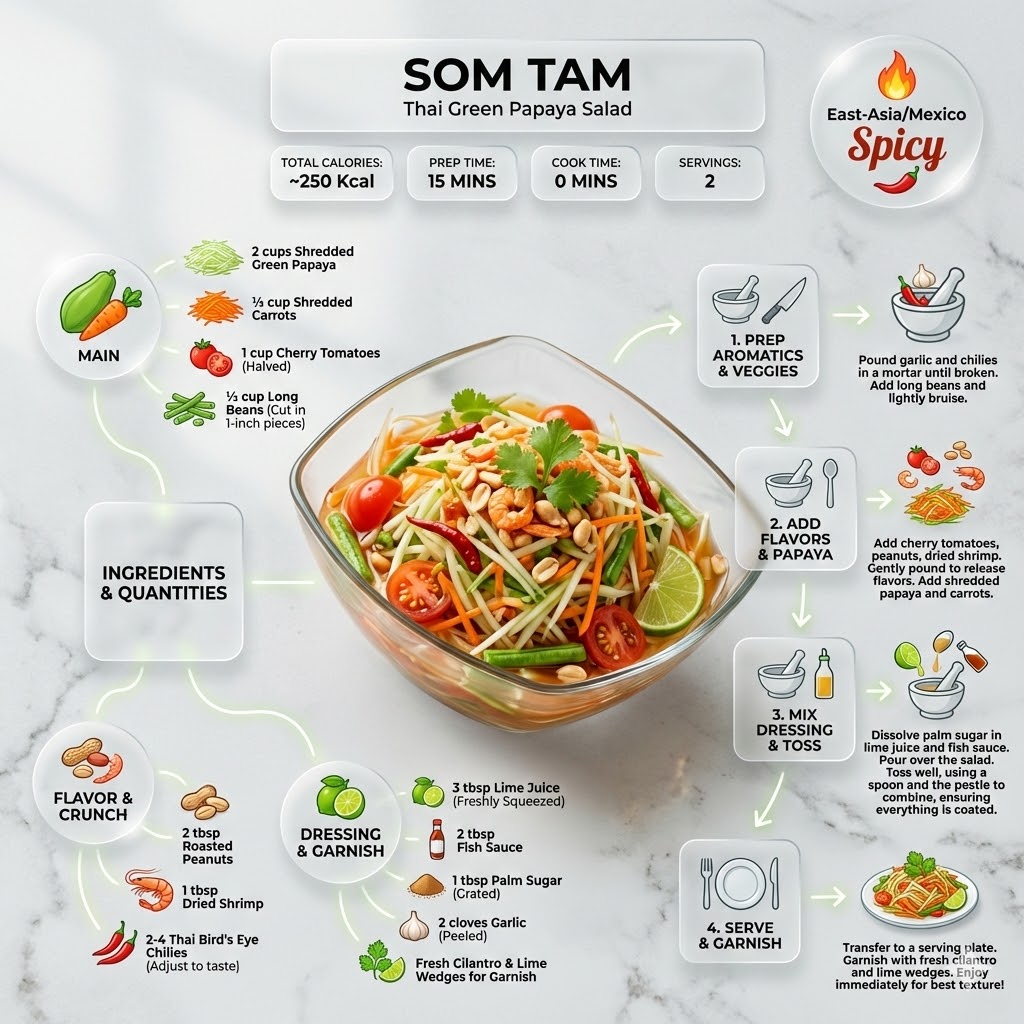
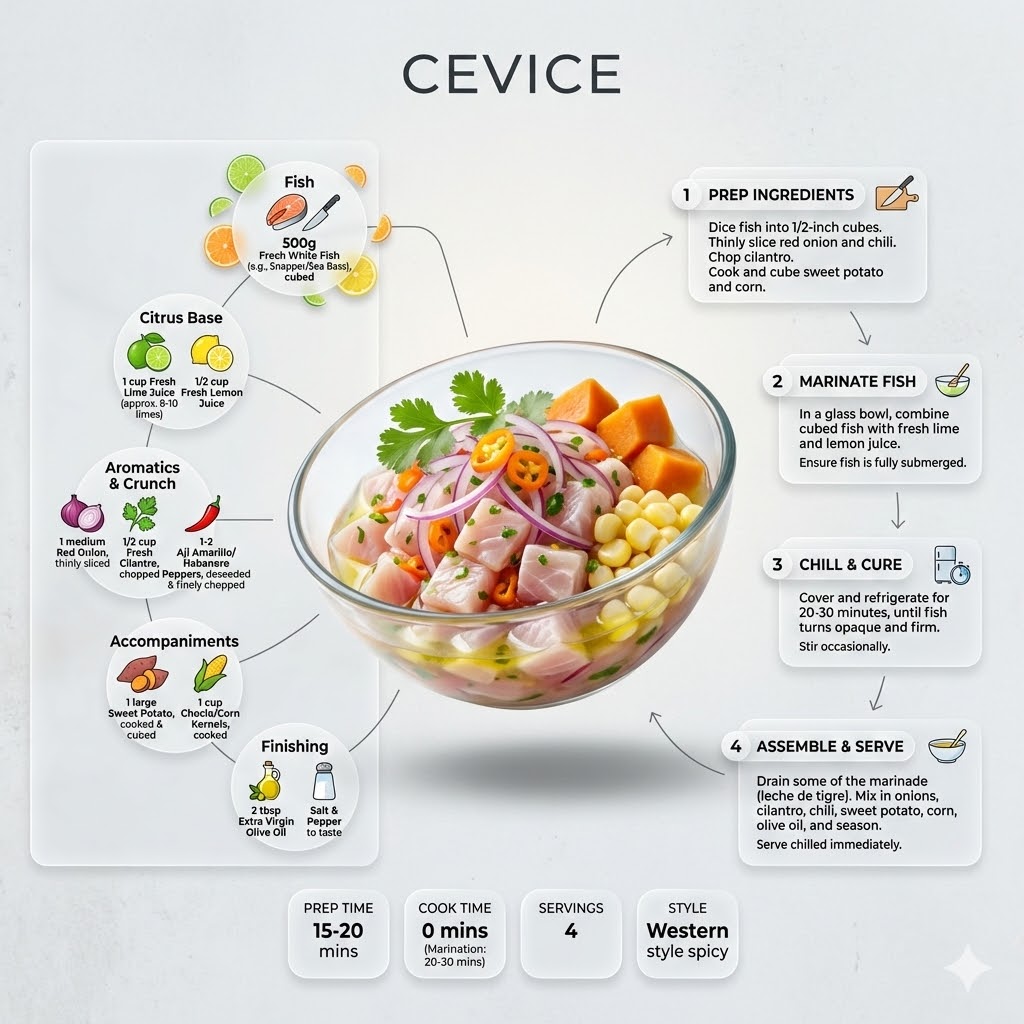
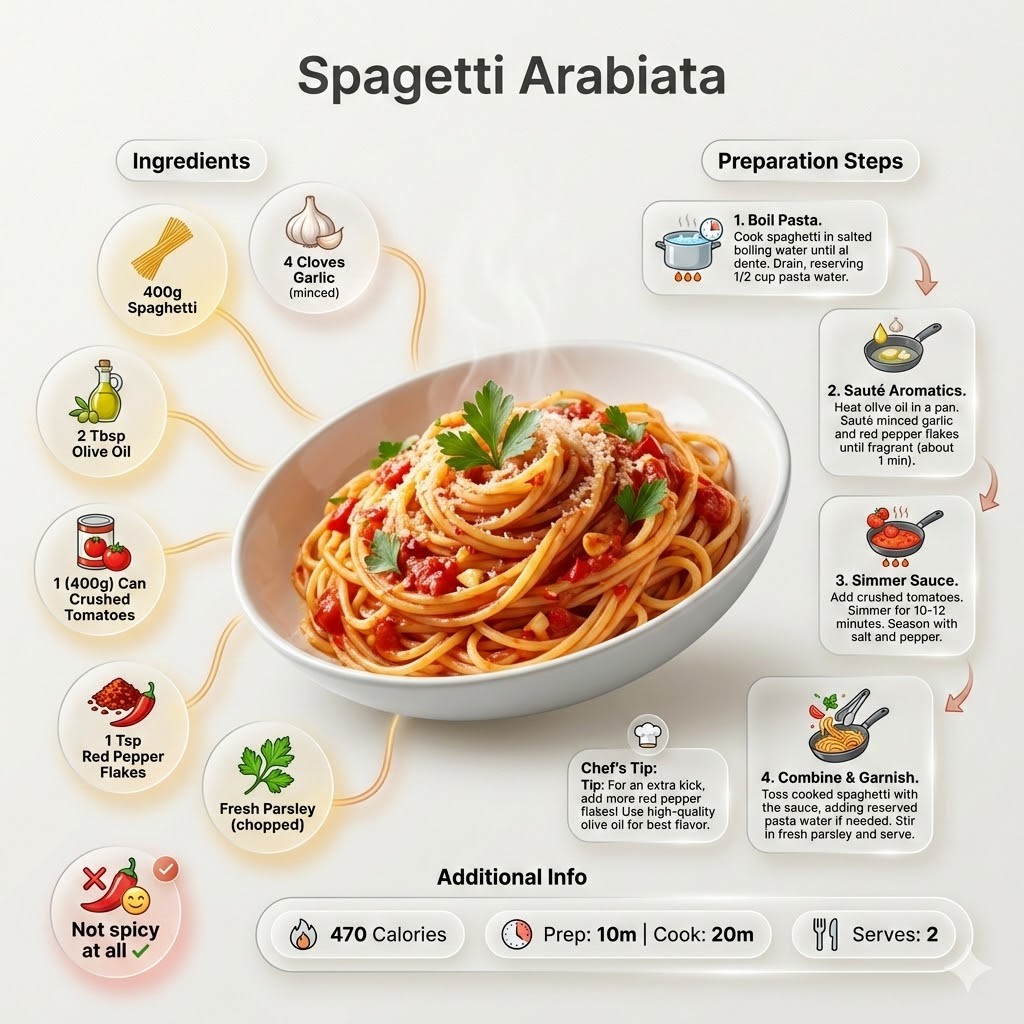

Ultra-clean modern recipe infographic for {{Dish:[dishes]}}. Adapt the recipe to accommodate the following dietary restriction: {{Dietary Option: Standard, Vegan, Vegetarian, Gluten-Free, Dairy-Free, Low-Carb}}. Provide a clear list of ingredients, necessary substitutions.
Showcase the food in a visually appealing finished form—sliced, plated, or portioned—floating slightly in perspective or angled view. Arrange ingredients, steps, and tips around the dish in a dynamic editorial layout. Ingredients Section: Include icons or mini illustrations for each ingredient with quantities arranged in clusters or circular flows connected to the dish. Steps Section: Show preparation steps with numbered panels, arrows, or lines, forming a logical flow. Include small cooking icons (knife, pan, oven, timer). Additional Info: Total calories, prep/cook time, servings, and {{Spice Level: *Default, Not spicy at all, Western style spicy, Spicy, East-Asia/Mexico Spicy}}—displayed as clean bubbles or badges. Visual Style: Editorial lifestyle food photography, vibrant natural colors, soft drop shadows, clean vector icons, and glassmorphism for panels. Composition: {{Dish}} as hero visual, clear hierarchy, and enough negative space to keep the design airy. Lighting: Soft, natural studio lighting with a minimal textured background. Output: 1080×1080, ultra-crisp, social-feed optimized.",
  "title" : "Modern Recipe Editorial Infographic",
  "updated" : "2026-04-20 17:45:02"
}
[dishes]
Standard, Vegan, Vegetarian, Gluten-Free, Dairy-Free, Low-Carb
Default, Not spicy at all, Western style spicy, Spicy, East-Asia/Mexico Spicy
Ultra-clean modern recipe infographic for [dishes]. Adapt the recipe to accommodate the following dietary restriction: Standard. Provide a clear list of ingredients, necessary substitutions.
Showcase the food in a visually appealing finished form—sliced, plated, or portioned—floating slightly in perspective or angled view. Arrange ingredients, steps, and tips around the dish in a dynamic editorial layout. Ingredients Section: Include icons or mini illustrations for each ingredient with quantities arranged in clusters or circular flows connected to the dish. Steps Section: Show preparation steps with numbered panels, arrows, or lines, forming a logical flow. Include small cooking icons (knife, pan, oven, timer). Additional Info: Total calories, prep/cook time, servings, and Default—displayed as clean bubbles or badges. Visual Style: Editorial lifestyle food photography, vibrant natural...
变量被 {{ 和 }} 包裹,遵循以下格式:
选项可以通过方括号引用预定义变量列表。这些选项以[橙色]显示,提供颜色、语气或语言等常用值。
也可以提供以逗号分隔的内联选项列表。
提示:使用这些提示词无需 PUCO 应用!只需复制模板,直接在 ChatGPT、Claude、Gemini 或任何其他 AI 助手中将每个 {{…}} 部分替换为自己的文本。